 GameWiki
GET YOUR BEARINGS
About Hotel Hideaway: Avatar & Chat
Hotel Hideaway is a vibrant 3D social world where players craft unique avatars, design personal rooms, and mingle with a global community. Available on Windows and macOS via Steam, the game blends RPG elements with free‑to‑play multiplayer, offering endless fashion options, seasonal events, and cross‑platform interaction.
Players can host parties, explore public spaces, and join tribes for group rewards, all while continuously receiving new clothing and décor items. The experience is rated 18+ and supports in‑app purchases and family sharing.
01 / THE GUIDE
Avatar Customization
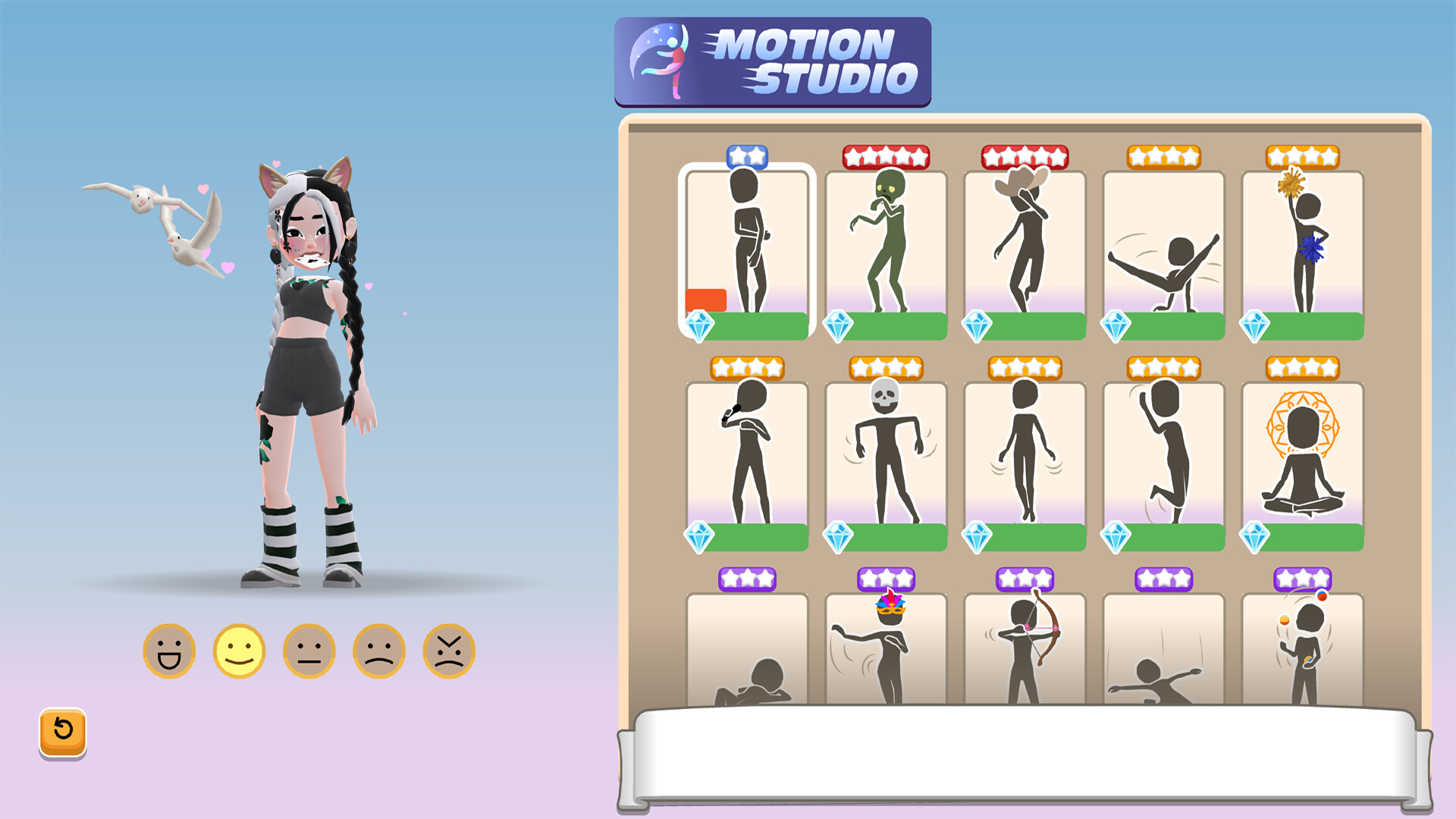
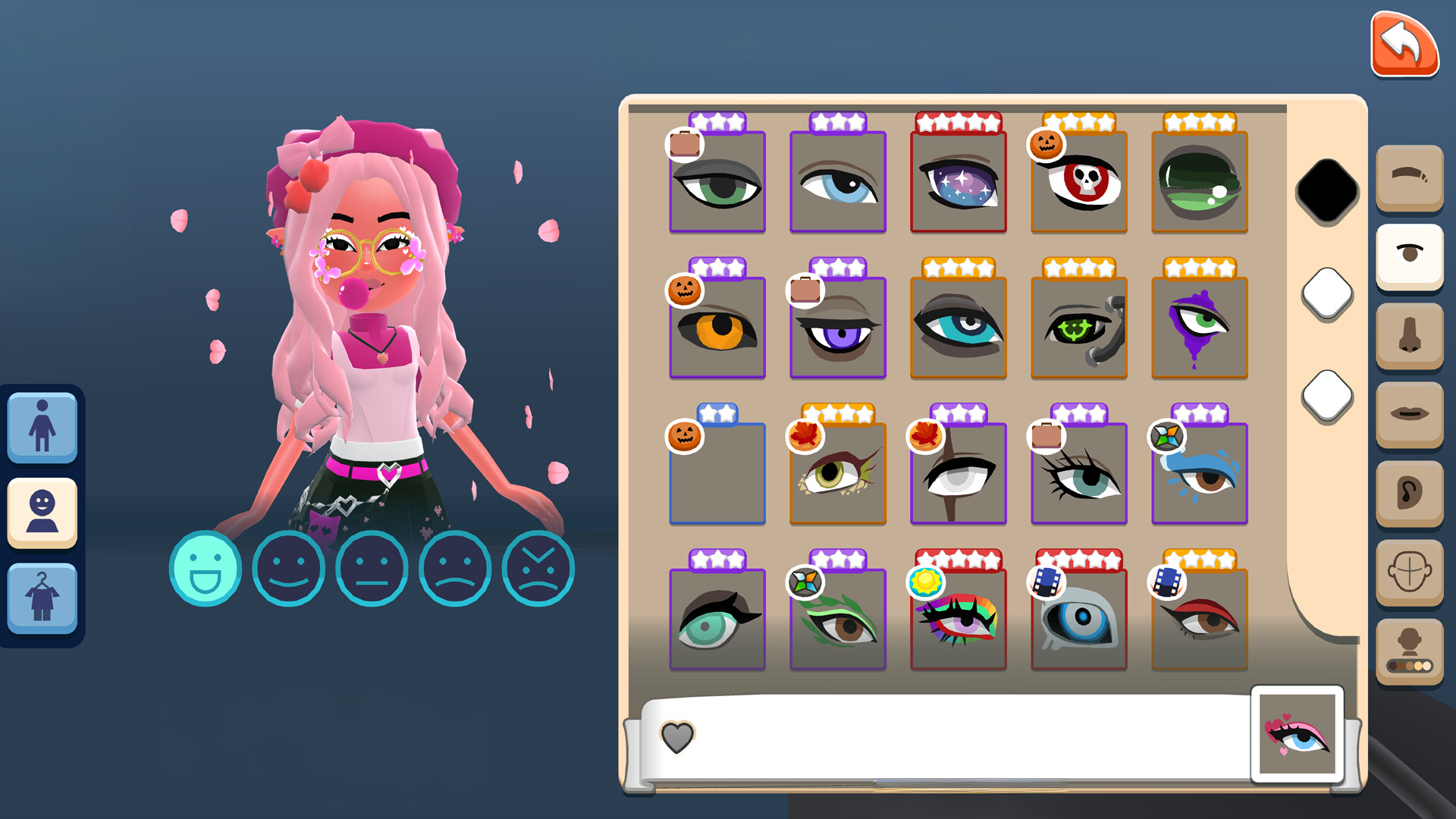
Create a 3D avatar using a huge variety of clothing, accessories, hairstyles, and tattoos. Options range from casual streetwear to fantasy costumes, with new items released weekly to keep styles fresh.
The system lets you express personal style and change your look at any time, ensuring your avatar can evolve alongside new content updates.
- Mix seasonal items with core wardrobe pieces for a balanced look.
- Save favorite combinations for quick changes during events.
02 / THE GUIDE
Room Design
Design your dream room using furniture and décor that match your vibe. Rooms can serve as private retreats, party venues, or showcases for interior design skills.
Your space is fully customizable, allowing you to host friends, display collections, or simply relax in a personalized environment.
- Use contrasting colors to make focal pieces stand out.
- Arrange furniture to create clear pathways for guests.
04 / THE GUIDE
Public Spaces & Seasonal Events
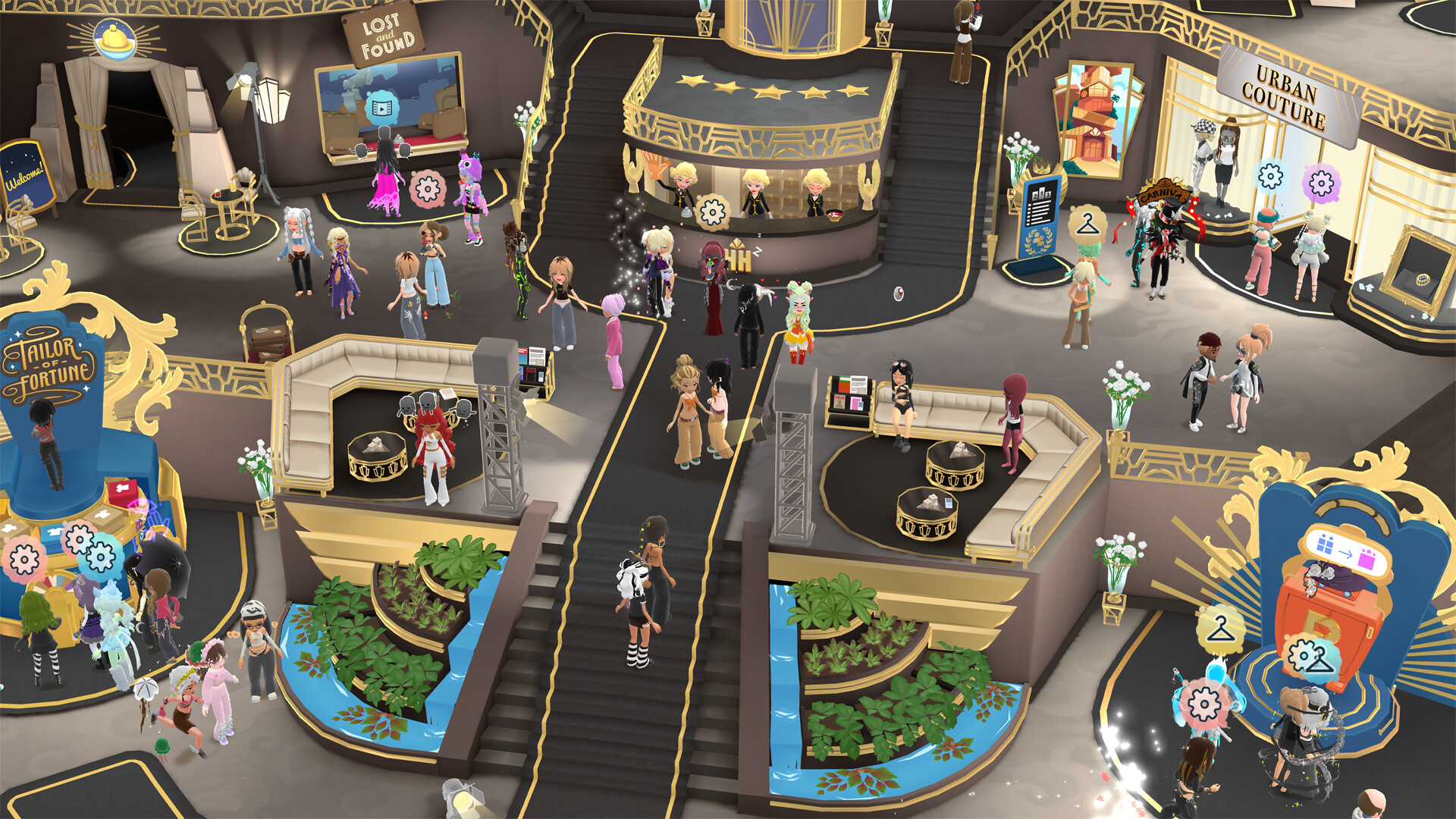
Explore lively public areas, uncover hidden secrets, and attend themed locations. Seasonal events bring beach parties, spa relaxations, and live concerts by real‑world artists.
Seasonal events and themed locations give players fresh experiences and reasons to return regularly.
- Keep an eye out for limited‑time concerts by real‑world artists.
- Explore hidden corners to uncover secrets.
05 / THE GUIDE
Platform Availability
Hotel Hideaway runs on Windows and macOS through Steam. To play via Steam with an existing account, you must connect it to your Facebook account.
The game supports cross‑platform multiplayer, in‑app purchases, and family sharing, allowing friends on different devices to interact.
- Link your Facebook account before launching to avoid login issues.
- Family sharing is a supported feature if you want to share access with family members.
03 / THE GUIDE
Socializing & Tribes
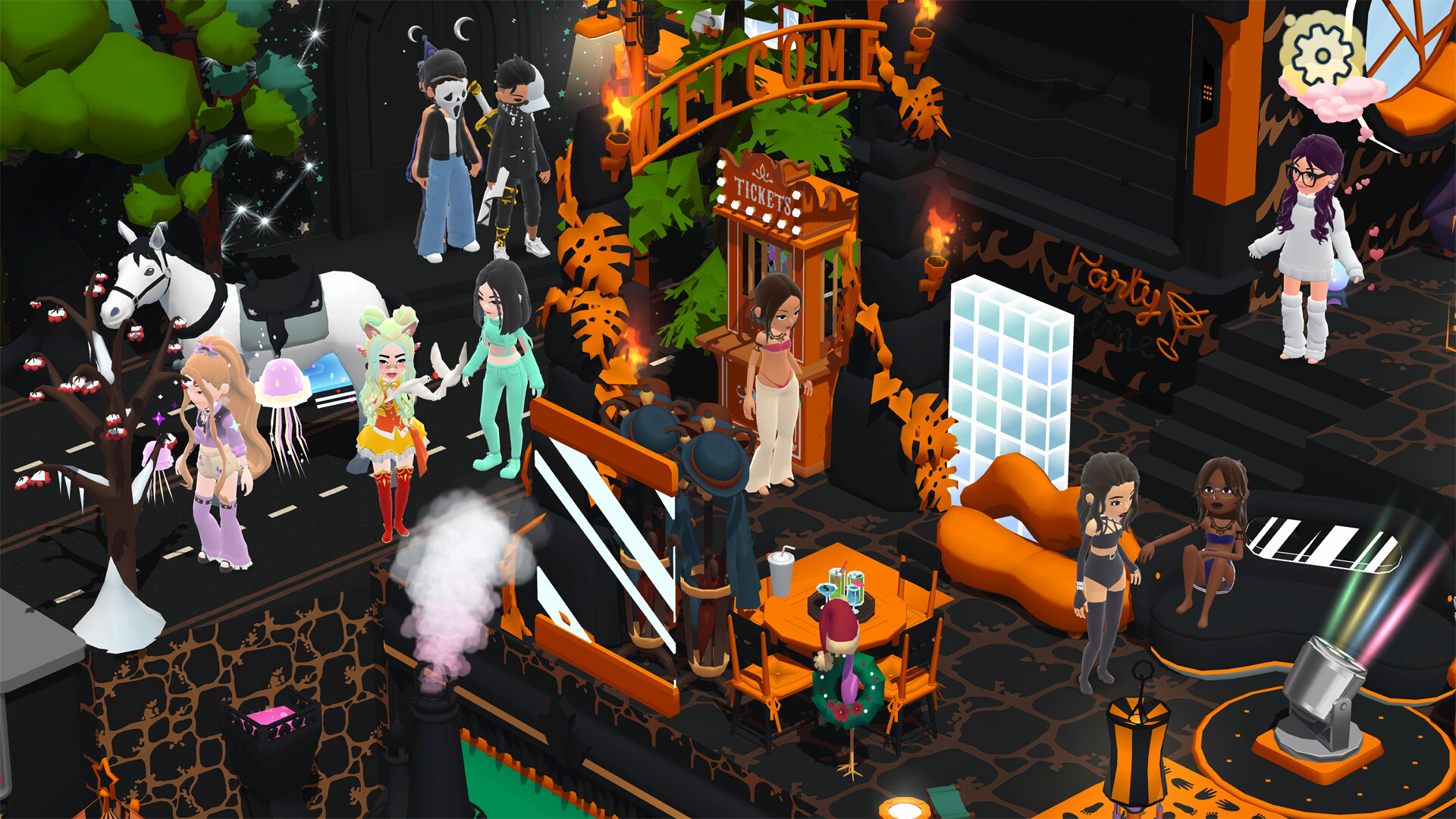
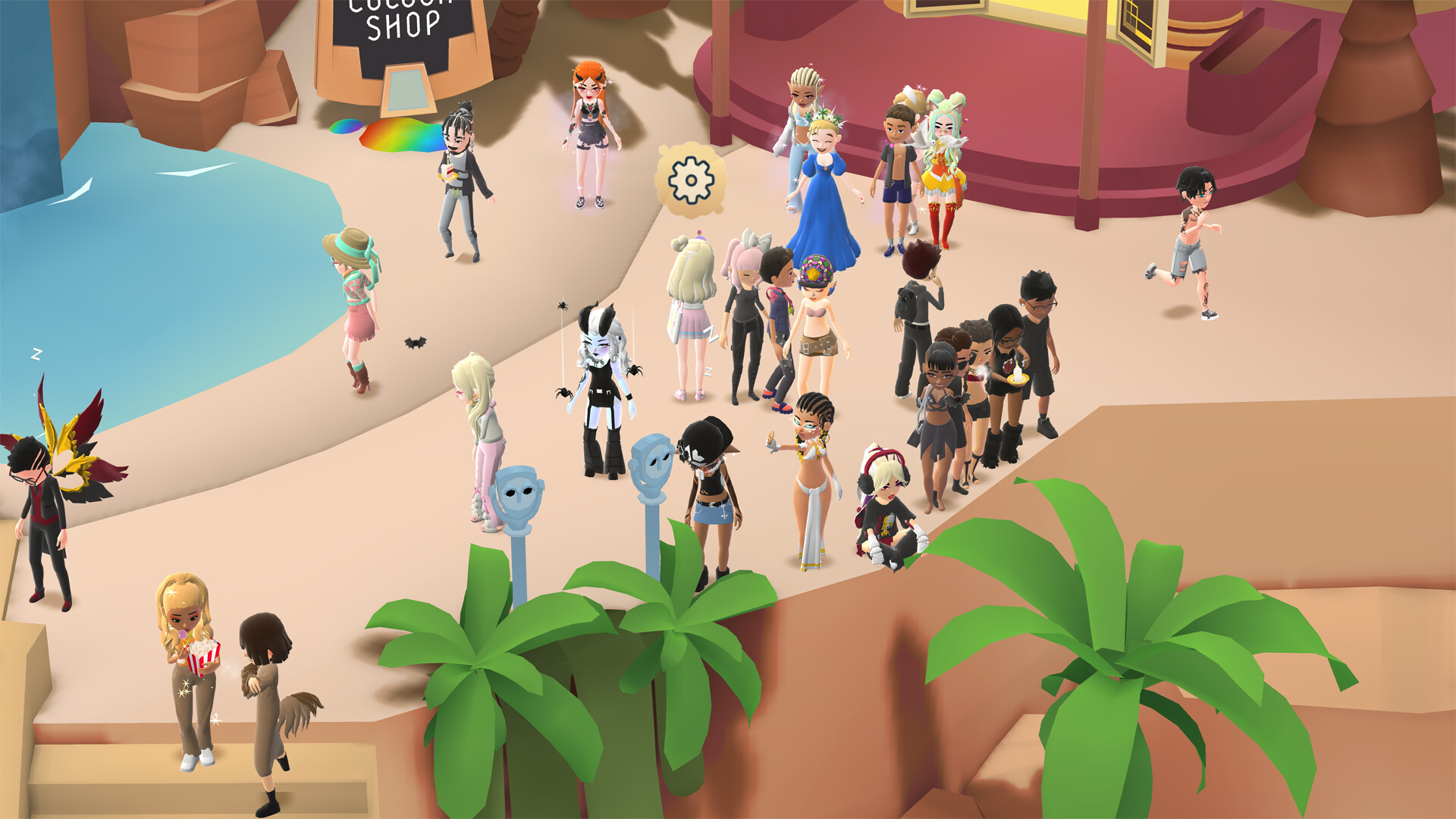
Meet players worldwide, form tribes, and compete in groups for rewards. Social interaction is central, with tools to chat, friend, and collaborate on events.
Tribe competition adds a light competitive layer, encouraging teamwork and shared goals.