 GameWiki
GET YOUR BEARINGS
About Hotdog Runner
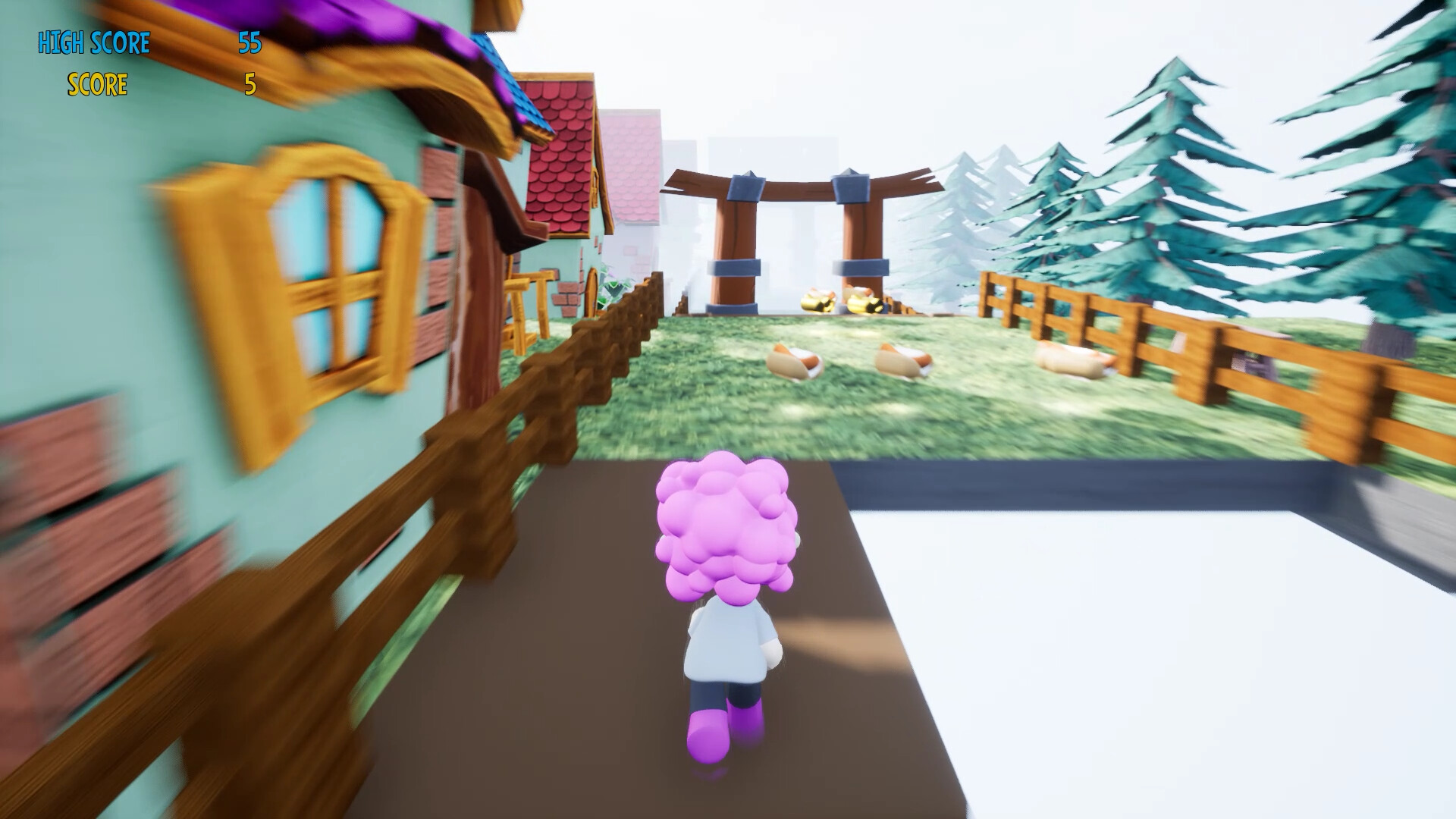
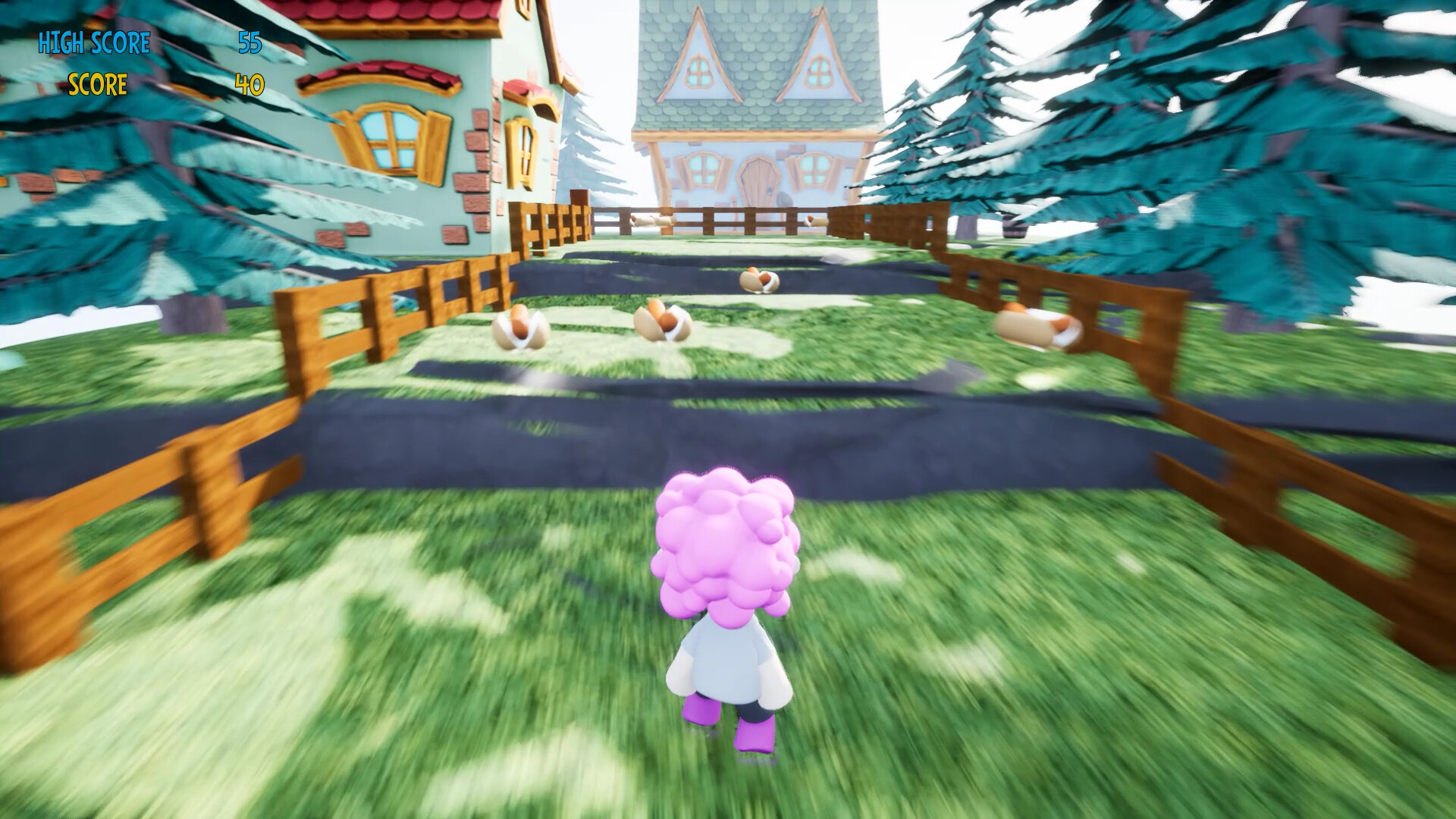
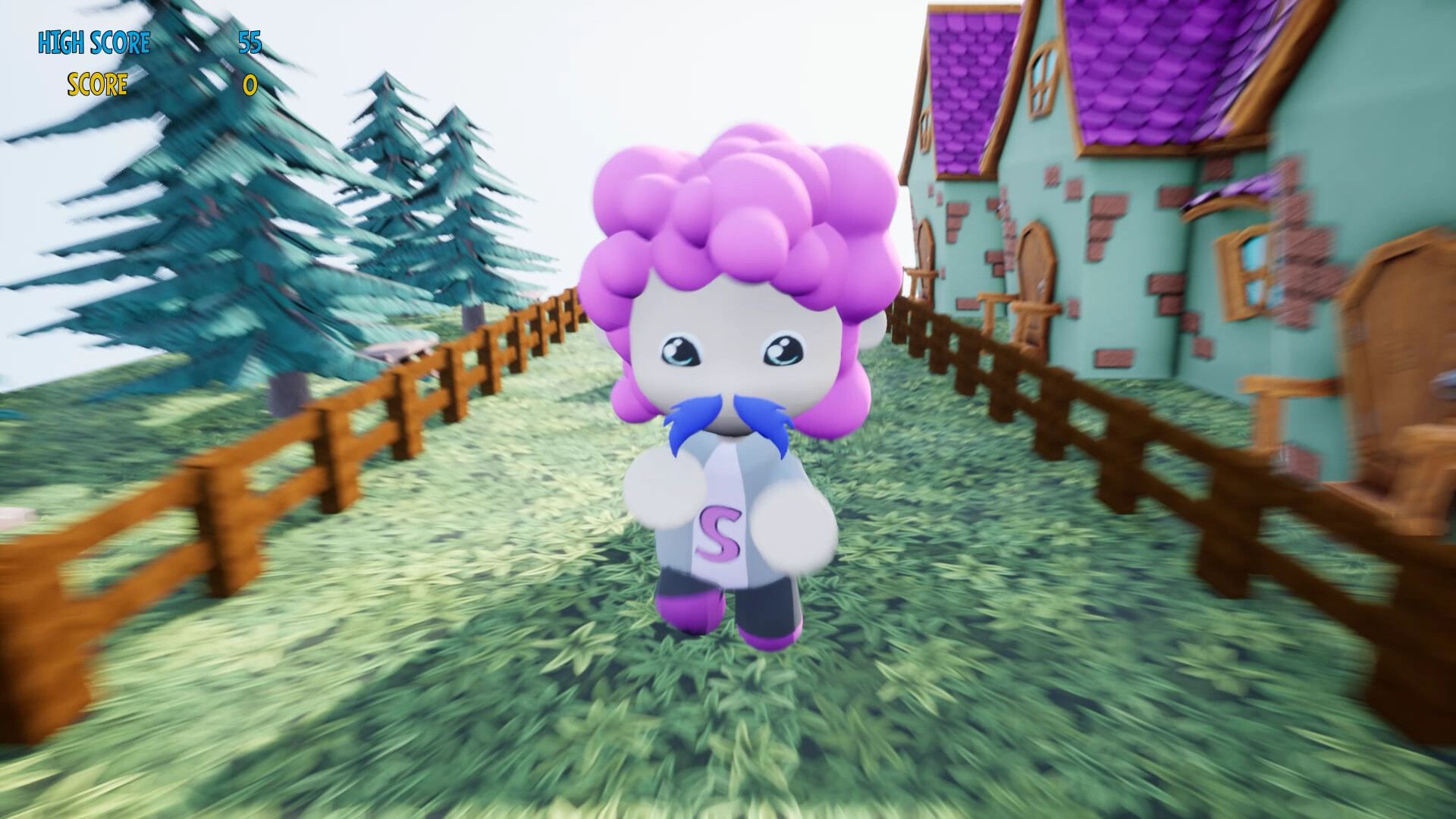
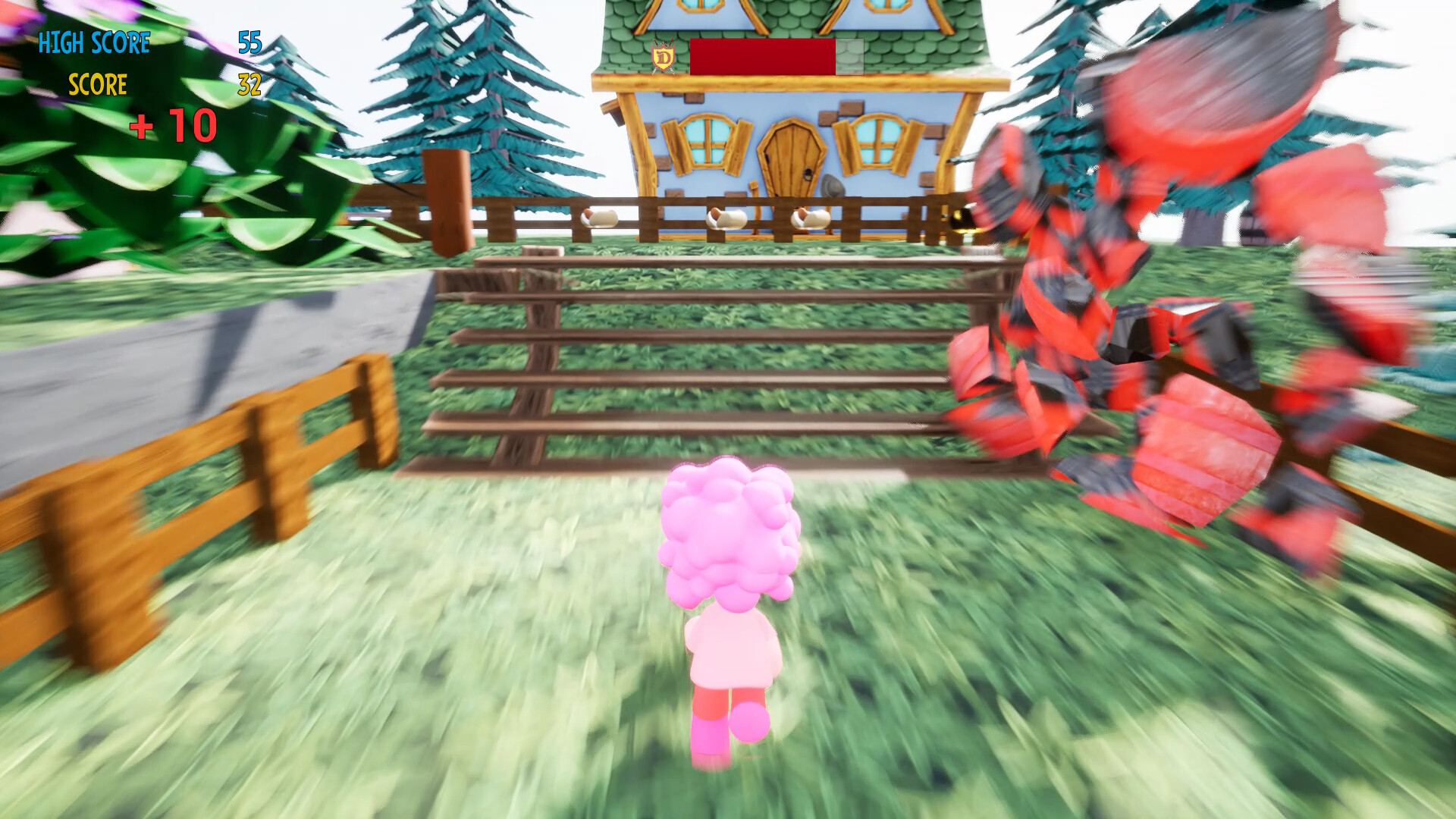
Hot Dog Runner puts you in the shoes of Simon, a small, hungry character on a nonstop dash for hot dogs. The goal is to collect as many hot dogs and power‑ups as possible while dodging walls, pits and logs. Scores rise with each hot dog, and special items add extra points or temporary abilities. The game tracks your personal best, urging you to beat it and claim the title of THE Hot Dog Runner.
01 / THE GUIDE
Gameplay Basics
You control Simon as he runs forward, gathering hot dogs that appear along the path. Obstacles such as walls, pits and logs must be avoided to stay alive. The game runs in a single‑player mode, focusing on personal score improvement. Each run ends when Simon collides with an obstacle that is not currently neutralized.
- Observe obstacle patterns early in a run to anticipate safe routes.
- Try to maintain a steady pace to maximize hot‑dog collection before obstacles appear.
02 / THE GUIDE
Scoring System
Every regular hot dog you pick up adds one point to your total. Golden hot dogs are worth five points each, boosting your score quickly. Bonus points are awarded when you destroy an obstacle while the shield is active, adding ten extra points per obstacle. The game records your personal best for future comparison.
- Prioritize golden hot dogs when they appear for a quick score jump.
- Aim to destroy obstacles during shield mode to earn the ten‑point bonus.
03 / THE GUIDE
Power‑Ups
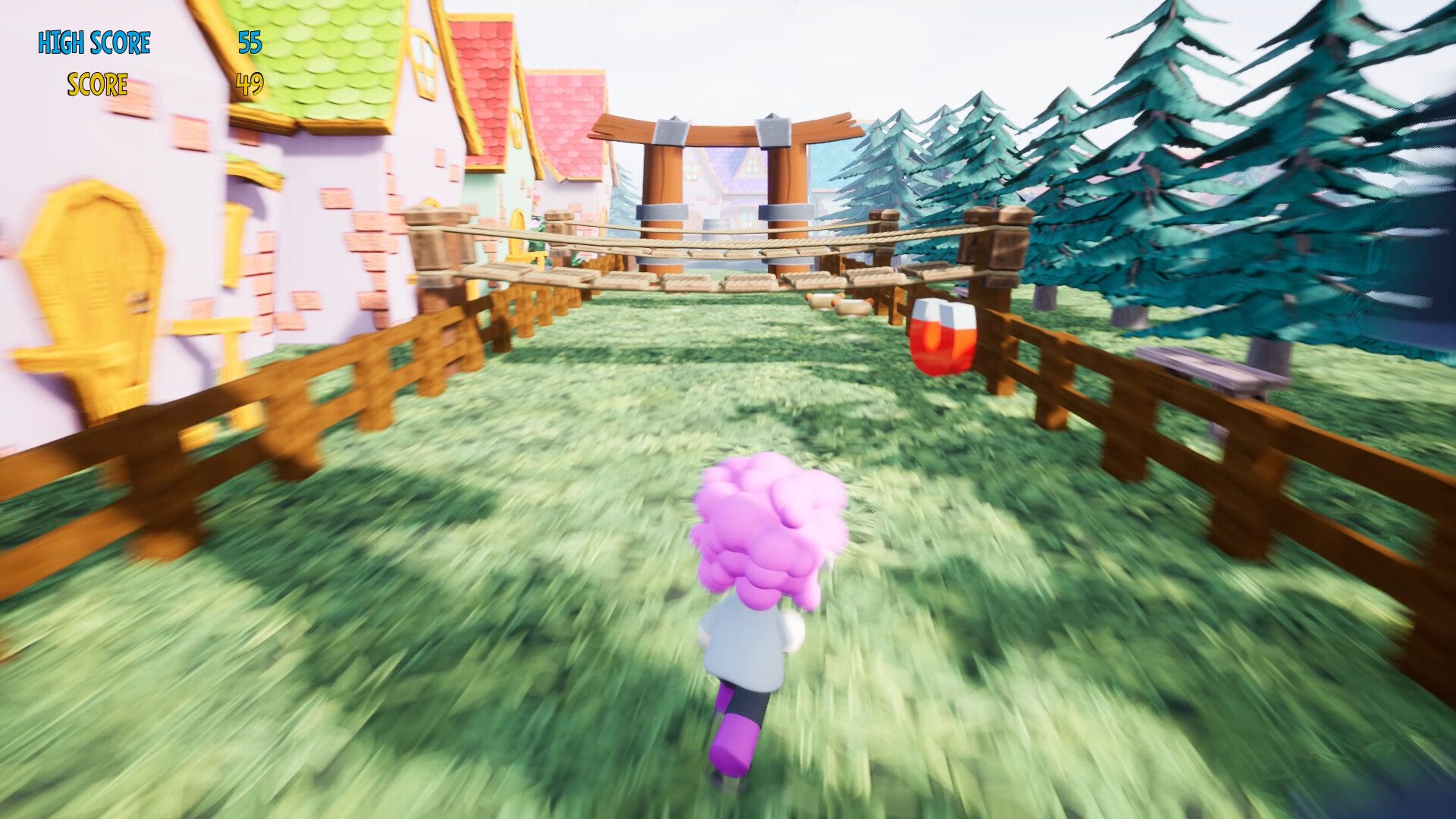
Two power‑ups appear during runs: the magnet and the shield. The magnet draws nearby hot dogs toward Simon, making collection easier. The shield renders Simon invincible against red‑shining obstacles such as barrels and crates, allowing safe passage and the chance to destroy them for bonus points.
- Activate the magnet when clusters of hot dogs are nearby for efficient gathering.
- Use the shield strategically before a known obstacle cluster to maximize bonus points.
04 / THE GUIDE
Controller Support
Hot Dog Runner lists DualShock and DualSense controller compatibility, as well as partial controller support. This means the game can be played with these Sony controllers on supported platforms. No further input details are provided, so the game may also accept other input methods, but only the listed controller support is confirmed.
- If you own a DualShock or DualSense controller, try it for a comfortable handheld feel.
- Check the controller’s battery before a long run to avoid interruptions.
05 / THE GUIDE
Family Sharing
The game includes a Family Sharing feature, allowing multiple accounts on the same platform to access Hot Dog Runner without separate purchases. This enables friends or family members to try the game on a shared device without a separate purchase.
- Set up Family Sharing on your platform to let others play without buying a second copy.
- Others sharing the device can each try to beat their own personal best.
COMMUNITY
Player discussion