 GameWiki
GET YOUR BEARINGS
About Hot Lava
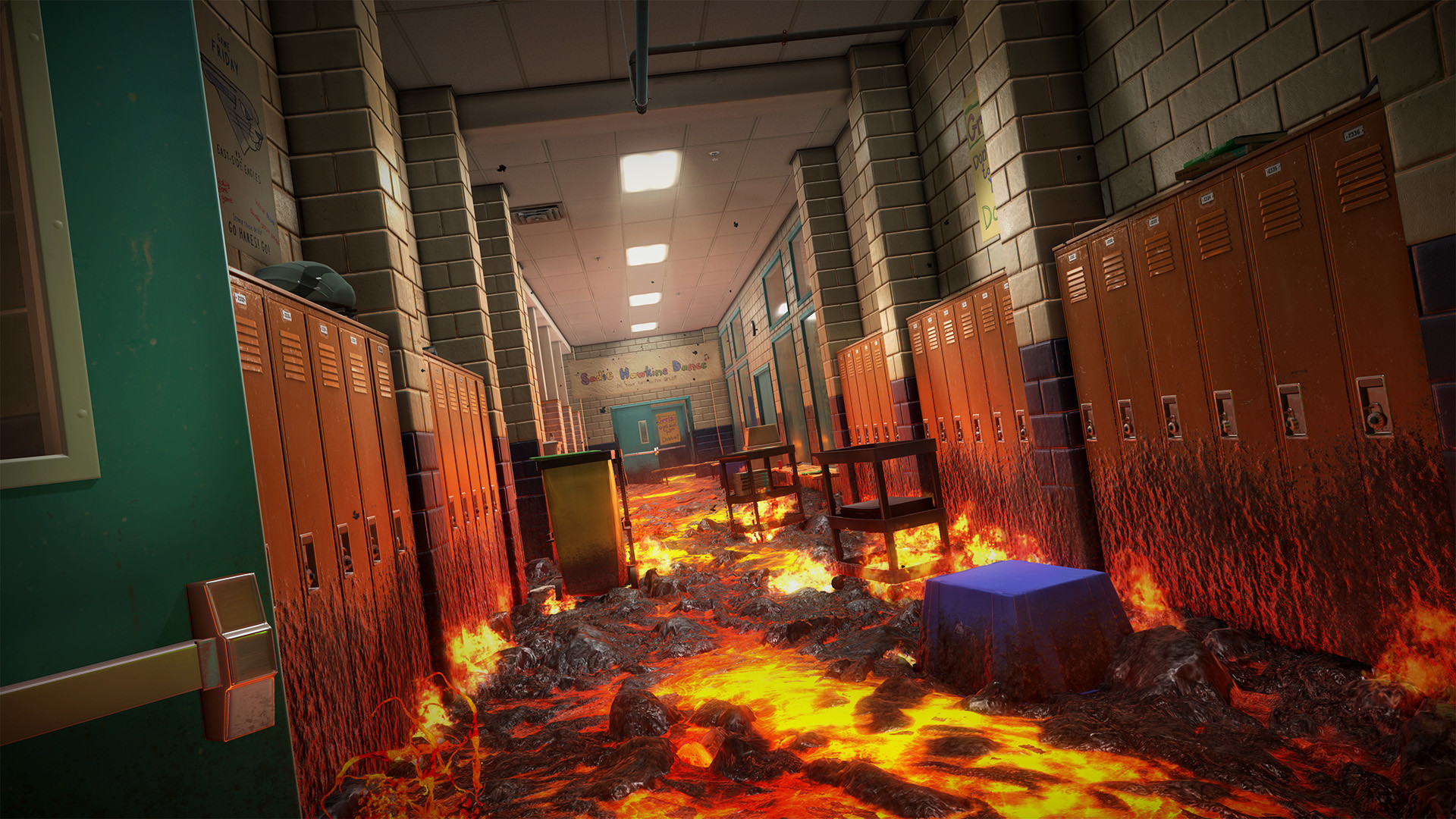
Hot Lava drops you into first‑person worlds where every surface is molten danger. You must run, jump, climb, swing, boost and surf to stay above the lava while exploring environments packed with childhood nostalgia.
Play alone or invite friends for drop‑in‑drop‑out multiplayer, race for the fastest routes on a friends leaderboard, and share your own creations through the Steam Workshop level editor.
01 / THE GUIDE
Drop‑In‑Drop‑Out Multiplayer
Hot Lava lets players join or leave a session at any time without restarting the level, enabling spontaneous cooperative play.
Progress in each run is recorded on a shared friends leaderboard, allowing comparison after the session ends.
- Start a session early to see how joining and leaving affect the flow.
- Observe how obstacle timing changes with different player counts.
02 / THE GUIDE
First‑Person Traversal
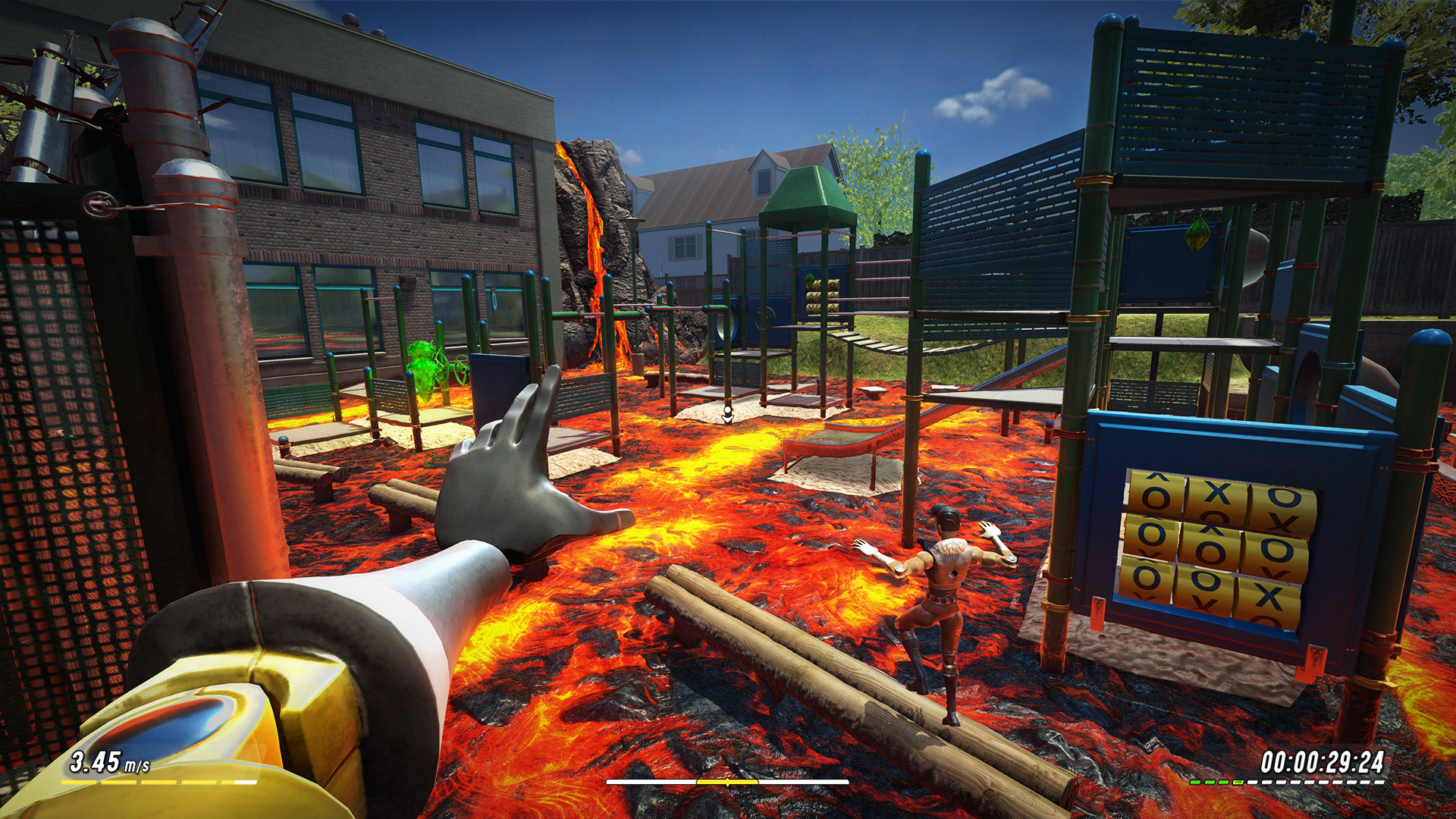
Players move through lava‑filled worlds using six actions: running, jumping, climbing, swinging, boosting and surfing, which you can use to navigate hazards.
Precise timing of each movement determines whether you stay above the floor or fall into danger.
- Practice each action in a quiet area to build consistency.
- Combine boosting with swinging to cross larger gaps efficiently.
03 / THE GUIDE
Level Construction Kit
Hot Lava includes a Unity‑based level construction kit that lets players design custom challenges, placing obstacles and scenery as they wish.
Created levels can be uploaded to the Steam Workshop, where the community can download and play them.
- Begin with a simple layout before adding many hazards.
- Test your level in solo mode to verify all intended paths are reachable.
04 / THE GUIDE
Leaderboard Competition
A friends leaderboard records the fastest routes through each world, encouraging players to discover shortcuts and refine execution.
Rankings update after each run, turning every attempt into a timed challenge against peers.
- Watch top runs to spot effective shortcuts.
- Prioritize consistent execution over risky shortcuts for steady improvement.
05 / THE GUIDE
Environmental Hazards
Levels contain lava, toxic waste, bottomless pits and crushers; any contact with the floor results in failure.
The variety of hazards makes each segment feel distinct, requiring adaptable movement strategies.
- Watch visual cues that signal upcoming hazards.
- Plan your path early to avoid last‑minute scrambling.


COMMUNITY
Player discussion