 GameWiki

GET YOUR BEARINGS
About Horizon Zero Dawn Remastered
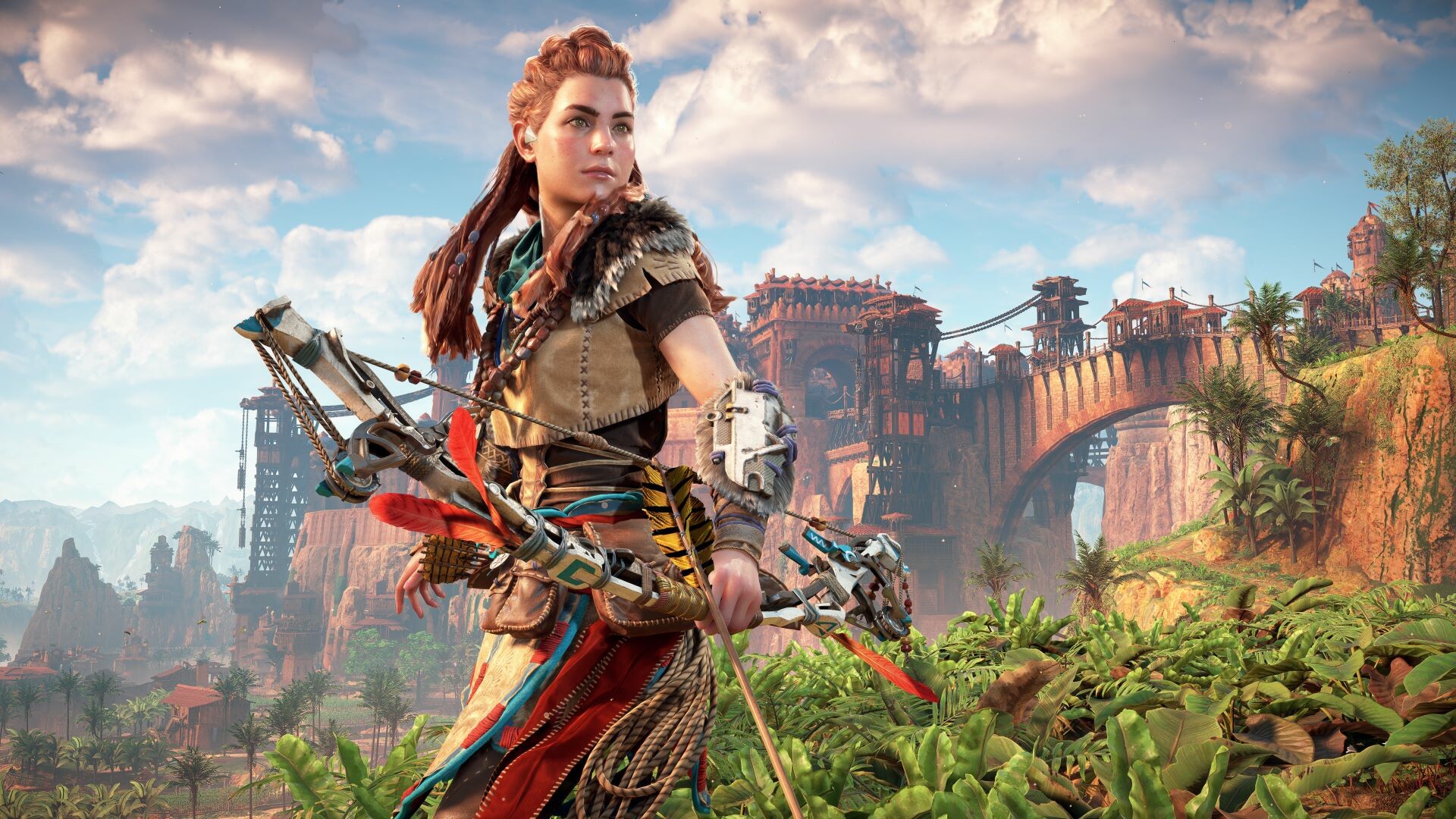
Horizon Zero Dawn™ Remastered lets players explore a vibrant, machine‑filled world as Aloy, a young hunter seeking her origins. The edition adds visual upgrades for PC, including ultrawide resolutions and NVIDIA, AMD, and Intel upscaling technologies. An included expansion, The Frozen Wilds, adds new lands, skills, weapons, and machines. The game is single‑player, supports full controller features, and integrates Steam services such as achievements and cloud saves.
01 / THE GUIDE
World Exploration
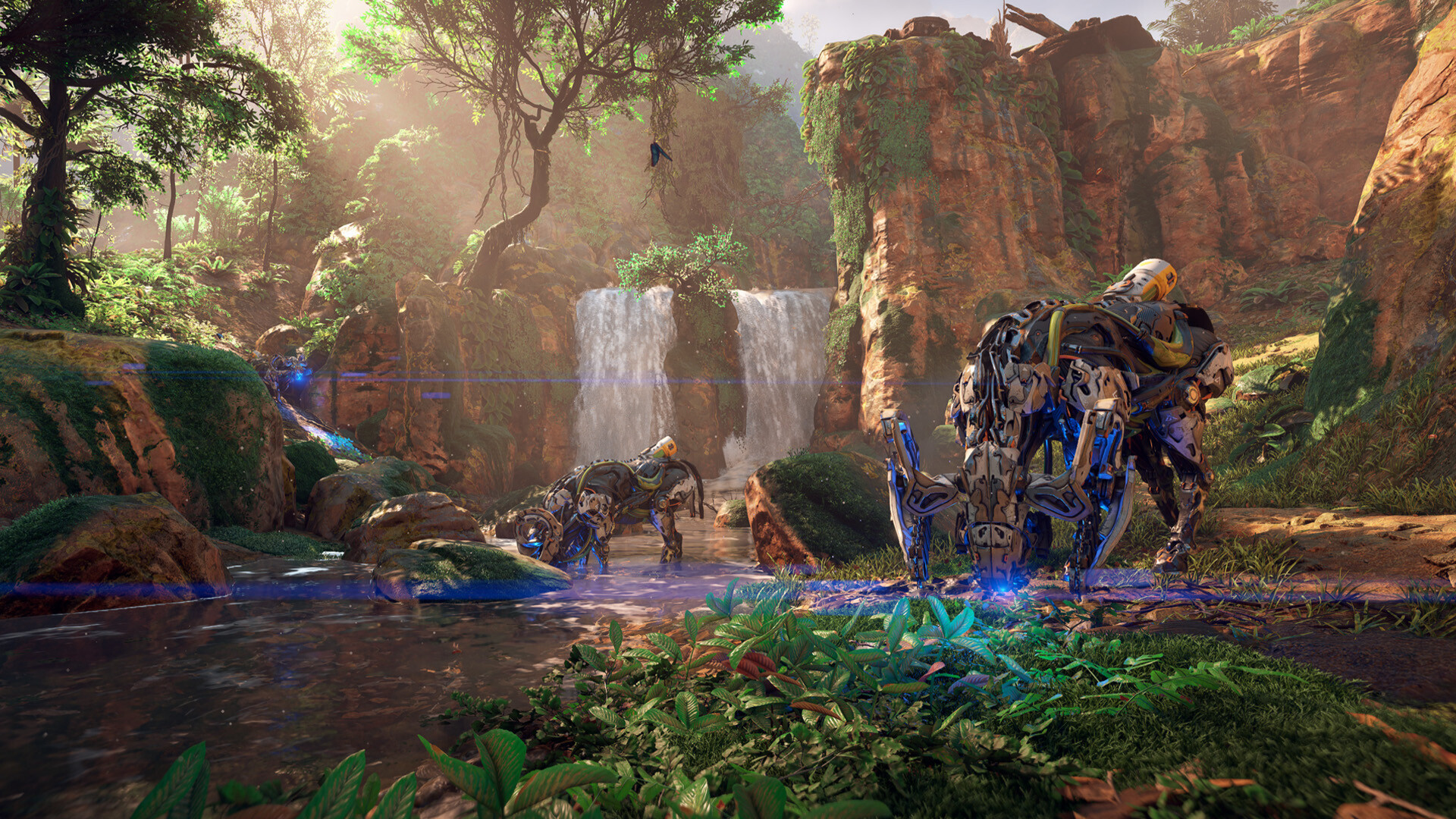
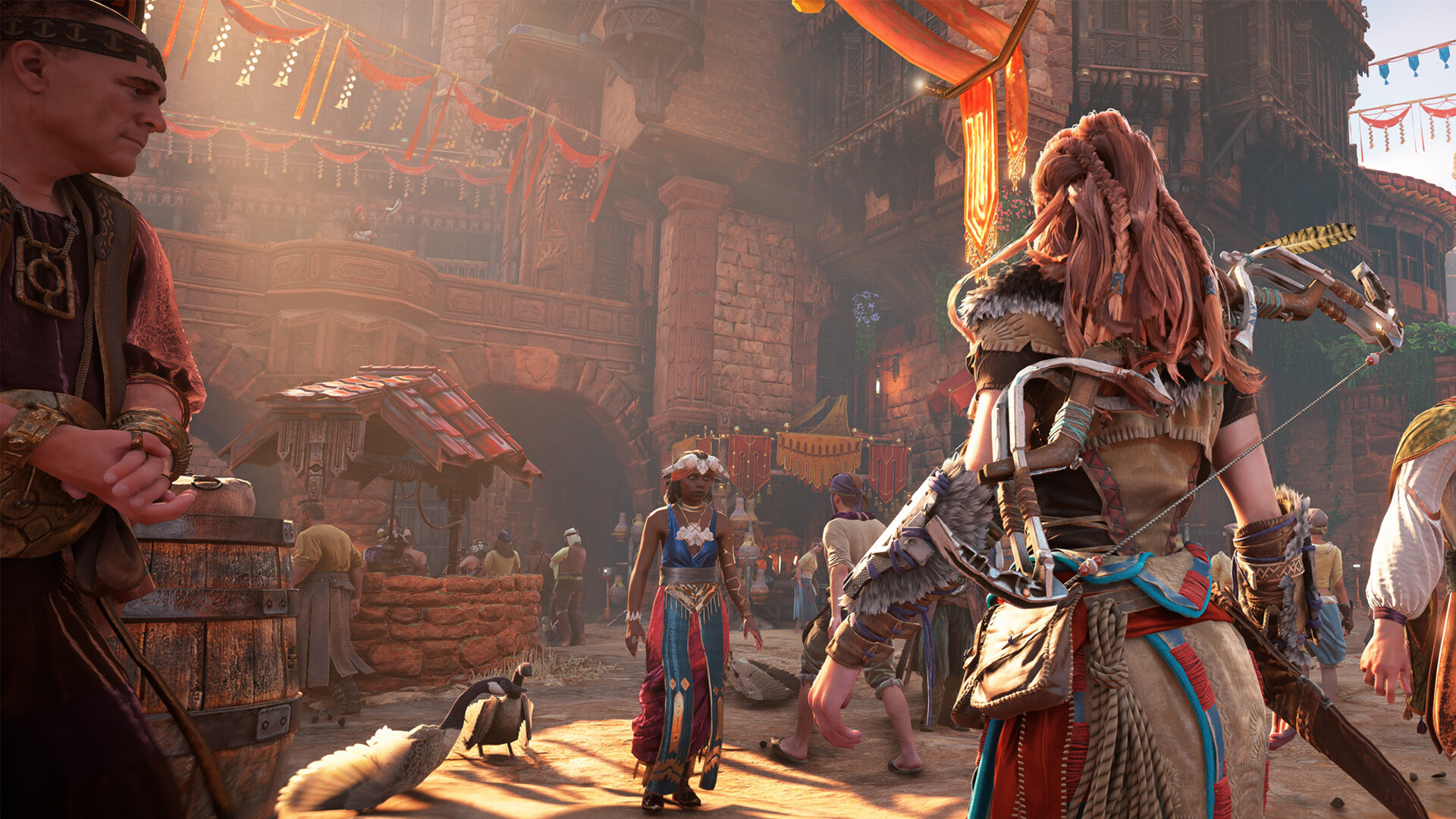
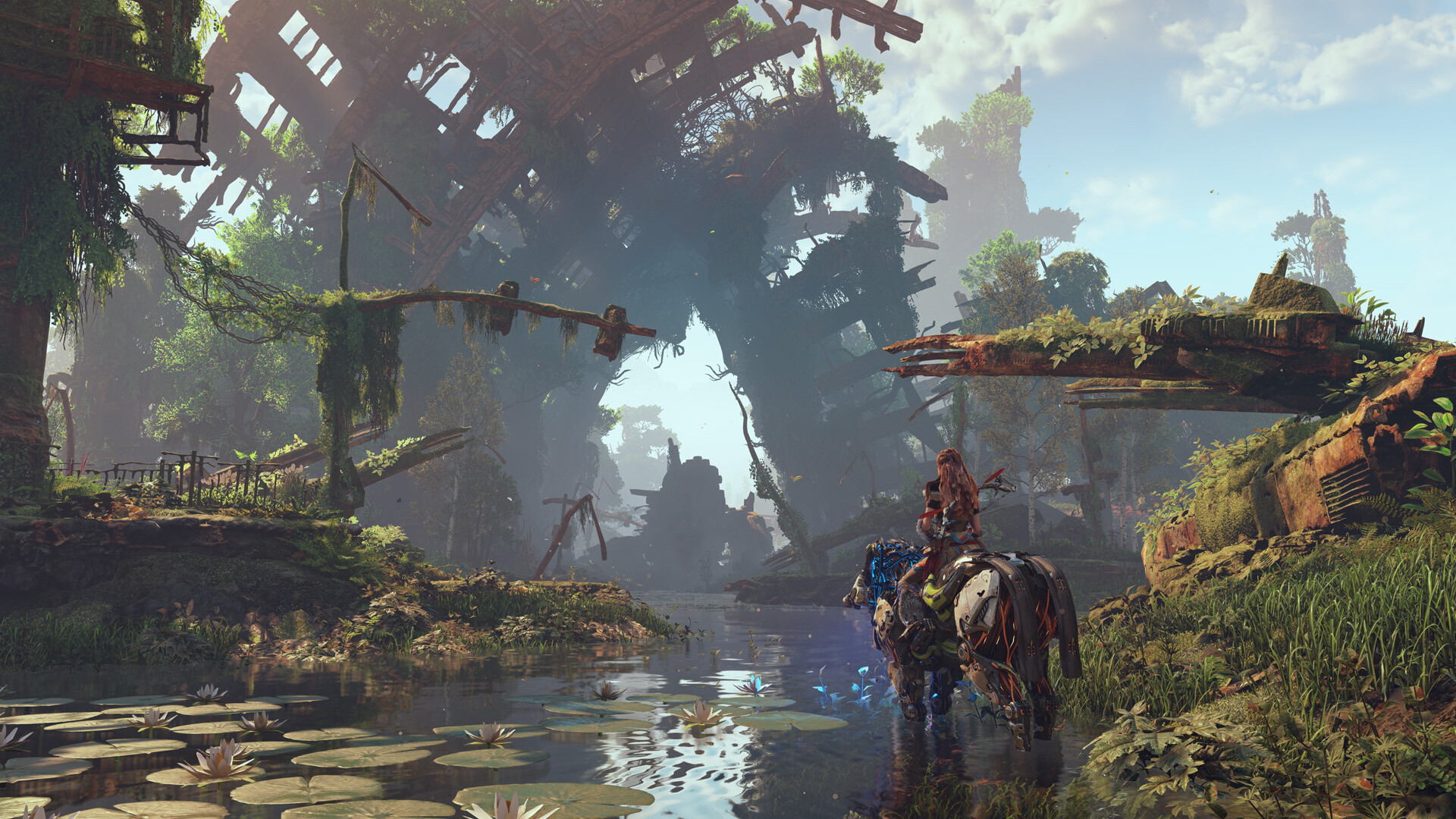
Players traverse a vast landscape dotted with ruins, settlements, and diverse tribes while encountering both wildlife and hostile machines. The environment is presented in higher fidelity, supporting ultrawide and triple‑monitor displays for broader vistas.
Exploration rewards players with encounters that reveal the world’s history and Aloy’s personal journey, emphasizing the open‑world design.
- Adjust resolution settings to match your monitor’s aspect ratio for the clearest view.
- Use the map to locate points of interest tied to tribal settlements.
02 / THE GUIDE
Combat Arsenal
Aloy wields bow, spear, and other weapons to launch tactical attacks against machines and rival factions. The combat system emphasizes devastating, strategic use of the arsenal.
Weapons can be upgraded and combined with abilities to increase effectiveness against varied enemy types.
- Target weak points on machines to maximize damage.
- Switch between ranged and melee weapons to adapt to enemy behavior.
03 / THE GUIDE
The Frozen Wilds Expansion
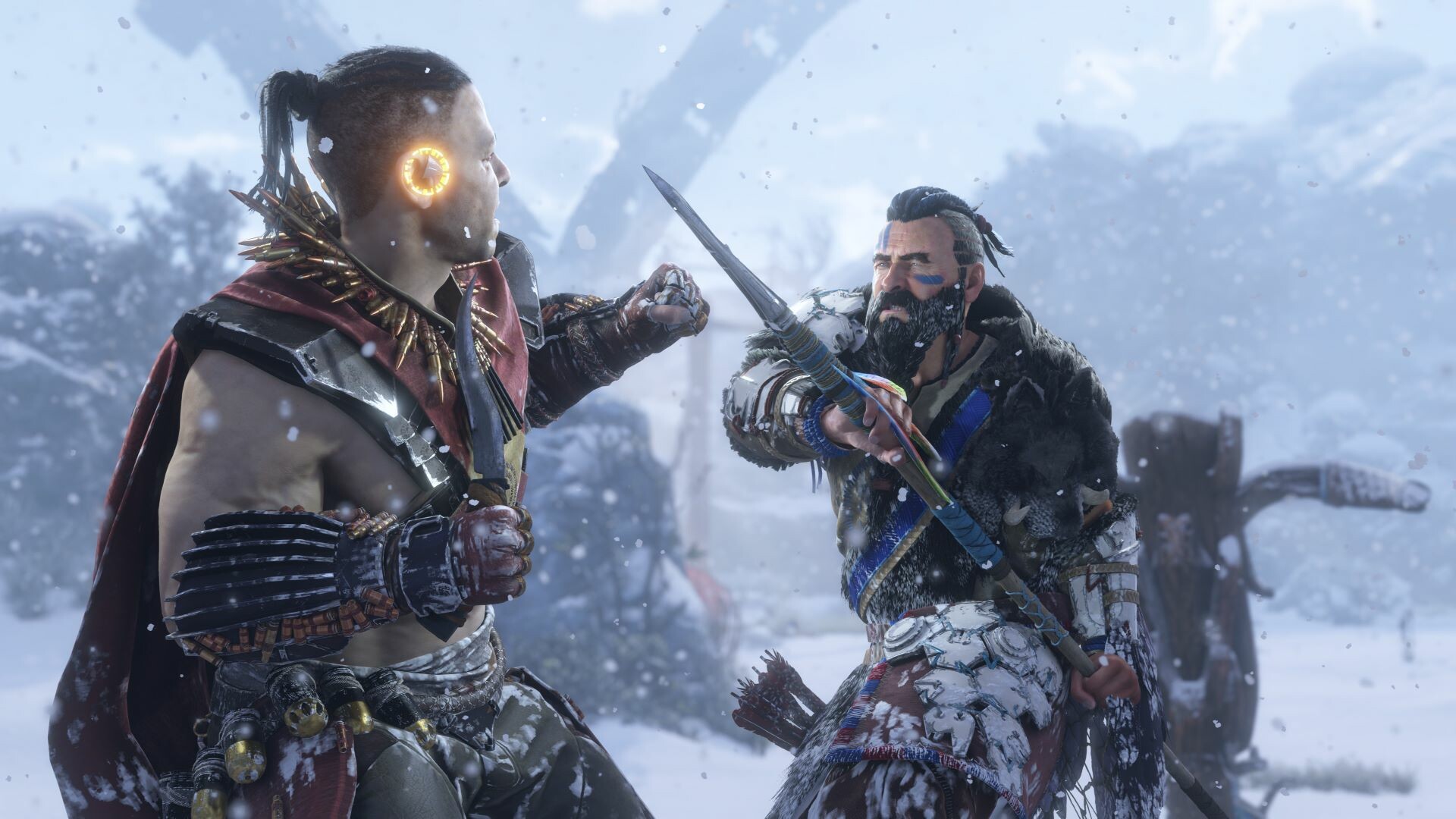
The included expansion adds new territories, additional skills, fresh weapons, and extra machine types, extending the core experience.
These new areas continue Aloy’s story, offering fresh challenges and environments distinct from the base game.
- Explore the new regions early to discover exclusive gear.
- Complete expansion quests to unlock the added skills.
04 / THE GUIDE
PC Visual Features
The remaster supports ultrawide (21:9, 32:9) and triple‑monitor (48:9) resolutions, along with NVIDIA DLSS 3, DLAA, Reflex, AMD FSR 3.1, and Intel XeSS for performance scaling.
Graphics settings can be customized, and frame rates may be unlocked depending on hardware.
- Enable DLSS or FSR to improve performance on lower‑end GPUs.
- Use a wired internet connection for full controller feature support.
05 / THE GUIDE
Controller Support
Full DualSense controller support includes adaptive triggers and haptic feedback, providing tactile combat cues. DualShock controllers are also supported via Steam Input.
Steam Cloud and Family Sharing are available, allowing progress synchronization and shared access.
- Use a wired connection to experience adaptive trigger and haptic feedback.
- Enable Steam Cloud to keep saves synced across devices.
COMMUNITY
Player discussion