 GameWiki
GET YOUR BEARINGS
About Horizon Forbidden West Complete Edition
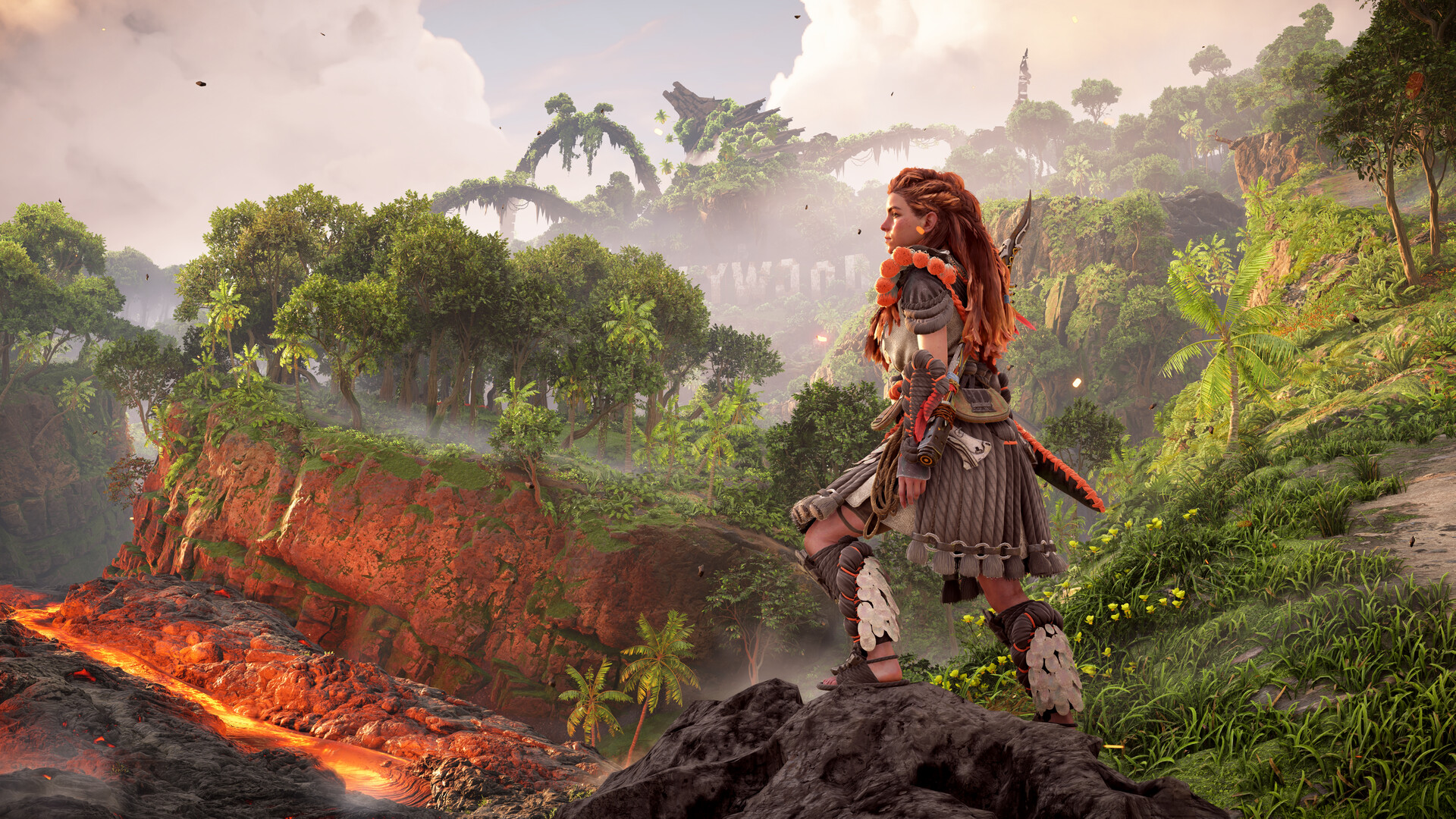
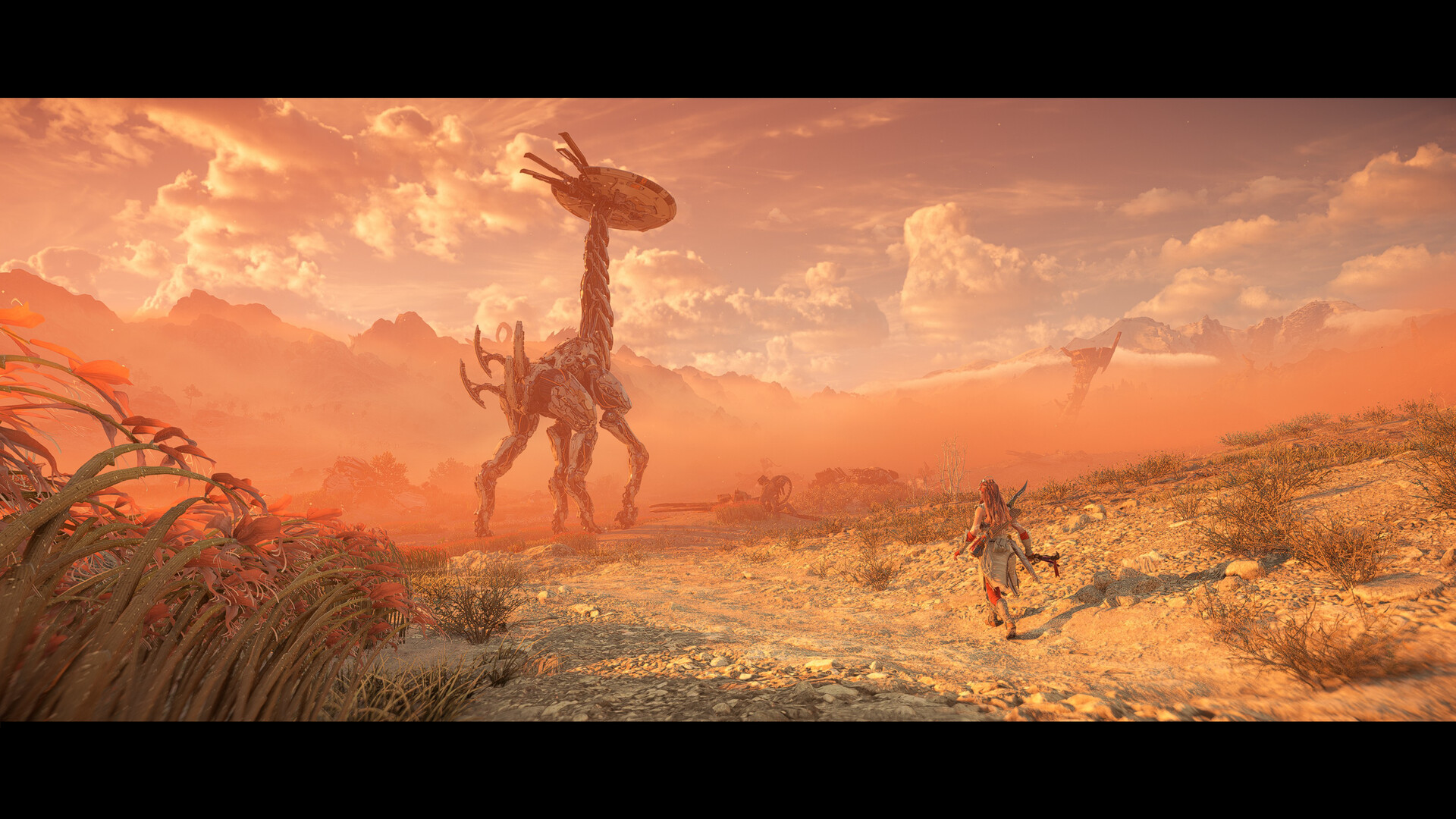
Horizon Forbidden West™ Complete Edition brings the acclaimed action‑RPG to PC, letting players follow Aloy across a vast, post‑apocalyptic frontier filled with new machines, tribes, and environmental hazards.
The Complete Edition adds the Burning Shores story expansion, full ultrawide and triple‑monitor support, and a suite of graphics options such as NVIDIA DLSS 3, DLAA, AMD FSR, and potential unlocked frame rates.
01 / THE GUIDE
Burning Shores Story Expansion
The Burning Shores expansion continues Aloy’s narrative after the base campaign, adding new story chapters that extend the timeline.
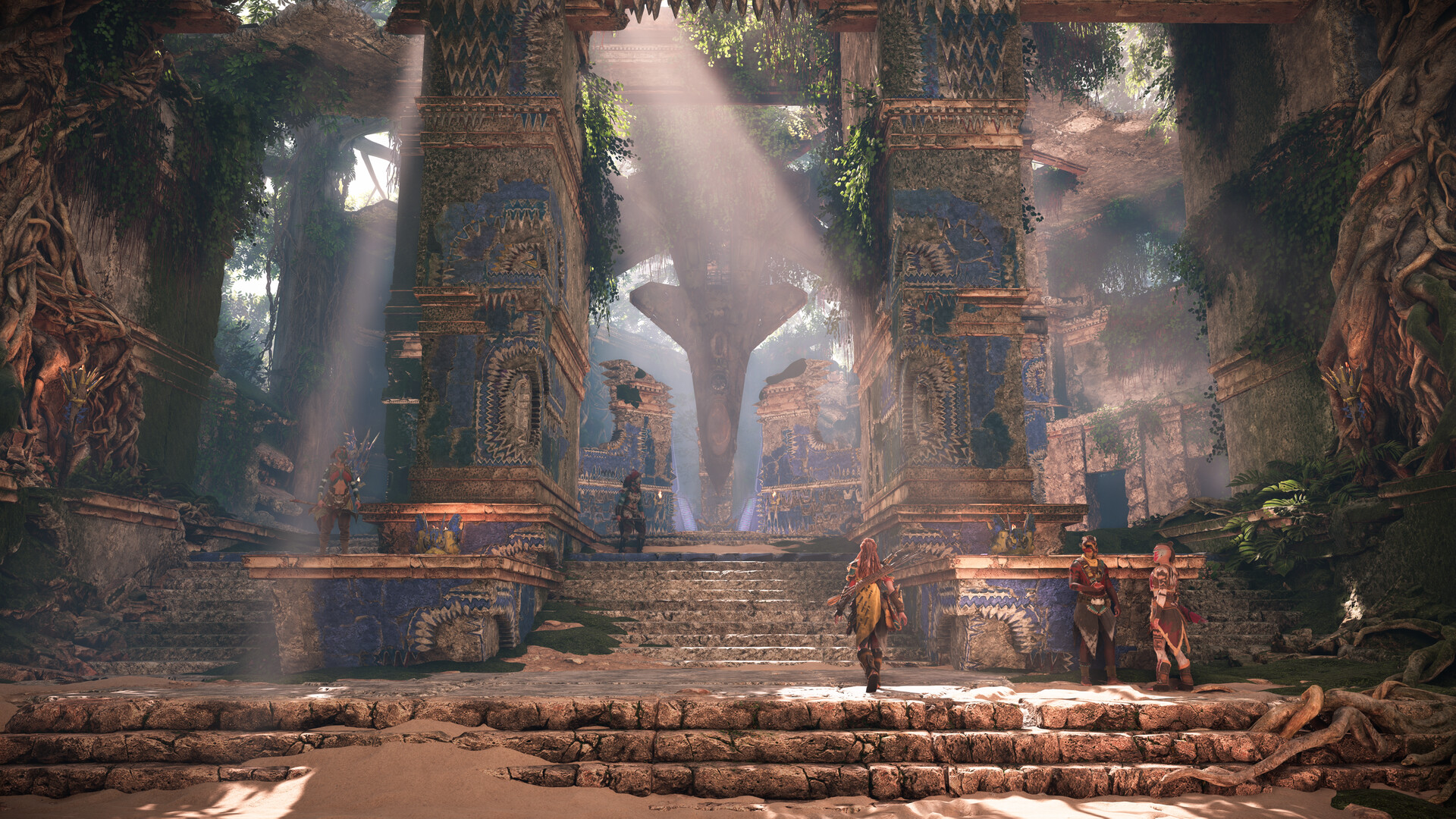
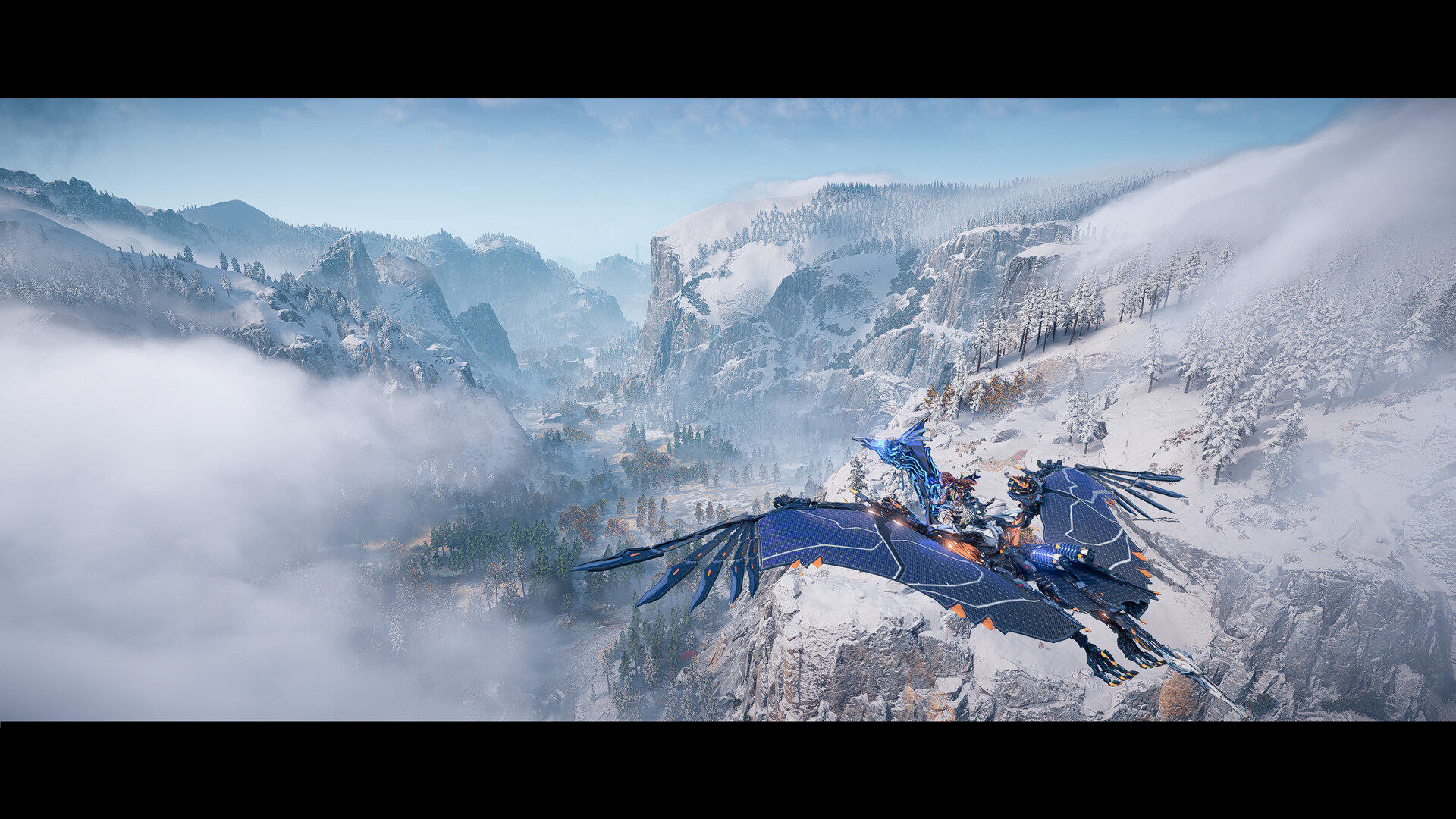
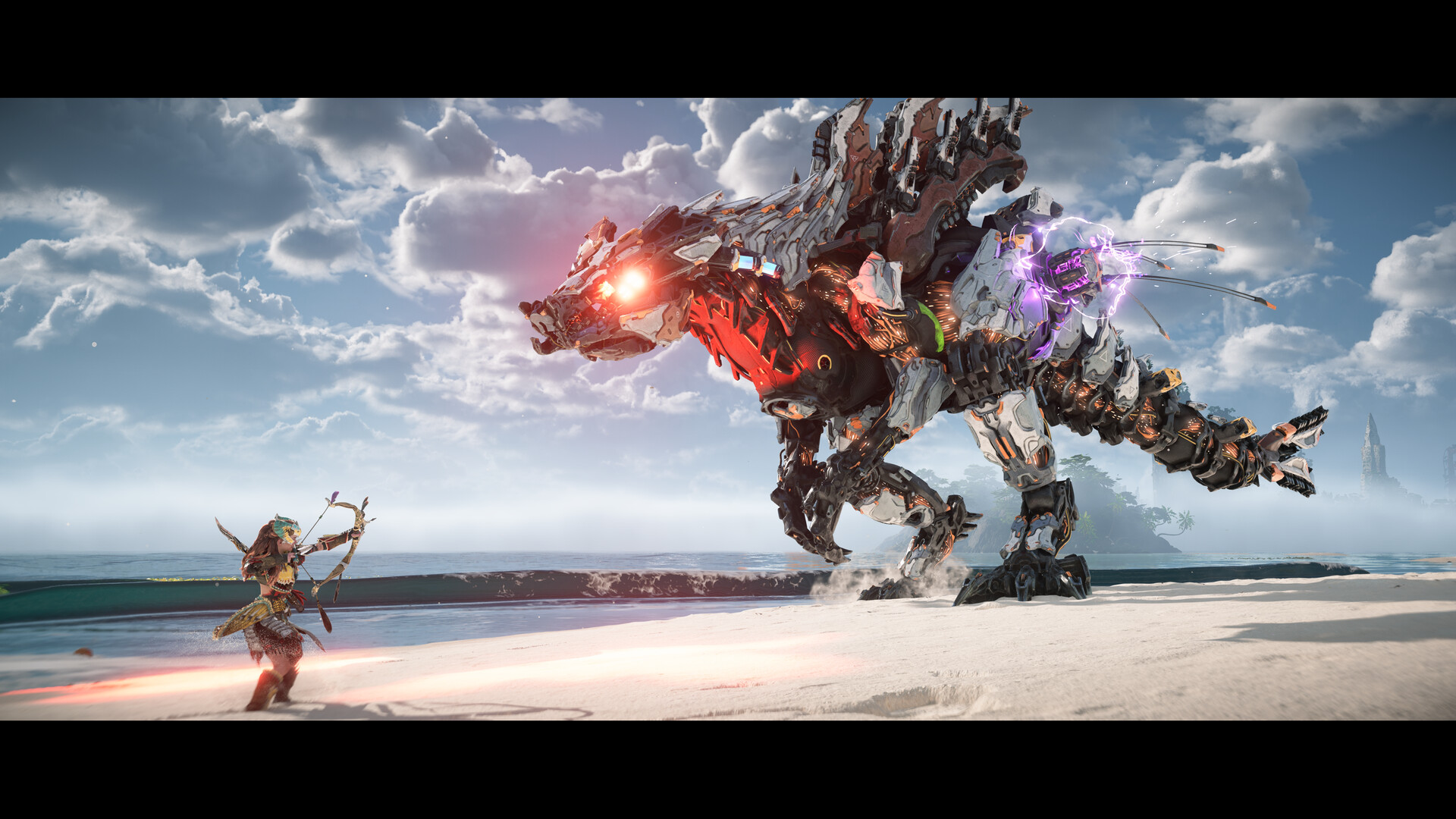
These chapters introduce fresh locations, additional machine designs, and new tribal societies, broadening the exploration and combat variety.
- Check new locations early to map travel routes.
- Observe machine patterns to anticipate combat challenges.
02 / THE GUIDE
Ultrawide and Triple‑Monitor Support
PC players can enable Ultrawide 21:9 or Super Ultrawide 32:9 resolutions, expanding the field of view on compatible monitors.
A 48:9 triple‑monitor configuration is also supported, requiring a compatible 4K display or multi‑monitor setup for full effect.
- Match monitor aspect ratio in settings.
- Toggle ultrawide mode before starting a session.
03 / THE GUIDE
Graphics Upscaling and Performance Features
The game utilizes NVIDIA DLSS 3 for upscaling and frame generation, helping maintain higher frame rates on supported GPUs.
Additional image enhancements include NVIDIA DLAA, while NVIDIA Reflex reduces latency; AMD FSR and Intel XeSS are also available.
- Enable DLSS 3 on compatible GPUs for smoother performance.
- Compare DLAA and FSR settings to balance clarity and speed.
04 / THE GUIDE
DualSense Controller Features
Full DualSense™ controller support provides haptic feedback and adaptive trigger functionality, delivering tactile cues tied to in‑game actions.
A wired connection is required to experience the complete range of these controller features on PC during gameplay.
- Use a wired connection to unlock full haptic features.
- Adjust trigger sensitivity in controller settings if available.
05 / THE GUIDE
Accessibility and Audio Settings
The game offers Adjustable Text Size, allowing players to increase or decrease on‑screen text for readability.
Additional options include Camera Comfort, Color Alternatives, Custom Volume Controls, Adjustable Difficulty, and HDR availability, supporting varied player preferences.
- Set text size to a comfortable level before long sessions.
- Experiment with color alternatives for better visual contrast.
COMMUNITY
Player discussion