 GameWiki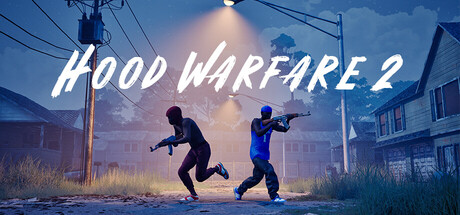
GET YOUR BEARINGS
About Hood Warfare 2
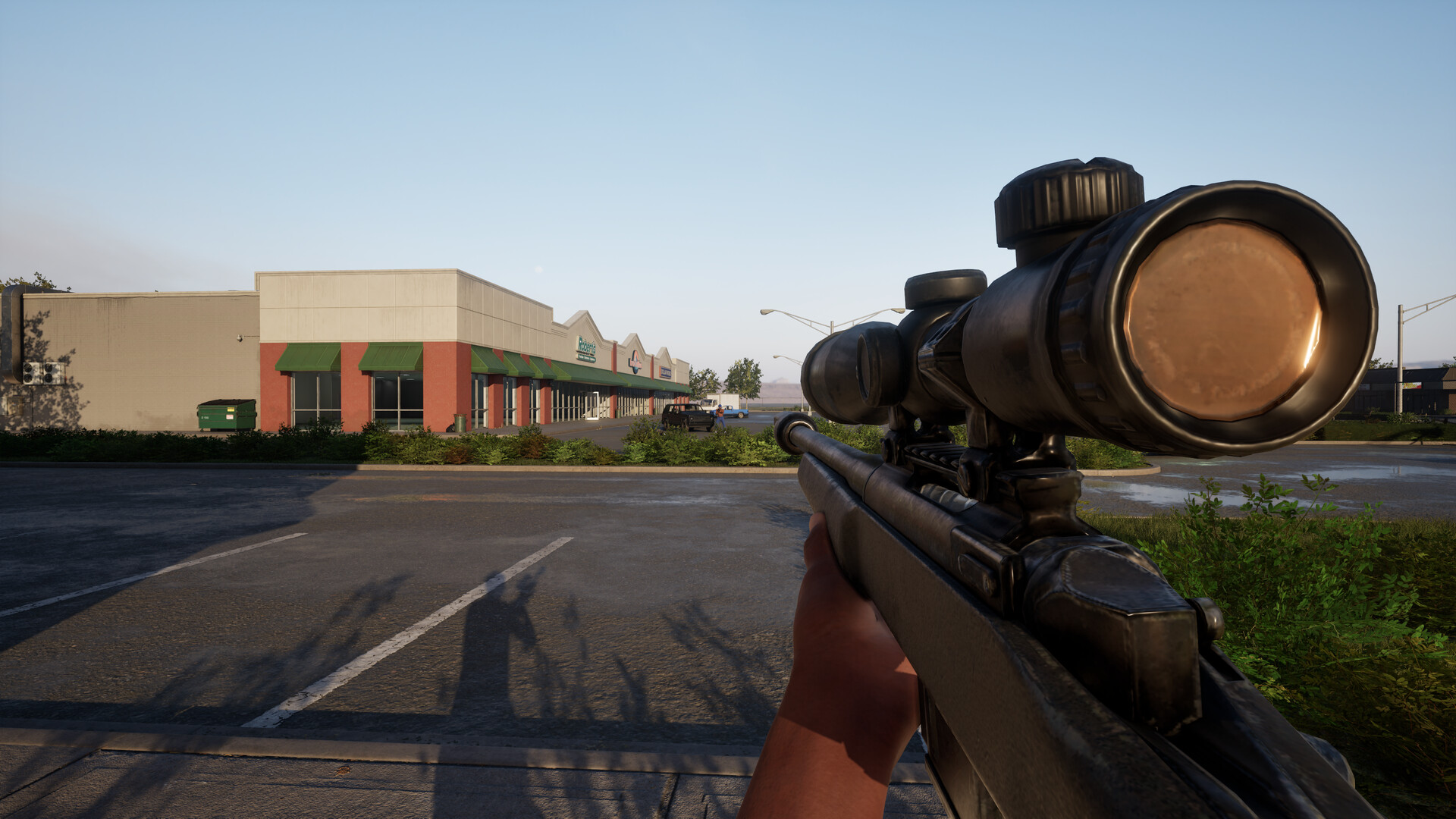
Hood Warfare 2 drops players into a stylized Chicago where rival gangs battle for territory. Choose a side, customize your loadout, and dive into fast‑paced multiplayer matches.
Built on Unreal Engine 5, the sequel adds new maps, upgraded weapon animations, and six distinct modes ranging from team turf control to free‑for‑all chaos. Players can also face bots or team up online, with full controller support on Windows.
01 / THE GUIDE
Game Modes
Hood Warfare 2 offers six multiplayer modes, each shaping how gangs compete for dominance on the battlefield.
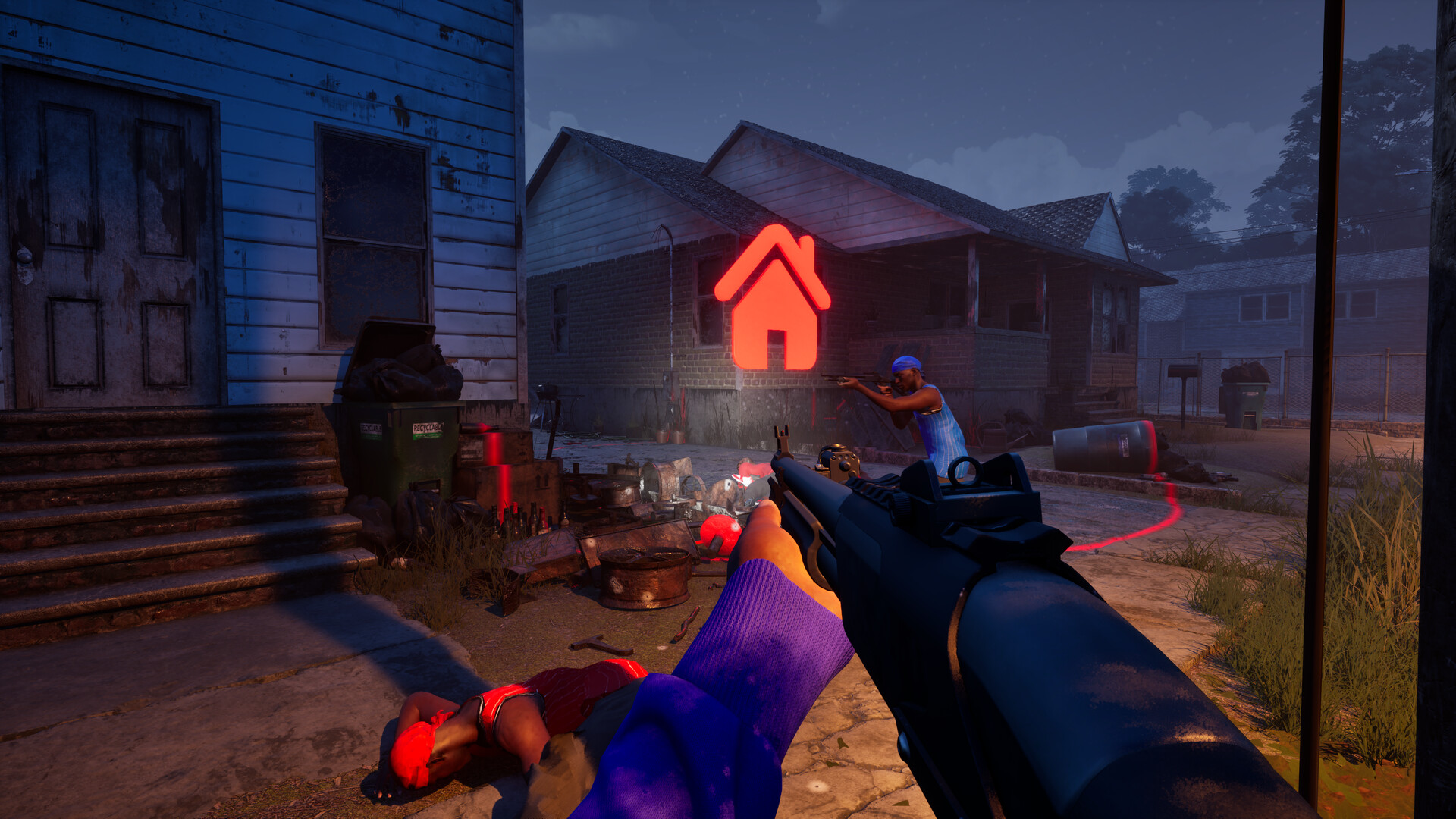
Turf War rewards territory control, GangBang tallies kills, Chaos is free‑for‑all, Hit A Lick swaps bags, Destroy The Block pits a bomb carrier against defusers, and Chain Snatch adds chain‑collecting to kills.
- Start with Turf War.
- Try Chaos for solo practice.
02 / THE GUIDE
Weapon Customization
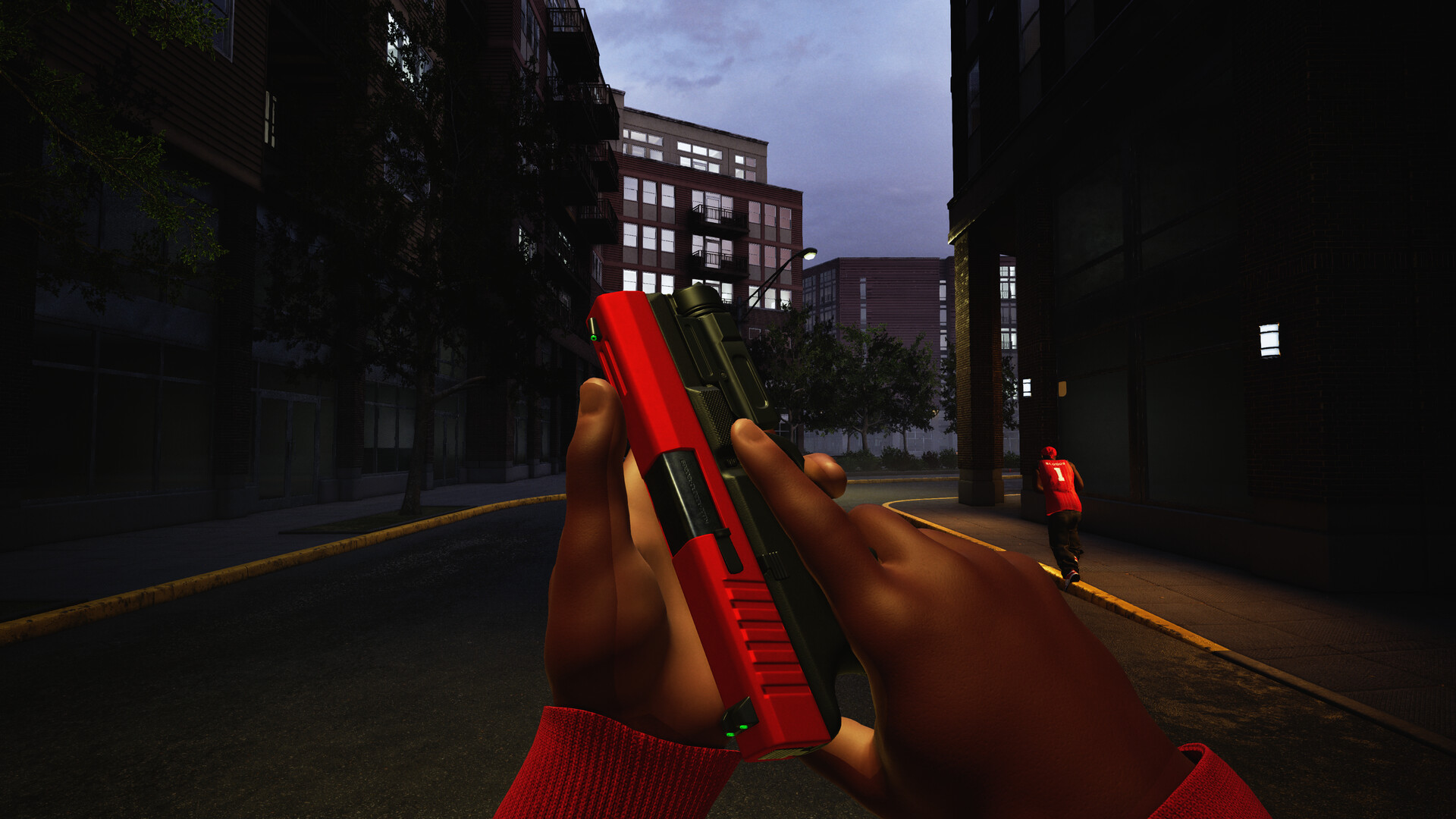
Before each match, players assemble a loadout, swapping sights, magazines, grips, suppressors, and other attachments to suit their playstyle.
Attachments are earned through weapon challenges, while kills unlock cosmetic skins, letting you personalize both function and appearance.
- Focus on sight upgrades.
- Earn suppressors via challenges.
03 / THE GUIDE
Maps & Environments
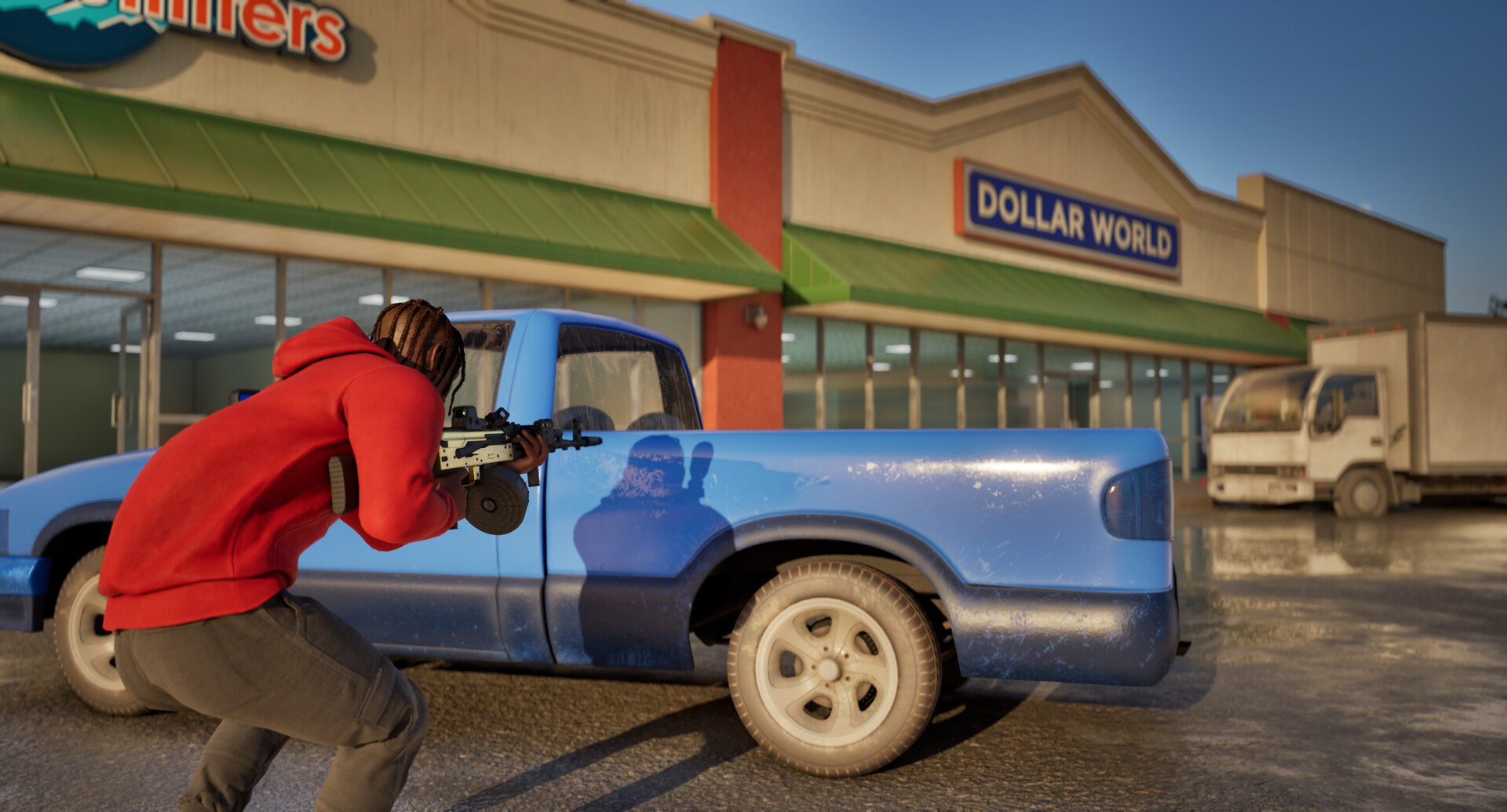
Matches take place across four new Chicago locations: downtown, the suburbs, The Trenches, and Chicago Mall, each offering indoor and outdoor routes.
Learning each map’s positions and routes is key to holding streets or securing indoor objectives.
- Explore each map early.
- Watch The Trenches choke points.
04 / THE GUIDE
Progression & Unlocks
Playing matches builds reputation and grants experience, allowing players to level up and unlock additional weapons and equipment.
Weapon challenges reward new attachments, and each gun’s kill count unlocks fresh skins to showcase your achievements.
- Complete weapon challenges.
- Track kill counts for skins.
05 / THE GUIDE
Multiplayer Options
The game supports online play with friends or strangers, and also allows matches against bots to fill team slots.
Players can select map, mode, and match settings before launching, ensuring flexible session customization and adjust team sizes as desired.
- Run a bot match first.
- Coordinate map picks with friends.

COMMUNITY
Player discussion