 GameWiki
GET YOUR BEARINGS
About Home Safety Hotline
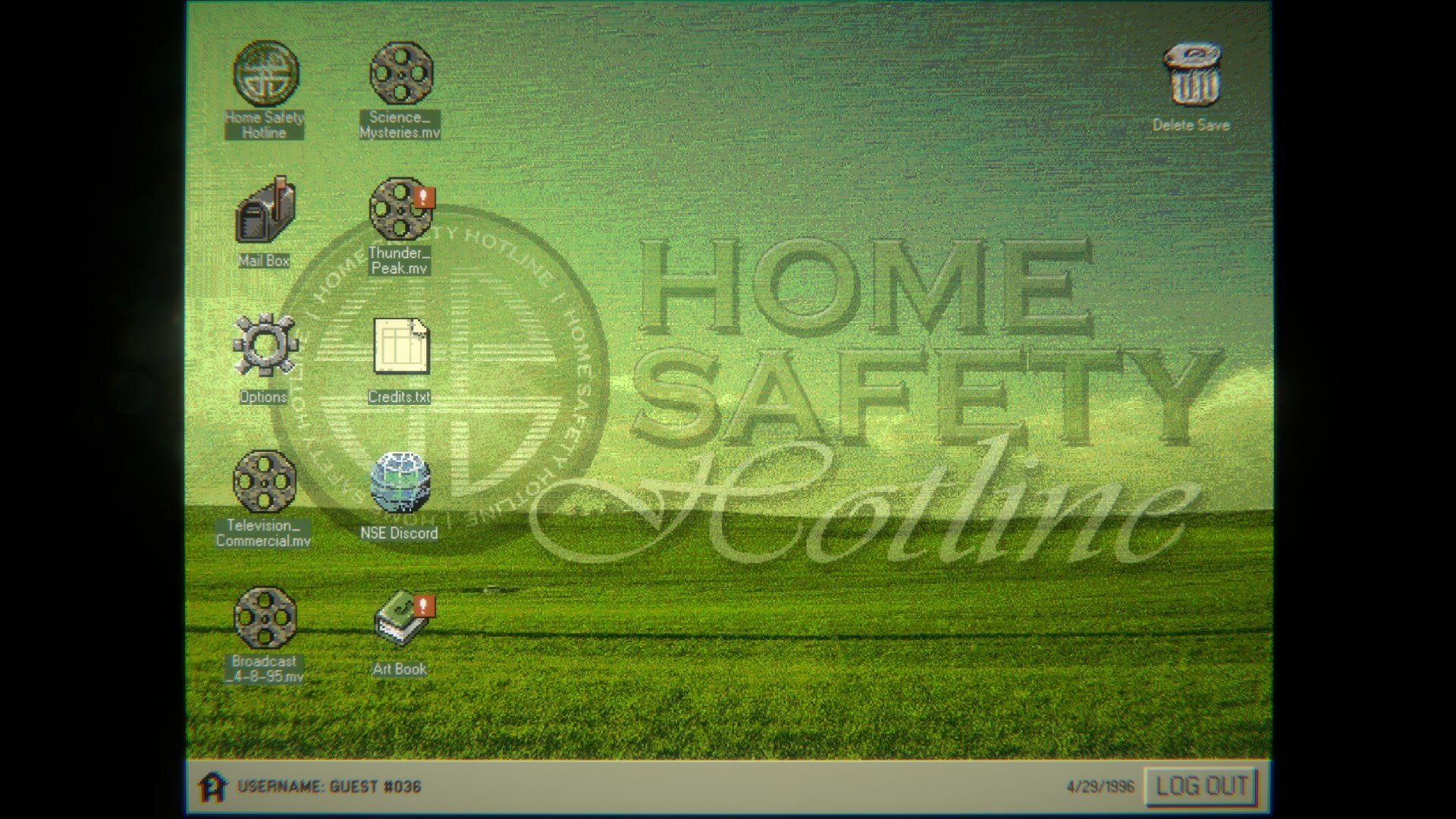
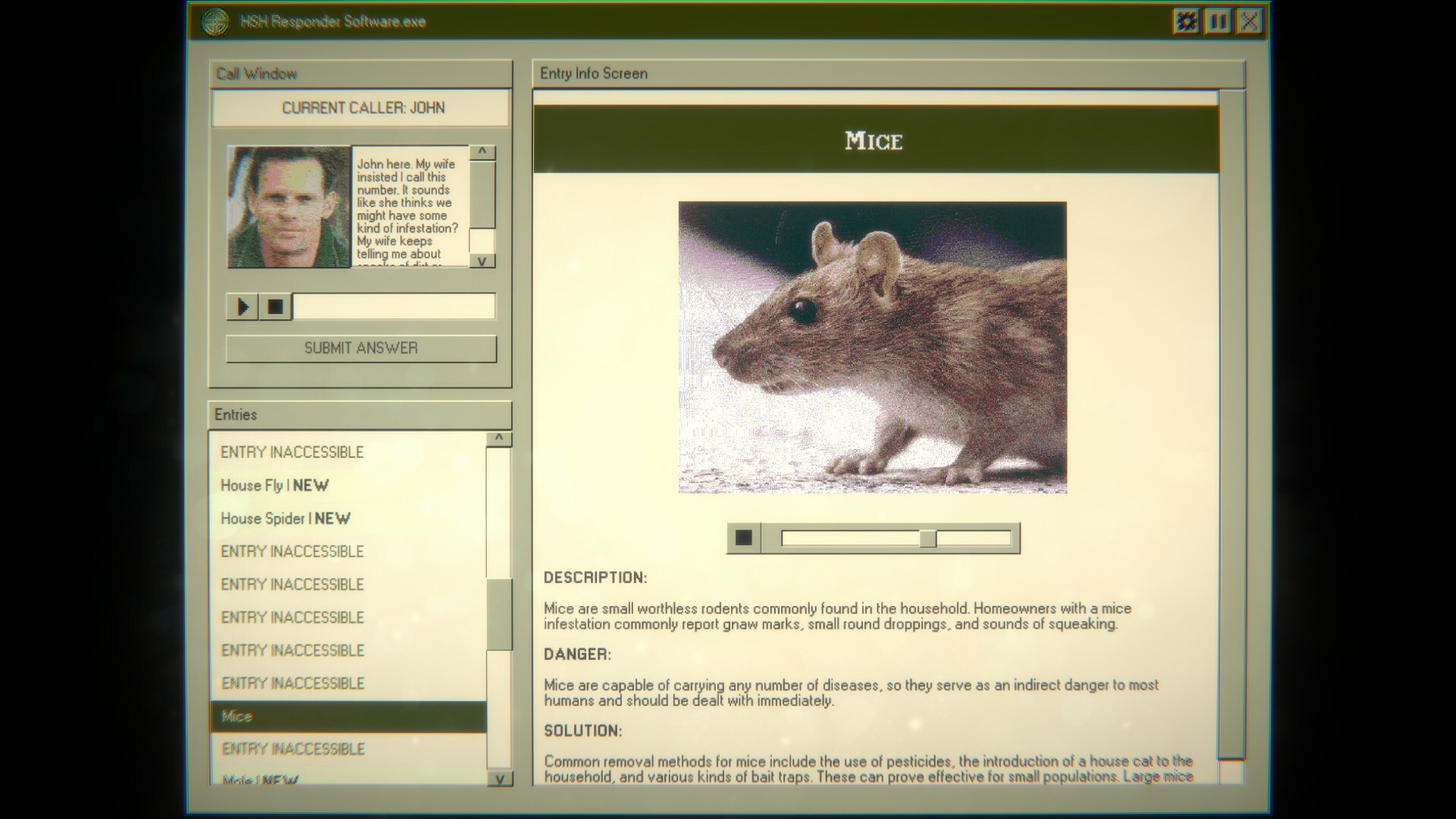
Home Safety Hotline puts you behind a retro telephone console, fielding calls from distressed homeowners. You consult a catalog of pests and hazards, deducing what lurks inside each house while original jazzy lo‑fi music plays in the background.
The title blends analog‑horror storytelling with a casual simulation loop, includes Phobia Toggles for visual comfort, and supports Steam Achievements and Family Sharing. It runs on Windows and is developed by Night Signal Entertainment.
02 / THE GUIDE
Caller Interaction
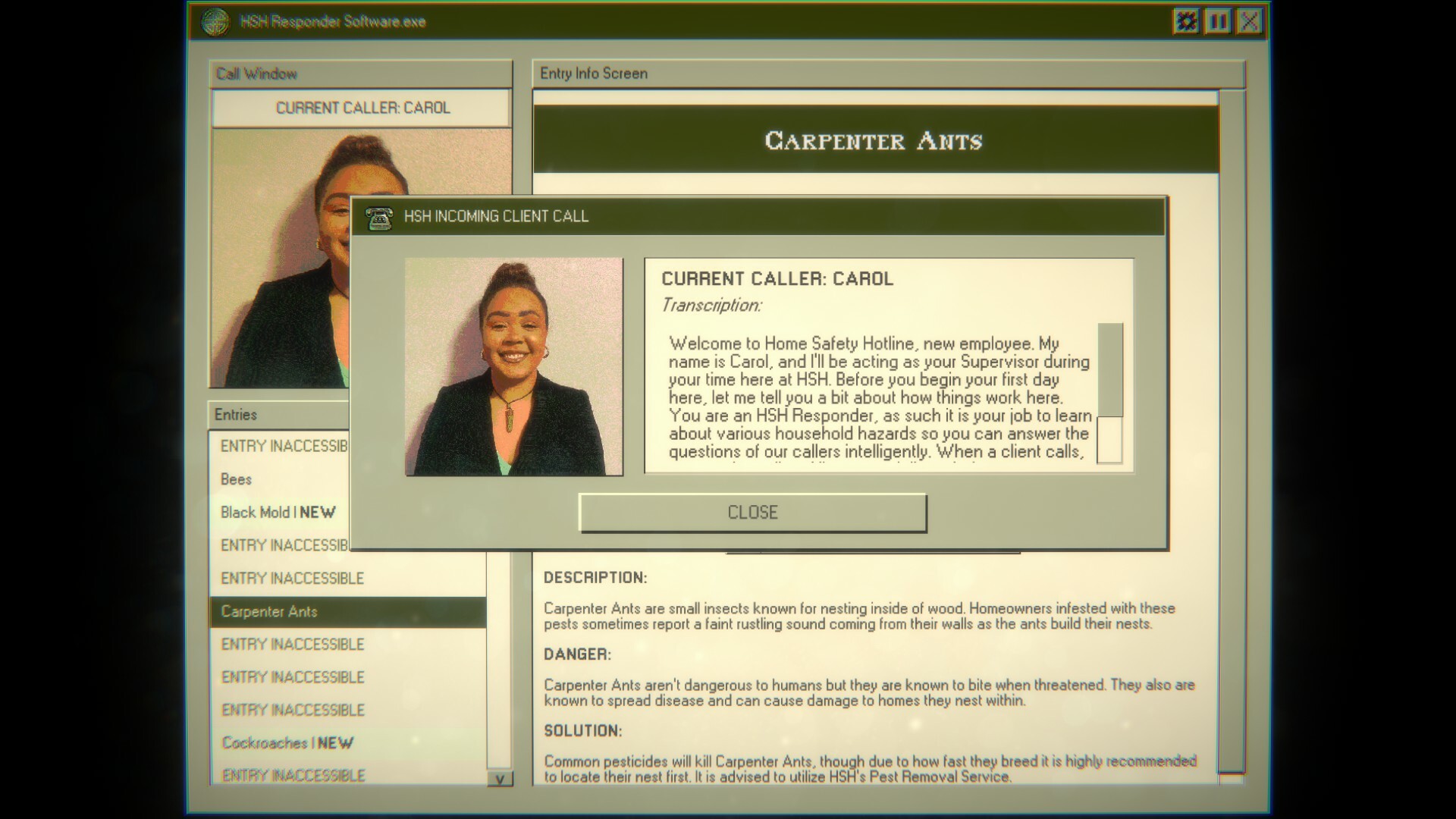
Incoming calls present a homeowner’s concern, and you must respond with safety advice based on the catalog. The game records whether your deduction matches the hidden threat.
If your answer is incorrect, the caller suffers consequences, emphasizing the responsibility placed on the player for each decision.
- Listen to every detail the caller provides before consulting the catalog.
- Consider the mentioned room or area, as some hazards are location‑specific.

03 / THE GUIDE
Phobia Toggles
An accessibility option lets you disable in‑game images that trigger common phobias, such as arachnophobia. This reduces visual discomfort without altering other content.
The toggle is designed to disable in-game images for phobia triggers, making the game more approachable for sensitive players.
- Enable the toggle before starting a session if you anticipate triggering images.
- Test the toggle on a short call to confirm it meets your comfort level.
04 / THE GUIDE
Audio Experience
Original jazzy lo‑fi tracks by David Johnsen play while you place callers on hold, creating a calm yet eerie atmosphere throughout gameplay.
The soundtrack continues during hold periods, adding atmosphere while you manage each call.
- Adjust system volume so the music is audible but does not mask important call cues.
- Use headphones to hear subtle audio signals more clearly.
05 / THE GUIDE
Achievements & Family Sharing
Steam achievements track specific milestones, They are awarded automatically by the platform.
Family Sharing lets other Steam accounts on the same machine launch the game, providing access without requiring an additional purchase.
- Check the achievement list to set personal goals while you play.
- Invite a family member to try the game via Family Sharing for a shared experience.
COMMUNITY
Player discussion