 GameWiki
GET YOUR BEARINGS
About Home Design 3D
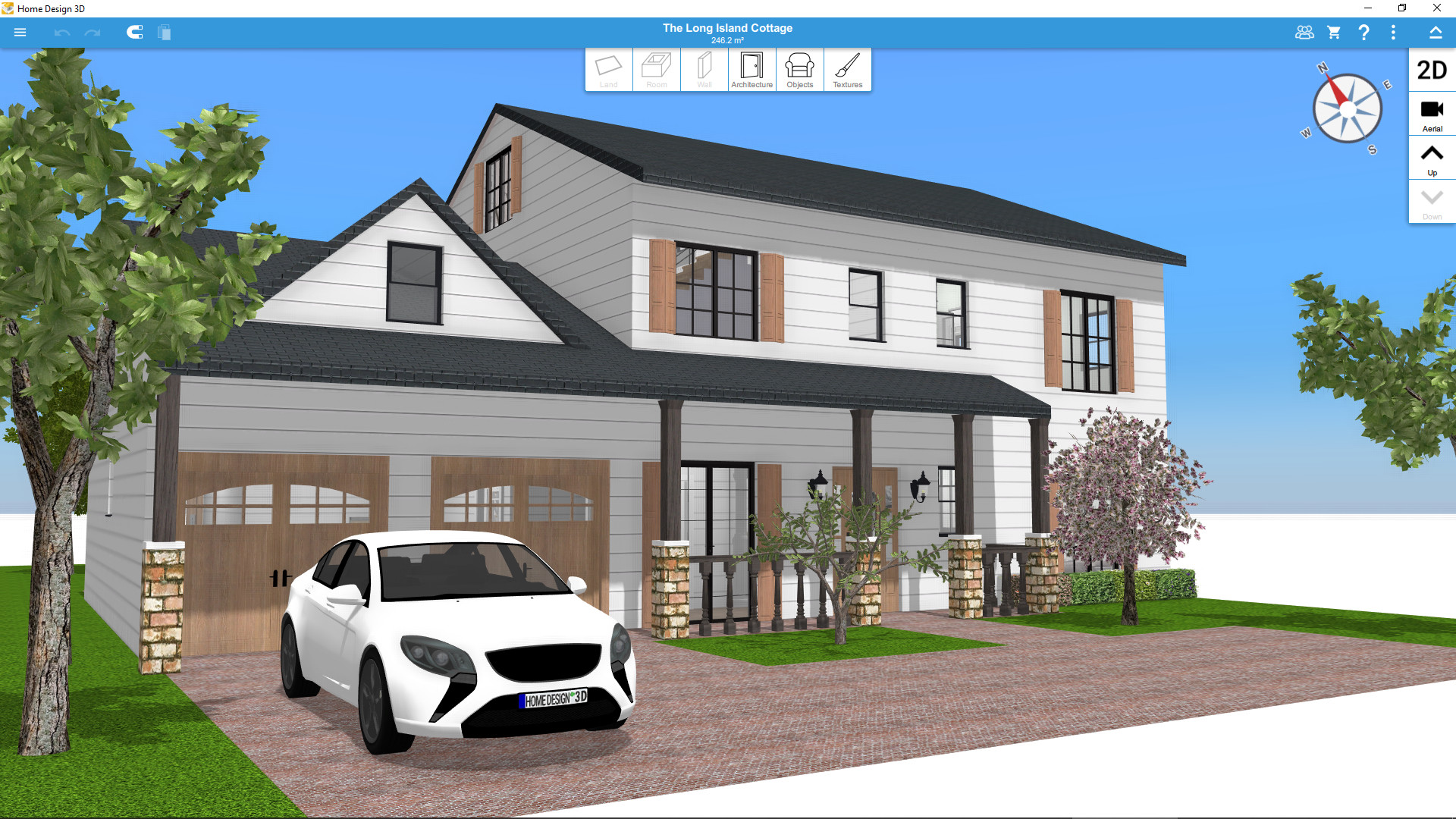
Home Design 3D lets you sketch floor plans in both 2D and 3D, then flesh them out with walls, doors, windows and adjustable joinery. The app’s intuitive tools let you add multiple floors (unlimited with the Gold Plus version) and instantly see changes in real time.
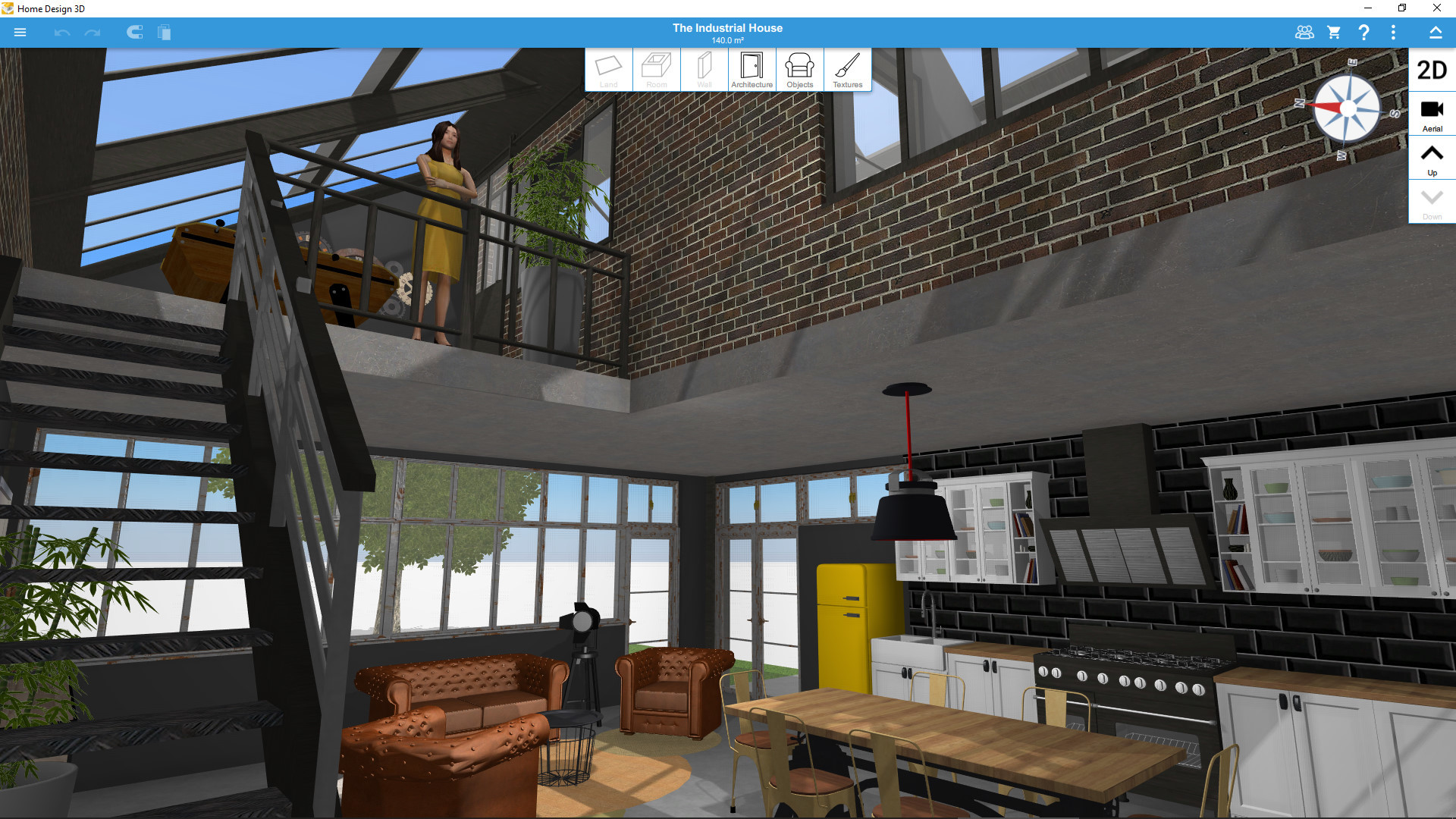
Beyond planning, you can furnish interiors and exteriors from a growing catalog, apply custom textures, and explore your design in real‑time 3D or VR. Projects can be shared, exported, and even viewed on mobile devices, while a vibrant community offers inspiration and downloadable creations.
01 / THE GUIDE
Drawing Floor Plans
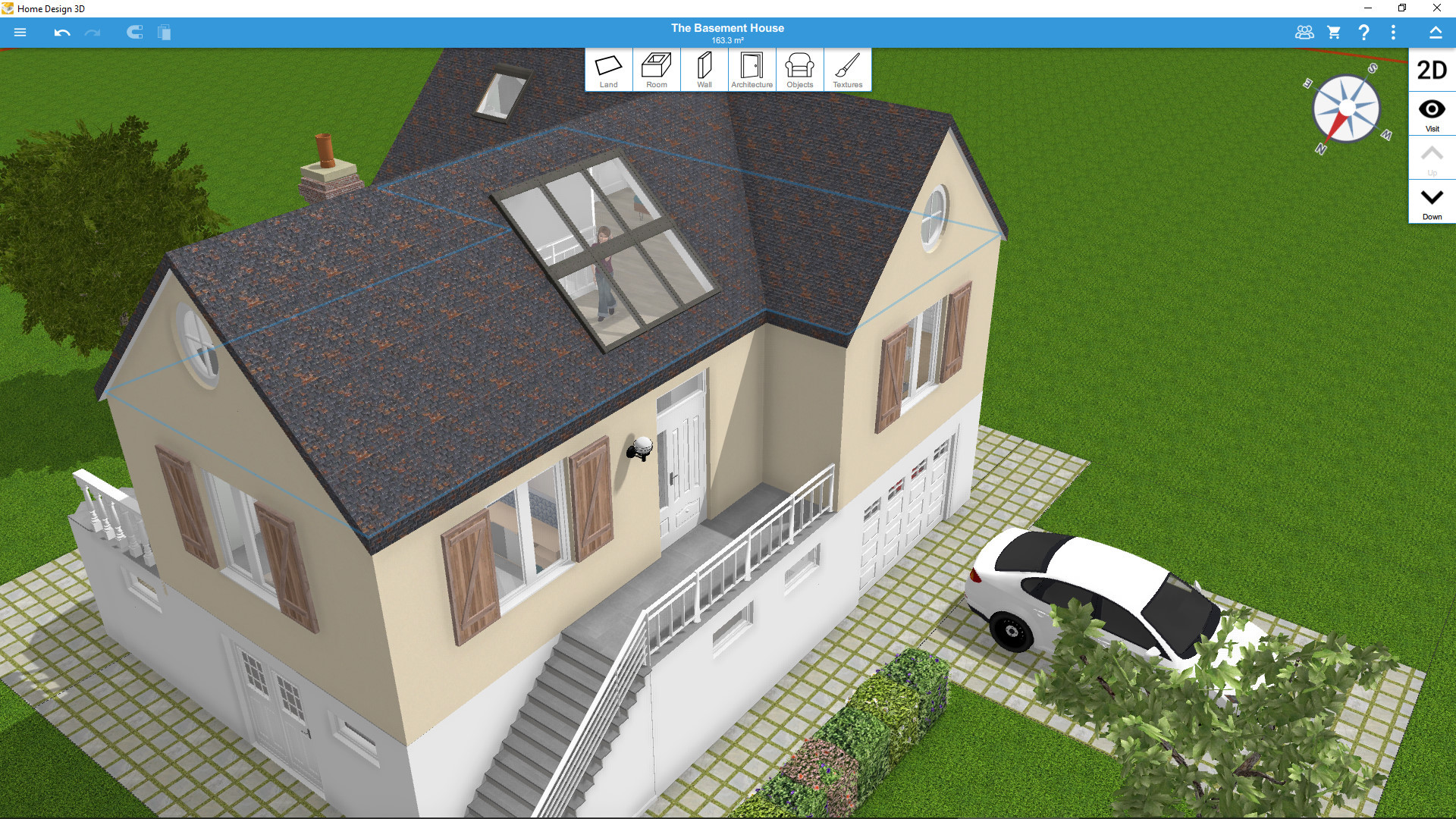
The app provides a 2D‑to‑3D workflow where you draw rooms, dividers and adjust wall height or thickness. Doors, windows and other openings are added as fully‑resizable pieces, letting you shape the basic structure quickly.
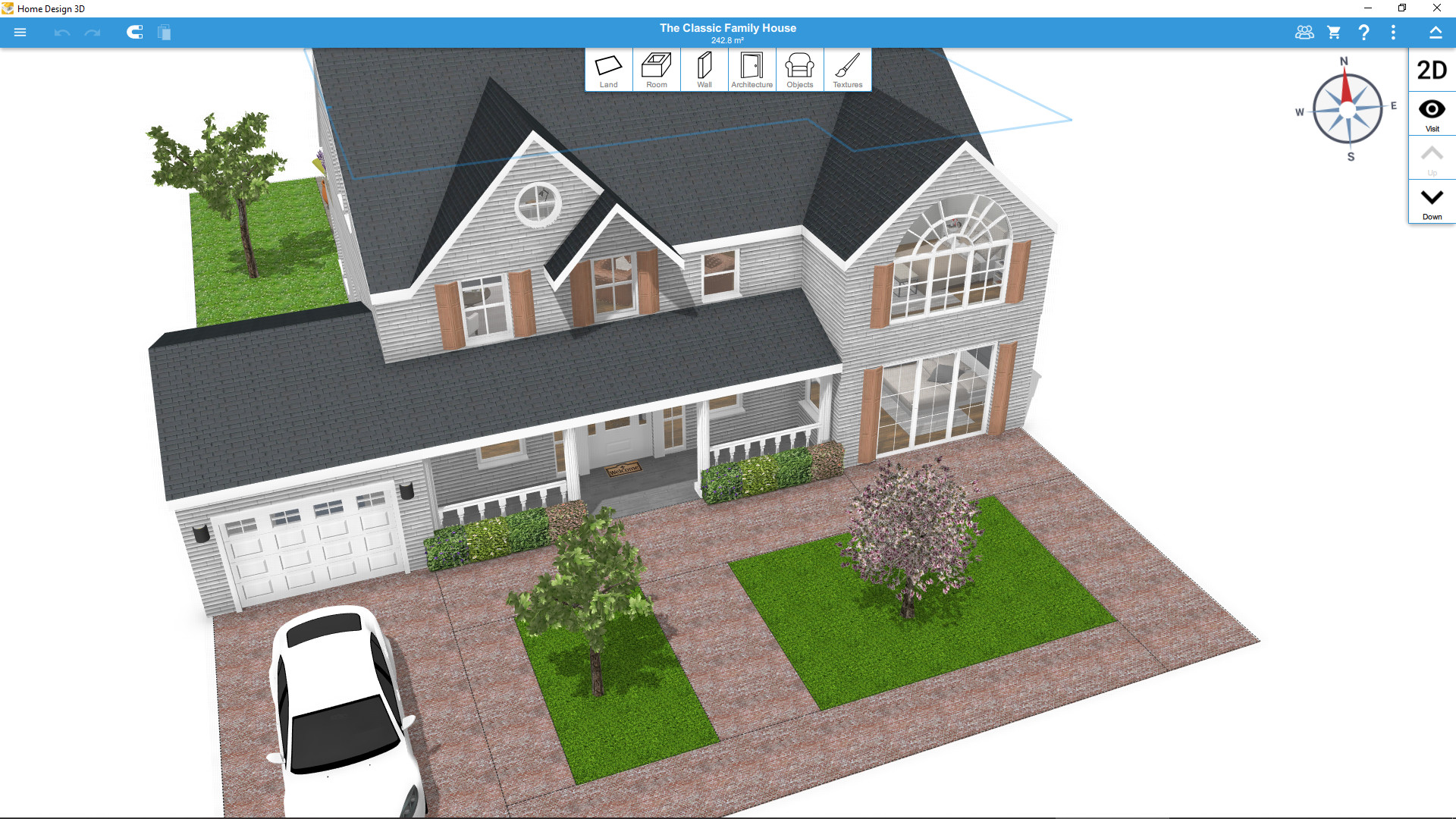
With the Gold Plus edition you can stack an unlimited number of floors, limited only by your computer’s capacity. This flexibility supports multi‑story house projects without artificial floor caps.
- Start with a simple rectangle and expand using the divider tool for faster layout adjustments.
- Use the undo/redo feature to experiment with wall heights without losing earlier versions.
02 / THE GUIDE
Furnishing and Decorating
An ever‑growing furniture collection offers thousands of items and textures for indoor and outdoor spaces. Each object can be resized, recolored, repositioned, or moved vertically on walls, giving precise control over style.
Copy/paste duplicates items, the eye‑dropper copies existing textures, and you can import personal pictures as custom textures, expanding creative possibilities beyond the built‑in library.
- Use the eye‑dropper to match new items with existing color schemes for cohesive design.
- Import personal photos as textures to personalize walls or flooring uniquely.
03 / THE GUIDE
3D Visualization and VR Export
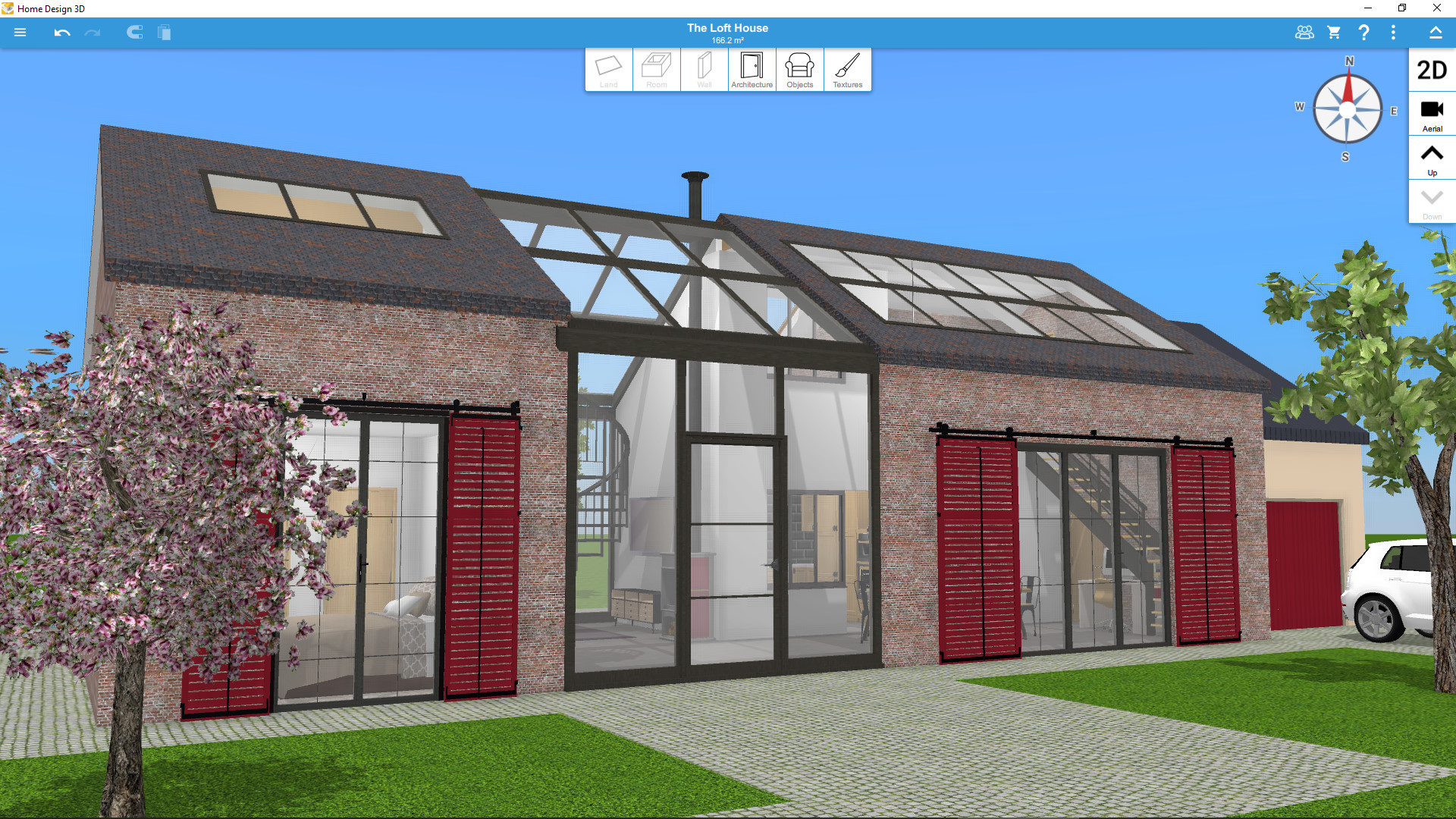
After building your plan, you can visit the project in real‑time 3D, observing day‑night cycles and light direction via the compass feature. The latest update adds VR export, allowing immersive walkthroughs of your design.
The visualization mode lets you explore indoor, outdoor, and even neighborhood contexts, giving a realistic sense of scale before any construction begins.
- Toggle the compass to see how sunlight shifts across rooms at different times.
- Export to VR for a first‑person feel, especially useful for client presentations.
05 / THE GUIDE
Community Gallery and Cross‑Platform
Home Design 3D hosts a community gallery where thousands of user‑created projects can be browsed, downloaded, or uploaded. The platform works on Windows, macOS and mobile devices, allowing seamless transition between desktop and handheld workspaces.
Tutorials in illustrated and video form are available, and the community extends to social channels like Facebook, Twitter and Instagram for additional inspiration and support.
- Download popular gallery projects to learn layout tricks used by experienced designers.
- Follow the official YouTube channel for step‑by‑step visual guides.
COMMUNITY
Player discussion