 GameWiki
GET YOUR BEARINGS
About holoVillage: Our Cozy Days
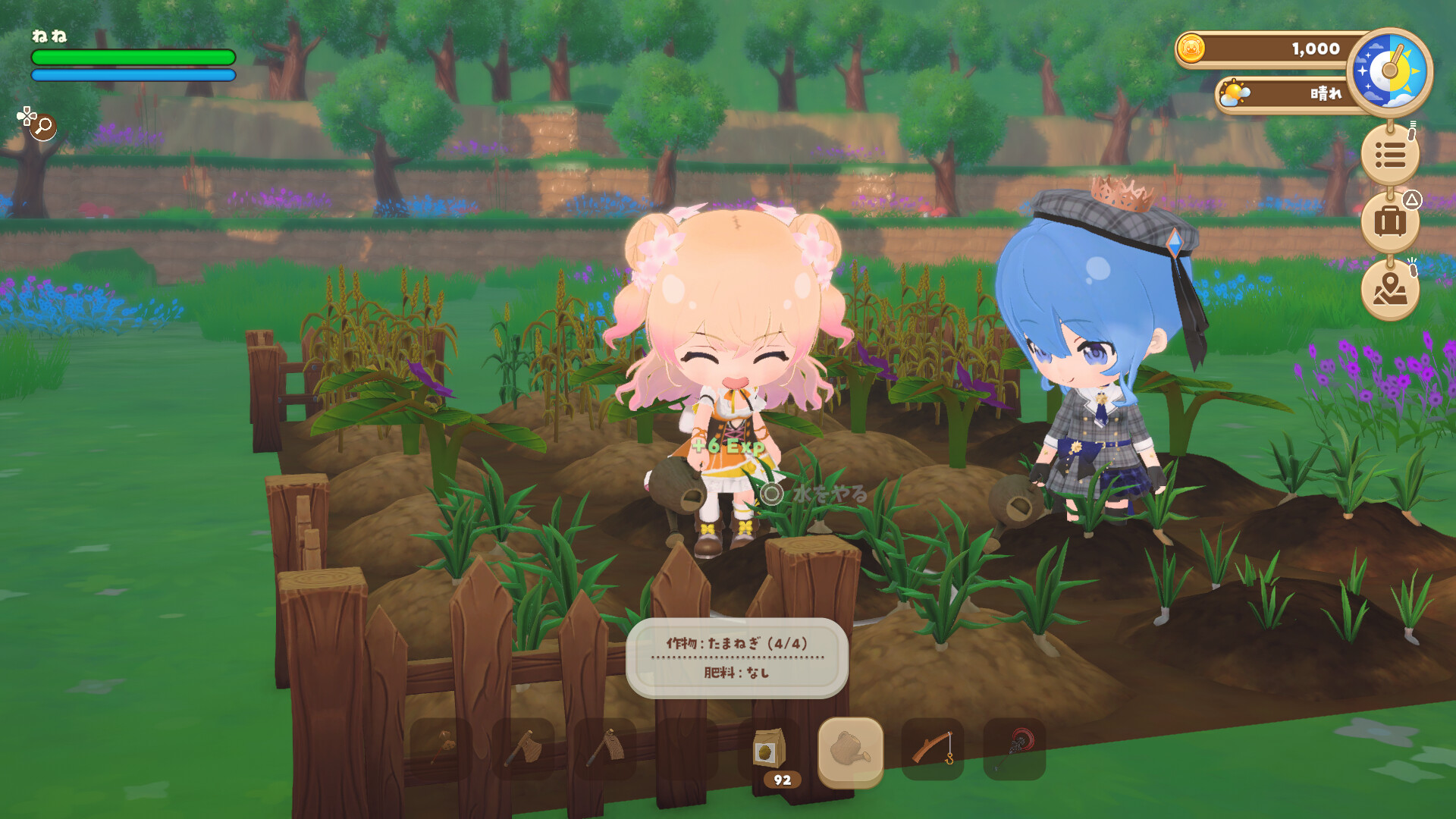
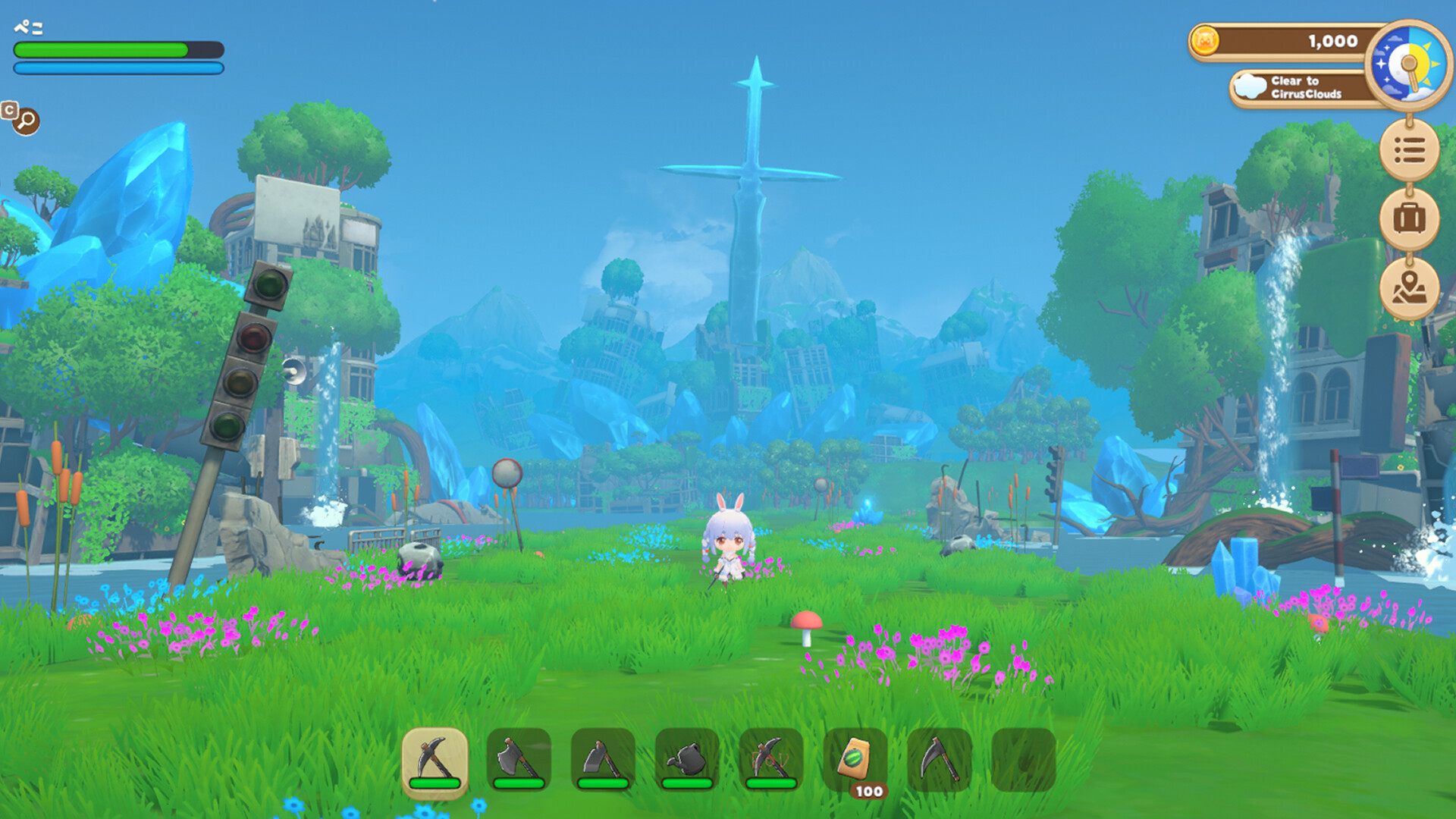
holoVillage: Our Cozy Days lets players share a relaxed rural life with chibi versions of hololive VTubers. You can farm, fish, craft, and decorate while building relationships with the talents. The game also offers dungeon exploration where you wield various weapons, dodge, guard, and upgrade gear. A major 2026 update added new combat actions, expanding the adventure side alongside the slow‑life experience.
01 / THE GUIDE
Slow Life Simulation
In the village you can till fields, fish, craft items from gathered materials, and run a shop. The gameplay encourages a leisurely pace where you decide how to spend your time.
Housing offers over 1,800 furniture pieces that can be stacked or placed on walls, letting you design interiors freely and share rooms online.
- Experiment with wall‑mounted furniture to maximize space.
- Visit friends’ rooms for inspiration on layout.
02 / THE GUIDE
Dungeon Adventure
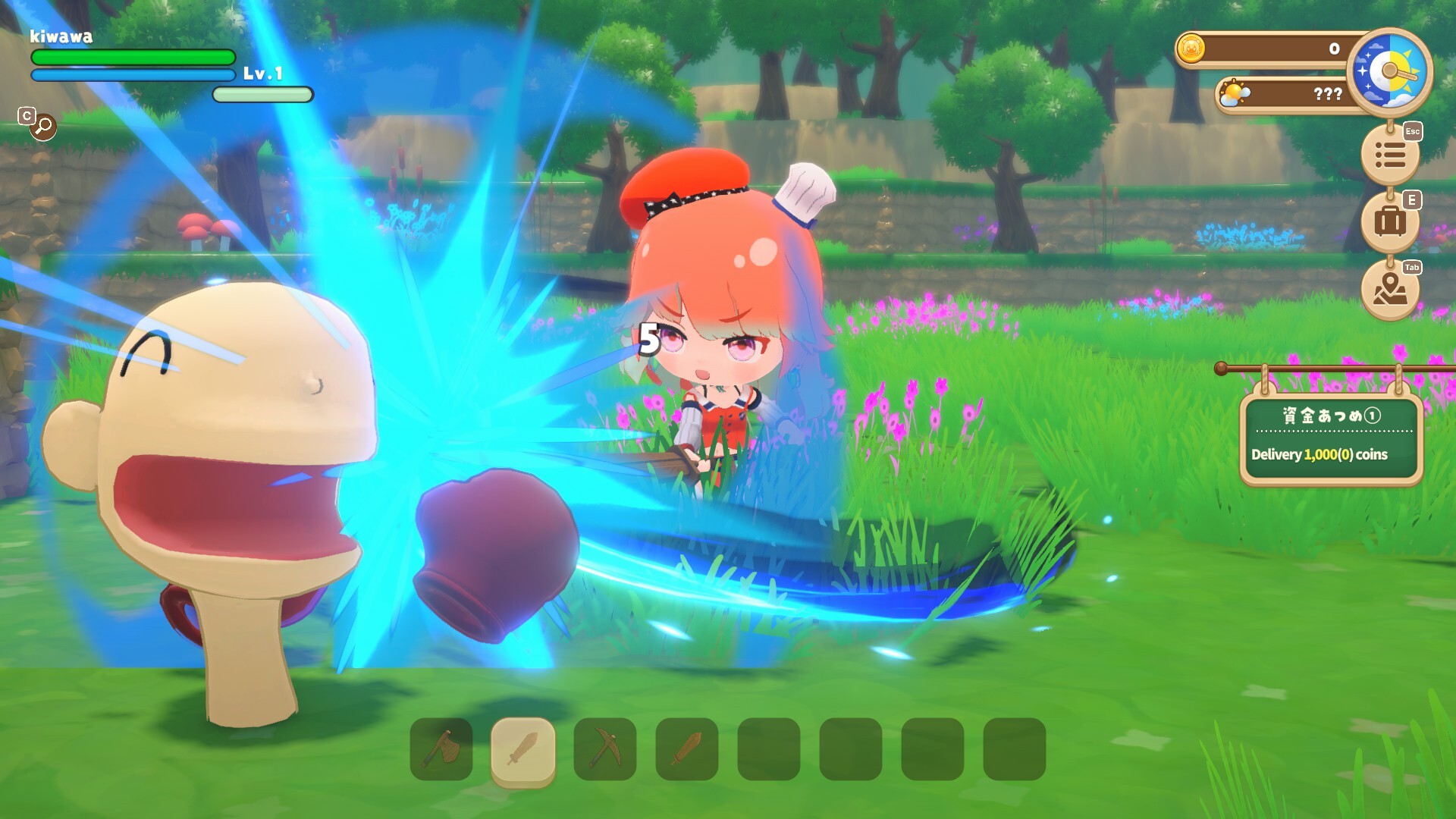
Beyond the village, enemies and dungeons await, featuring powerful bosses for players seeking action. Weapon types can be enhanced through smithing and combined with job ability trees.
The Summer 2026 update introduced Step Dodge and Guard actions for melee weapons, adding new combat dynamics.
- Use the new dodge action to avoid boss patterns.
- Upgrade weapons before tackling tougher dungeons.
03 / THE GUIDE
Hololive Talent Interaction
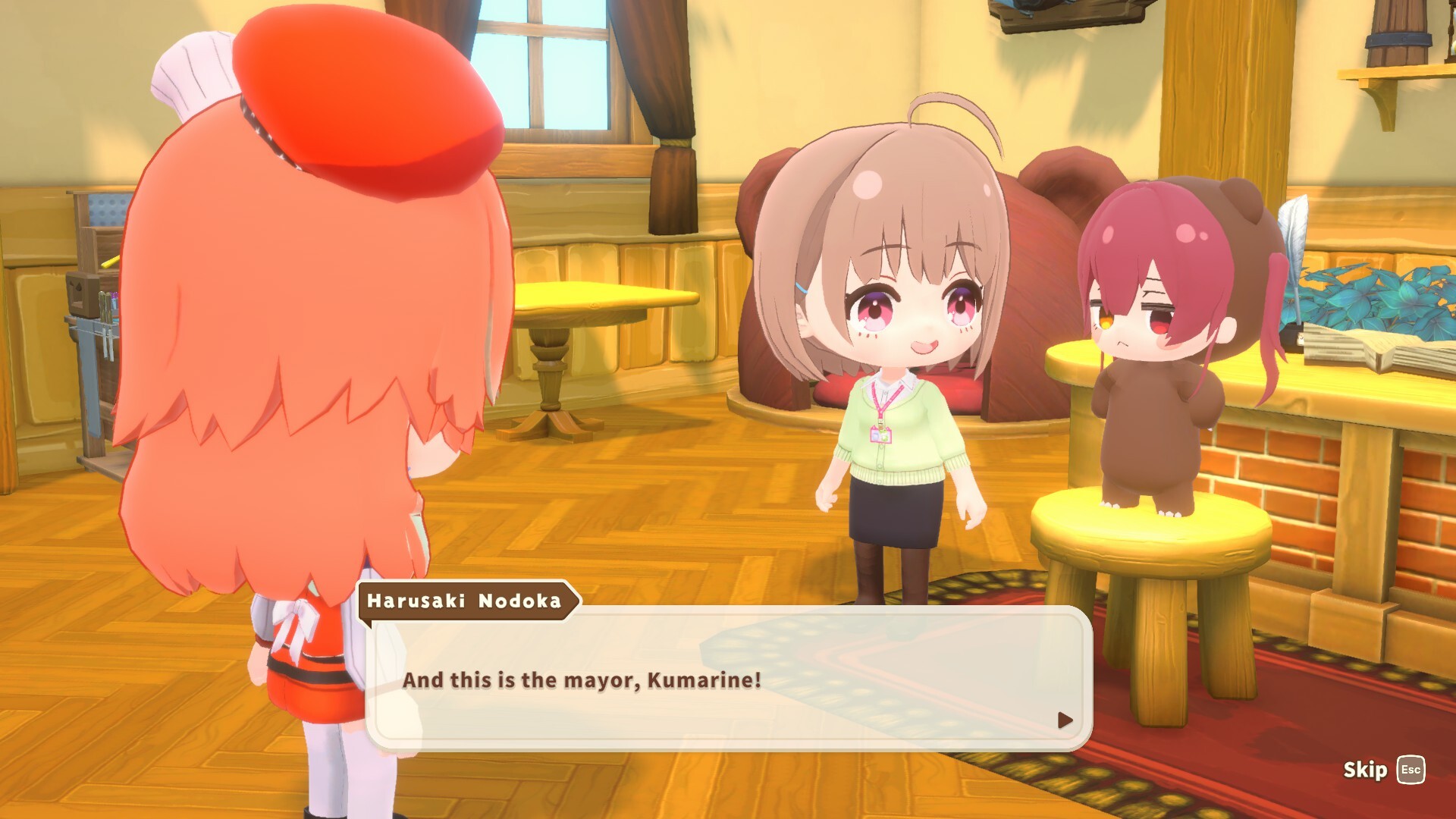
Familiar hololive talents can become village residents, helping with farm work, wearing outfits, or posing for photos. Building Affection yields gifts such as Profile Cards and furniture.
A long roster of VTubers is listed, with more expected to join later.
- Increase Affection by assigning talents to daily tasks.
- Check for new gifts after each interaction.
04 / THE GUIDE
Customization Options
Players can dress their avatar with over 1,300 costumes and customization parts, allowing recreation of personal style or favorite VTuber looks.
Furniture and décor can be arranged in multiple layers, supporting creative interior design.
- Mix and match costume pieces to create unique looks.
- Layer furniture to achieve depth in room designs.
05 / THE GUIDE
Platform and Controller Support
The game runs on Windows and supports Steam Cloud, Family Sharing, and various controller options including DualShock and DualSense with partial controller support.
Custom volume controls and stereo sound are also provided.
- Enable Steam Cloud to keep progress across devices.
- Adjust volume settings for a comfortable audio experience.

COMMUNITY
Player discussion