 GameWiki

GET YOUR BEARINGS
About Hollow Cocoon
Hollow Cocoon is a first‑person horror adventure set in 1980s Japan. Players assume the role of college student Minato Jinba, who travels to his grandmother’s mountain village after learning she is critically ill. The game blends exploration, stealth, and evidence‑gathering as Minato uncovers a terrifying truth.
The title offers multiple endings, three selectable difficulty levels, and extensive motion‑sickness mitigation. It supports full controller use, auto‑saving, and Steam features such as achievements and cloud saves, delivering a single‑player experience on Windows.
01 / THE GUIDE
Story and Setting
The narrative follows Minato Jinba, a university student who returns to Ichinose, a remote mountain village, after receiving news about his grandmother Kinu Miyama’s condition. The plot reveals family resentment, cryptic remarks about silkworms, and a looming horror that Minato must confront.
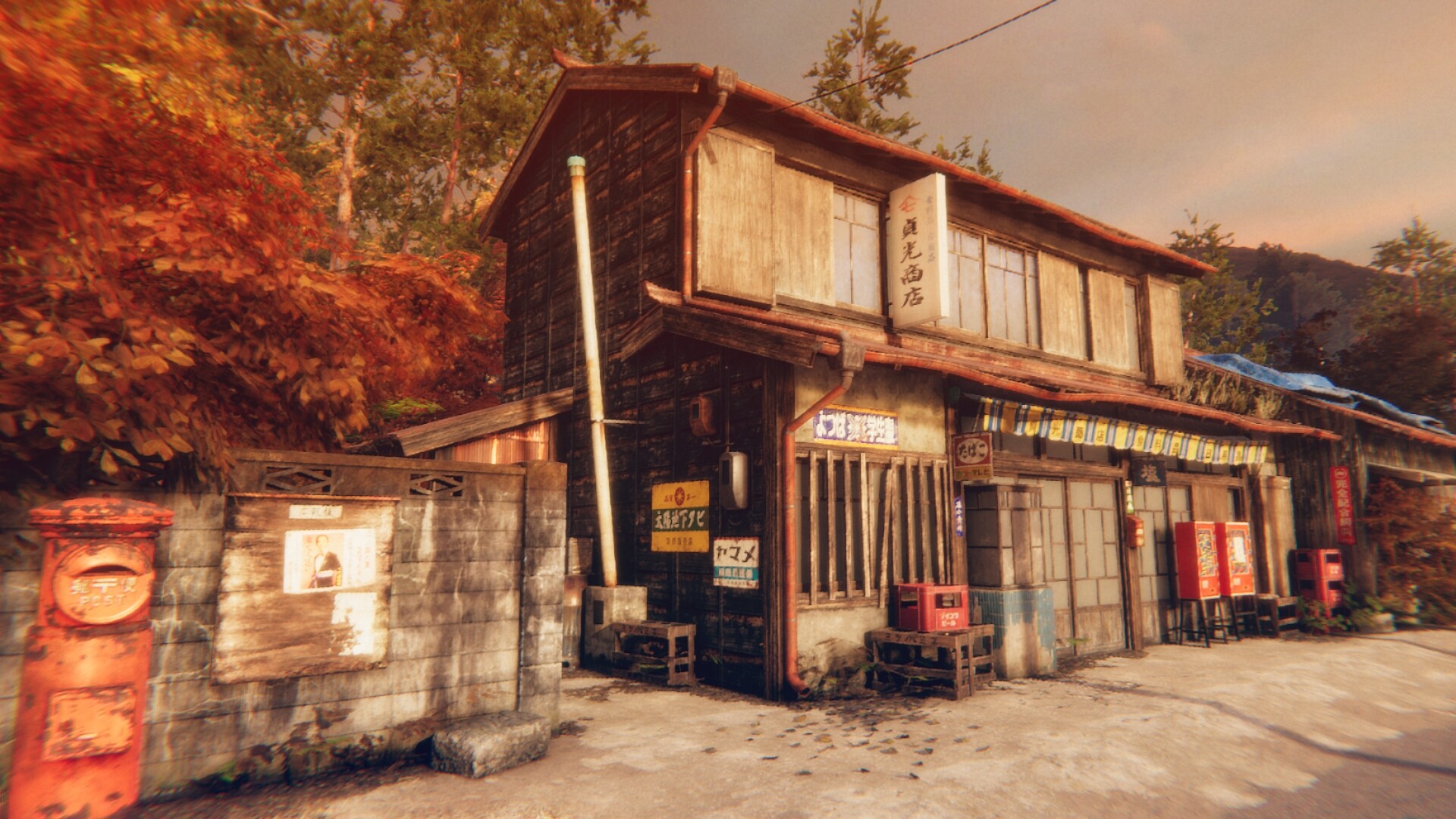
Set in the 1980s, the game’s atmosphere draws on rural Japanese scenery, twilight skies, and an ominous mountain backdrop, reinforcing the tension as Minato explores his grandmother’s house and surrounding area.
- Pay attention to dialogue clues about the silkworm metaphor; they hint at thematic elements.
- Explore each room thoroughly to locate evidence that may affect later choices.
02 / THE GUIDE
Multiple Endings
Hollow Cocoon features four distinct endings that result from player choices throughout the story. Decisions made during key moments branch the narrative, leading to different conclusions and revealing varied aspects of the underlying mystery.
Because the endings are tied to narrative branches, replaying the game with alternative choices can expose new story details and outcomes.
- Consider saving before major decision points to compare outcomes.
- Take note of which evidence you collect; it can influence ending paths.
03 / THE GUIDE
Difficulty Options
Players can select from three difficulty levels, allowing a focus on story enjoyment or a more challenging experience. Difficulty can be lowered during play, but cannot be raised after a reduction.
This flexibility lets players adjust the challenge to match their comfort while preserving progress through auto‑saving and checkpoints.
- Start on a higher difficulty if you prefer a tougher experience, then lower if needed.
- Remember you cannot raise difficulty again after lowering it.
04 / THE GUIDE
Motion‑Sickness Reduction
The game includes several features to lessen motion sickness, such as adjustable viewing angles, a central dot display, and an option to disable camera shaking. These settings help players customize visual comfort.
Multiple functions are provided, giving players control over how much visual motion they experience during gameplay.
- Enable the central dot display if you feel disoriented by camera movement.
- Turn off camera shaking for a steadier visual experience.
05 / THE GUIDE
Controller and Steam Features
Hollow Cocoon supports full controller input, including DualShock and DualSense devices, and offers Steam achievements, cloud saves, and family sharing. These integrations enhance accessibility and allow progress to sync across devices.
Both auto‑save and manual save options are present, and game‑over states return the player to the last checkpoint instantly.
- Use the controller support if you prefer gamepad over mouse and keyboard.
- Enable Steam Cloud to keep saves backed up across multiple PCs.




COMMUNITY
Player discussion