 GameWiki
GET YOUR BEARINGS
About Hole io
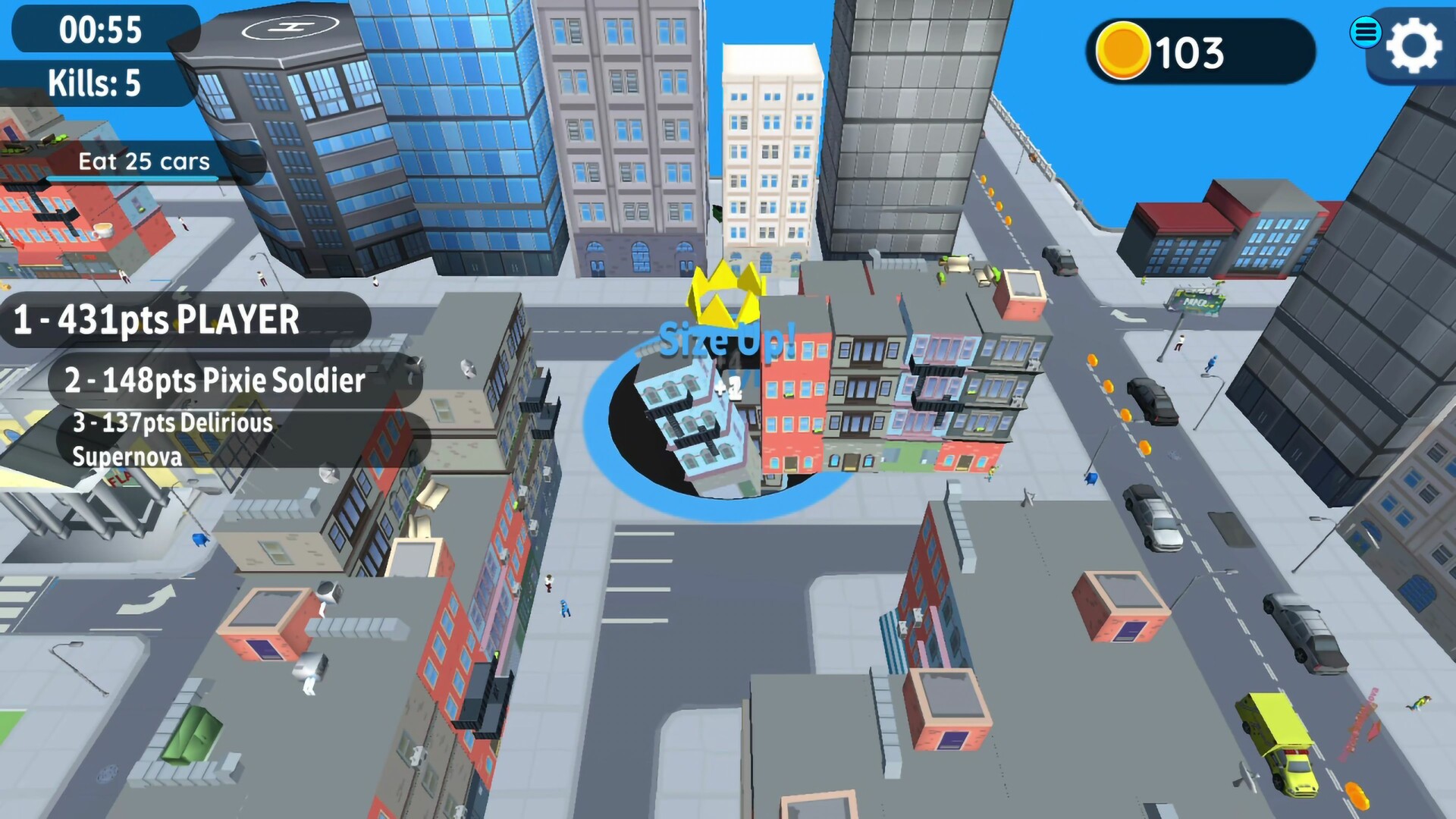
Hole.io puts you in control of a black hole that expands by swallowing objects scattered across a cityscape. You grow larger as you consume items such as garbage cans, fire hydrants, and cars, eventually becoming big enough to engulf even bigger objects.
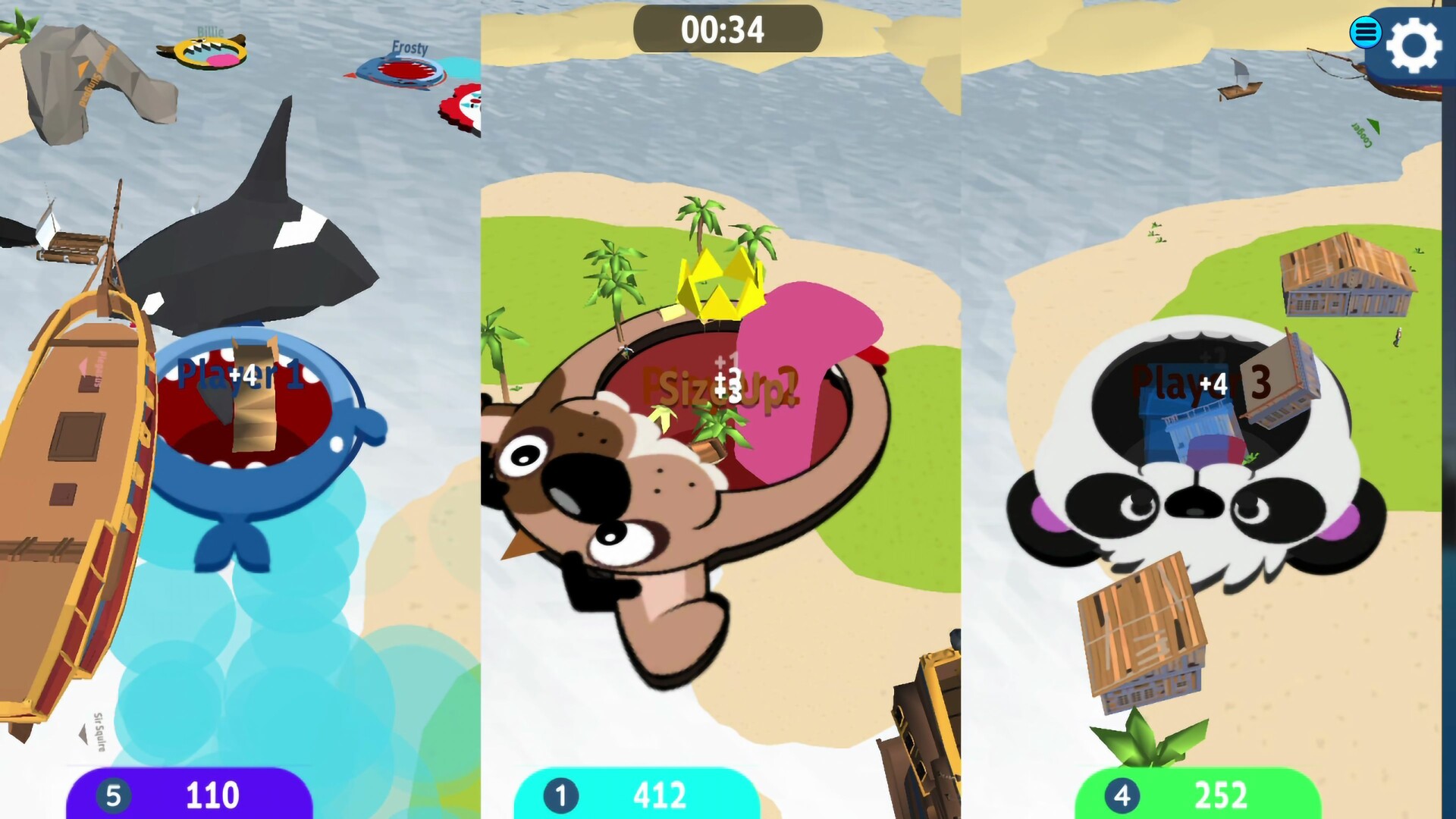
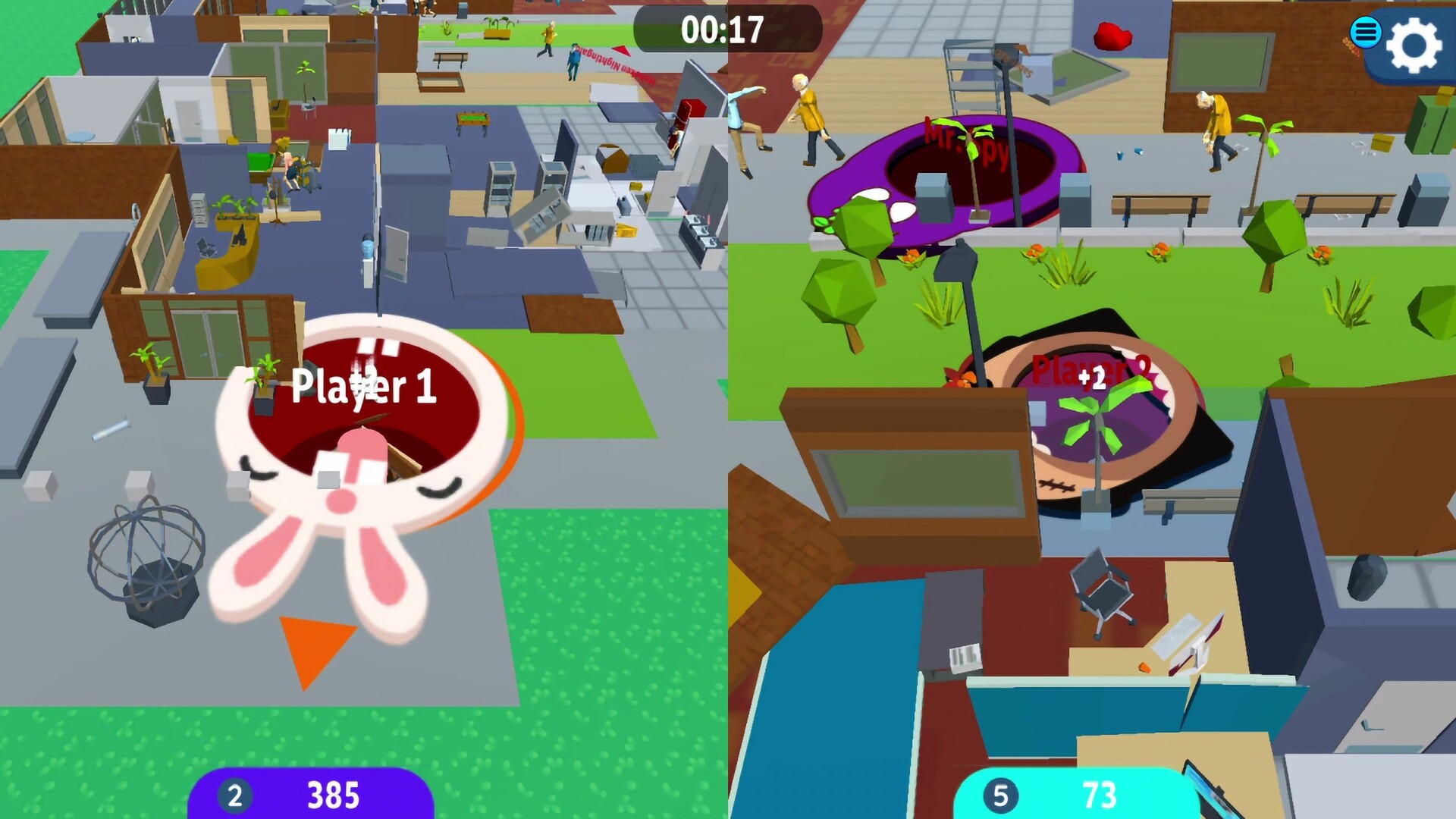
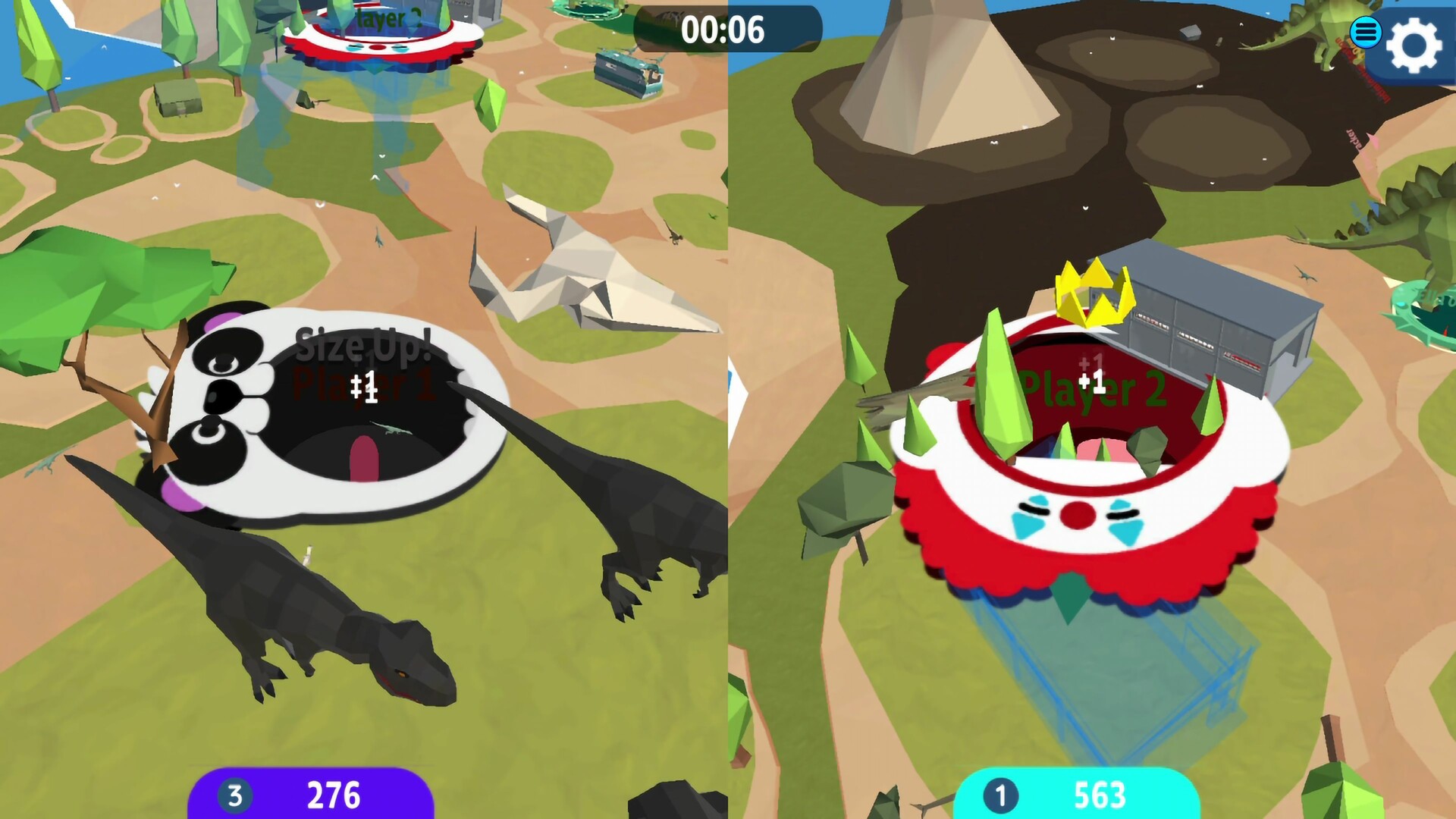
The game offers six distinct maps, 13 animated skins, and two multiplayer modes that support up to four players on a shared screen. An endless mode adds falling objects and power‑ups, while the control scheme is described as easy for anyone to pick up.
01 / THE GUIDE
Game Modes
Two multiplayer modes are listed, each allowing up to four participants to share a single screen. One mode pits players against each other, while the other lets a single player face the environment alone.
Both modes use the same maps and growth mechanic, so the core activity—swallowing objects to become larger—remains consistent regardless of whether you are competing or playing solo.
- Start with the solo mode to become familiar with object sizes before joining a PvP match.
- Observe how quickly holes can overtake each other when playing with friends on the same screen.
02 / THE GUIDE
Maps and Objects
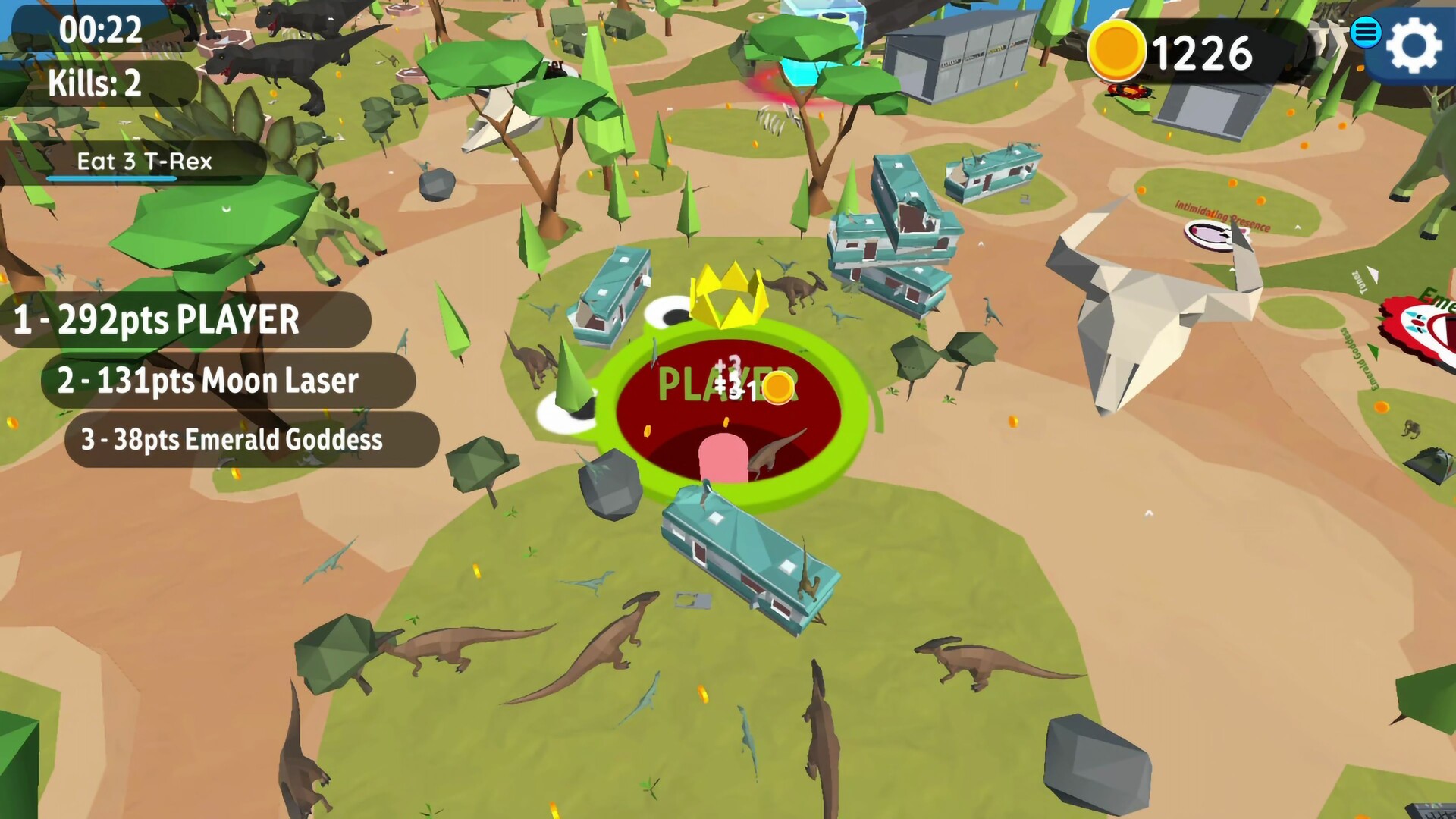
The title mentions six maps, each populated with everyday items such as garbage cans, fire hydrants, and cars. Swallowing these items increases the size of your black hole.
As your hole grows, larger objects become reachable, creating a clear size progression within each map that encourages continual swallowing.
- Target clusters of small items early to boost size quickly.
- Watch for larger objects that become accessible once you have grown.
03 / THE GUIDE
Skins and Visuals
Thirteen animated skins are available, allowing players to change the appearance of their black hole. The description notes that skins make the hole look cooler.
Since the core mechanic is swallowing objects, the skins serve as a visual customization without adding new gameplay steps.
- Choose a skin that contrasts with the map background for easier tracking during fast matches.
- Experiment with different skins to find a visual style you enjoy.
04 / THE GUIDE
Power‑ups and Stickers
Power‑ups can spawn during a game, and themed stickers are mentioned as collectible items. Both appear alongside the regular swallowing action.
These elements add visual variety alongside the regular swallowing action, while the primary goal of growing by eating remains central.
- Keep an eye on the sky for power‑up spawns, as they appear intermittently.
- Collect stickers as a side activity if you enjoy tracking extra items.
05 / THE GUIDE
Controls and Accessibility
The game is described as having easy controls so anyone can play, and it includes full controller support. No other input specifics are detailed.
Because the control scheme is simple, players of varying skill levels can start swallowing objects without a steep learning curve.
- If you have a gamepad, try the full controller support for a handheld feel.
- If you have a gamepad, try the full controller support to see whether it feels more responsive for rapid growth.
COMMUNITY
Player discussion