 GameWiki
GET YOUR BEARINGS
About Hmmsim Metro
Hmmsim Metro brings Seoul’s Line 1 to PC, delivering a detailed simulation of the city’s most complex subway corridor. Players experience realistic graphics, authentic train sounds, and a faithful driving system that mirrors real‑world operations. The route spans roughly 43 km and includes 30 stations, mixing both underground and surface segments for varied gameplay. The simulation includes functional cab controls, signal systems such as ATS, and a driver‑alert feature that demands attentive handling. Dynamic scenery shifts with time of day, and a hidden train adds an extra layer of discovery for curious operators.
01 / THE GUIDE
Line 1 Route and Stations
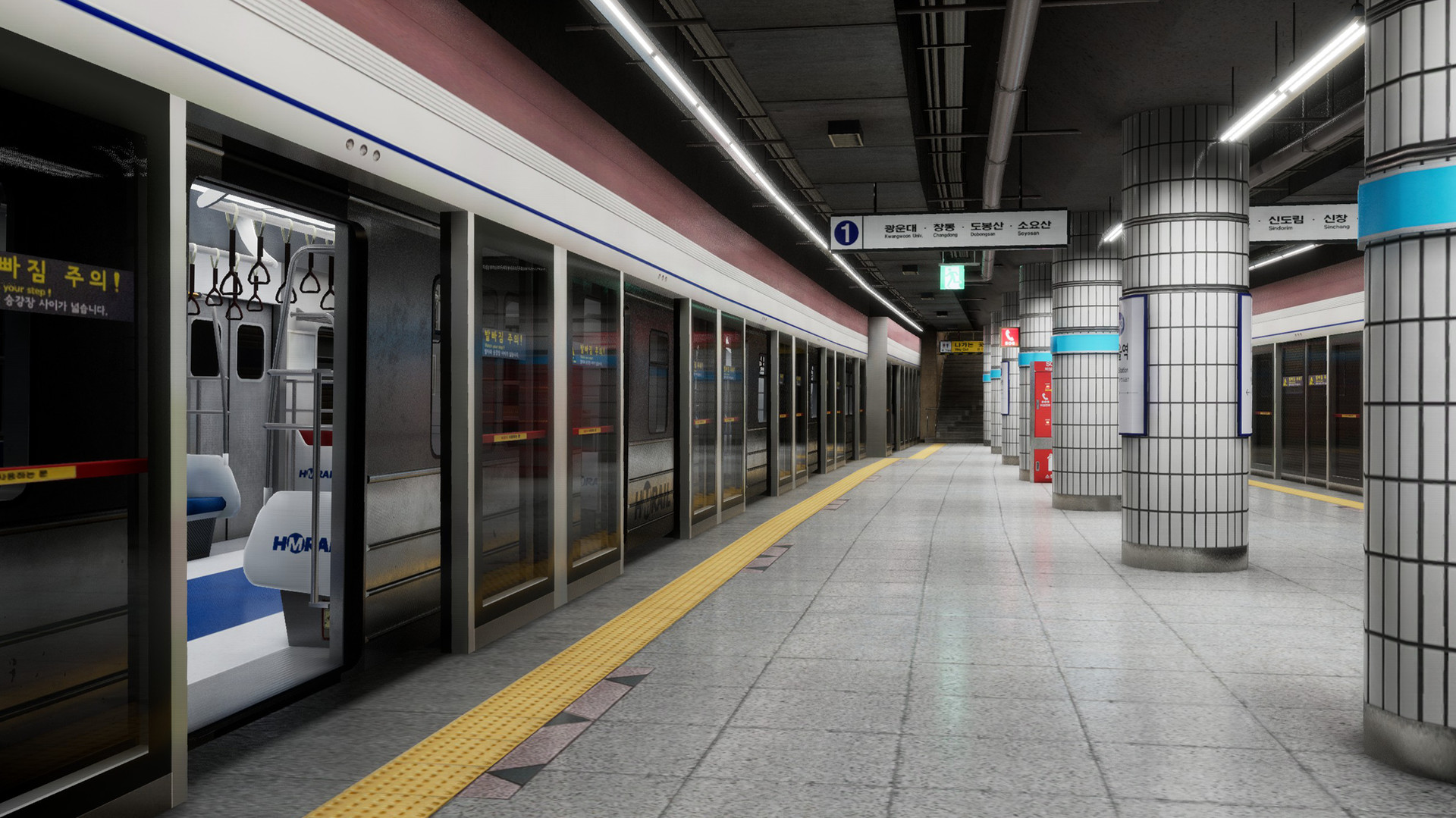
The game covers the stretch from Kwangwoon University to Anyang/Gwangmyeong, totaling about 43 km and featuring 30 stations. This segment represents the core of Seoul Subway Line 1 and offers a balanced mix of surface and underground travel. Traveling this route lets players encounter diverse track conditions and station environments, reflecting the real‑world layout of one of Seoul’s most complicated subway lines.
- Observe station signage to orient yourself during long runs.
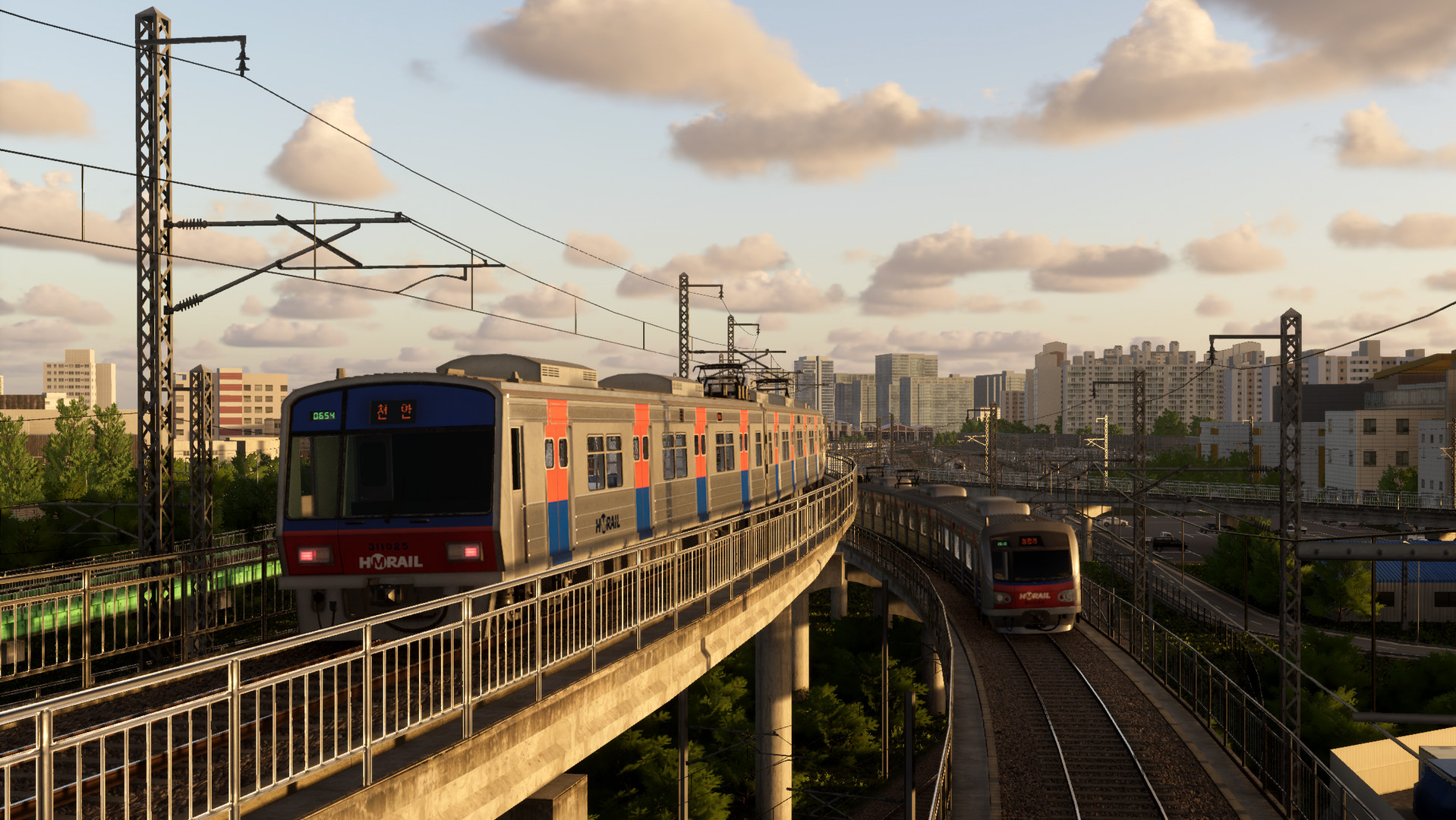
- Compare the visual differences between underground and surface sections for a richer experience.
02 / THE GUIDE
Realistic Train Driving System
Hmmsim Metro implements a realistic driving system that includes speed control, voltage switching, and a driver‑alert (DSD) mechanism. Players must monitor the ATS signal and adjust speed accordingly, mirroring actual subway operation. The system also requires switching between AC and DC power where the line’s voltage changes, adding an extra layer of operational authenticity.
- Pay close attention to the ATS signal to maintain proper speed.
- Practice voltage switches in a quiet session to avoid surprises.
03 / THE GUIDE
Cab and Control Layout
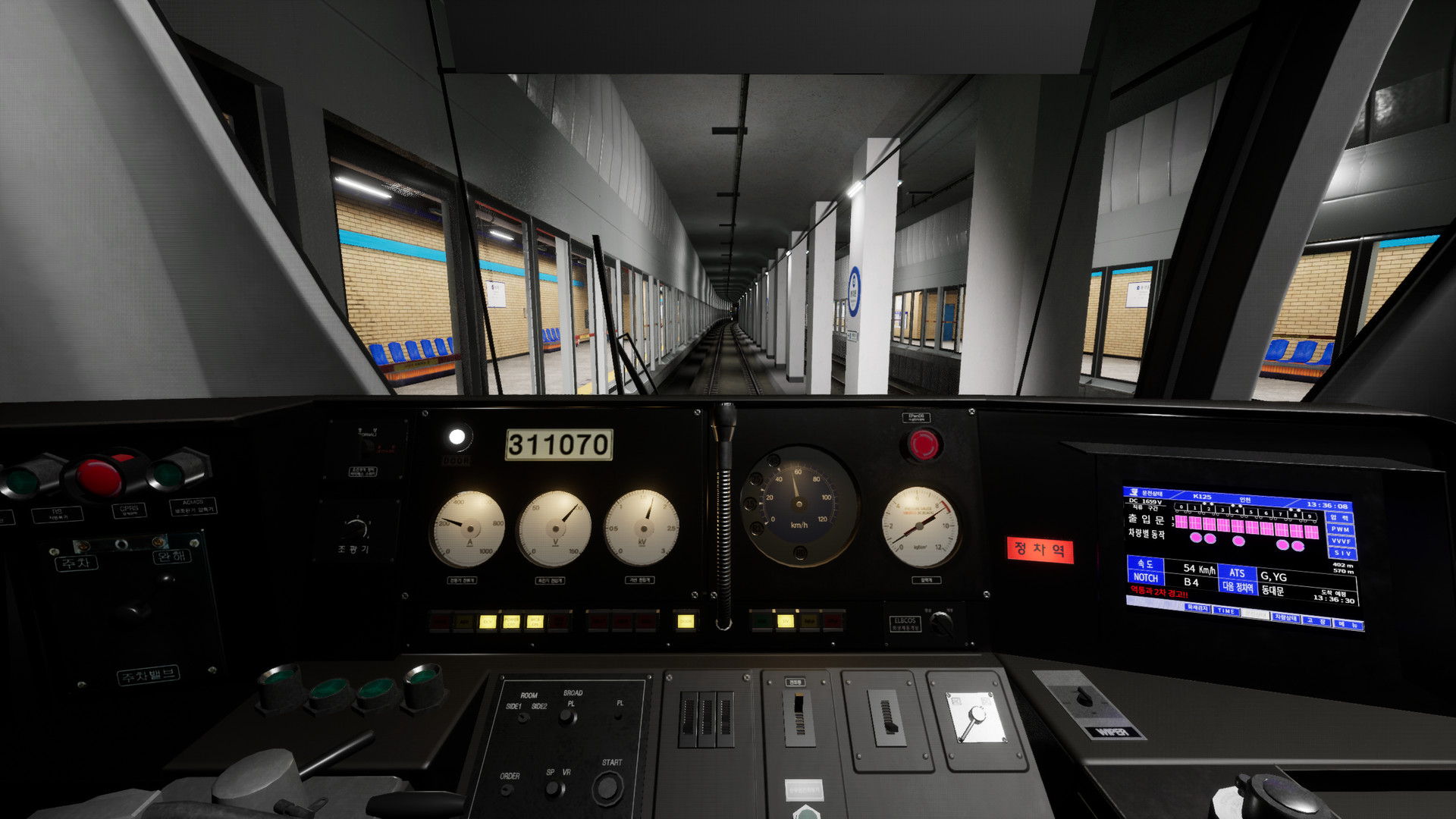
The train cab is modeled after real‑world counterparts, featuring a position indicator, PSD, and other familiar gauges. This layout helps players feel like genuine subway operators. The inclusion of a driver‑alert system (DSD) further reinforces the need for focused handling, as the simulation warns of potential errors.
- Familiarize yourself with the position indicator before starting a run.
- Use the driver‑alert cues to improve timing on speed adjustments.
04 / THE GUIDE
Signal Systems: ATS, PSD, and Position Indicator
ATS (Automatic Train Stop) signals are fully implemented, guiding speed limits and stop commands. Alongside ATS, PSD (Platform Screen Door) status and a position indicator provide additional operational data. These signals work together to create a cohesive environment where players must respond to visual cues for safe driving.
- Watch the ATS display for upcoming speed restrictions.
- Check the PSD status when approaching stations to anticipate door operations.
05 / THE GUIDE
Dynamic Scenery and Time of Day
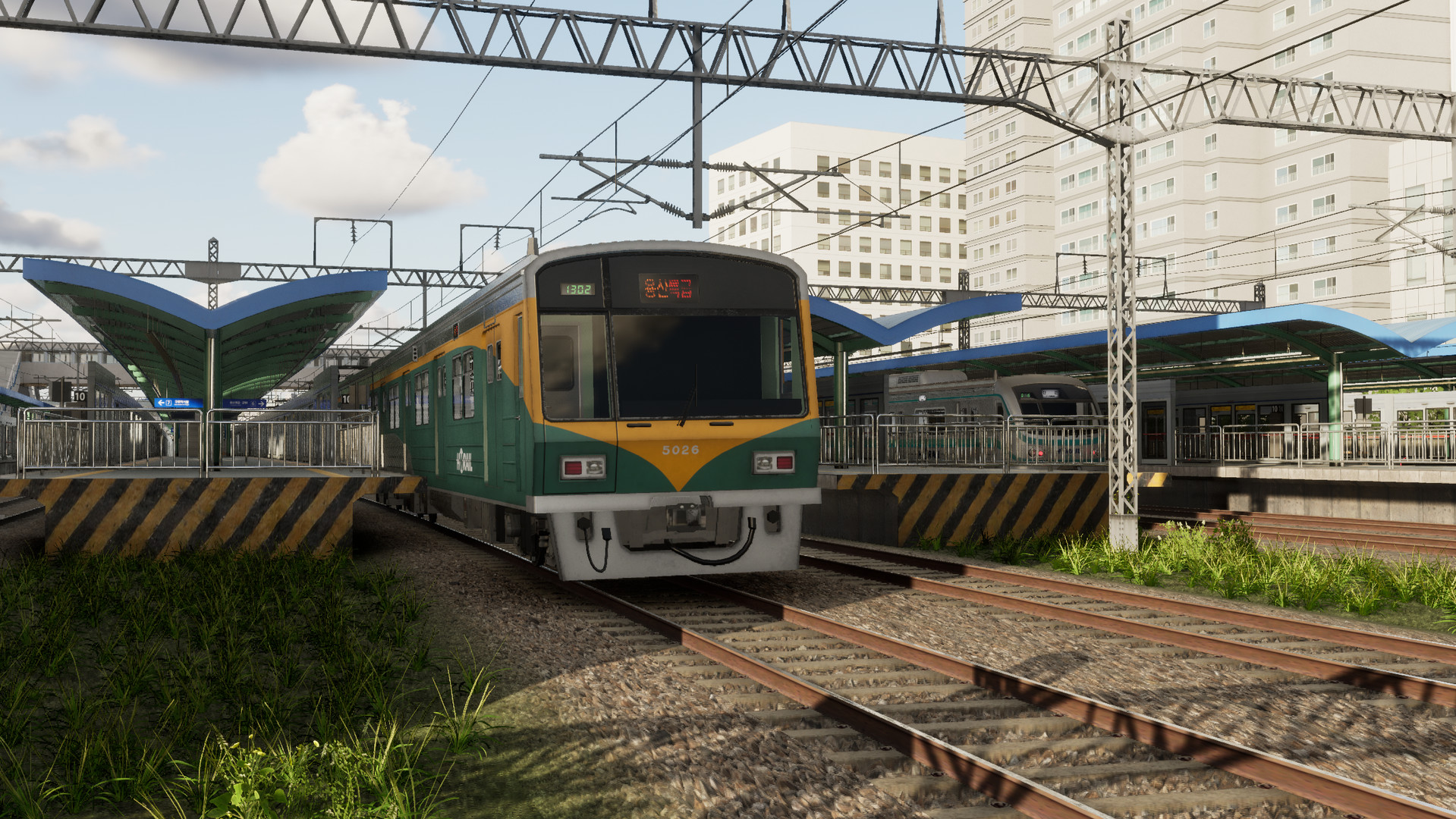
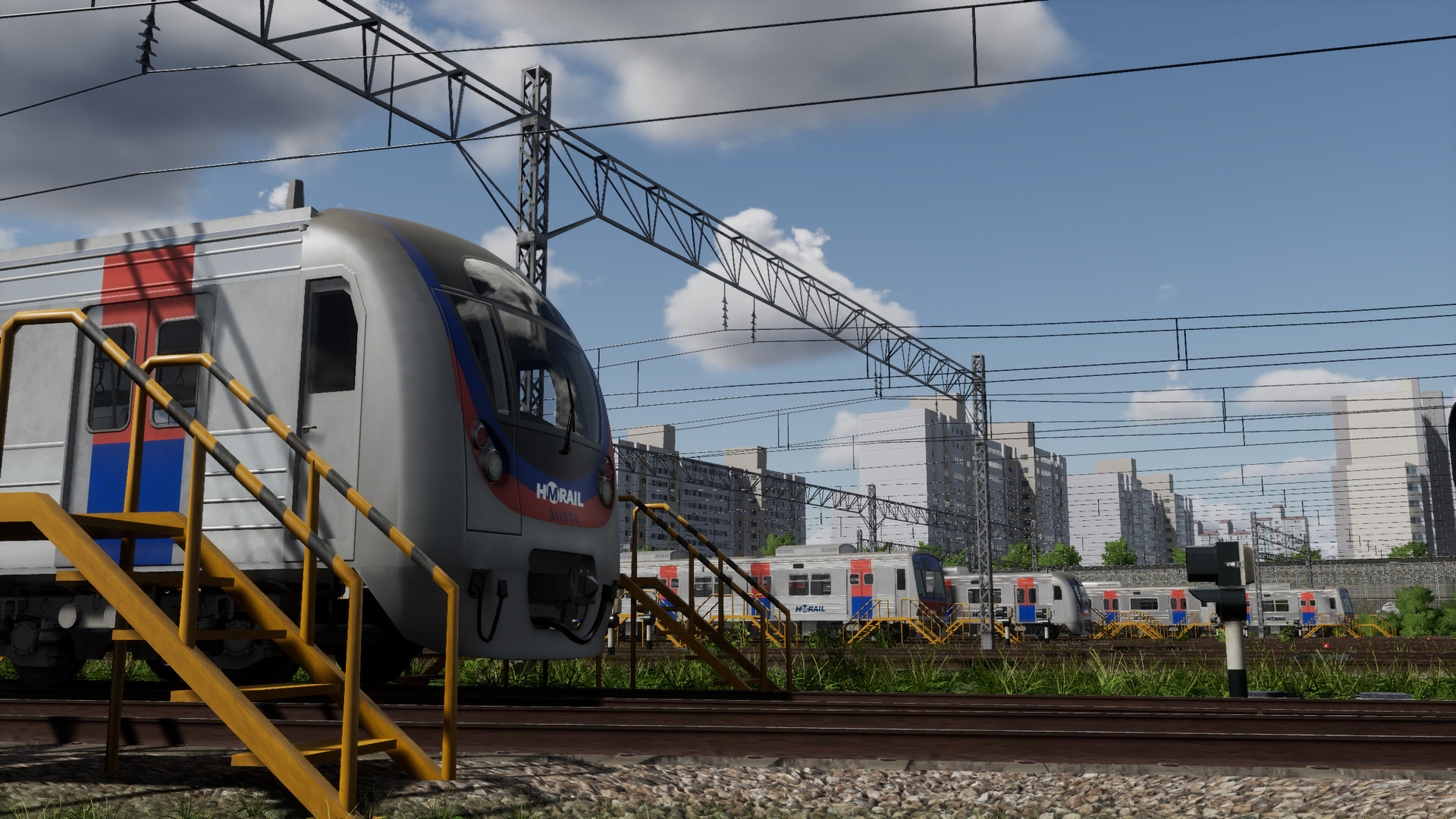
The simulation features realistic scenery that changes as time passes, reflecting Seoul’s urban landscape under different lighting conditions. Various train models are available, and a hidden train can be discovered through exploration. These visual changes enhance immersion, allowing players to experience the city’s atmosphere from dawn to night.
- Run a route at different times to notice lighting variations.
- Try different runs to see if you can locate the hidden train.
COMMUNITY
Player discussion