 GameWiki
GET YOUR BEARINGS
About Hidden in my Paradise
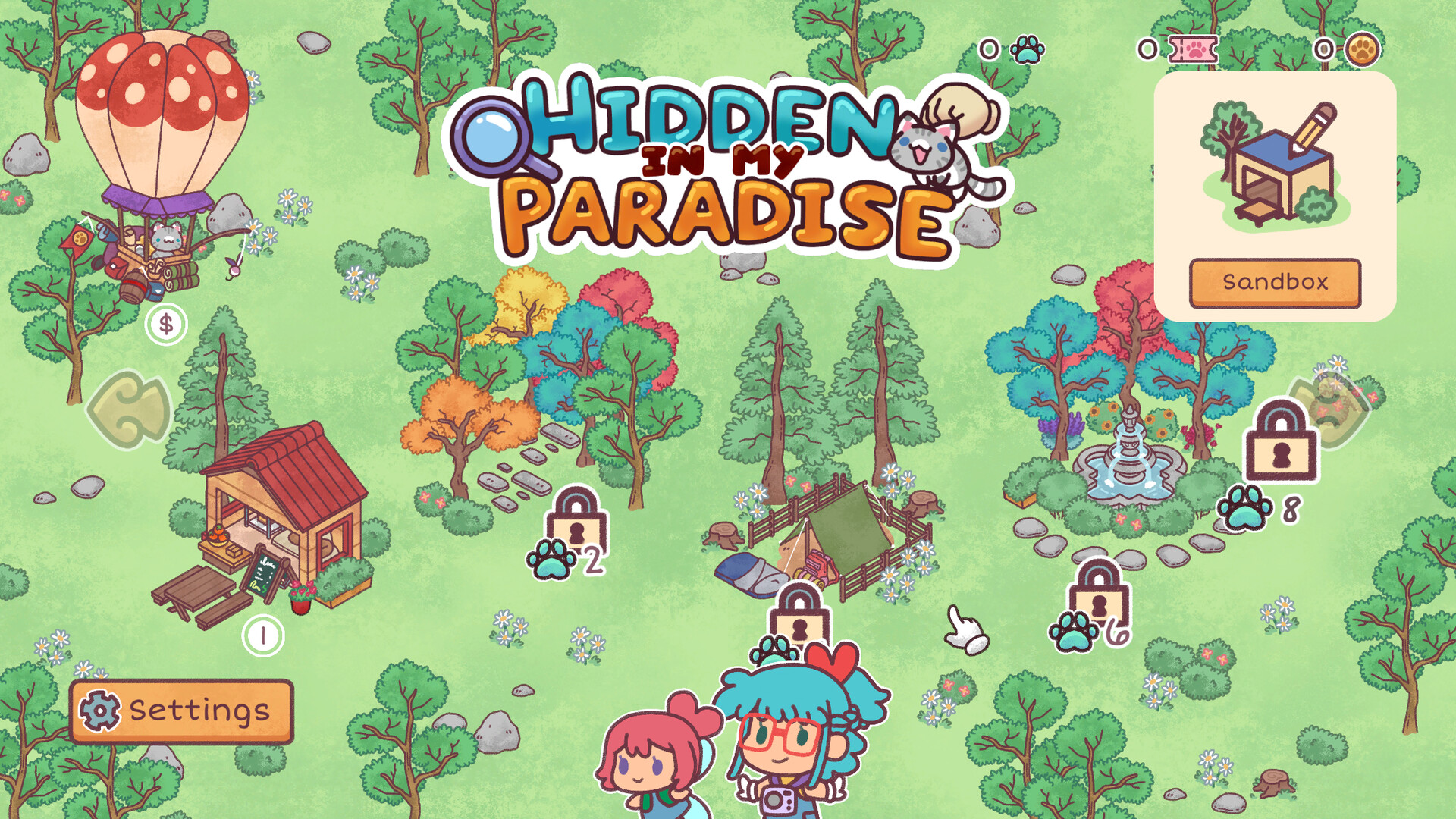
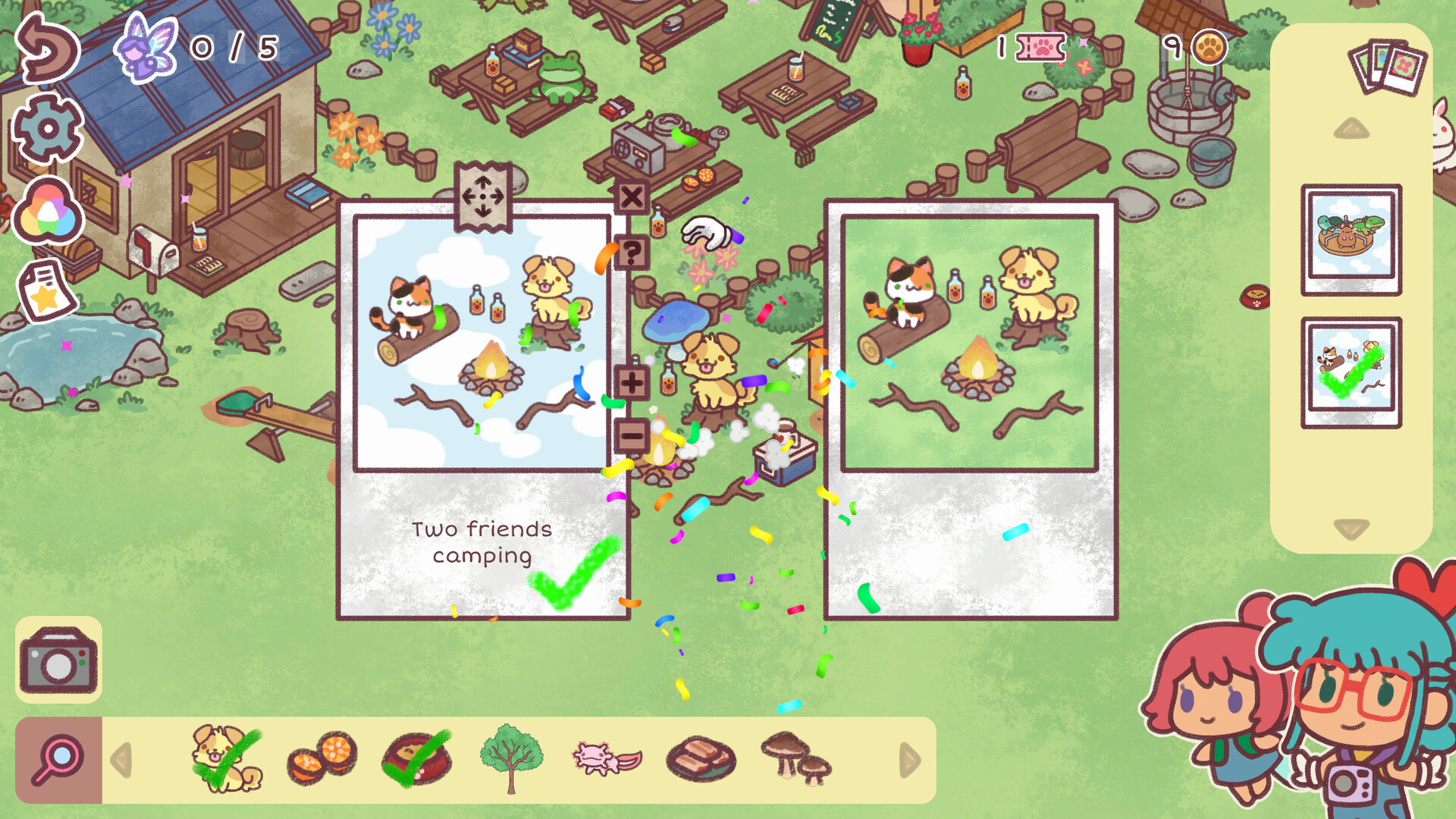
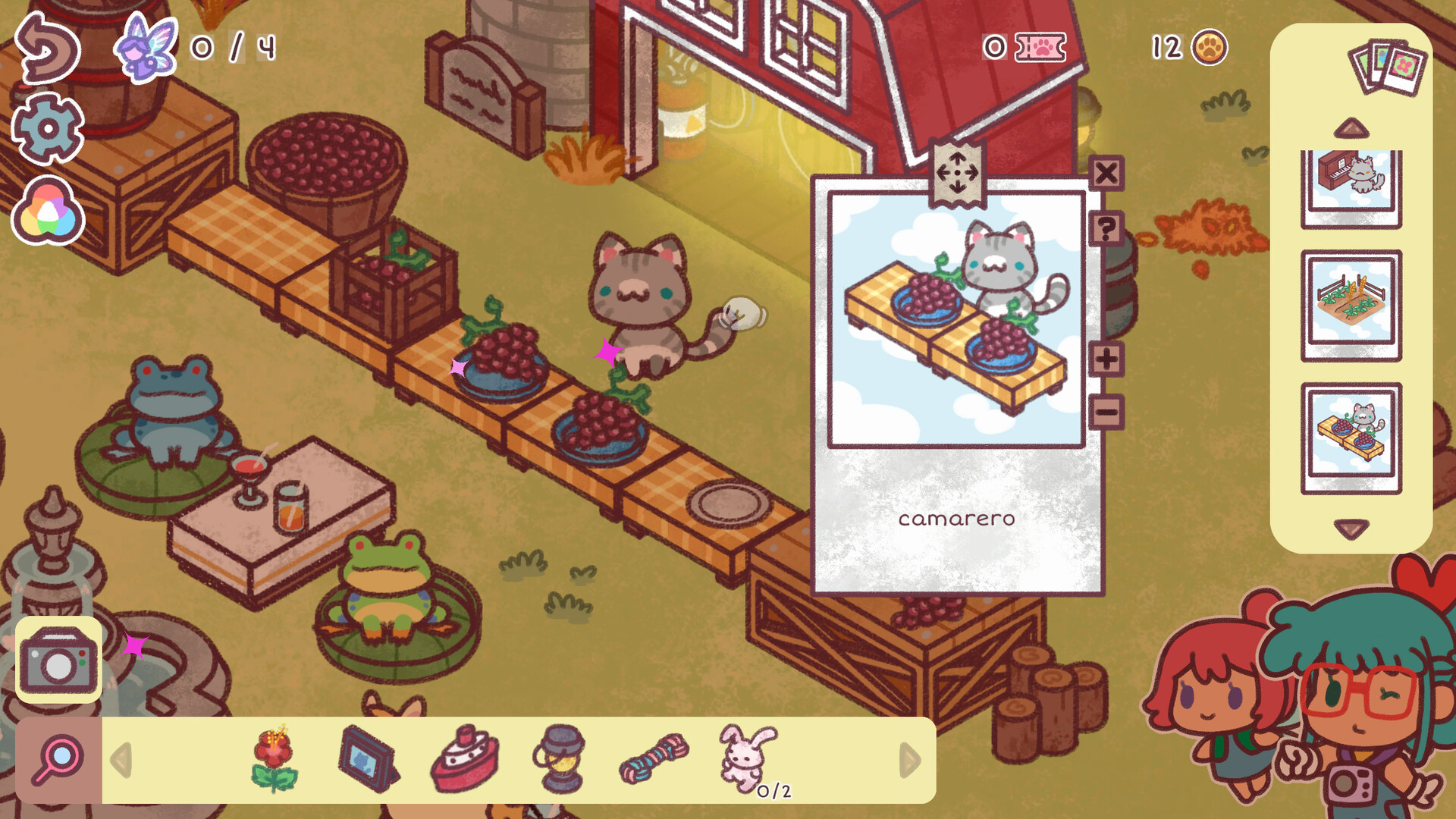
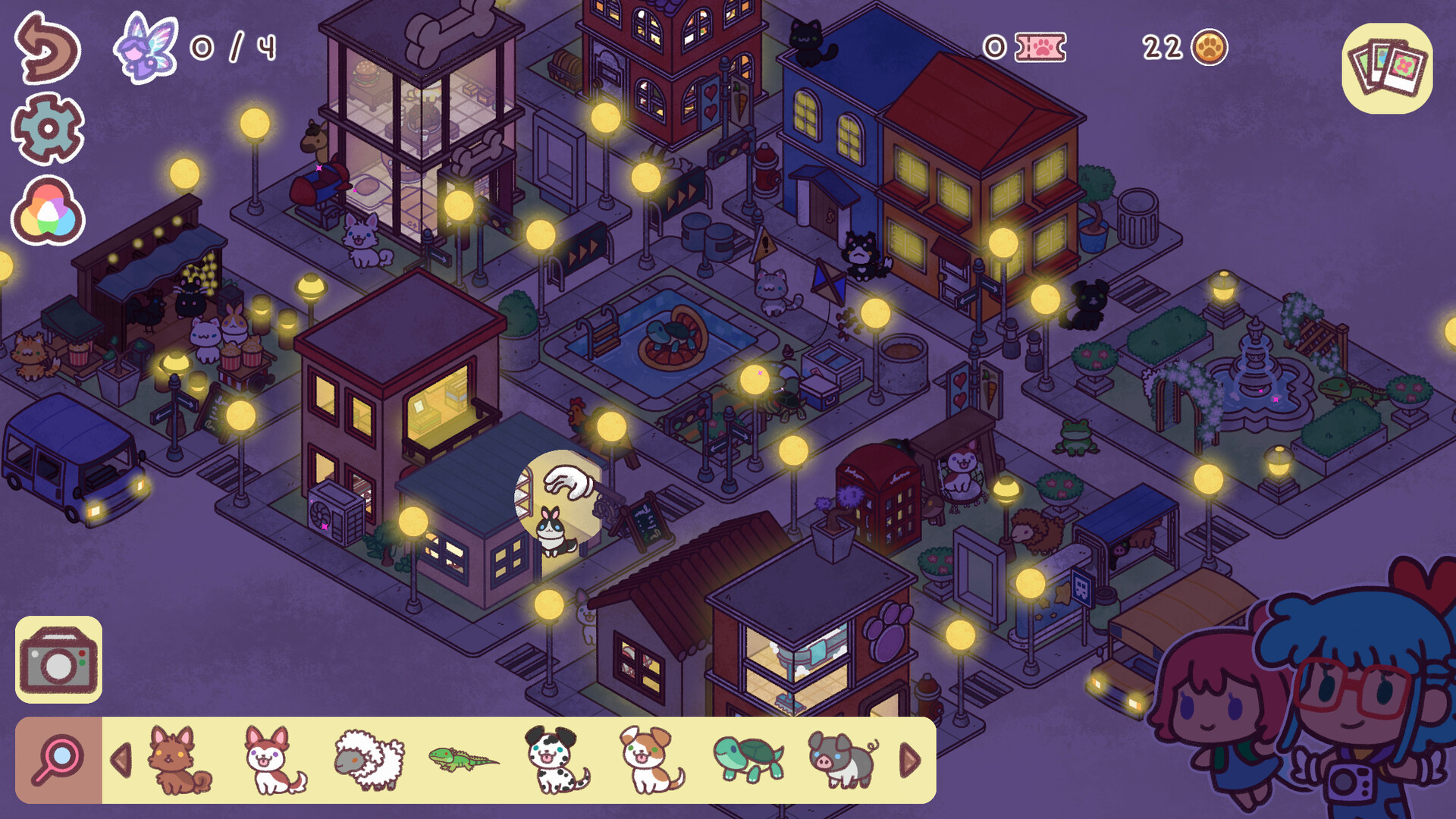
Hidden in my Paradise invites players to step into the world of aspiring photographer Laly and her fairy companion Coronya. Across four distinct zones, you hunt for hidden objects, move them to craft cozy paradises, and tackle a variety of missions.
The game blends a relaxed hidden‑object hunt with creative decorating, letting you share your paradises with friends worldwide. Full controller support, Steam Cloud, and family sharing round out the single‑player experience on PC platforms.
02 / THE GUIDE
Decorating Paradises
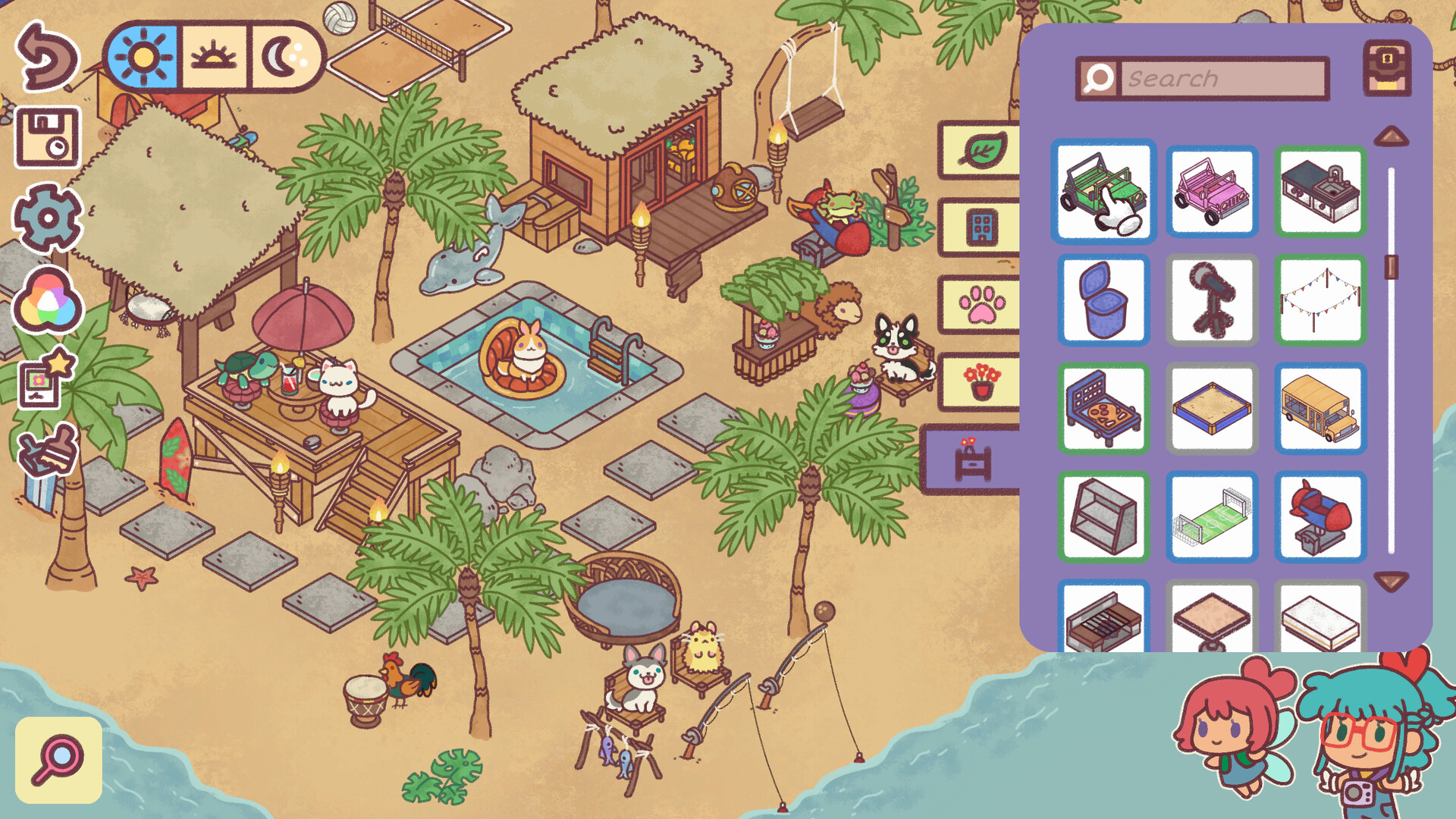
After locating items, you can move them to design personal paradises. This decorating phase lets you arrange objects to create a pleasing layout.
Your finished paradises become playable spaces that other photographers can explore, extending the creative loop beyond the initial hunt.
- Experiment with different object placements to see how they affect the overall feel.
- Use symmetry or contrast to make your paradises stand out when shared.
03 / THE GUIDE
Missions & Progression
Missions guide you through the hidden‑object and decorating cycles, providing goals that keep gameplay focused. Completing missions advances your photographer status.
Each mission ties directly to the act of finding or arranging items, reinforcing the blend of discovery and creativity.
- Prioritize missions to advance your photographer status and keep gameplay focused.
- Review mission descriptions for hints about which objects are required.
04 / THE GUIDE
Community Sharing
Players can hide objects within their created paradises for friends to find, fostering a shared puzzle experience. Additionally, you can play paradises built by anyone worldwide.
This social layer adds replay value, as each user‑generated paradise offers a new set of hidden‑object challenges.
- Visit paradises from different creators to encounter varied hiding styles.
- Leave feedback on others' paradises to encourage community interaction.
05 / THE GUIDE
Platform & Support Features
Hidden in my Paradise runs on Windows, macOS, and Linux, supporting full controller use including DualShock and DualSense. Steam Cloud and Family Sharing are also available.
These features ensure your progress is saved across devices and allow easy sharing of the game with family members.
- Enable Steam Cloud to keep your paradises synced if you switch PCs.
- Try both DualShock and DualSense controllers to see which feels more comfortable.
COMMUNITY
Player discussion