 GameWiki
GET YOUR BEARINGS
About Hero of the Kingdom
Hero of the Kingdom offers a calm, point‑and‑click adventure where time only moves when you act. The isometric world waits patiently, letting you explore at a relaxed pace while sipping tea.
Your story begins on a quiet family farm that is shattered by a bandit raid, sending an ordinary boy on a quest to rescue his father and restore the land.
01 / THE GUIDE
Story and Pacing
The narrative proceeds without timers or forced rush, so each decision unfolds at your leisure. Good deeds instantly alter the scenery, giving a clear visual cue that the story is moving forward.
The plot follows a classic fairy‑tale arc: a humble farm boy becomes a hero through perseverance and kindness, providing a simple, heart‑warming goal that never requires frantic action.
- Observe how the environment changes after each deed to gauge progress.
- Take a moment between clicks to consider the next logical step.
02 / THE GUIDE
Point‑and‑Click Controls
Gameplay relies on simple click or touch inputs, eliminating complex mechanics. The Touch Only Option lets you play on tablets, while standard mouse clicks work on desktop computers.
Because time advances only through player actions, you can pause and think without penalty, making the experience gentle for newcomers and those who prefer a slower rhythm.
- Use the mouse for precise selection of objects you wish to interact with.
- Try the touch interface on a tablet for a more portable, hands‑on feel.
03 / THE GUIDE
Hand‑Crafted Isometric Visuals
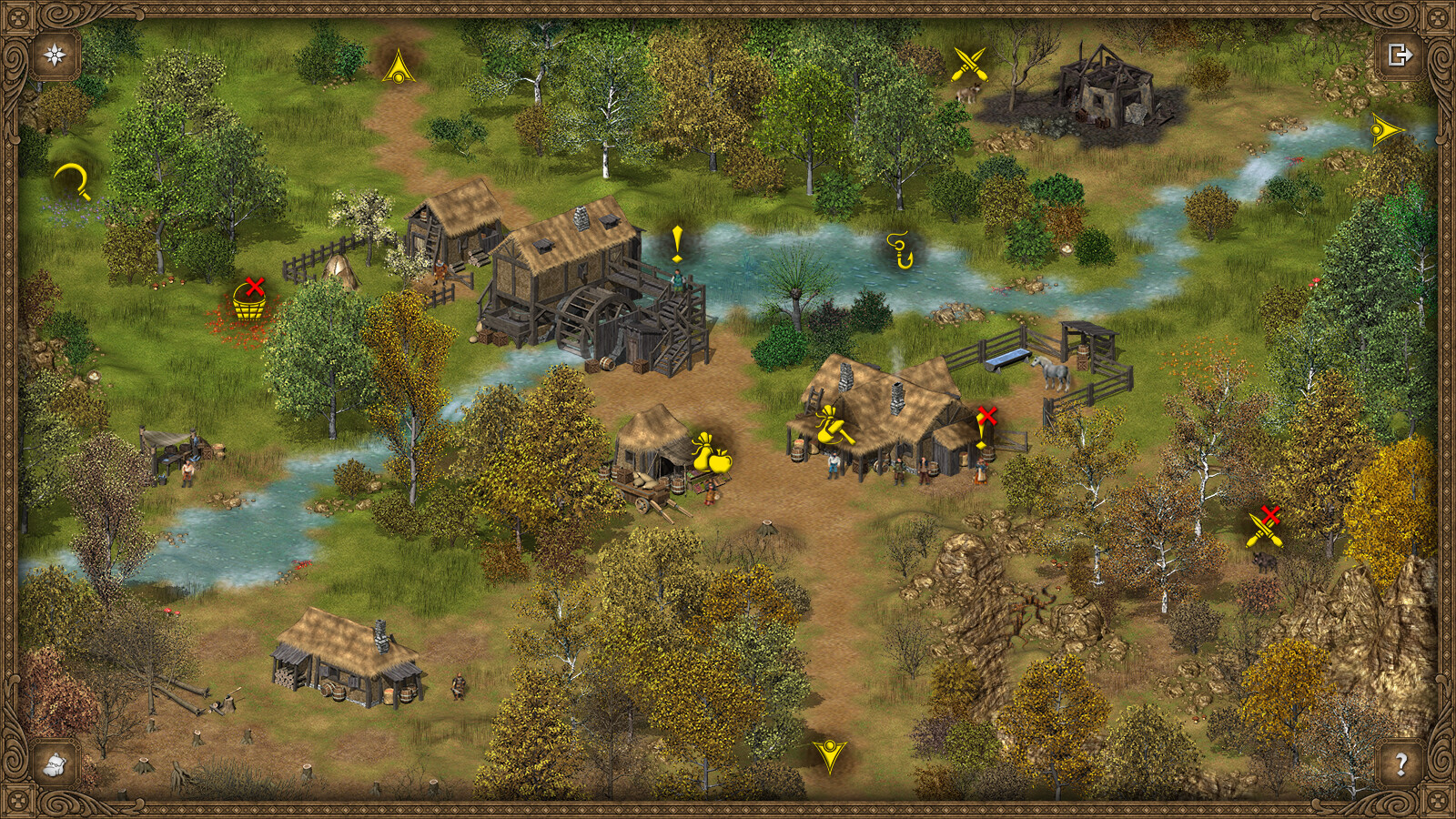
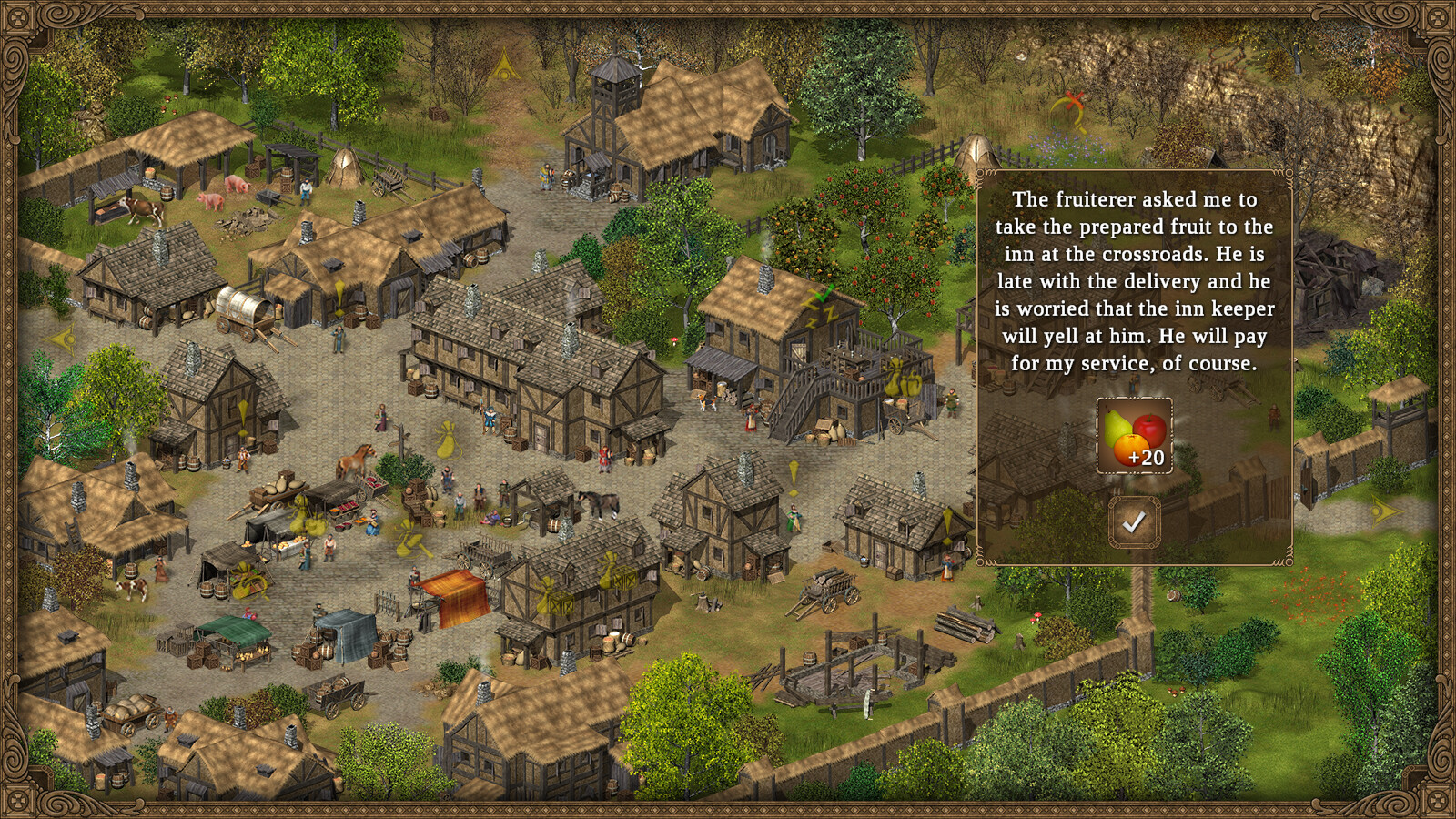
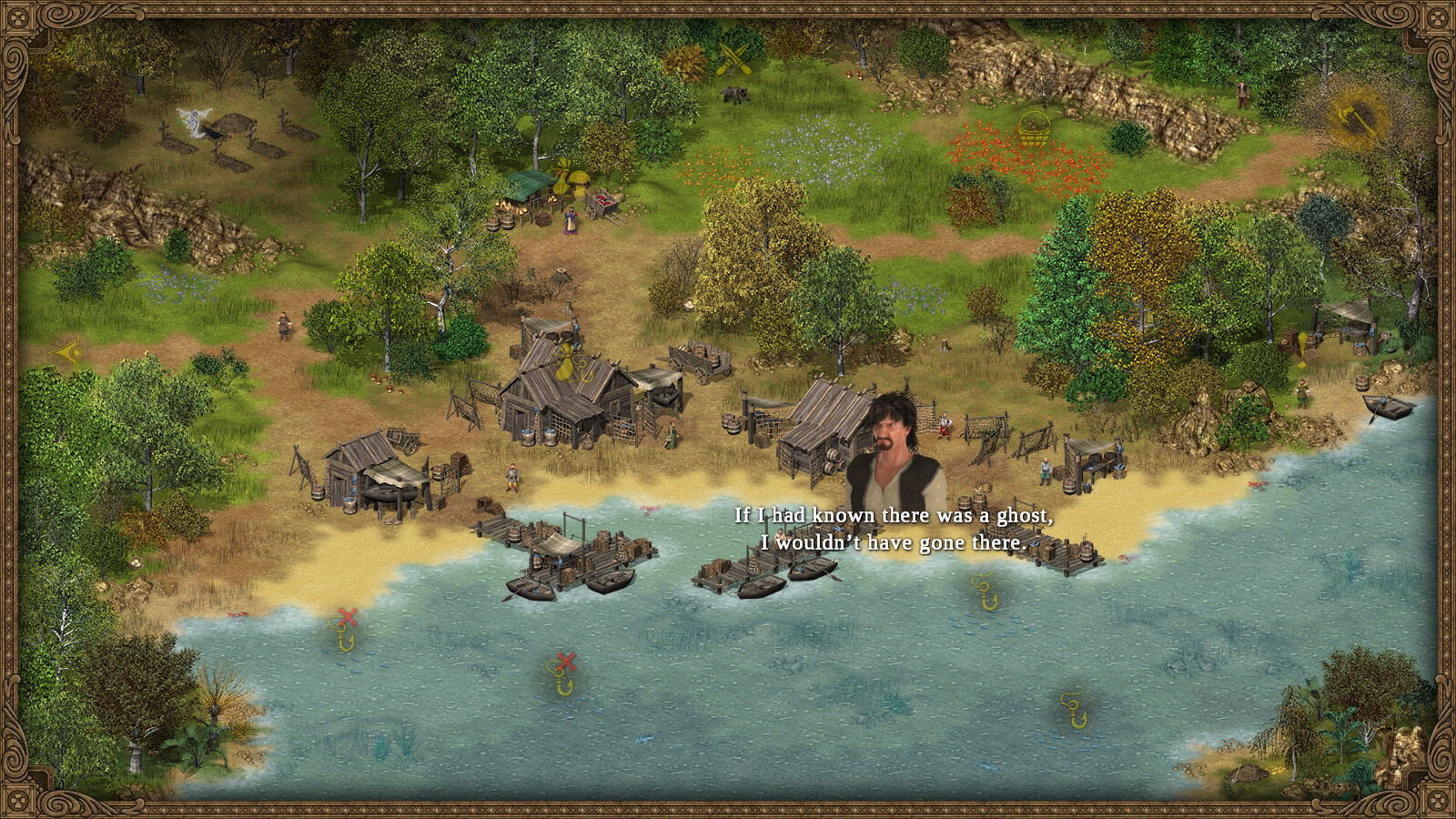
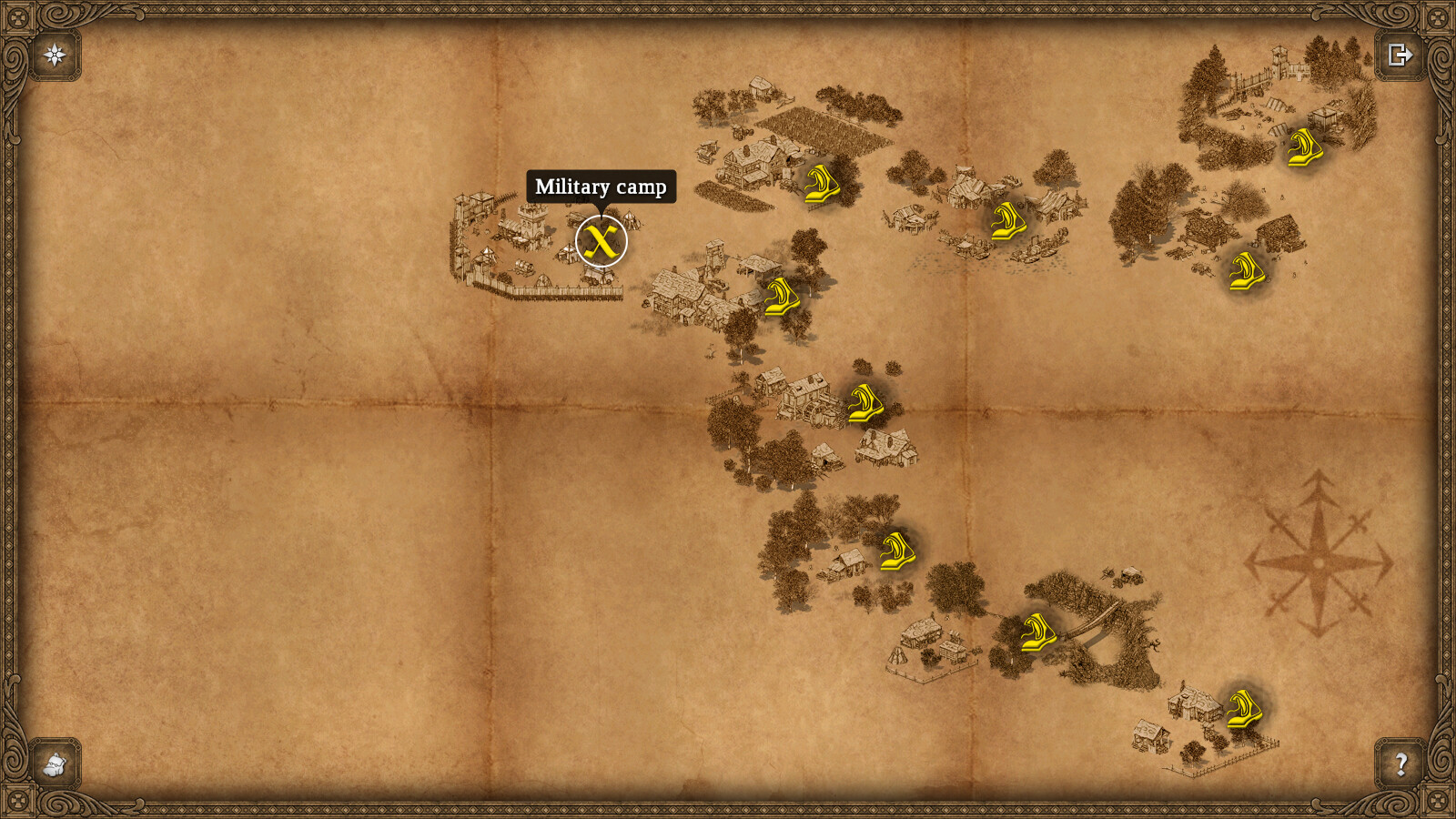
The game presents hand‑crafted isometric landscapes that evoke nostalgic fairy‑tale magic. The 2‑D scenes are designed to be both beautiful and functional, guiding players without overwhelming detail.
Visual charm reinforces the gentle tone, and each restored area shows a tangible change, confirming that your actions have visible impact.
- Notice the visual changes that signal a successful deed.
- Compare restored zones with untouched ones to see the visual differences.
04 / THE GUIDE
World Restoration Mechanics
Every helpful action triggers an immediate, tangible change in the environment, such as blooming flora or cleared obstacles. This feedback loop encourages exploration and simple logical problem‑solving.
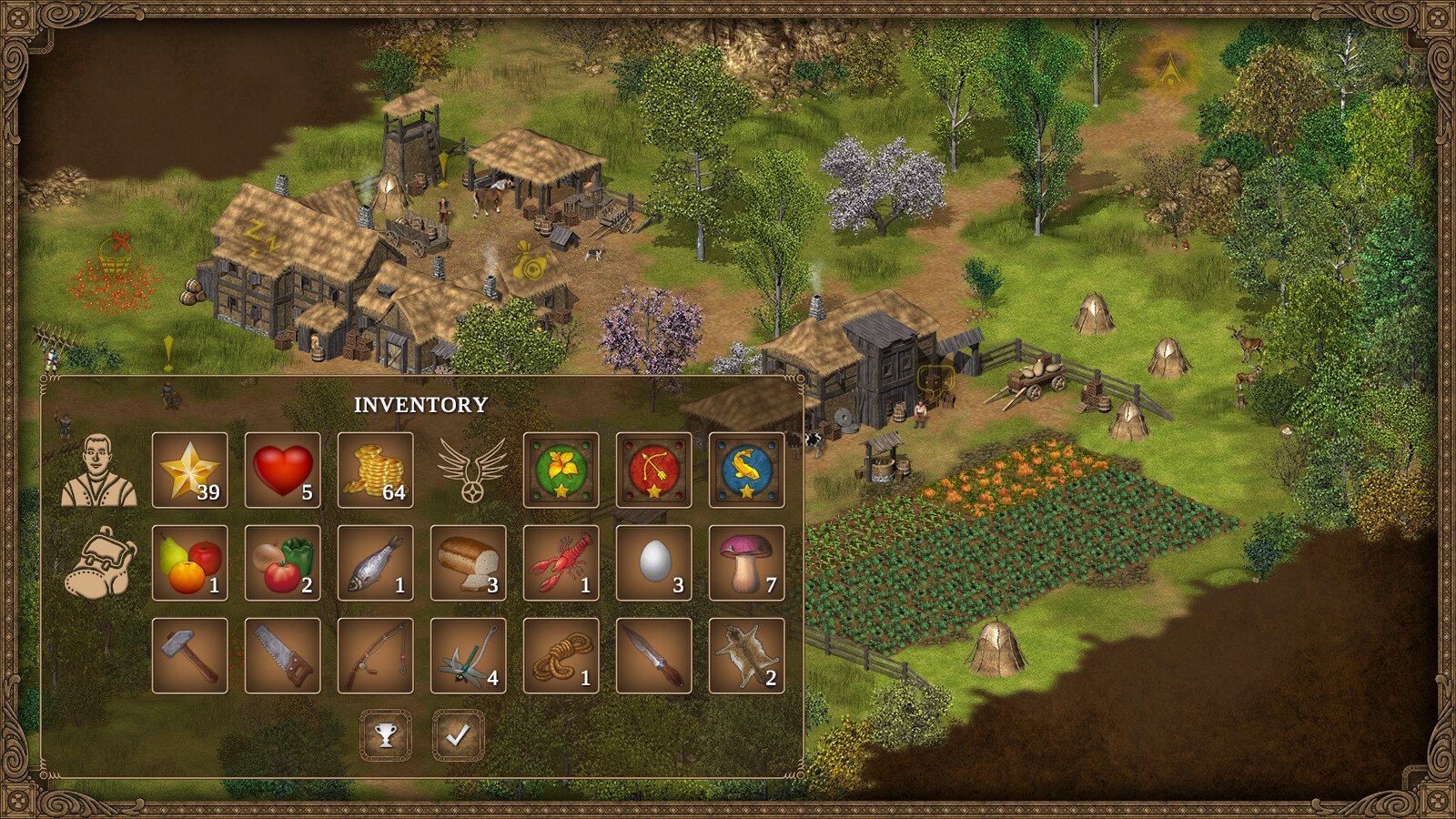
Resource gathering is patient and deliberate, supporting the overall calm pacing while allowing you to see the world gradually transform as you progress.
- Prioritize tasks that affect larger areas to see broader visual impact.
- Watch how different obstacles require distinct logical approaches.
05 / THE GUIDE
Platform and Cloud Features
Available on Windows, macOS, and Linux, the game supports Steam Cloud saves, letting you continue your journey across devices. Family Sharing and Remote Play on Phone or Tablet extend accessibility.
Steam Achievements and Trading Cards add optional collection goals without affecting core gameplay, offering extra content for players who enjoy completionist tasks.
- Enable Steam Cloud to keep progress synced between PC and tablet.
- Use Remote Play on a phone for short, on‑the‑go sessions.
COMMUNITY
Player discussion