 GameWiki
GET YOUR BEARINGS
About Hero of the Kingdom: The Lost Tales 1
Hero of the Kingdom: The Lost Tales 1 offers a calm, fairy‑tale adventure where failure and time pressure are absent. Players explore an isometric world, help townsfolk, and guide an orphan named Brent after a dragon attack.
All actions occur at the player’s own speed; resources never respawn, tools never break, and the landscape visibly improves as deeds are completed, making it suitable for a relaxed evening.
01 / THE GUIDE
Story and Setting
The game opens in a picturesque town struck by a mythical dragon’s attack, where most residents hide but Brent, an orphan dreaming of heroism, appears.
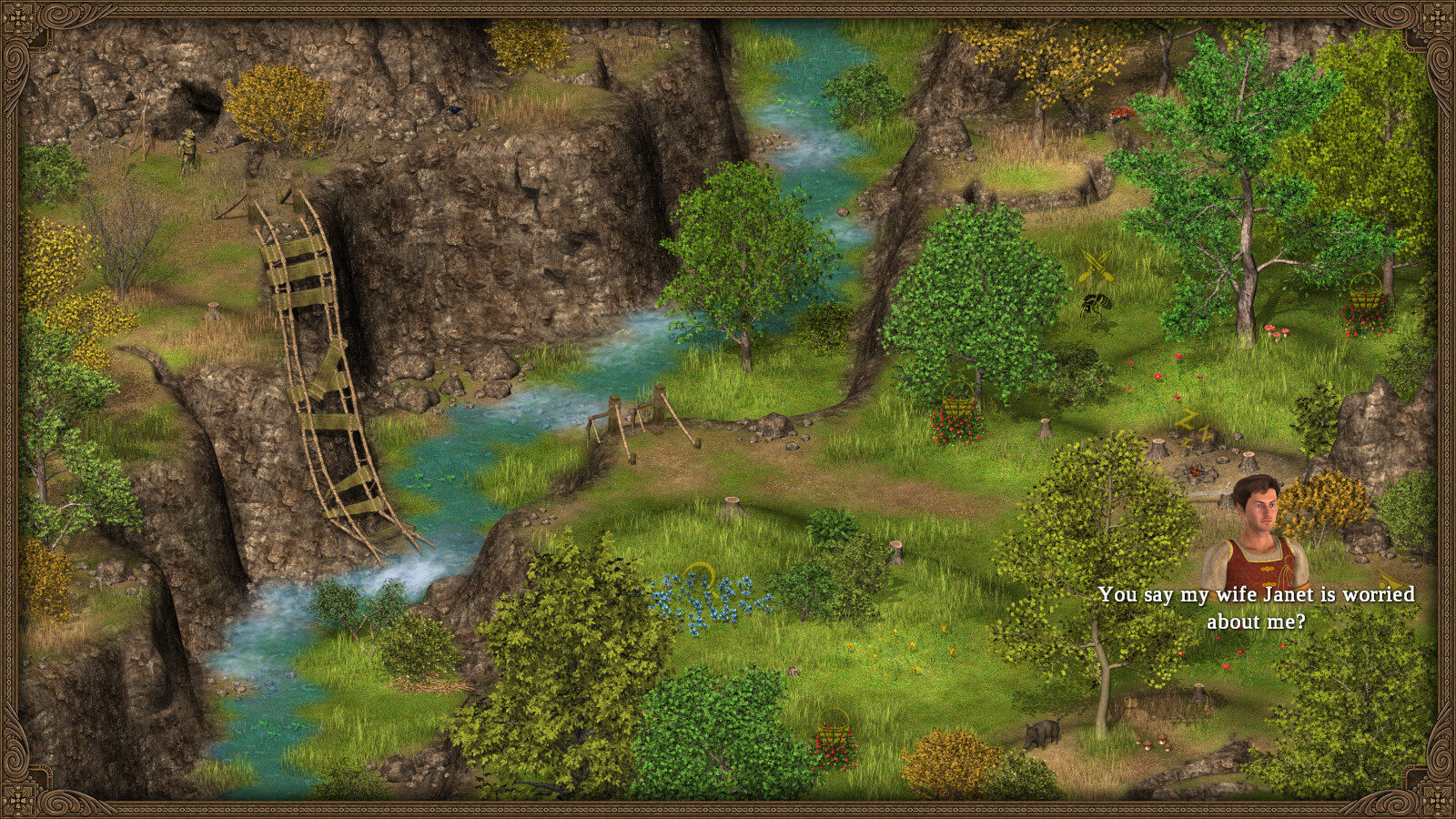
Guiding Brent into the wilderness and performing good deeds gradually restores the town and its surroundings, providing a cohesive, emotional narrative.
- Observe how each helpful act subtly changes the scenery.
- Listen to Brent’s dialogue for narrative depth.
02 / THE GUIDE
Point‑and‑Click Controls
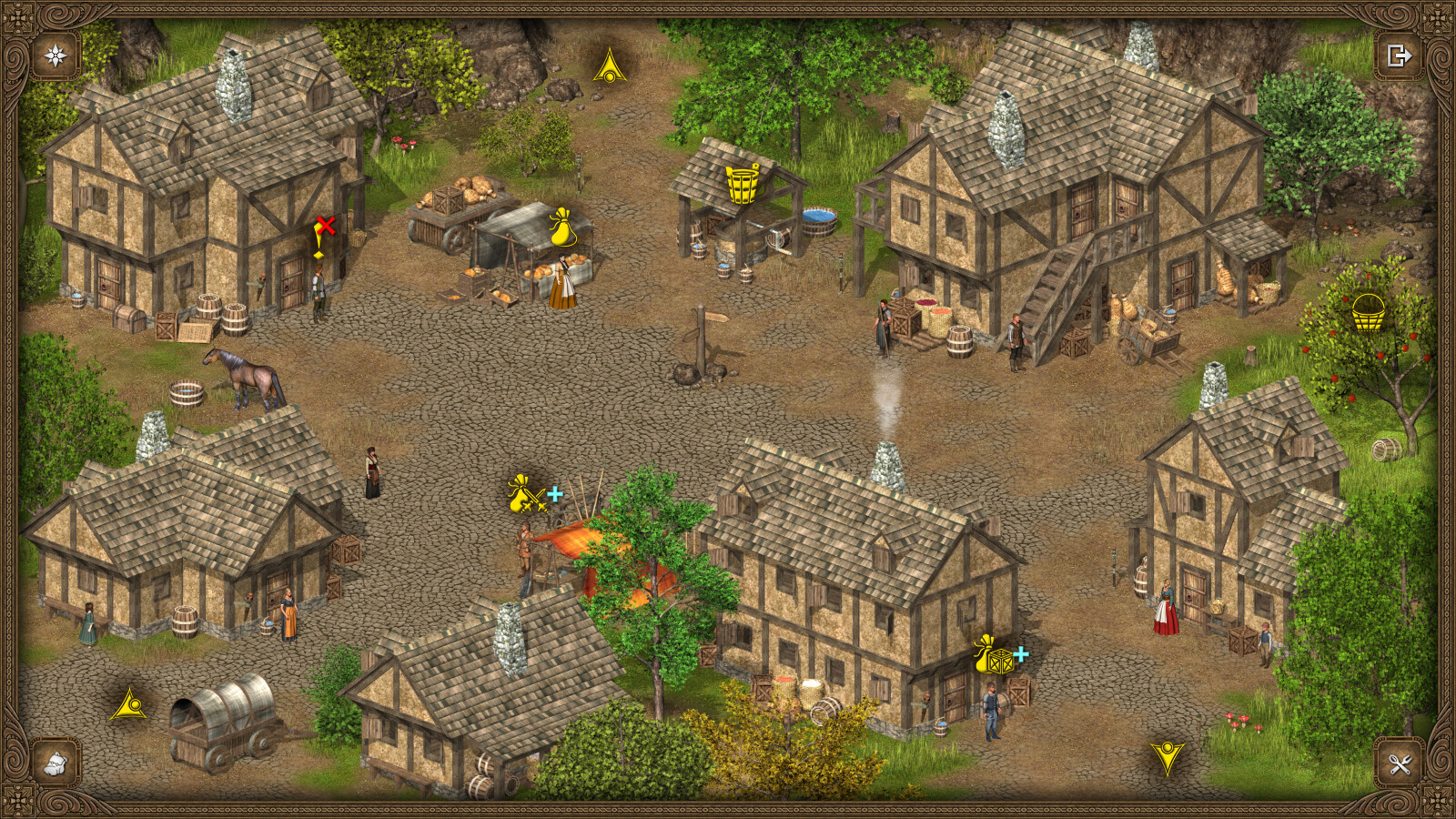
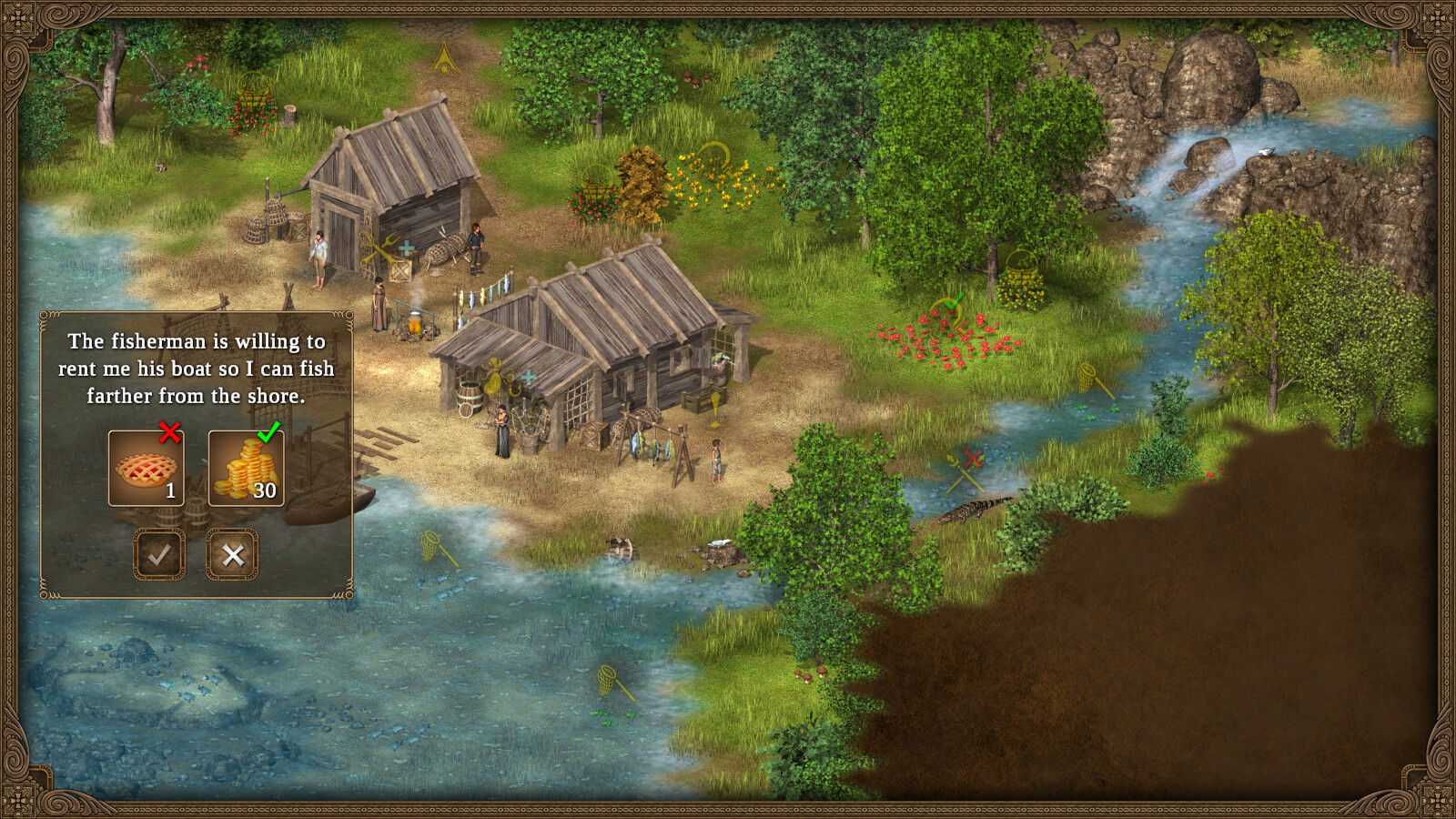
Interaction uses a single click or touch, allowing movement, gathering, and assistance without complex input.
The game includes a Mouse Only Option and a Touch Only Option, and no timed inputs appear.
- Enable Mouse Only for straightforward PC navigation.
- Use Touch Only on tablets for the same single‑tap experience.
03 / THE GUIDE
Resource Management
Supplies are gathered deliberately; resources do not respawn and tools never break, letting you focus on planning.
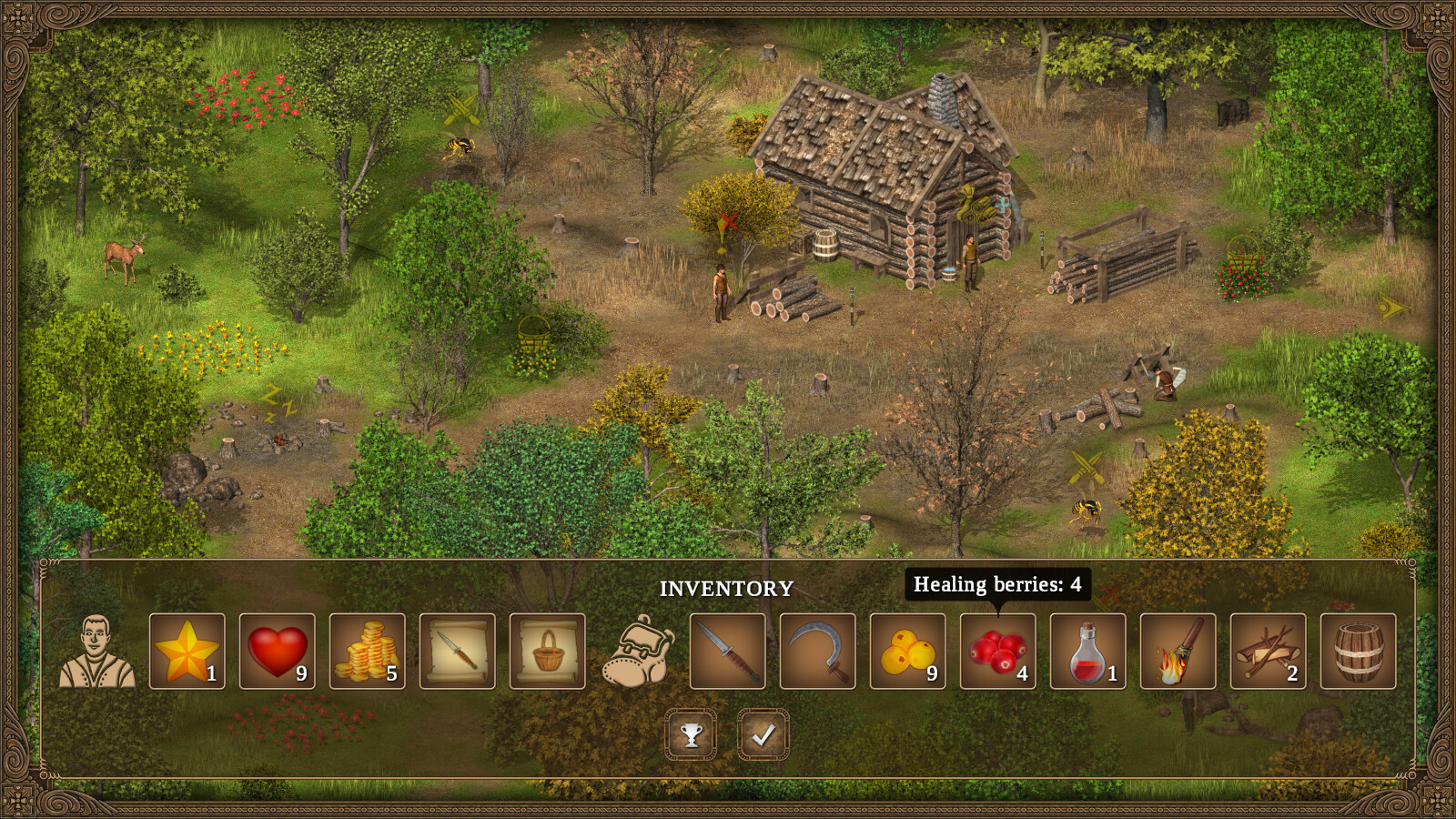
Every item holds meaning, so it is worth reviewing your supplies as you plan.
- Prioritize items that seem related to blocked paths.
- Check inventory regularly to avoid missing useful resources.
04 / THE GUIDE
Companion System
Brent travels with you as a loyal companion; your guidance shapes his development into a true hero.
The relationship is narrative‑driven, offering emotional resonance without detailing specific abilities.
- Engage with Brent’s dialogue to feel his growth.
- Keep Brent nearby during exploration to experience the companion dynamic.
05 / THE GUIDE
Pacing and Save System
There are no ticking clocks or quick‑reflex demands; you may save anytime and play at your own speed.
Steam Cloud support is listed, and Remote Play on Phone and Tablet lets you continue without interruption.
- Use Save Anytime before major decisions to experiment without pressure.
- Try Remote Play on Tablet for a comfortable couch‑side session.
COMMUNITY
Player discussion