 GameWiki
GET YOUR BEARINGS
About Hello Neighbor 2
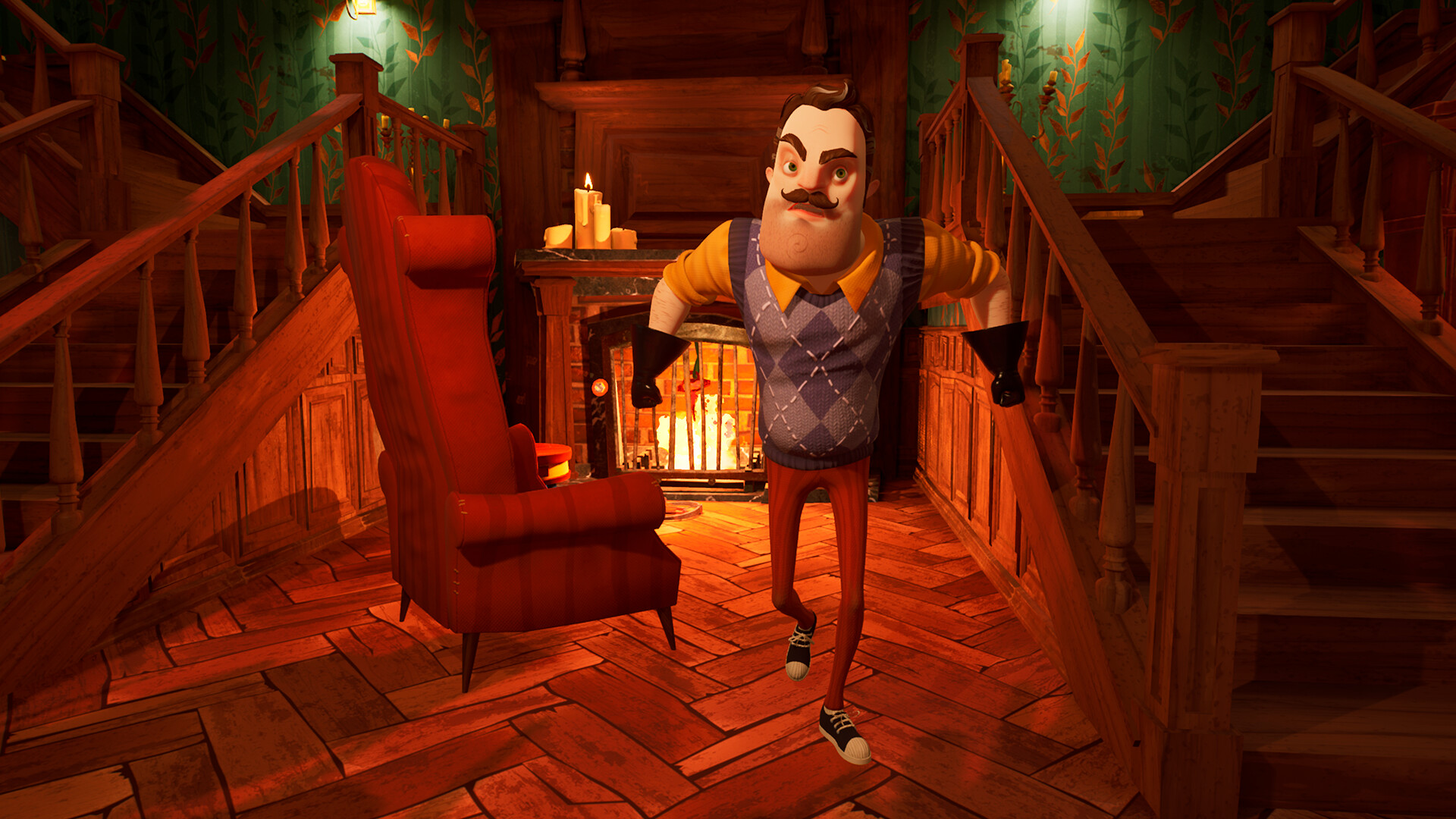
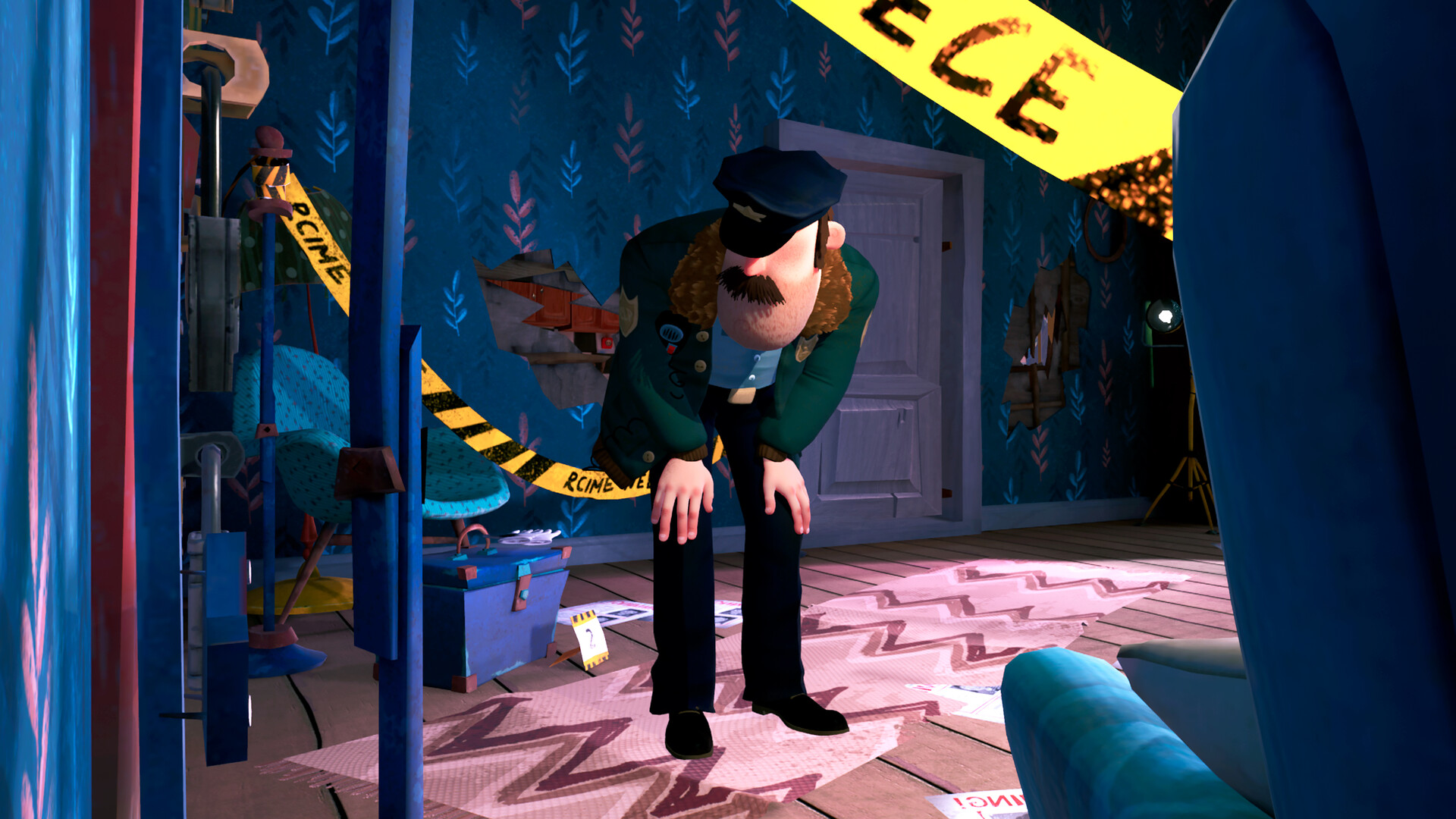
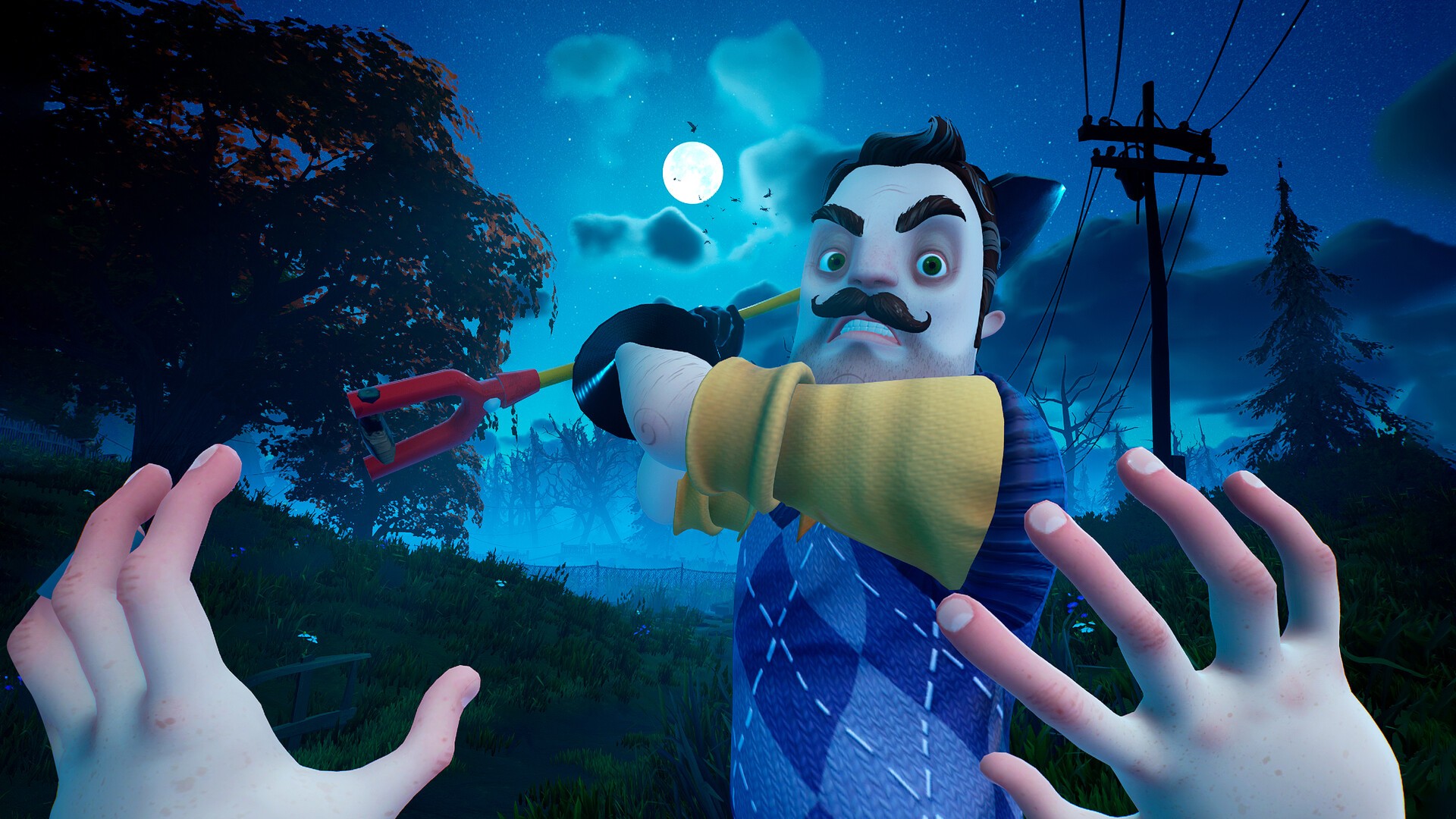
Hello Neighbor 2 continues the unsettling tale in Raven Brooks, picking up right after the original’s climax where police arrive at Mr. Peterson’s house. You assume the role of Quentin, an investigative journalist, tasked with sneaking into crime scenes and homes to gather clues and piece together the mystery.
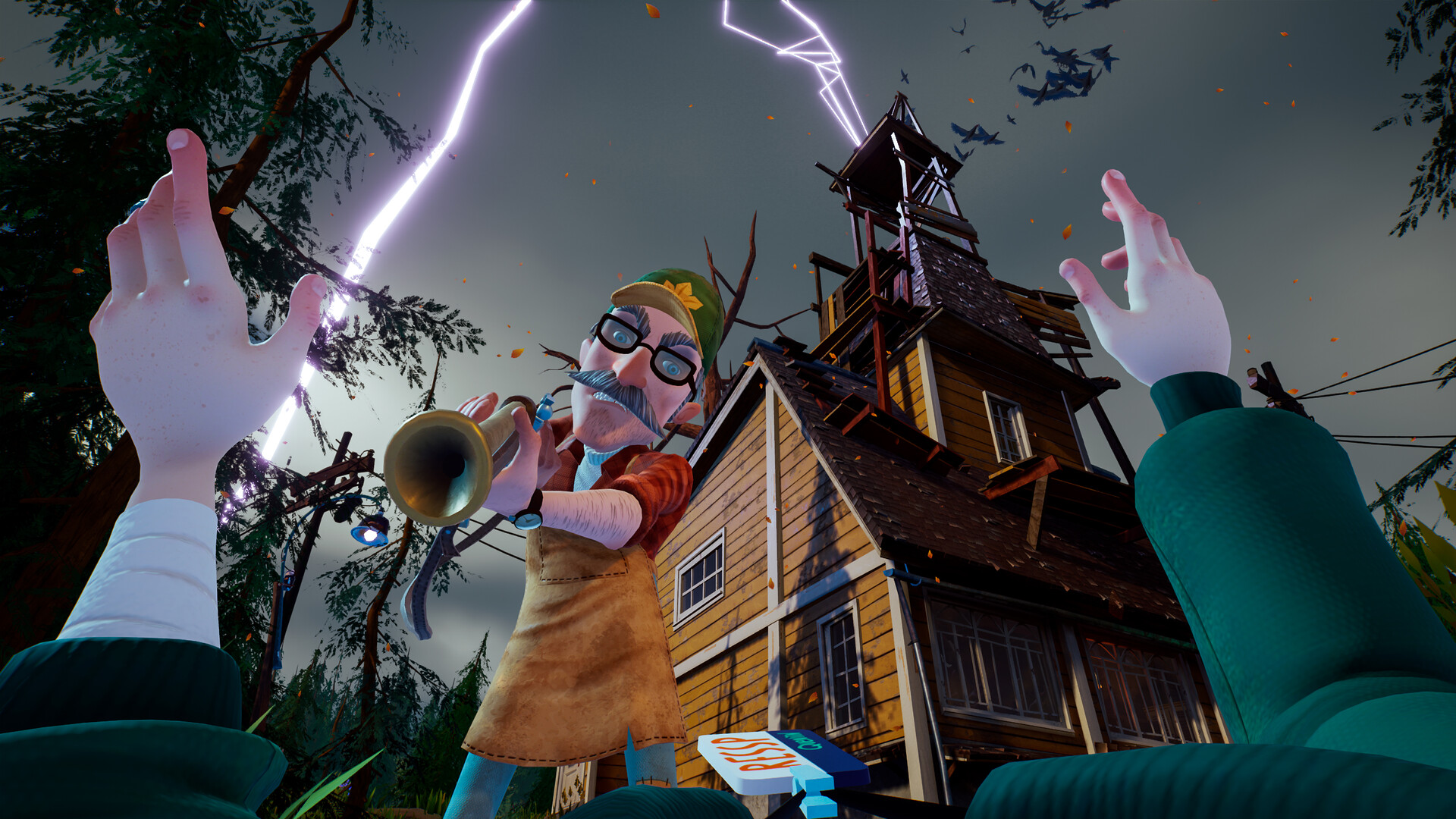
The game expands the original’s formula into a larger open world populated by AI‑driven residents. Multiple houses can be explored, each belonging to suspicious characters, while you pursue the infamous neighbor, Mr. Peterson, across the town.
01 / THE GUIDE
Story and Setting
The narrative unfolds in the town of Raven Brooks, directly following the events where police discover children locked in Mr. Peterson’s basement. This continuation grounds the player’s investigation in a concrete aftermath. Quentin’s role as an investigative journalist provides a clear motive: infiltrate crime scenes and homes to locate evidence, driving the story forward as you piece together the puzzle surrounding the creepy neighbor.
The setting’s atmosphere is built around suspicion and hidden dangers, with each house offering potential clues. The town itself acts as a playground for exploration, encouraging players to uncover the truth behind Mr. Peterson’s actions.
- Observe the layout of each house before entering; it may hint at where evidence is hidden.
- Take notes on resident behavior; patterns can reveal which houses hold crucial clues.
02 / THE GUIDE
Open World Exploration
Hello Neighbor 2 expands the original’s formula into a larger open world, allowing movement across multiple houses in Raven Brooks. This broader map gives players freedom to choose which suspicious characters to investigate. Exploration is not limited to a single location; the town’s layout supports varied routes and strategies for sneaking into different homes, enhancing the investigative experience.
The open world design encourages players to plan their approach, considering the proximity of houses and the behavior of AI residents. This spatial freedom adds depth to the stealth and puzzle elements.
- Map out a route that minimizes backtracking between houses.
- Use the town’s layout to stay out of sight when moving between targets.

03 / THE GUIDE
AI‑Driven Residents
Raven Brooks is populated by AI‑driven residents who inhabit each house, creating a dynamic environment. Their movements and routines affect how and when you can enter a property. These AI characters react to the player’s presence, adding a layer of challenge to the stealth aspects of the game.
Understanding resident patterns can help you avoid detection. Their AI behavior is a core part of the game’s tension, as each encounter may alter the difficulty of accessing a house.
- Watch resident schedules to find windows of opportunity.
- Avoid lingering near doors when AI residents are nearby.
04 / THE GUIDE
Investigation Mechanics
As Quentin, you must sneak into homes and crime scenes to locate clues and evidence. The core mechanic revolves around stealthy entry and careful searching. Collecting evidence is essential for piecing together the overarching mystery and tracking down Mr. Peterson, the infamous creepy neighbor.
The game does not specify additional tools, focusing instead on the act of infiltration and observation. Success depends on timing, awareness, and the ability to navigate each house without alerting its occupants.
- Prioritize quiet movement to reduce the chance of alerting residents.
- Examine every room thoroughly; clues may be hidden in unexpected places.
05 / THE GUIDE
Platform Availability
Hello Neighbor 2 is officially released for Windows, with no support listed for macOS or Linux. This defines the primary operating system for playing the game. The single‑player mode and Steam features such as Achievements and Family Sharing are available on the Windows platform, providing standard PC gaming conveniences.
Players on unsupported platforms will need to seek alternative solutions, as the official release does not include those systems.
- Ensure your Windows system meets the game’s requirements before installing.
- Take advantage of Steam Family Sharing to let friends try the game on the same PC.
COMMUNITY
Player discussion