 GameWiki

GET YOUR BEARINGS
About Hellblade: Senua's Sacrifice
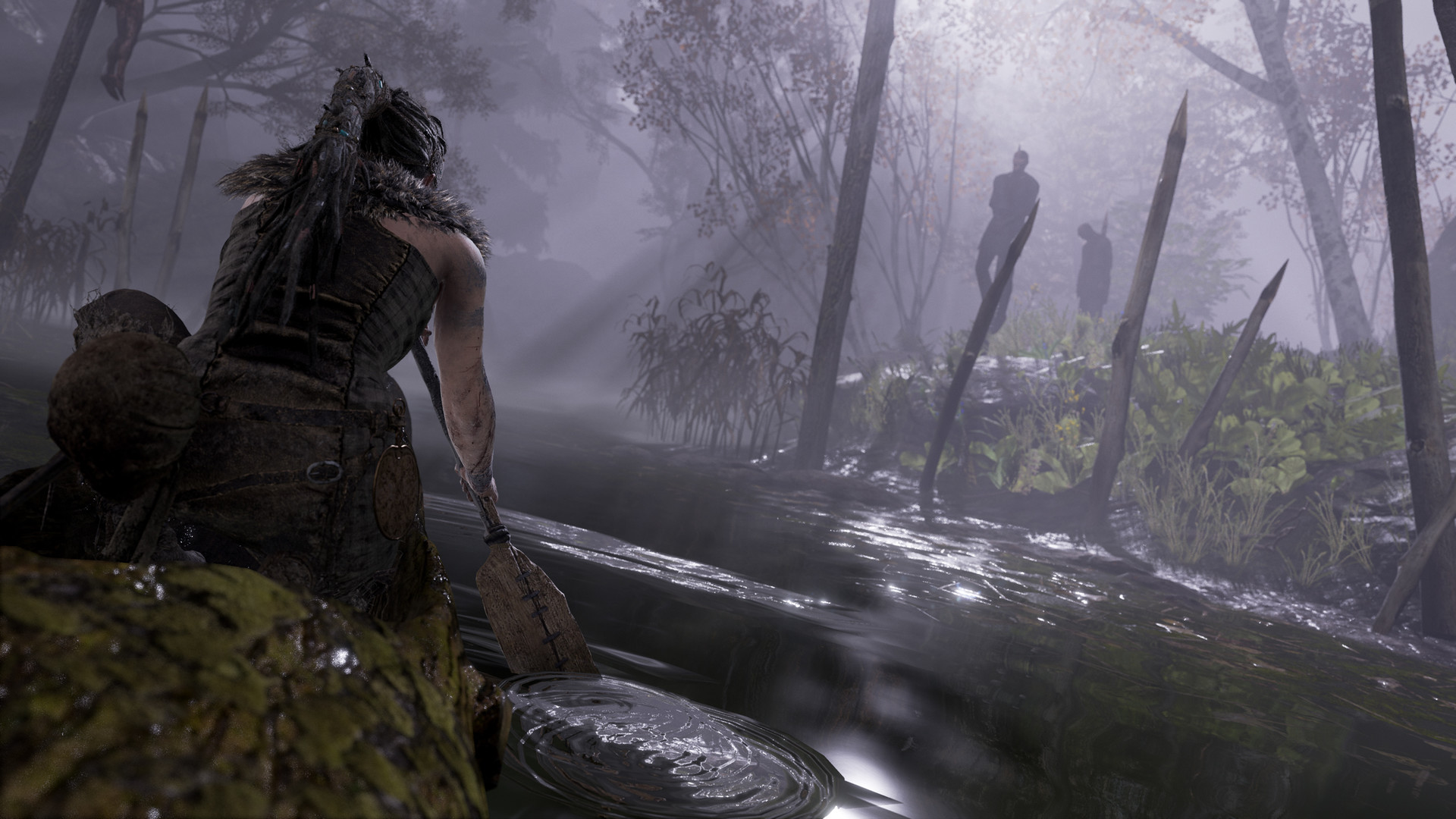
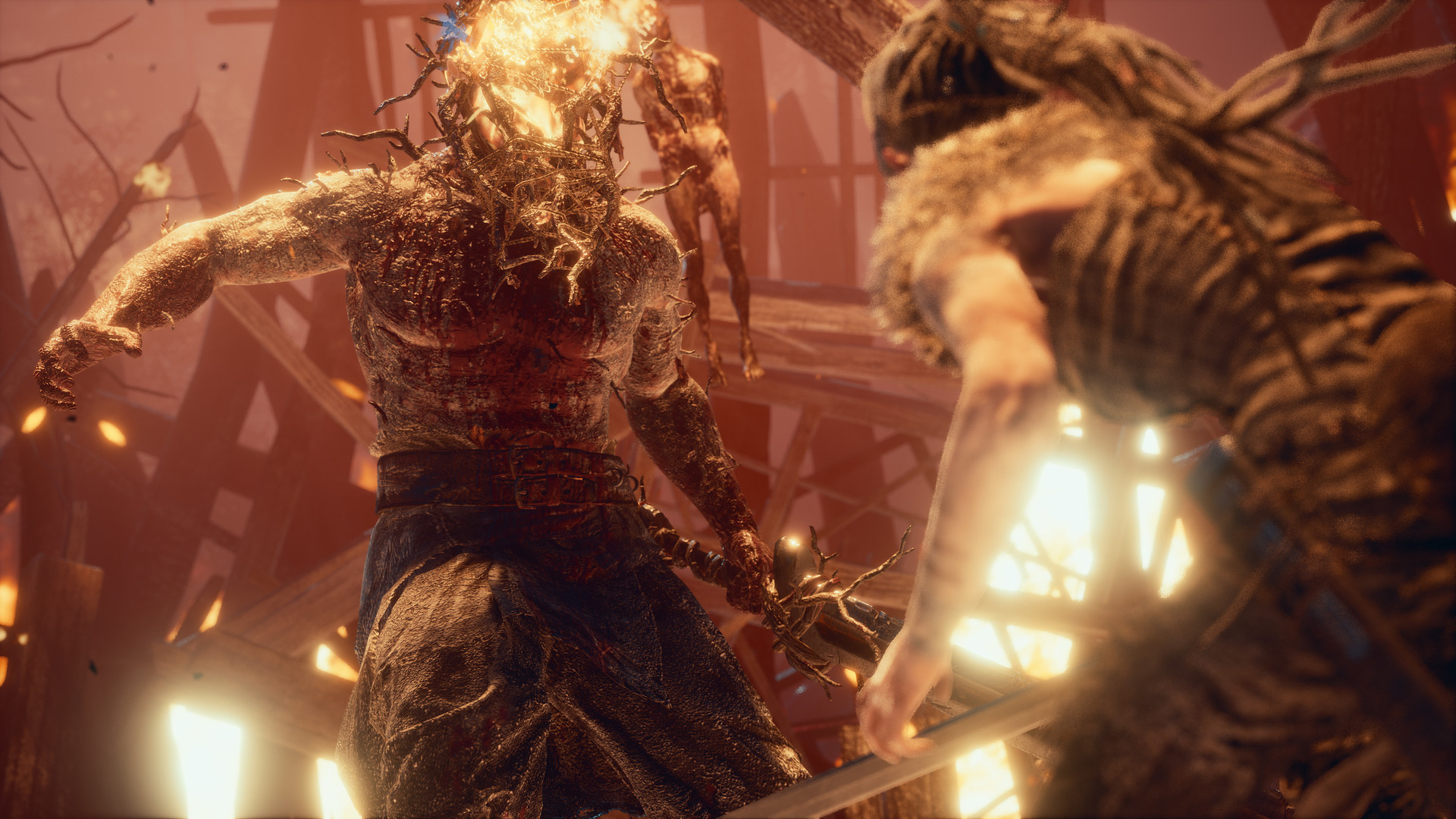
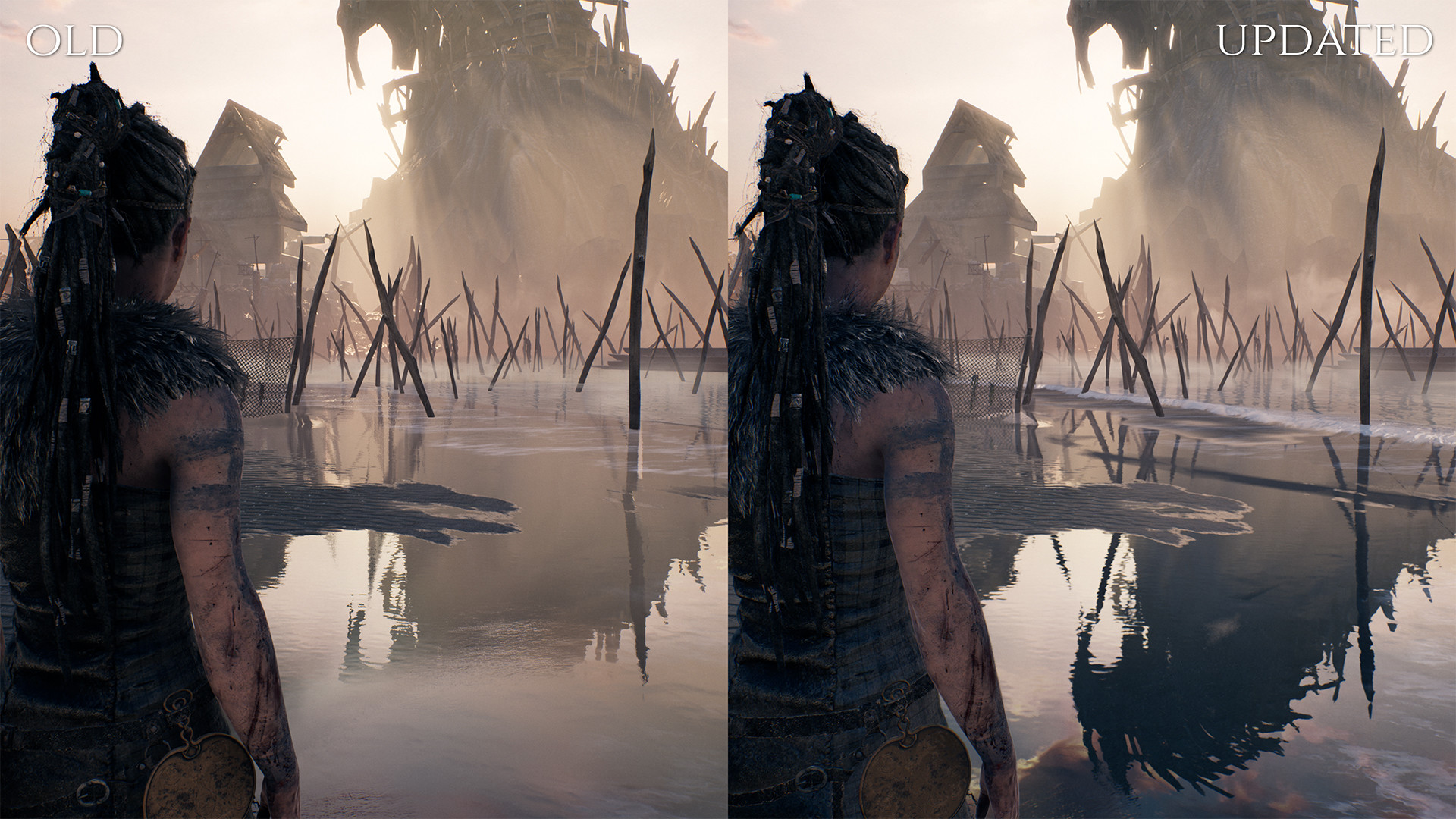
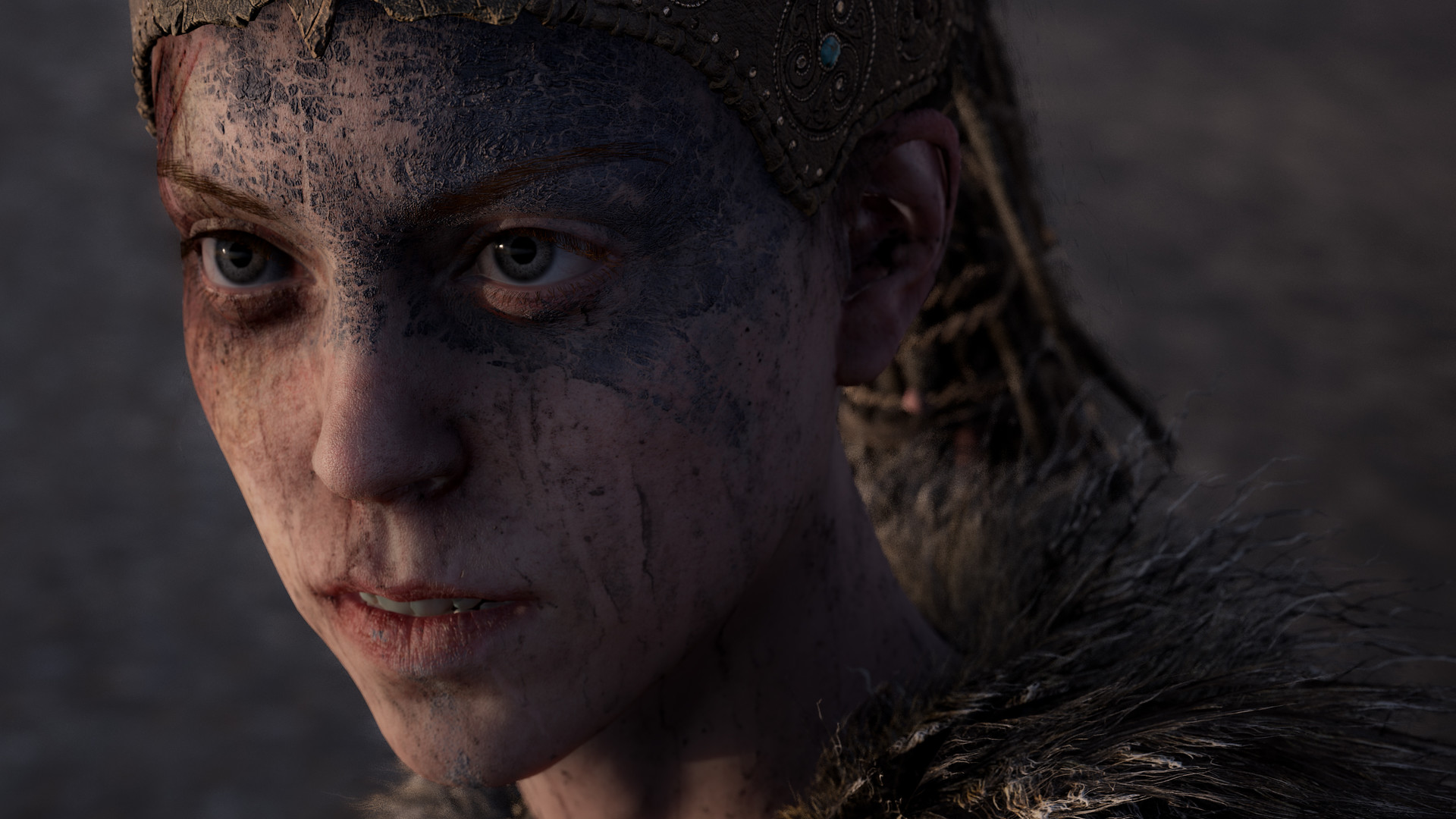
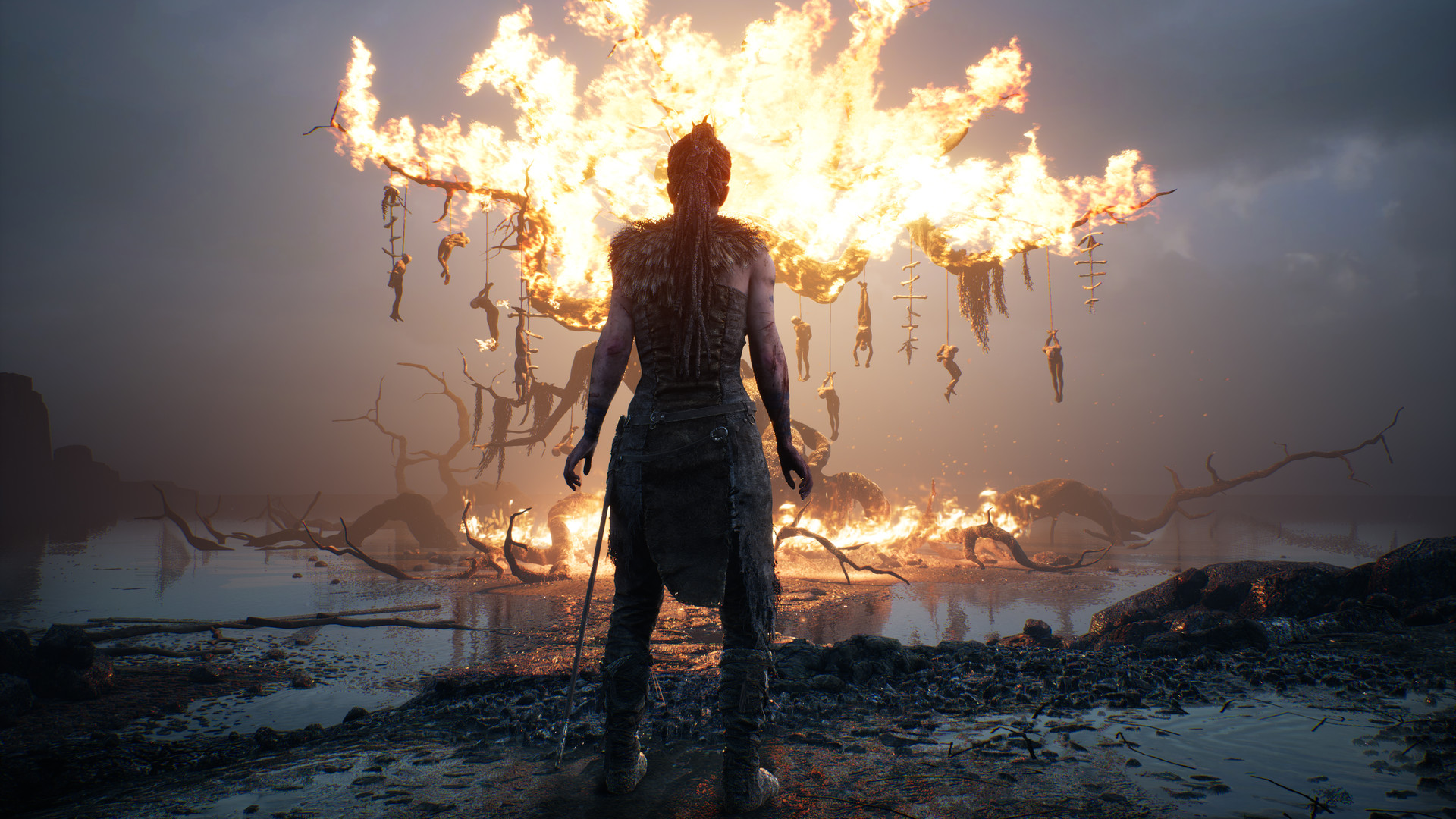
Hellblade: Senua’s Sacrifice follows a Celtic warrior on a vision quest through Viking Hell to rescue her dead lover’s soul. The 2021 update adds upgraded materials, particles, LOD, DirectX Raytracing, and support for NVIDIA DLSS and AMD FSR, improving visual fidelity on Windows PCs.
The game is single‑player and includes a broad set of accessibility options: adjustable combat difficulty, custom audio mixes, colour‑blind visual filters, subtitle controls, and full input remapping with keyboard‑only play. These settings are available from the launch menu.
01 / THE GUIDE
Combat Difficulty Options
Players can select a dynamically‑adjusted Auto mode or manually choose Easy, Medium, or Hard. The chosen level influences enemy behaviour and damage throughout the journey.
Difficulty can be changed at any point via the in‑game menu, letting players adapt the challenge to their comfort without restarting.
- Start with Auto mode to let the game gauge your skill before fixing a level.
- Switch to Easy if a particular encounter feels too demanding.
02 / THE GUIDE
Audio Customisation
Separate sliders let you set volumes for Master, Music, SFX, Voices, and Menu audio, allowing fine‑tuned balance of narrative and ambience.
Audio output can be toggled between Stereo and Mono, accommodating different speaker setups or hearing preferences.
- Raise Voice volume to hear Senua’s internal monologue clearly during tense moments.
- Use Mono mode if you have a single‑speaker arrangement to avoid missing cues.
03 / THE GUIDE
Visual Accessibility Settings
Colour‑blind filters for Deuteranopia, Protanopia, and Tritanopia are provided, each with adjustable intensity to correct perception while preserving detail.
Subtitles can be turned On or Off, resized, recoloured, and given transparent or solid backgrounds; menu background contrast also switches between half‑transparent and solid black.
- Combine a high‑contrast subtitle colour with a solid background for maximum legibility.
- Adjust filter intensity until colours are distinguishable without losing visual information.
04 / THE GUIDE
Input Remapping and Sensitivity
Keyboard keys and controller buttons can be remapped, except for camera control and menu navigation. Joystick and mouse axis sensitivities are adjustable, and camera axes can be inverted.
Full keyboard support replaces mouse/right‑stick movement with arrow keys, and controller vibration can be toggled On or Off.
- Map frequently used actions to comfortable keys to reduce strain during long sessions.
- Disable vibration if it distracts from narrative moments.
05 / THE GUIDE
Performance Enhancements
The 2021 update introduces upgraded materials, particles, LOD, DirectX Raytracing, and support for NVIDIA DLSS and AMD FSR, raising visual fidelity and frame rates on compatible hardware.
These features are optimised for Windows PCs, allowing smoother gameplay when appropriate settings are enabled.
- Enable DLSS or FSR if your GPU supports it to gain higher frame rates with minimal visual loss.
- Turn off ray tracing on lower‑end systems to maintain stable performance.
COMMUNITY
Player discussion