 GameWiki
GET YOUR BEARINGS
About helionaut
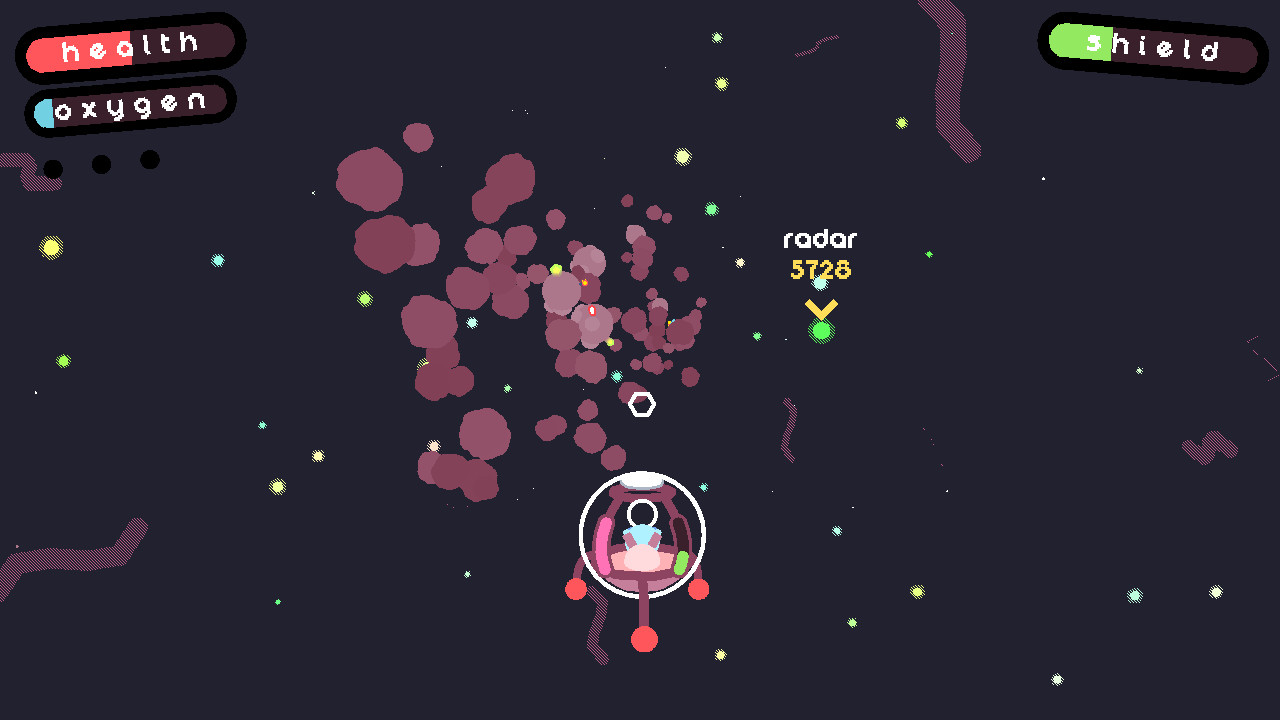
Helionaut is an open‑world galaxy adventure where you roam a procedurally generated universe of micro‑planets, asteroid belts and UFOs while trying to fix your TV. You gather resources, craft weapons, tools and upgrades, and hunt for ship parts and blueprints.
The game offers three distinct playable characters, each inhabiting a different world, and includes a space radio with ten songs. It runs on Windows and macOS, supports full controllers, and provides single‑player Steam achievements and family sharing.
01 / THE GUIDE
Procedurally generated universe
The galaxy is created procedurally, delivering a variety of micro‑planets, asteroid belts and UFO encounters each playthrough. This design ensures each flight to a visible planet can reveal new terrain and resources. Exploration is central, as you can fly to any planet you see, encountering diverse environments that support gathering and combat.
- Observe planetary features before landing to gauge resource types.
- Compare asteroid belt density across different sectors when planning gathering trips.
02 / THE GUIDE
Ship parts and crafting system
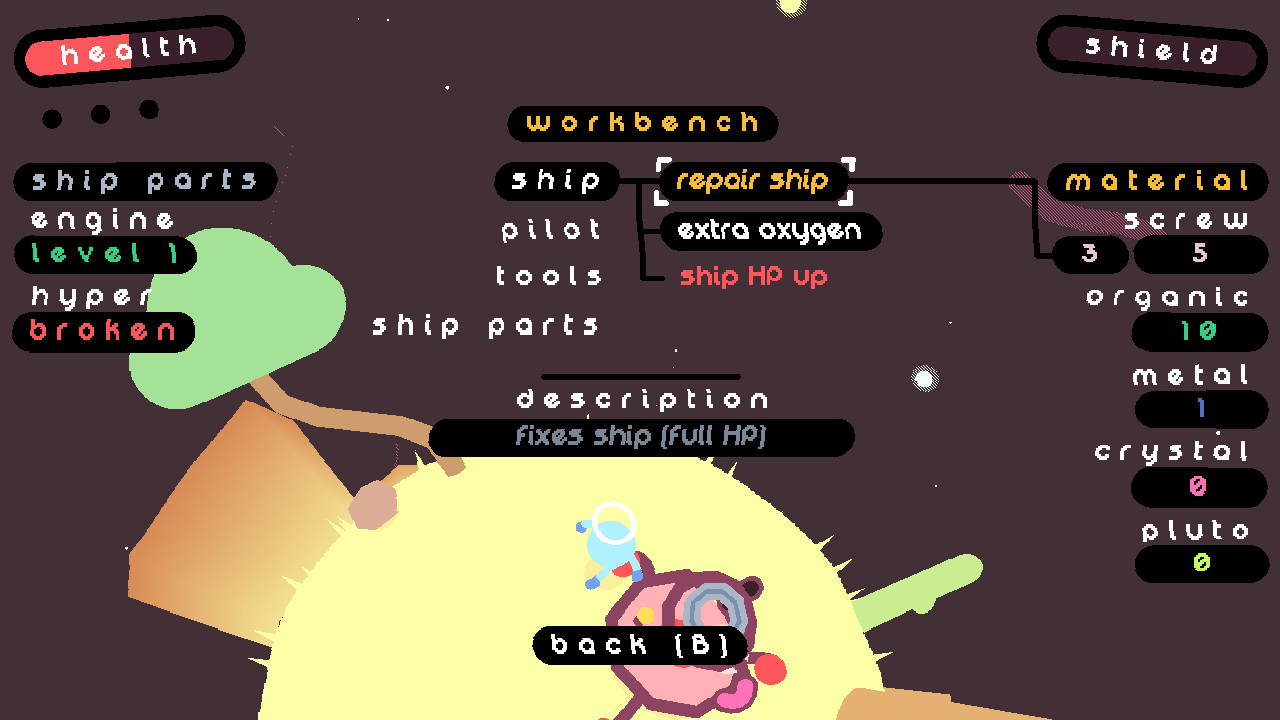
Players collect resources to craft weapons, tools and upgrades, aiming to locate seven ship parts and ten blueprints. Over twenty possible upgrades can be discovered through this system. Crafting ties directly to exploration, as new parts often require materials found on distant worlds.
- Prioritize gathering rare minerals when first encountering a new planet.
- Balance weapon and tool crafting to stay versatile in both space and land battles.

03 / THE GUIDE
Three playable characters
Helionaut features three distinct characters, each placed in a different world. Their unique settings provide varied visual and narrative contexts while sharing the same core mechanics. Choosing a character changes the surrounding world but does not alter the fundamental gameplay loop of exploration and crafting.
- Experiment with each character to experience all world designs.
- Note environmental differences that may affect resource locations.
04 / THE GUIDE
Space radio soundtrack
A built‑in space radio offers ten songs, contributed by Tom, aron and tommie96, with additional radio shows by Tijmen. The music plays while you navigate the galaxy, adding atmosphere. The radio adds atmosphere as you navigate the galaxy.
- Enjoy the ten-song lineup as background music while exploring.
- Use the radio as a background cue for pacing your exploration.
05 / THE GUIDE
OSX camera control
On macOS, the ship’s camera can be rotated by dragging the right‑mouse button. This is the documented camera control on macOS. Use this drag control to adjust your view while flying the ship.
- Practice smooth RMB drags to maintain visual stability.
- Compare camera responsiveness between OSX and other OSes.


COMMUNITY
Player discussion