 GameWiki
GET YOUR BEARINGS
About Heat Death: Survival Train
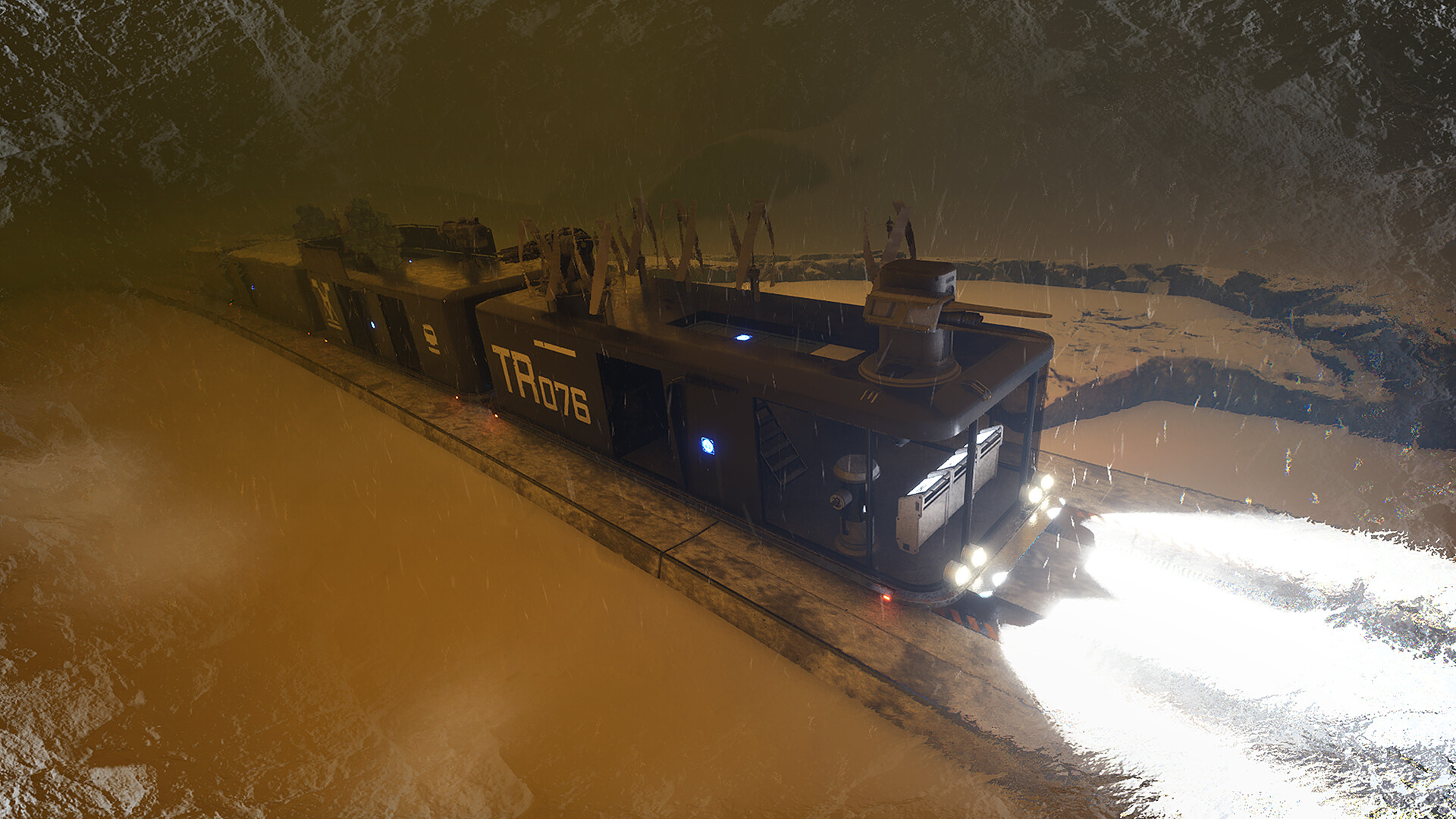
Heat Death: Survival Train is a sci‑fi survival simulation where you construct a mobile base‑train that doubles as shelter, transport, and weapon. You build structural elements, install power generators, weapons, drones, shields, and other modules, then roam a frozen, dynamic world. The environment challenges you with harsh storms, scarce resources and hostile drones. Survival depends on keeping the train powered, warm and defended while exploring icy lakes, mountains, caves and abandoned cities for loot and story clues.
01 / THE GUIDE
Train Construction
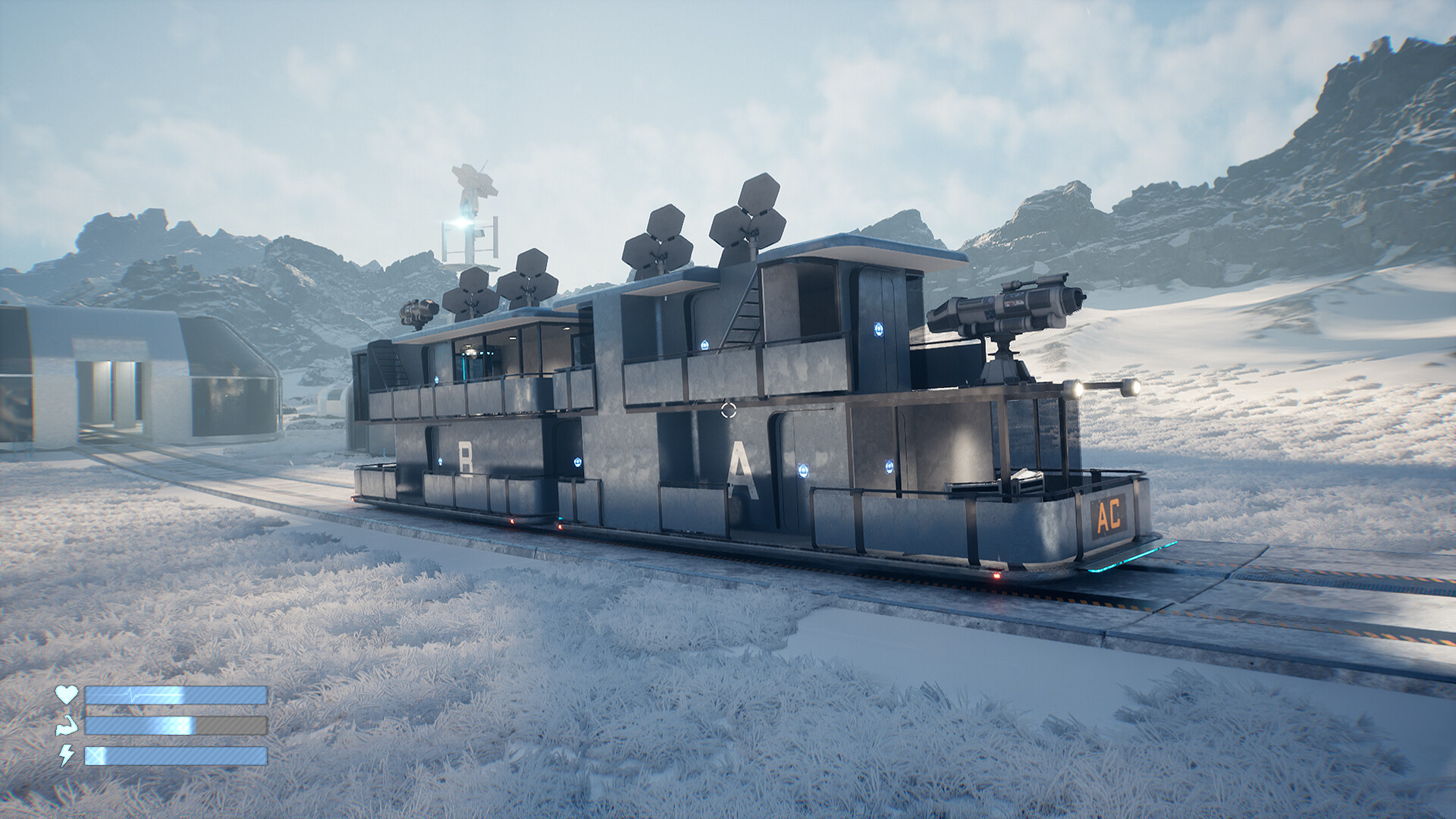
Players begin with a blank frame and can add walls, floors and ceilings to create the train’s structure. After the basic hull is in place, power generators, heavy weapons, drones, shields and many other modules may be installed, expanding both function and combat capability. Customization also includes visual design; decals and module arrangement let you shape the train’s appearance and internal layout, giving each build a distinct look and practical organization.
The construction system is modular, meaning each added piece occupies a specific space and contributes to overall performance. By planning where to place power, weapon and defensive modules, you can balance space constraints with the need for survivability in the harsh world.
- Plan module placement early to avoid crowding essential systems.
- Use decals not only for style but also to label critical components for quick reference.
02 / THE GUIDE
World Exploration
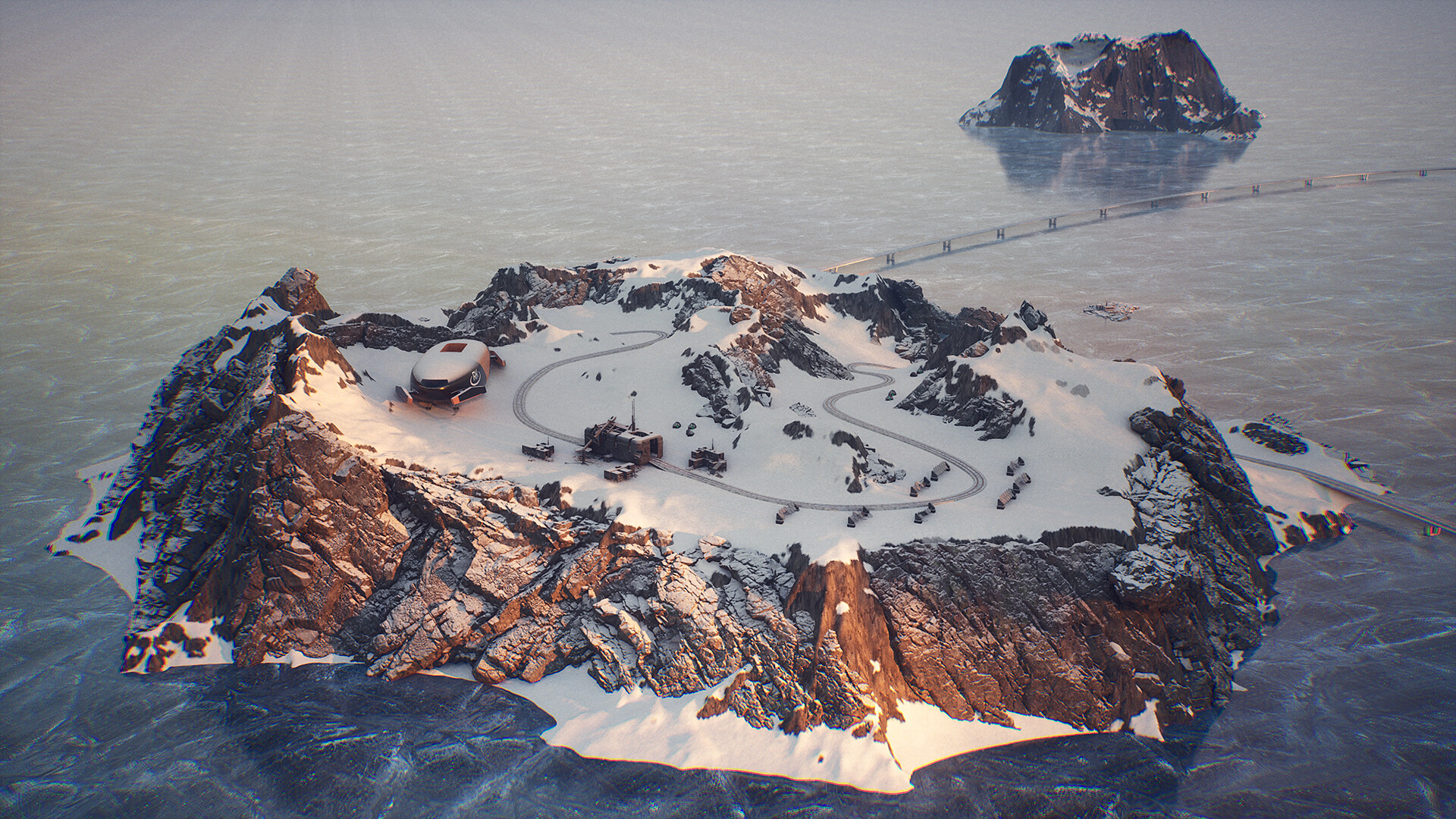
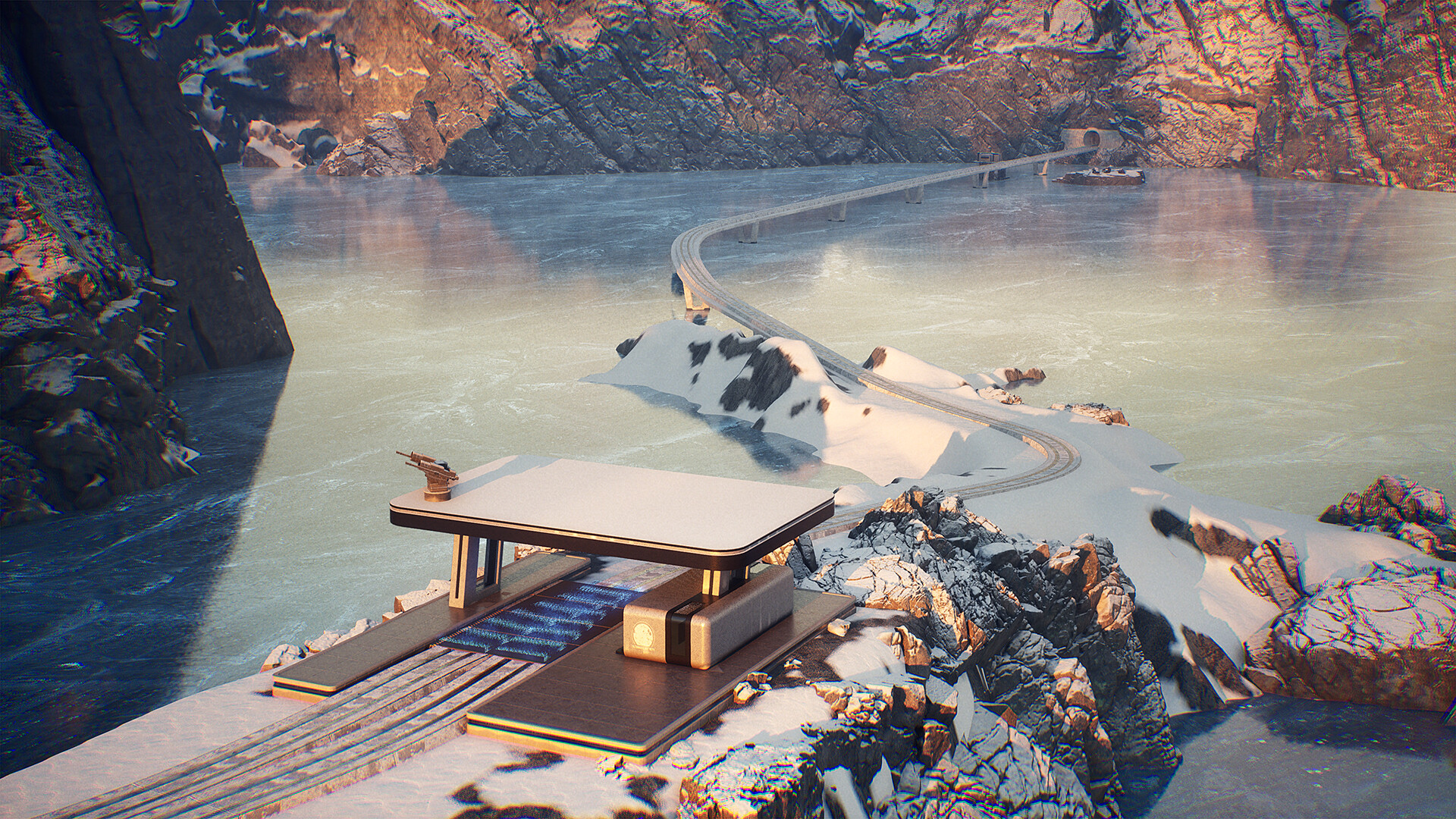
The game world is described as vast, dynamic and unforgiving, containing frozen lakes, mountain ranges, caves, frozen jungles and cities. Because the train is mobile, you can travel between these biomes without needing a separate base. Exploration yields loot, new equipment and narrative fragments about humanity’s fate, encouraging you to venture farther despite environmental hazards.
Each biome presents distinct visual and structural features, which can affect which modules are most useful. For example, different biomes may call for different tactical choices.
- Map out routes between resource‑rich areas before committing to long journeys.
- Compare terrain types to anticipate which modules will be most useful in each zone.
03 / THE GUIDE
Storm Survival
Snowy storms act as the primary environmental threat. Keeping warm requires upgrading your train or seeking shelter inside other buildings. Managing power and food resources is essential during prolonged weather events. Upgrading the train and managing power reserves helps mitigate storm damage and maintain survivability.
Storms are a serious hazard, so managing power while staying warm becomes a key decision when deciding how long to stay out in a storm.
- Prioritize power generator upgrades before venturing into storm‑prone regions.
- Carry extra food supplies as a buffer against extended cold exposure.
04 / THE GUIDE
Drone Combat
Hostile drones seek to destroy the train. You can install defensive modules such as auto‑cannons, shields and friendly drones, or focus on speed to outrun attackers. Each approach offers a distinct way to handle encounters. Balancing offensive firepower with defensive resilience lets the train survive a variety of drone tactics across the frozen landscape.
Combat does not rely on a fixed weapon set; you may mix auto‑cannons with shields or add friendly drones for additional fire support. The choice of modules influences how easily you can repel attacks or escape when outmatched.
- Test auto‑cannon coverage angles to reduce blind spots.
- Consider a mix of shields and drones for layered defense.
05 / THE GUIDE
Platform Features
Heat Death supports single‑player gameplay on Windows and offers partial controller support, Steam Cloud saving and Family Sharing. These features are listed as available for the Windows platform. Partial controller support means a controller can be used, but the game does not require it, allowing players to choose their preferred input method.
Steam Cloud saving is listed as a feature, while Family Sharing lets multiple accounts access the same purchase. No other platforms are listed, so the documented availability is limited to Windows.
- Consider enabling Steam Cloud saving, which is listed as a supported feature.
- Try both controller and keyboard setups to find the most comfortable control scheme.

COMMUNITY
Player discussion