 GameWiki
GET YOUR BEARINGS
About Hay! One Billion!
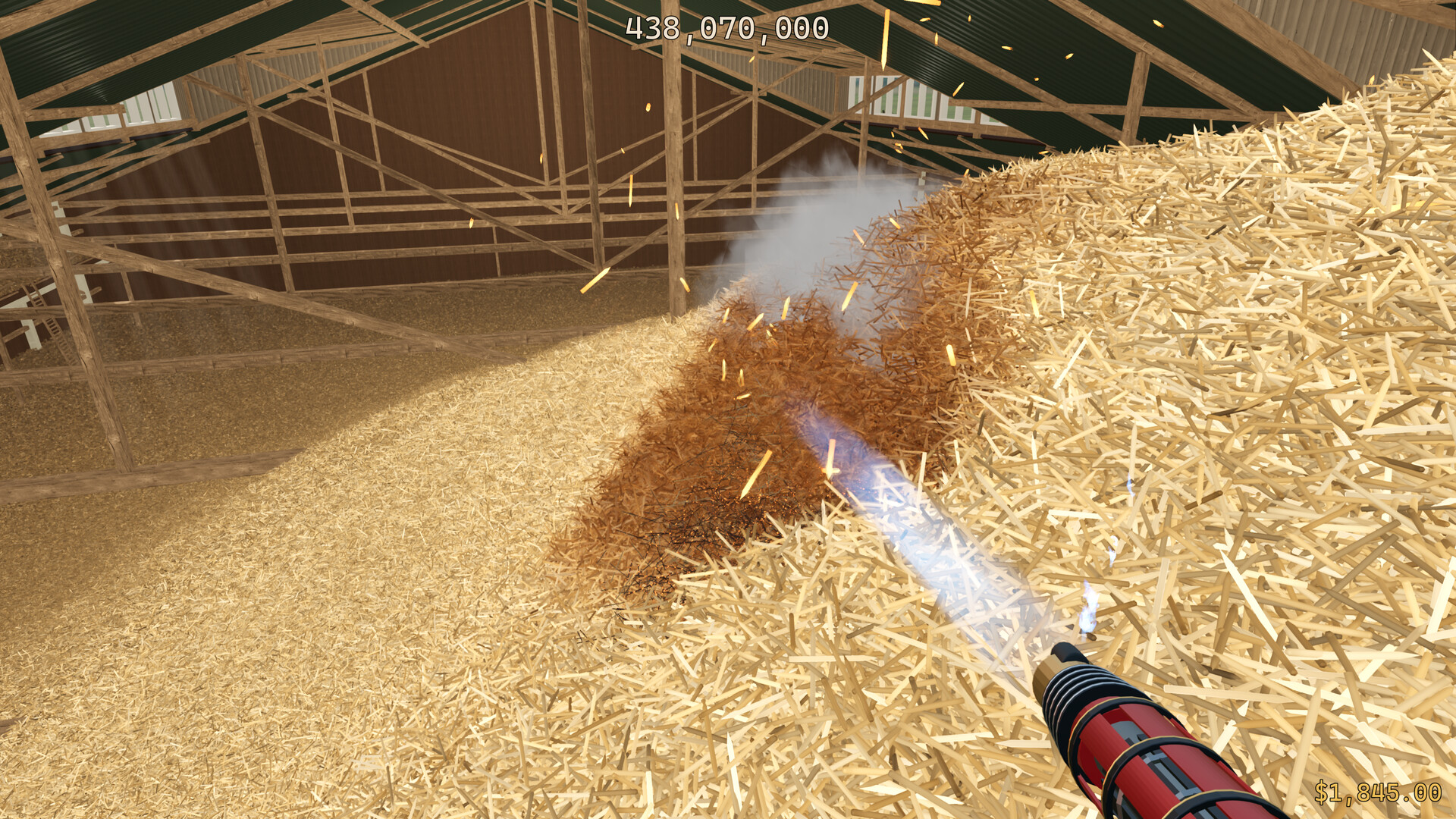
Hay! One Billion! drops you into a barn that contains exactly one billion pieces of hay. You start with only your hands, destroying hay to uncover hidden coins and eventually the lost needle.
The game offers both solo and online co‑op play, lets you spend coins on tools that speed up hay removal, tracks progress with Steam Cloud, and includes Steam Achievements for key milestones.
01 / THE GUIDE
Gameplay Loop
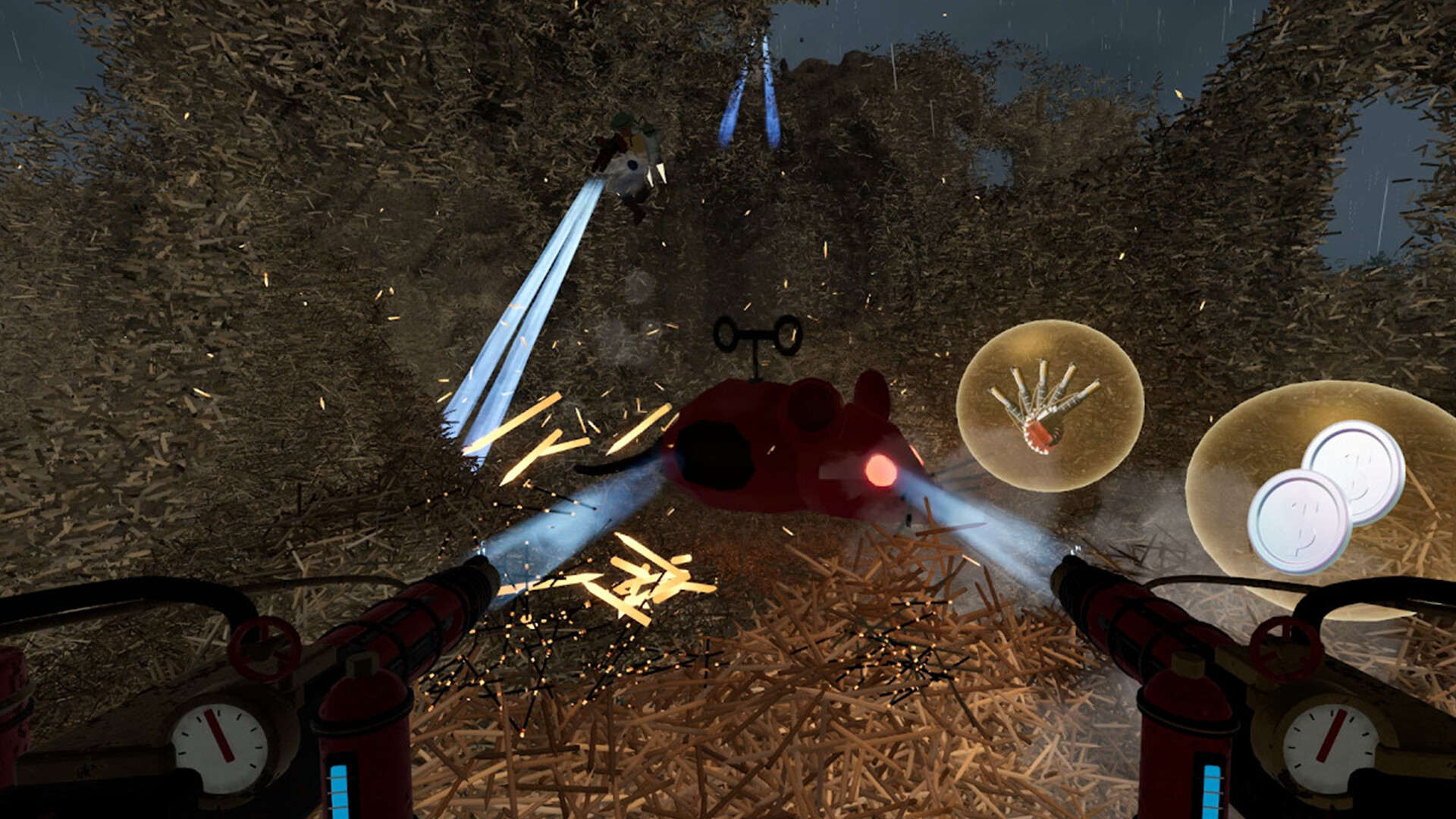
You begin by manually searching the hay with your hands, destroying hay to reveal buried coins. Each coin you collect becomes currency for later purchases.
After buying tools, the rate at which hay disappears increases, bringing you closer to the needle. The loop repeats: destroy hay, collect coins, upgrade, and repeat until the needle is found.
- Watch how quickly coins appear after each hay chunk is destroyed to gauge the value of upgrades.
- Compare the time taken for a hand‑only search versus a tool‑assisted search to see efficiency gains.
02 / THE GUIDE
Tool Upgrades
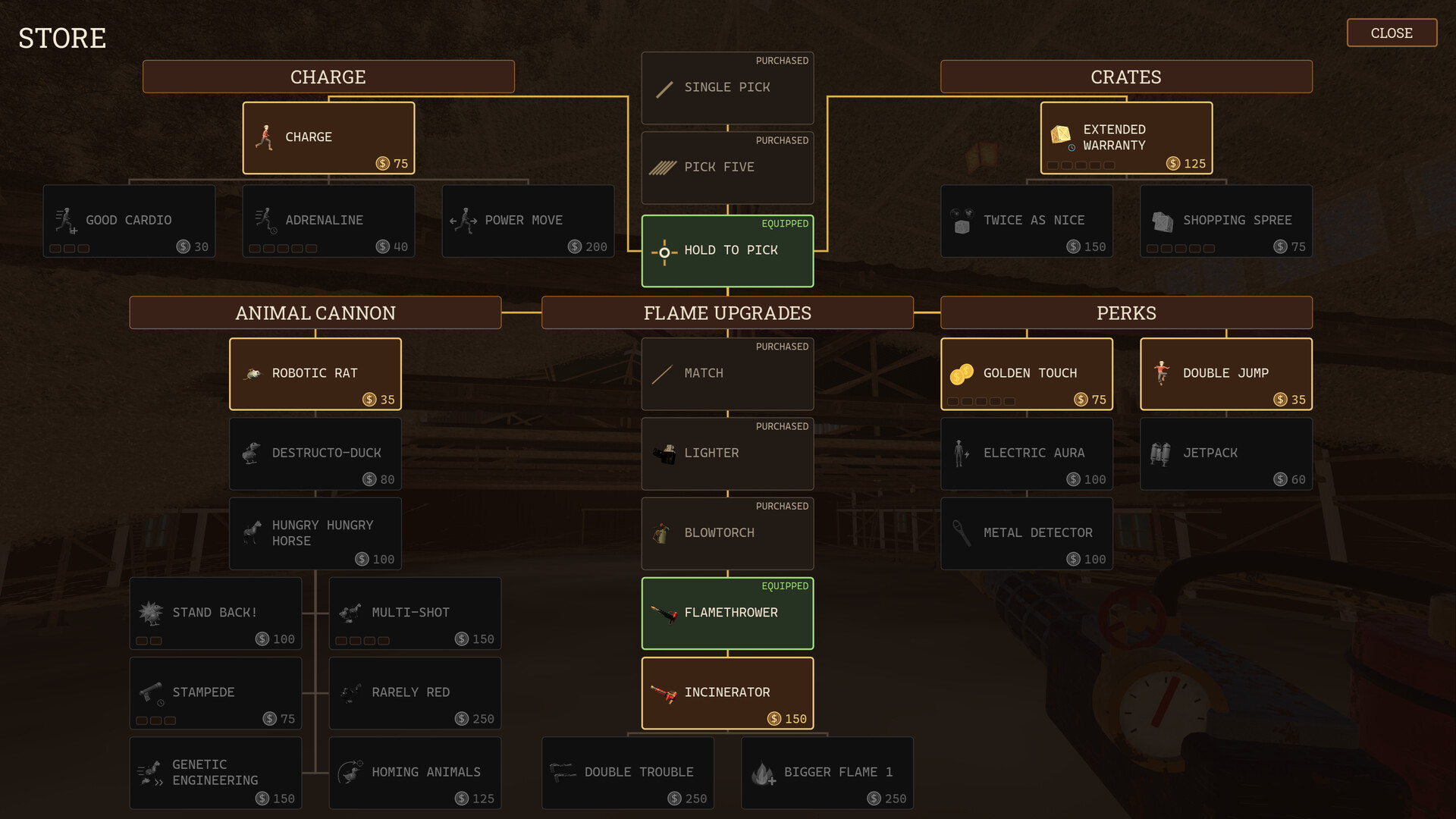
Coins you discover can be spent on upgrades and tools that let you clear hay more quickly. Each purchase directly improves your hay‑removal speed.
Tools are optional; you may continue using only your hands, but each upgrade shortens the path to the needle. Choosing which tools to buy shapes how fast you progress.
- Prioritize upgrades that explicitly increase hay removal speed for the biggest time savings.
- Note each tool’s cost and the speed boost it provides before committing coins.

03 / THE GUIDE
Multiplayer Co‑op
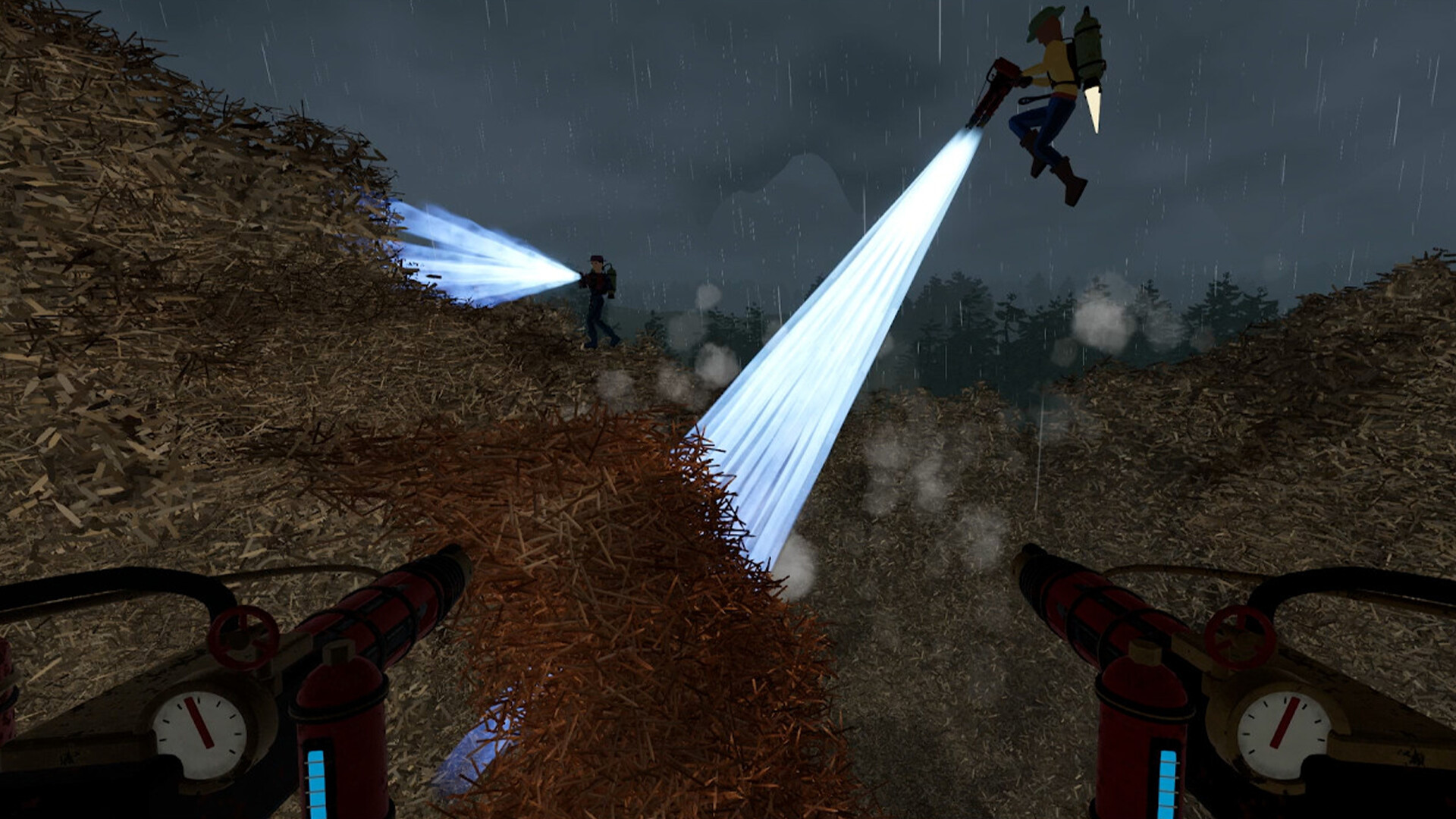
Online co‑op lets multiple players search the hay together, destroying hay and finding coins as a group.
Working together in co‑op can make clearing hay and collecting coins a shared effort as you all search for the needle.
- Talk with your teammates about tool purchases so everyone can plan their spending together.
- Measure hay cleared per minute in solo versus co‑op sessions to see the cooperative benefit.
04 / THE GUIDE
Achievements & Steam Cloud
The game includes Steam Achievements, giving you extra goals to pursue beyond the main objective.
The game lists Steam Cloud support, so your progress can be handled through that Steam feature.
- Review achievement titles to set short‑term targets during each play session.
- After major upgrades, confirm cloud sync to ensure your progress is backed up.
05 / THE GUIDE
Full Controller Support
The game includes full controller support, allowing play entirely with a gamepad, including compatibility with DualSense controllers on supported platforms.
Controller support offers an alternative way to play, including with DualSense controllers.
- Try the controller to discover whether it feels comfortable for long sessions.
- Observe any differences in response speed between input methods to choose the most responsive setup.
COMMUNITY
Player discussion