 GameWiki
GET YOUR BEARINGS
About Hatsune Miku: Project DIVA Mega Mix+
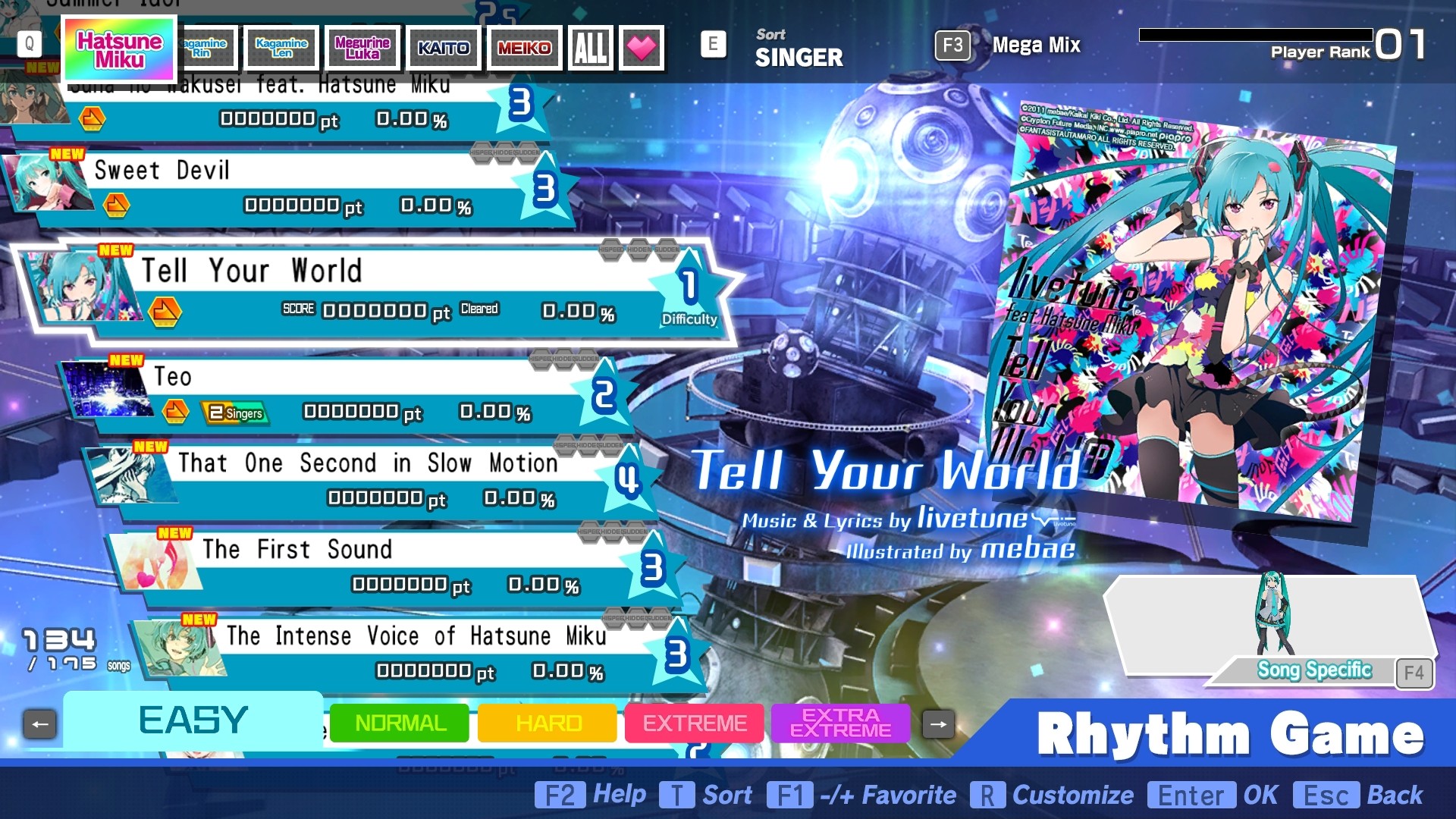
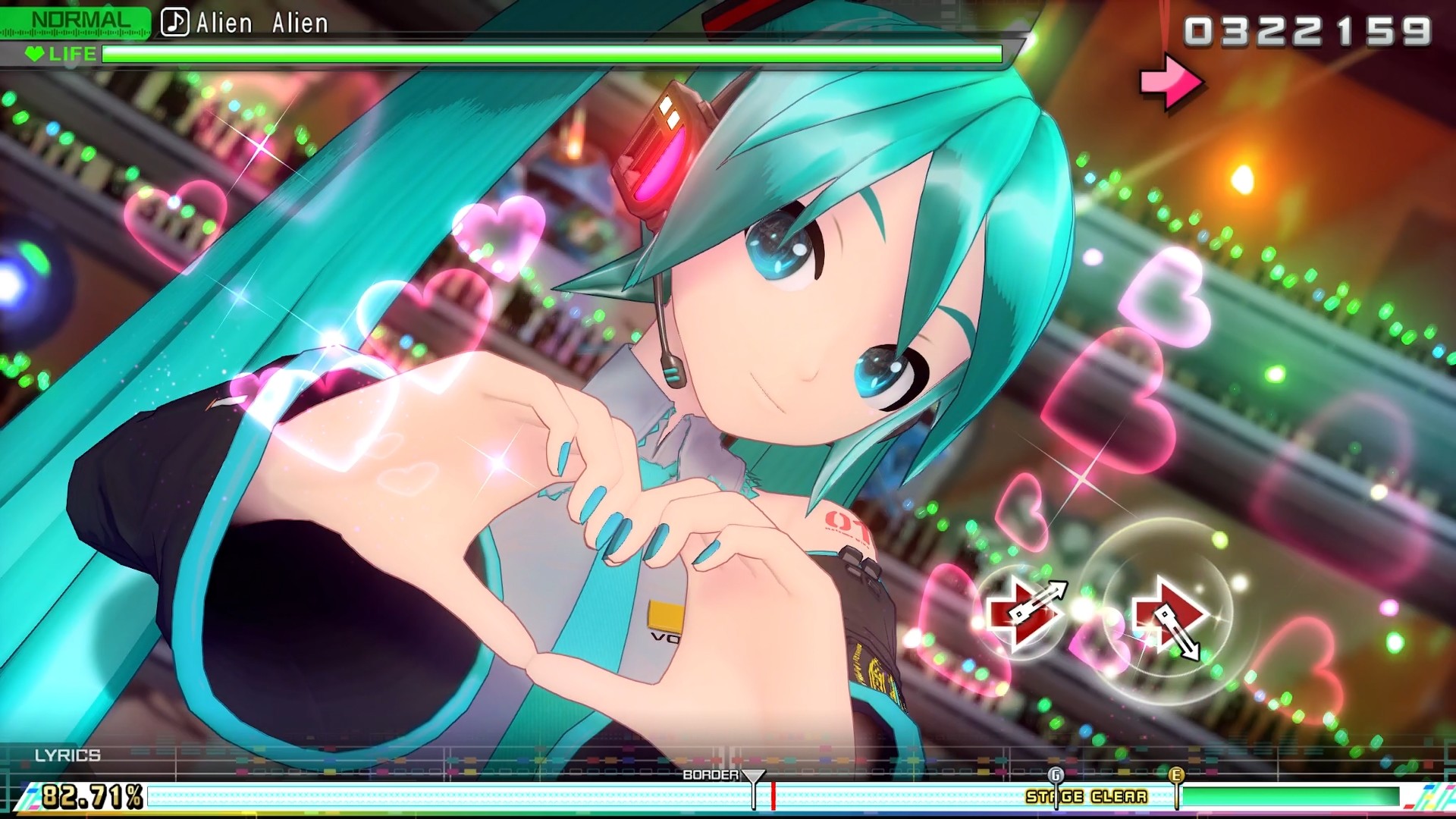
Hatsune Miku: Project DIVA Mega Mix+ puts players on stage with the virtual pop star and her vocaloid friends, offering a rhythm‑game where you tap or hold buttons in time with on‑screen icons. The game launches on PC with a setlist of over 170 songs, each paired with its own music video.
Beyond the core rhythm action, the title provides extensive visual customization, two selectable visual styles, a T‑shirt editor, and the ability to build custom playlists. All features are available in single‑player mode and support Steam‑compatible controllers, captions, and cloud saves.
01 / THE GUIDE
Gameplay Mechanics
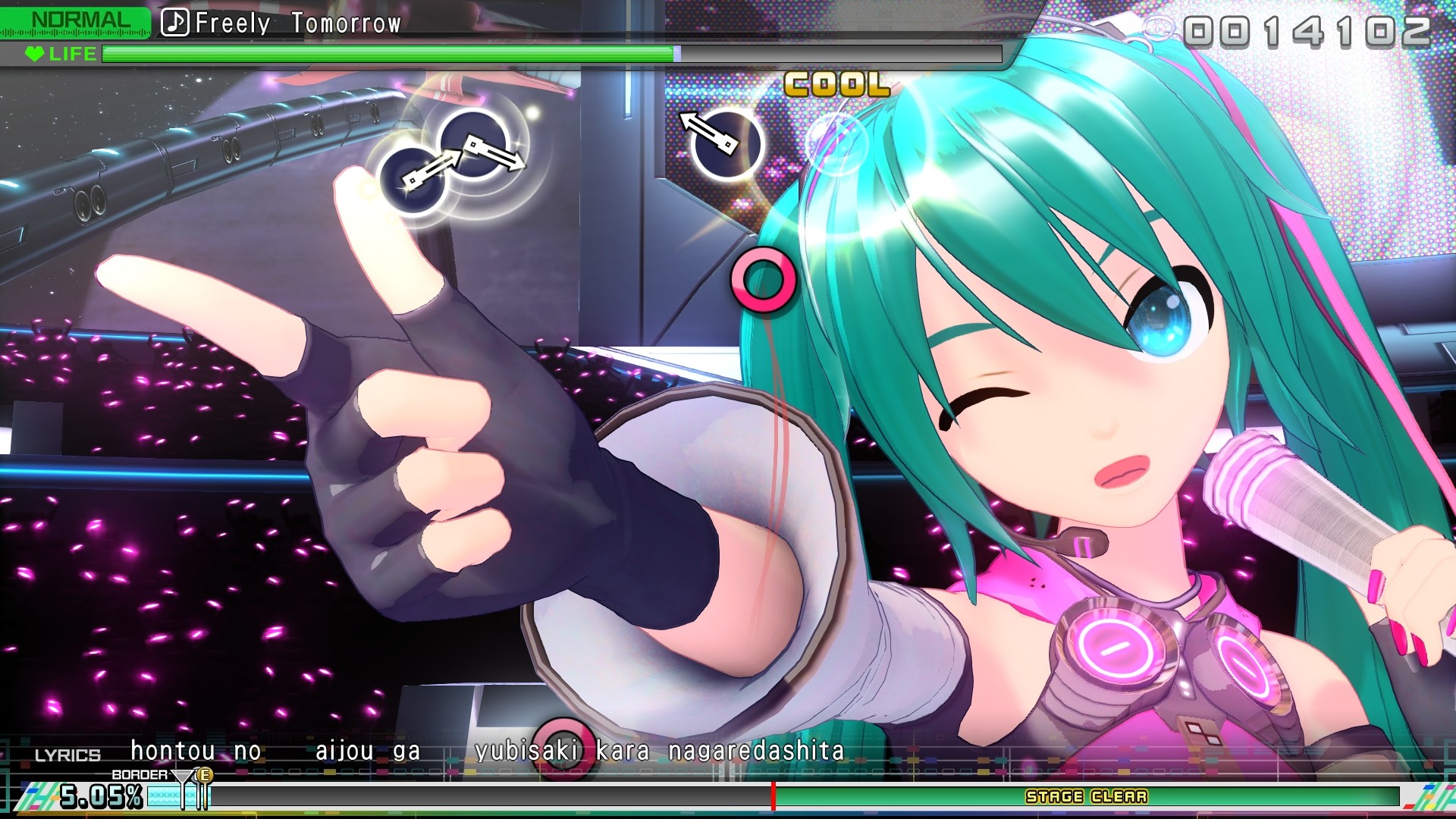
Players start by choosing a song, then tap or hold buttons as icons appear on the screen; the description calls this system simple to grasp yet challenging to master. Difficulty options range from Easy, where music videos accompany play, to Extreme for high‑score pursuits.
Button inputs can be configured to suit personal preferences and accessibility needs, and the game offers full controller support for Steam‑compatible devices, allowing players to map actions as they see fit.
- Begin on Easy to learn timing before advancing to Extreme.
- Use the input configuration menu to match your preferred control layout.
02 / THE GUIDE
Song Library
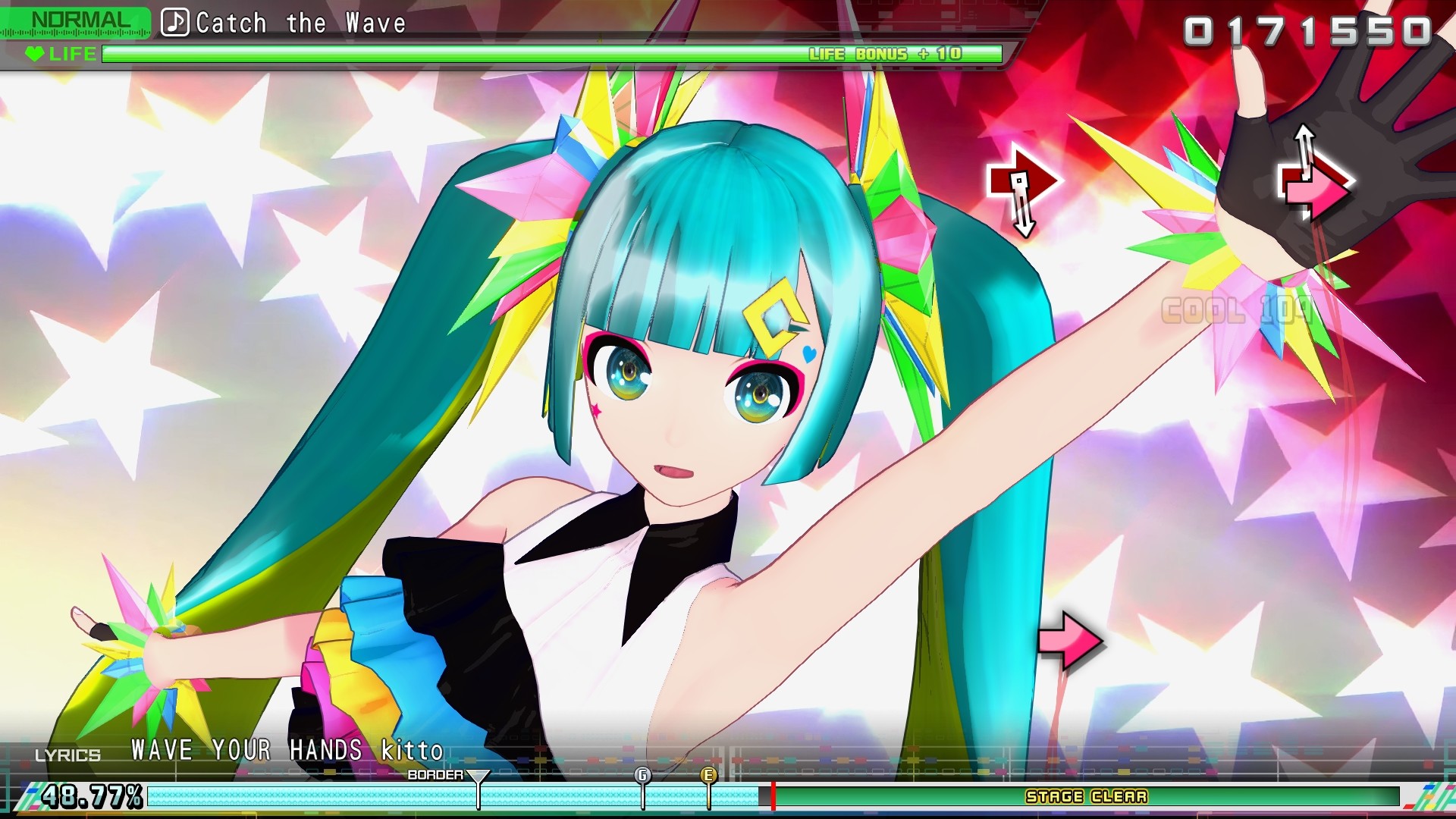
The PC debut includes over 170 playable songs, each accompanied by a unique music video. Classics such as “Melt” and “Cendrillon” sit alongside newer tracks like “Catch The Wave”.
Every track can be played in either Easy or Extreme mode, letting players experience the full visual presentation while aiming for higher scores.
- Create a custom playlist to group songs you enjoy most.
- Try both classic and newer songs to experience varied rhythm patterns.
03 / THE GUIDE
Customization Options
Players can dress Miku, Rin, Len, Luka, MEIKO, and KAITO using more than 500 hairstyles, costumes, and accessories, with outfits able to match each music video for visual variety.
A custom T‑shirt editor lets you draw designs on both front and back of a shirt, then showcase the creation during a performance.
- Mix and match accessories to keep each performance fresh.
- Use the T‑shirt editor to add a personal touch to your stage look.
04 / THE GUIDE
Visual Styles
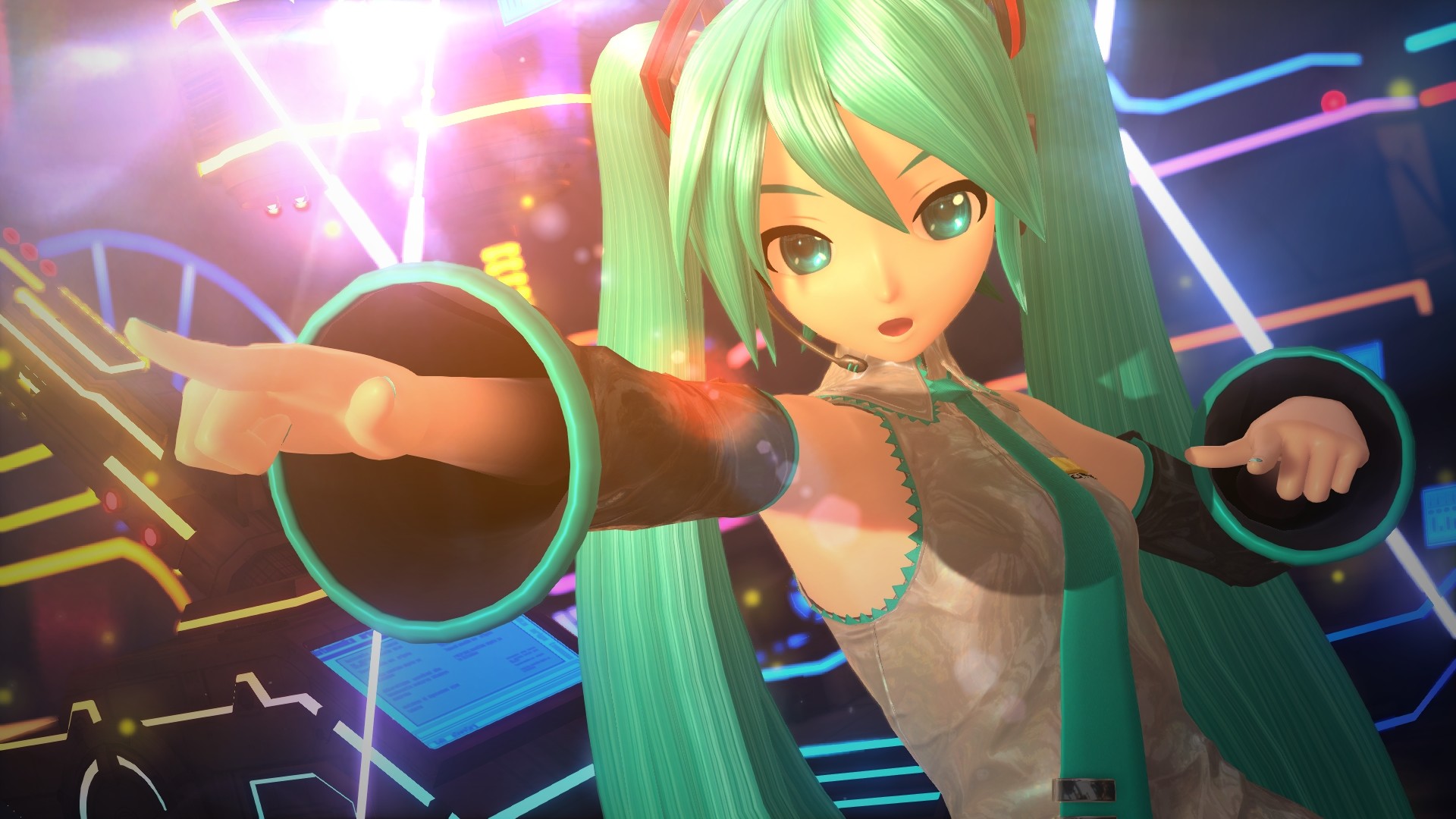
Two visual styles are available: the vibrant “Mega Mix” style and the high‑fidelity “Future Tone” style. Players can switch between them with a single click at any time.
Changing the visual style alters the graphical presentation without affecting gameplay, offering a quick way to refresh the concert’s look.
- Select Future Tone on high‑end PCs for sharper graphics.
- Choose Mega Mix for a more colorful, energetic atmosphere.
05 / THE GUIDE
Accessibility Features
The game includes captions, Steam Cloud saves, and full controller support, making it approachable for a wide audience. Steam achievements and trading cards add optional goals.
Family Sharing is supported, allowing multiple users on the same device to access the game without purchasing additional copies.
- Enable captions if you need visual lyric assistance.
- Turn on Steam Cloud to keep progress across multiple PCs.
COMMUNITY
Player discussion