 GameWiki
GET YOUR BEARINGS
About Harmonia Full HD Edition
Harmonia Full HD Edition is a digital novel from Key that plays like a linear anime or movie, with no branching choices. The story unfolds through text, voice acting, and music, offering a touching narrative experience.
The game runs at 1920×1080 resolution, supports English, Japanese, and Simplified Chinese text, and can be played with touch gestures on tablets or with full controller support on Steam Deck and other devices.
01 / THE GUIDE
Linear Storytelling
Harmonia presents its narrative without any decision points, so the plot proceeds exactly as written, similar to watching an anime or reading a novel. This design ensures every player experiences the same sequence of events.
Because there are no branches, players can focus on the story’s emotional beats, voice performances, and musical accompaniment without worrying about alternate outcomes.
- Enjoy the story at your own pace; there’s no pressure to replay for different endings.
- Take notes on moments that resonate, as they will be the same for all players.
02 / THE GUIDE
High‑Definition Visuals
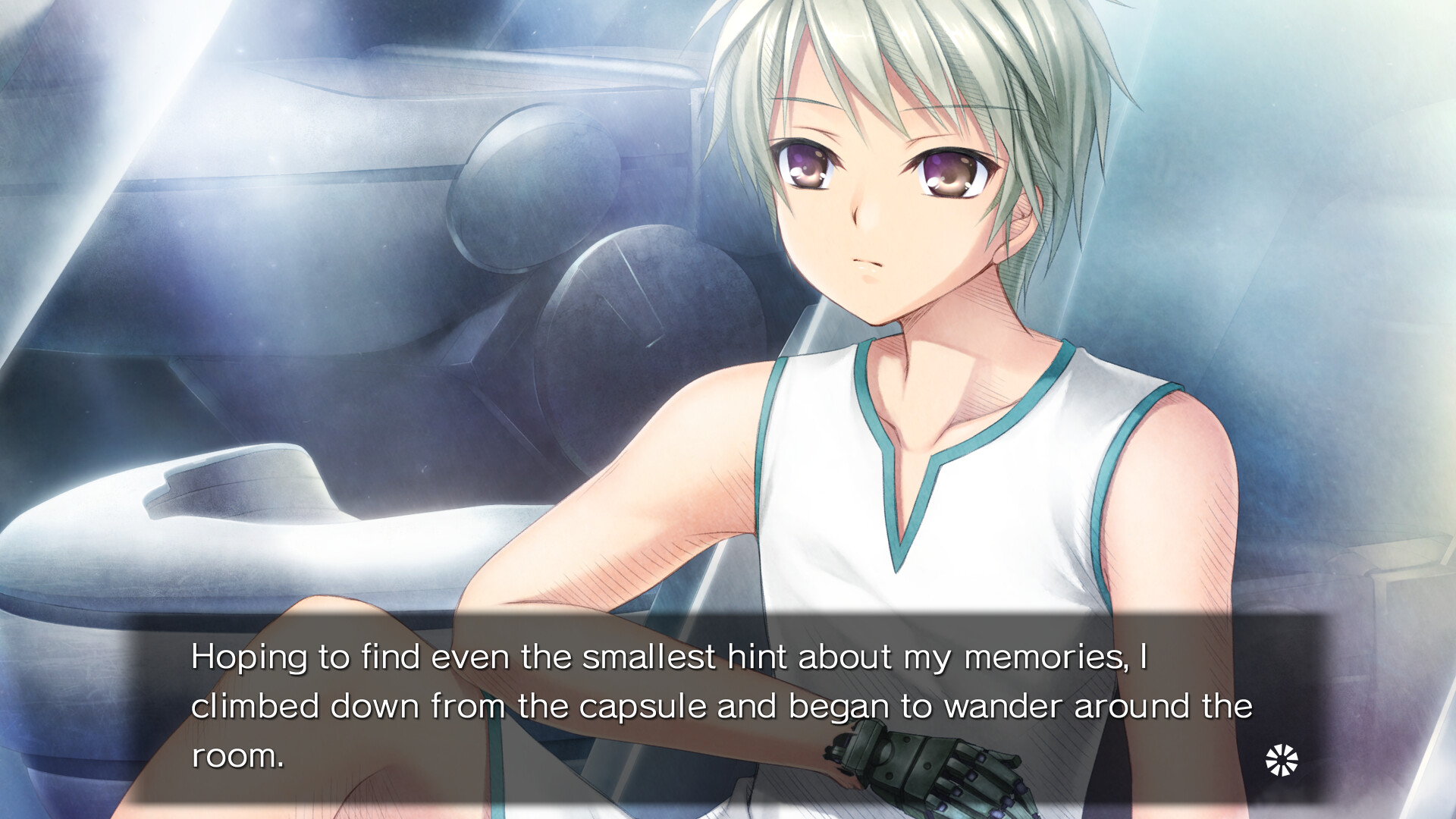
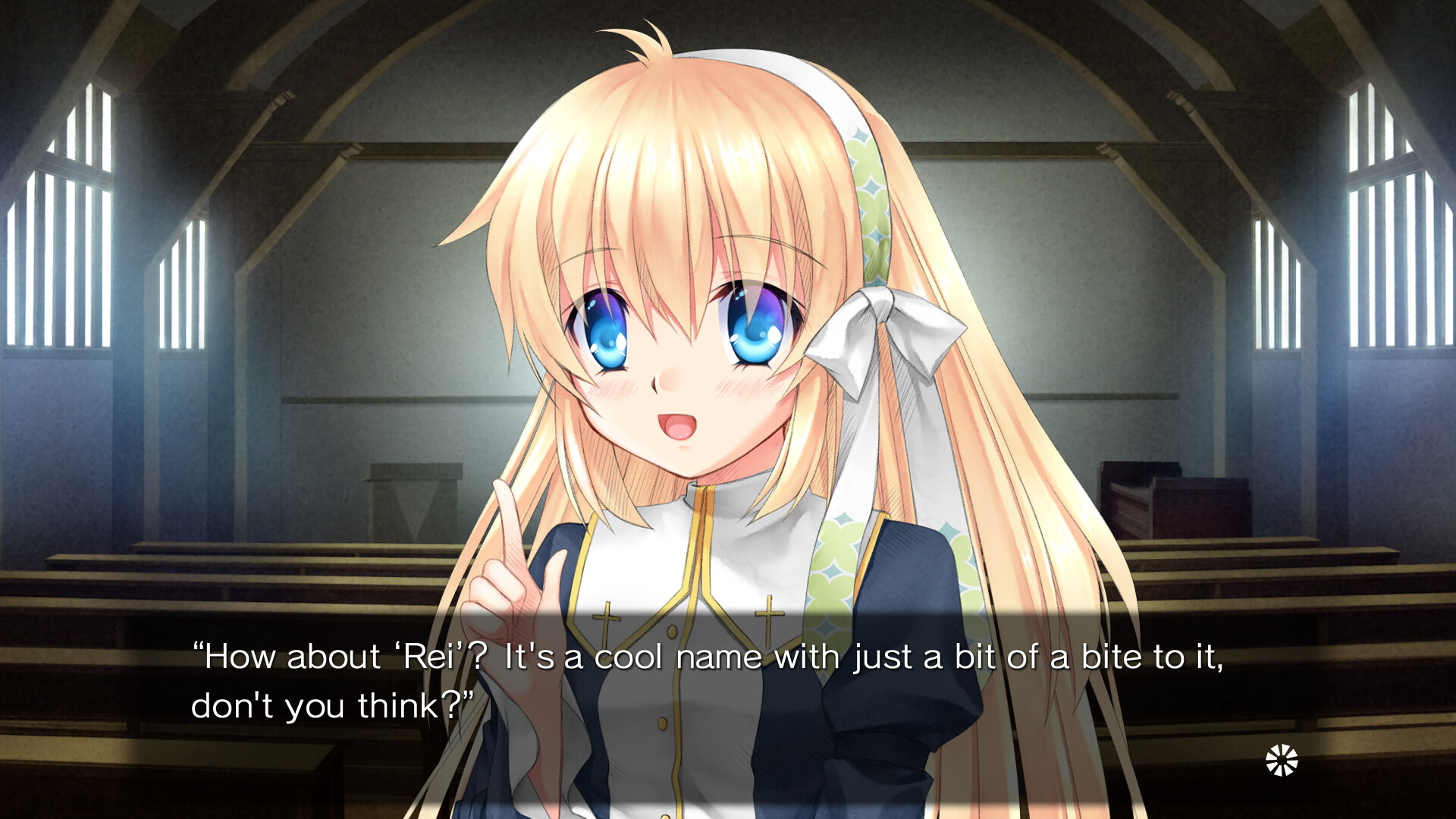
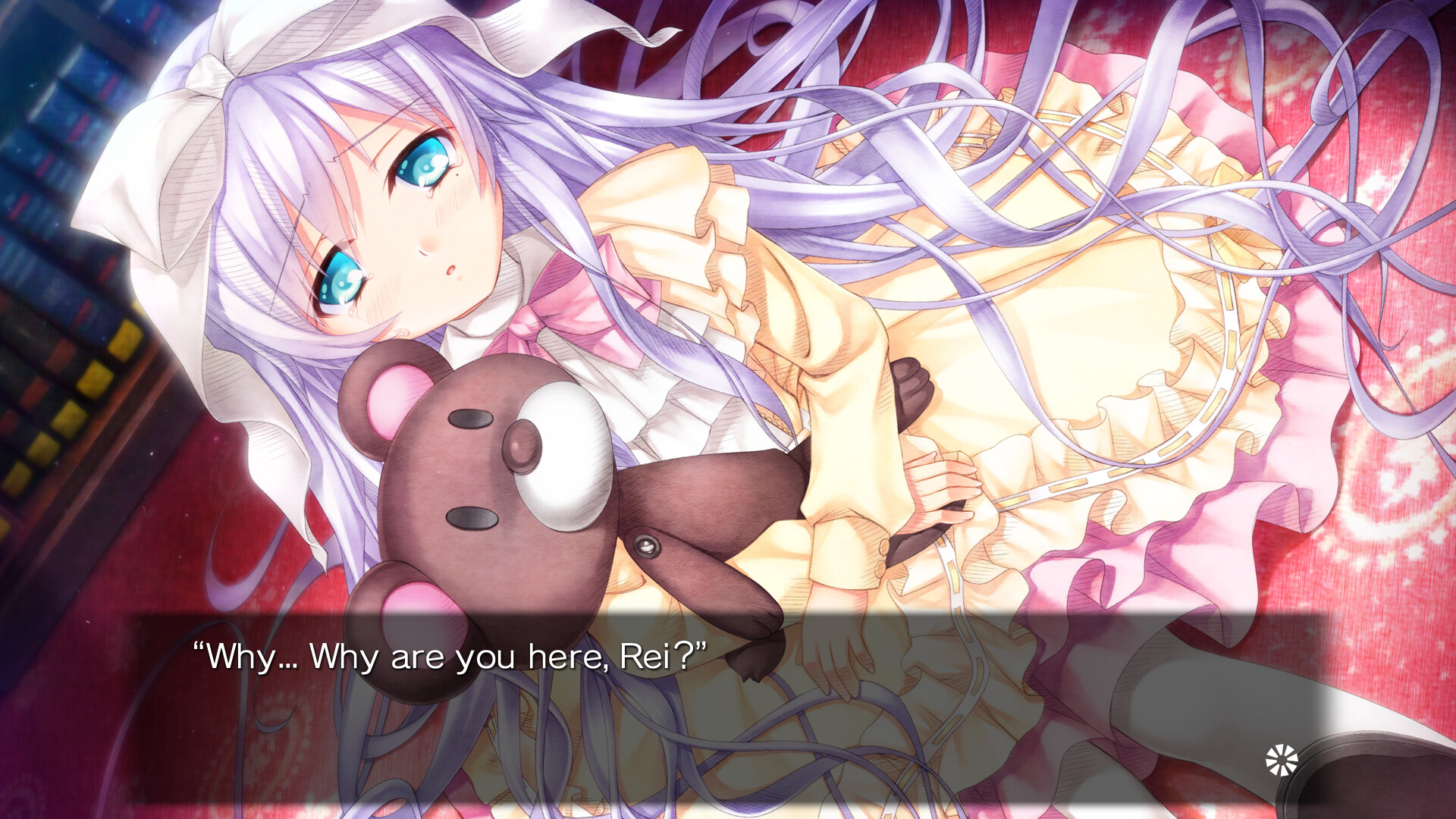
The game runs in full HD (1920×1080) delivering crisp character art and backgrounds. This resolution lets the colorful graphics and animations appear sharp on modern displays.
Combined with the voice cast, the visual fidelity enhances immersion, making each scene feel like a moving illustration.
- Set your monitor to native 1080p for the clearest image.
- Adjust brightness to highlight the vibrant color palette.
03 / THE GUIDE
Multilingual Text Options
Players may switch the in‑game text among English, Japanese, or Simplified Chinese at any time. This includes menus, options, and the digital manual, while audio remains Japanese‑only.
The ability to change language on the fly helps non‑Japanese speakers follow the story without restarting.
- Switch languages before starting to avoid missing subtitles.
- Use the digital manual in your preferred language for clearer instructions.
04 / THE GUIDE
Input Methods
Harmonia supports touch gestures on tablet PCs and the Steam Deck, allowing players to use touch gestures while playing. Full controller support is also listed, covering DualShock and DualSense devices.
These options let you choose the most comfortable way to interact with the visual novel, whether via touch or a gamepad.
- Try touch input on a tablet for a more book‑like feel.
- Test a controller if you prefer button presses over tapping.
05 / THE GUIDE
Platform Features
The title is available on Windows and includes Steam achievements, Steam Cloud saving, and Family Sharing. These features integrate with the Steam ecosystem for progress tracking and sharing with household members.
While only Windows is supported, the listed Steam services are part of the standard Steam ecosystem.
- Enable Steam Cloud to keep your save data backed up.
- Share the game via Family Sharing for easy access by relatives.
COMMUNITY
Player discussion