 GameWiki
GET YOUR BEARINGS
About Happy Wheels
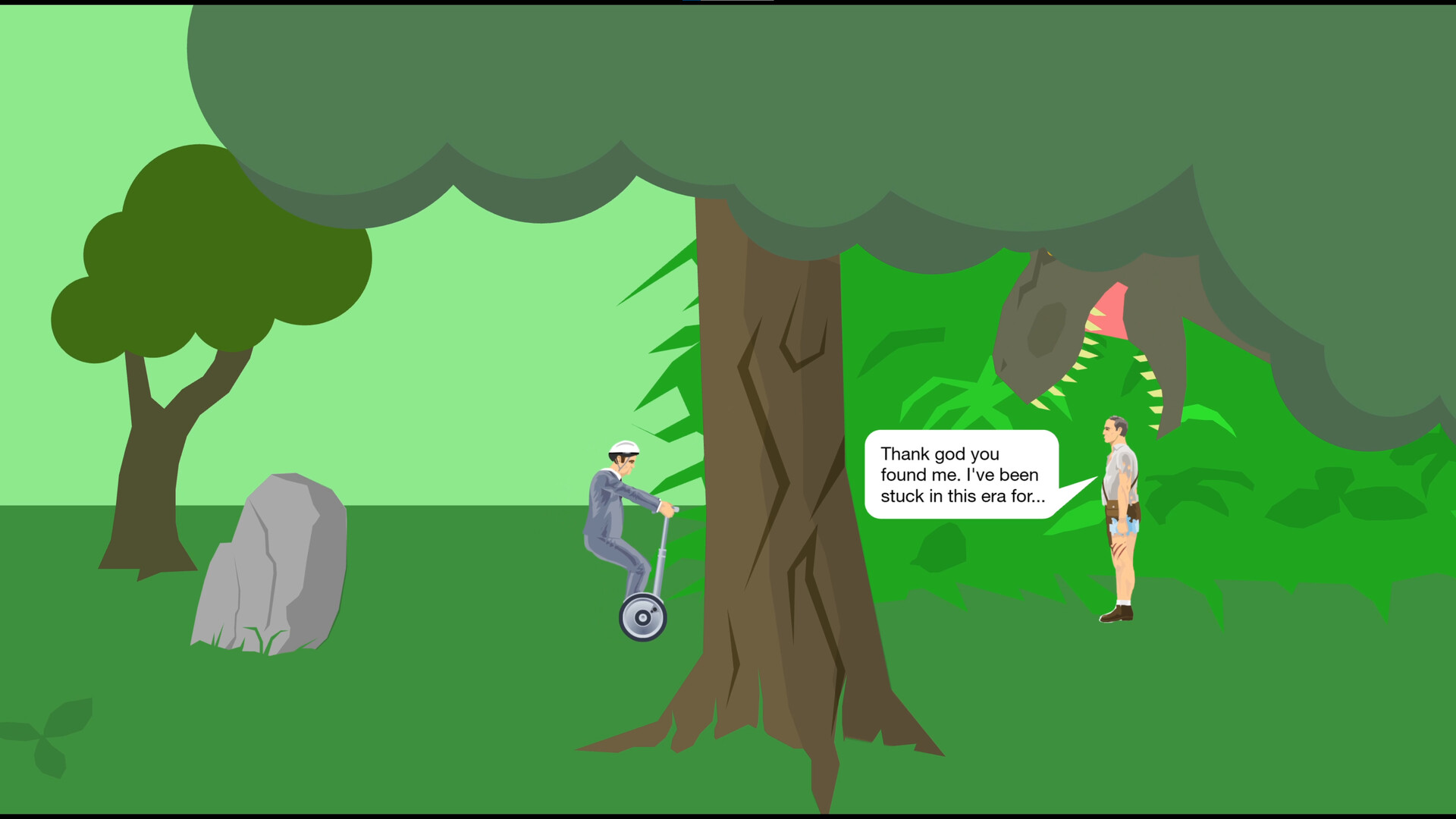
Happy Wheels is a side‑scrolling, physics‑based sandbox where players select from a roster of racers and attempt brief, chaotic runs through hazardous courses that often end in abrupt failure. The game’s community‑driven nature fuels a constant stream of user‑created content.
The Steam release removes all advertisements and adds a date‑filterable Level Browser, Steam achievements, stats tracking, optional controller support, and the ability to download levels for offline play. Existing Happy Wheels accounts can be linked to a Steam ID for automatic login on multiple devices.
01 / THE GUIDE
Level Editor
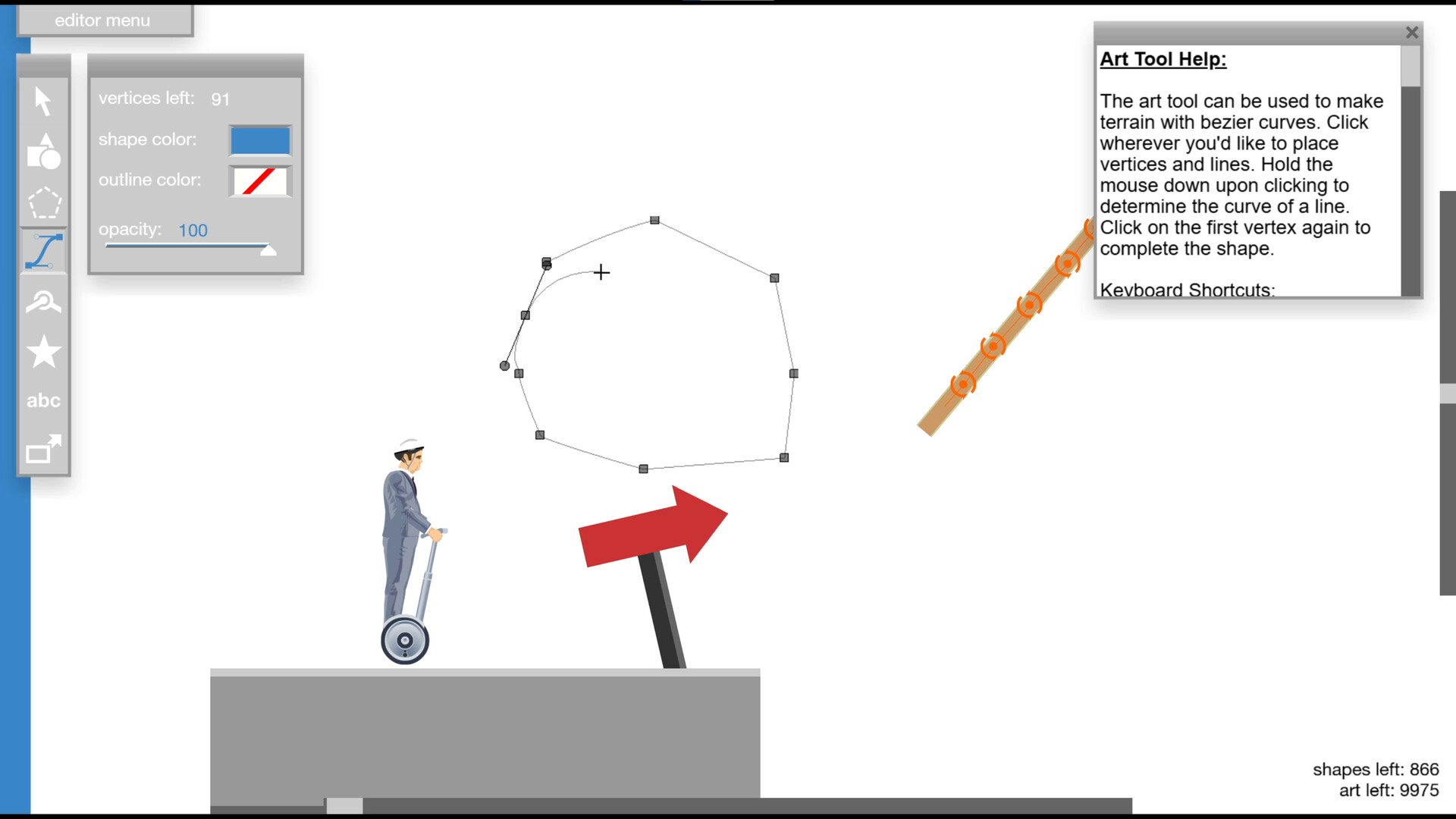
The fully featured Level Editor lets players assemble custom courses using a variety of objects and hazards. Once a level is built, it can be shared directly through Steam, making it instantly available to the community for play and feedback.
Shared levels appear in the interactive Level Browser, where they are sorted and ranked through the interactive Level Browser. This system encourages continual new content without requiring developers to produce fresh stages, keeping the experience dynamic.
- Combine different obstacle types to explore unexpected physics interactions.
- Test your level before publishing to ensure it functions as intended.
02 / THE GUIDE
Level Browser
The Level Browser provides access to more than five million community‑submitted stages. A new "Select Date" filter lets players explore older levels, offering a deep dive into the game’s history and design evolution.
Levels are sorted and ranked through the Level Browser, and daily submissions keep the experience fresh. Players can also download chosen levels for offline play, ensuring access without an internet connection.
- Use the date filter to discover classic, highly rated levels.
- Sort by ranking to experience the most popular community creations first.
03 / THE GUIDE
Characters and Vehicles
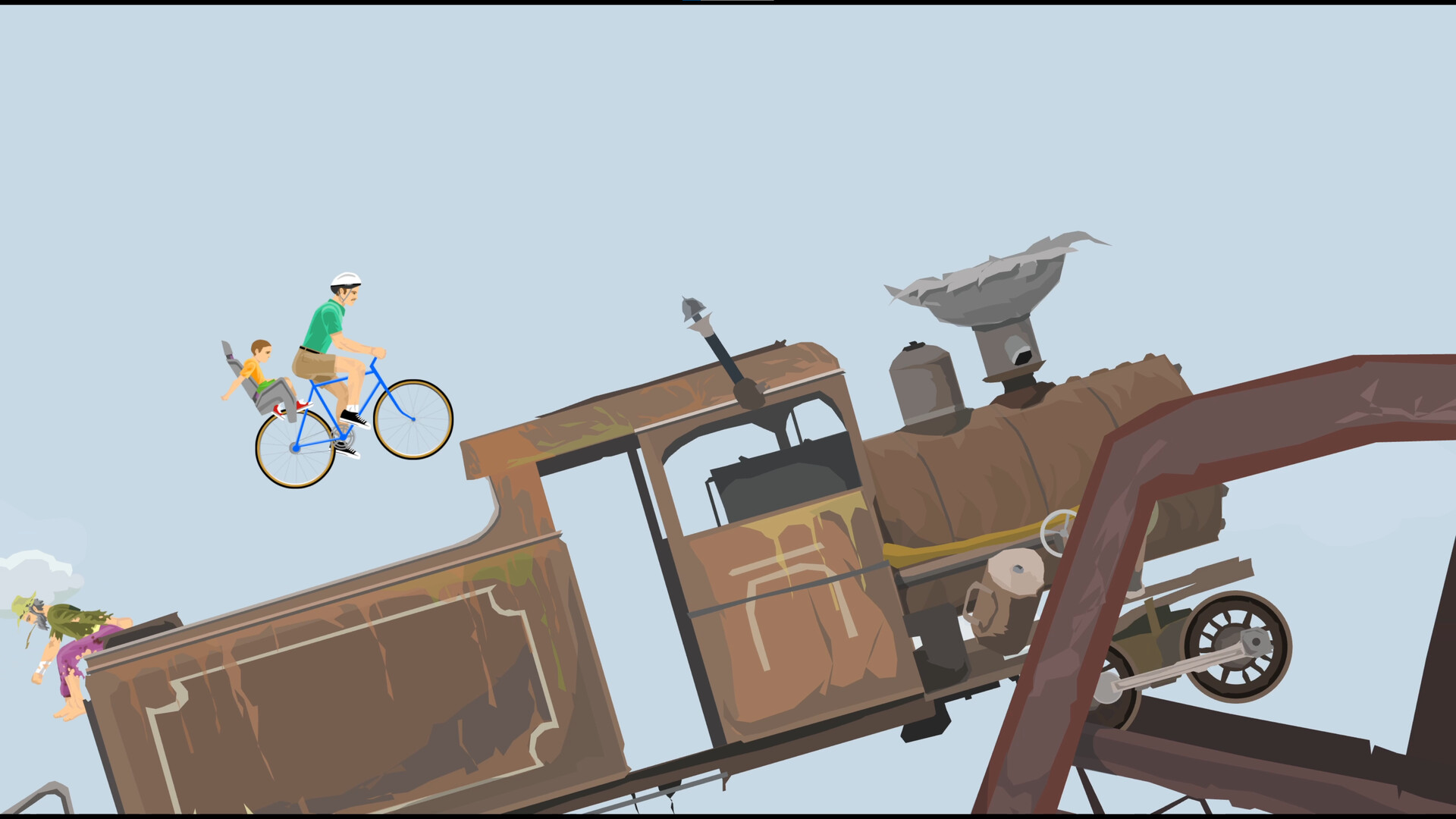
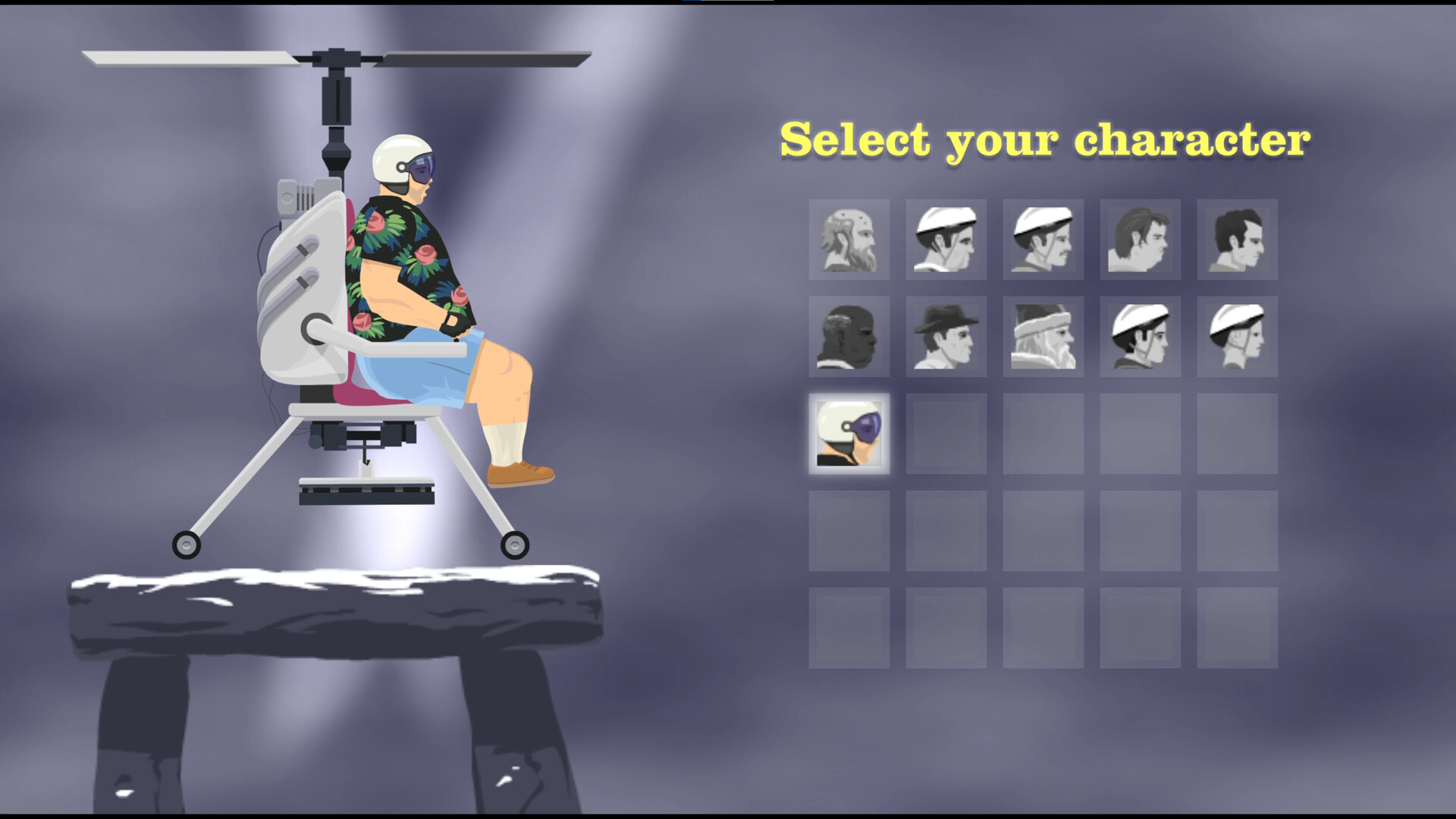
Multiple playable characters each operate distinct vehicles, providing varied handling and physics interactions. While abilities are described as underwhelming, the differences affect how players navigate obstacles and survive crashes.
The design encourages trial‑and‑error with each racer, as each vehicle reacts uniquely to the same level layout, influencing the likelihood of reaching short‑lived victory.
- Try each character to see which vehicle matches your approach.
- Observe how different vehicles react to the same obstacle for better planning.
04 / THE GUIDE
Steam Integration
Happy Wheels on Steam includes achievements, stats tracking, and cloud saving. Linking an existing Happy Wheels account to a Steam ID enables automatic login on multiple machines.
Family Sharing is supported, so a single purchase can be accessed by other accounts on the same hardware, expanding the game’s reach within households.
- Link your old account to enable automatic login on multiple devices.
- Enable Family Sharing to let friends try the game without extra cost.
05 / THE GUIDE
Partial Controller Support
The Steam version adds partial controller support, giving players the option to use gamepads instead of other input methods. This does not replace existing inputs but offers an alternative for those who prefer handheld controls.
Because support is partial, some actions may still rely on the default input scheme, but the inclusion broadens accessibility for a wider audience.
- Test both controller and default input to see which feels more responsive.
- Observe any actions that still require the default scheme when using a controller.

COMMUNITY
Player discussion