 GameWiki
GET YOUR BEARINGS
About Hand Simulator
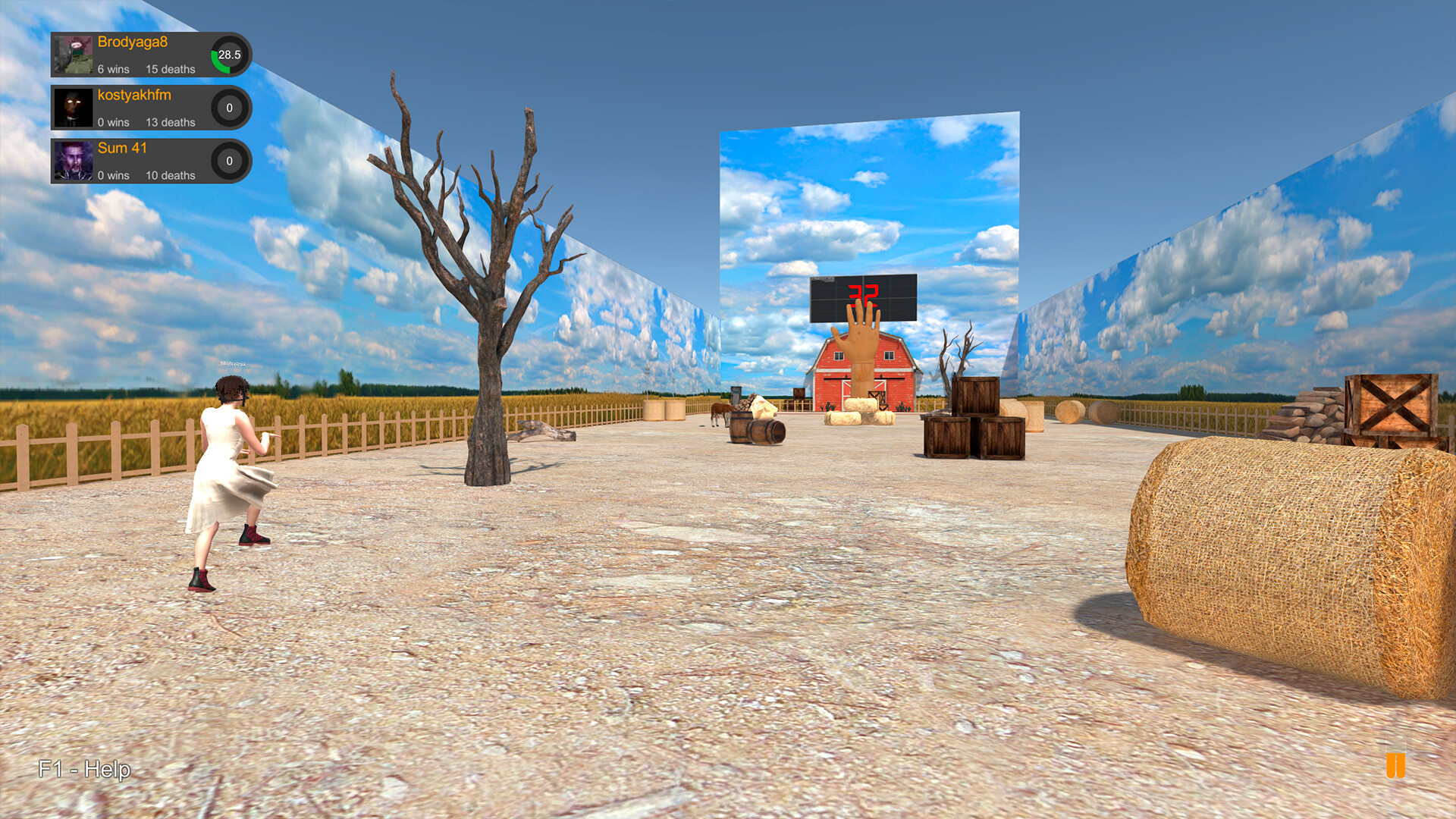
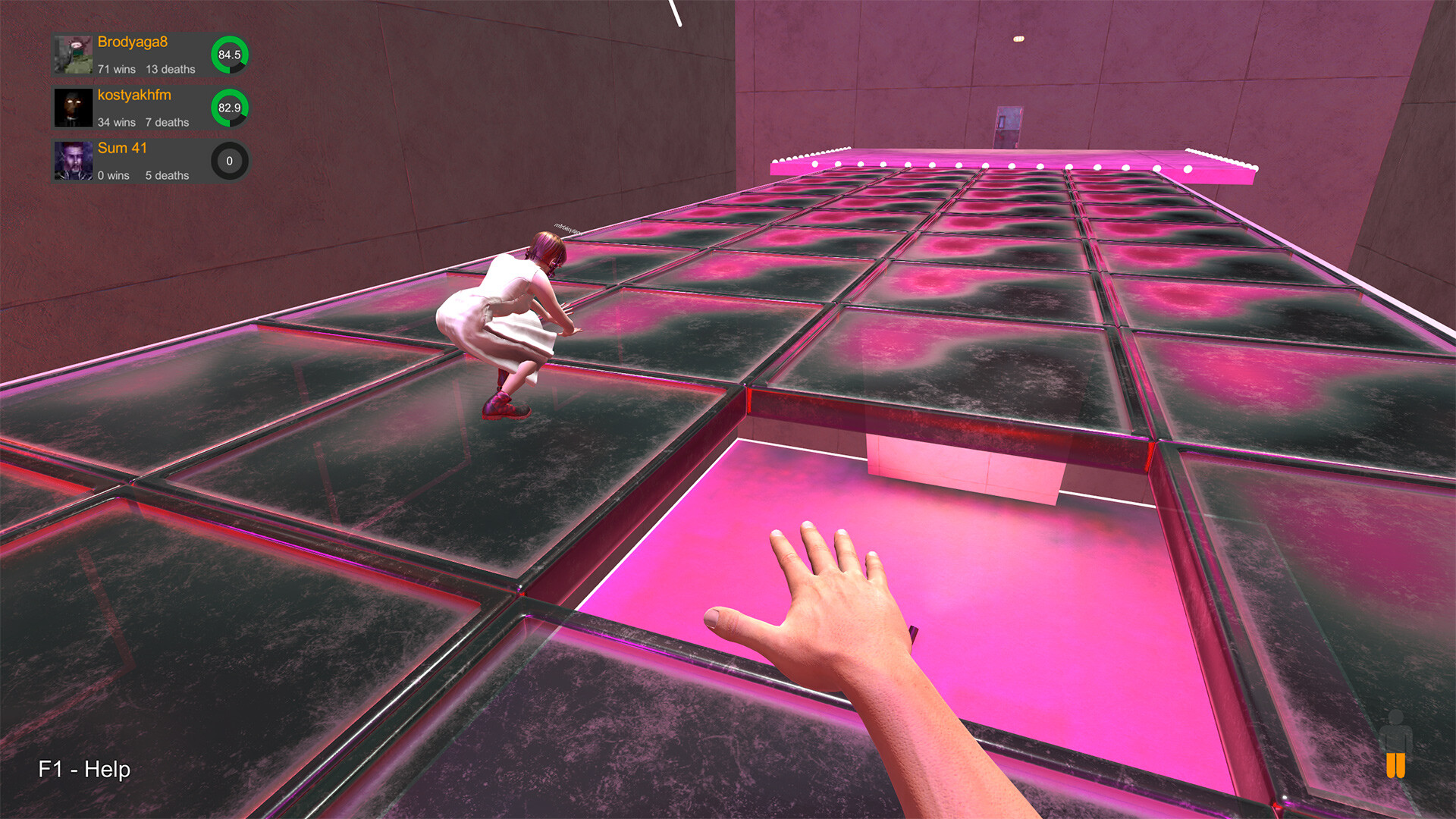
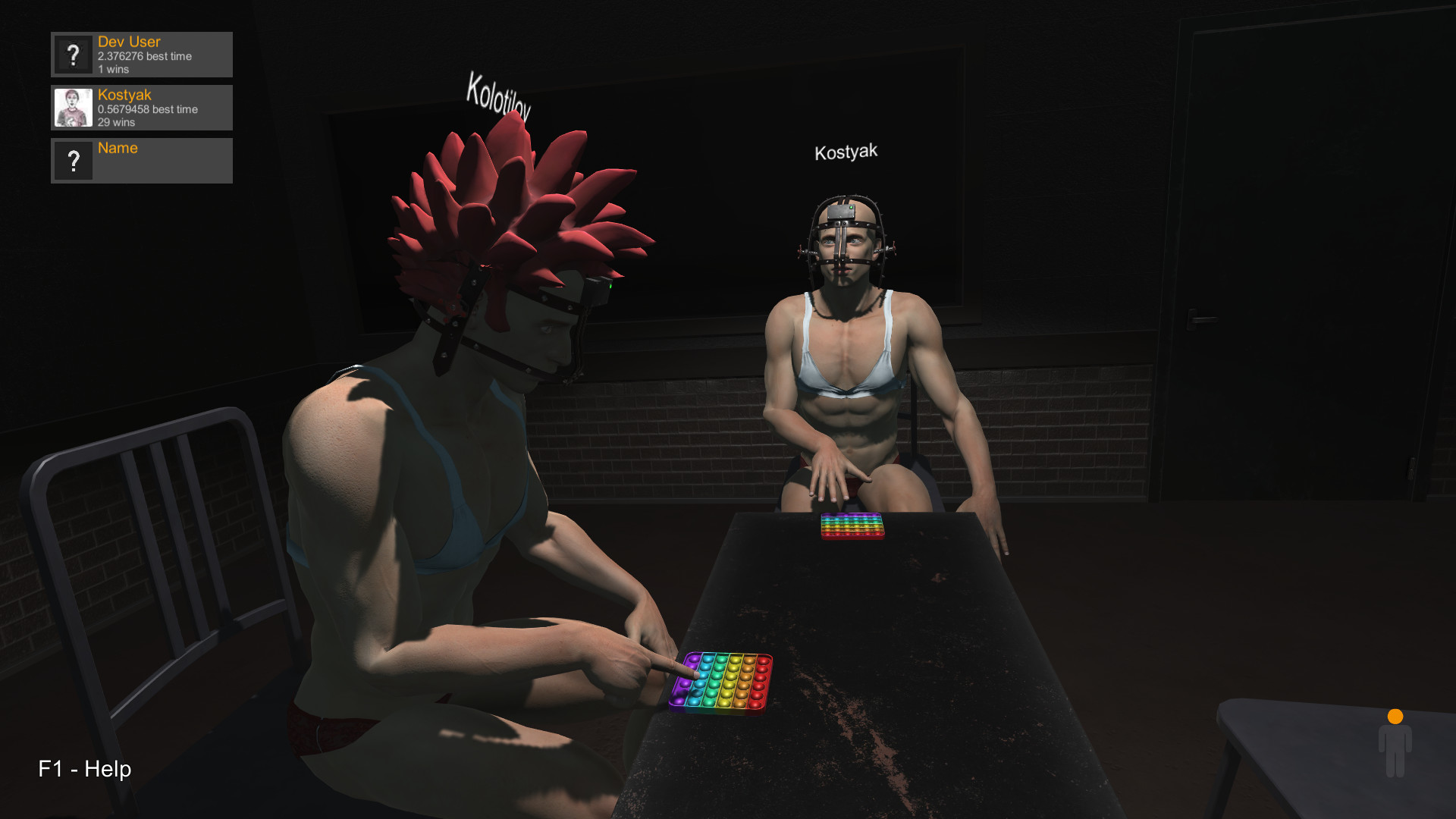
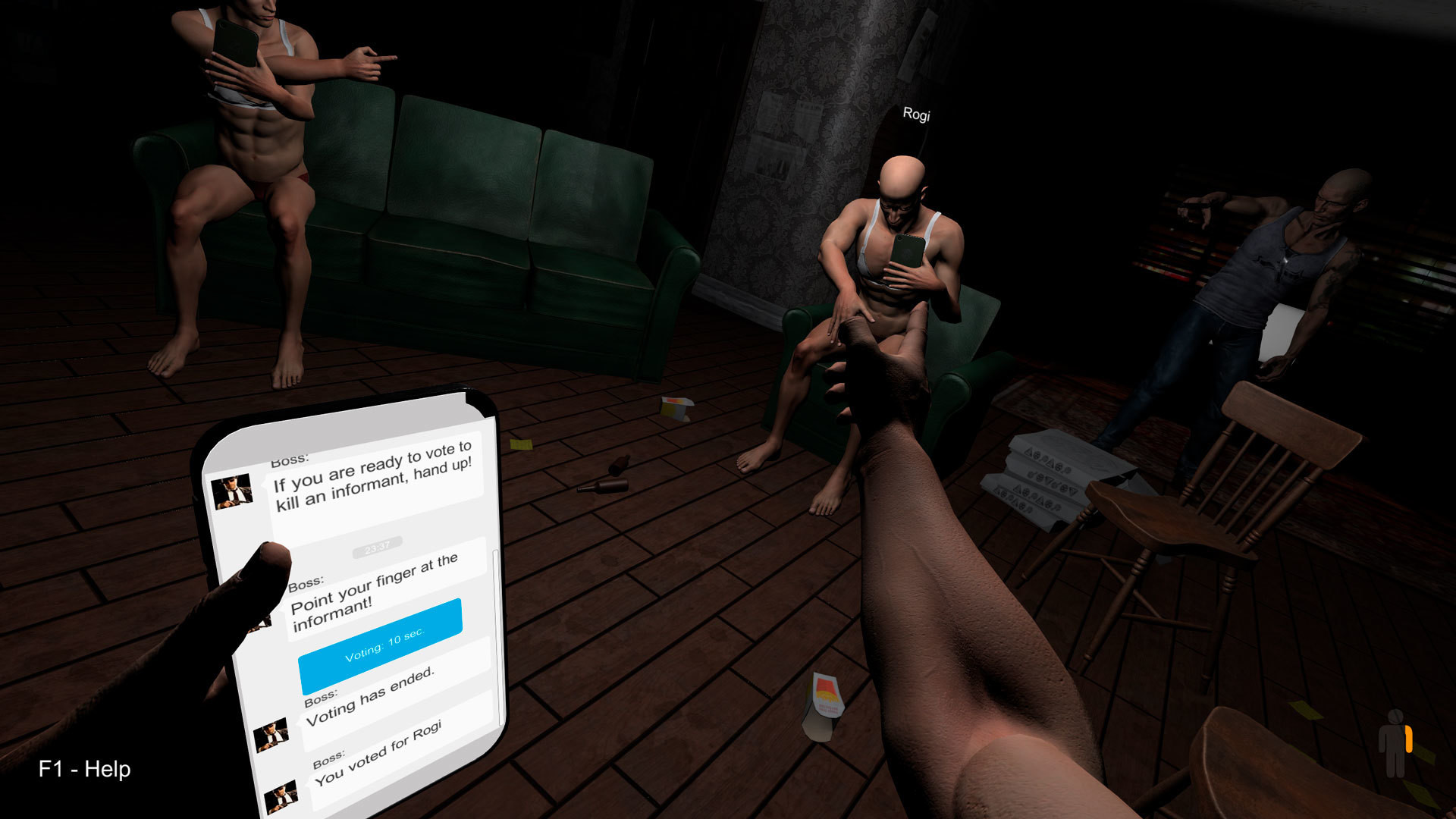
Hand Simulator lets you manipulate virtual hands using only a keyboard and mouse, without any VR headset. The game offers a broad collection of levels where you can spin objects, handle weapons, milk a cow, duel, fish, play chess, or simply chat in an anonymous club.
Both solo and online play are supported. Multiplayer levels let you interact with friends, while detailed weapon mechanics, Steam achievements, and collectible trading cards add goals and replay value as developers continually add new ideas.
01 / THE GUIDE
Level Variety
The title screen provides access to many distinct levels, each focused on a different activity such as spinners, weapons, cows, fishing, chess, or a chat club. Every level defines its own hand‑interaction rules, giving a unique feel to each experience.
Developers add new levels regularly, often turning player suggestions into playable content. This ongoing expansion means the pool of activities grows over time, keeping the game fresh for returning players.
- Try a level you have never visited to discover new hand mechanics.
- Observe how the physics respond differently to simple versus complex objects.
02 / THE GUIDE
Multiplayer Mode
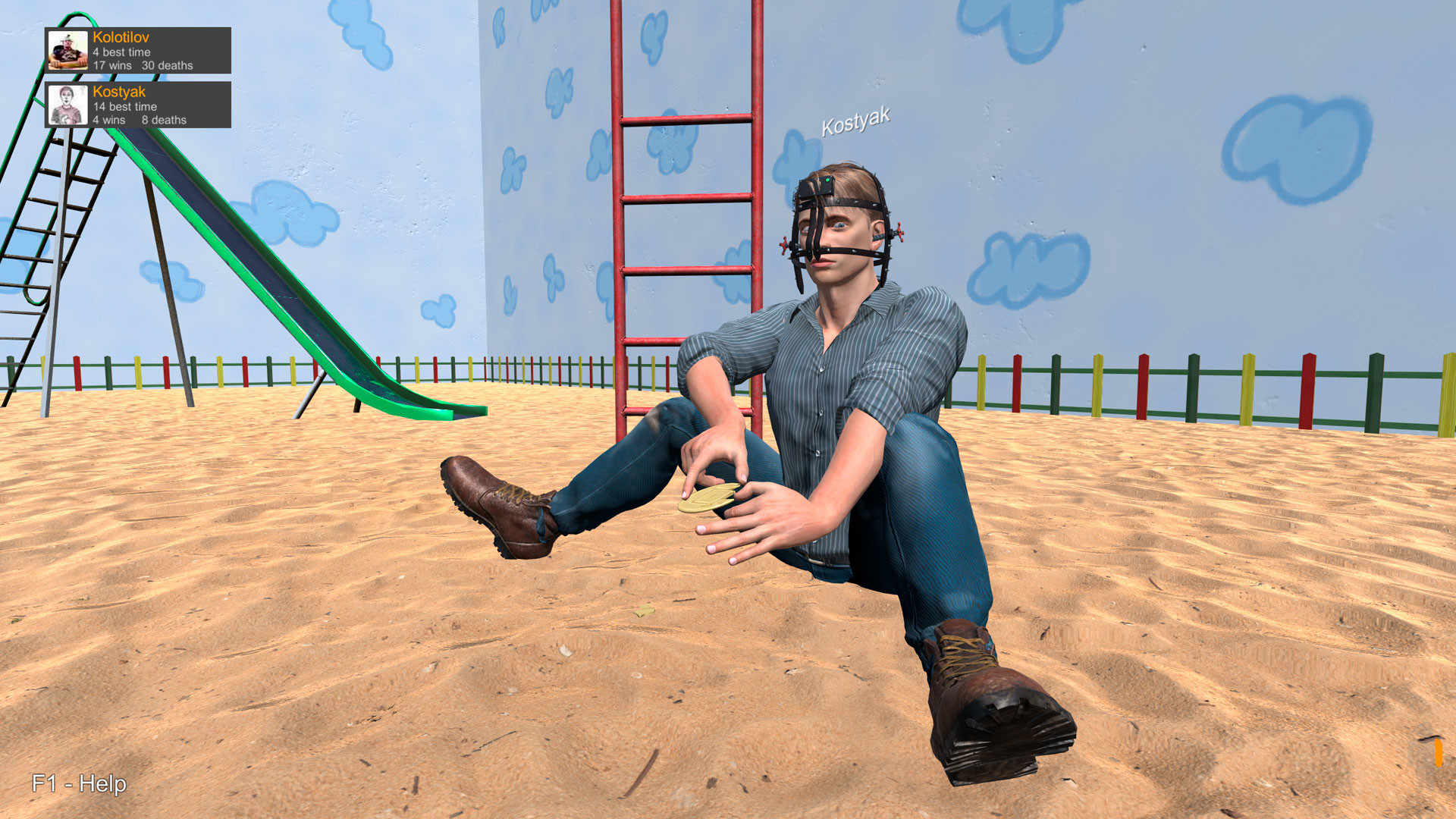
Hand Simulator includes online multiplayer, allowing friends to join the same level at the same time. The shared environment supports both cooperative and competitive interactions, letting players duel, fish together, or simply chat in the anonymous club.
All levels available in single‑player are also reachable in multiplayer, so the same variety of activities can be experienced with others. This design encourages social play without requiring additional content.
- Coordinate entry into a level with friends to avoid overlapping actions.
- Use the in‑game chat to agree on roles before starting a competitive level.
03 / THE GUIDE
Weapon Mechanics
Certain levels feature detailed weapon handling, where each shot demands a series of precise hand motions. The game does not allow a single button press to fire; instead, you must perform the required gestures to succeed.
These mechanics are intentionally challenging, encouraging players to practice timing and coordination. Mastery of the motions reduces the effort needed for subsequent shots within the same level.
- Begin with a low‑pressure weapon level to learn the motion sequence.
- Watch on‑screen cues closely to align each hand movement.
04 / THE GUIDE
Achievements System
Every level, whether played online or offline, contains specific tasks that award Steam achievements when completed. These tasks range from simple actions to more involved challenges, providing clear goals for each session.
Achievements serve as a progress tracker, encouraging players to explore all aspects of a level. They are visible through Steam and can be reviewed before starting a new attempt.
- Read the achievement list for a level before you begin to set clear objectives.
- After unlocking an achievement, replay the level to see if additional tasks become apparent.
05 / THE GUIDE
Collectible Cards
Hand Simulator integrates Steam Trading Cards that drop during gameplay. Collecting these cards contributes to the broader Steam ecosystem, allowing players to complete sets and display badges on their profiles.
Cards are earned across both single‑player and multiplayer levels, so playing a variety of activities increases the chance of obtaining different cards. Duplicate cards can be traded with other players.
- Play multiple levels to maximize the variety of cards you receive.
- Trade duplicate cards with friends to finish your collection more quickly.
COMMUNITY
Player discussion