 GameWiki
GET YOUR BEARINGS
About Hammer 2
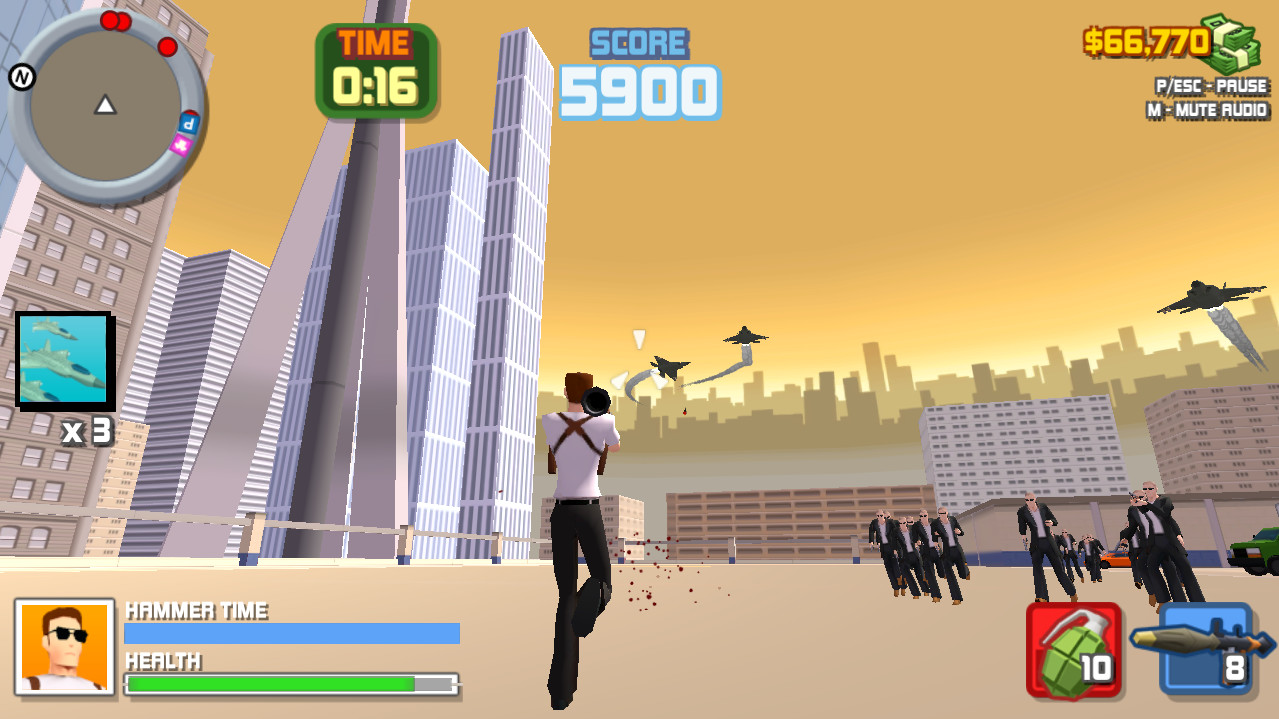
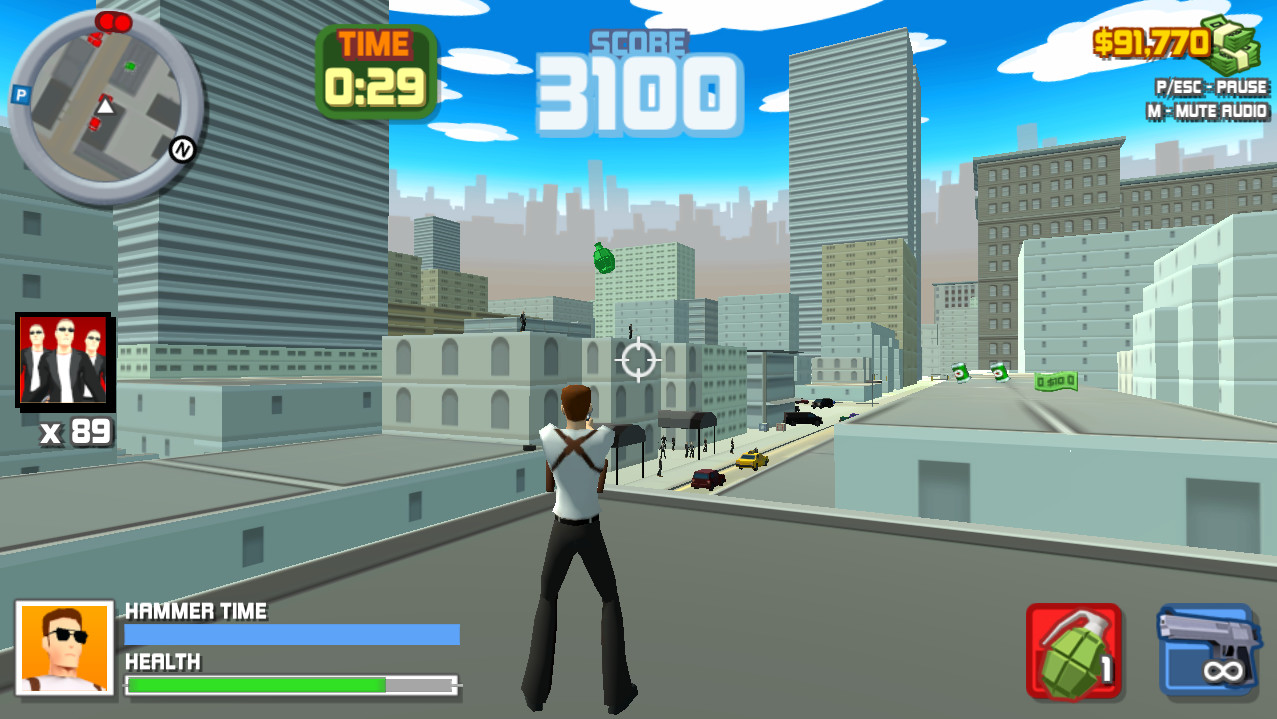
Hammer 2 is a third‑person action title where you play as Hammer, a modern‑day hero equipped with a rifle. Missions task you with eliminating enemies, using vehicles, and exploiting a fully destructible map to achieve perfect scores.
The game offers more than 30 missions, a variety of weapons, ambient music, and a set of ten in‑game successes to unlock. Completing a mission perfectly requires the highest score, meeting a time limit, and locating a hidden package.
01 / THE GUIDE
Mission Structure
Each mission presents a clear objective: defeat enemies, navigate the map, and locate a secret package. The description cites “more than 30 crazy missions” and a perfect‑score condition that combines score, time, and hidden‑item discovery.
Because the secret package is required for 100 % completion, players must balance aggressive combat with exploration. The time requirement encourages efficient routes, while the score metric rewards quick eliminations.
- Map the layout early to spot likely vehicle routes and hidden package locations.
- Monitor your elapsed time while fighting to gauge whether you need to speed up.
02 / THE GUIDE
Destructible Environment
The world is described as “a completely destructible map,” meaning structures and terrain can be broken during combat. This allows players to alter cover, open new pathways, or remove obstacles that block movement.
Destruction can be used tactically; for example, blowing up a wall may reveal a shortcut or expose a hidden package. Planning where to apply force can affect both score and time.
- Identify cover objects that could be removed to limit enemy defenses.
- Test whether destroying a structure opens a faster route before committing.
03 / THE GUIDE
Vehicle Use
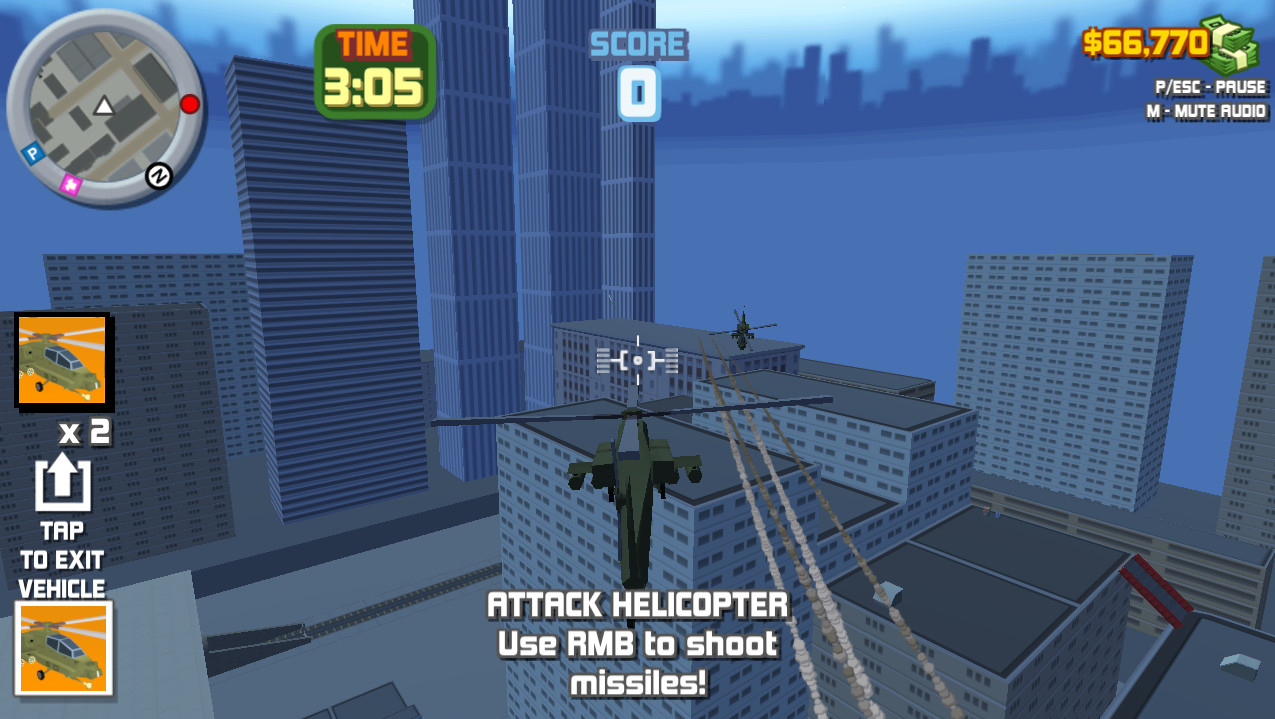
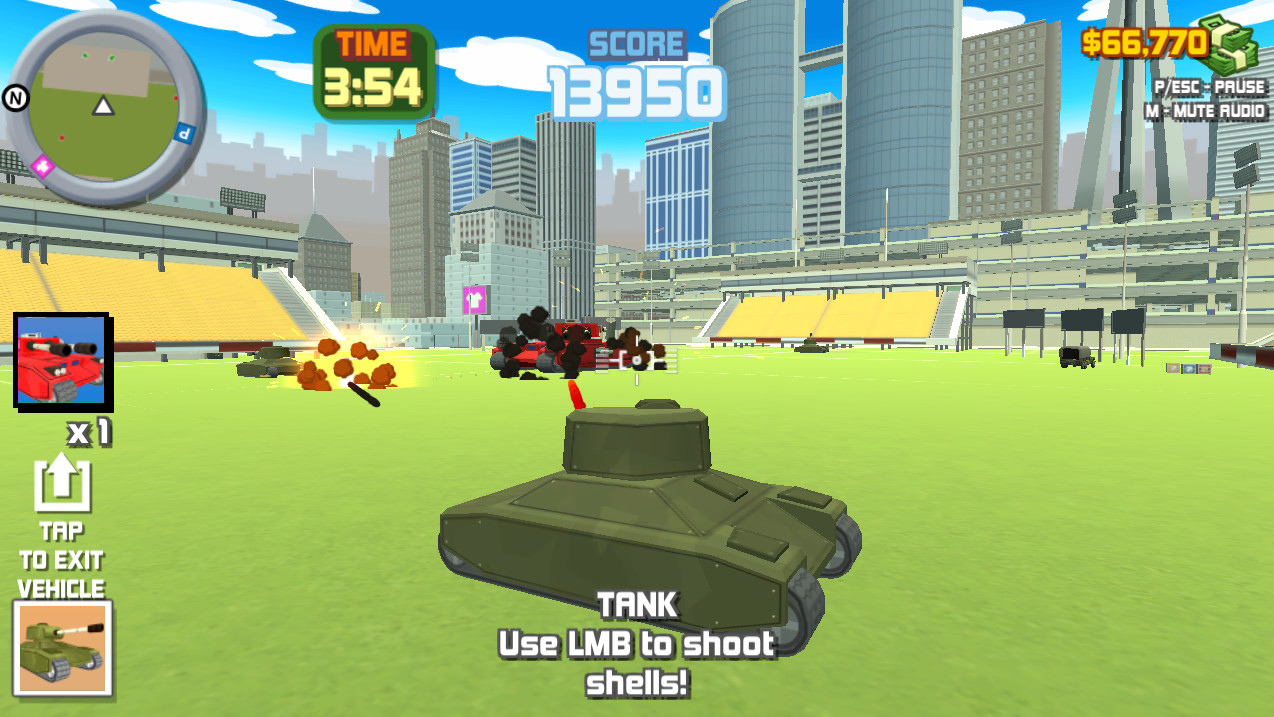
The feature list mentions “many vehicles to build,” indicating that players can access multiple transport options during missions. Vehicles can be driven to traverse large areas quickly.
Since missions reward fast completion, selecting a vehicle suited to the terrain can reduce travel time. Vehicles also interact with the destructible map, allowing players to drive through areas that might otherwise be blocked.
- Choose a vehicle that matches the mission’s terrain to minimize navigation delays.
- Consider using a vehicle for long stretches and switching to foot for tight combat zones.
04 / THE GUIDE
Weapon Variety
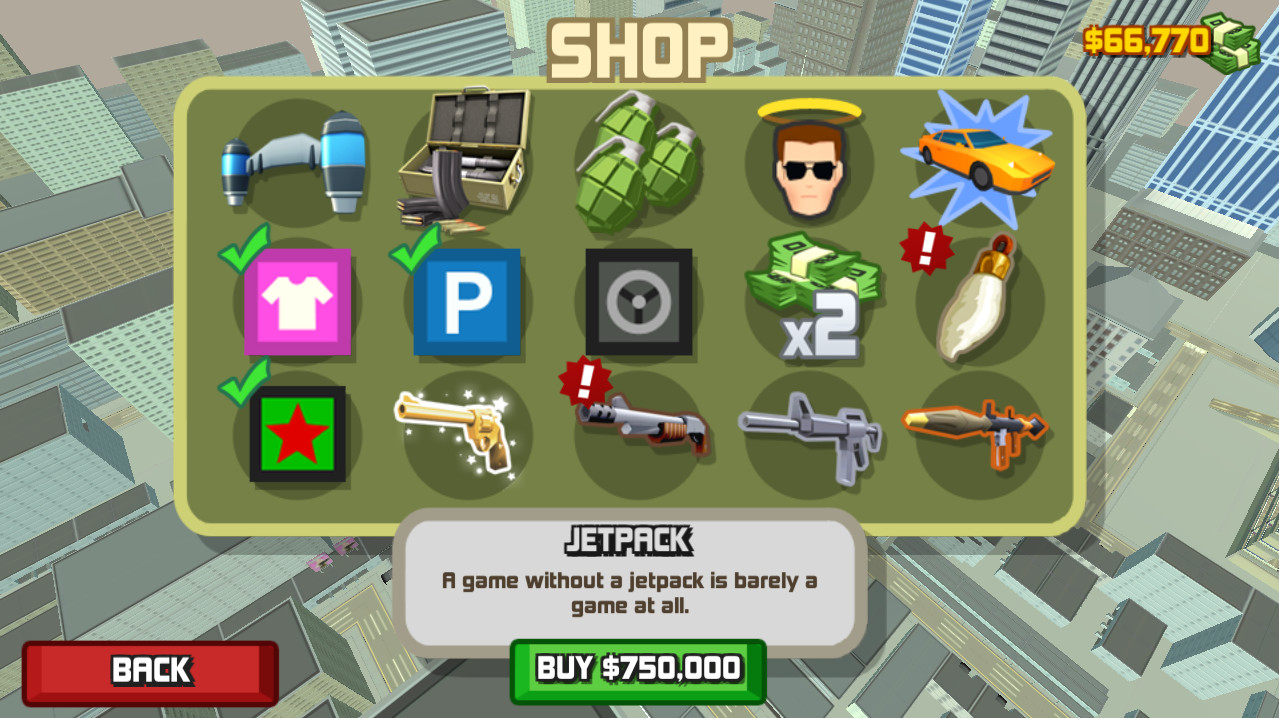
The description notes “various weapons for even more carnage,” confirming that players have access to multiple firearms beyond the starter rifle. Different weapons may have distinct firing rates or damage profiles.
Switching weapons can influence how quickly enemies are eliminated, directly affecting the score and time metrics required for a perfect score. Experimenting with each weapon helps identify the most efficient choice for a given enemy type.
- Test each weapon early in a mission to see which yields the fastest kills against the current enemy mix.
- Swap weapons before ammunition runs low to maintain a steady kill rate.
05 / THE GUIDE
Audio Ambience
Ambient music is highlighted as “to immerse you in the action,” indicating a dedicated soundtrack that runs during gameplay. While it does not affect mechanics, it contributes to the overall mood and pacing.
Audio cues can help players gauge combat intensity; louder sections often correspond to larger enemy encounters. Adjusting volume may improve awareness of these cues without sacrificing immersion.
- Set music volume low enough to hear in‑game sound effects that signal enemy actions.
- Treat the ambient soundtrack as atmosphere rather than a gameplay signal, and rely on in-game sound effects for awareness.
COMMUNITY
Player discussion