 GameWiki
GET YOUR BEARINGS
About Halo Wars: Definitive Edition
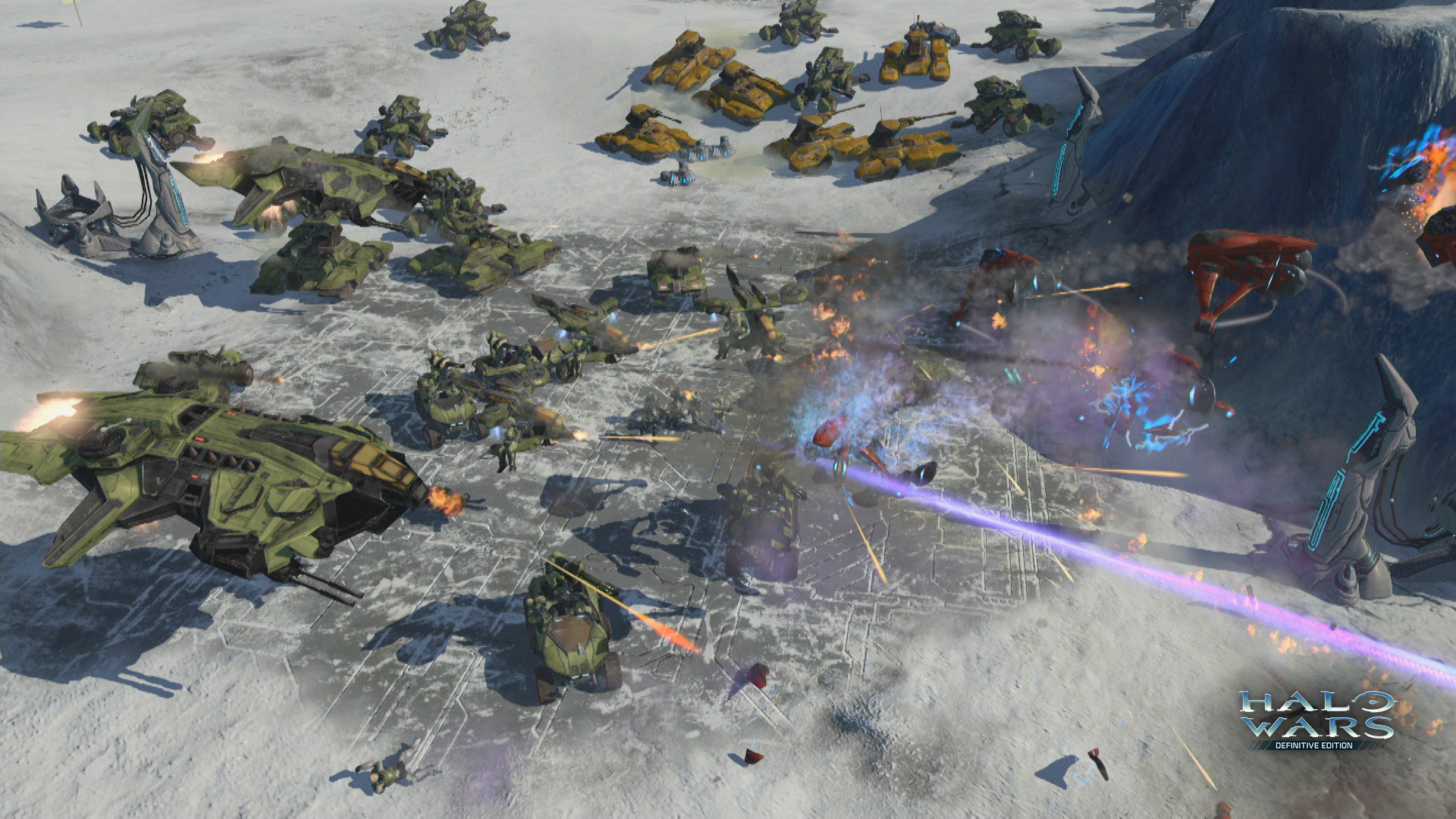
Halo Wars: Definitive Edition updates the original real‑time strategy title for PC, running natively with improved graphics and including every piece of DLC released for the game. The edition adds Steam‑specific features such as achievements, cloud saves, and leaderboards.
Players can play the story‑driven campaign set early in the Covenant‑UNSC conflict or join online multiplayer matches that support both competitive PvP and cooperative play. All network activity is handled through Steam, and the game lists full controller support.
01 / THE GUIDE
Campaign Mode
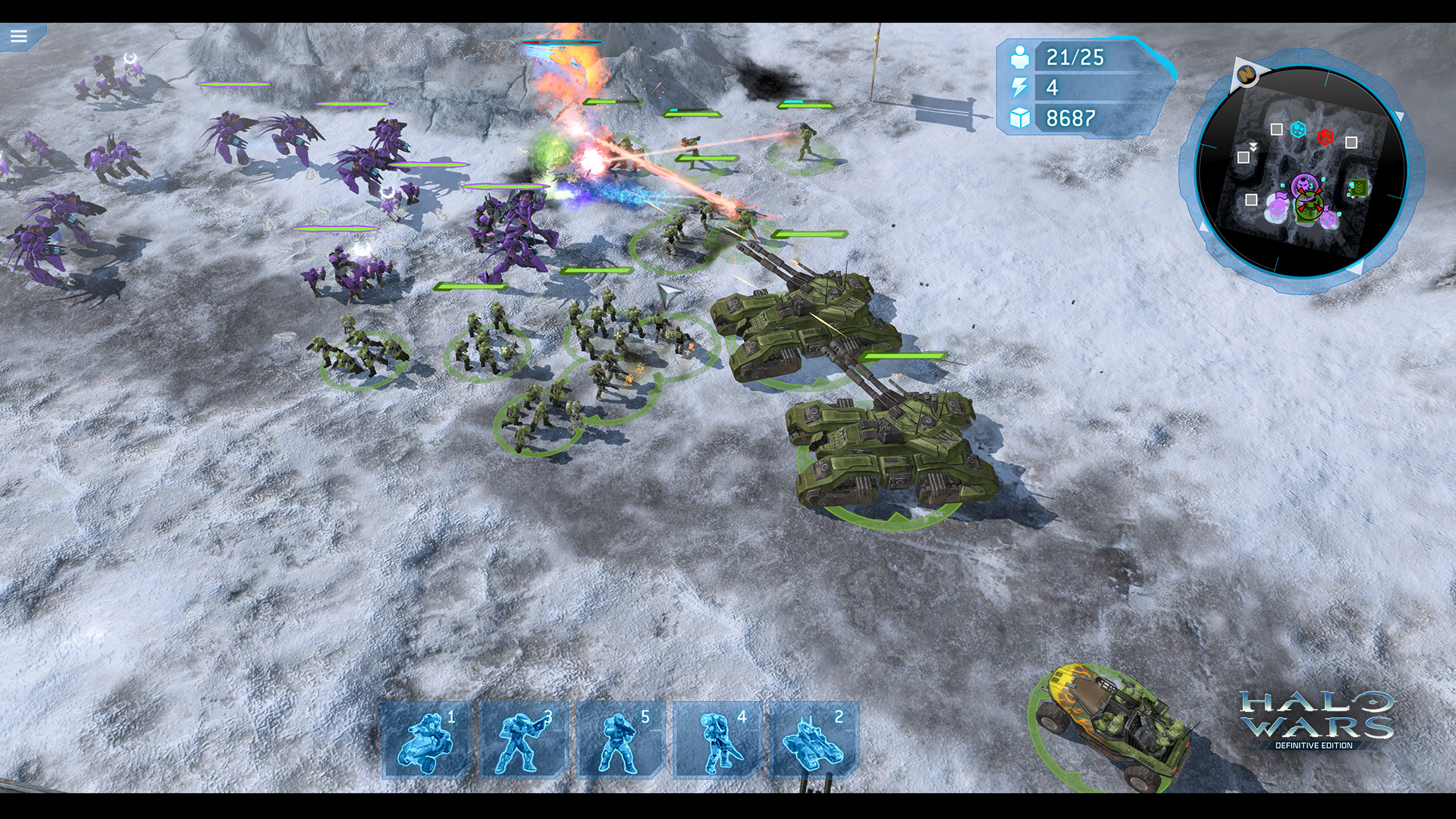
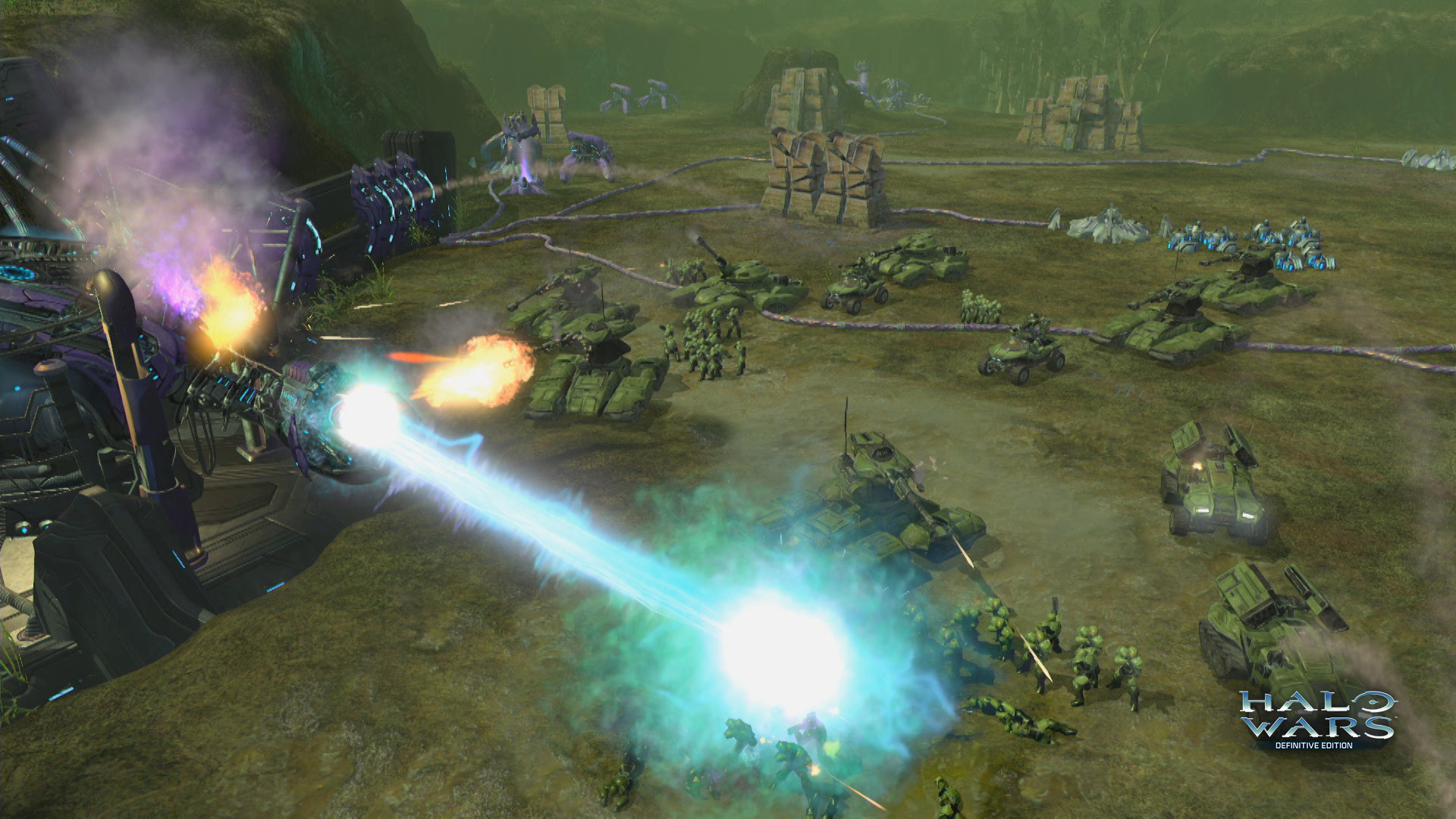
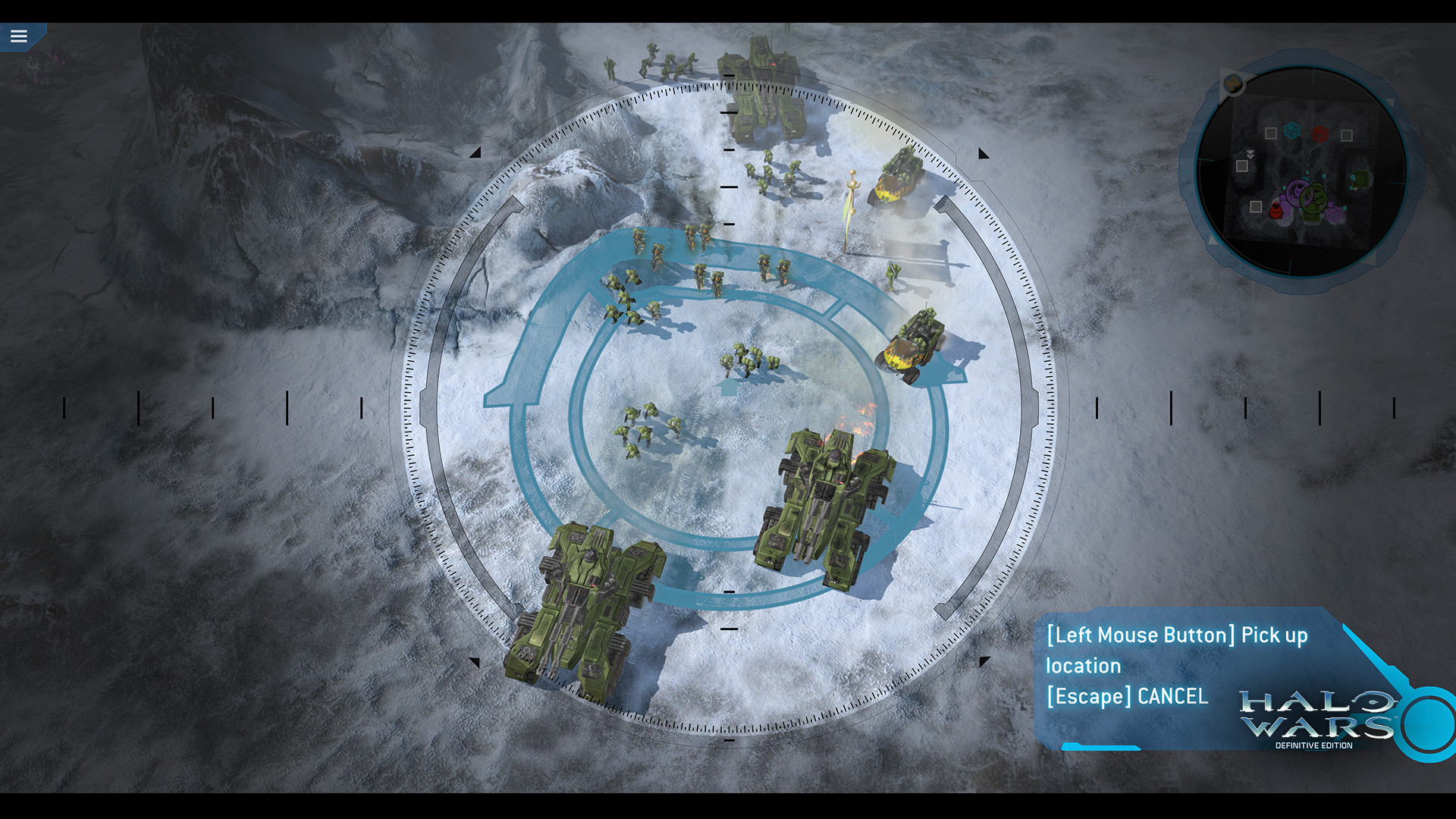
The single‑player campaign is placed early in the war between the Covenant and the UNSC, offering a narrative separate from the Halo first‑person shooters. Missions require positioning large Halo armies and completing scripted objectives.
All original DLC missions are bundled, so the campaign presents a complete set of scenarios without additional purchases. The campaign runs on PC with the same graphics enhancements and achievement tracking as the rest of the edition.
- Note which unit types appear in each mission before committing large forces.
- Observe how mission difficulty changes from early to later stages.
02 / THE GUIDE
Online Multiplayer
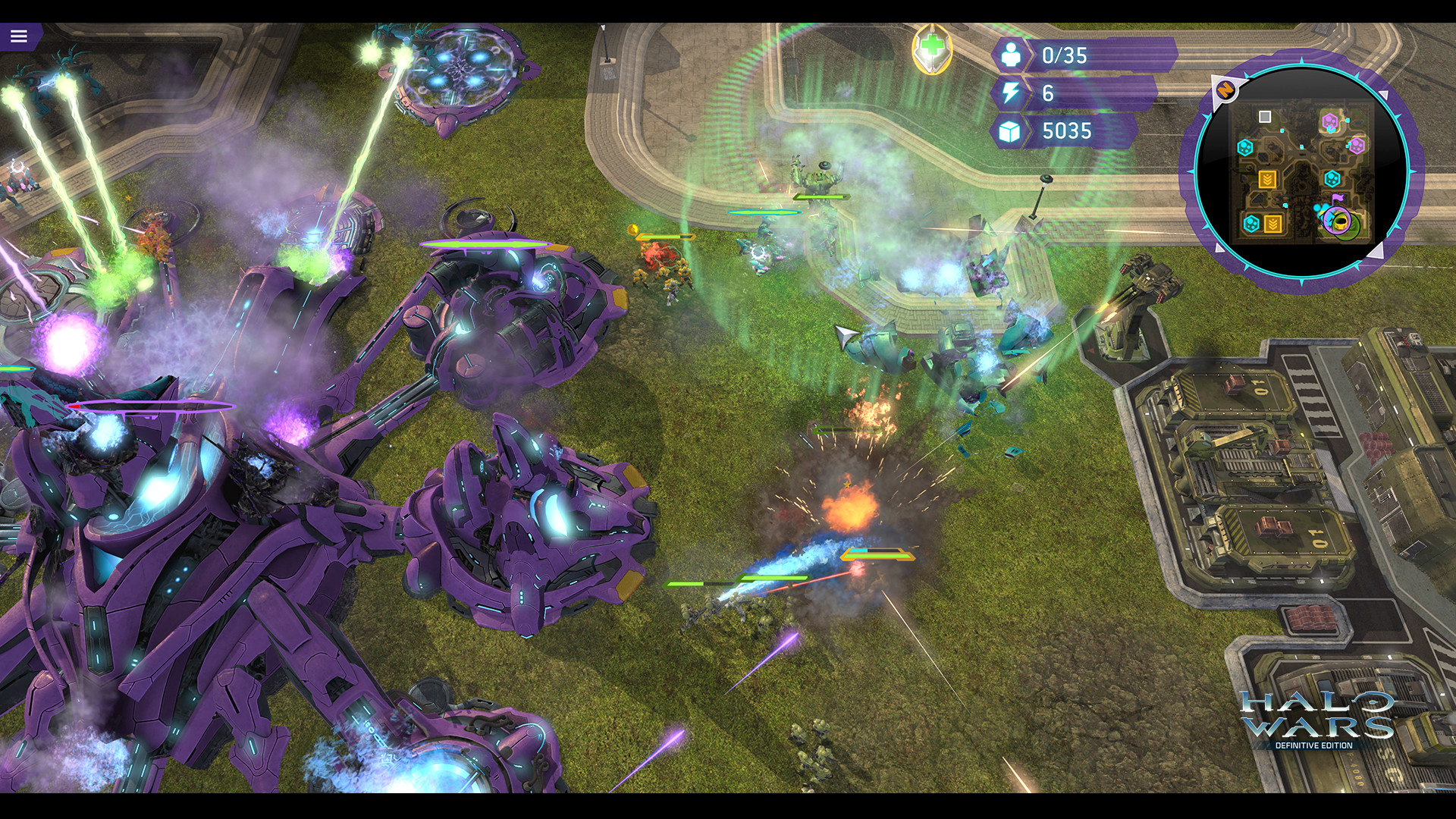
Multiplayer matches are hosted via Steam and include both competitive PvP and cooperative modes, using the same unit roster available in the campaign. Players can build armies of UNSC or Covenant units to pursue varied strategies.
Network play for this product is exclusive to Steam, and cross‑play with Windows Store versions is not supported. Both PvP and co‑op operate under the same achievement system.
- Test different army compositions in co‑op before entering PvP.
- Watch opponent unit choices to adapt tactics during a match.
03 / THE GUIDE
Steam Achievements
The Definitive Edition adds new Steam achievements that record specific in‑game actions, giving players optional goals beyond completing missions or winning matches. Achievements appear in the Steam interface and count toward the player’s profile.
The achievements provide extra challenges for those who wish to pursue them, though the specific actions they record are not detailed in the source.
- Review the achievement list before starting a session to set personal objectives.
- Target lesser‑known achievements for a fresh challenge.
04 / THE GUIDE
Full Controller Support
The feature list confirms full controller support, meaning a gamepad can be used to perform standard actions in the game. Full controller support means the game can be controlled using a supported controller.
Controller use is listed as a feature for the title, but the source does not specify any mode‑specific restrictions.
- Try a short campaign mission with a controller to assess comfort.
- Compare controller handling with mouse‑keyboard in a quick match.
05 / THE GUIDE
Steam Cloud Integration
Steam Cloud automatically stores save data, ensuring that progress made in the campaign is retained across installations on the same Steam account. Sync occurs when the game is launched without manual steps.
Steam Cloud provides cloud storage of data, which can help keep progress consistent when playing on different PCs linked to the same account.
- Check that cloud sync occurs after completing a major campaign checkpoint.
- Use the same Steam account on multiple PCs to continue where you left off.
COMMUNITY
Player discussion