 GameWiki
GET YOUR BEARINGS
About Halloween Forever
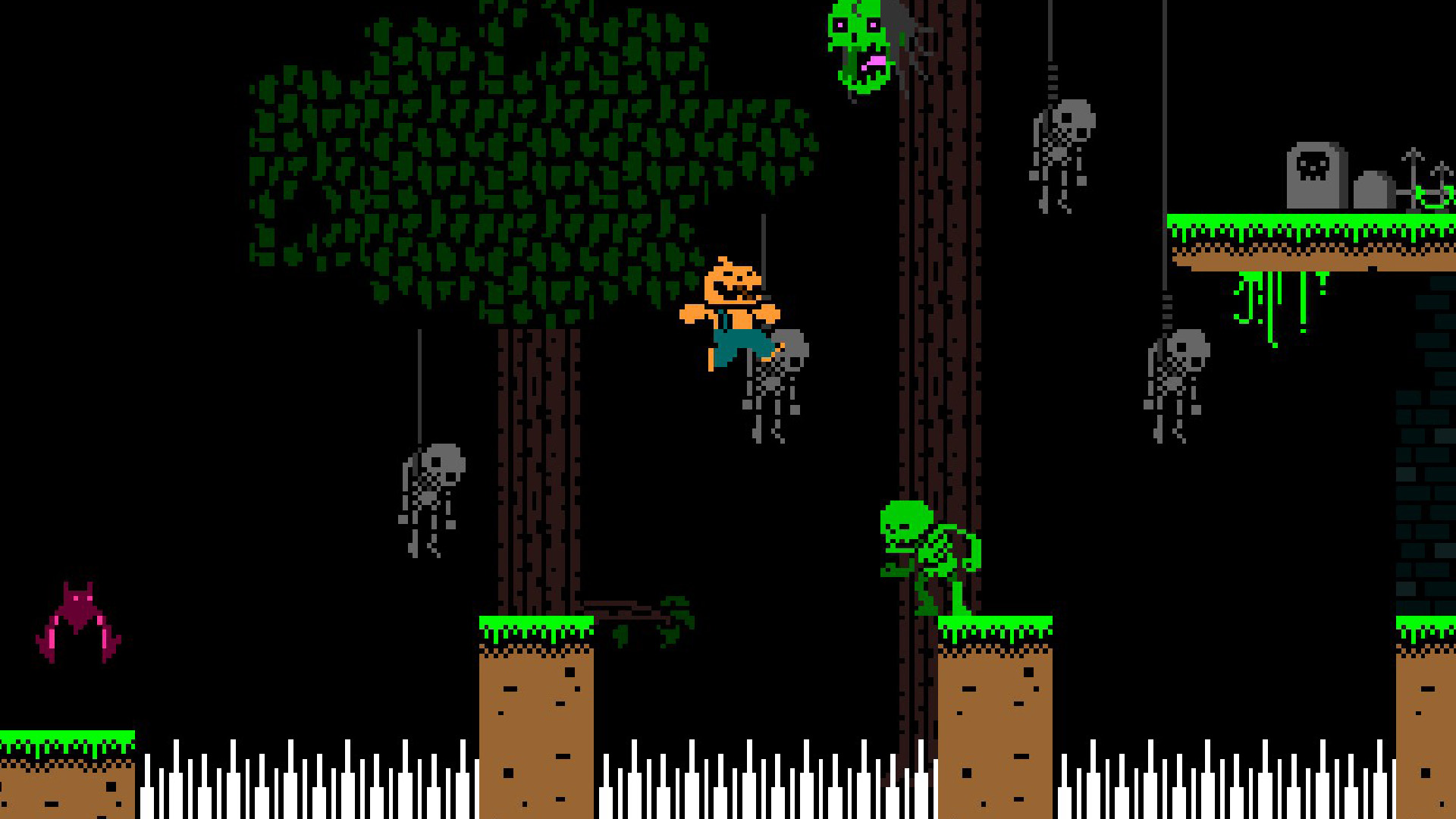
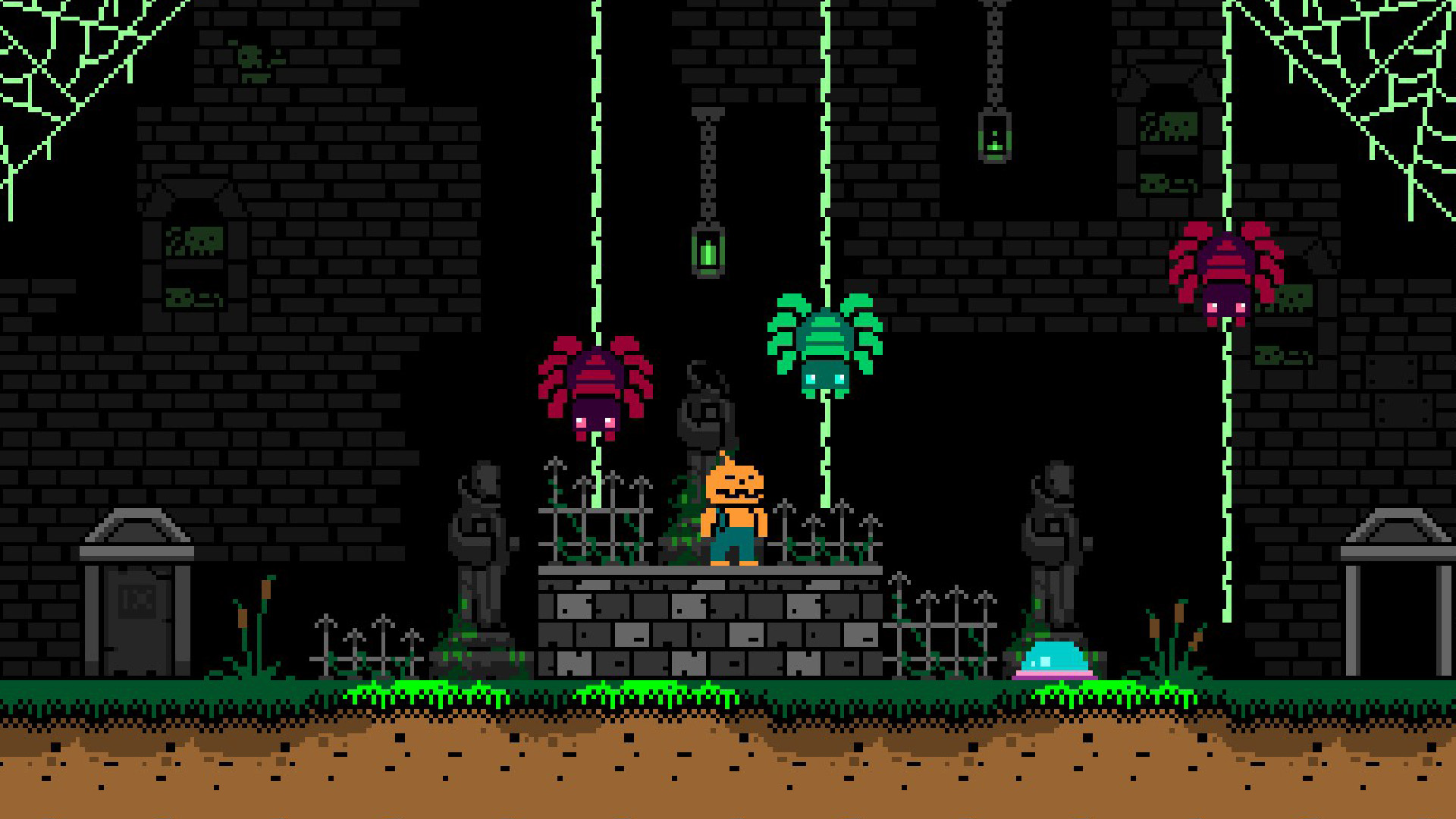
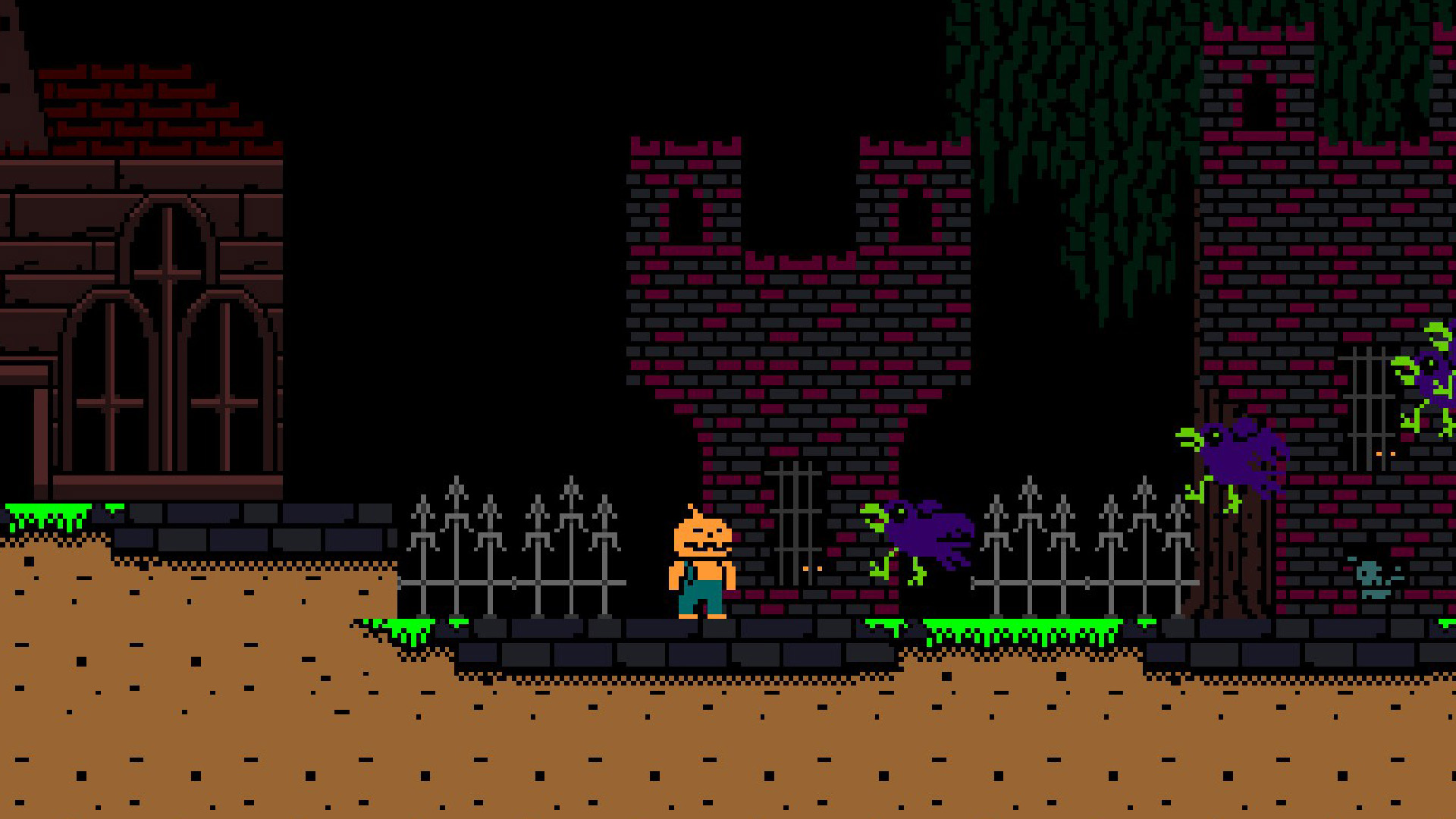
Halloween Forever puts you in the shoes of Pumpkin Man, a pumpkin‑shaped figure driven by occult forces. He roams three spooky worlds, confronting chainsaw maniacs, undead sorcerers, bats, and skeletons while searching for the source of the pumpkin‑patch mystery.
The game is built in GameMaker with original Photoshop art, and it runs on Windows with both keyboard and XINPUT/Steam controller support. It offers single‑player play, Steam achievements, full controller support, and Family Sharing.
01 / THE GUIDE
Story and Setting
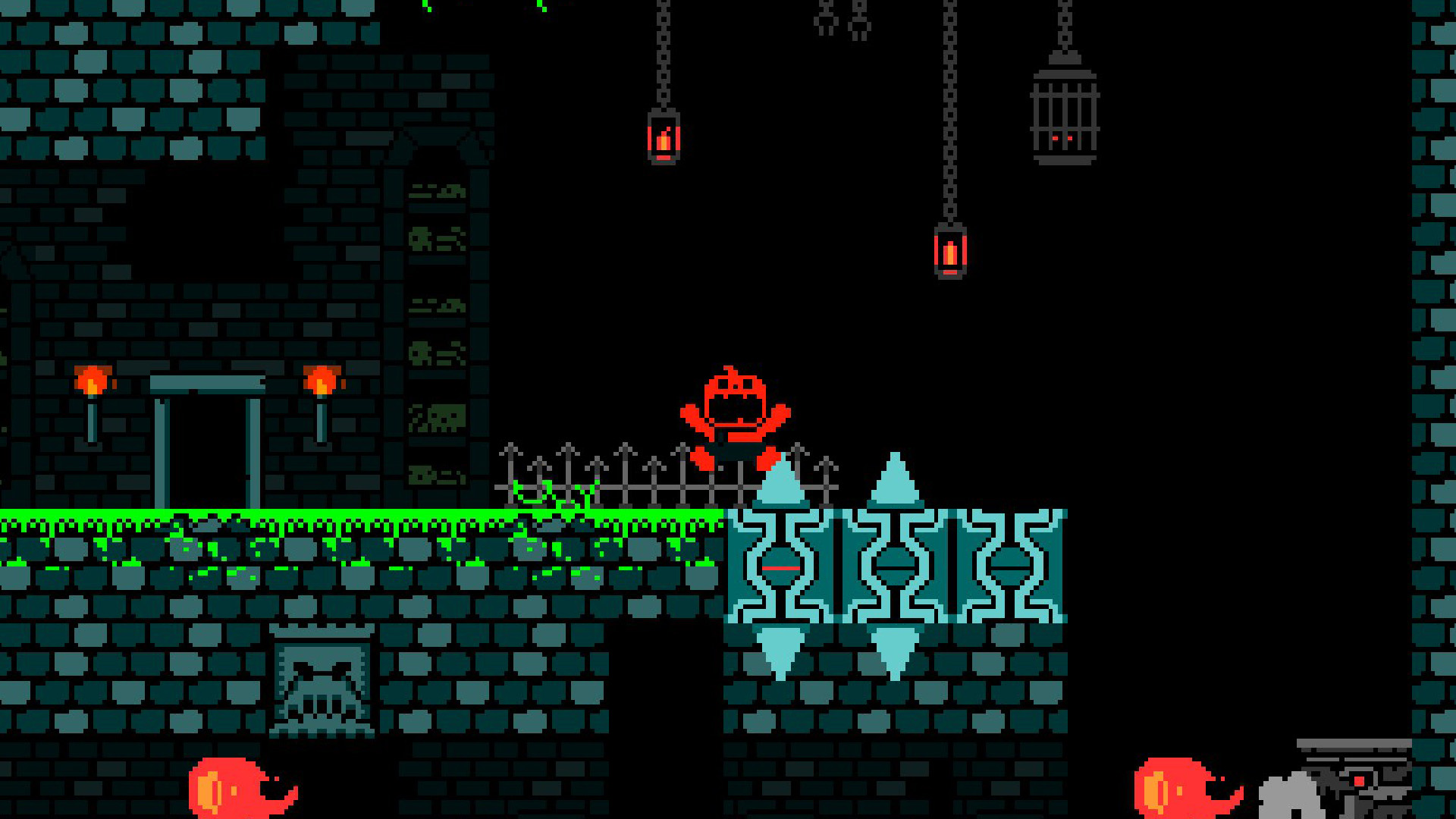
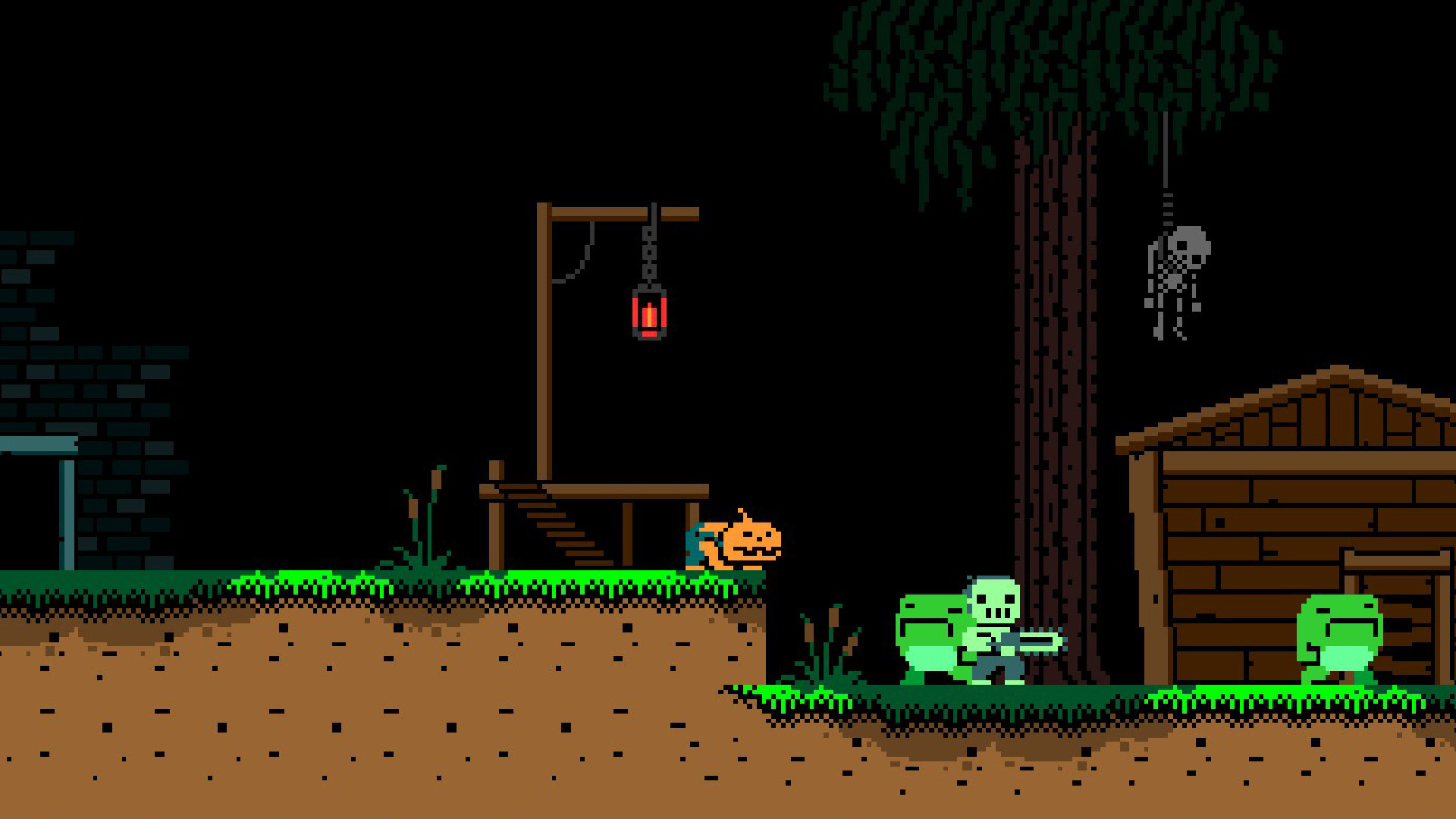
Pumpkin Man awakens in a haunted pumpkin patch, compelled to uncover why the surroundings have turned creepy. The narrative guides him through three distinct, eerie worlds that feel like spooky tombs. Players encounter a cast of unsettling characters, including chainsaw‑wielding foes, undead sorcerers, swarming bats, and endless skeletons, each adding to the Halloween atmosphere.
- Observe environmental cues for story hints.
- Compare enemy designs to gauge difficulty spikes.
02 / THE GUIDE
Gameplay Mechanics
The core loop centers on navigating the three worlds while confronting varied enemies. Pumpkin Man can vomit candy corn, an action the game highlights as part of its quirky identity. Progression is driven by surviving encounters and exploring each tomb‑like area to advance the mystery.
- Experiment with candy‑corn vomiting in different scenarios.
- Watch enemy patterns to plan movement.
03 / THE GUIDE
Control Options
Halloween Forever supports both keyboard input and controllers via XINPUT and Steam’s controller settings. Players can choose their preferred method without being forced into a single scheme. The game does not limit functionality to one device, allowing flexible play styles on Windows.
- Test both input methods to find comfort.
- Check Steam’s controller overlay for configuration.
04 / THE GUIDE
Achievements and Family Sharing
Steam achievements are integrated, rewarding players for reaching milestones within the spooky adventure. The title also participates in Family Sharing, letting multiple accounts access the game from a single purchase. These features add replay value and community recognition without altering core gameplay.
- Track achievement progress in Steam overlay.
- Share the game with family to compare scores.
05 / THE GUIDE
Development Tools
The developer, Imaginary Monsters, created all artwork and animations using Photoshop, then assembled the game in GameMaker. This pipeline highlights a fully indie production workflow. Understanding the toolchain can inspire similar indie projects that rely on 2D art creation and GameMaker’s engine.
- Study the Photoshop assets for style cues.
- Review GameMaker tutorials for similar mechanics.
COMMUNITY
Player discussion