 GameWiki
GET YOUR BEARINGS
About Hakuoki: Edo Blossoms
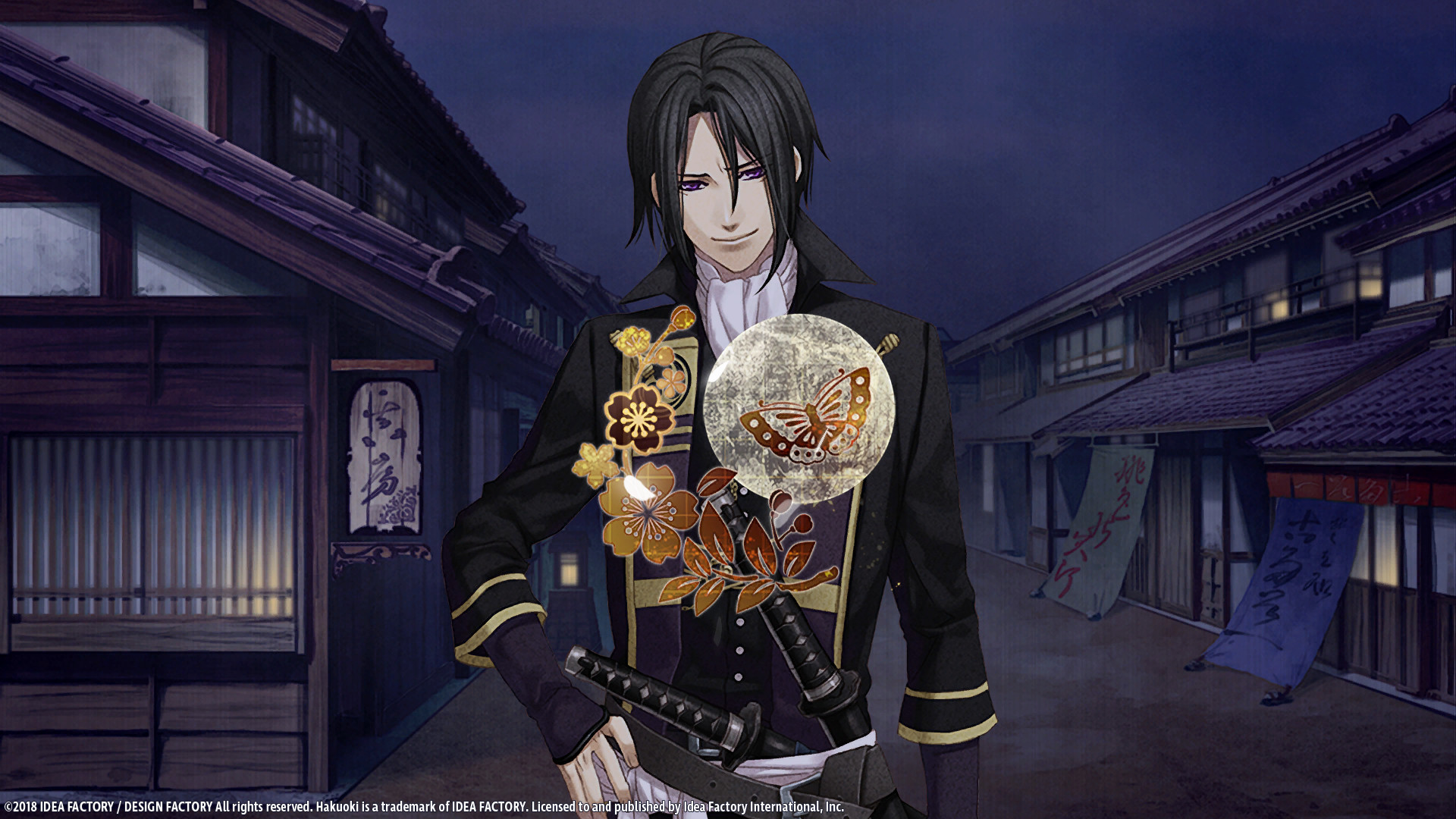
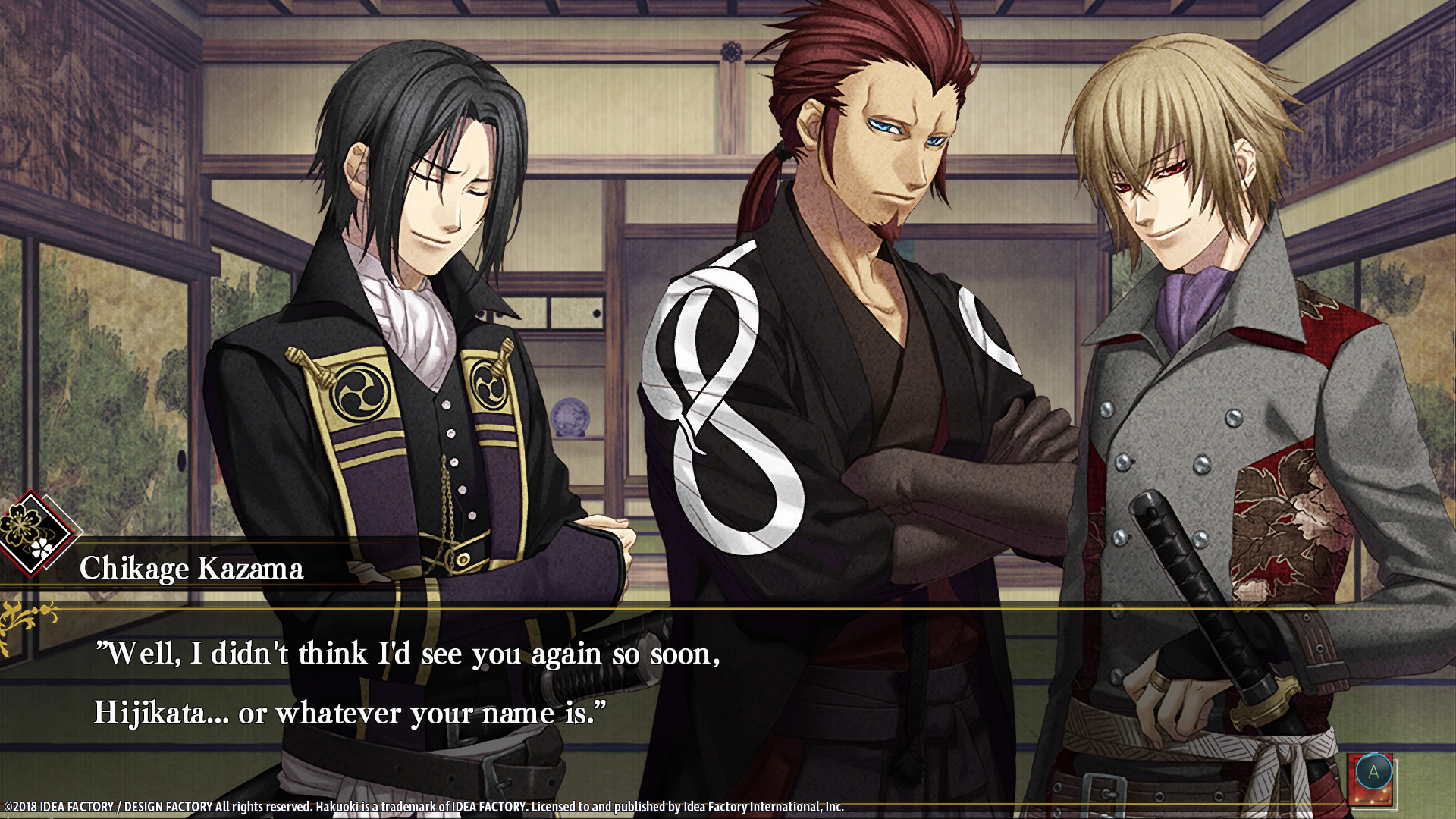
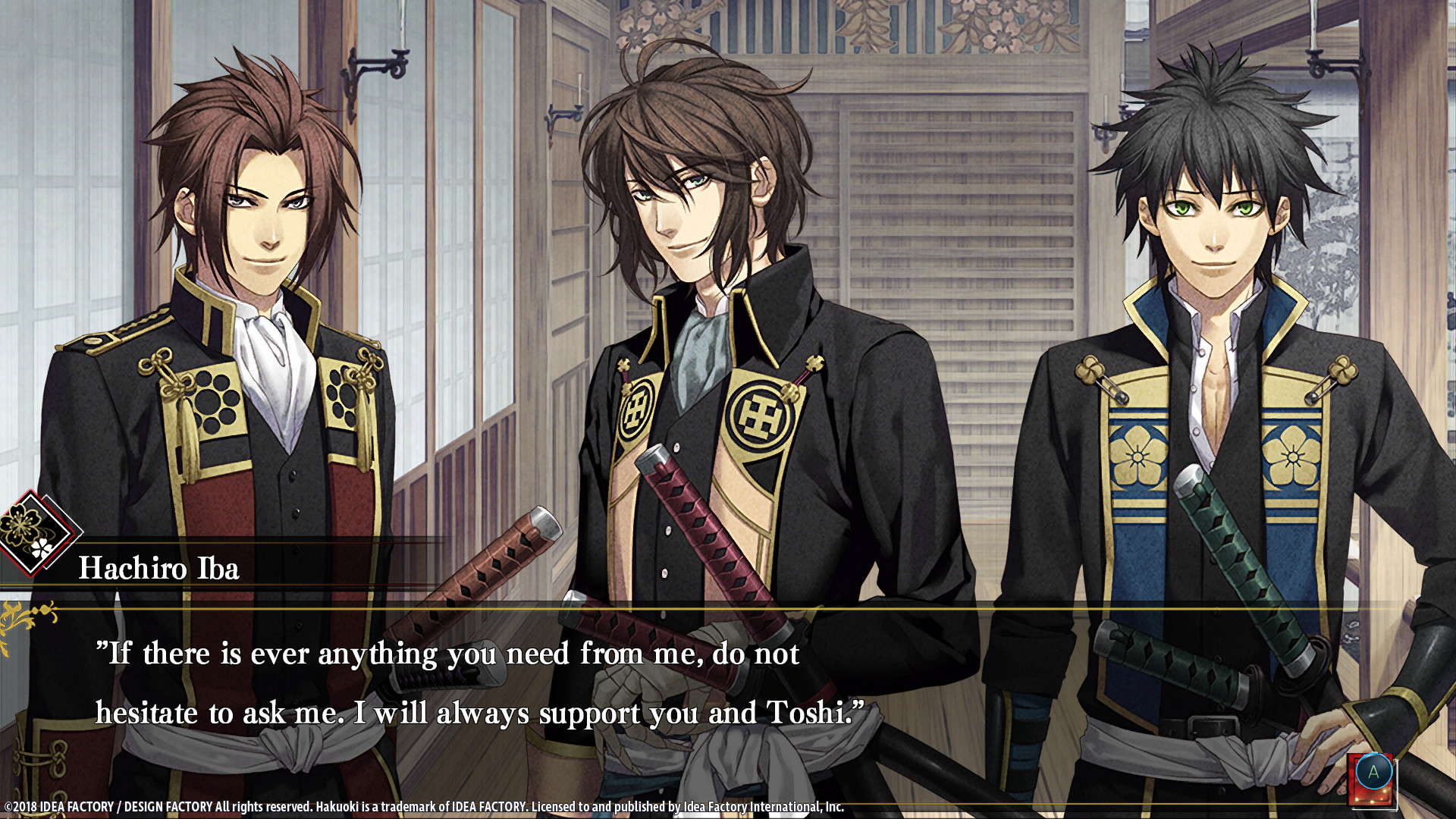
Hakuoki: Edo Blossoms continues the visual‑novel story from Hakuoki™: Kyoto Winds, moving the romance and drama to Edo. The single‑player adventure follows Chizuru as she meets the Shinsengumi and makes narrative choices that shape her relationships.
The game offers twelve selectable bachelors, fluid animation, vibrant artwork, and up to thirty distinct endings. It runs on Windows via Steam and includes features such as Steam Achievements, Full controller support, Steam Cloud, and Family Sharing.
01 / THE GUIDE
Choosing a Bachelor
At the start you select one of twelve Shinsengumi members, each presented as a potential romance partner. This initial choice determines which storyline you begin and which character‑specific events become available.
After completing a route you may start a new playthrough with a different bachelor to experience alternative narratives and uncover additional story details.
- Try several bachelors to see how each character’s dialogue influences the plot.
- Note unique scenes that appear only in certain routes for later comparison.
02 / THE GUIDE
Branching Storylines & Endings
Narrative choices unlock branching paths that can lead to up to thirty different endings, reflecting the consequences of decisions made throughout the game.
Each route explores different aspects of romance, friendship, and betrayal, providing varied emotional outcomes without altering gameplay mechanics.
- Consider saving before major choices to revisit alternate outcomes.
- Track which decisions correspond to specific endings for easier reference.
03 / THE GUIDE
Animation and CG Art
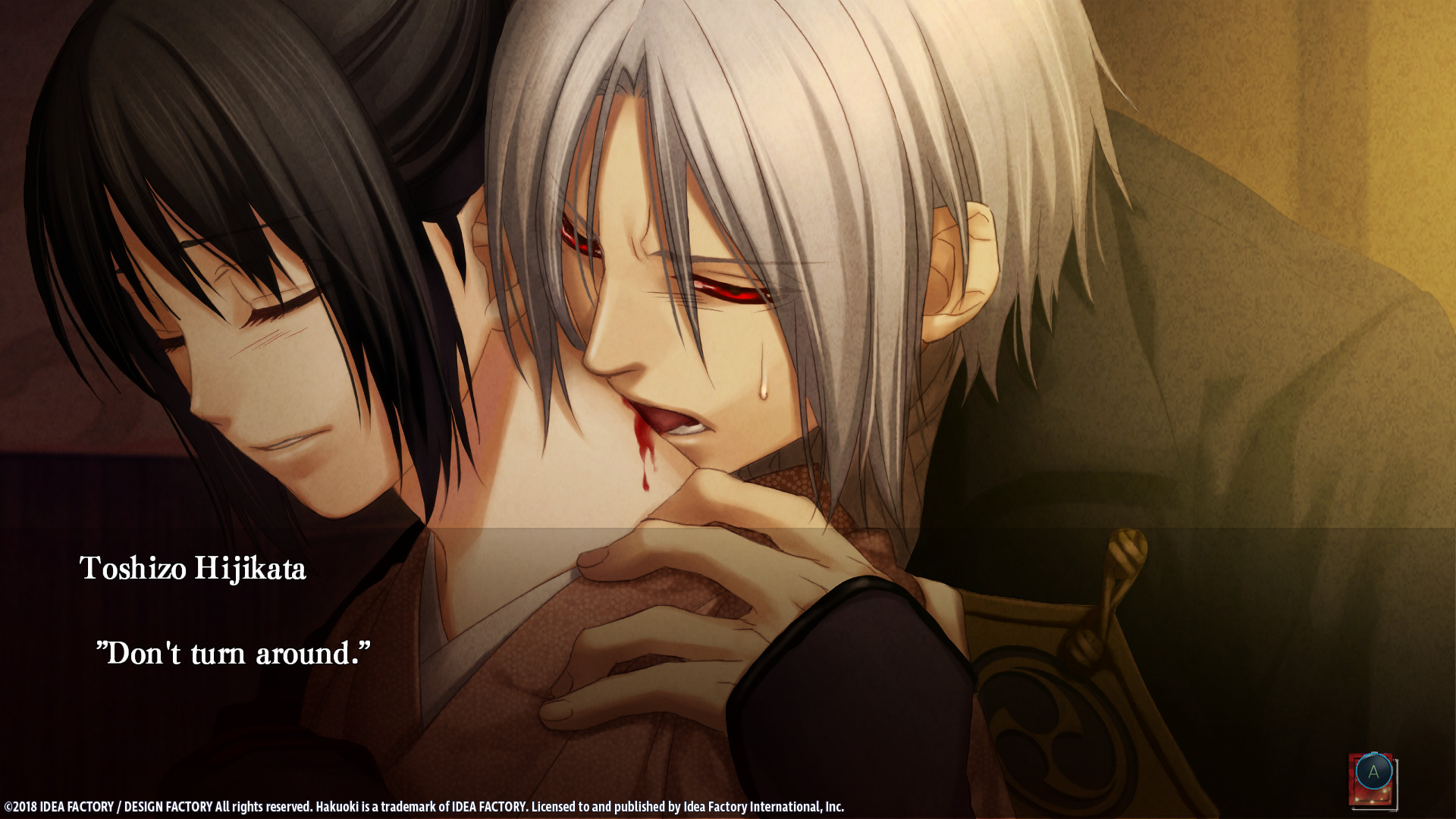
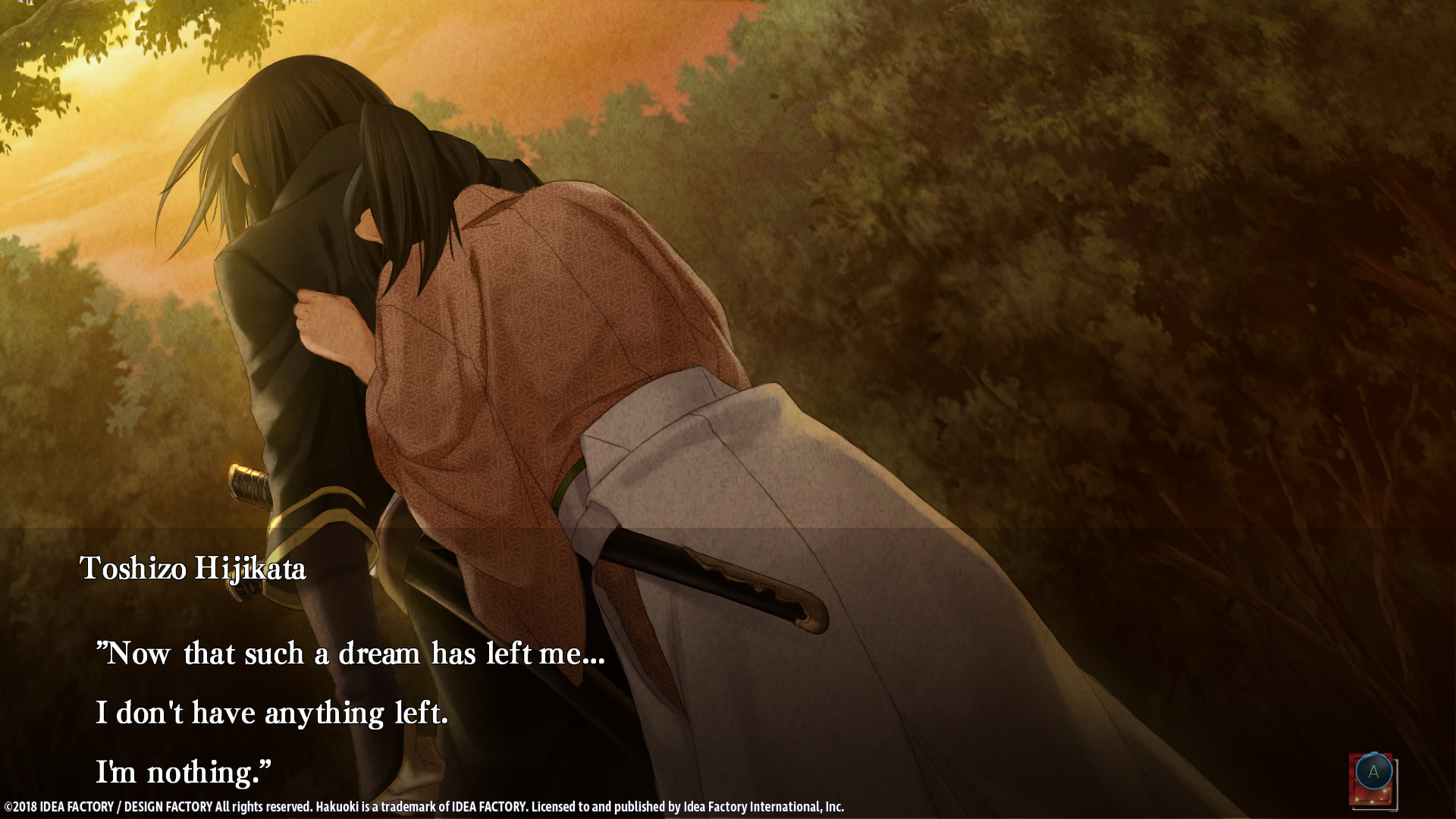
Key moments are presented with fluid animation and detailed CG illustrations, enhancing the visual storytelling and historical atmosphere.
The vibrant art style aims to immerse players in the Bakumatsu setting and emphasize emotional beats within each scene.
- Observe CGs during pivotal scenes; they often highlight narrative significance.
- Notice any stylistic shifts between routes that may hint at thematic differences.
04 / THE GUIDE
Language‑Specific Save Files
Save files created in one language cannot be loaded when the game is played in a different language. Switching languages requires changing the setting through the Steam client before loading.
This restriction ensures that text and dialogue remain consistent with the language version selected for a playthrough.
- Choose your preferred language before beginning a new game to avoid incompatibility.
- If you must change language, back up existing saves to preserve progress.
05 / THE GUIDE
Steam Integration Features
The Windows version supports Single‑player gameplay, Steam Achievements, Full controller support, Steam Cloud saving, and Family Sharing, providing standard Steam conveniences for this visual novel.
These features are listed as native capabilities of the title on its Steam store page.
- Enable Steam Cloud if you plan to install the game on multiple PCs.
- Family Sharing lets other accounts launch the game without purchasing an additional copy.
COMMUNITY
Player discussion