 GameWiki
GET YOUR BEARINGS
About Hairdresser Simulator
Hairdresser Simulator puts you behind the chair of a full‑service salon, guiding customers through washing, shampooing, drying, cutting, dyeing and styling. You can try techniques such as balayage, perm or highlights while keeping an eye on your rating and earnings.
Beyond client work, the game offers a sandbox where you upload a portrait or design a character to test any hairstyle without limits. Expanding your business by buying, renovating and decorating up to nine salons adds a strategic layer to the creative core.
01 / THE GUIDE
Salon Management
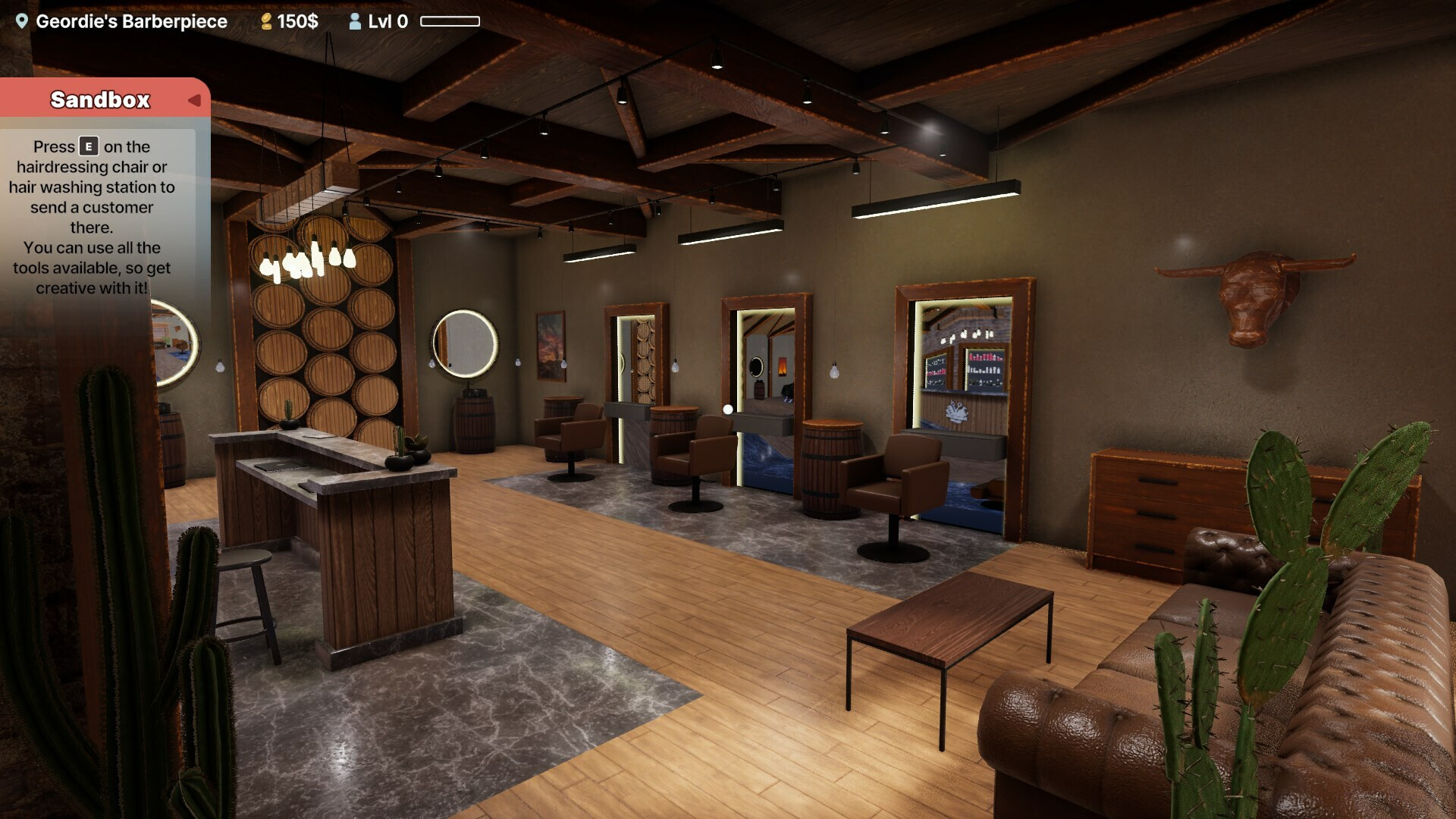
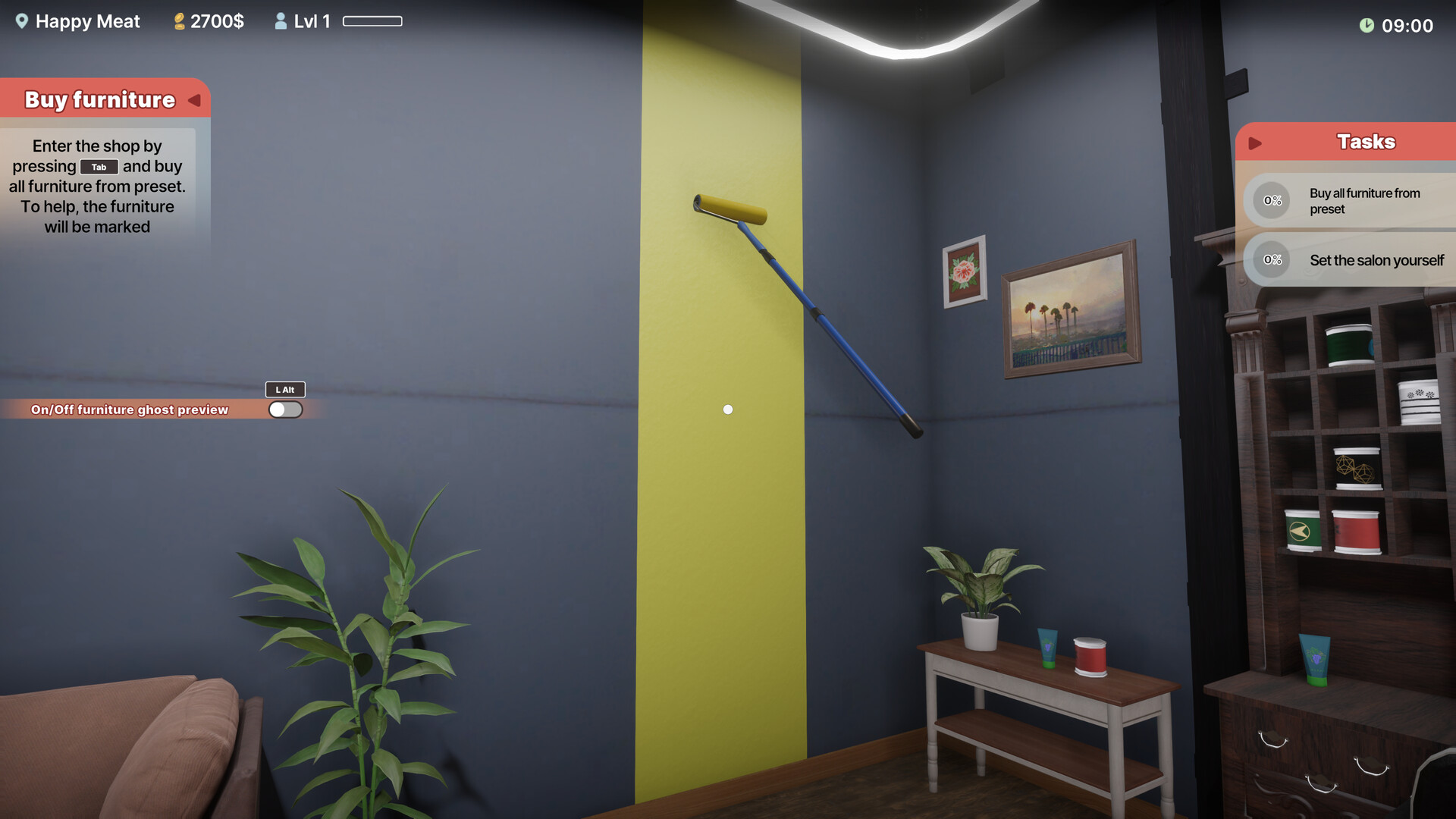
You may purchase and own up to nine salons, each of which can be renovated, painted and decorated according to your taste. The description notes that managing economics, cleaning the floor and maintaining profit margins are part of daily duties.
Hiring employees is presented as a way to improve customer satisfaction, and a higher rating increases earnings. The game tracks a rating that encourages staying current with trends and purchasing new products.
- Prioritize basic upgrades and cleanliness early to improve customer satisfaction.
- Monitor your rating regularly; higher ratings are linked to more lucrative clients.
02 / THE GUIDE
Hairdressing Tools
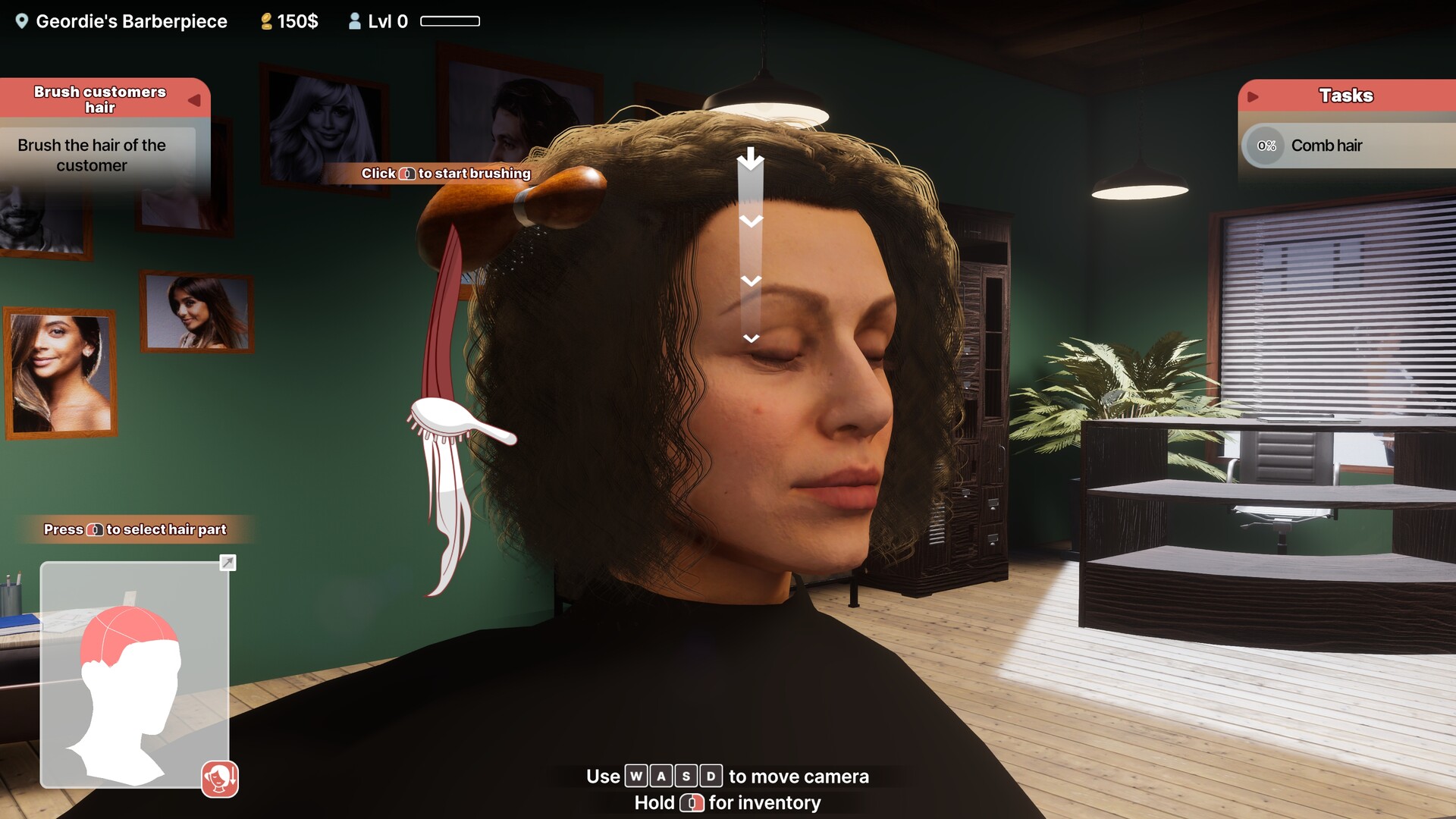
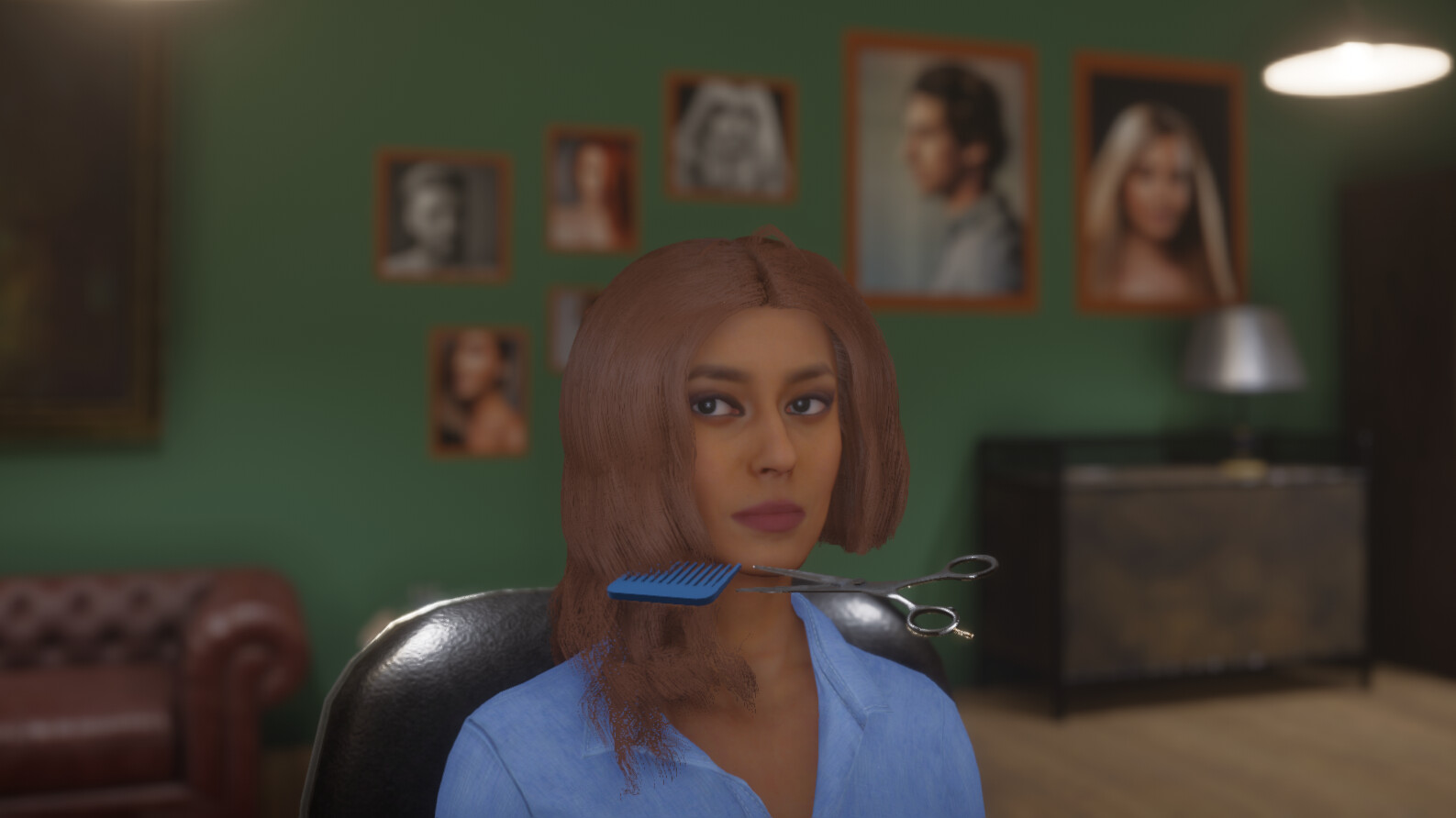
The simulator provides eleven distinct tools, including scissors, razor, brush, hair straightener, curler and dryer. These tools are used during the ten listed hairdressing actions such as washing, cutting and dyeing.
The tools support the listed actions, letting you replicate real‑world salon techniques within the game. The variety supports experimentation with different styles and finishes.
- Match the tool to its intended action for smoother results.
- Try each tool in sandbox mode to discover personal preferences.
03 / THE GUIDE
Customer Services
Clients progress through a step‑by‑step process: washing, shampooing, drying, brushing, cutting, dyeing and additional styling actions. The description encourages going through the whole hairstyling process step by step.
The description emphasizes that meeting customer expectations contributes to higher earnings and reputation, encouraging players to treat each service step with attention.
- Work through each service step carefully to meet customer expectations.
- Observe client feedback after each session to fine‑tune techniques.
04 / THE GUIDE
Sandbox Mode
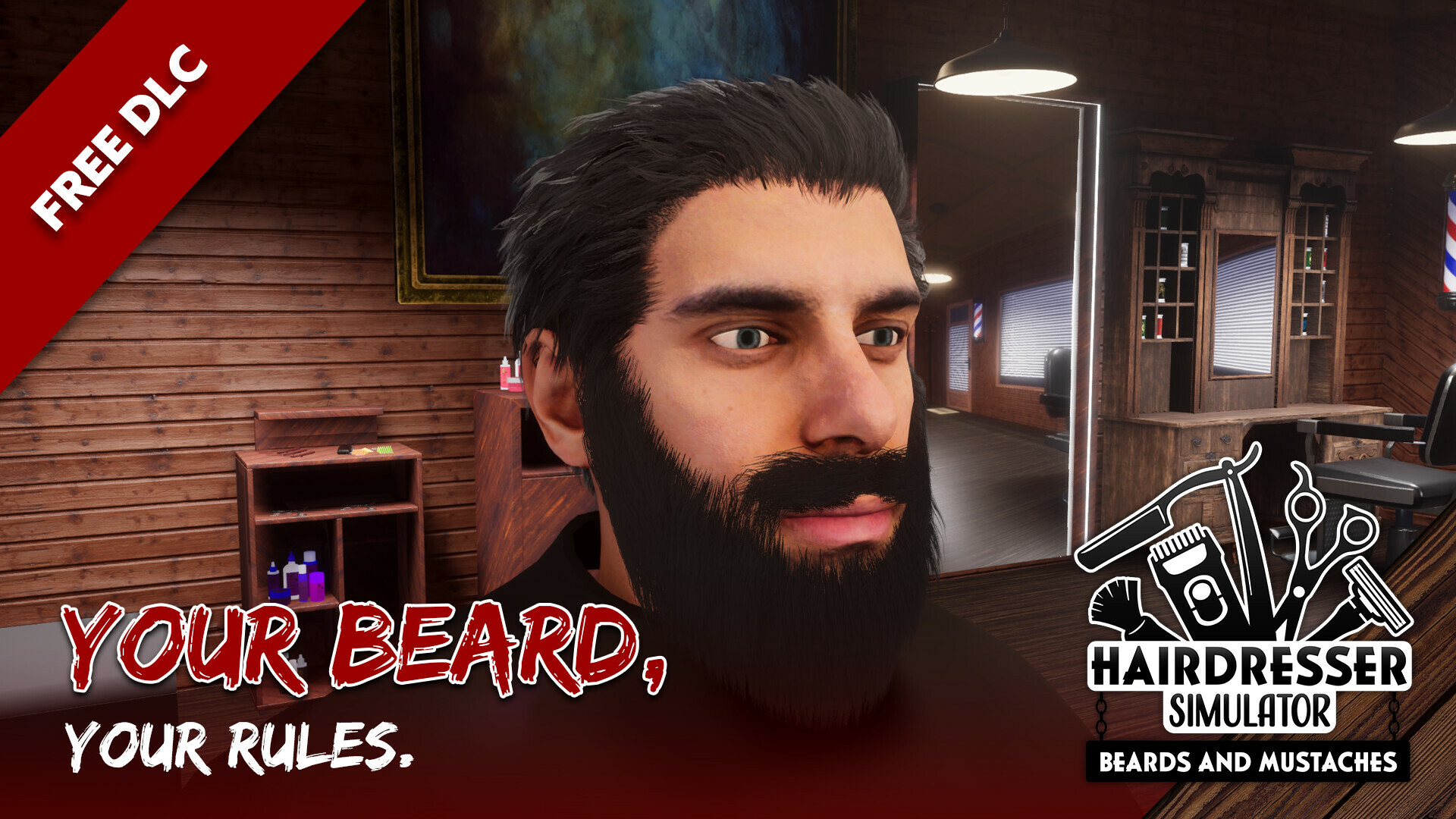
Sandbox mode removes client constraints, letting you upload a portrait or design a character for unlimited hairstyle experimentation. No scissors are required for personal appearance changes.
This mode is ideal for testing colors, layers or trends before applying them in regular salon work, offering endless creative possibilities.
- Use sandbox mode to practice complex color techniques like balayage.
- Save favorite looks for quick reference when serving real clients.
05 / THE GUIDE
Platform Features
Hairdresser Simulator runs on Windows and includes Single‑player, Steam Achievements, Trading Cards, DualShock and DualSense controller support, Partial Controller Support, Steam Cloud, Stats and Family Sharing.
These features allow progress to be stored across sessions via Steam Cloud and enable navigation with supported controllers, though exact input schemes are not detailed.
- Enable Steam Cloud to keep salon progress synchronized.
- Experiment with a controller to see if it feels more comfortable for tool selection.
COMMUNITY
Player discussion