 GameWiki
GET YOUR BEARINGS
About Gunsmith Simulator
Gunsmith Simulator puts you in the role of a virtual gunsmith, starting each day in a workshop you’ve already equipped. You browse the GunStock website for orders, then source parts or fabricate wooden and metal components using tools like a lathe or CNC machine. After repairing, cleaning, and treating rust, you can paint and add modern accessories such as optics or lasers. Once finished, you test the weapon on a shooting range—target, skeet, trap, or CQB—before shipping it to a satisfied client. The game runs at your own pace with full controller support and save‑anytime functionality.
01 / THE GUIDE
Finding and Accepting Orders
The first step is to fire up your computer and visit the GunStock website, where you can browse auctions and listings for client requests. The game presents the first order as a sign to begin work, prompting you to decide which parts need replacement or repair. You can also expand your business later by owning, buying, and selling guns, but the initial focus is on completing the first client’s job before new orders appear.
- Check the order details carefully to prioritize parts that need replacement.
- Take note of any special client requests for accessories early.
02 / THE GUIDE
Using Fabrication Tools
To create wooden and metal elements you have access to specialized tools such as a lathe or CNC machine. These tools let you manufacture custom parts when the needed components aren’t available from suppliers. The game emphasizes that you can also take matters into your own hands, crafting parts directly in the workshop before assembling the weapon.
- Experiment with both lathe and CNC for different material types.
- Save your designs to reuse for similar orders.
03 / THE GUIDE
Restoration and Finishing
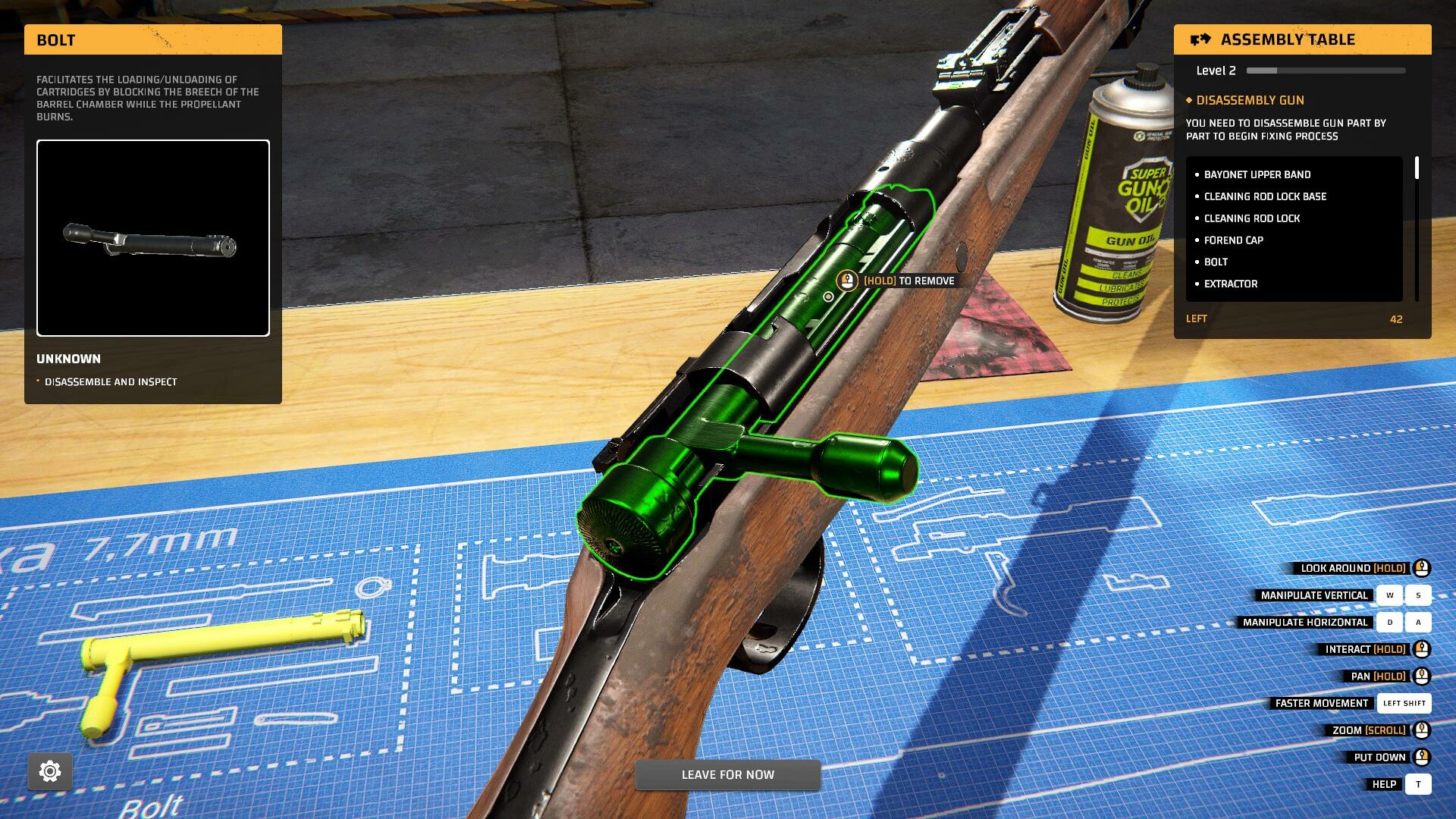
Restoring old guns involves cleaning, rust removal, and surface treatment. You may treat rust manually or apply chemical treatments like oxidation removal. After cleaning, you renew protective layers on wood and metal to keep the weapon in good condition. The final aesthetic step is painting, where you can add colors such as red and customize the look to meet client expectations.
- Use chemical treatments for stubborn rust before manual cleaning.
- Apply protective layers after painting for durability.
04 / THE GUIDE
Adding Modern Accessories
Clients may request modern upgrades like optical sights, pistol grips, lasers, flashlights, or collimators. You can change weapon configurations and customize equipment to create unique features suited to each enthusiast’s style. These additions are presented as a way to push the boundaries of what’s possible and deliver a perfect, personalized firearm.
- Match accessories to the weapon’s intended use for better performance.
- Document each accessory configuration for future reference.
05 / THE GUIDE
Shooting Range Testing
After completing a gun, you can unwind at a shooting range to test accuracy. Options include precise target shooting at various distances, timed challenges, moving‑target competitions like skeet or trap, and short‑range CQB or destructive courses for tactical practice. Testing not only satisfies your passion but also helps you hone shooting skills before shipping the finished weapon to the client.
- Start with static targets to gauge baseline accuracy.
- Progress to moving targets for reaction‑speed improvement.


COMMUNITY
Player discussion