 GameWiki
GET YOUR BEARINGS
About GUNFIELD
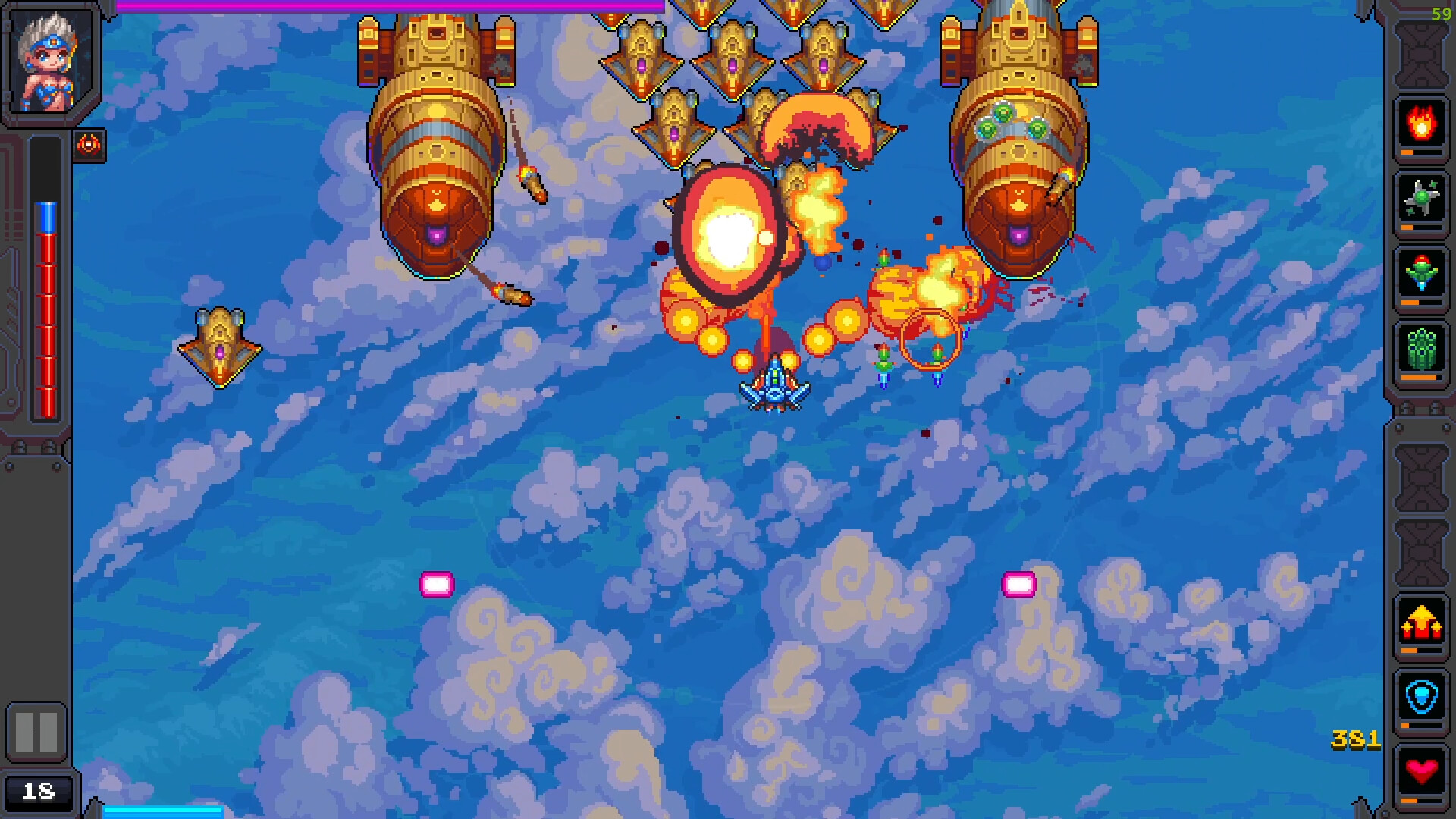
GUNFIELD drops you into a vertical‑scrolling shooter where alien fleets and massive bosses threaten the galaxy. By mixing weapon types and upgrading your ship, each run can feel distinct, rewarding tactical choices and fast‑paced combat.
The game features pixel‑art worlds, a roster of ships each with its own pilot traits, and multiple input options—including mouse, keyboard, and joystick—so players can select the control style that fits them best.
01 / THE GUIDE
Weapons and Upgrades
Players can combine different weapon types to create unique builds, letting them tailor offense against alien swarms and towering bosses. The description notes that these combinations help you survive the adventure.
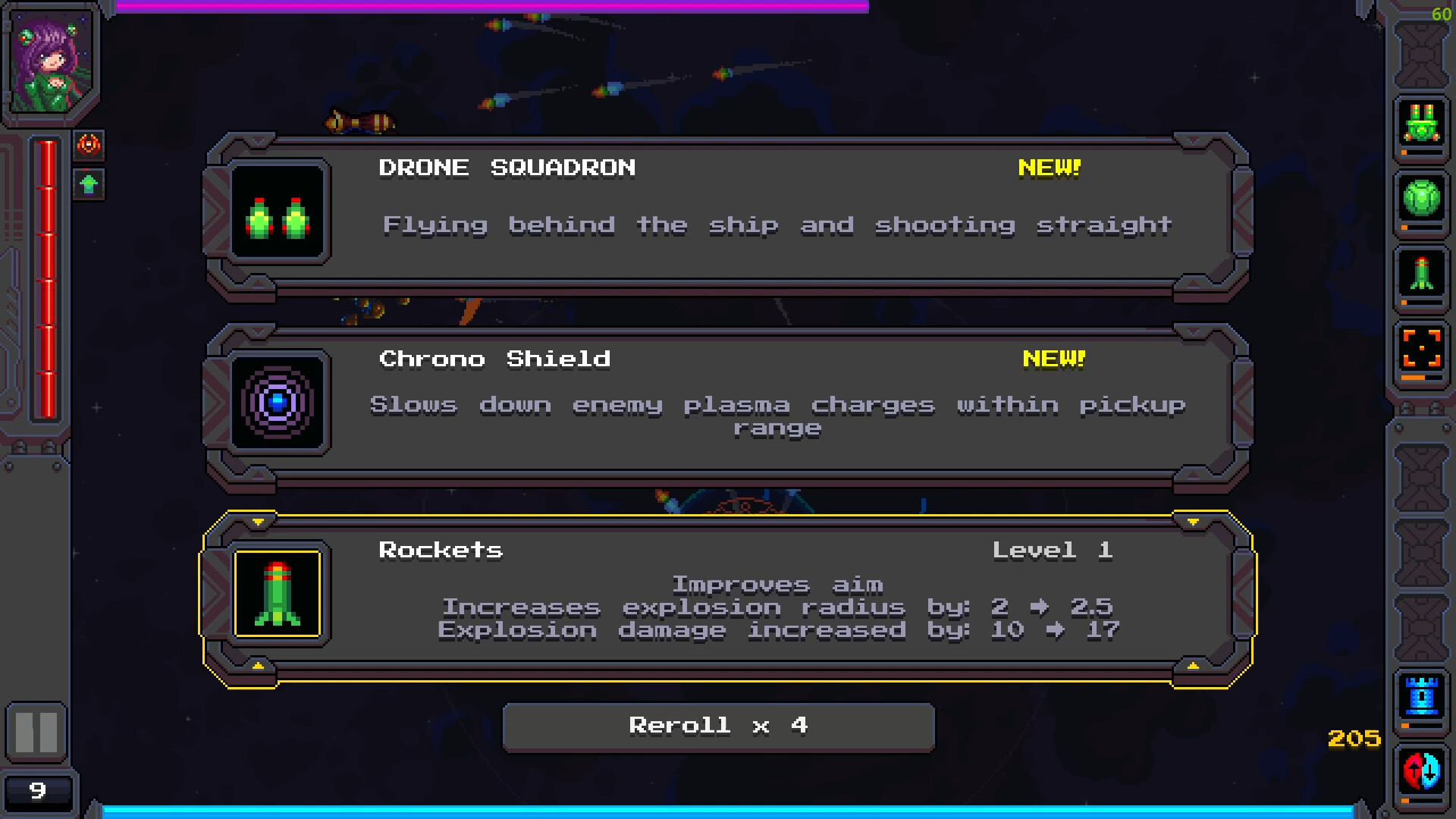
Upgrading the arsenal unlocks more powerful options, and each run encourages experimentation because the mix of weapons and abilities directly shapes how challenges are tackled.
- Try pairing a rapid‑fire weapon with a slower, high‑damage option to cover both speed and power.
- Observe which upgrades feel most effective against specific enemy patterns.
02 / THE GUIDE
Ships and Pilots
A variety of ships are available, each linked to a pilot with distinct traits. Those traits influence strategy, affecting which upgrades synergize best with a given vessel.
Discovering new ships expands tactical options, encouraging players to adapt their build choices to the ship’s inherent strengths and the pilot’s characteristics.
- Experiment with different ship‑pilot pairings to see which traits match your favorite weapons.
- Note how a ship’s trait complements specific upgrade paths.
03 / THE GUIDE
Levels and Environments
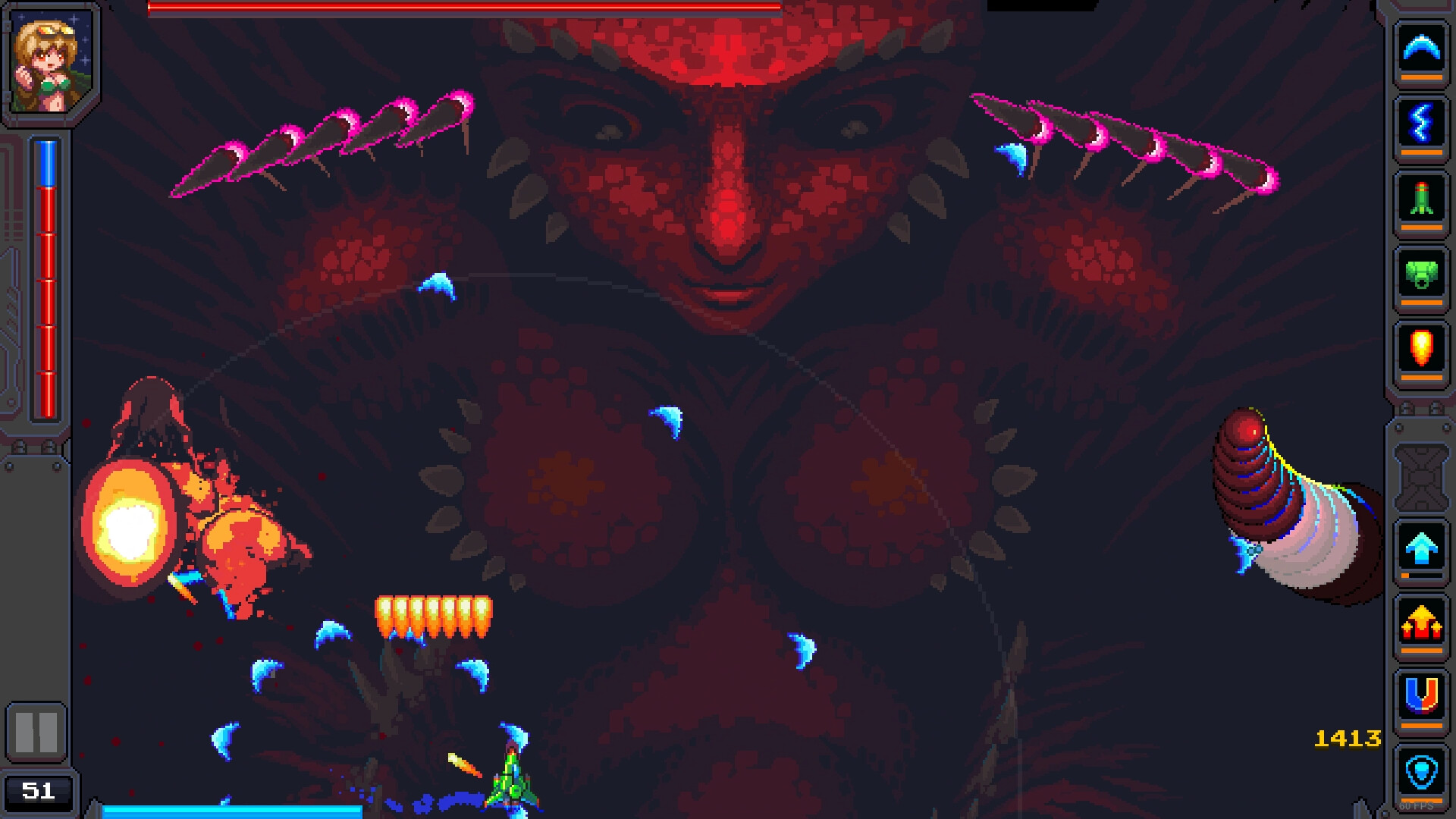
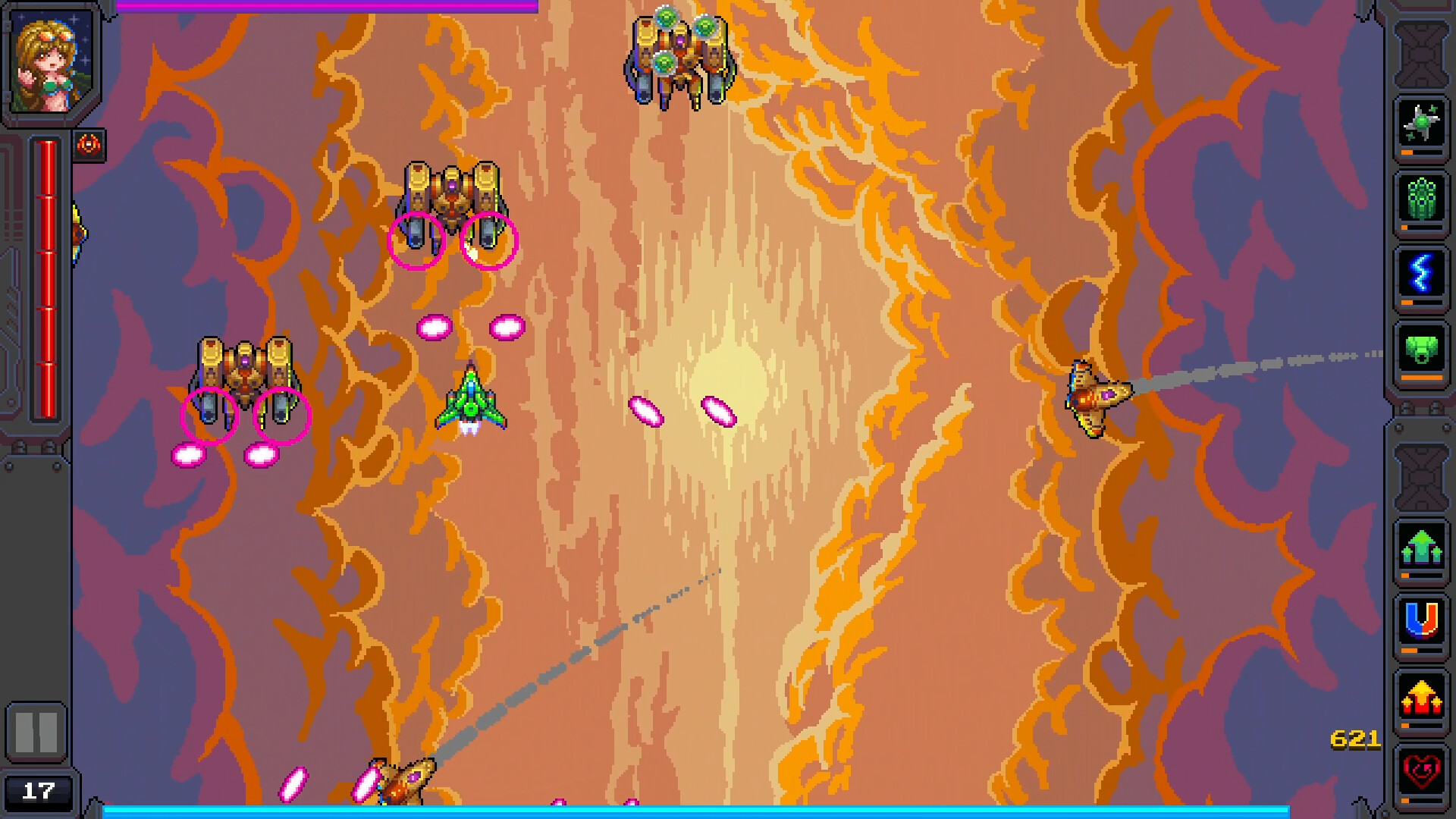
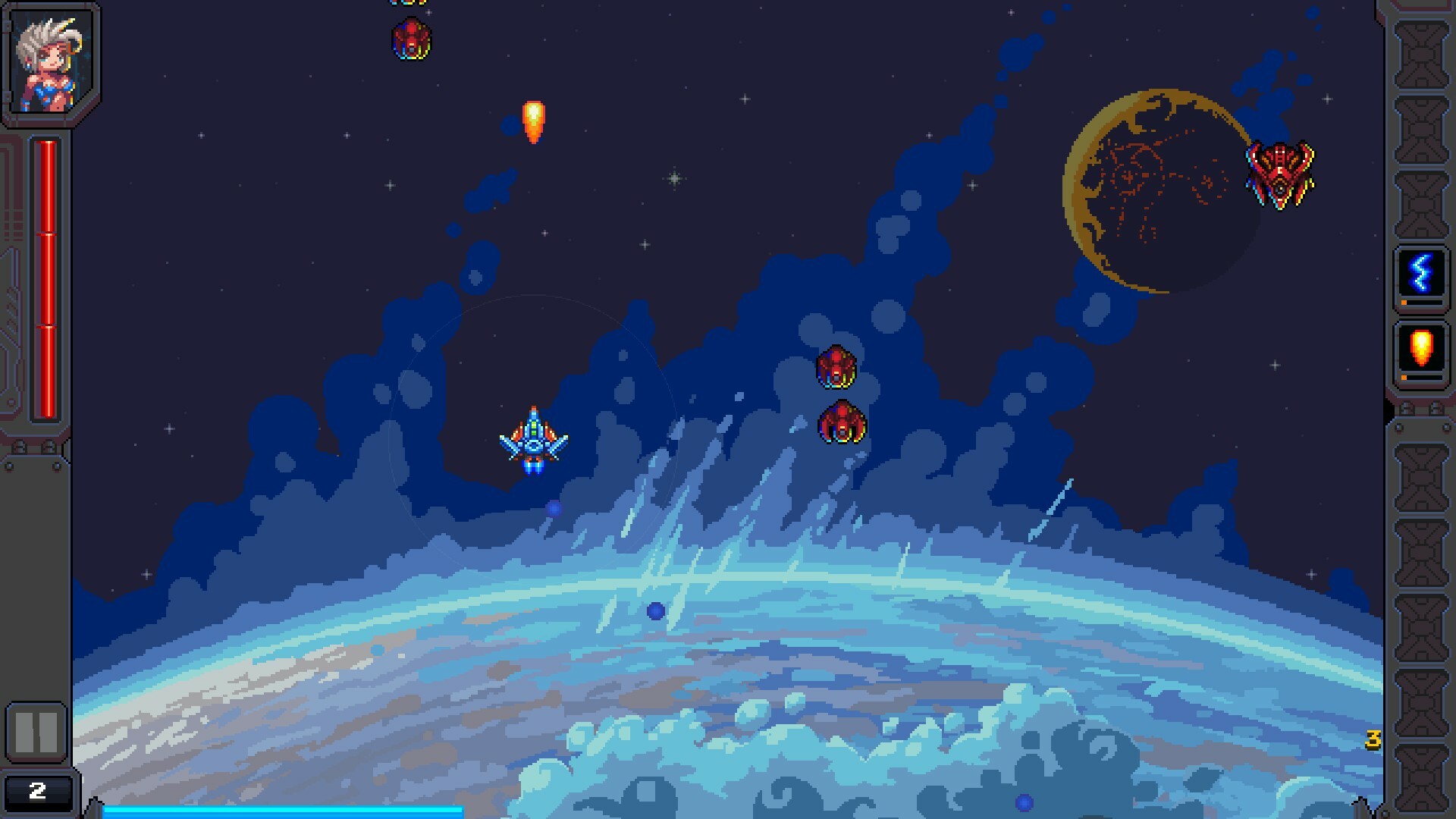
The game presents beautiful pixelated locations that serve as backdrops for combat encounters. Each level introduces new visual themes and enemy formations, keeping the experience fresh.
Exploring these worlds reveals varied challenges, from dense alien swarms to singular massive bosses, demanding both reflexes and strategic planning.
- Watch visual cues that hint at upcoming enemy types.
- Use the layout of a level to position yourself advantageously.
04 / THE GUIDE
Control Options
GUNFIELD supports mouse, keyboard, and joystick inputs, giving players flexibility in how they command their ship. The feature list also includes a Keyboard Only Option and a Mouse Only Option for focused play styles.
Full controller support means the game can be played with a supported controller, while the separate input options let users choose the method they find most comfortable.
- Select the input method that feels most natural for rapid shooting.
- If precision aiming is a priority, try the Mouse Only Option.
05 / THE GUIDE
Achievements and Cloud Saves
Steam Achievements are integrated, letting players track in-game milestones. The feature list confirms the presence of this feature.
Steam Cloud support preserves progress across sessions, and Family Sharing is listed as one of the game's Steam features.
- Aim for achievement goals that align with your preferred play style.
- Enable Steam Cloud to keep your upgrades safe between devices.
COMMUNITY
Player discussion