 GameWiki
GET YOUR BEARINGS
About Gunbrella
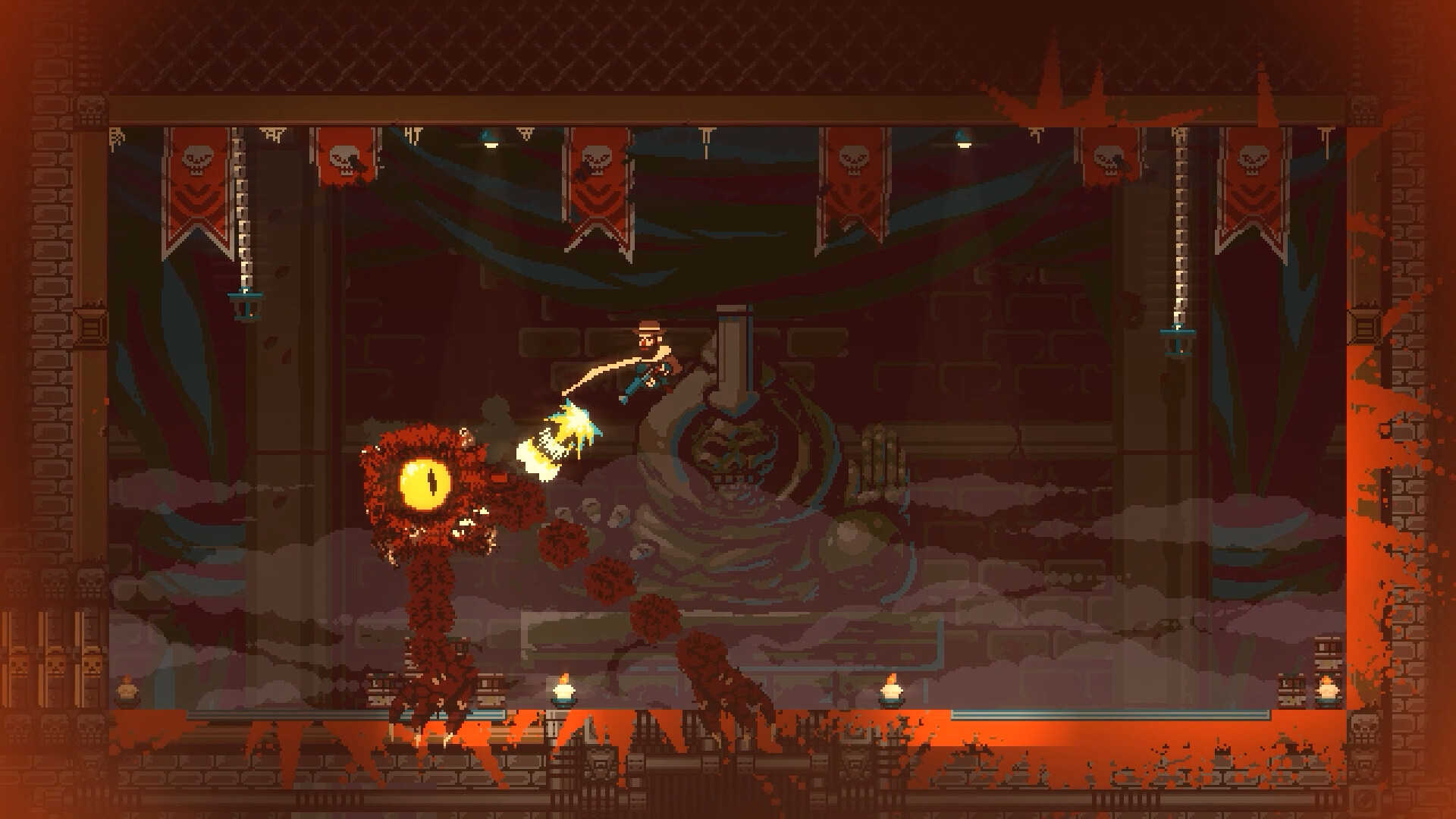
Gunbrella thrusts players into a rain‑soaked, noir‑punk world where a dwindling natural resource fuels conflict. As a gruff woodsman seeking revenge, you wield the titular Gunbrella—a high‑caliber firearm that also functions as an umbrella—to navigate hostile streets and shadowy conspiracies. The game blends side‑scrolling action with exploration, letting you glide, swing, dash and dive while uncovering secrets, interrogating odd characters, and upgrading your arsenal from salvaged scrap.
01 / THE GUIDE
Gunbrella Maneuverability
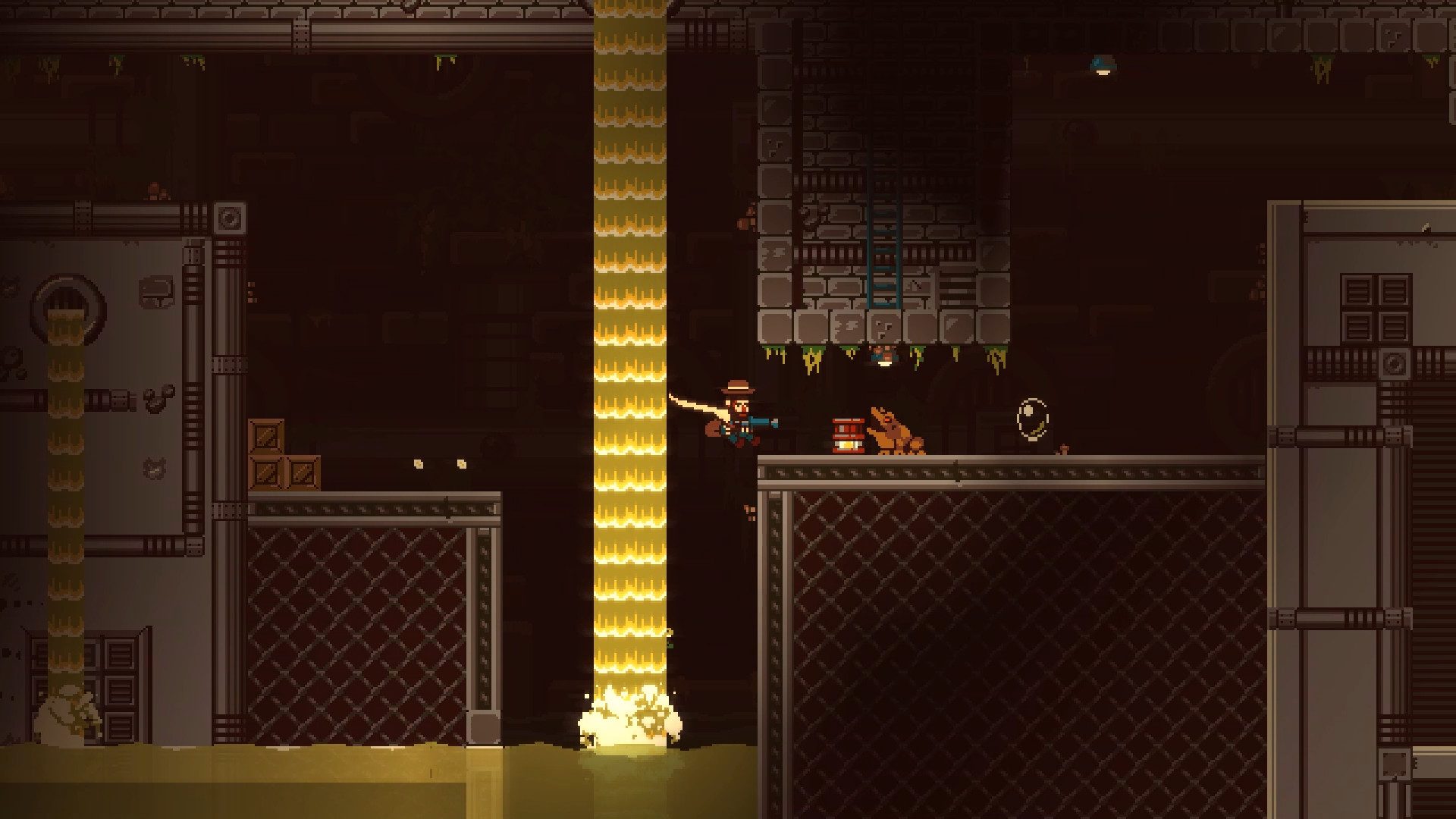
The Gunbrella serves as both weapon and mobility tool, enabling gliding, swinging, dashing, and diving across the environment. Its close‑quarters combat capabilities complement the side‑scrolling action. Mastering these movements unlocks hidden areas and aids in confronting enemies, making the umbrella essential beyond simple shooting.
- Experiment with each movement mode to discover which best fits a given platform.
- Combine gliding with combat to stay mobile during tough encounters.
02 / THE GUIDE
Diverse Locations
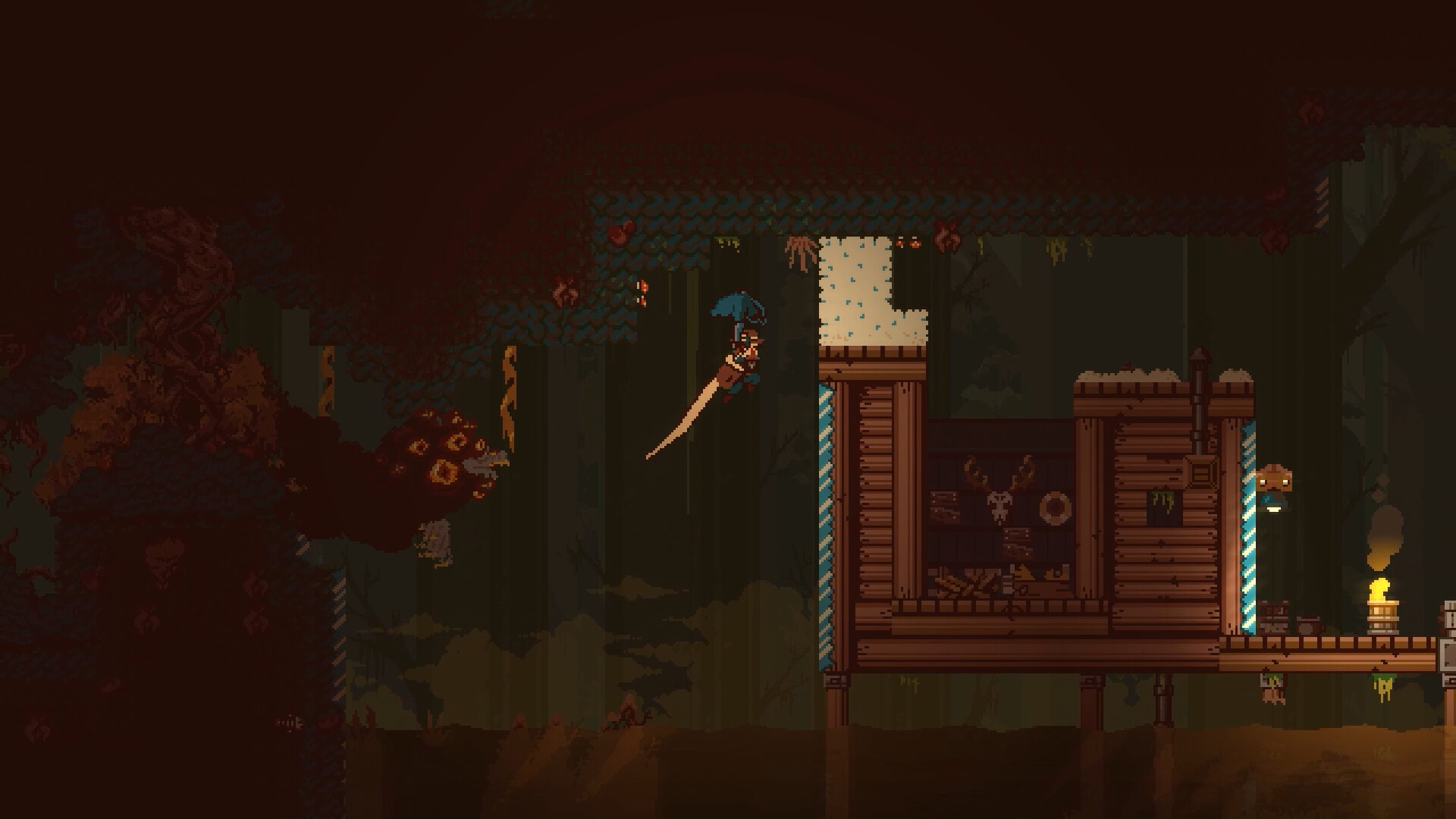
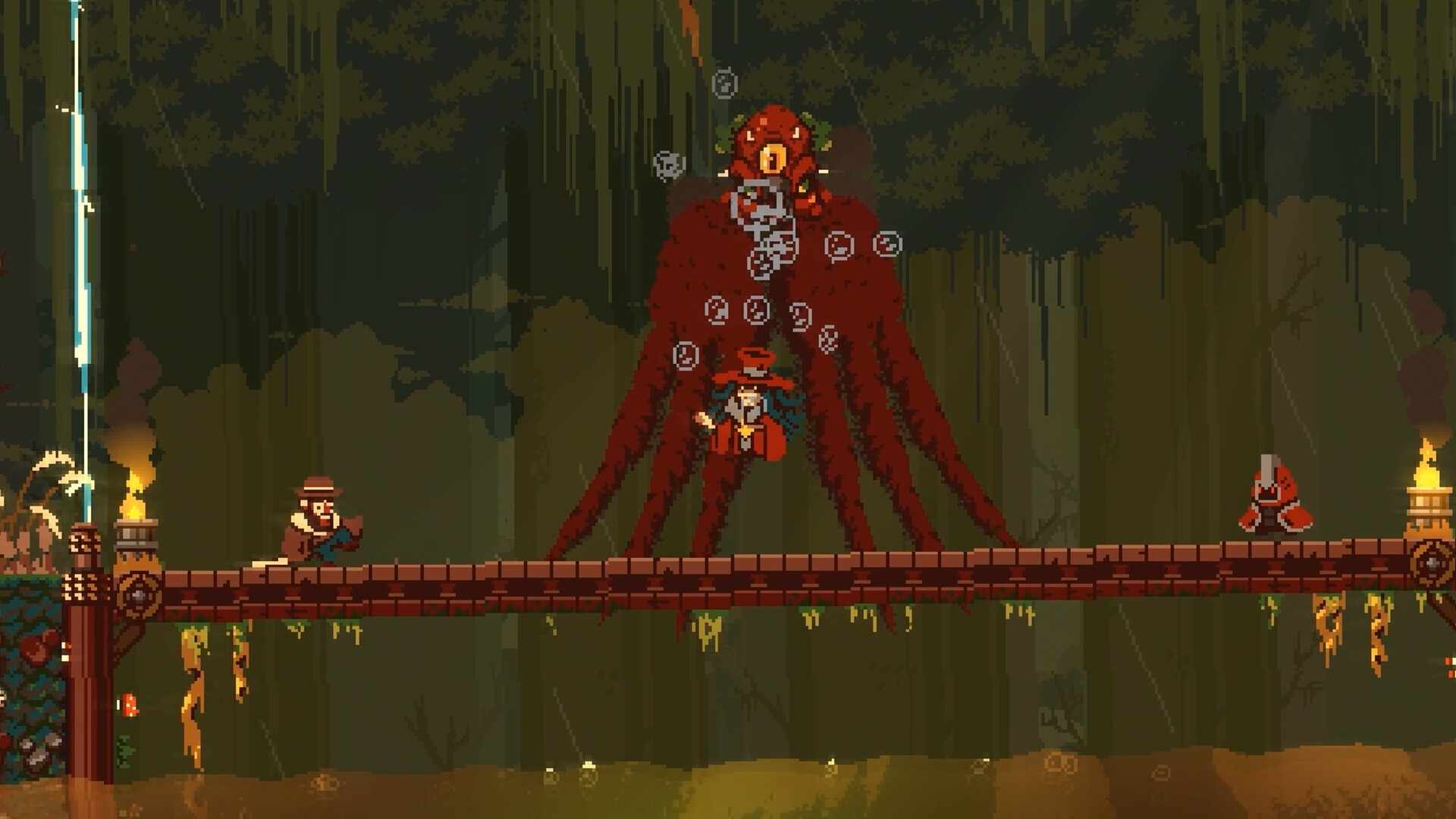
From a small town plagued by cult kidnappings to a junkyard fortress ruled by a trash gang, the game offers varied, unsettling settings. Each area presents its own visual style and challenges. Exploring these locales reveals secrets and deepens the narrative, encouraging players to revisit places with new abilities.
- Take note of environmental cues that hint at hidden paths.
- Observe how each location’s theme influences enemy behavior.
03 / THE GUIDE
Notebook and Investigation
A trusty notebook records findings, helping you keep track of clues and character interactions. The game emphasizes retracing steps to piece together the larger mystery. Using the notebook effectively can guide you toward objectives that might otherwise be missed during fast‑paced action.
- Review notebook entries after major encounters to spot connections.
- Mark locations of interest for later revisits.
04 / THE GUIDE
Salvage and Upgrades
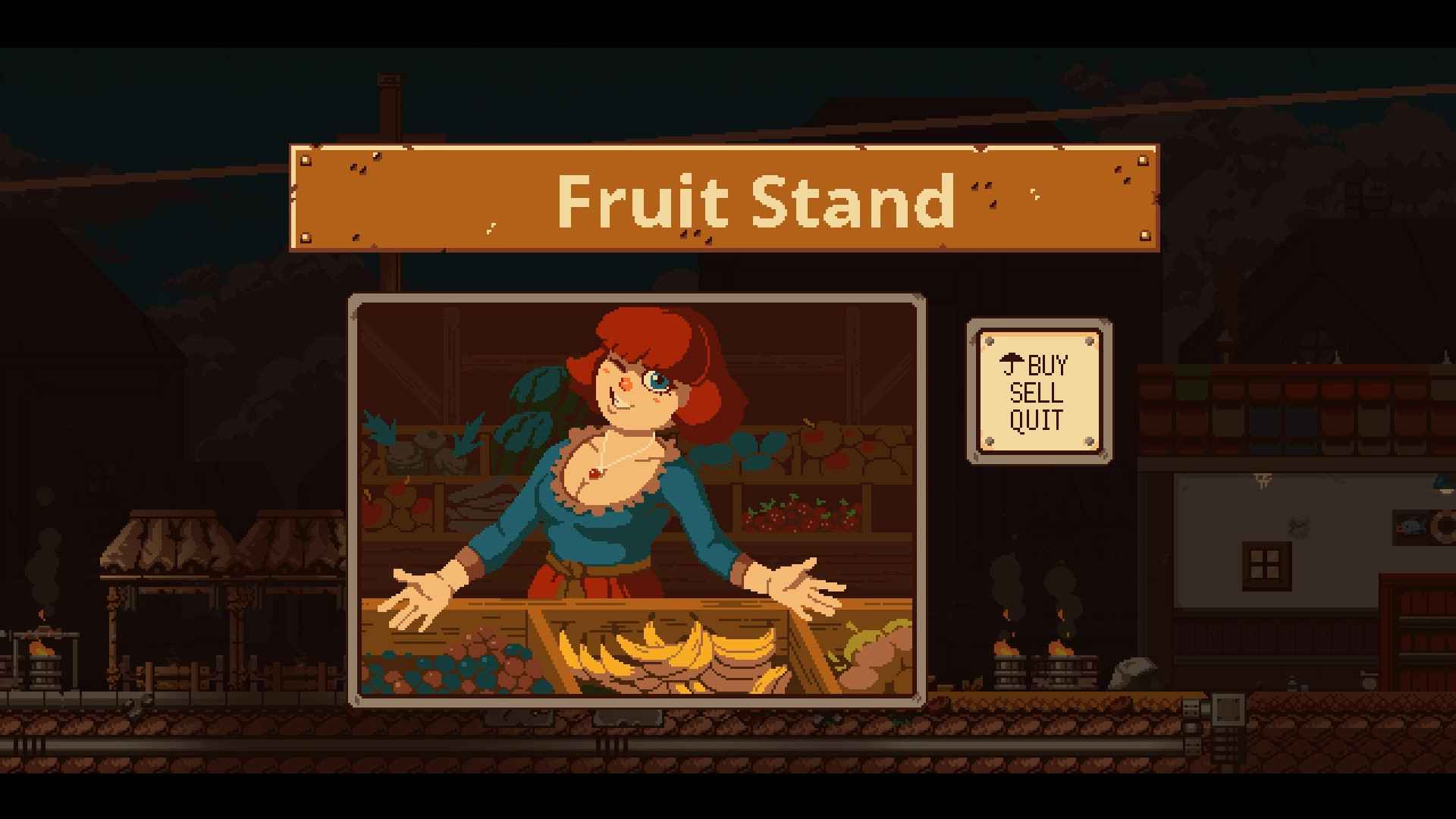
Collecting scrap and spare parts lets you trade for different munitions and upgrades, expanding the Gunbrella’s firepower. Upgrades are tied to the resources you salvage throughout the world. Strategic trading ensures you have the right ammunition for increasingly ghastly supernatural foes.
- Gather scrap and spare parts as you explore to fund upgrades.
- Balance ammunition types to stay prepared for varied threats.
05 / THE GUIDE
Platform and Service Features
Gunbrella is a single‑player title available on Windows, supporting full controller use, Steam Achievements, Steam Cloud, and Family Sharing. These features integrate with the Steam ecosystem. While the game runs on Windows, the listed services operate independently of gameplay mechanics.
- Consider enabling Steam Cloud to make use of its cloud storage support.
- Use Family Sharing to let others try the game without purchasing.
COMMUNITY
Player discussion