 GameWiki
GET YOUR BEARINGS
About Grow Up
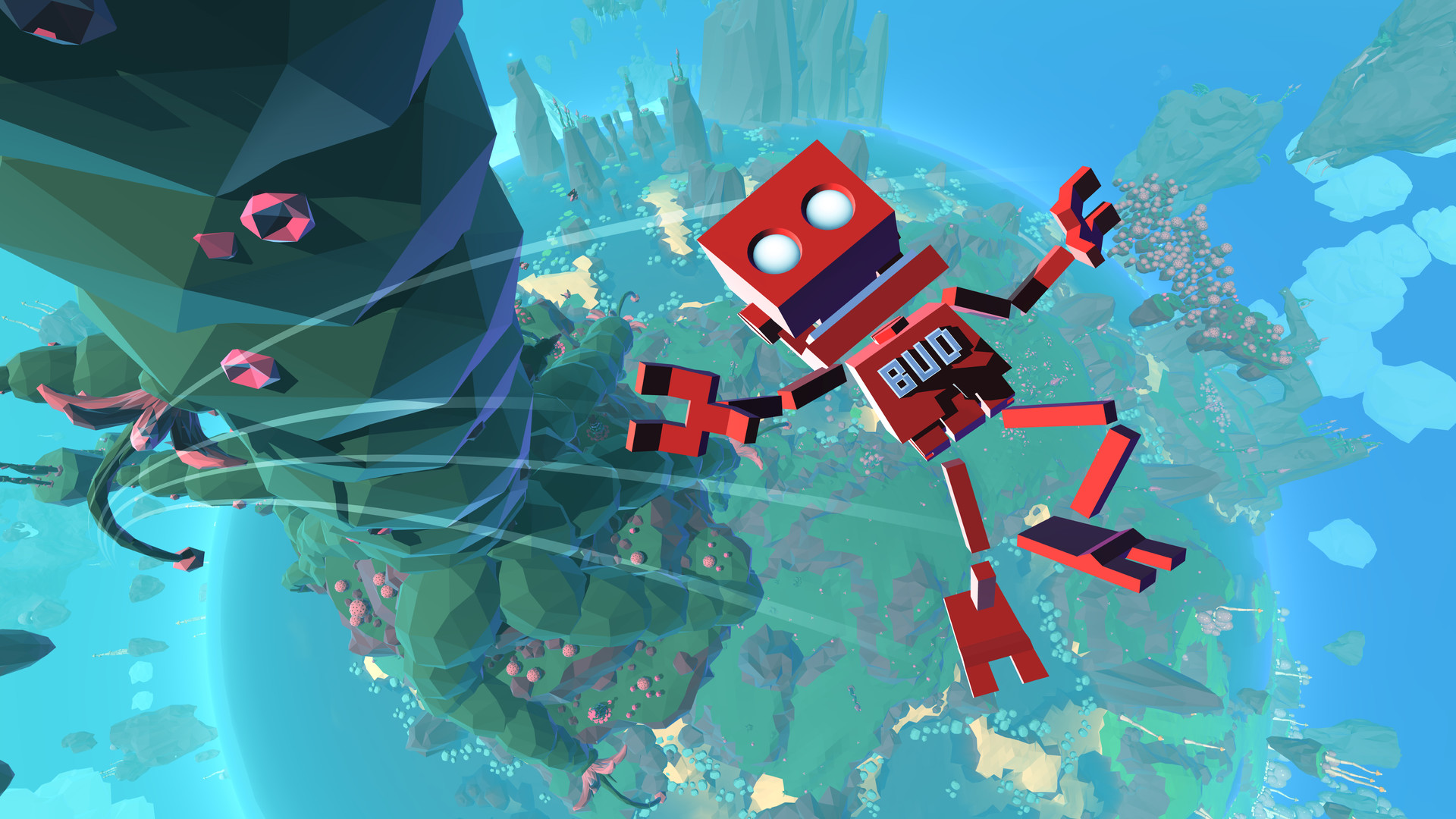
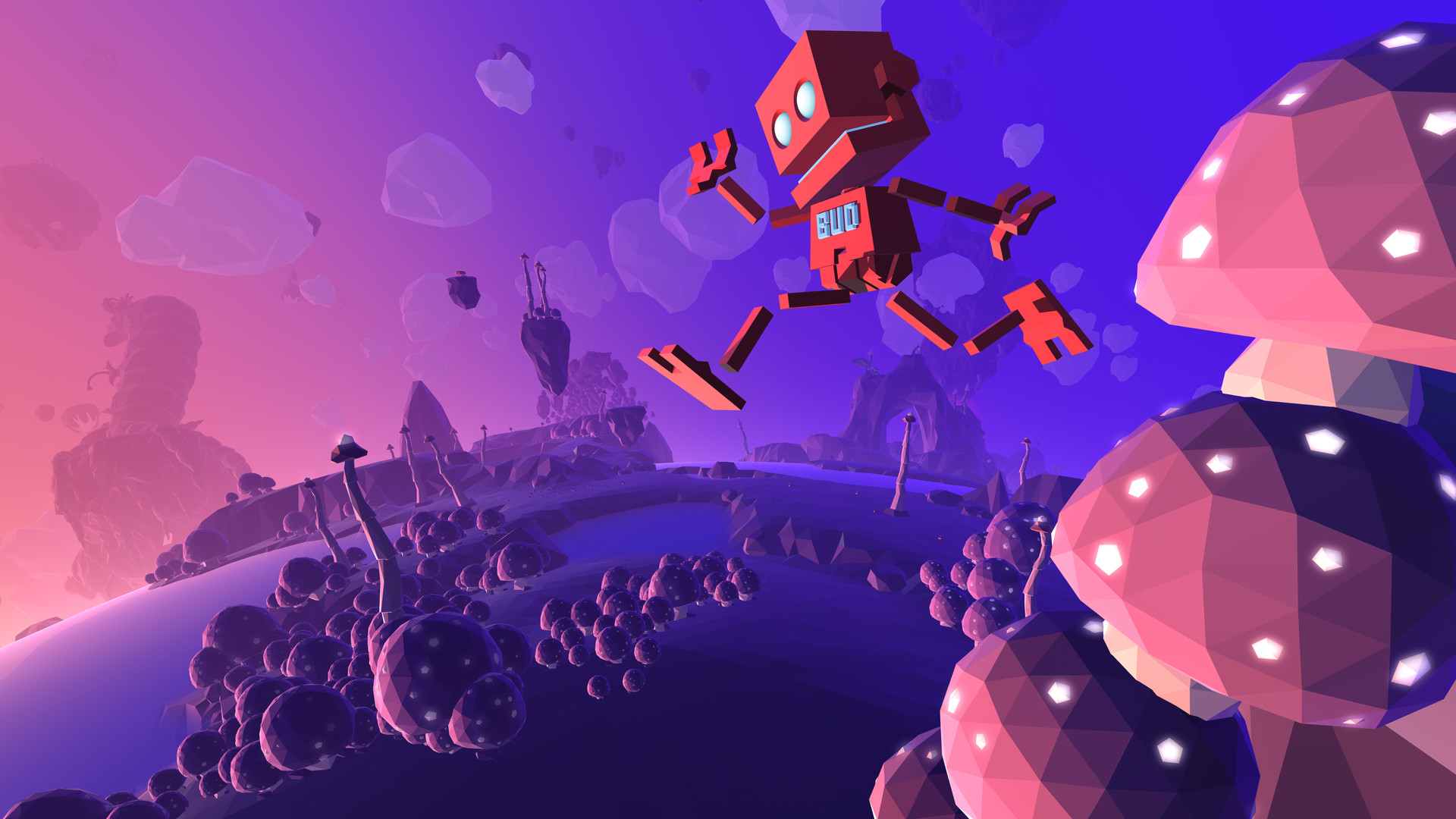
In *Grow Up*, players follow BUD, a wobbly robot, as he searches an alien planet for the scattered parts of his mother’s spaceship, MOM. The planet teems with exotic flora and fauna, offering a vivid backdrop for the quest.
The adventure blends platforming, exploration, and whimsical mechanics such as Ball mode, the Power Glider, and the Floradex 3000 plant spawner. It is a single‑player indie title developed by Reflections, a Ubisoft studio, and runs on Windows with full controller support and Steam integration.
01 / THE GUIDE
Story premise
BUD’s mother ship, MOM, is broken apart after a careless moon positioning, scattering its pieces across an alien world. BUD must retrieve each fragment and return them to the moon, restoring MOM.
The narrative frames the planet as a vibrant, overgrown environment that challenges BUD with obstacles while providing a sense of wonder as he reunites with his mother.
- Observe the visual cues that hint at where ship parts may be hidden.
- Consider the story’s focus on reunion when prioritising which fragments to collect first.
02 / THE GUIDE
Movement modes
BUD can switch to Ball mode, allowing him to boost, bounce, and roll across terrain. This mode emphasizes momentum and can traverse low‑lying obstacles efficiently.
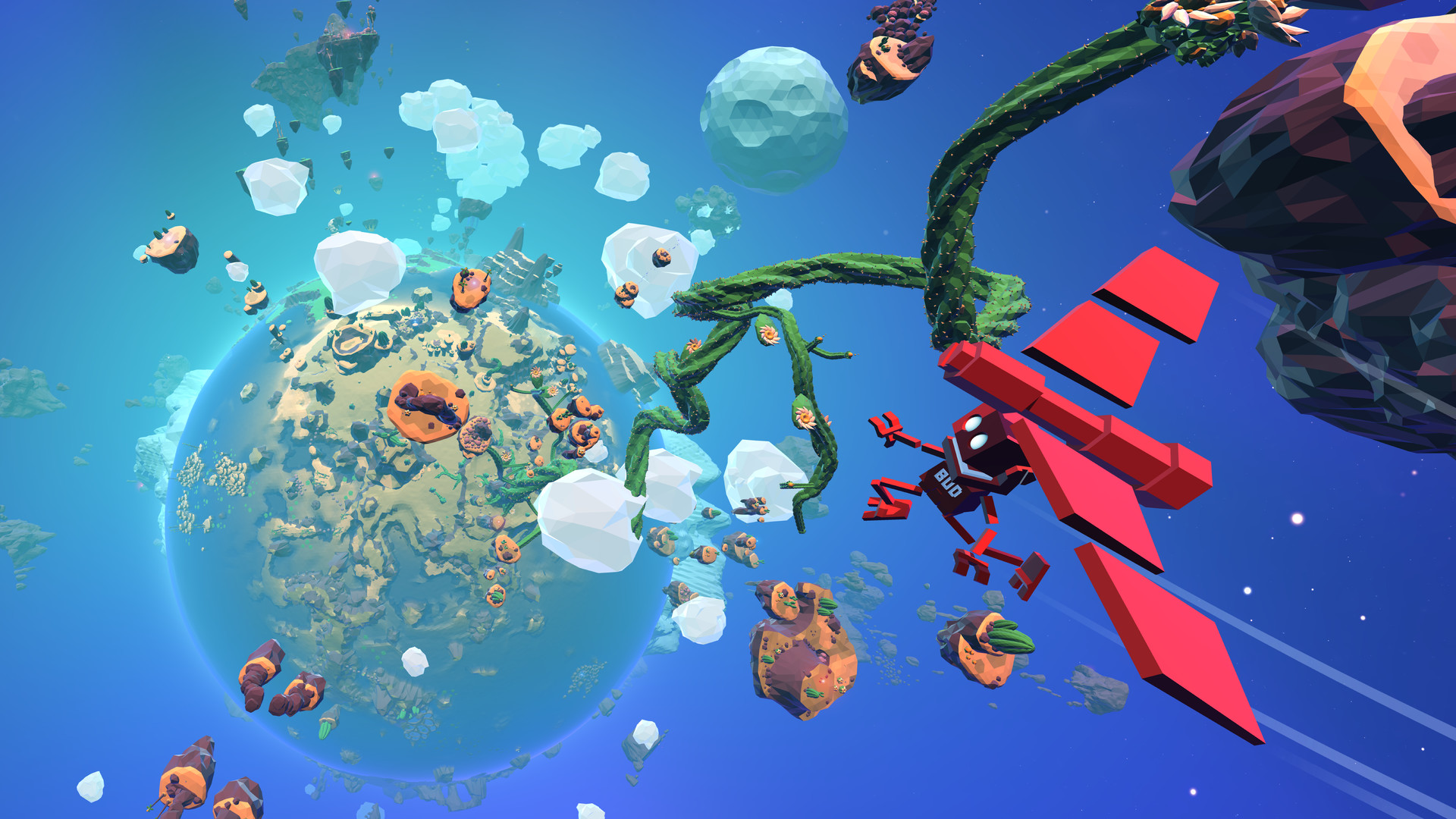
The Power Glider lets BUD take to the air, soaring between floating islands like a large metal bird, offering a contrasting aerial perspective.
- Use Ball mode for quick ground traversal when obstacles are dense.
- Switch to the Power Glider to bypass large gaps or reach high platforms.

03 / THE GUIDE
Floradex 3000 plant spawner
The Floradex 3000 enables BUD to spawn any plant he has discovered, turning flora into a tool for overcoming obstacles. Spawned plants can be used to overcome obstacles in the environment.
Collecting new plant types expands the range of environmental puzzles BUD can solve, encouraging exploration of the planet’s diverse ecosystems.
- Experiment with different spawned plants to see which best fits a given obstacle.
- Keep track of newly discovered plants for future puzzle solutions.
04 / THE GUIDE
Starplant riding
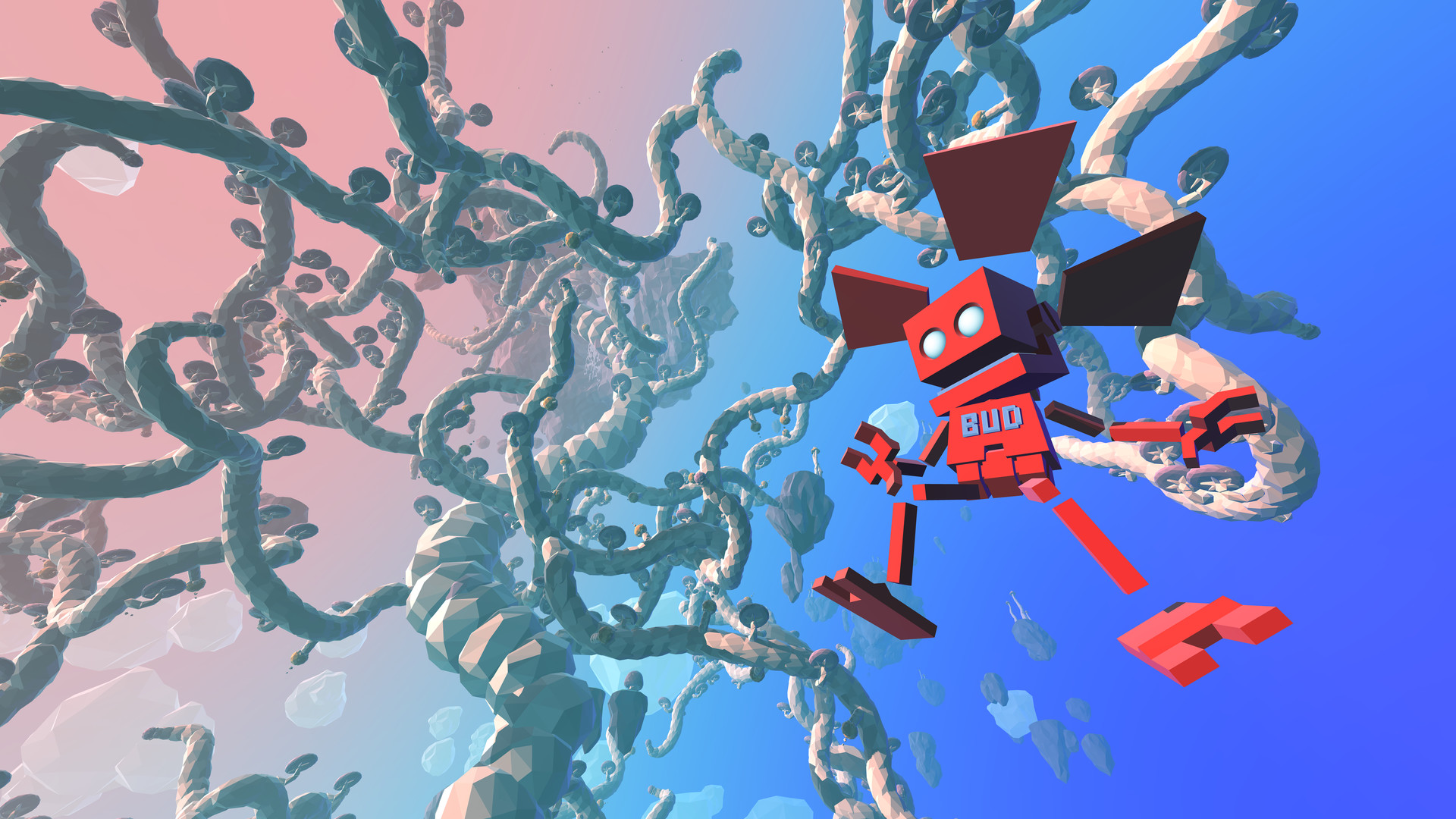
Giant Starplants grow tall enough for BUD to ride them into the sky, providing a natural vertical lift. This mechanic blends platforming with the planet’s organic design.
Riding Starplants can serve as an alternative to the Power Glider for reaching elevated areas, adding variety to vertical navigation.
- Compare the height gained from a Starplant ride versus a Power Glider flight for efficiency.
- Look for clusters of Starplants when planning a high‑altitude route.
05 / THE GUIDE
Steam platform features
The game supports Steam Achievements, Trading Cards, Cloud saves, Remote Play on TV, and Family Sharing, enhancing replay value and accessibility across devices.
Full controller support is listed, allowing players to use a gamepad for the entire experience on Windows.
- Enable Steam Cloud to keep progress synced if you switch between PCs.
- Try Remote Play on TV for a couch‑friendly session with the controller.
COMMUNITY
Player discussion