 GameWiki
GET YOUR BEARINGS
About Grow Home
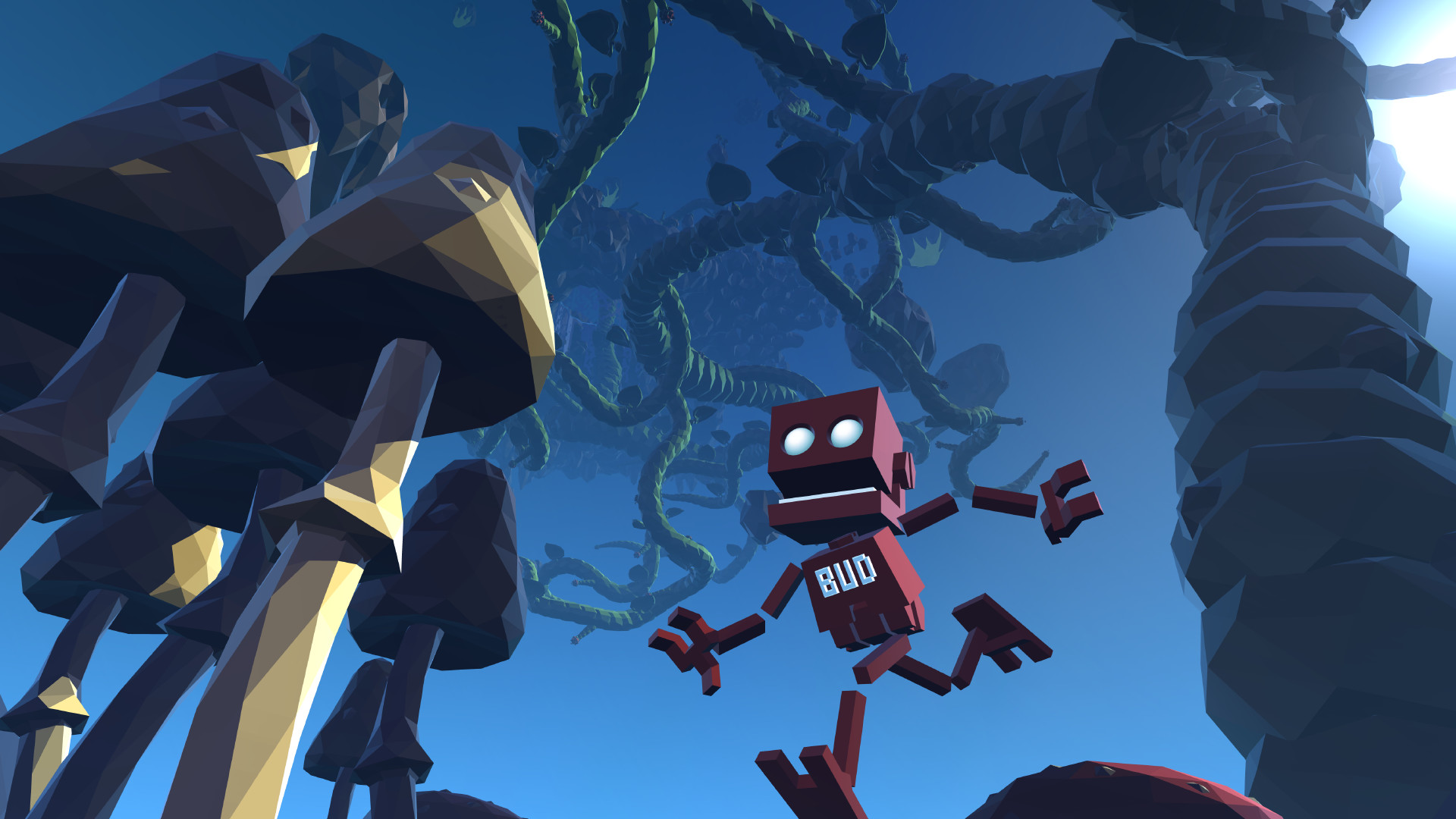
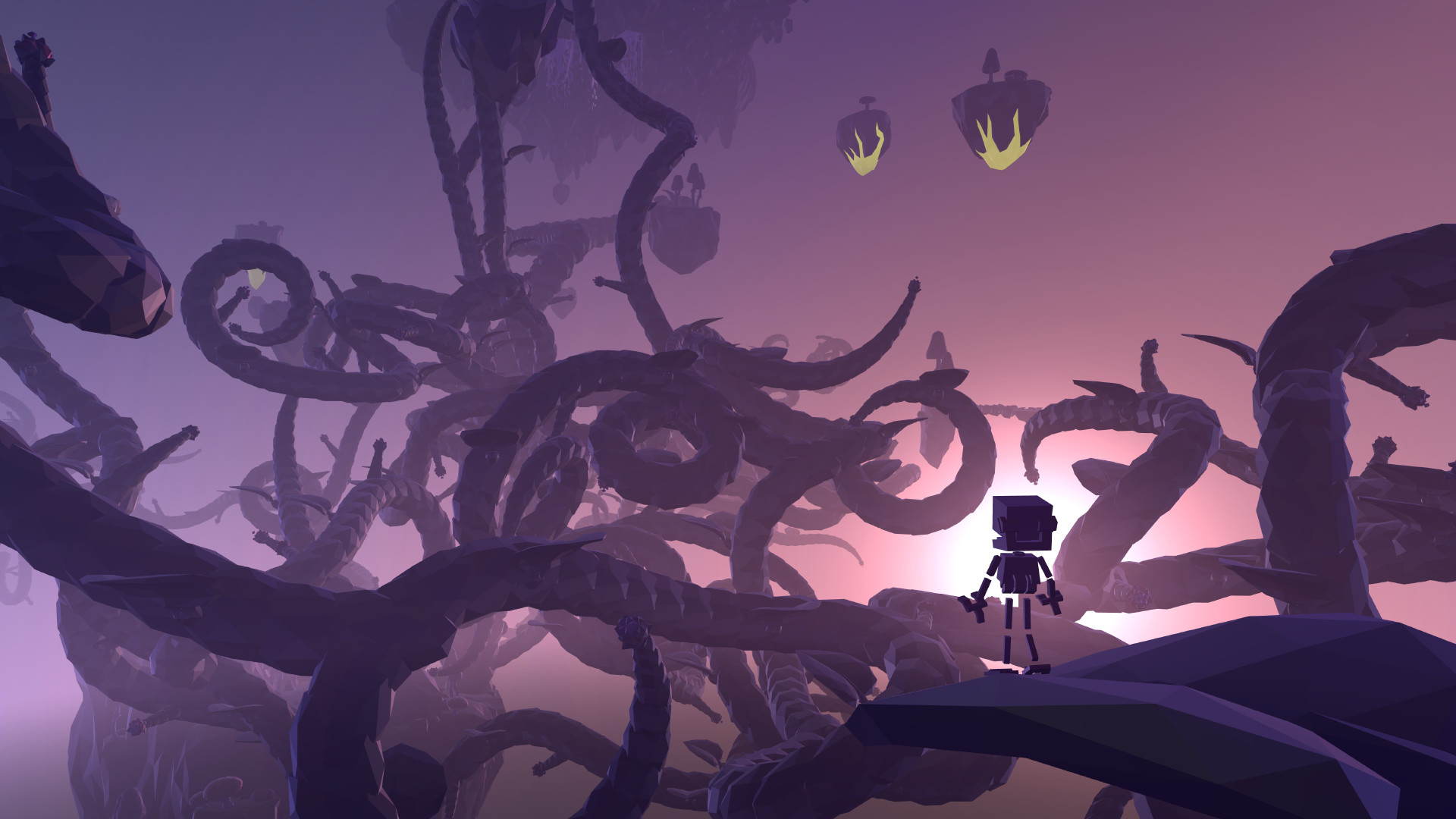
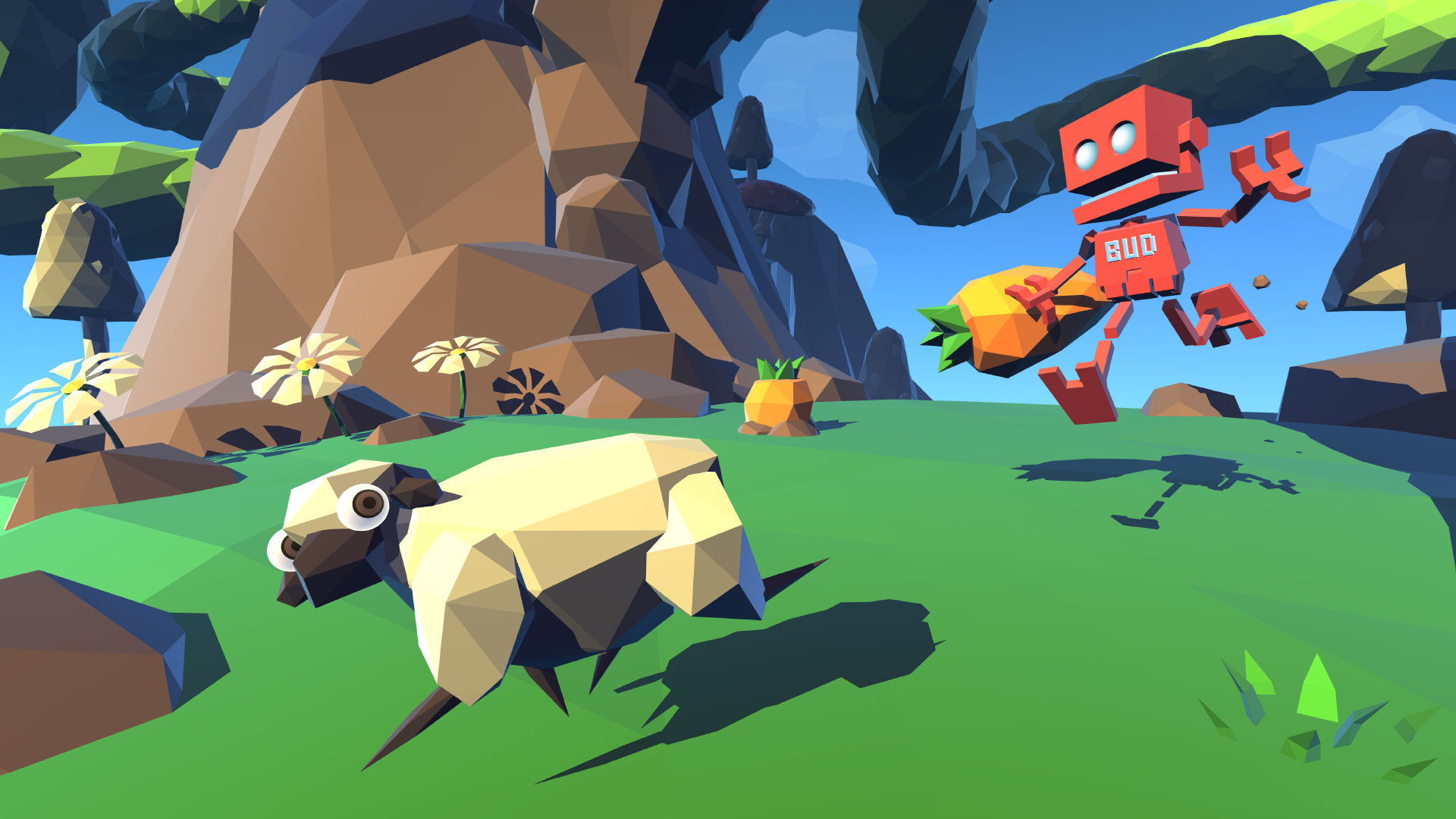
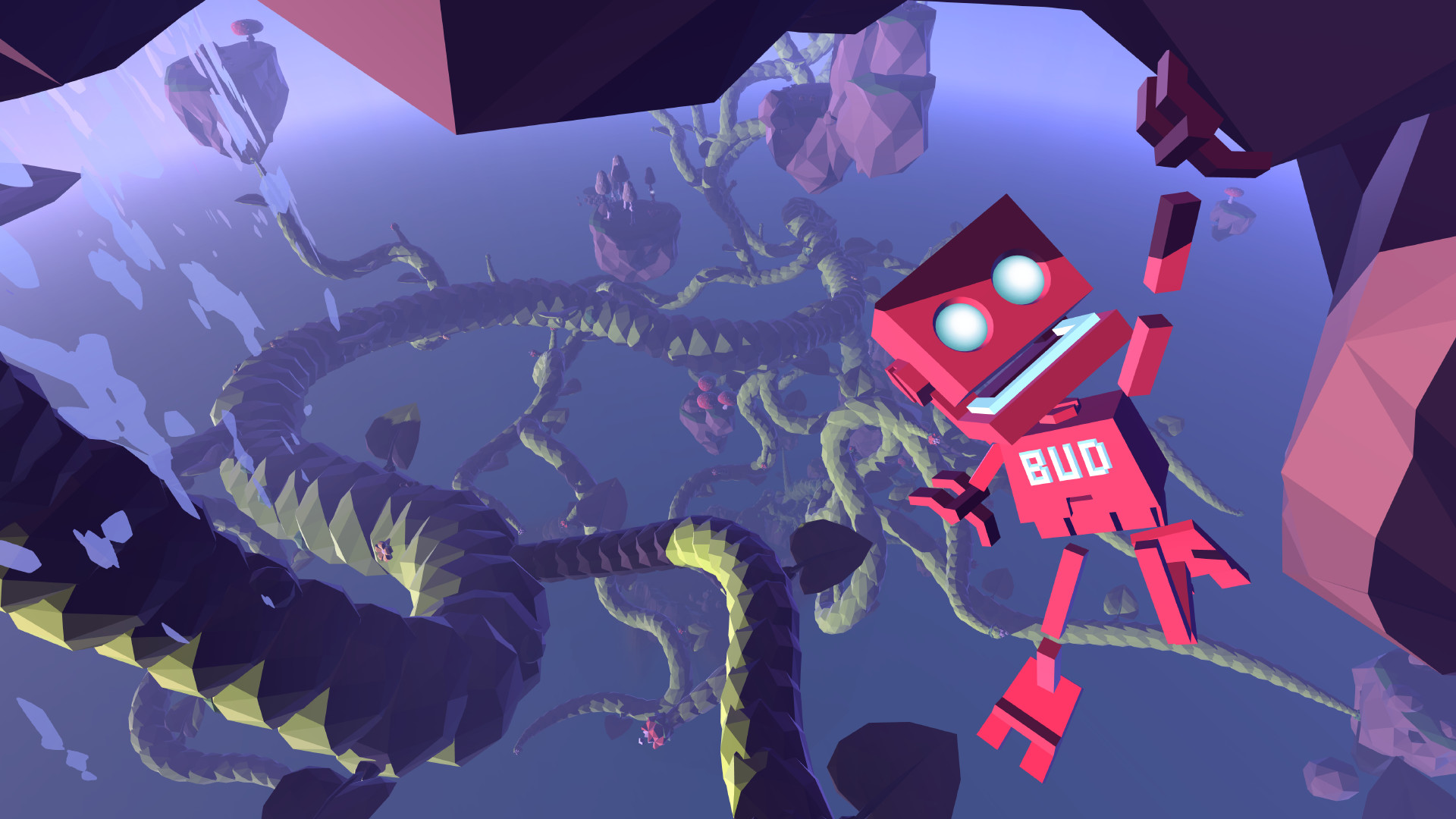
Grow Home puts you in the role of BUD, a Botanical Utility Droid sent to harvest seeds from a massive alien plant and save his home planet. The game blends climbing, plant growth, and open‑world exploration across floating islands filled with strange flora and fauna.
Procedural animation lets BUD’s hands move independently, creating a distinctive climbing feel, while the growth mechanic lets you shape pathways in the sky. Collecting crystals scattered throughout the world enhances BUD’s abilities, encouraging thorough exploration.
01 / THE GUIDE
Climbing Mechanics
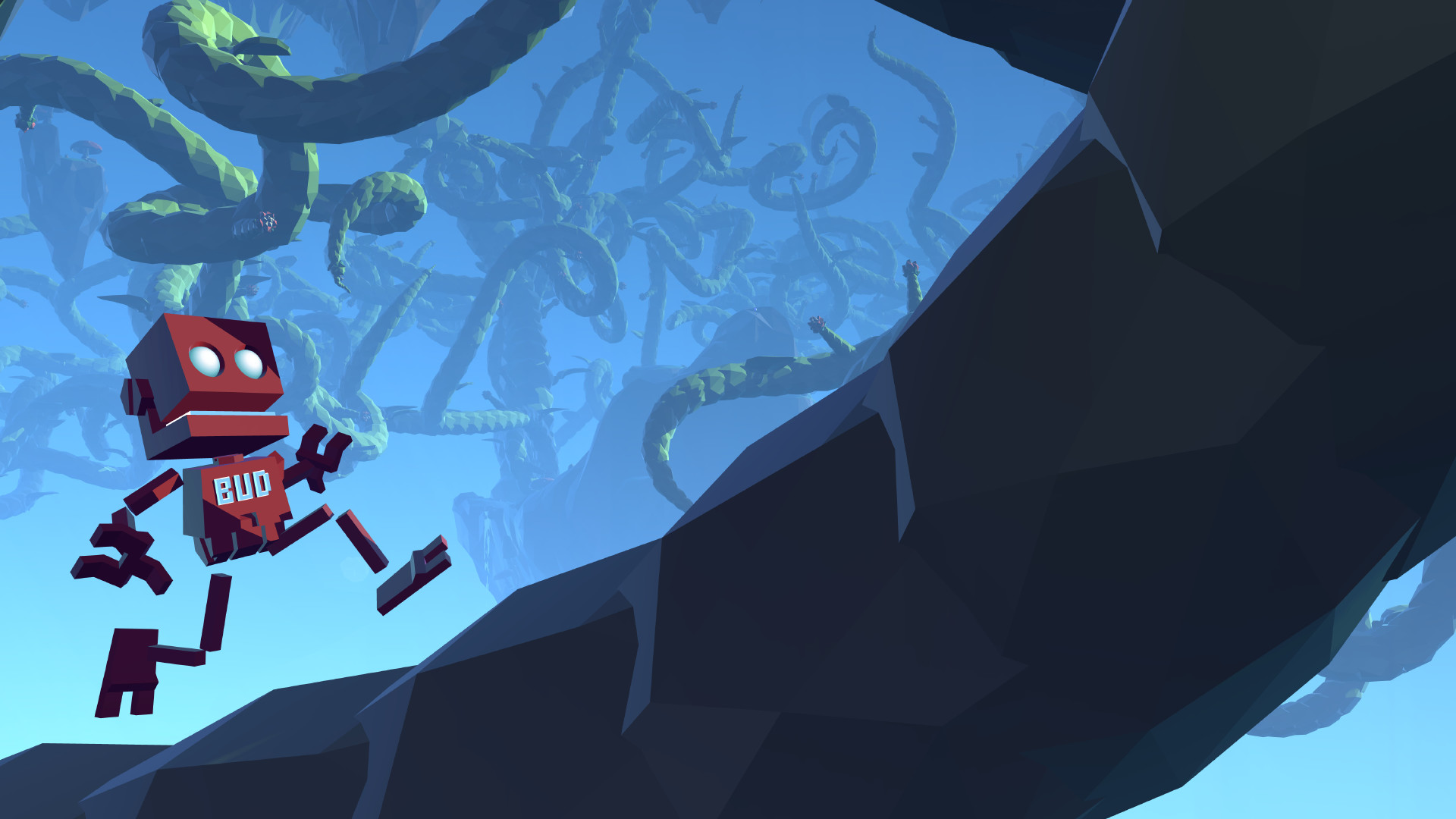
Procedural animation drives BUD’s climbing, allowing each hand to move independently. This creates an unrestricted climbing experience where the animation reacts directly to player input rather than following preset motions.
The system works with a variety of surfaces, from plant stems to rock faces. Because each hand can be placed separately, players must consider balance and grip to avoid a long fall.
- Experiment with alternating hand positions to maintain balance on longer climbs.
- Observe the shape of plant stems as you climb to plan your hand placements.
02 / THE GUIDE
Plant Growth System
Guiding and riding the giant alien plant lets you create sky‑bound pathways. Every segment you grow becomes climbable, so you can use it as a bridge, a safety net, or a creative structure.
The growth direction is under your control, letting you shape loops, arches, and vertical shafts. This flexibility supports both functional routes and artistic expression.
- Use the plant as a safety net when descending steep drops.
- Experiment with different growth angles to discover shortcuts.
03 / THE GUIDE
Exploration and Crystals
The floating islands form a physical playground where crystals are hidden in every nook and cranny. Collecting them enhances BUD’s abilities, rewarding thorough traversal.
Many alien plants possess unusual properties that can aid movement or provide new routes, adding variety to each area you explore.
- Take time to explore lower islands; they often contain early crystals.
- Notice plant properties; some may help reach otherwise inaccessible spots.
04 / THE GUIDE
Single‑Player Experience
Grow Home is designed as a single‑player adventure, focusing on personal discovery of climbing and growth mechanics without multiplayer elements.
This solo design lets you progress at your own pace, experimenting with routes and plant shapes without external pressure.
- Set personal goals, like reaching a specific height, to guide your play.
- Use the freedom of single‑player mode to try unconventional climbing routes.
05 / THE GUIDE
Platform Support
The game runs on Windows and Linux and includes full controller support, allowing gamepad input for the climbing and growth systems.
Steam features such as Achievements, Cloud saves, Remote Play on TV, and Family Sharing are listed, expanding how and where you can play.
- Enable Remote Play on TV for a larger view of the sky pathways.
- Check Steam Cloud sync after switching devices to keep progress safe.
COMMUNITY
Player discussion