 GameWiki
GET YOUR BEARINGS
About Groove Coaster
Groove Coaster brings its rhythm‑game roots to Steam, letting players ride a 360‑degree roller coaster of music and light. The base release ships with 58 original tracks from a range of composers, offering a bright, fast‑paced experience that stays true to the series’ simple, beat‑timed input. The game supports keyboard, a variety of controllers and Steam’s full‑controller API, and includes both a single‑handed Casual mode and a two‑handed Arcade mode. Players can choose display ratios, enable a nonstop playlist of up to ten songs, and customise avatars and items.
01 / THE GUIDE
Controls and Play Modes
Groove Coaster uses timing‑based input: press keys or controller buttons as beats pass. The system works with keyboards and a wide range of controllers, including PlayStation 4 and Xbox devices. Two play styles exist. Casual mode lets a single hand handle inputs, while Arcade mode requires both hands for a groove‑synced challenge. Both modes follow the same beat‑matching core.
- Start with Casual mode to learn beat patterns before switching to Arcade.
- Experiment with different controllers to find the most comfortable button layout.
02 / THE GUIDE
Visuals and Display Settings
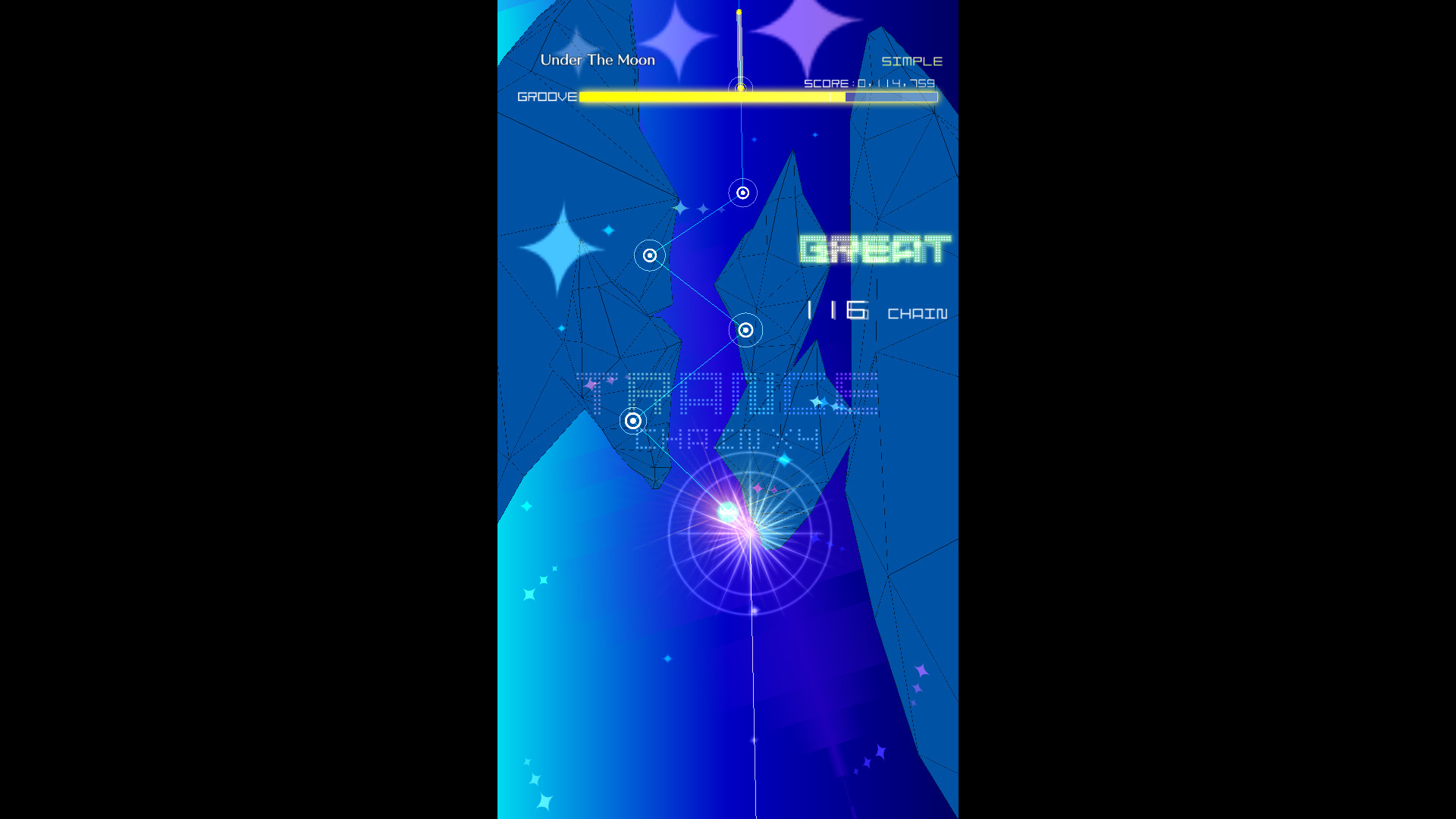
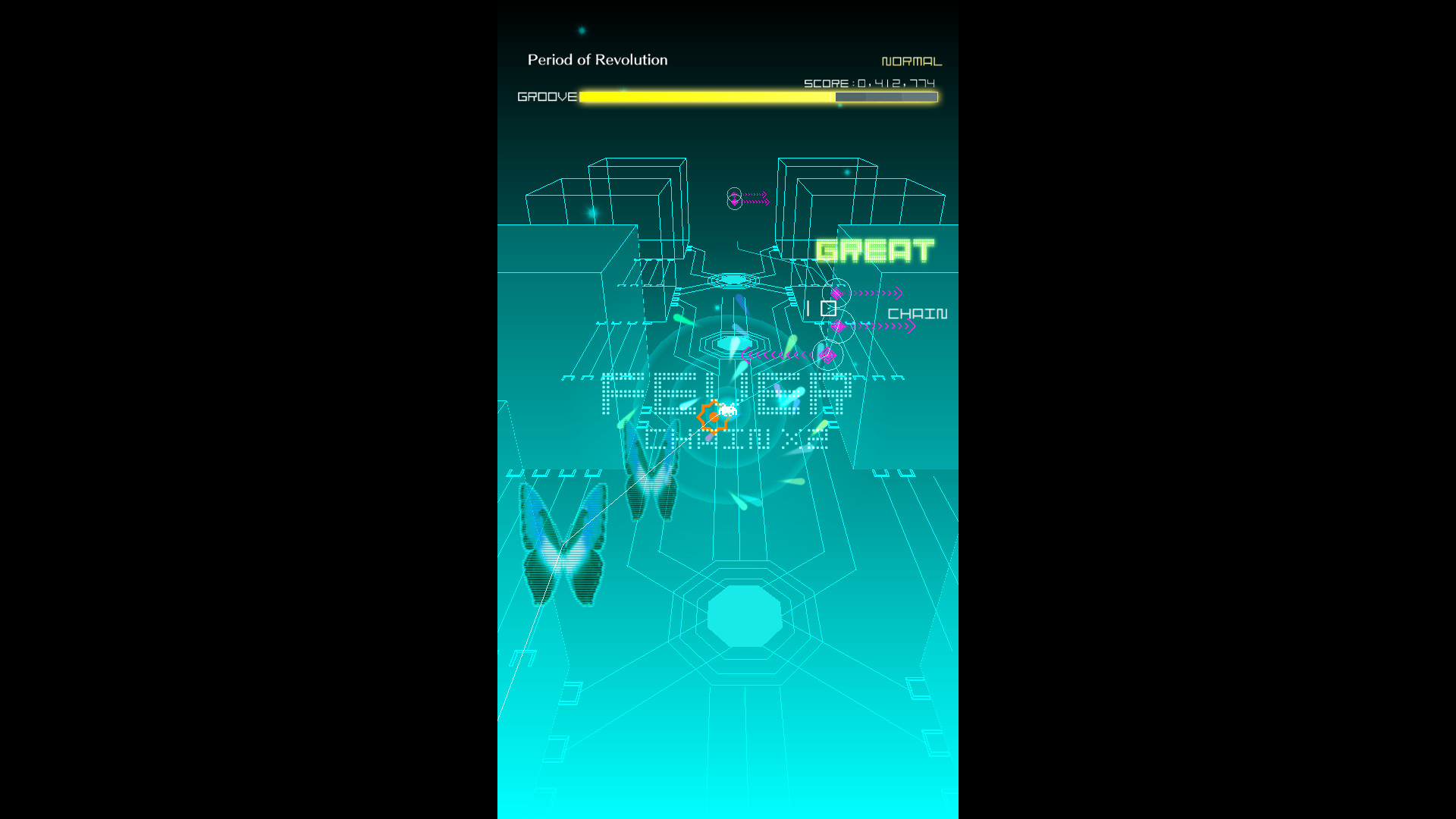
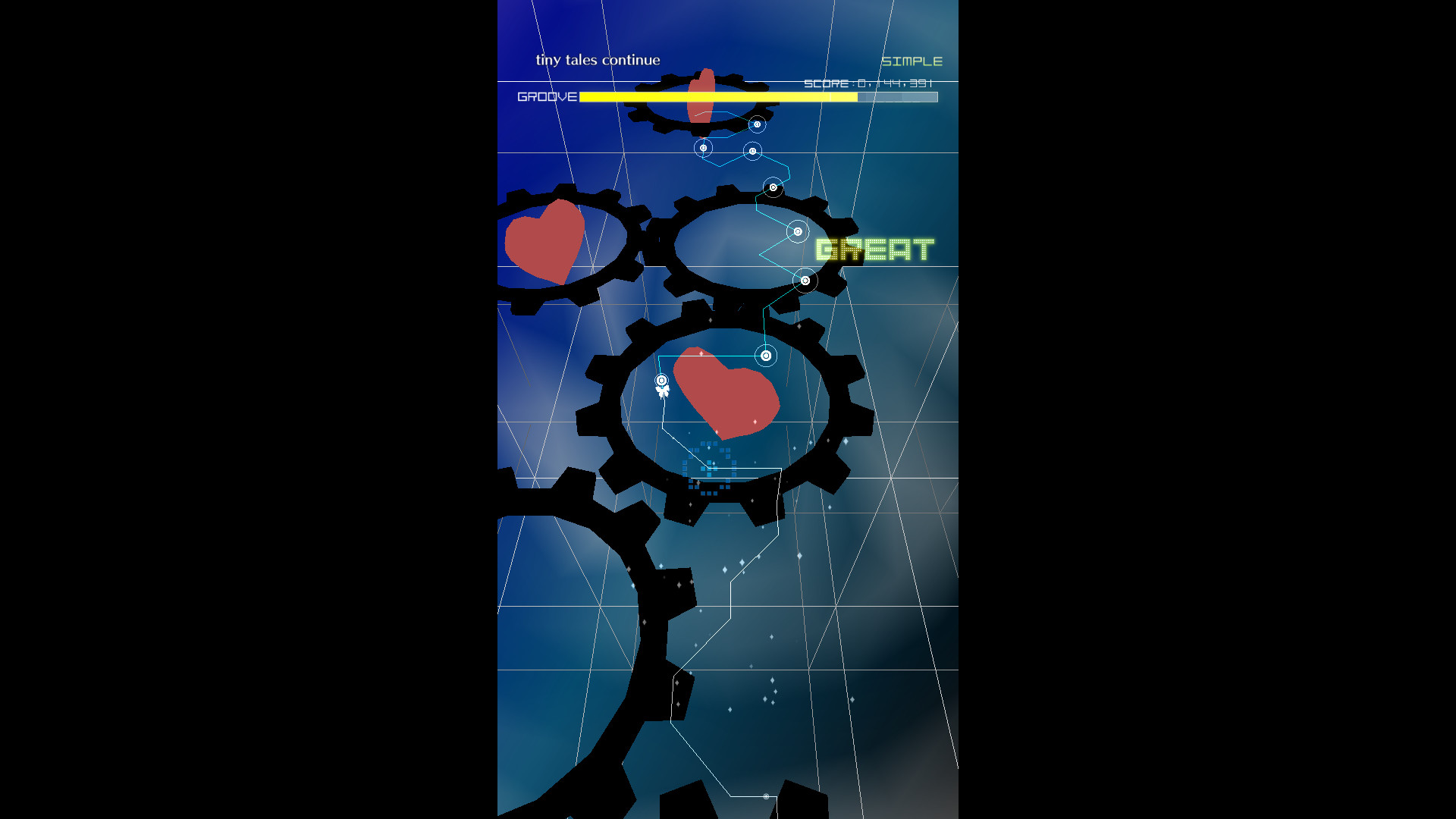
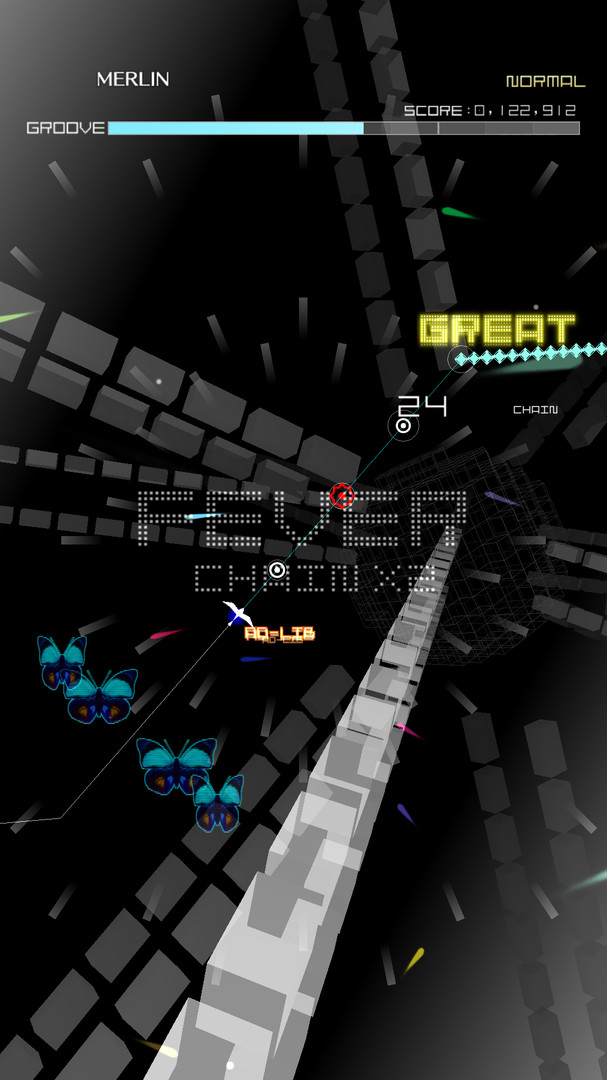
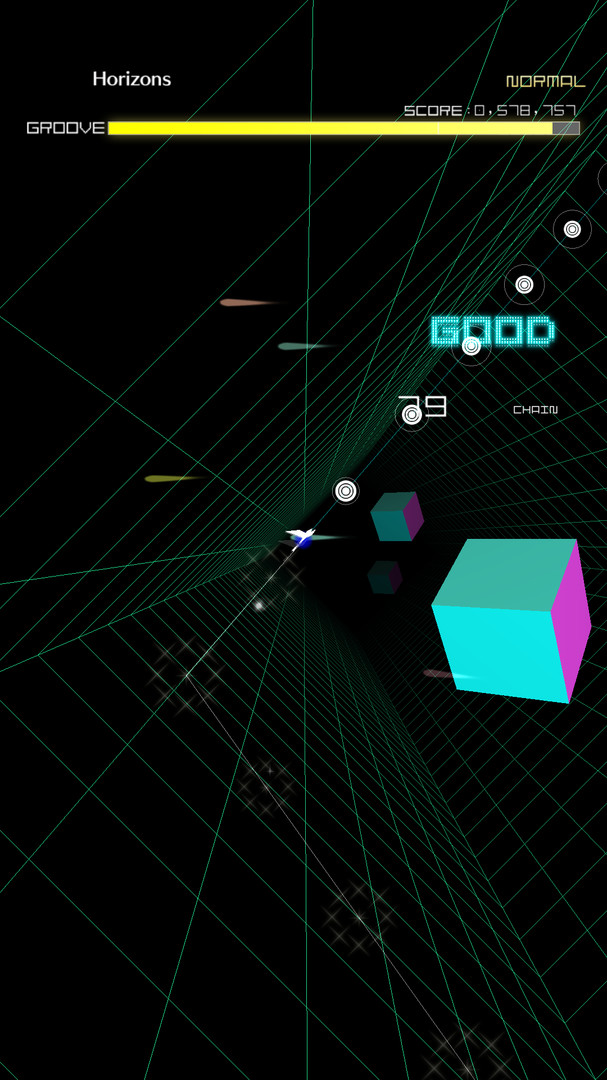
The game renders a full 360‑degree coaster ride, immersing players in a light‑filled tunnel that reacts to the music. Players can select from three aspect ratios—16:9, 4:3, and 1:1—to suit landscape or vertical screens. A vertical display option provides an arcade‑style full‑screen experience, enhancing the sensation of riding a coaster while tracking beats.
- Use the 1:1 ratio on a vertical monitor for the most arcade‑like feel.
- Adjust brightness if the light effects obscure note timing.
03 / THE GUIDE
Song Library and Non‑Stop Mode
Groove Coaster ships with 58 original tracks covering various composers and styles. The list includes titles such as "Future Coaster" by Sakuzyo and "Solar Storm" by xi. Players may select up to ten favourite songs and enable non‑stop mode, which plays the chosen tracks back‑to‑back without interruption, ideal for longer sessions.
- Create a balanced ten‑song set mixing fast and slower tracks for varied difficulty.
- Try non‑stop mode after mastering individual songs to test endurance.
04 / THE GUIDE
Avatar and Item Customisation
Players can personalise their on‑screen presence by mixing 47 avatars with six items, allowing a unique visual style while playing. The customisation does not affect gameplay mechanics, focusing solely on appearance. Changing avatars and items is done through the in‑game menu before starting a track, letting players match their look to the music’s vibe.
- Pick bright‑colored avatars for better visibility against the coaster’s lighting.
- Swap items between songs to keep the visual experience fresh.
05 / THE GUIDE
Steam Features
Groove Coaster integrates with several Steam services: achievements, leaderboards, cloud saves, trading cards and family sharing are all supported. This allows progress to be stored online and compared with other players. Full controller support is also listed as a Steam feature, meaning the game works with Steam’s controller configuration tools for a tailored input setup.
- Enable Steam Cloud to keep your high scores across multiple PCs.
- Check leaderboards regularly to gauge improvement against the community.
COMMUNITY
Player discussion