 GameWiki
GET YOUR BEARINGS
About Grocery Store Simulator
Grocery Store Simulator puts you in the role of a grocery store manager, using a first‑person view to handle checkout, stocking, deliveries, and equipment placement. Every decision feeds back into store performance, letting you see the direct impact of your actions.
The title offers solo play and a four‑player online co‑op where friends can share tasks such as pricing, warehouse organization, and checkout. You can also personalize the shop with any wallpaper, name, and decorative items, shaping a unique storefront.
01 / THE GUIDE
First‑Person Management
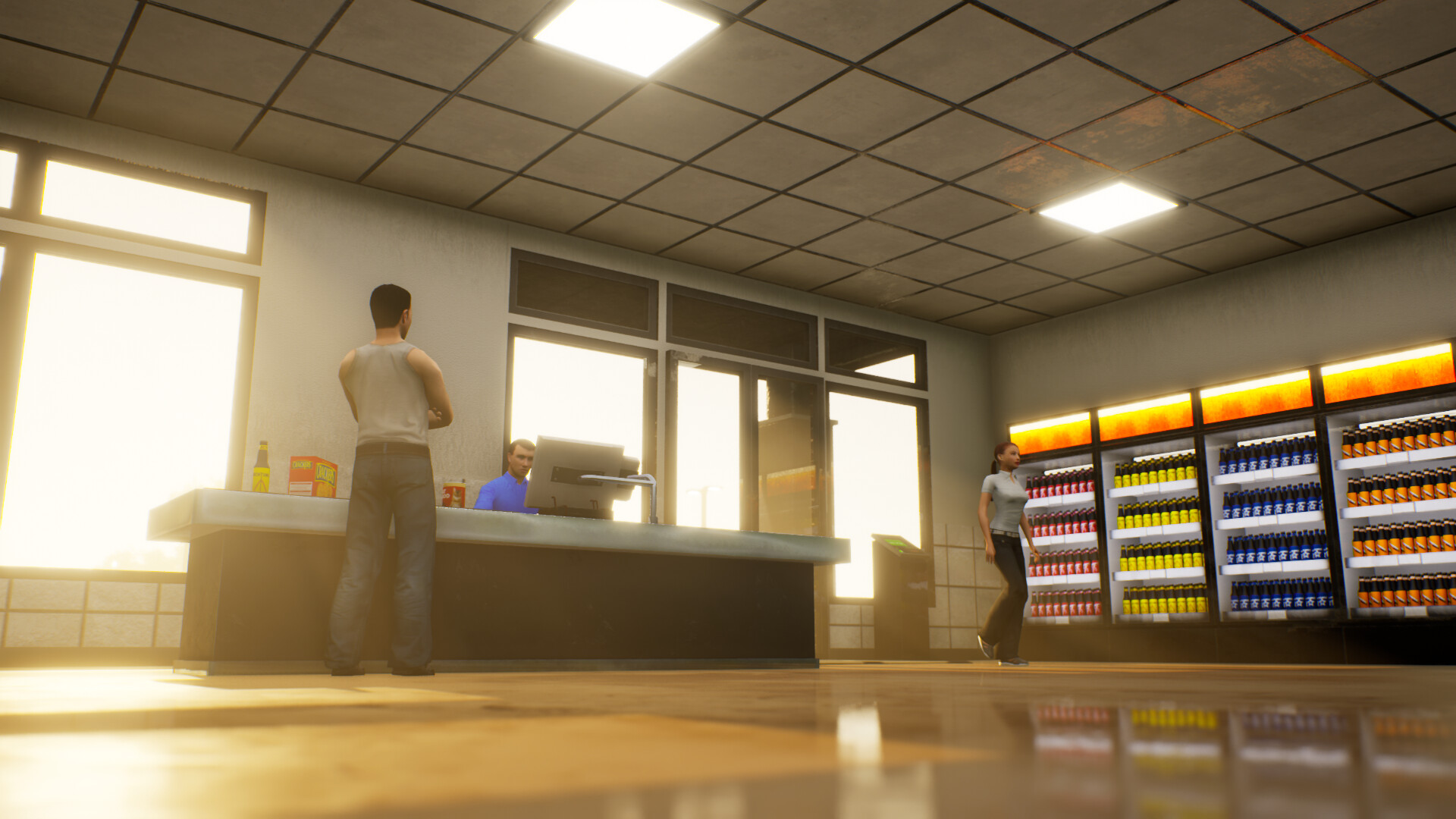
All activities are presented from a first‑person perspective, allowing you to interact directly with checkout counters, shelves, and warehouse zones. This view makes it clear how pricing, stocking, and equipment placement affect customer flow and sales.
Each action—checking out items, arranging stock, or setting prices—updates the store’s success metrics, encouraging you to observe cause and effect and adjust strategies based on measurable outcomes.
- Watch how customers react after a price change to gauge the optimal balance.
- Notice which equipment placements speed up checkout and keep those areas clear.
02 / THE GUIDE
Online Co‑op Mode
Up to four players can join online, each taking on responsibilities such as stocking, checkout, or delivery handling. The shared environment lets friends coordinate tasks to improve overall store efficiency and profit.
Co‑op play is built around collaborative strategy; when each player focuses on a specific area, the team can respond faster to stock needs and pricing adjustments, boosting collective performance.
- Assign clear roles to avoid duplicated effort.
- Communicate stock levels regularly to prevent shortages.
03 / THE GUIDE
Store Customization
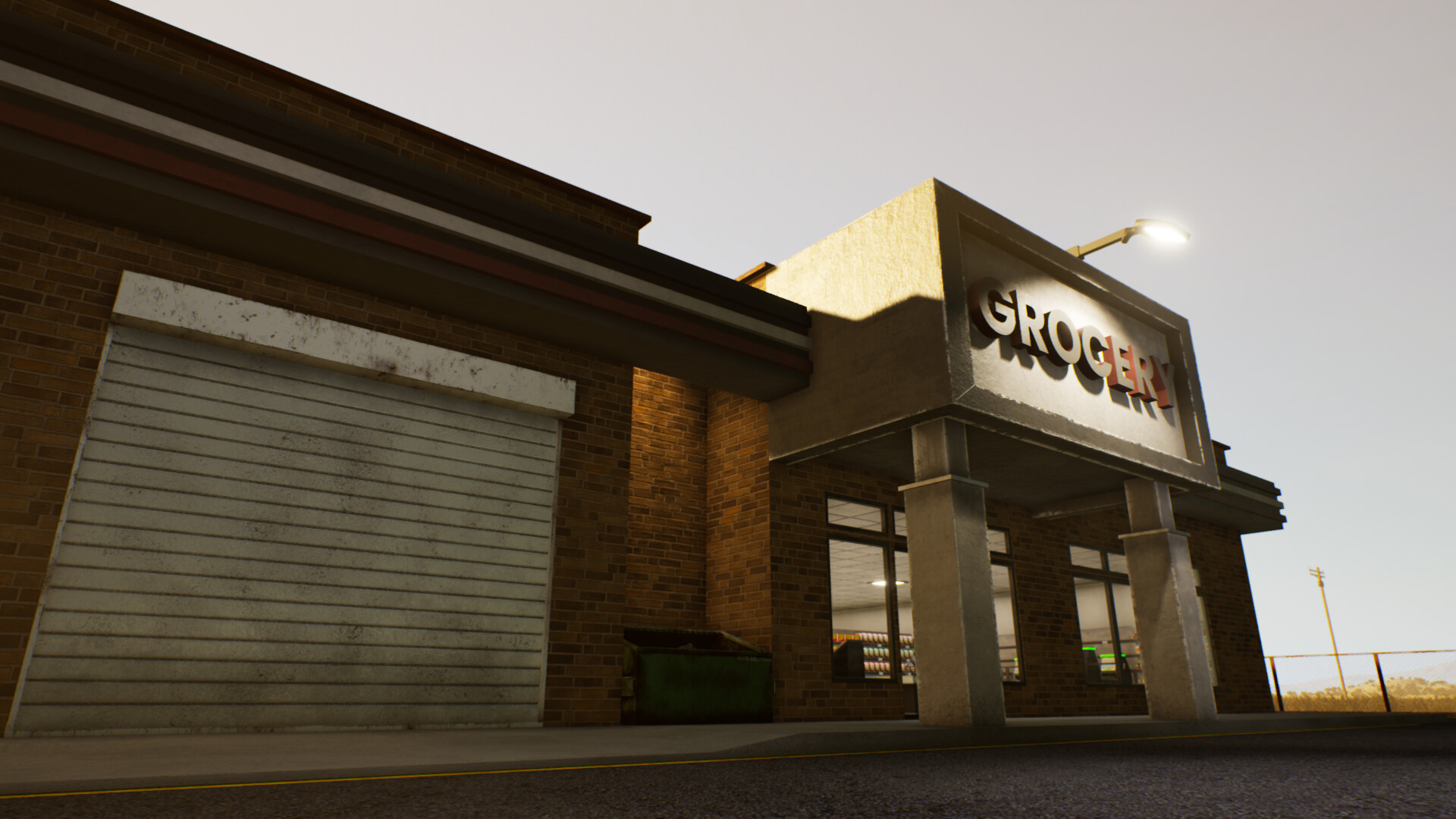
Players may choose any wallpaper, give the shop a memorable name, and add decorative items. These visual choices do not alter core mechanics but let you craft a distinct storefront identity.
Equipment can be placed anywhere you prefer, supporting layouts that match your management style and aesthetic preferences while still functioning within the game’s systems.
- Try different wallpaper colors to create a pleasant atmosphere.
- Position frequently used equipment near the checkout for quicker access.
04 / THE GUIDE
Stock and Warehouse Management
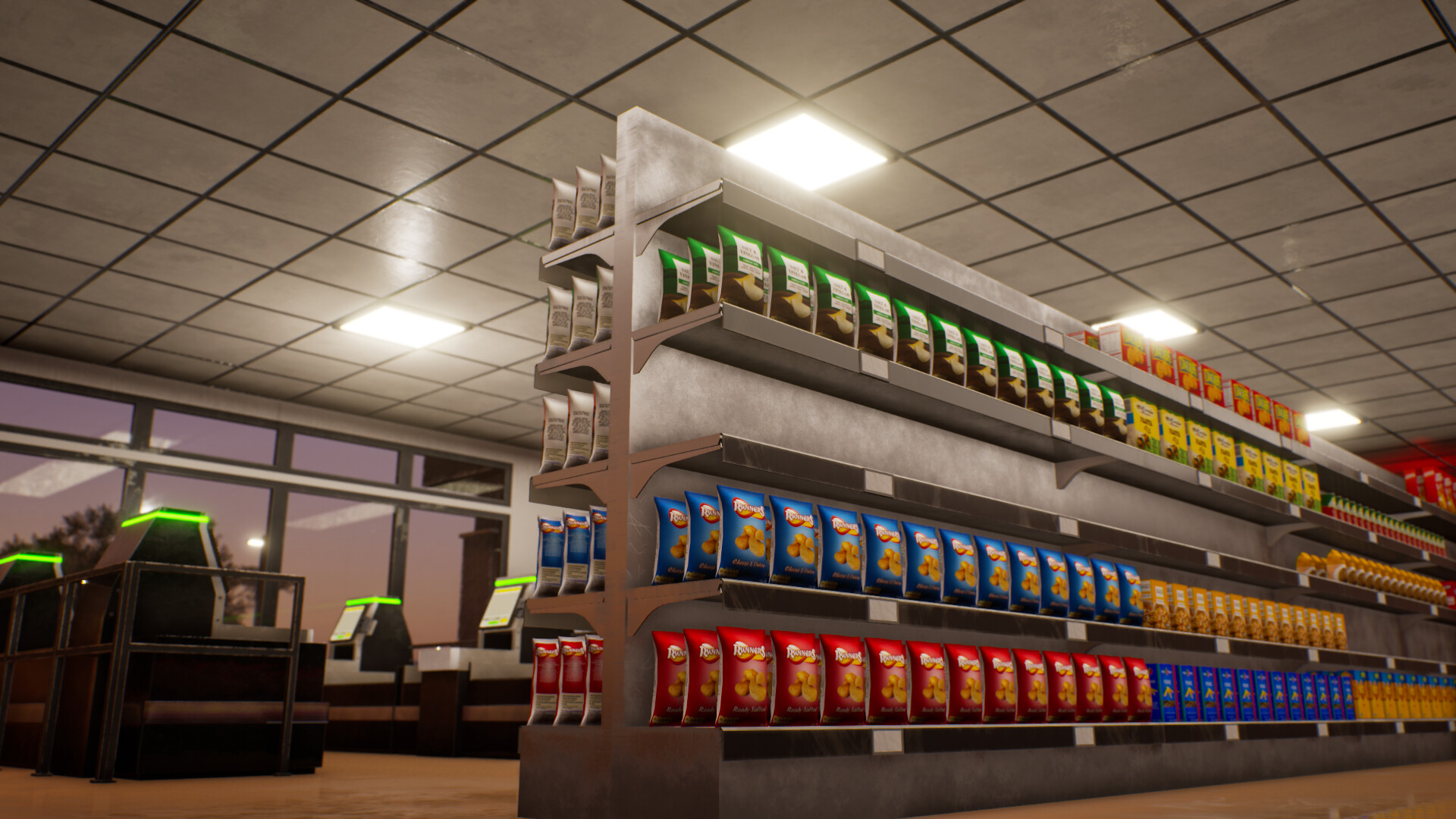
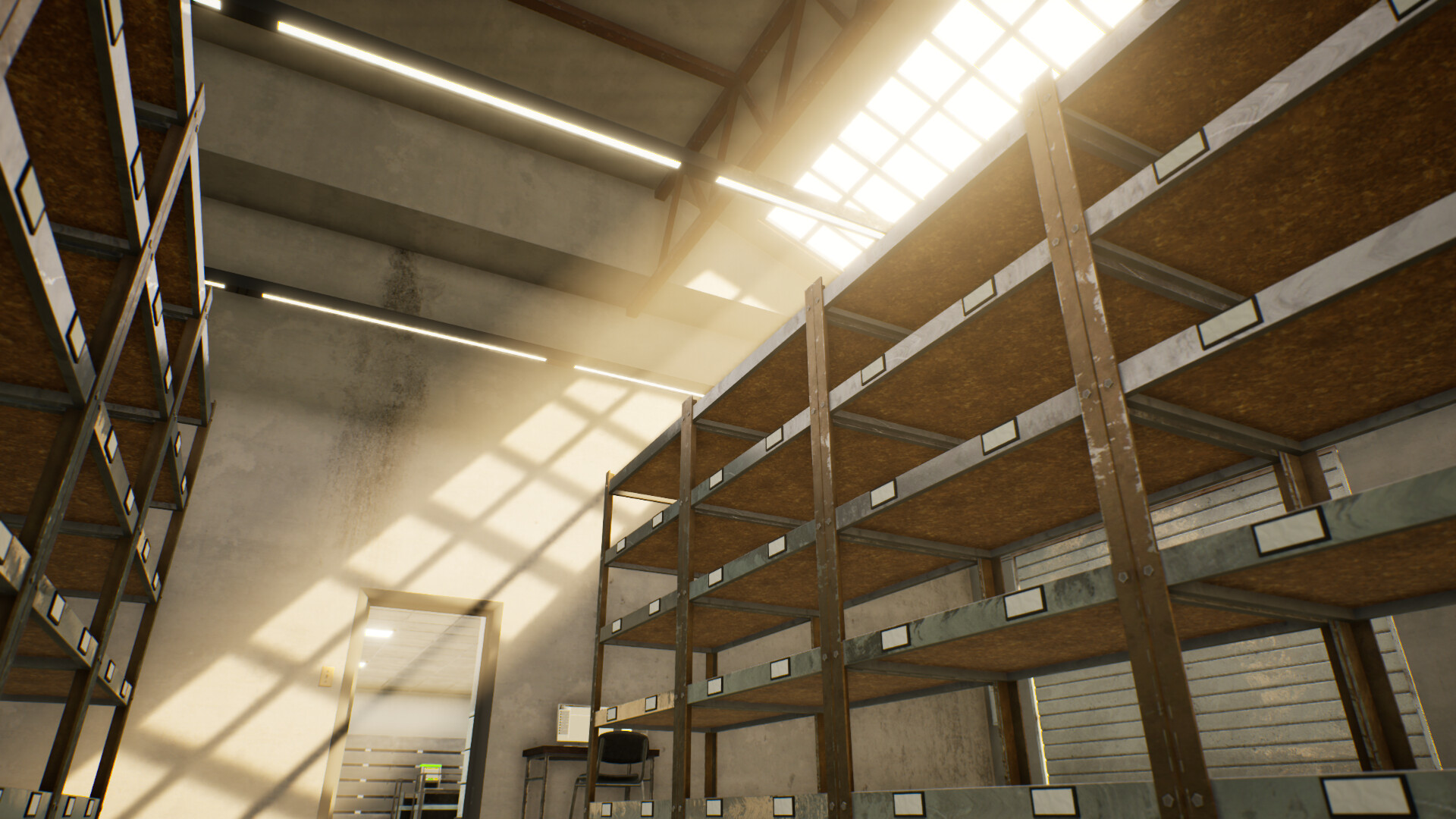
Managing inventory involves ordering new products, handling deliveries, and organizing limited warehouse space. Efficient organization helps meet daily store needs and keeps shelves stocked for customers.
Because warehouse capacity is limited, spatial planning becomes essential; arranging goods thoughtfully reduces bottlenecks and speeds up restocking.
- Prioritize high‑turnover items when arranging warehouse shelves.
- Schedule deliveries during low‑traffic periods to maintain flow.
05 / THE GUIDE
Progress and Achievements
The game tracks store success through profits, customer satisfaction, and Steam Achievements, giving clear goals for both solo and co‑op play and encouraging continual improvement.
Saving is available at any time, supporting a play‑at‑your‑own‑pace experience where you can pause and resume without losing progress.
- Review achievement requirements to set short‑term objectives.
- Save before major layout changes to compare outcomes.

COMMUNITY
Player discussion