 GameWiki
GET YOUR BEARINGS
About GRIME II
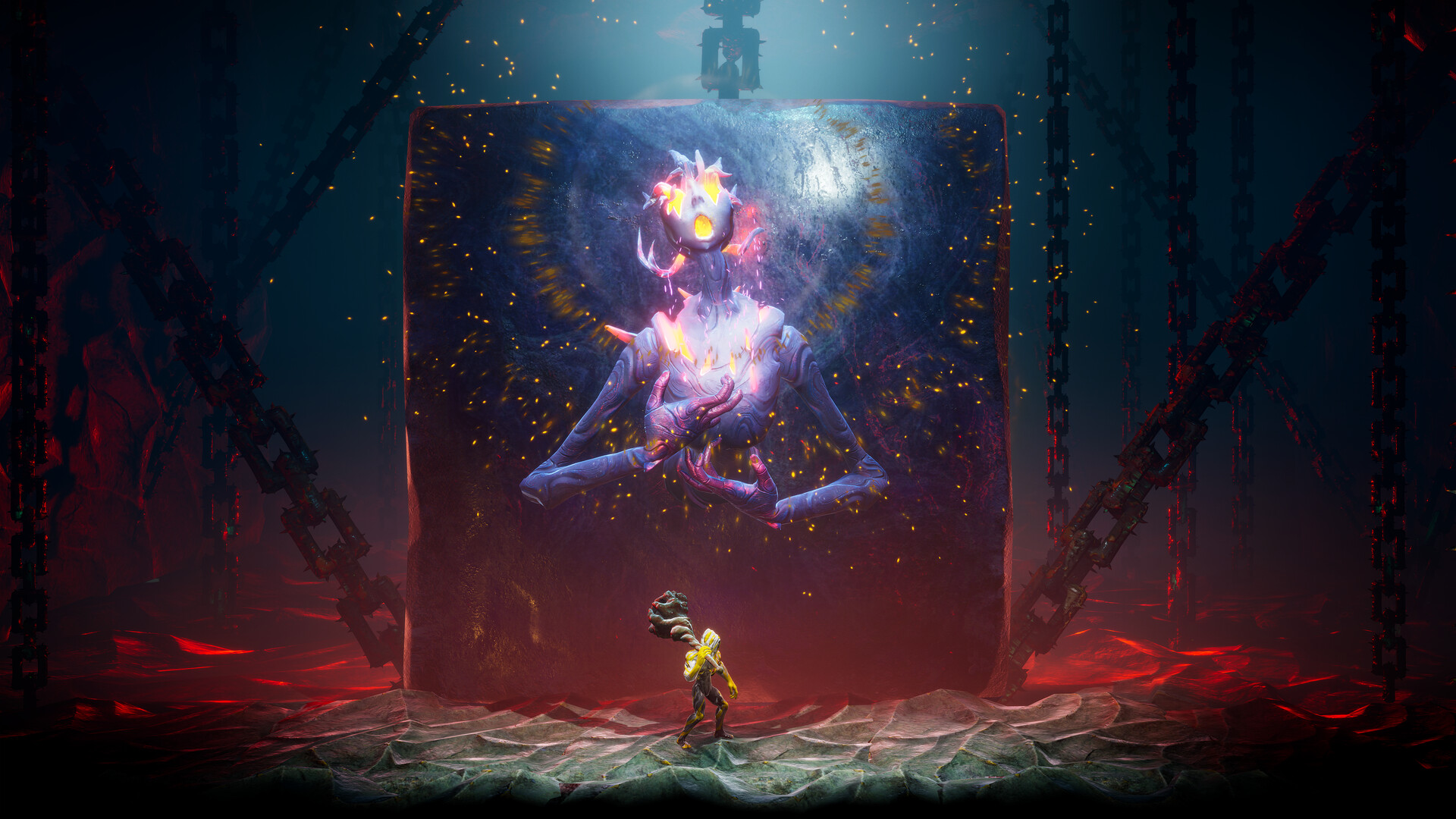
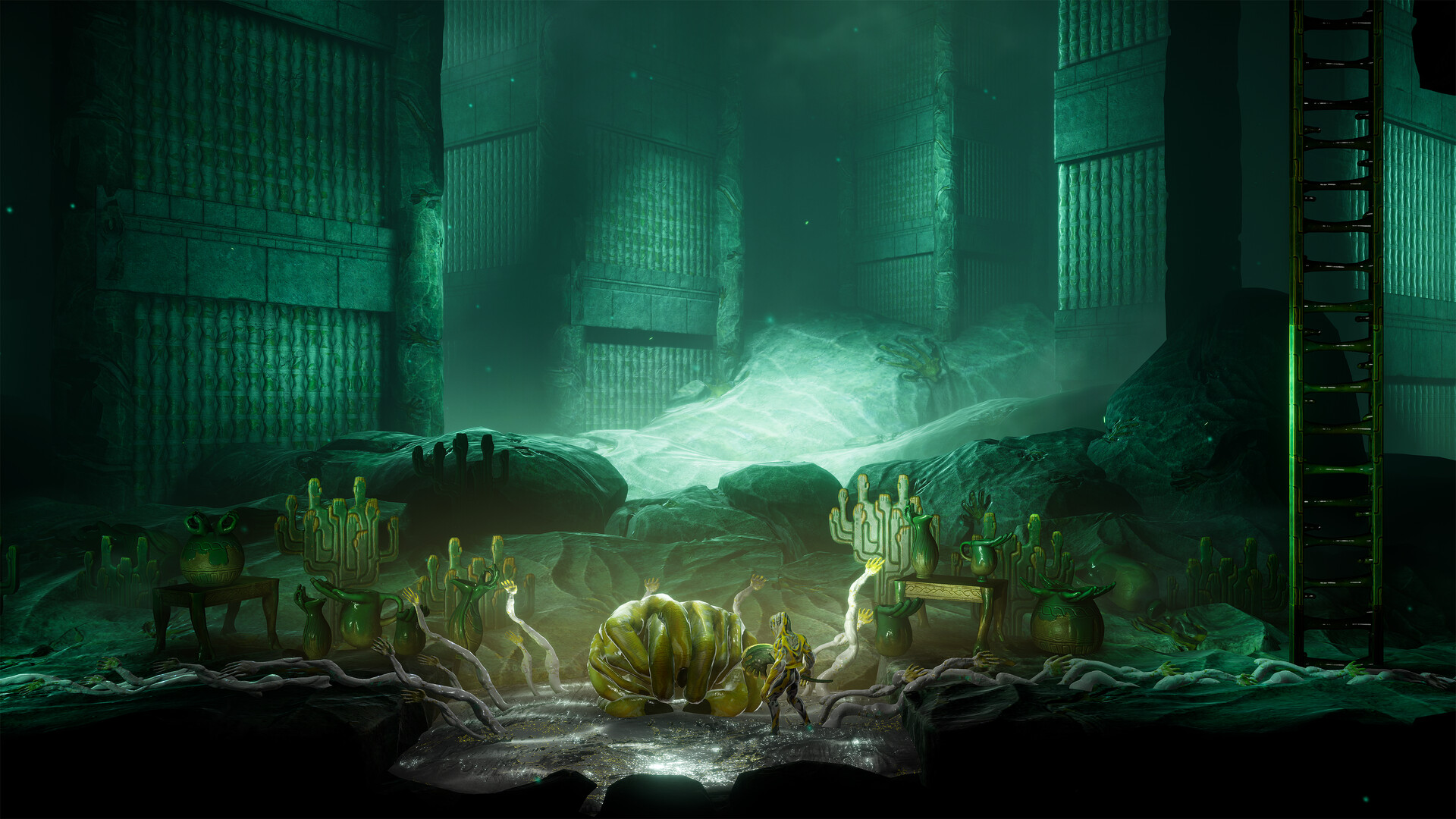
GRIME II continues the metroidvania adventure of its 2021 predecessor, casting you as a Formless—an art mimic who can absorb defeated creatures and summon their shapes as molds. The sequel expands the GRIME universe with painted‑nail landscapes, giant vases, and a variety of cultures to encounter.
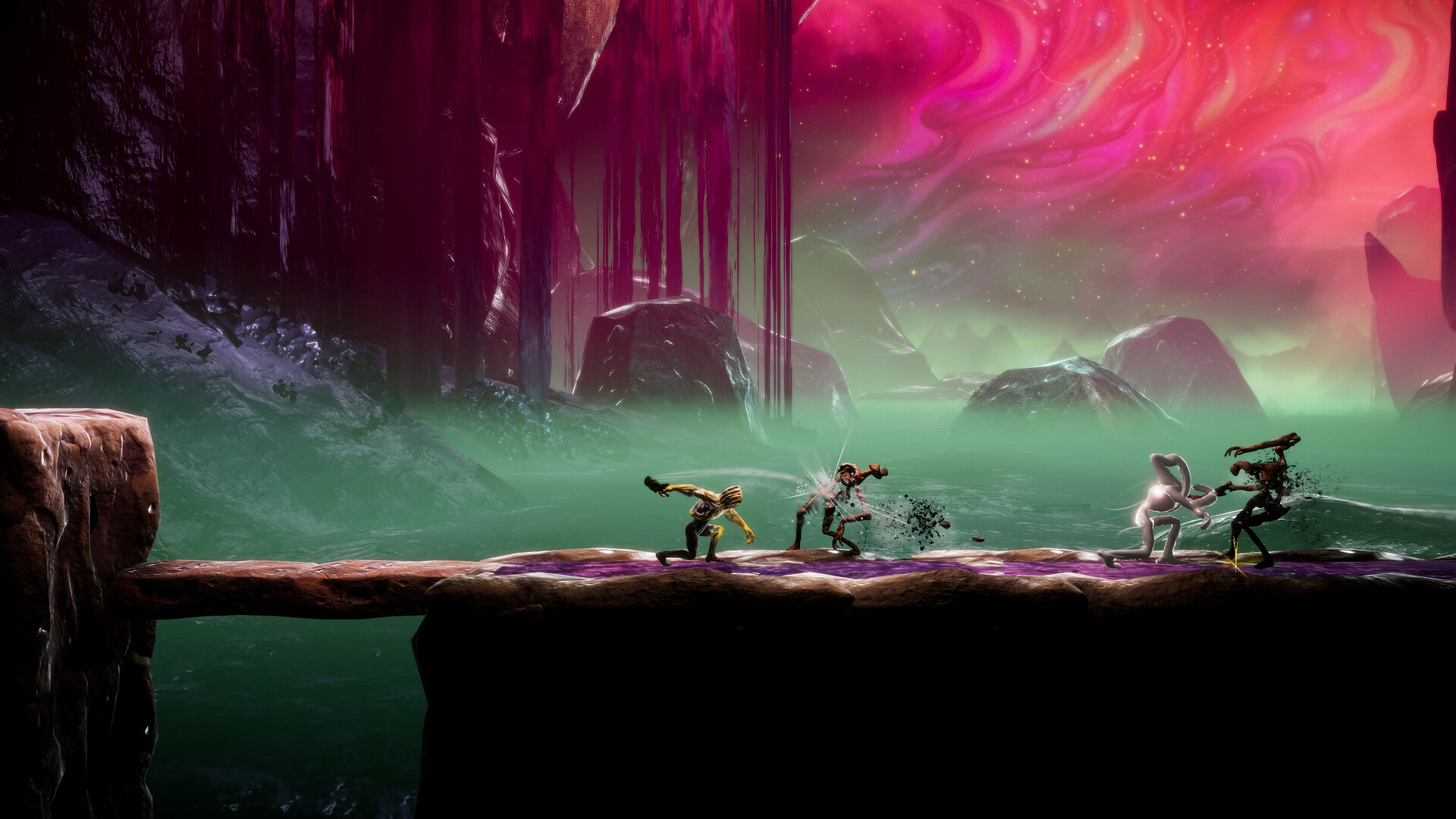
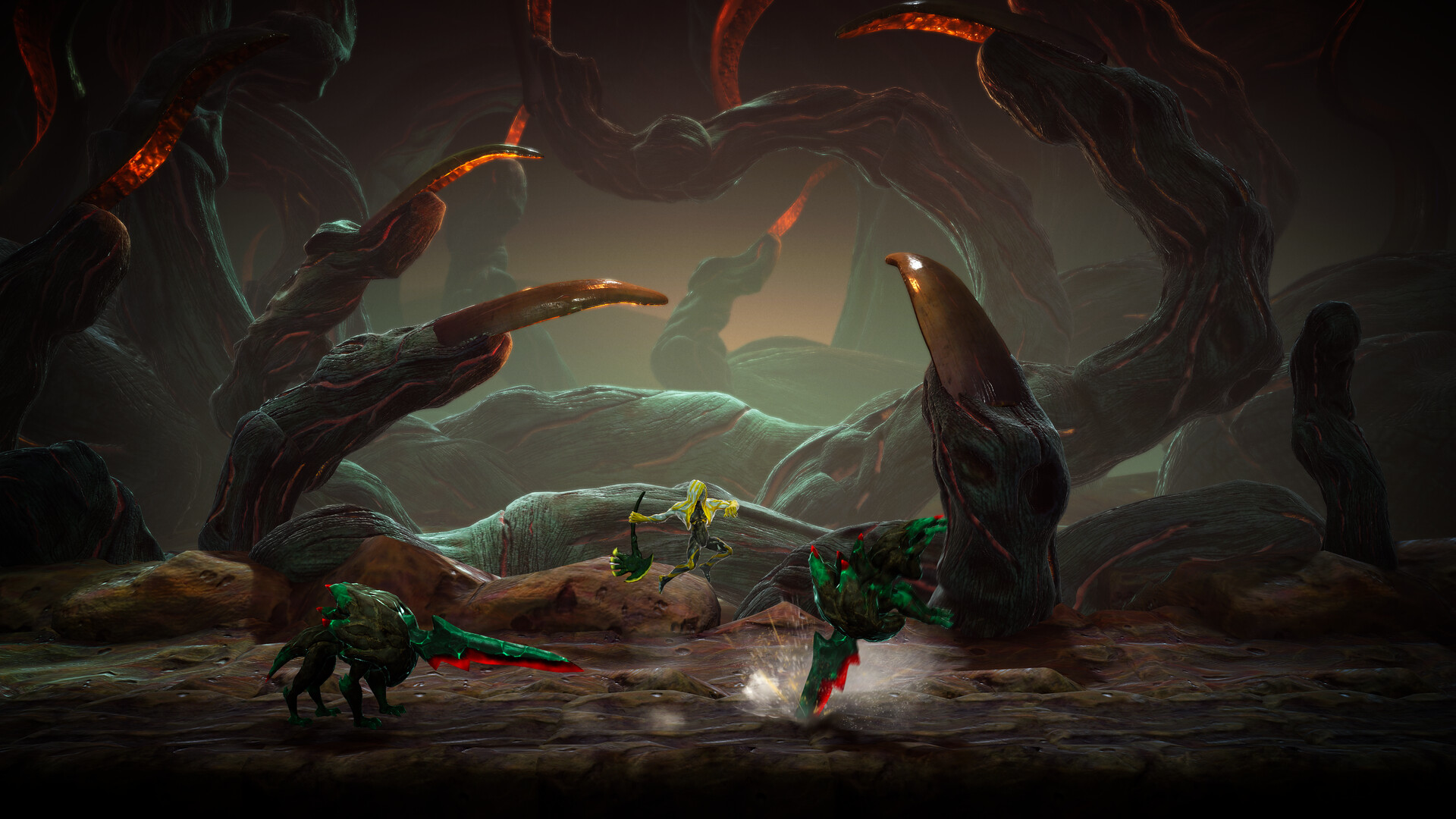
Combat blends environmental hazards with mold‑based abilities, letting you parry, grasp, and reshape foes. With over 30 weapons, 60 armours, and 12 abilities, you can tailor your approach while exploring a single‑player world that offers adjustable difficulty and custom volume controls.
01 / THE GUIDE
Mold Mechanics
When you defeat an enemy, you can absorb it and transform it into a mold. These molds become tools for special attacks, allowing you to throw enemies, fire projectiles, or stun opponents, as described in the official description.
Molds also serve exploration purposes; their shapes can be used to interact with the environment in ways that open new routes or solve simple obstacles, following the same absorption mechanic.
- Try absorbing different enemy types to see how each mold changes your attack options.
- Observe how a mold’s shape interacts with nearby objects for possible path changes.
02 / THE GUIDE
Environmental Combat
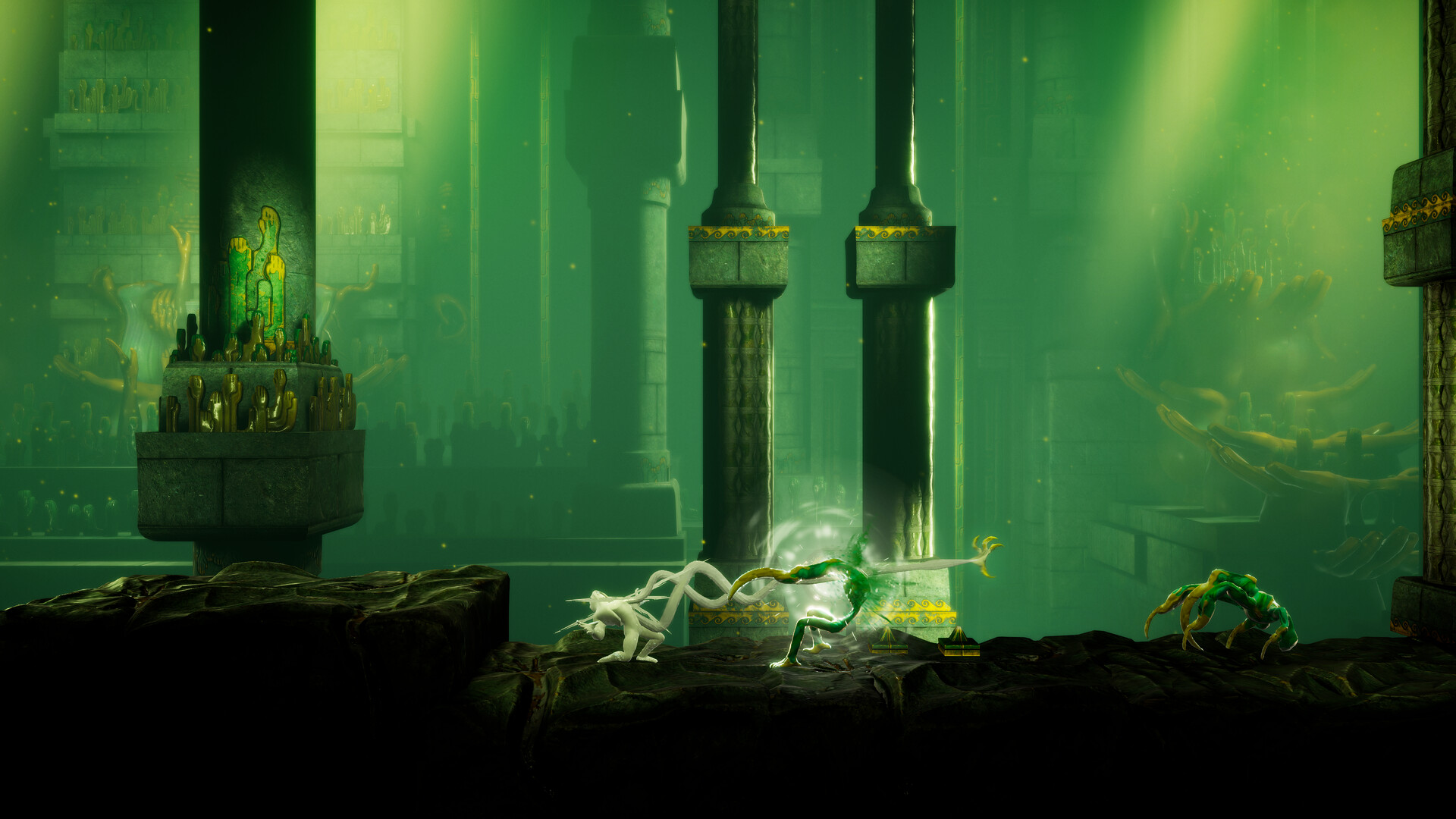
The game’s world provides damage sources that you can use against enemies. The description notes that wherever you go, the environment offers ample opportunities to damage foes from a distance or nearby.
Enemies can also exploit the same environmental features, so positioning yourself to control when and how hazards are triggered is a core part of combat.
- Identify nearby hazards before engaging a group of enemies.
- Keep an eye on enemy movement to avoid giving them the same environmental advantage.
03 / THE GUIDE
Parry and Grasp
Hand‑tendrils let you parry incoming attacks, creating a momentary opening for counter‑damage. The official text states these tendrils can also grasp enemies, pulling them closer for absorption.
Using grasp on an enemy not only defends you but also adds that enemy’s form to your mold collection, linking defensive and offensive strategies.
- Practice timing a parry to see how often it opens a counter‑attack window.
- Use grasp on tougher foes to expand your mold repertoire.
04 / THE GUIDE
World Exploration
GRIME II’s locations include painted nails and giant vases, each inhabited by distinct civilizations. The description highlights that each area contains characters you can converse with, adding depth to the setting.
Exploring these areas reveals cultural details and optional challenges, encouraging players to move beyond the main path and discover the world’s variety.
- Talk to characters in each region to learn about the local culture.
- Look for alternative routes that may lead to optional encounters.
05 / THE GUIDE
Customization Options
The game offers over 30 weapons, 60 armours, and 12 abilities, allowing you to shape your playstyle. Adjustable difficulty and custom volume controls let you fine‑tune challenge and audio to personal preference.
Full controller support, including DualShock and DualSense compatibility, is listed as a feature, as is Steam Cloud for saving progress. These features indicate flexible input and cloud‑based save options.
- Mix and match weapons and armours to find combinations that feel comfortable.
- Adjust difficulty if early sections feel too easy or too hard.
COMMUNITY
Player discussion