 GameWiki
GET YOUR BEARINGS
About Grey Hack
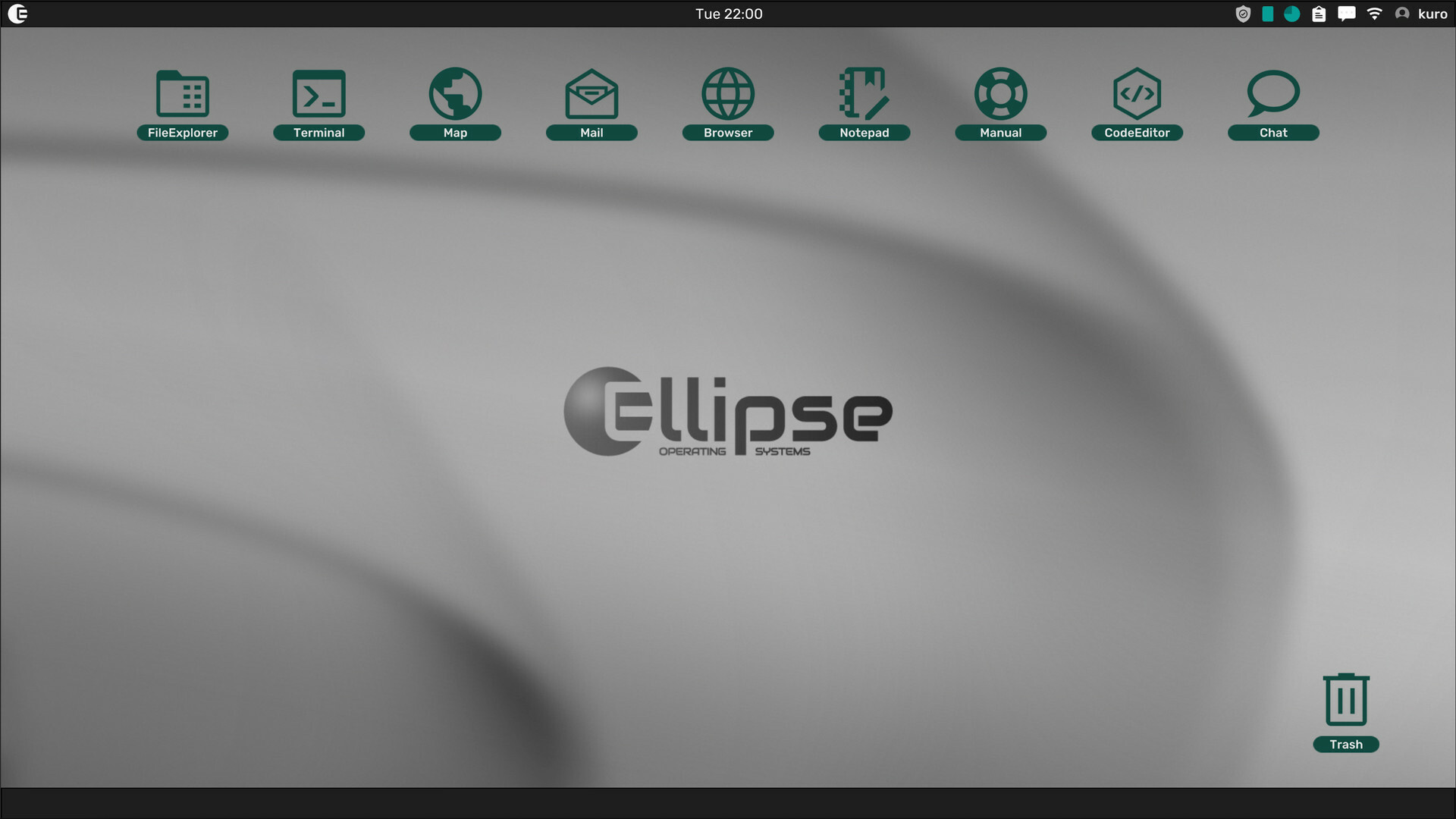
Grey Hack is a massively multiplayer hacking simulator where you act as a hacker on a procedurally generated network of computers. From the start you have access to a File Explorer, Terminal and Text Editor, and additional utilities appear as you improve your skills.
The game runs in a persistent online universe that continues 24/7, so any changes you make to a computer remain visible to other players after you log off. A single‑player mode also exists, generating a private world that stops when you exit.
01 / THE GUIDE
Core Tools
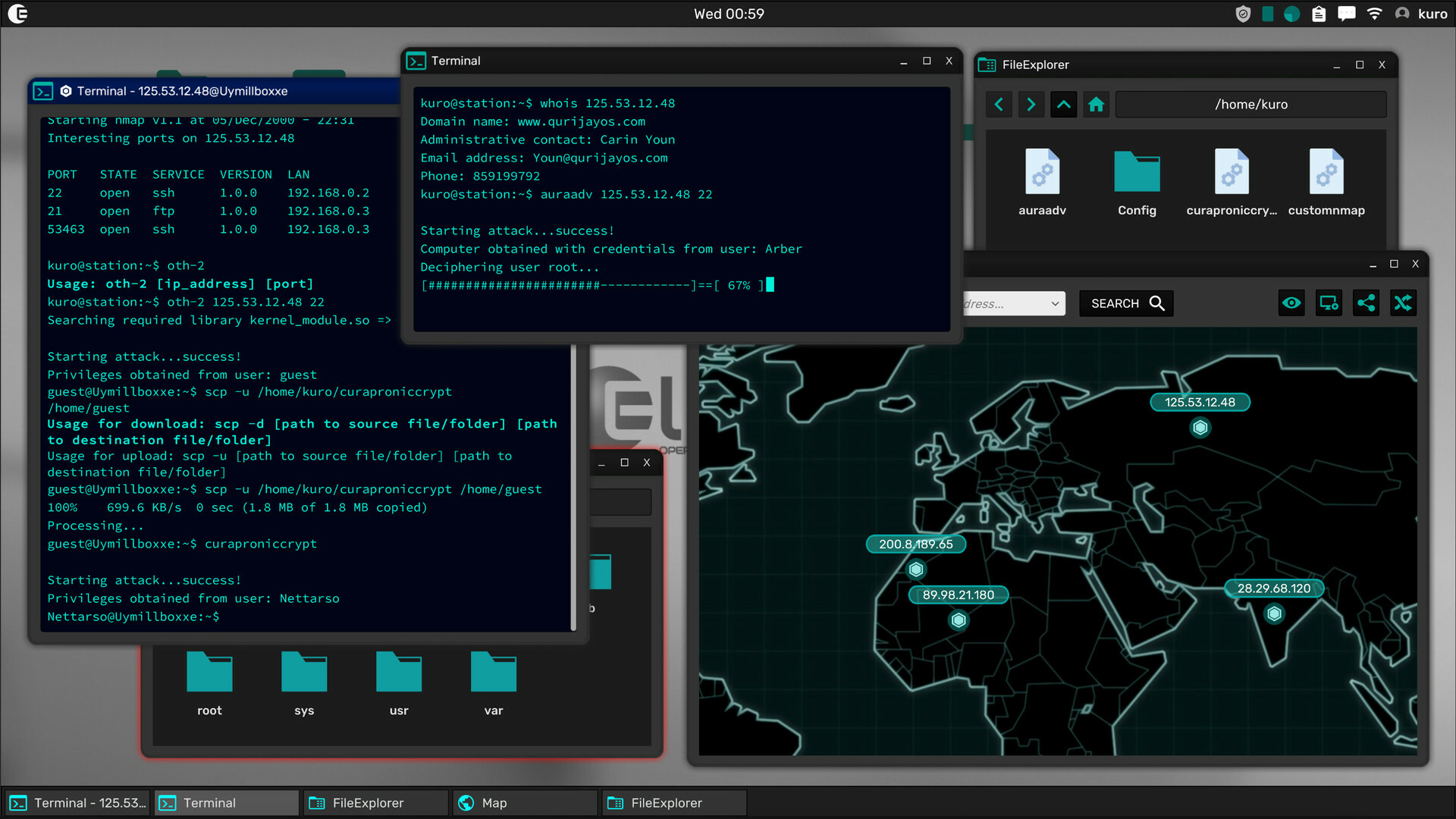
At launch you receive three programs: File Explorer for graphical navigation, Terminal for command‑line interaction, and Text Editor for modifying file contents. These tools let you move through the simulated file system, execute commands and edit scripts on any computer you access.
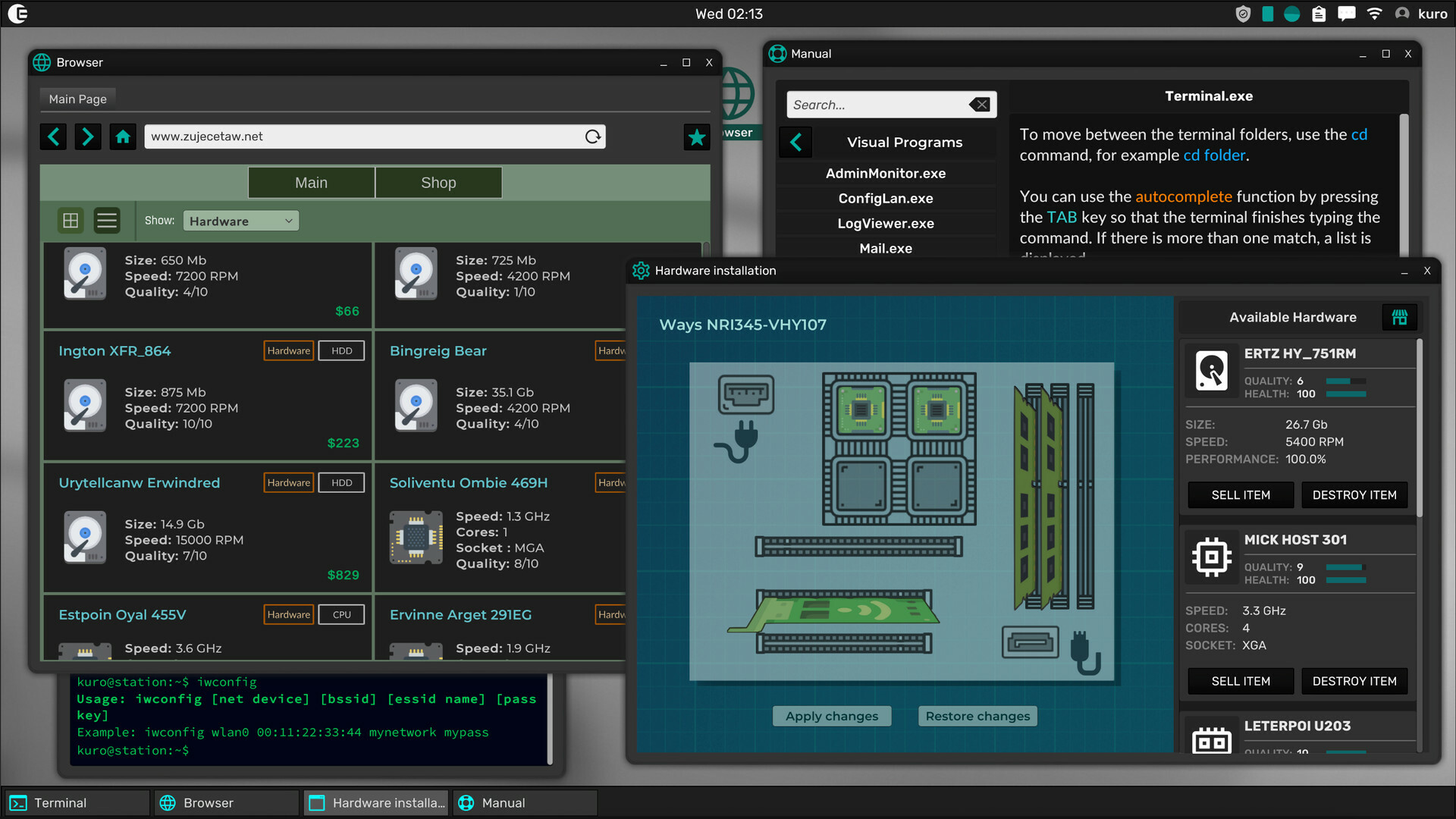
As you progress you may install further utilities, but the three core tools stay central to all activities. Mastering each program early gives a solid foundation for later, more complex operations such as custom scripting or exploit deployment.
- Spend time opening each tool separately to notice their distinct interfaces and shortcuts.
- Compare how a file copy performed in the Terminal differs in speed from the same action in File Explorer.
02 / THE GUIDE
Persistent Online World
The online universe runs continuously, meaning any file you create, modify or delete stays on that computer even after you disconnect. Other players who later connect to the same system can see those changes, making your actions part of a shared history.
Your personal progress is saved, yet the world does not pause for you. Because the simulation continues, actions can have lasting consequences that affect future encounters with the same machines.
- Leave simple notes in files if you want to communicate with future visitors.
- Consider the long‑term impact of a backdoor before installing it, as it will remain for others.
03 / THE GUIDE
Network Exploitation System
Each network in Grey Hack varies in size, configuration and security, providing a distinct challenge for every target. Players must scan for administrator flaws, test possible exploits and open backdoors while attempting to hide their activity.
The system is described as dynamic and deep, ensuring that no two computers present exactly the same obstacle. This variety requires you to adapt your approach for each new environment.
- Record which exploits succeed on which network types for future reference.
- Combine social‑engineering techniques with technical scans to broaden your options.
04 / THE GUIDE
Scripting and Custom Commands
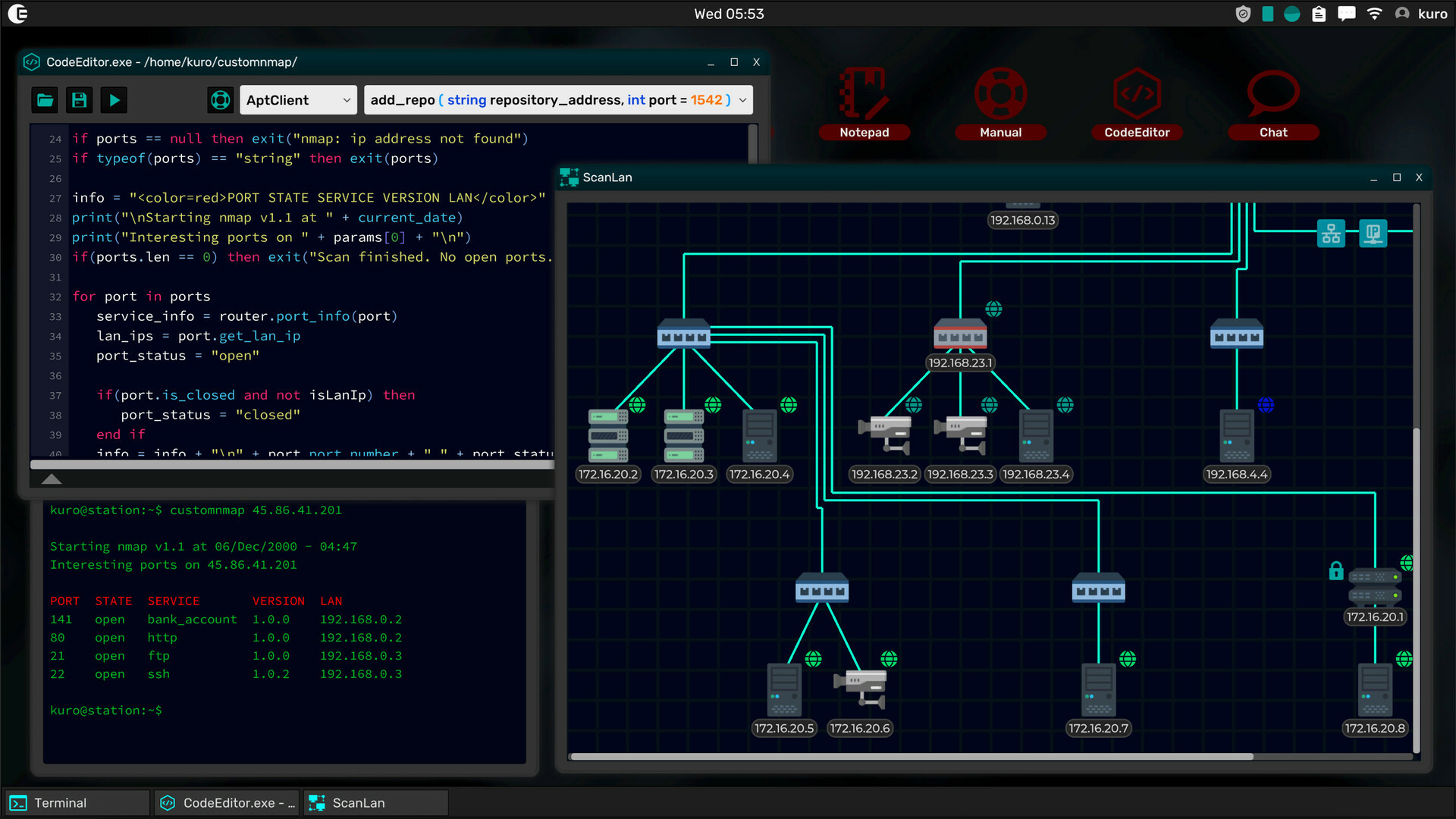
The Terminal uses real UNIX commands and includes a built‑in scripting language. Existing commands and exploits can be edited, and you may write entirely new scripts to suit situations where the supplied tools fall short.
This flexibility lets you tailor utilities or craft fresh exploits, expanding what you can accomplish beyond the default command set.
- Start by modifying a simple command to learn the scripting syntax before attempting larger scripts.
- Share useful scripts through the in‑game web publishing feature to help other players.
05 / THE GUIDE
Single‑Player vs Multiplayer Modes
Multiplayer places you in the shared, always‑online universe where other players’ actions coexist with yours. This mode is the primary experience and benefits from the persistent world described earlier.
Single‑player generates a private world on your computer; the simulation stops when you exit, and progress resumes only when you return. This mode lets you experiment without other players present.
- Use single‑player to test risky exploits before trying them in the shared world.
- Switch to multiplayer to see how your creations interact with other users in real time.

COMMUNITY
Player discussion