 GameWiki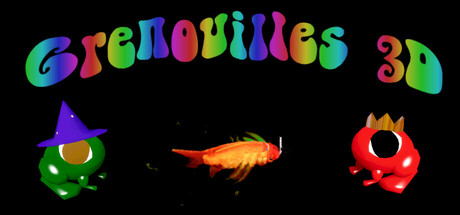
GET YOUR BEARINGS
About Grenouilles 3D
Grenouilles 3D is a free‑to‑play adventure where players control a climbing or falling frog trying to leave a polluted pond. The game emphasizes cooperative play, letting up to six friends hop together toward a better habitat.
The experience is built around a mouse‑only control scheme, vibrant frog customization, and seven vertically‑oriented levels filled with bubbles, fish, and odd flying creatures. Proximity chat lets teammates stay in touch as they explore each environment.
01 / THE GUIDE
Multiplayer Co‑op
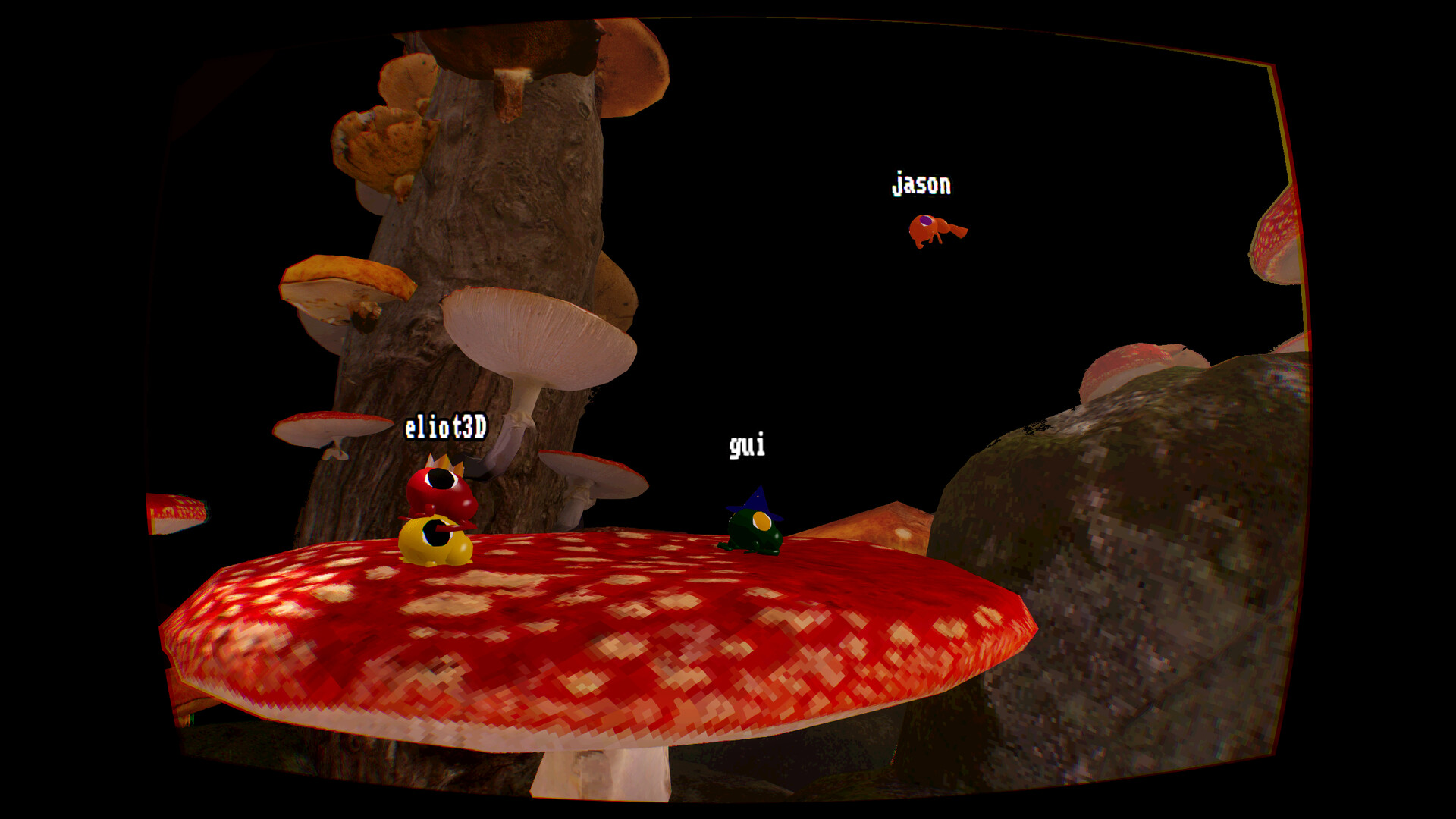
Up to six players can join a single session, working together to navigate the frog’s vertical challenges. The game’s design encourages teamwork, as falling is framed as a chance to spend more time with friends.
Co‑op is the primary way to experience the game’s humor and difficulty, with each player contributing to the collective escape from the polluted pond.
- Coordinate jumps with friends to avoid unnecessary falls.
- Use the group’s size to experiment with different hopping strategies.
02 / THE GUIDE
Mouse‑Only Controls
Grenouilles 3D relies exclusively on mouse input, removing the need for keyboard or controller actions. Players move their frog by pointing and clicking, simplifying the learning curve for casual audiences.
Because the control scheme is uniform, all participants share the same interaction model, which can help maintain consistent pacing during cooperative sessions.
- Adjust mouse sensitivity in your OS settings for smoother hops.
- Practice precise clicks in a quiet environment to improve timing.
03 / THE GUIDE
Frog Customization
Each frog can be personalized with a selection of colors and hats, allowing players to make their amphibian stand out. The game’s NPCs comment on the frog’s appearance, adding a lighthearted social layer.
Customization centers on colors and hats, keeping the focus on cooperative navigation rather than stat differences.
- Choose contrasting colors to make your frog easier to spot in crowded scenes.
- Mix and match hats for a fun visual variety among teammates.
04 / THE GUIDE
Levels & Environments
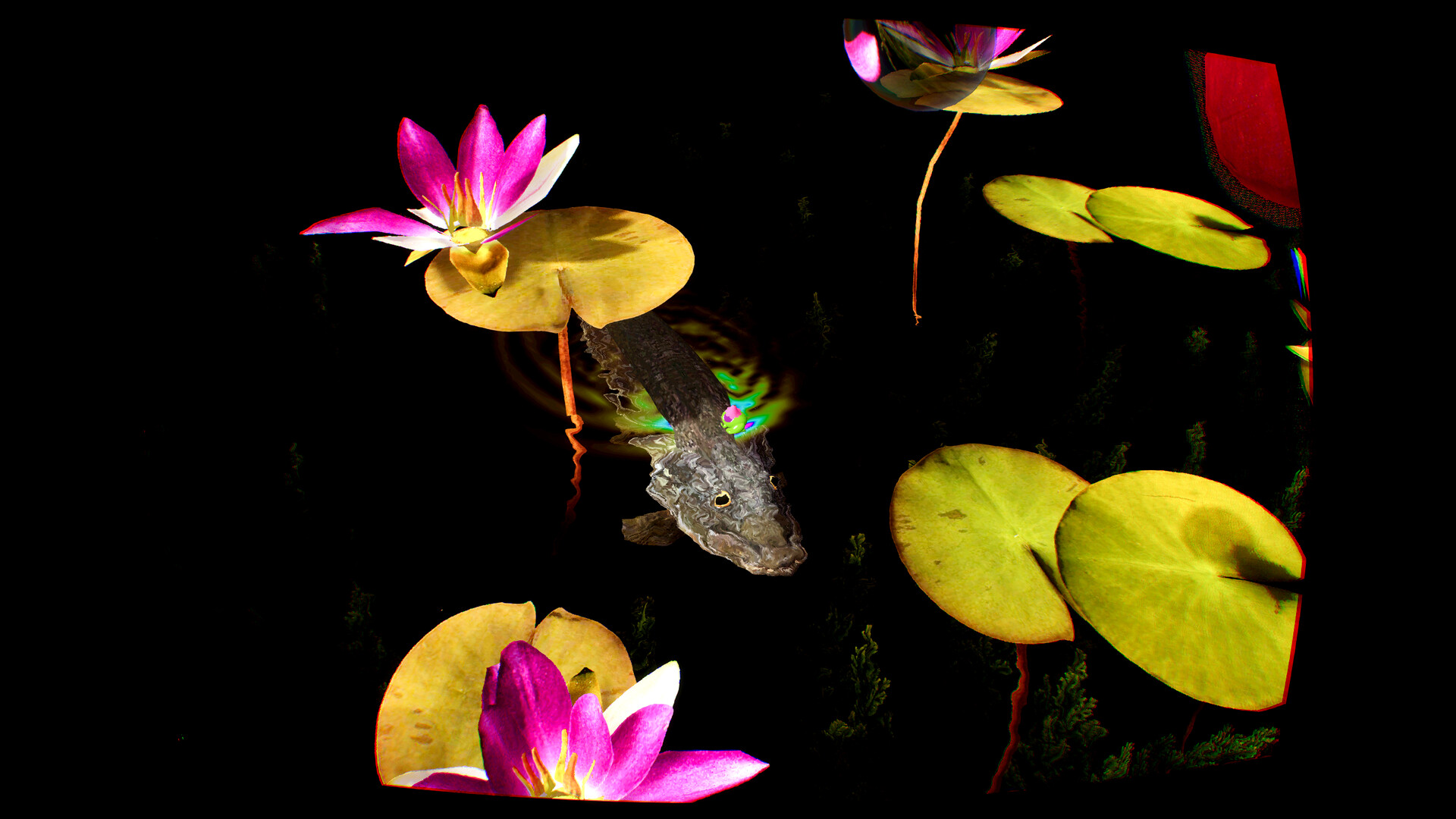
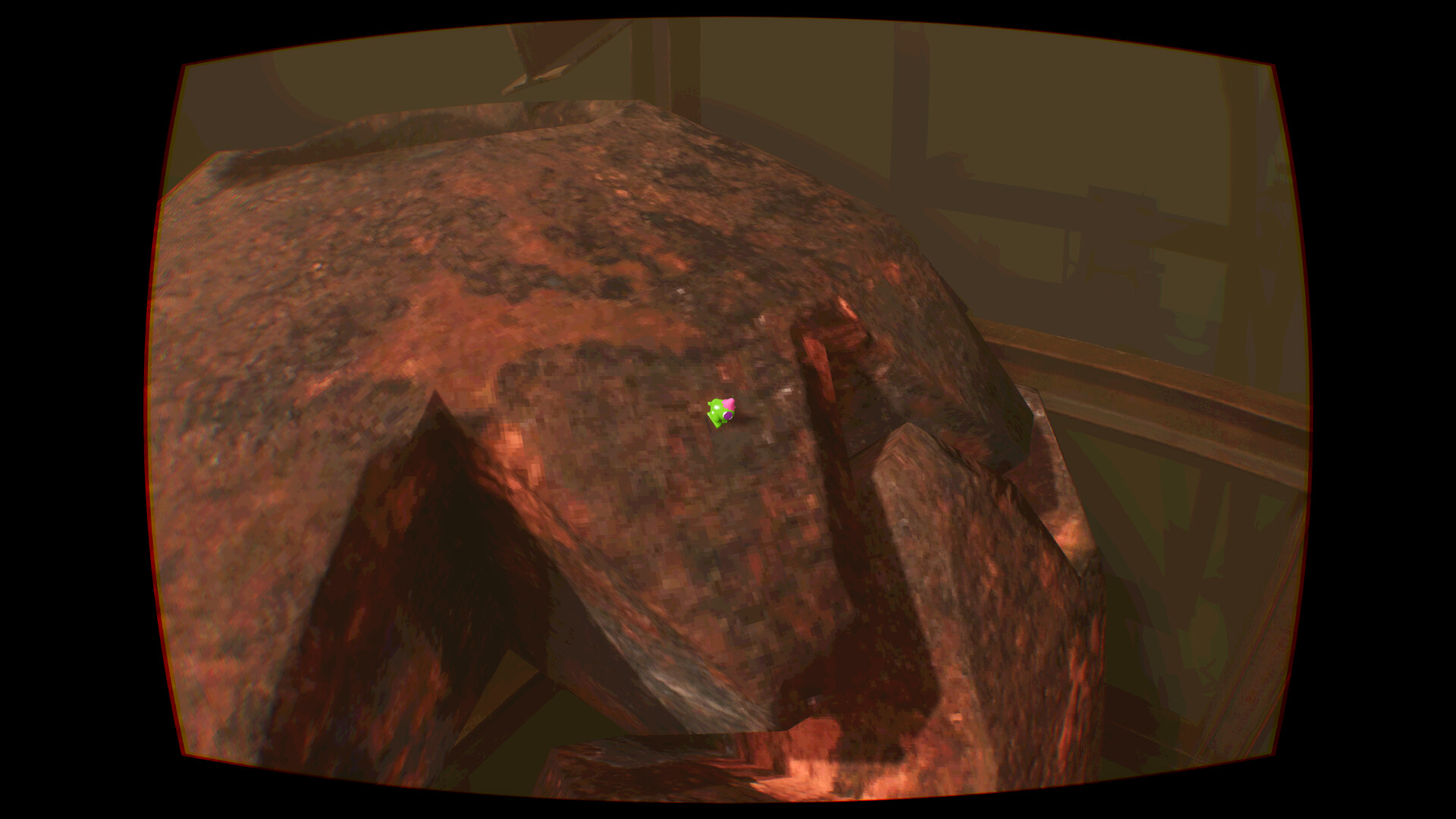
The game features seven distinct vertical environments, each presenting its own set of obstacles and visual themes. Players encounter bubbles to eat, two fish, and strange flying creatures throughout these stages.
Progression through the levels is tied to the narrative of escaping the polluted pond, encouraging players to explore each area’s unique challenges together.
- Observe each level’s layout before attempting large jumps.
- Watch the movement patterns of fish and flying creatures to plan safe routes.
05 / THE GUIDE
Proximity Chat
Grenouilles 3D includes an in‑game proximity chat system, allowing players to speak to nearby teammates without external voice software. This feature reinforces the cooperative atmosphere by keeping communication contextual.
Chat range is tied to the frogs’ positions, so moving closer can improve coordination during tricky sections.
- Stay within audible range of teammates during complex jumps.
- Use the chat to signal when you’re about to fall, giving others a chance to assist.


COMMUNITY
Player discussion