 GameWiki
GET YOUR BEARINGS
About Greenhouse: Tidy Up!
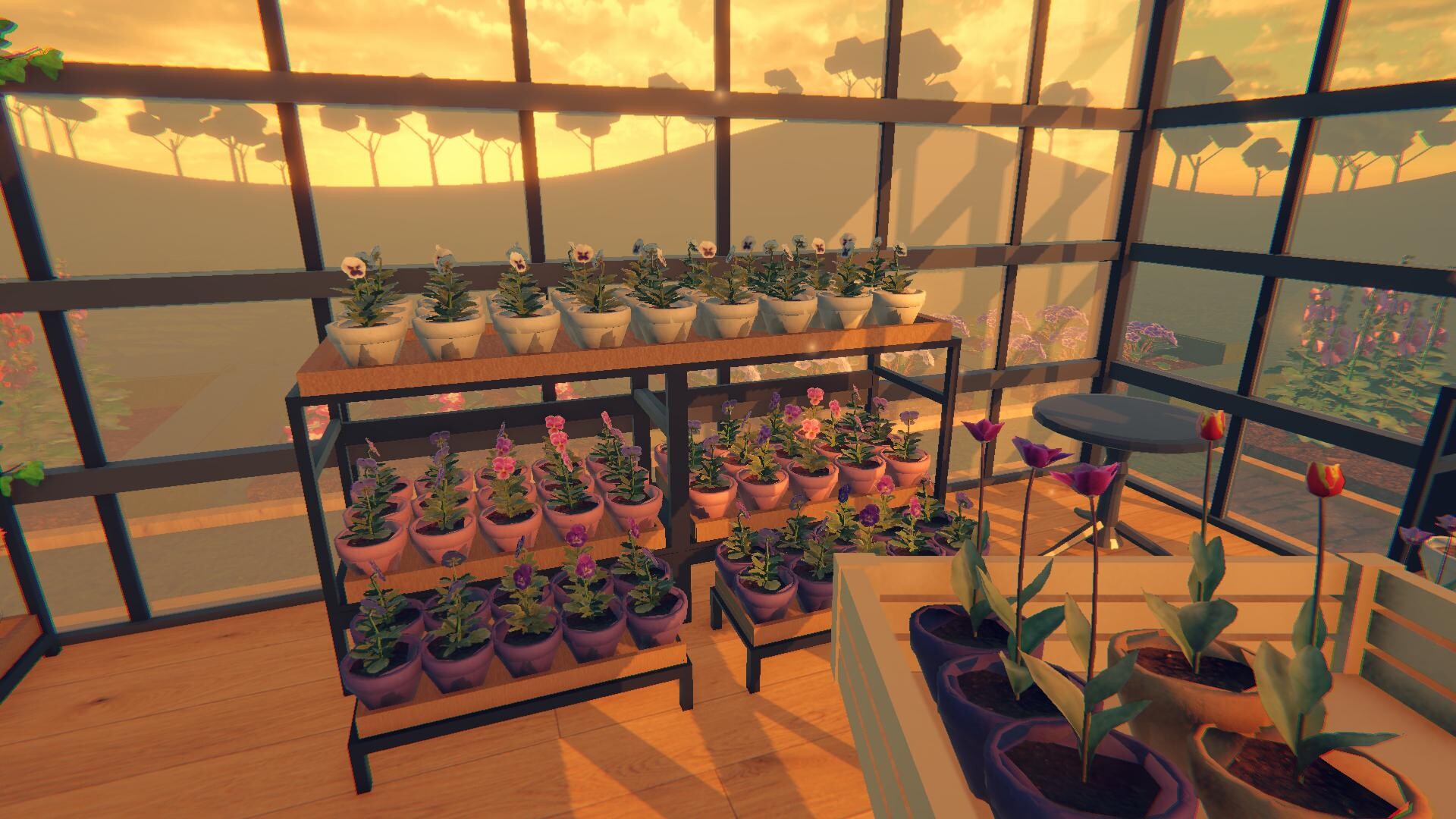
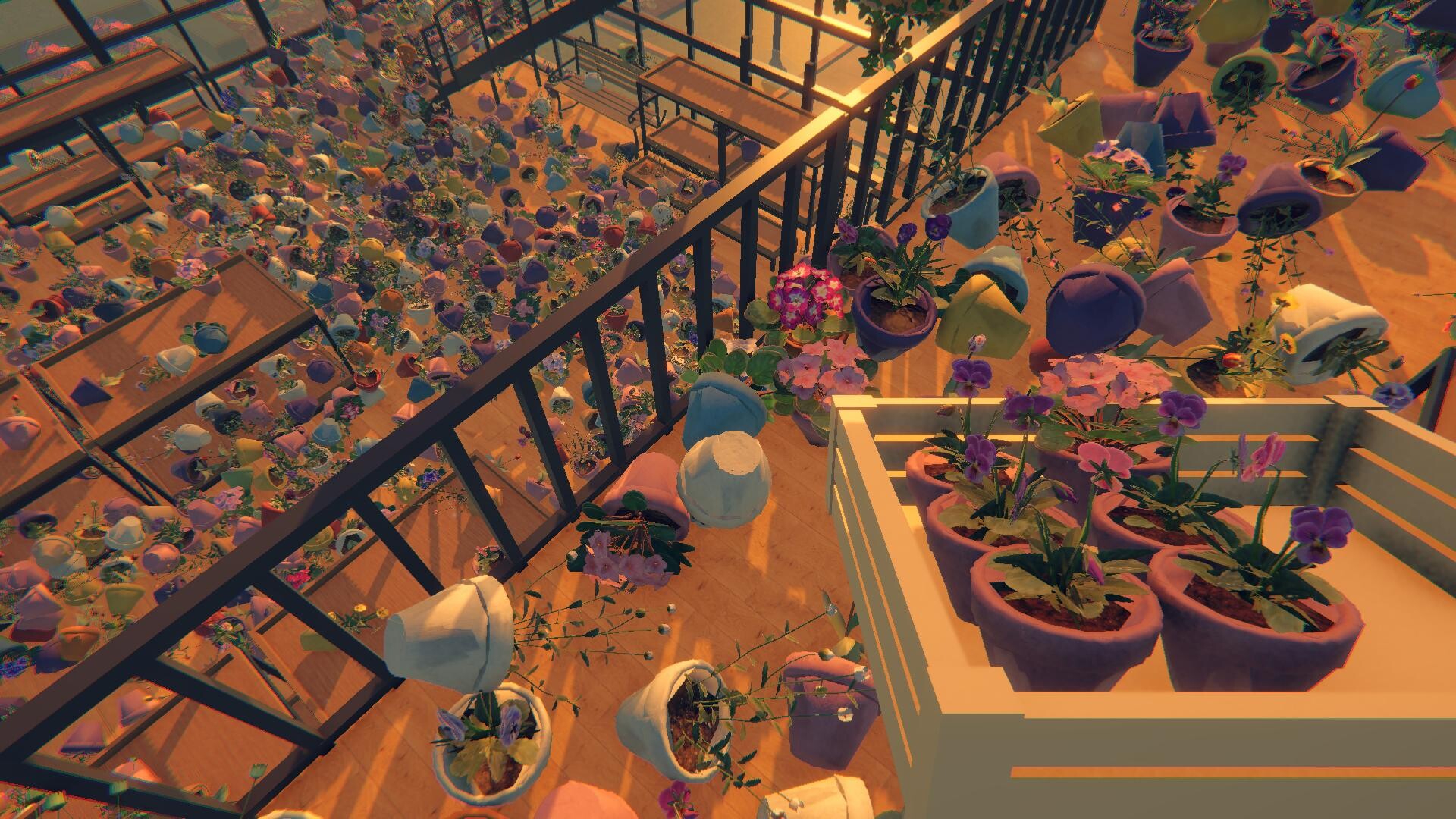
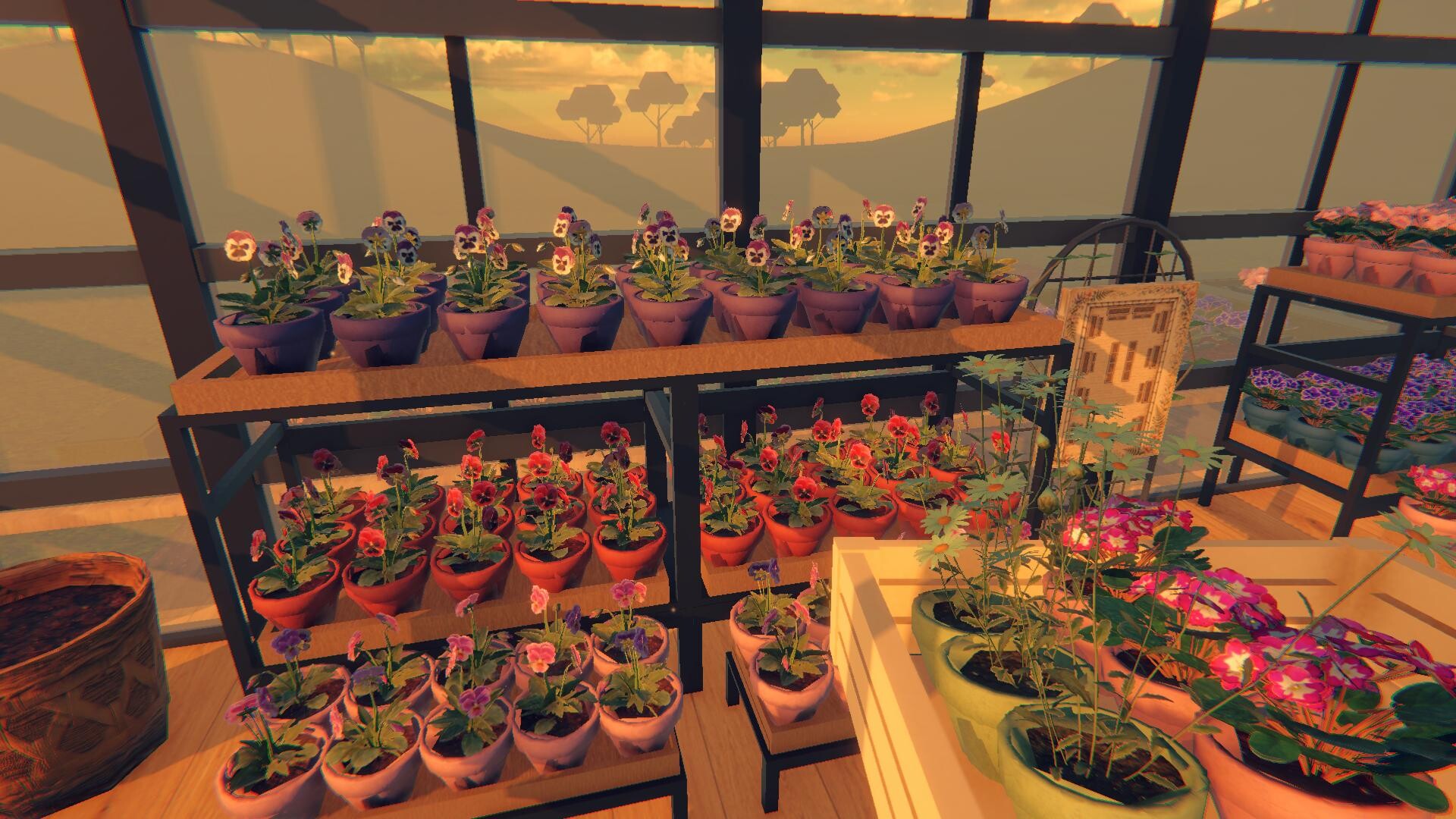
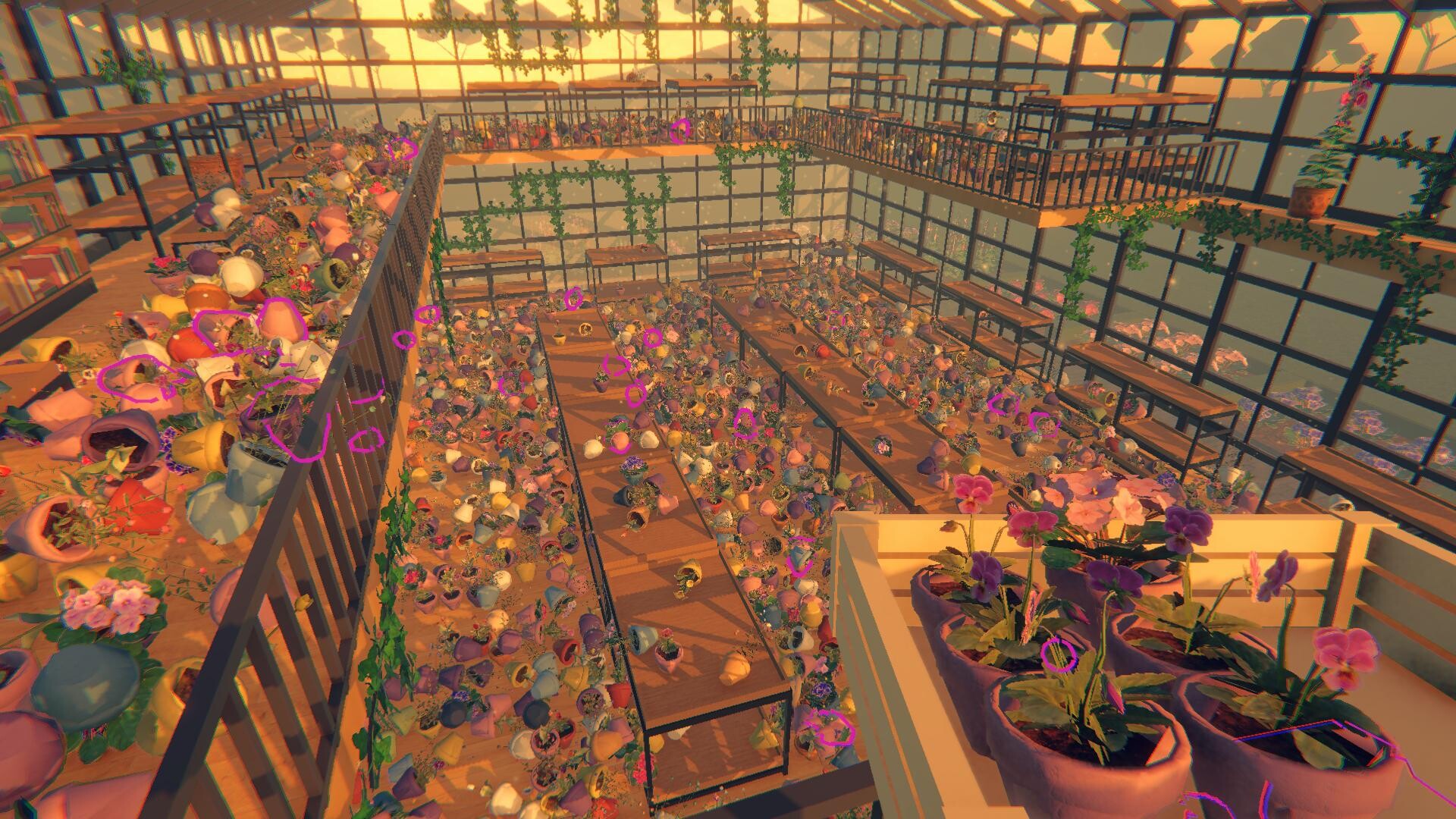
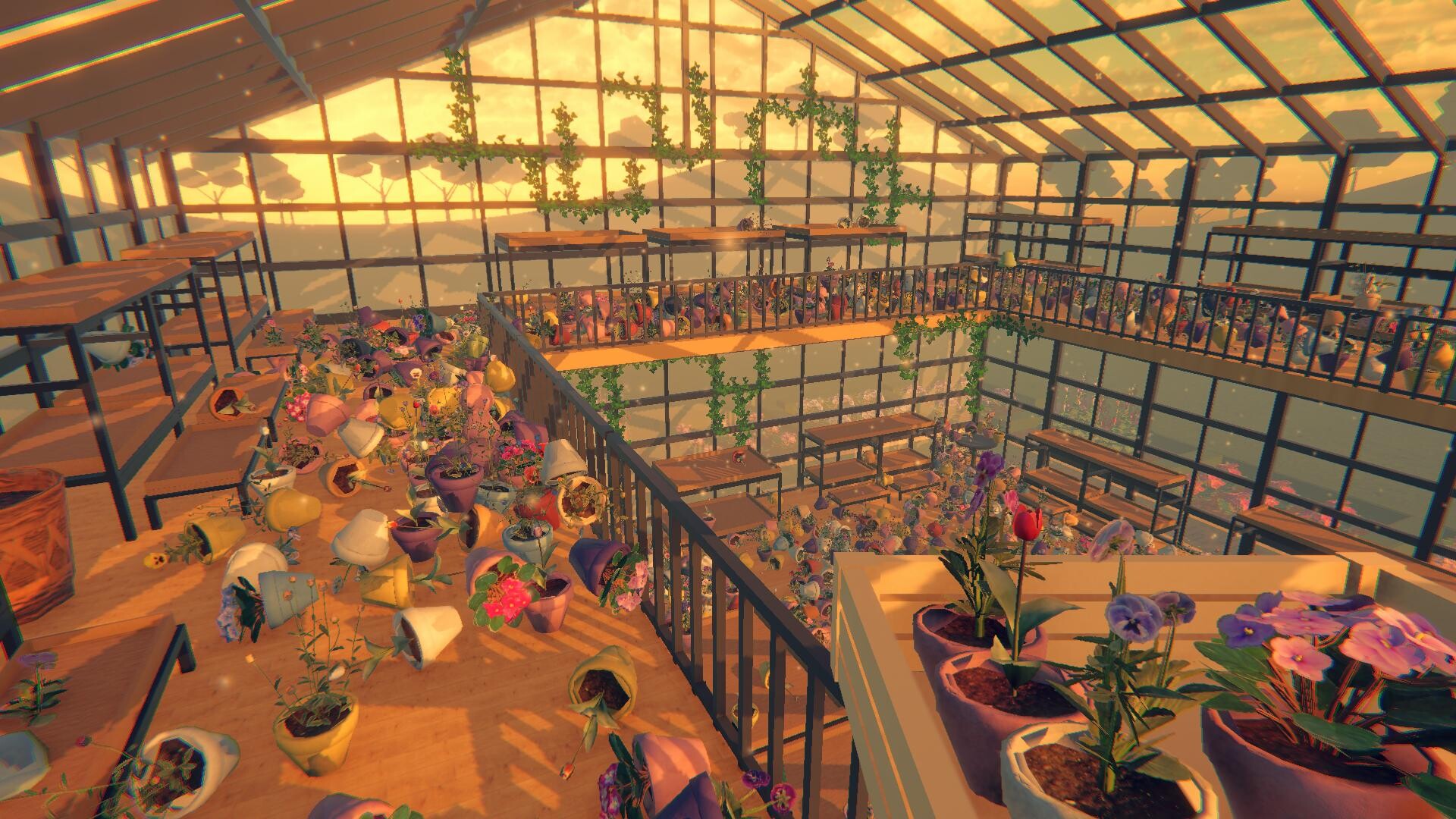
Greenhouse: Tidy Up! is a cozy greenhouse organization simulator where you buy an abandoned greenhouse and must sort, arrange, and place 2,597 flowers and plants. Clues such as names, colors, and species guide each placement, gradually turning chaos into a tidy garden.
The game lets you set your own pace, offering unlockable skills that speed gathering, highlighting, and auto‑placing items. After a run you can compare your time on an online leaderboard, and the title supports full controller use, custom volume controls, and saving at any moment.
01 / THE GUIDE
Sorting Mechanics
You organize each flower or plant by matching its name, color, species, or other clues to the correct location. The initial overload eases as more items find their spots, revealing the greenhouse’s layout.
Filling empty spaces with correctly sorted items gradually shapes the greenhouse, letting you watch the garden take form piece by piece while reinforcing the clue‑based placement system.
- Check multiple clues before moving a plant to reduce misplacements.
- Group similar items together to streamline the sorting flow.
02 / THE GUIDE
Skill Unlock System
Progress unlocks three skills that make organizing easier and faster: Gather pulls matching items to you, Spotlight highlights them, and Auto‑Place drops carried plants into correct spots.
These abilities let you focus on overall layout rather than individual searches, accelerating the workflow as you clear more of the greenhouse.
- Unlock Spotlight early to locate items quickly.
- Combine Gather with Auto‑Place for rapid batch organization.
03 / THE GUIDE
Leaderboard Competition
When you finish a run, your completion time is posted to an online leaderboard where you can compare it with other players’ best times.
Seeing where you rank encourages you to experiment with faster routes and more efficient use of skills, adding a competitive layer to the single‑player experience.
- Time a few runs to spot bottlenecks before checking the leaderboard.
- Observe top players’ routes for possible shortcuts.
04 / THE GUIDE
Controller Support
The game includes full controller support, allowing you to navigate, select, and use skills with a gamepad instead of other input devices.
Controller support works alongside other features such as custom volume controls, giving you flexibility to choose the input method that feels most comfortable.
- Try both controller and other inputs to see which feels faster for gathering items.
- If movement feels imprecise, try a different input method instead.
05 / THE GUIDE
Save and Pause
You can save your progress at any moment, letting you pause and resume without losing work, which aligns with the “playable at your own pace” tag.
The game is playable without timed input, so you are never forced to rush, making it suitable for relaxed sessions.
- Save before tackling a large batch of placements to avoid losing progress.
- Use pause to plan your next sorting route.
COMMUNITY
Player discussion