 GameWiki
GET YOUR BEARINGS
About Great God Grove
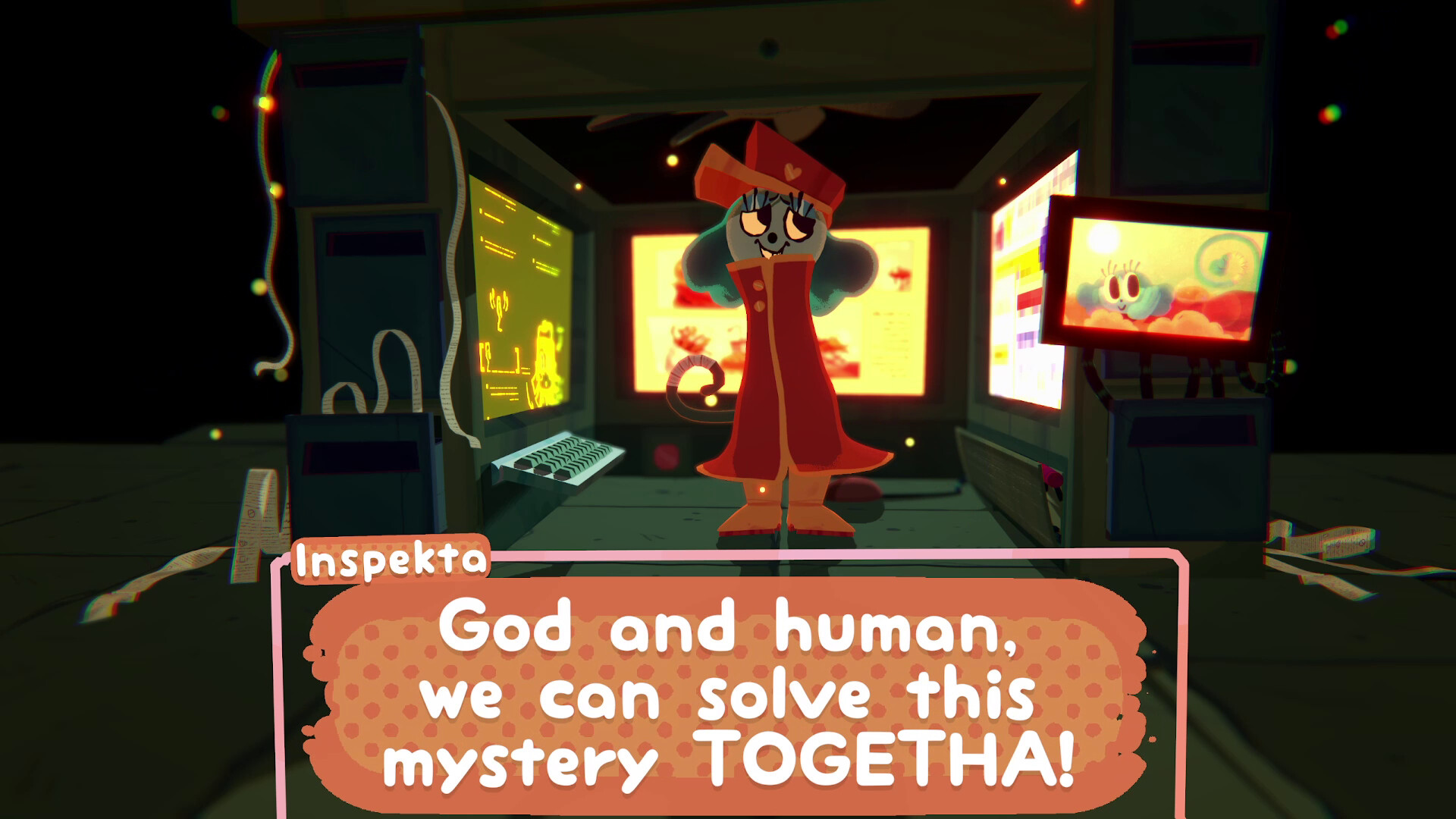
Great God Grove drops you into a chaotic pantheon where the god of communication vanished, leaving the world on the brink of apocalypse. You become the divine mail‑carrier, sucking up speech bubbles and launching them to solve puzzles that affect the gods.
The game offers a bright, surreal world that can be explored in either third‑person or first‑person view. It is a single‑player adventure from LimboLane, the indie duo behind Smile For Me, and runs on Windows and macOS.
01 / THE GUIDE
Speech‑Bubble Puzzles
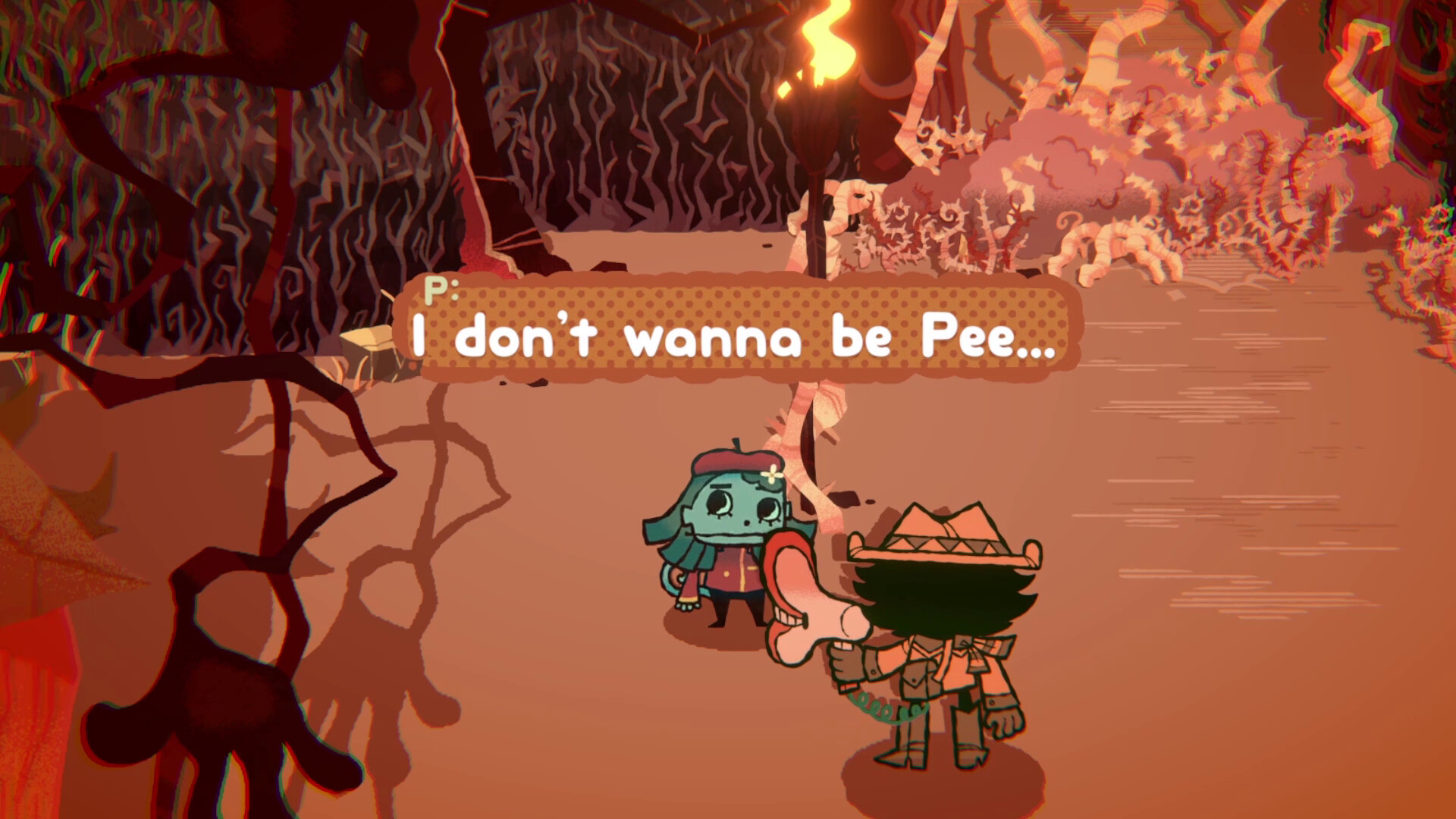
As the gods’ mail‑carrier you suck up speech bubbles and launch them to interact with the environment. The bubbles are your main puzzle tool, letting you deliver messages that can chat, flirt, or hurt the gods.
You can choose how to phrase a bubble—chatting, flirting, or hurting feelings—and the god you target reacts to what you deliver.
- Observe a god’s reaction after a single bubble before committing to a larger sequence.
- Experiment with different bubble tones on the same target to see how outcomes vary.
02 / THE GUIDE
Perspective Options
Great God Grove provides both third‑person and first‑person perspectives, allowing you to view the colorful world from two distinct angles. Both views let you take in the colorful world from a different camera angle.
Switching between perspectives is a matter of player preference, with each view rendering the world from a different camera angle.
- Try both perspectives in a new area to decide which feels more comfortable for you.
- Use the view that best matches your aiming style when launching speech bubbles.
03 / THE GUIDE
God Interactions
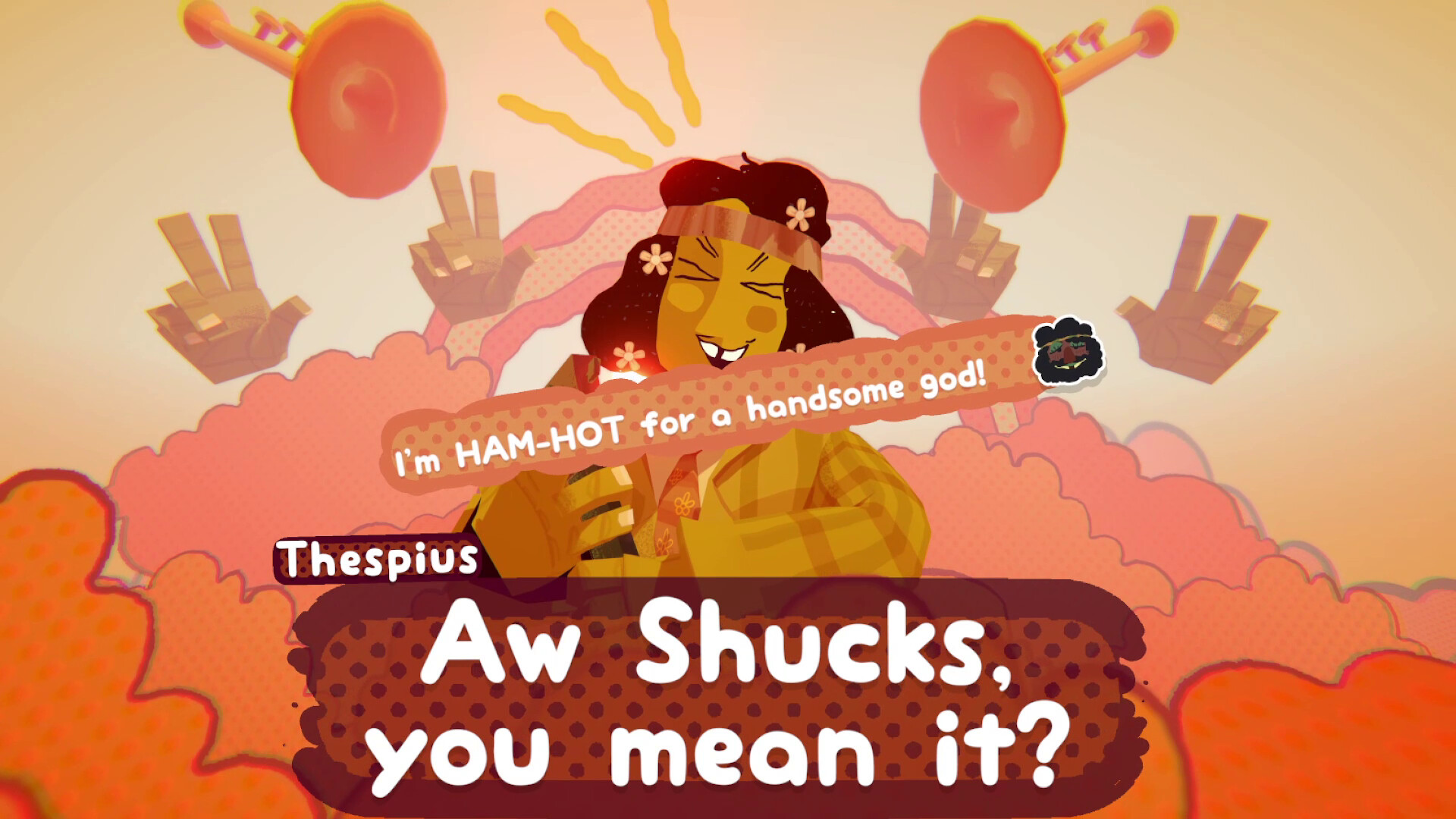
The gods each embody a concept—teamwork, love songs, and others—and they respond uniquely to the speech bubbles you deliver. Their reactions drive the narrative forward.
Understanding a god’s theme helps you decide whether to chat, flirt, or hurt them, influencing puzzle outcomes and the state of the world around you.
- Take note of each god’s theme before choosing a bubble tone.
- Mix bubble tones on the same god to test for unexpected results.
04 / THE GUIDE
Accessibility Features
The title includes adjustable text size, subtitle options, color alternatives, and custom volume controls, letting players tailor visual and audio presentation to their needs.
Camera comfort settings are also provided, letting players tailor the presentation to their needs.
- Set text size early to avoid missing dialogue cues later.
- Enable color alternatives if the default palette feels too bright.
05 / THE GUIDE
Save & Cloud Support
Great God Grove lets you save anytime, preserving progress whenever you choose. This save-anytime option is listed among the game's features.
The game lists Steam Cloud support, and Family Sharing lets multiple accounts access the same game.
- Save before attempting a difficult bubble sequence.
- Check cloud sync after completing a major puzzle.
COMMUNITY
Player discussion