 GameWiki
GET YOUR BEARINGS
About GRANDIA II HD Remaster
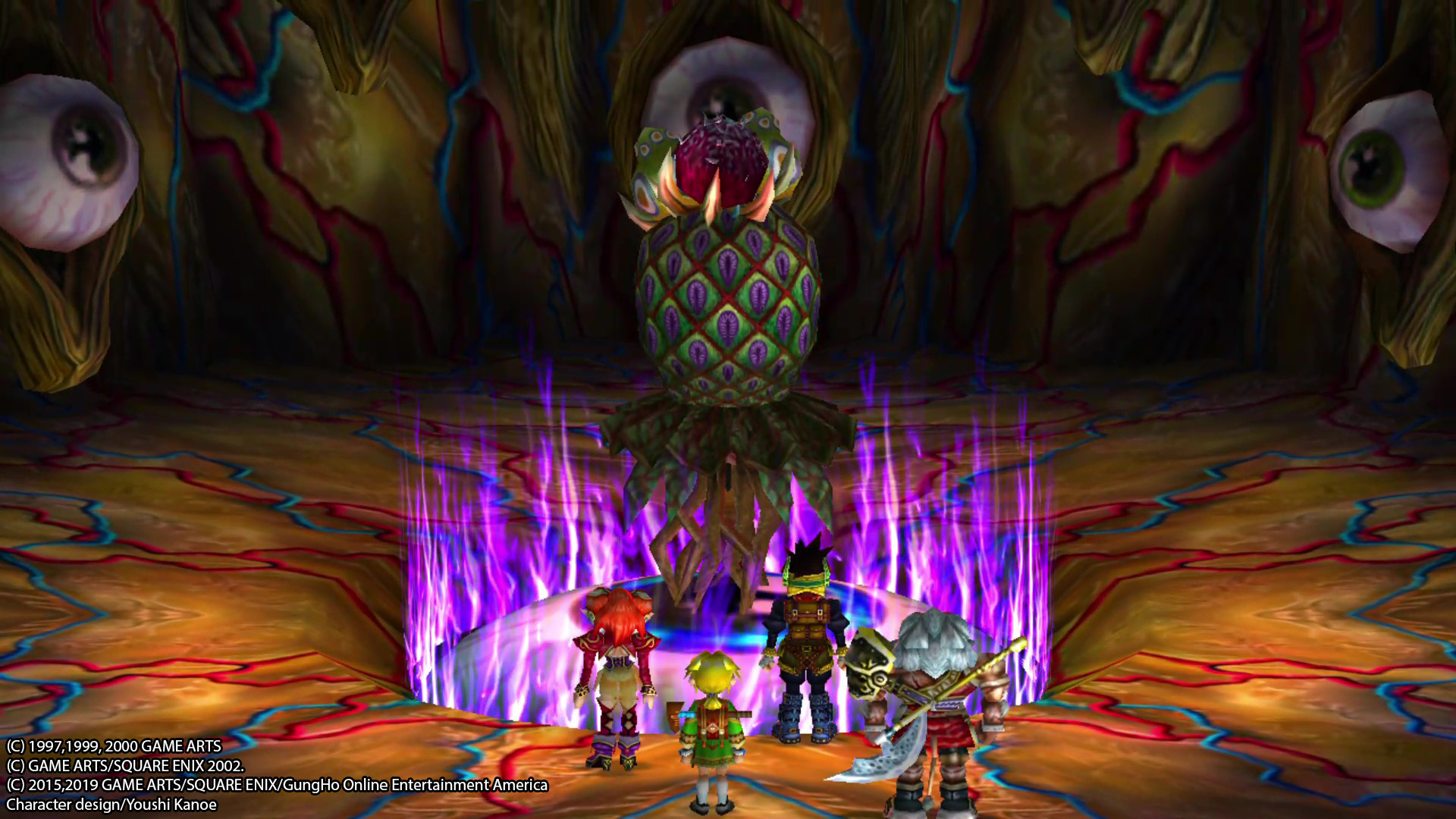
Grandia II HD Remaster lets you wield the Geoblade and battle evil in a classic 32‑bit era RPG now rendered with enhanced textures, lighting, and shadows.
The remaster adds selectable video options, Normal and Hard difficulty, and partial controller support for gamepad and keyboard, plus Steam features such as achievements, Cloud saves, and up to 100 save slots.
01 / THE GUIDE
Story and Characters
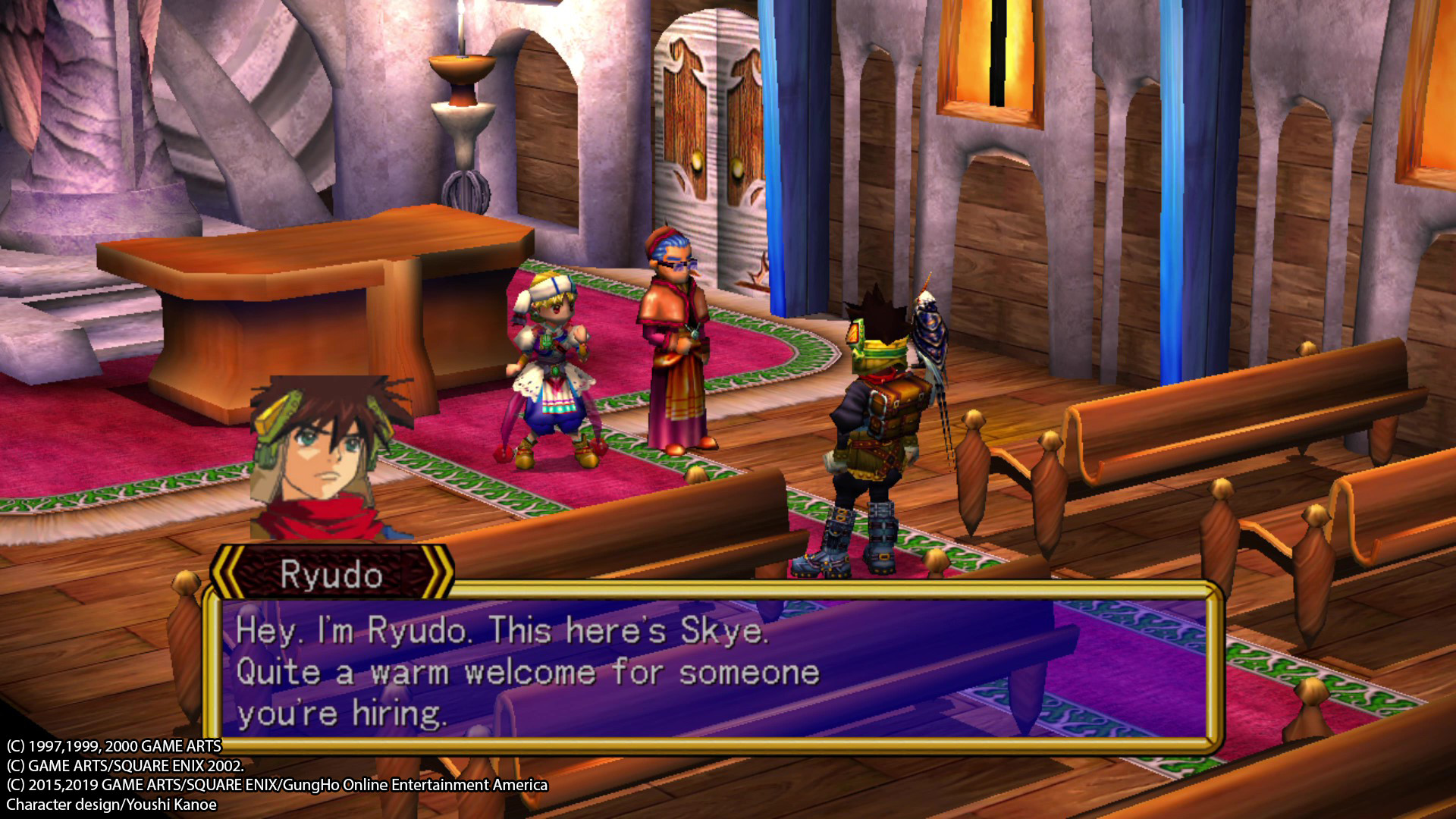
Players assume the role of a mercenary with a heart, joining a band of adventurers destined to save the world. The description highlights "great characters, mature storytelling," indicating depth beyond a simple good‑vs‑evil premise.
- Pay attention to dialogue for hints about the weapon’s true nature.
- Explore optional conversations to deepen character relationships.
02 / THE GUIDE
Battle System
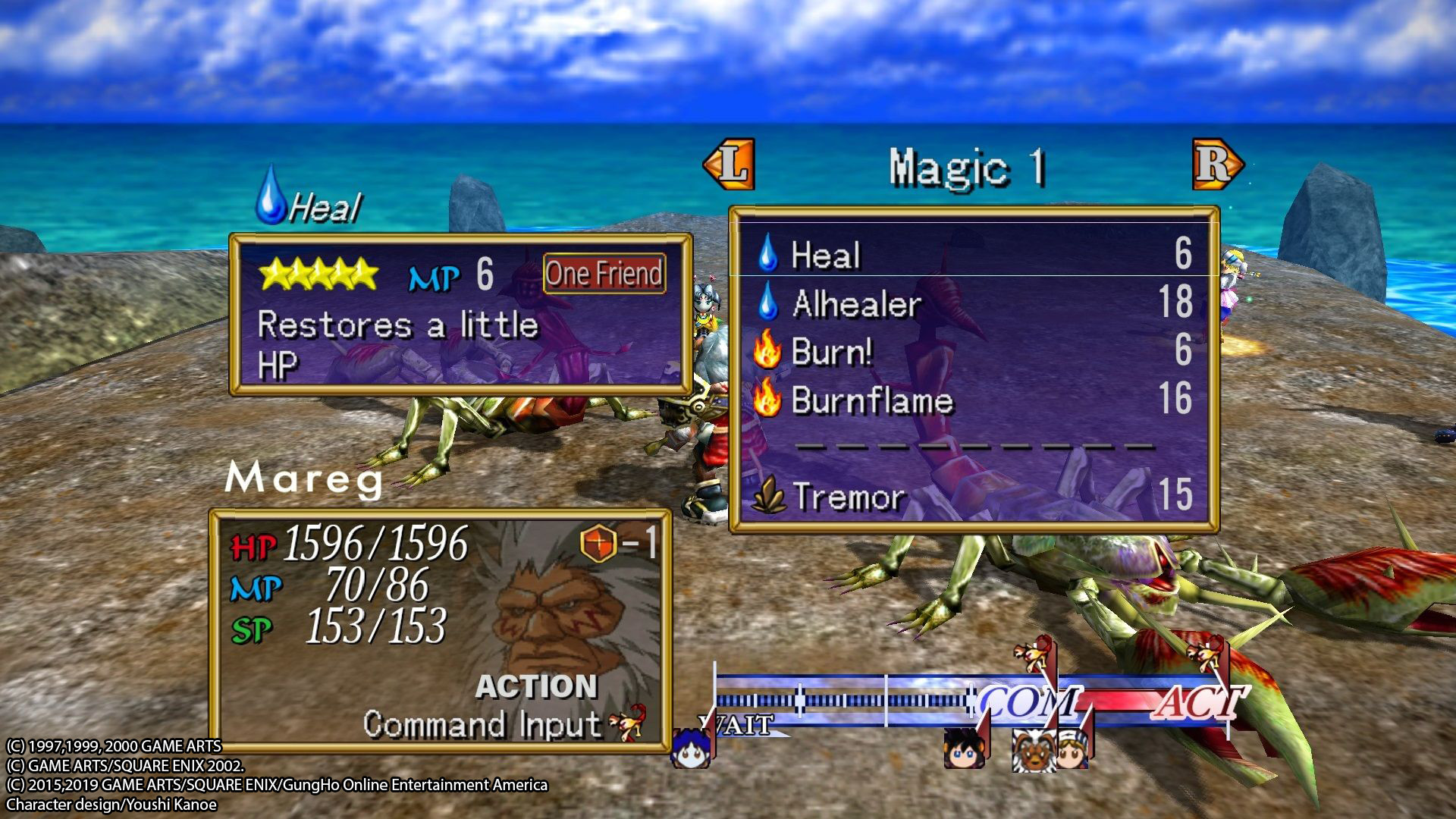
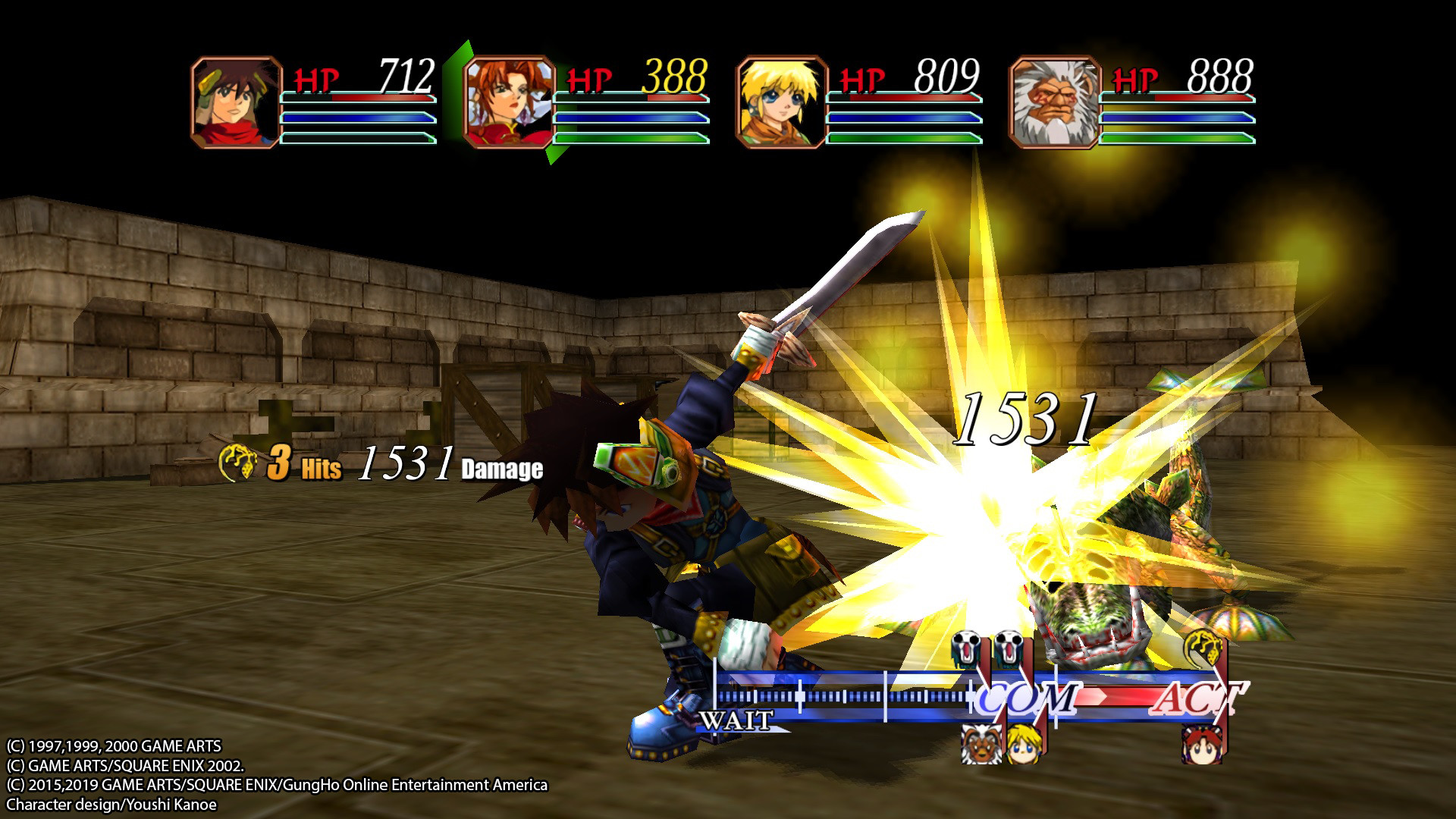
Grandia II is praised for its "fantastic battle system," a core element that remains unchanged in the HD remaster. Combat blends turn‑based actions with timing‑based attacks, preserving the original feel.
- Practice timing attacks to maximize damage.
- Balance party roles to cover both offense and defense.
03 / THE GUIDE
Difficulty Modes
Players can choose between Normal and Hard Mode, as the description notes "Choose from Normal or Hard Mode," allowing a tailored challenge level.
- Start on Normal to learn mechanics before tackling Hard.
- Use Hard mode to test mastery of the battle system.
04 / THE GUIDE
Save and Cloud Features
The remaster supports "Steam Cloud Save" and provides "100 save file slots," enabling progress synchronization across devices and ample space for multiple playthroughs.
Dreamcast VMS save file support allows importing legacy saves for long‑time fans.
- Enable Cloud sync in Steam settings to protect progress.
- Utilize multiple slots to experiment with different strategies.
05 / THE GUIDE
Visual and Audio Enhancements
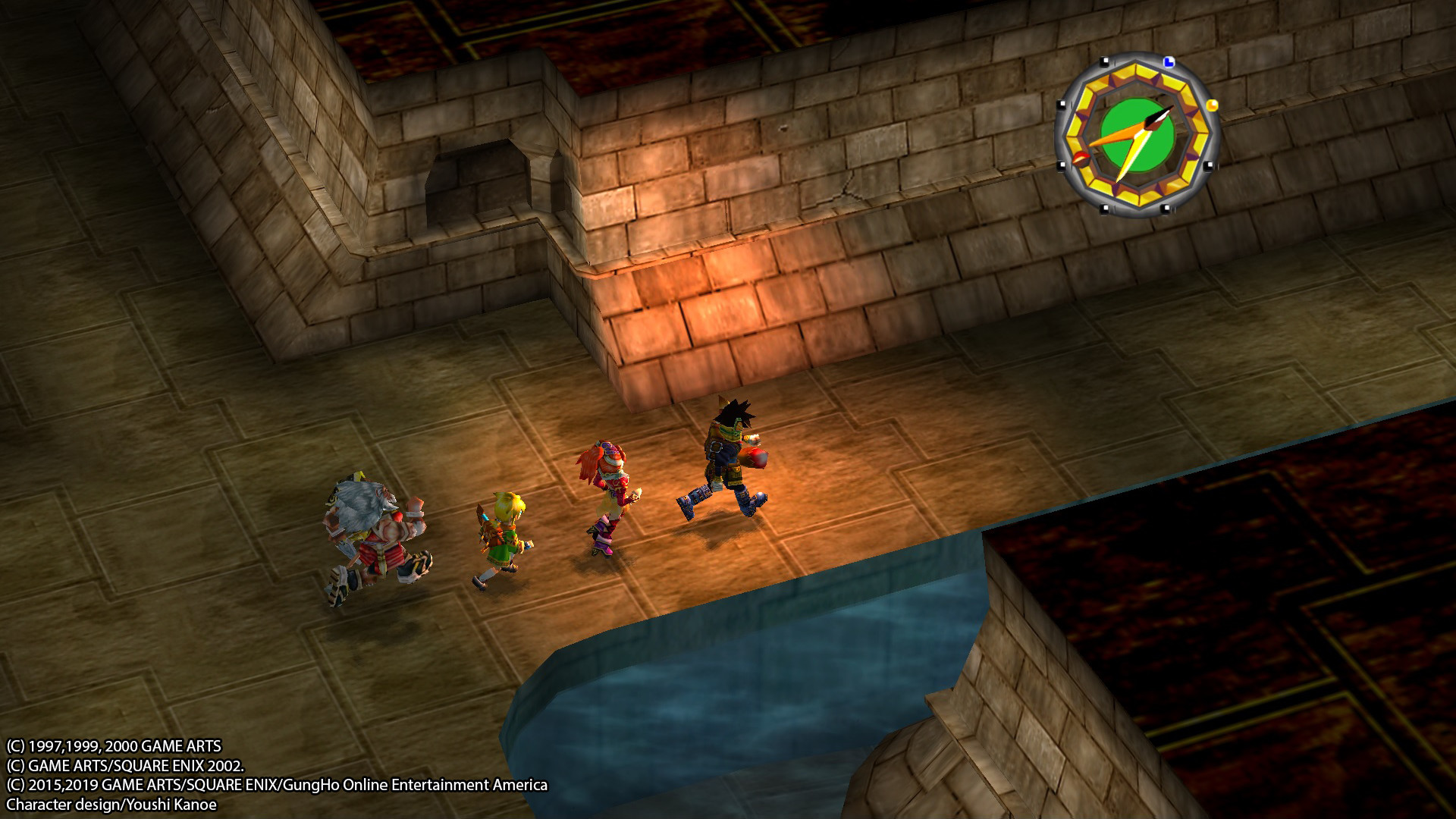
The HD remaster upgrades "Enhanced textures, lighting, and shadows," delivering a sharper visual experience while retaining the original art style.
"Original Japanese audio" is retained for authenticity, and selectable video options let players adjust resolution and other settings.
- Enable higher shadow quality for deeper immersion.
- Switch to Japanese audio for the authentic soundtrack.
COMMUNITY
Player discussion