 GameWiki
GET YOUR BEARINGS
About GRANDIA HD Remaster
GRANDIA HD Remaster revives the classic adventure of Justin and his companions as they race against the evil Garlyle Forces to uncover ancient secrets. The remaster adds modern visual polish while preserving the story that made the original a landmark RPG.
Developed by Game Arts and Sickhead Games, the title now runs on Windows with widescreen and customizable resolutions, offering both English and multiple language options alongside Steam achievements and cloud saves.
01 / THE GUIDE
Story and Plot
GRANDIA follows protagonist Justin and his companions as they confront the Garlyle Forces, seeking the lost secrets of an ancient civilization. The narrative drives the adventure across varied locations.
The original release earned critical acclaim and awards, cementing its status as an influential RPG in the late 1990s.
- Pay attention to dialogue for clues about hidden areas.
- Track party members' progress to avoid missing story events.
02 / THE GUIDE
Visual Enhancements
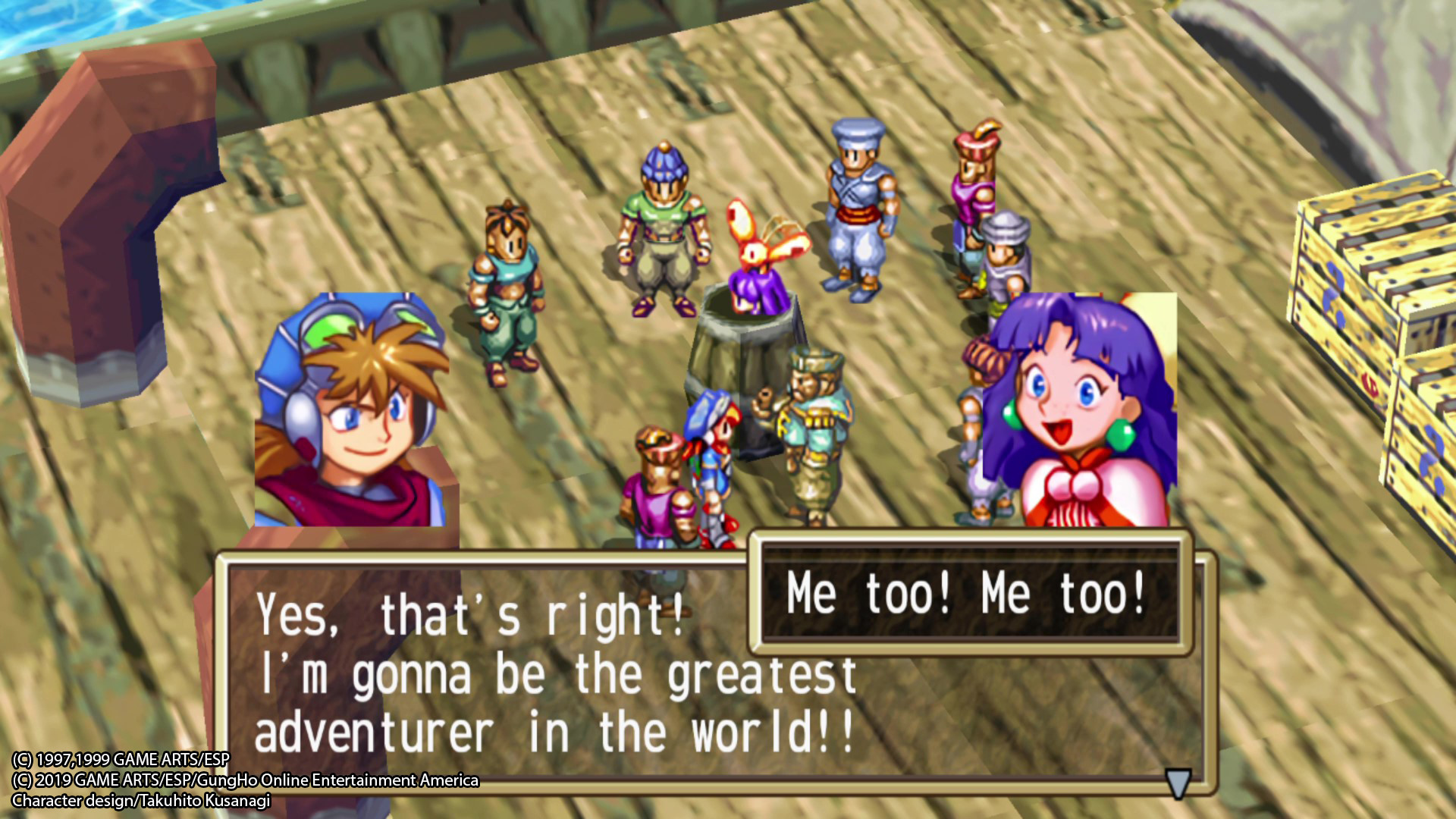
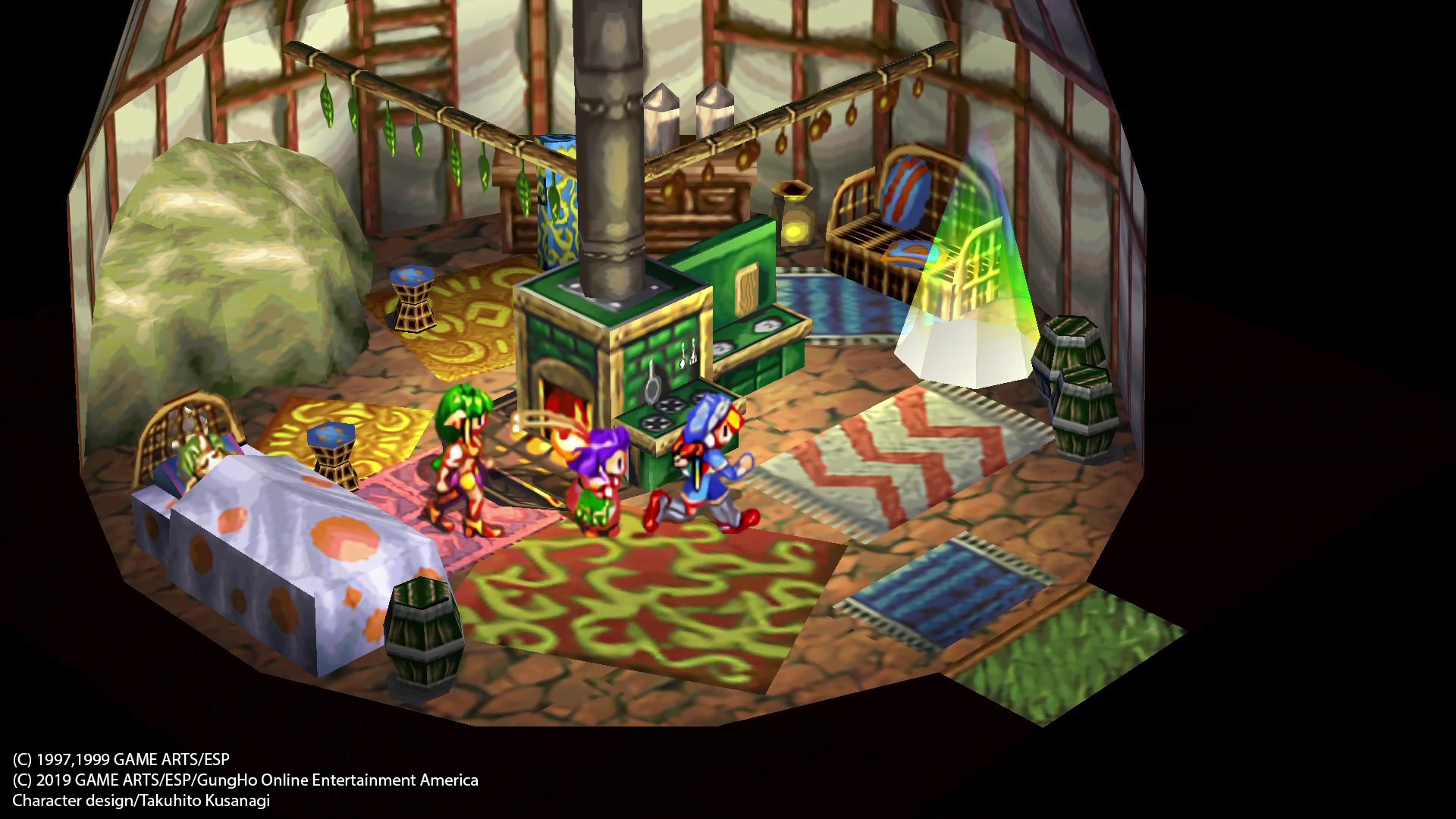
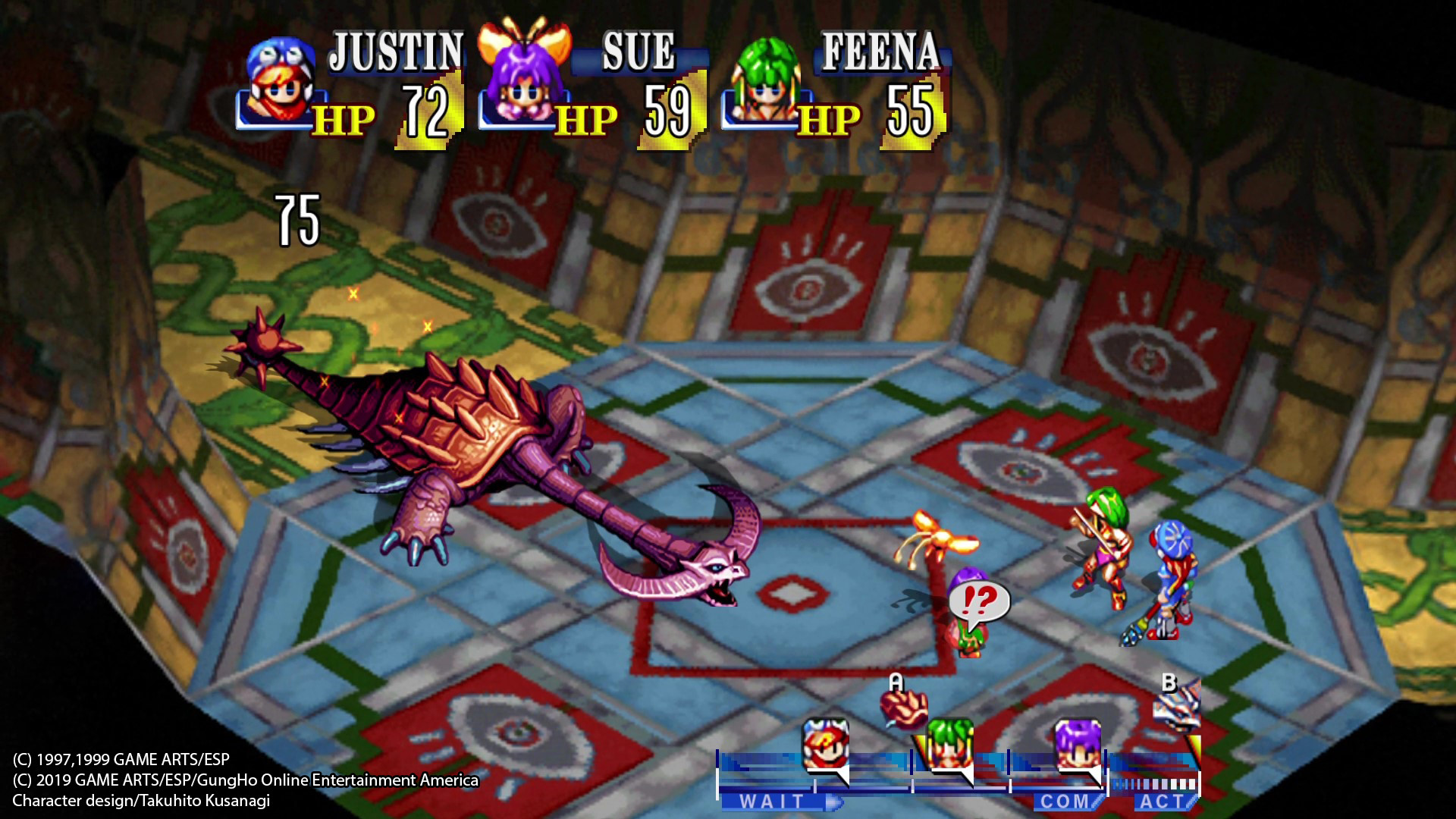
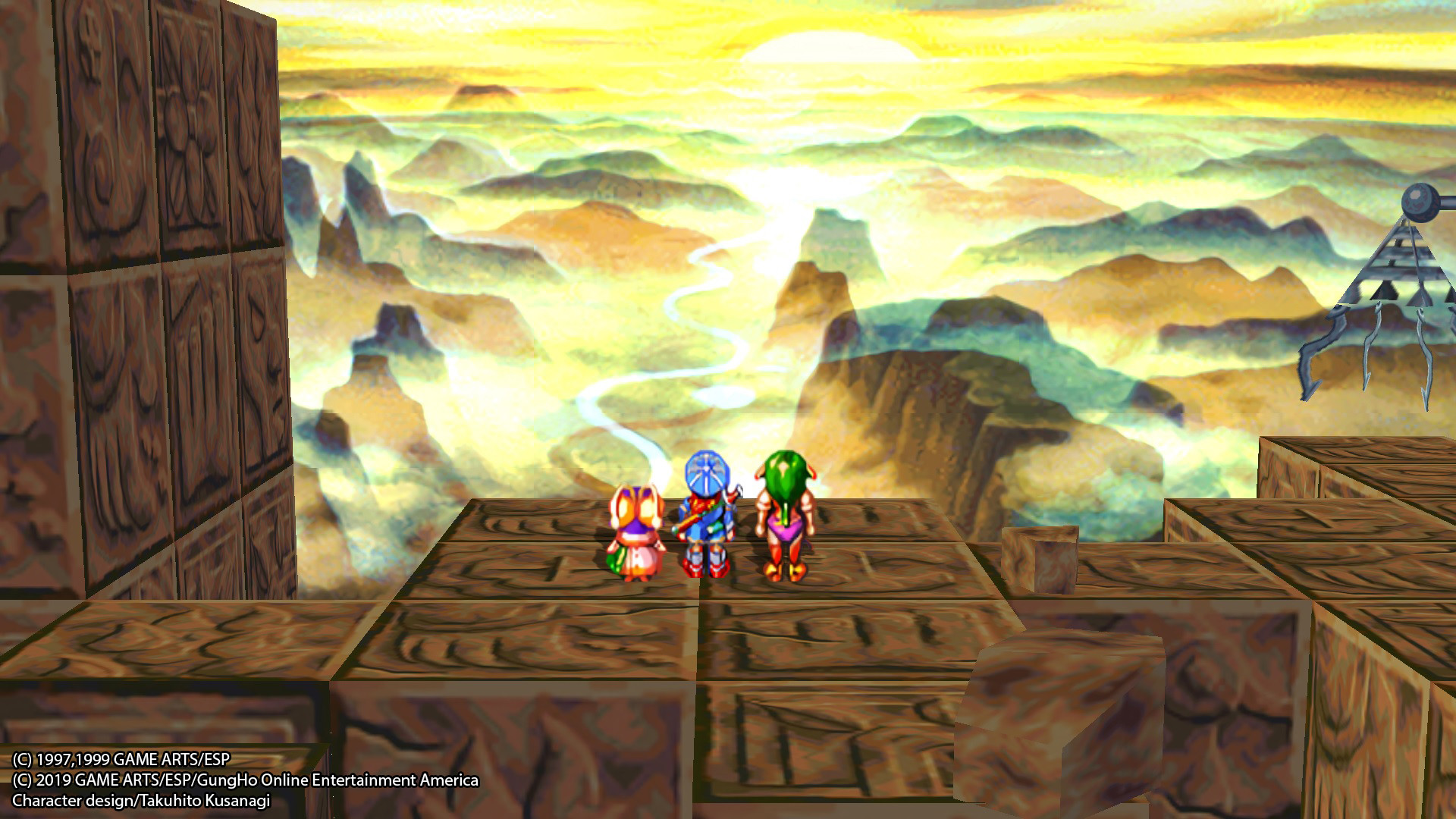
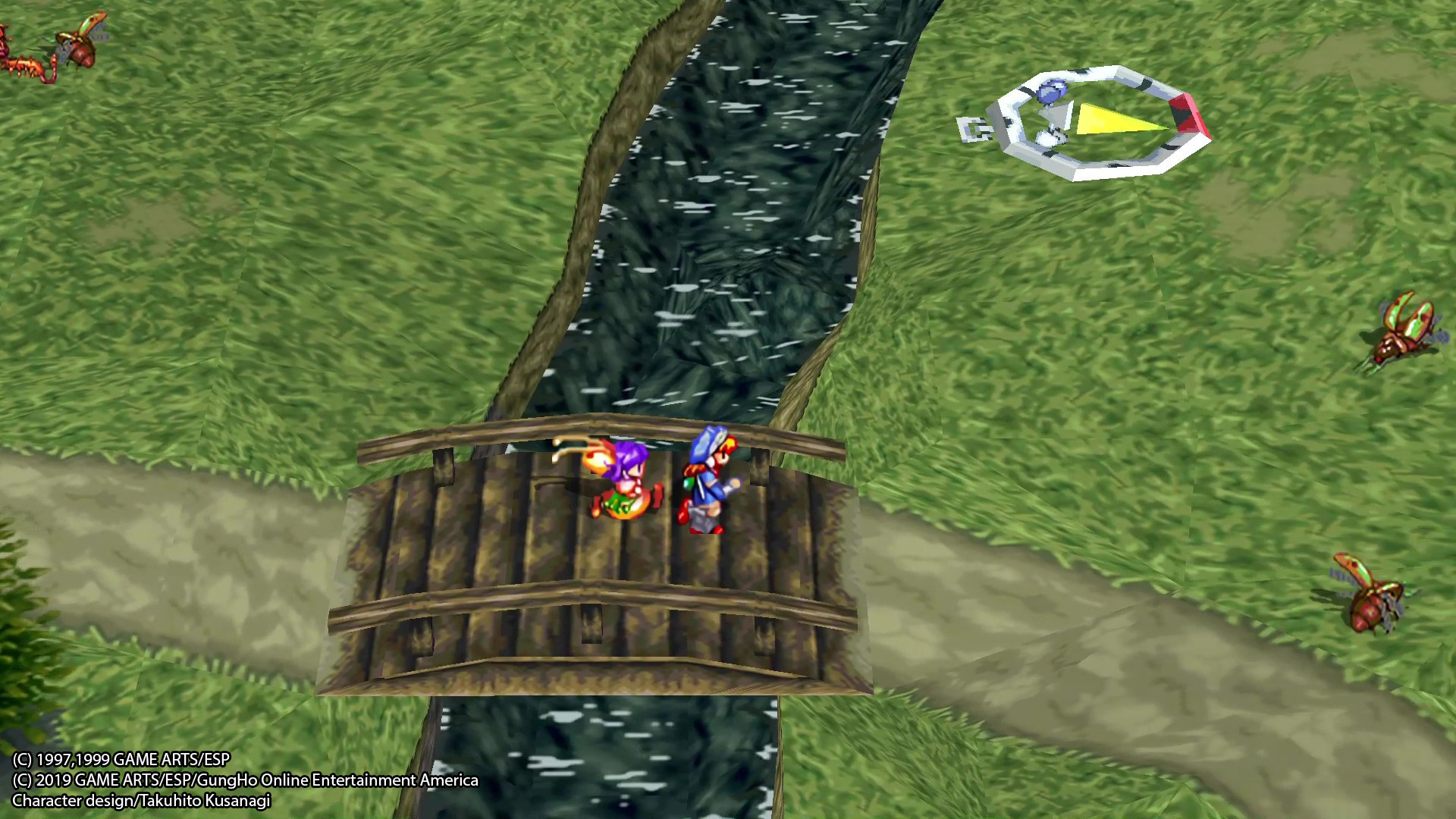
The remaster upgrades the UI, sprites, and texture art details, delivering sharper graphics while keeping the original style. Original cinematic videos have also been visually enhanced.
Widescreen support and customizable resolutions are available on PC, allowing players to adjust the display to their preference.
- Select a resolution that matches your monitor for the best clarity.
- Enable widescreen to see more of the game world.
03 / THE GUIDE
Audio and Language Options
The game includes both Japanese and English audio tracks, with original English dialogue supplemented by French, German, and later Japanese subtitles. This broadens accessibility for international players.
Audio quality remains faithful to the original, preserving the classic soundtrack while supporting multiple language selections.
- Switch to your preferred language in the options menu.
- Use subtitles if you choose a non‑English audio track.
04 / THE GUIDE
Controls and Input
GRANDIA HD Remaster offers gamepad and keyboard support on PC, with remappable controls so players can customize button layouts. Partial controller support is included.
Keyboard users can also adjust key bindings, ensuring comfort across different play styles.
- Map frequently used actions to easily reachable keys.
- Test the gamepad configuration before a long session.
05 / THE GUIDE
Steam Features
The Windows version integrates Steam achievements, cloud saves, and family sharing, allowing progress to sync across devices and be shared with household members.
Remote Play lets you stream the game to phones or tablets, extending play beyond the PC.
- Enable cloud sync to protect your save data.
- Try Remote Play on a tablet for quick sessions.
COMMUNITY
Player discussion