 GameWiki
GET YOUR BEARINGS
About Granblue Fantasy Versus: Rising
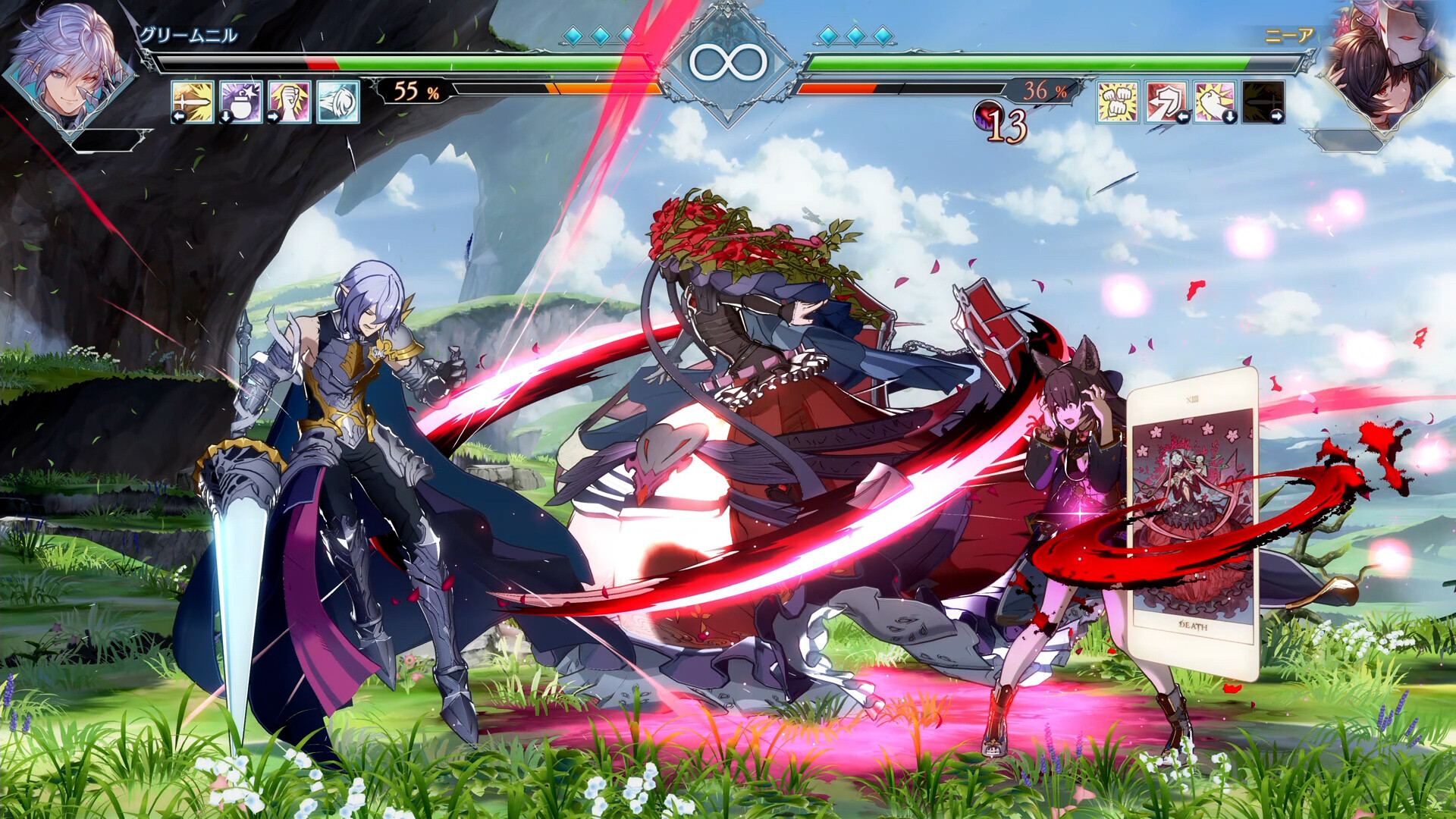
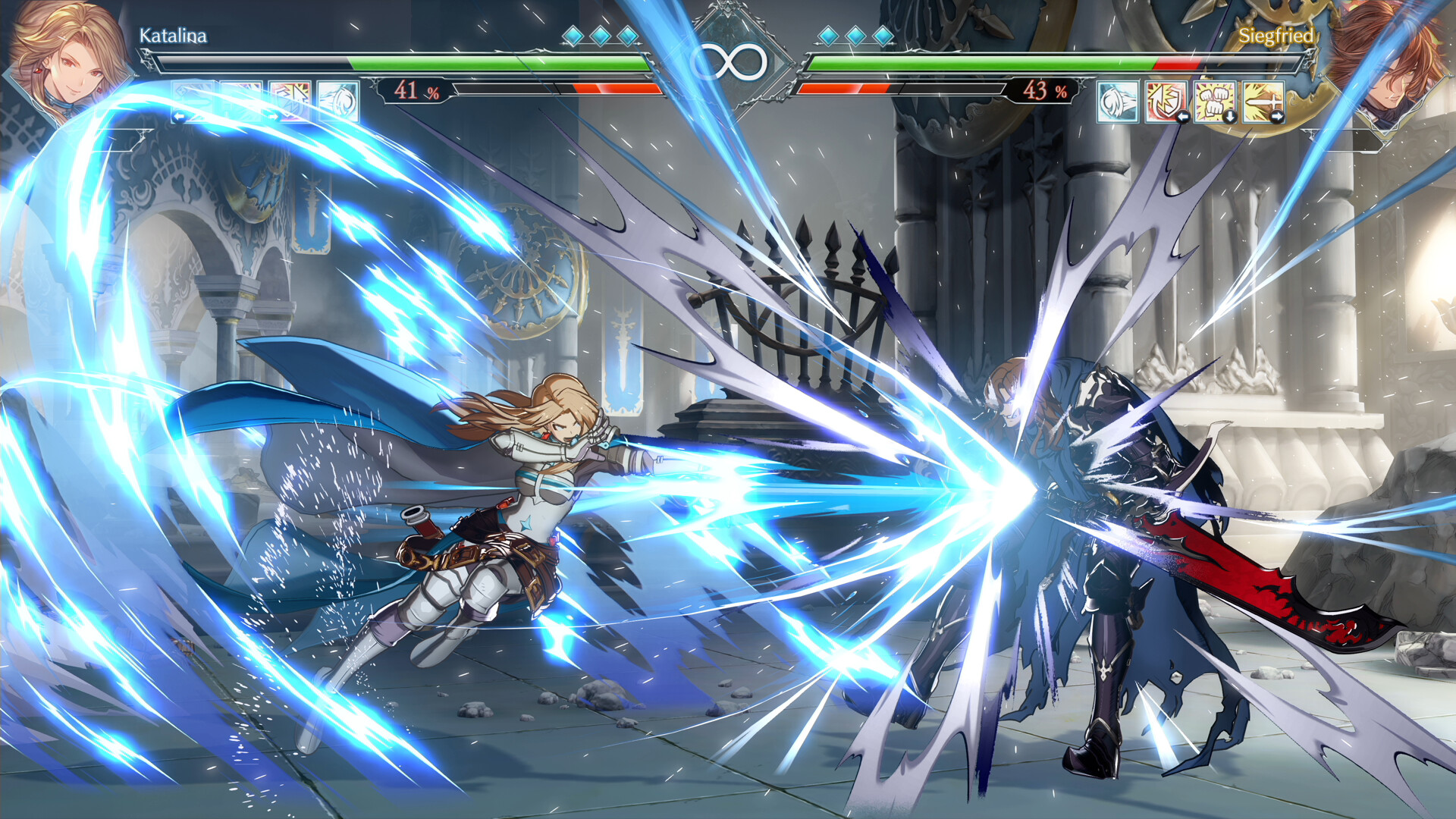
Granblue Fantasy Versus: Rising expands the GBVS series with a fighting experience that welcomes newcomers and veterans. The game offers one‑on‑one combat, a story‑driven campaign, and a new party‑style mode called Grand Bruise Legends, all on Windows.
Players can personalize fighters with colors, skins, and partner avatars, explore an island lobby filled with attractions, and create dioramas in the Digital Figure Studio. The title supports DualShock, DualSense, and partial controller use, plus online multiplayer features.
01 / THE GUIDE
Story Campaign
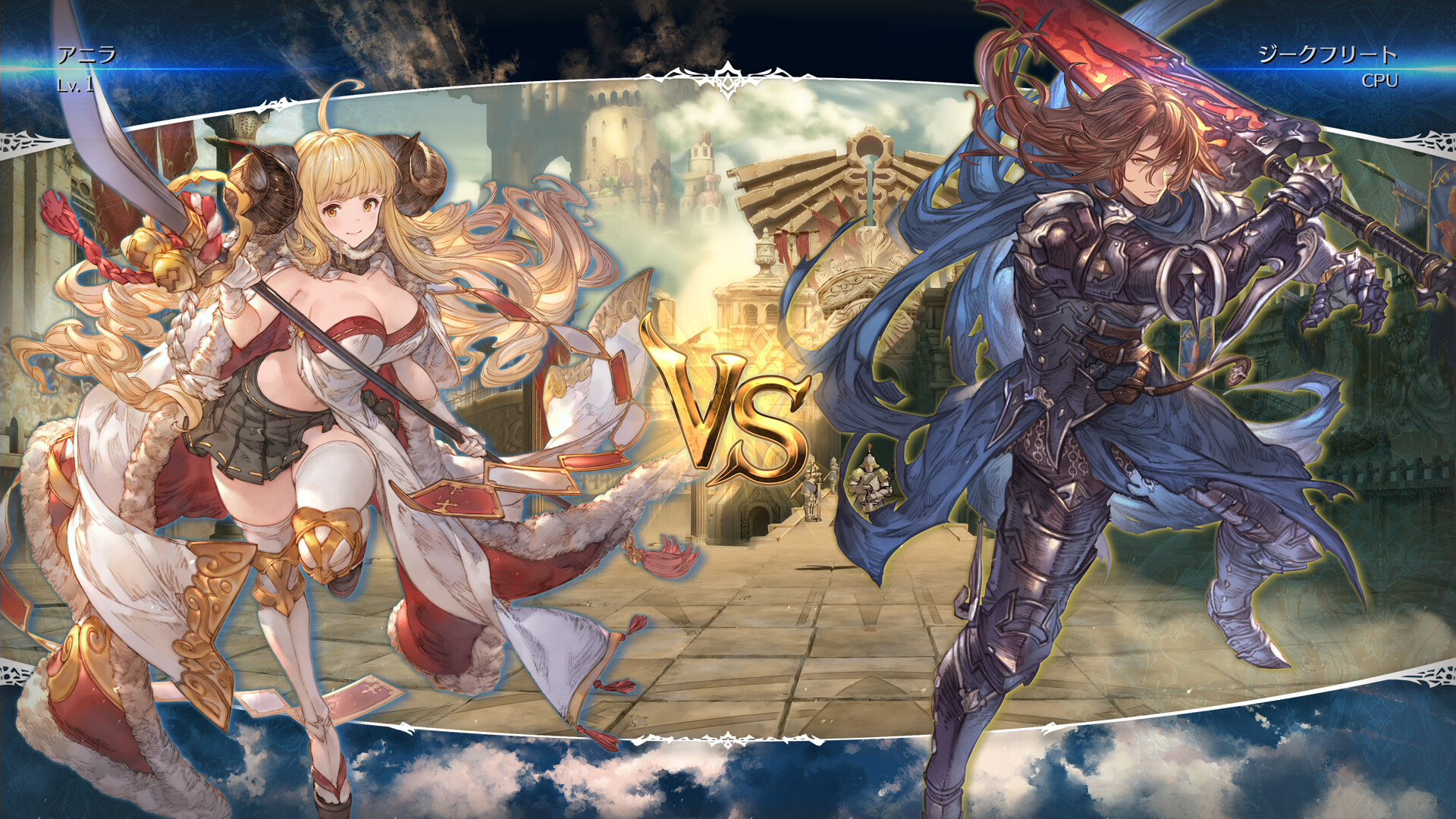
The single‑player campaign sends players across the skies of Granblue Fantasy, presenting quests that blend an epic narrative with fundamental gameplay lessons. Each quest introduces new mechanics while allowing the character to grow stronger, echoing an action‑RPG progression.
Progression is linear; completing one quest unlocks the next, and dialogue often provides hints about combat techniques. The campaign is separate from multiplayer modes, giving a focused environment for learning the simplified control scheme.
- Read dialogue during quests; it frequently contains useful combat tips.
- Finish each quest before moving on to ensure you have practiced the new mechanics introduced.
02 / THE GUIDE
Grand Bruise Legends Party Mode
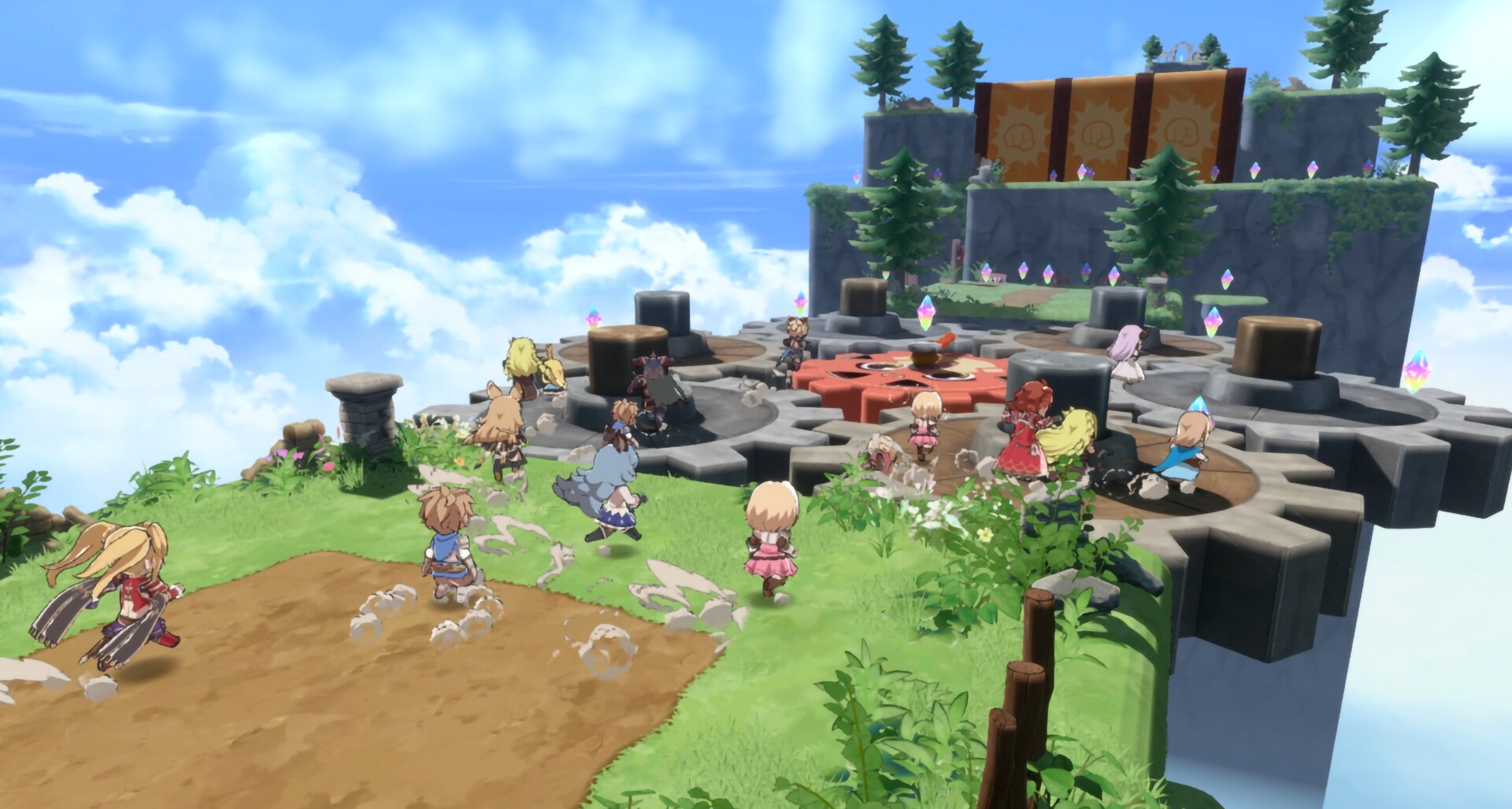
Grand Bruise Legends is a party mode set in an island lobby where players compete online in obstacle courses and survival games. The mode offers a break from standard fights and emphasizes quick, competitive play.
The mode is available in the free edition with limited avatar, character, and mode options, but it still supports online head‑to‑head matches, adding a multiplayer‑focused layer to the overall experience.
- Use the lobby attractions to practice movement before entering a course.
- Try different characters to see which abilities suit the obstacle challenges best.
03 / THE GUIDE
Simplified Controls
Combat relies on single‑button inputs for skills, allowing newcomers to execute moves without memorizing complex combos. Each skill is triggered by a dedicated button, keeping focus on timing and positioning.
The design encourages players to concentrate on the battle itself rather than on intricate input sequences, while still providing depth for experienced fighters through strategic use of the available buttons.
- Practice each skill in training to learn its range and recovery time.
- Combine movement with the single‑button skills to create effective combos.
04 / THE GUIDE
Customization Options
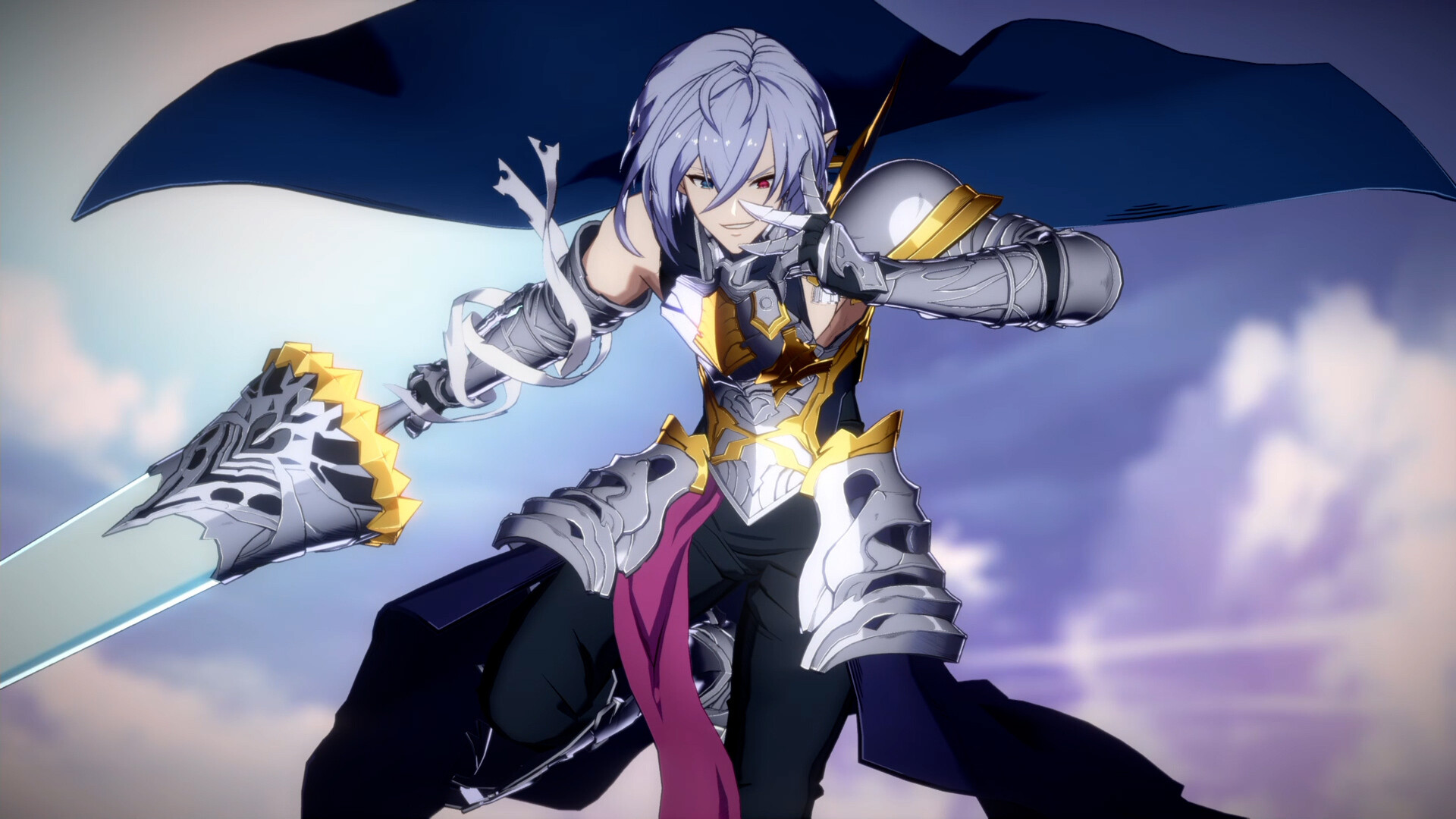
Players can change character colors, weapon skins, lobby avatars, and select a partner character that offers in‑game advice. These visual options let fans display their favorite Granblue characters.
Customization is available at every level and does not affect core gameplay mechanics, ensuring that aesthetic choices remain separate from combat performance.
- Pick a partner whose advice style matches how you like to receive feedback.
- Select colors and skins that make your fighter easy to spot in online matches.
05 / THE GUIDE
Digital Figure Studio
The Digital Figure Studio provides a sandbox where players can arrange high‑quality 3D models from the Granblue Fantasy Versus series into original dioramas. Users can freely position figures, props, and scenery.
This tool is separate from combat and serves as a creative outlet for fans who wish to showcase their designs, whether for personal enjoyment or sharing with the community.
- Start with a simple pose for each figure before adding detailed background elements.
- Save multiple versions to experiment with lighting and camera angles.
COMMUNITY
Player discussion