 GameWiki

GET YOUR BEARINGS
About Grail
Grail is a fantasy autobattler that lets you watch battles unfold while your pre‑built deck does the fighting. Each match runs quickly—between fifteen and forty‑five minutes—so you can enjoy a full game in a short session. The core loop is to build a deck, watch it resolve automatically, then tweak the cards between fights. The game supports both solo play and competitive PvP, and it offers a roster of heroes that each bring a distinct pool of cards. With more than 250 cards and over 100 traits to collect, upgrade, adjust, or enchant, the depth comes from finding synergies rather than micromanaging combat. Victories grant trophies that can be spent on cosmetics, and winning with different cards reveals fragments of the game’s lore. Accessibility options such as adjustable text size, camera comfort settings, custom volume controls, and a mouse‑only mode let you tailor the experience, while features like “playable without timed input,” “save anytime,” and Steam Cloud let you pause or continue across devices without pressure.
01 / THE GUIDE
Automatic Battles
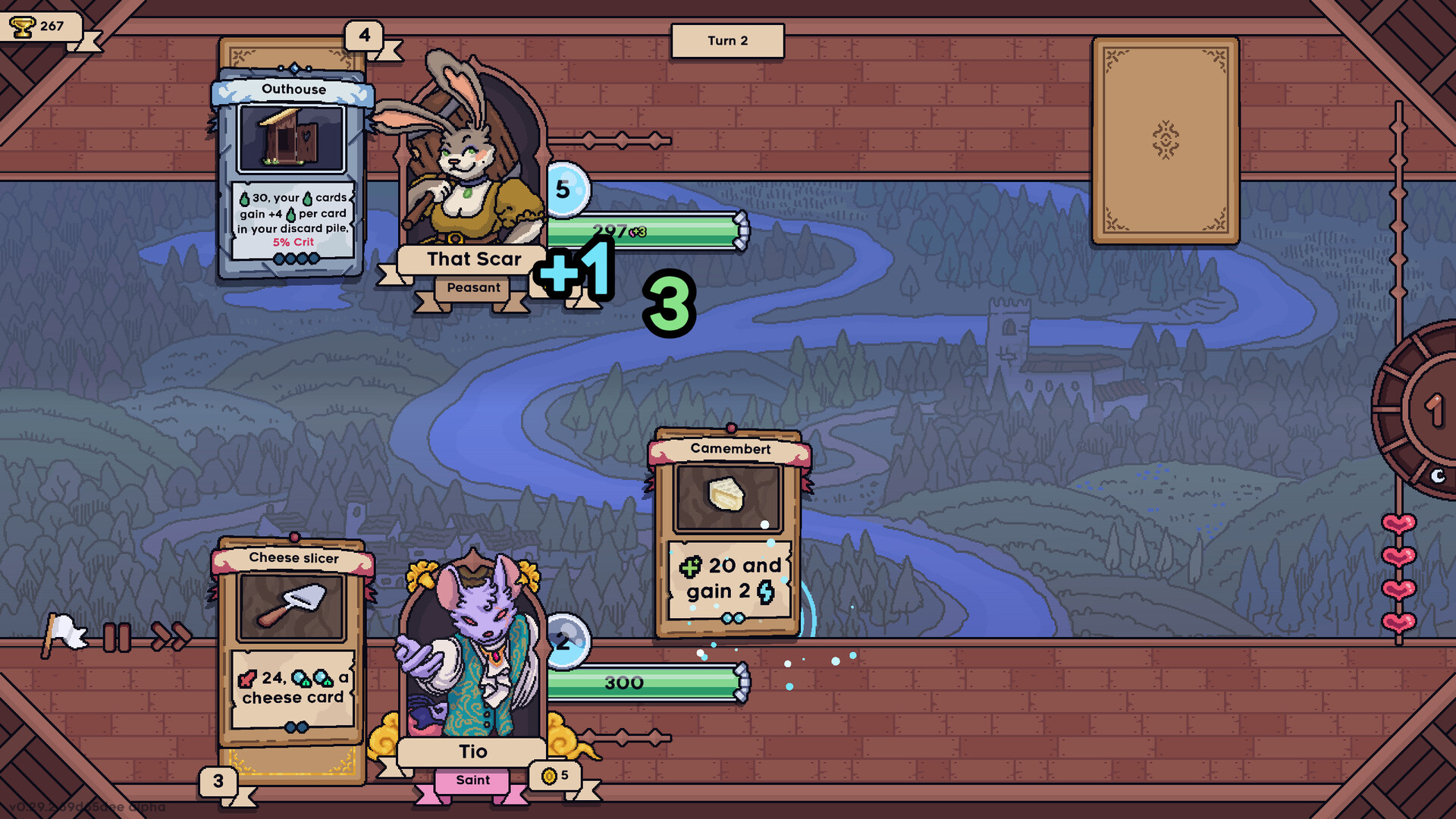
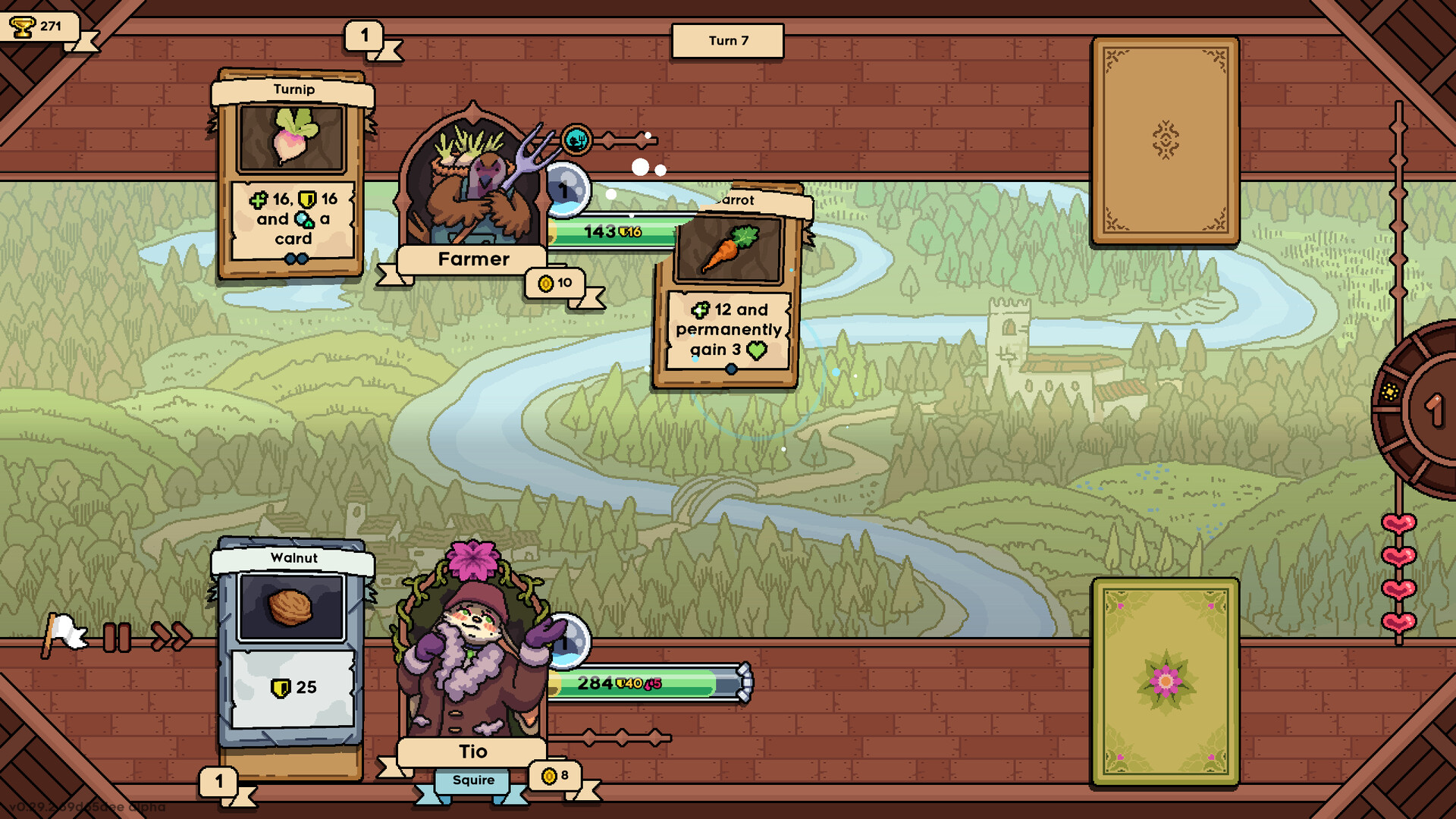
Battles run without any player input; the deck you assemble resolves on its own, allowing you to observe the outcome while you plan your next adjustments.
Matches last between fifteen and forty‑five minutes and can be paused or saved at any time, matching the description of “Fast runs that take between 15min - 45min” and “Playable without Timed Input”.
- Watch a few early battles to notice which card combinations trigger strong effects.
- After each fight, adjust your deck to improve synergy before the next round.
02 / THE GUIDE
Card Collection & Upgrades
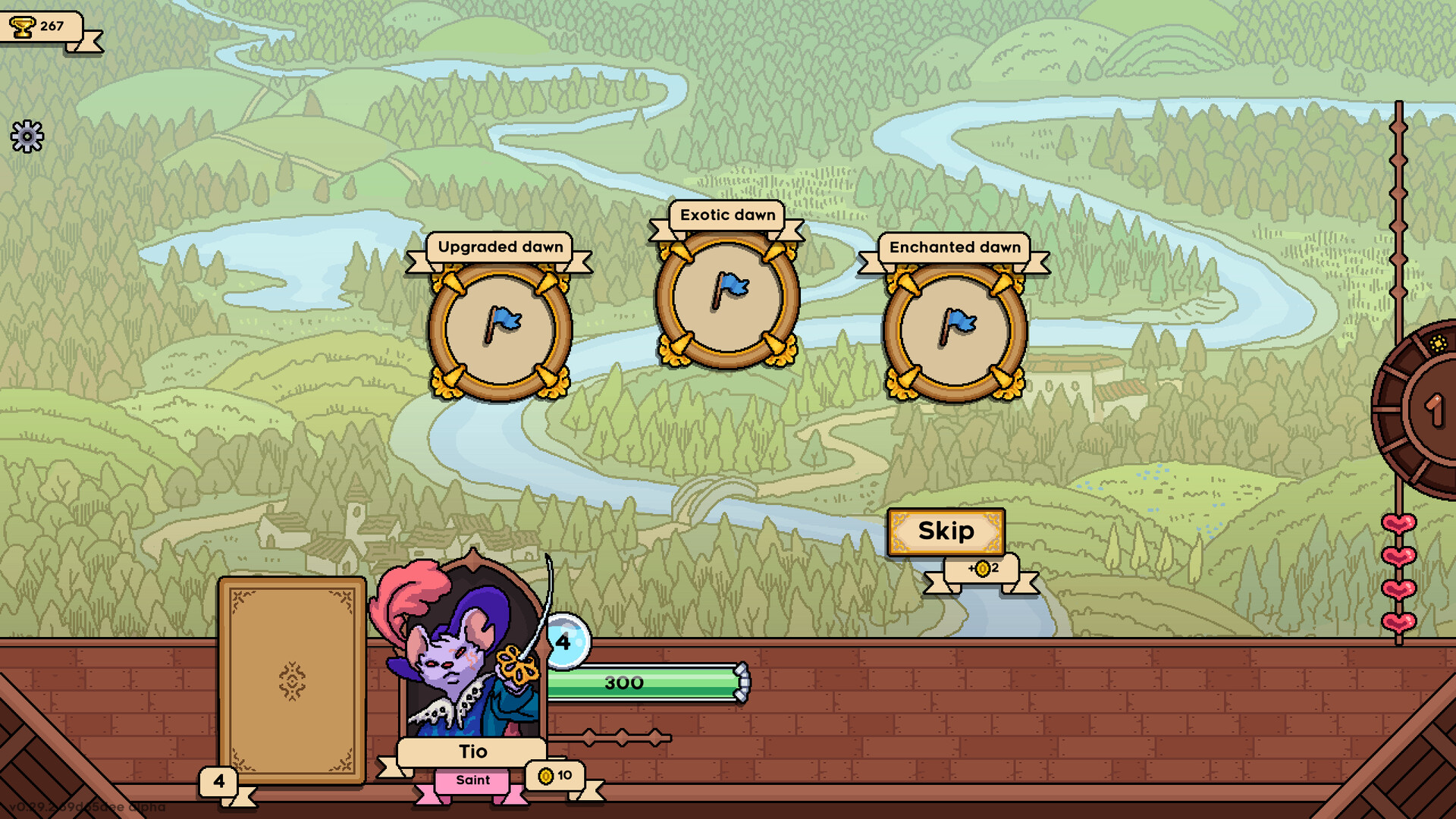
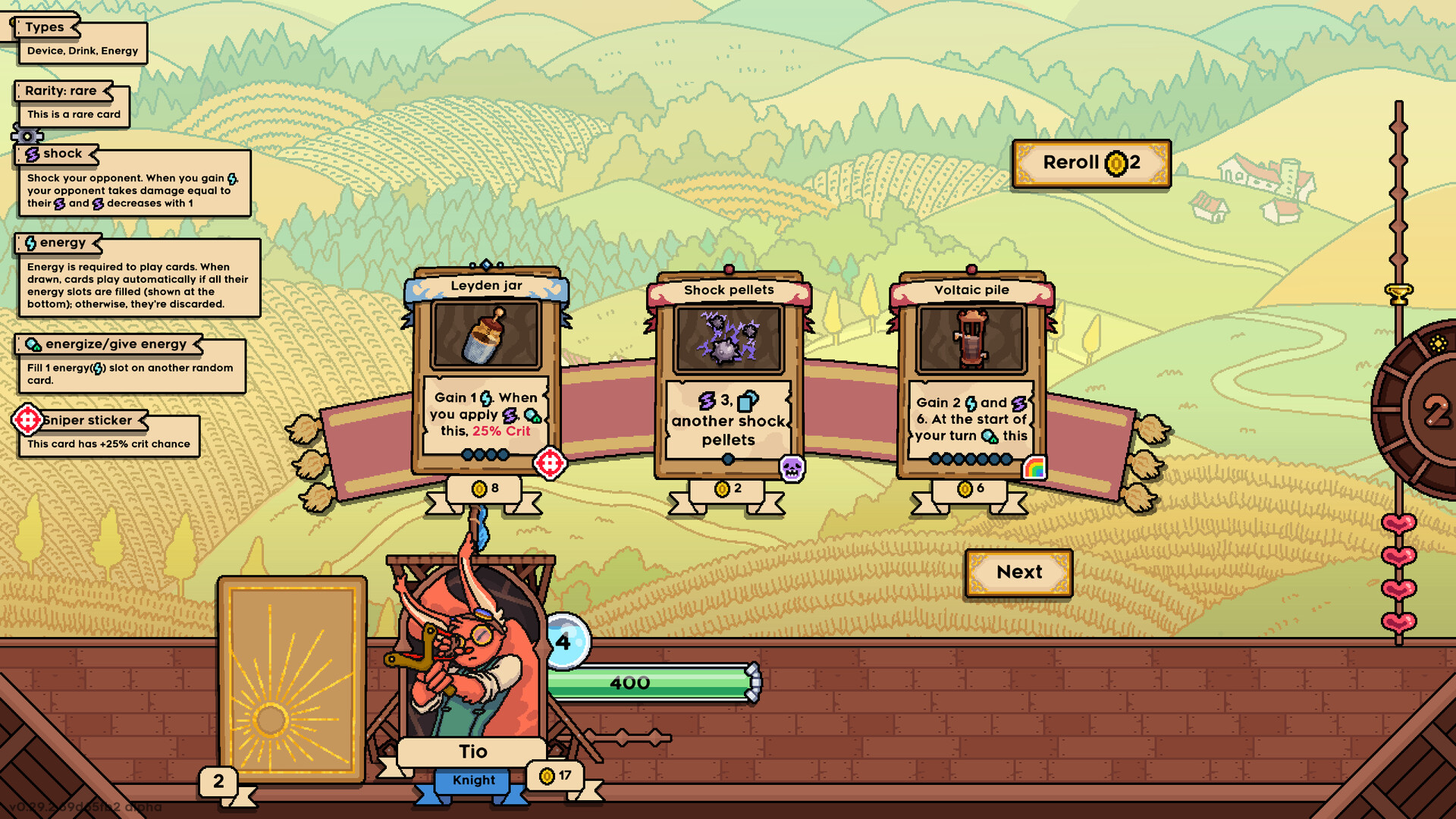
The game offers over 250 cards and more than 100 traits. You can upgrade, adjust, or enchant cards to increase their power, as noted in the description of “Collect new cards, make them stronger by upgrading, adjusting or enchanting them.”
Specialized traits and secret events add extra layers to deck customization, encouraging experimentation.
- Focus upgrades on cards that appear frequently in your hero’s pool.
- Try different traits to see how they complement your preferred playstyle.
03 / THE GUIDE
Heroes and Unique Card Pools
Multiple playable characters each provide a unique set of cards and a distinct playstyle, matching the line “Multiple playable characters, each with their own unique pool of cards.”
The roster expands over time, giving fresh strategic options as you unlock new heroes by playing.
- When a new hero becomes available, experiment with its card pool to discover new synergies.
- Pair a hero’s strengths with traits that enhance those specific cards.
04 / THE GUIDE
Trophies, Cosmetics, and Lore
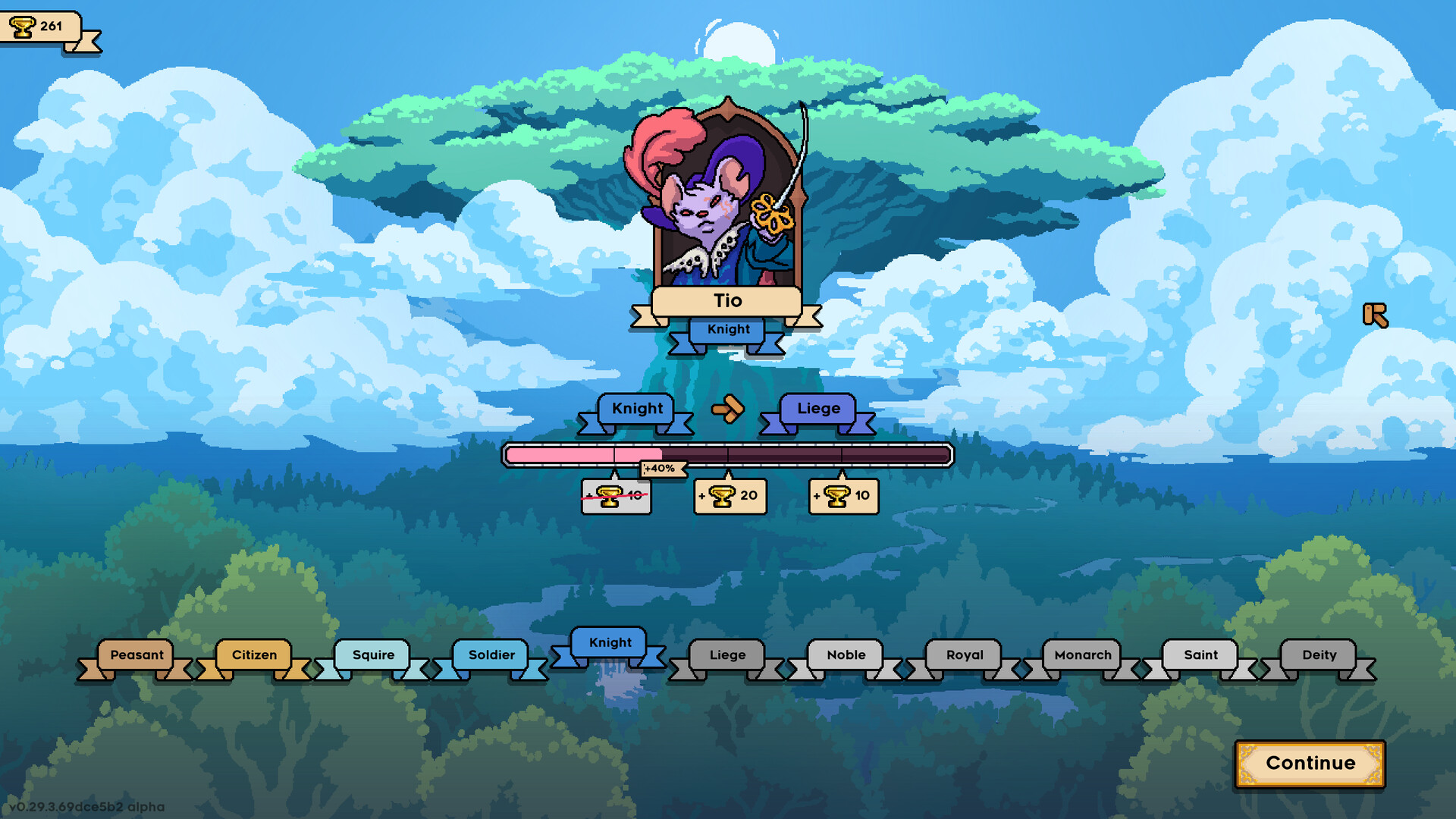
Winning matches awards trophies that can be spent to unlock cosmetics, as described by “Collect trophies by winning games, which you can use to unlock cosmetics for your characters.”
Each victory with different cards reveals pieces of lore, adding narrative depth to progression.
- Use varied card combinations to unlock more lore fragments.
- Collect trophies steadily to access the full range of cosmetics.
05 / THE GUIDE
Comfort and Control Options
Grail includes adjustable text size, camera comfort settings, custom volume controls, and a mouse‑only option, directly reflecting the listed features.
Features such as “playable without timed input,” “save anytime,” and Steam Cloud provide flexible play sessions and cross‑device continuity.
- Enable mouse‑only mode if you prefer not to use a keyboard.
- Adjust text size for clearer reading during deck planning.
COMMUNITY
Player discussion