 GameWiki
GET YOUR BEARINGS
About GRAB
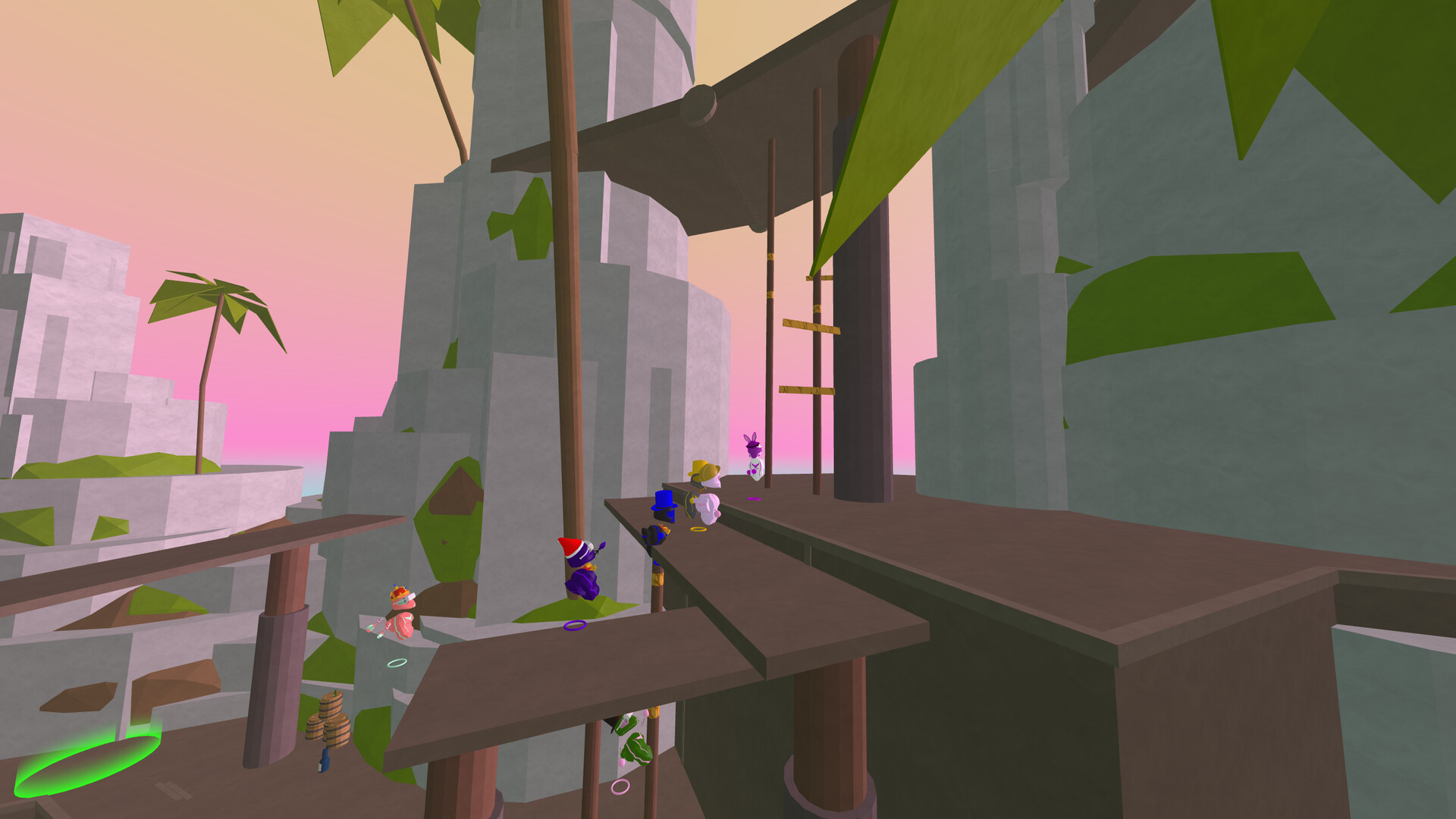
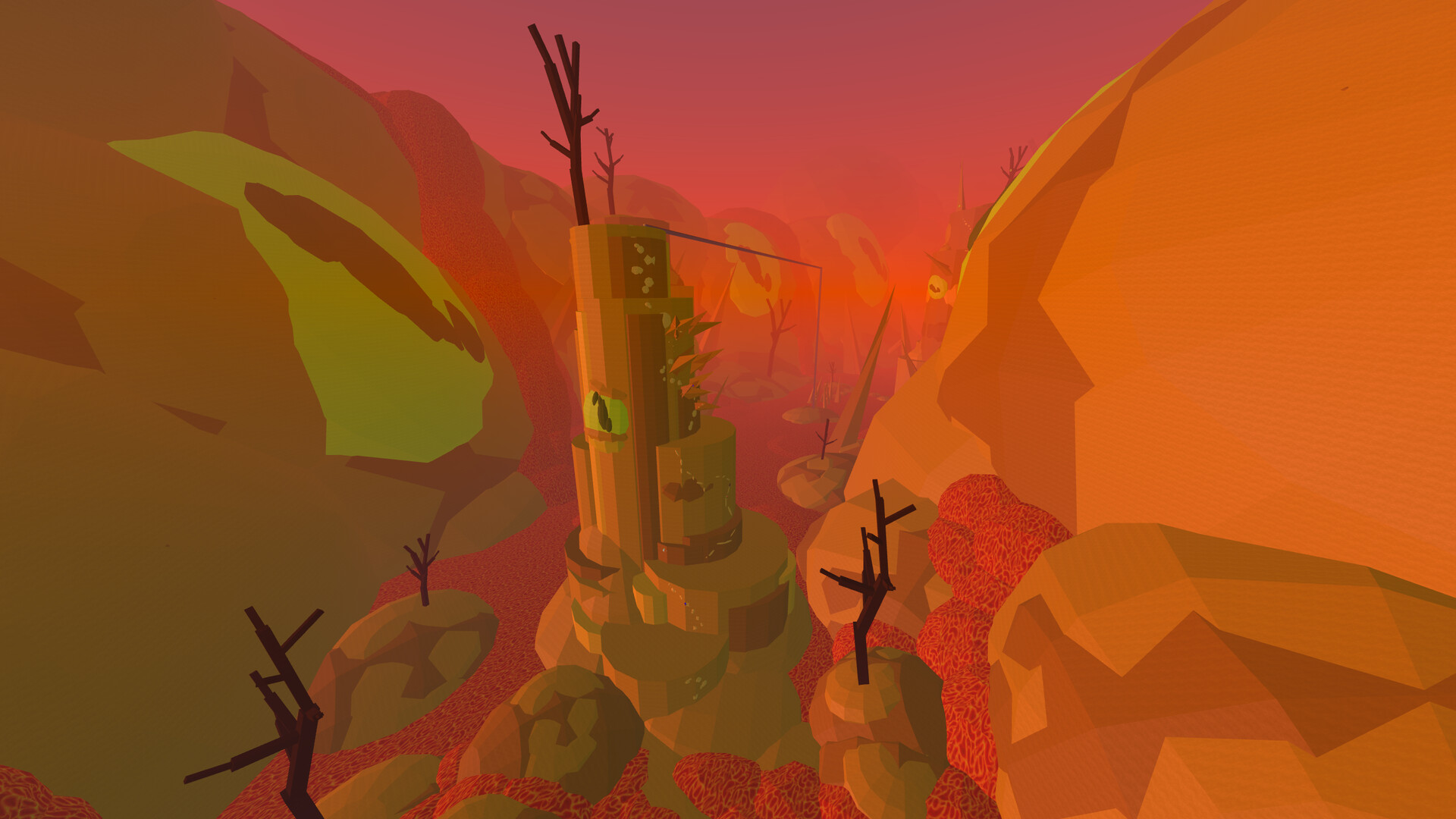
GRAB is a VR‑only multiplayer parkour title where players climb, jump, slide and swing to reach each level’s finish while avoiding falls and lava. The game emphasizes fast, physics‑based movement and supports up to twelve participants across platforms. A standout feature is its built‑in level editor, allowing friends to design, test and share custom courses. The community has contributed hundreds of thousands of levels, providing endless fresh challenges beyond the tutorial stages.
01 / THE GUIDE
Physics‑Based Parkour
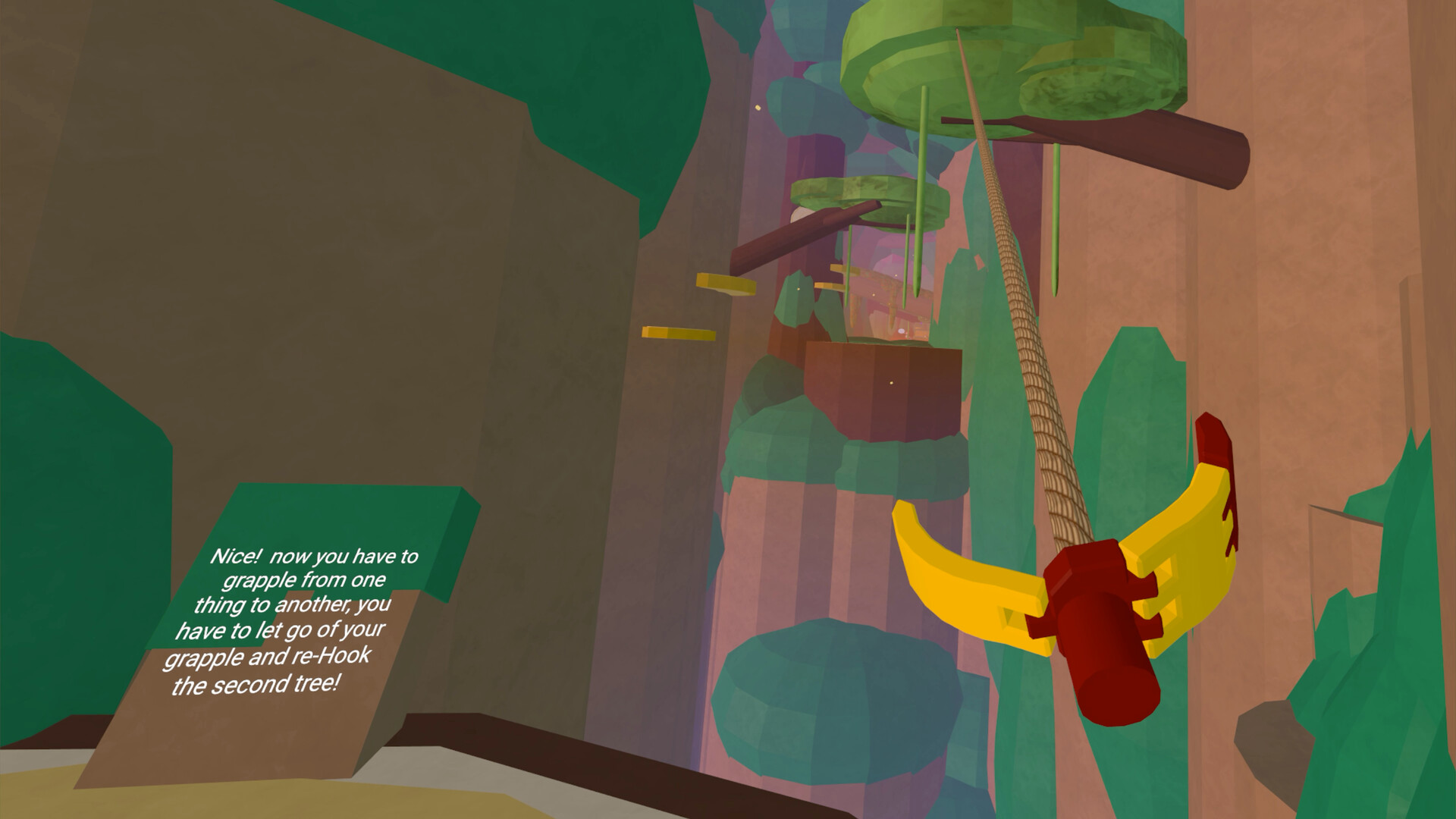
Players navigate environments by climbing, jumping, sliding and swinging, with the game’s physics influencing momentum and landing. The objective is to reach the end of each course without falling or touching lava, which ends the run. Movement feels active and fun, encouraging quick reflexes and spatial awareness as you traverse obstacles. The design rewards precise timing and smooth transitions between actions.
- Practice timing on smaller jumps before tackling longer gaps.
- Observe how momentum carries you into swings for smoother travel.
02 / THE GUIDE
Cross‑Platform Multiplayer
GRAB supports up to twelve players in both cooperative and competitive sessions, allowing friends on different systems to join the same game. Players can race or work together to complete levels, sharing the same physics environment. The multiplayer experience is integrated with the level editor, so groups can build and test courses together in real time, switching between editing and playing without leaving the session.
- Coordinate with teammates before testing a new level.
- Use the quick‑switch feature to alternate between editing and playing.
03 / THE GUIDE
Built‑In Level Editor
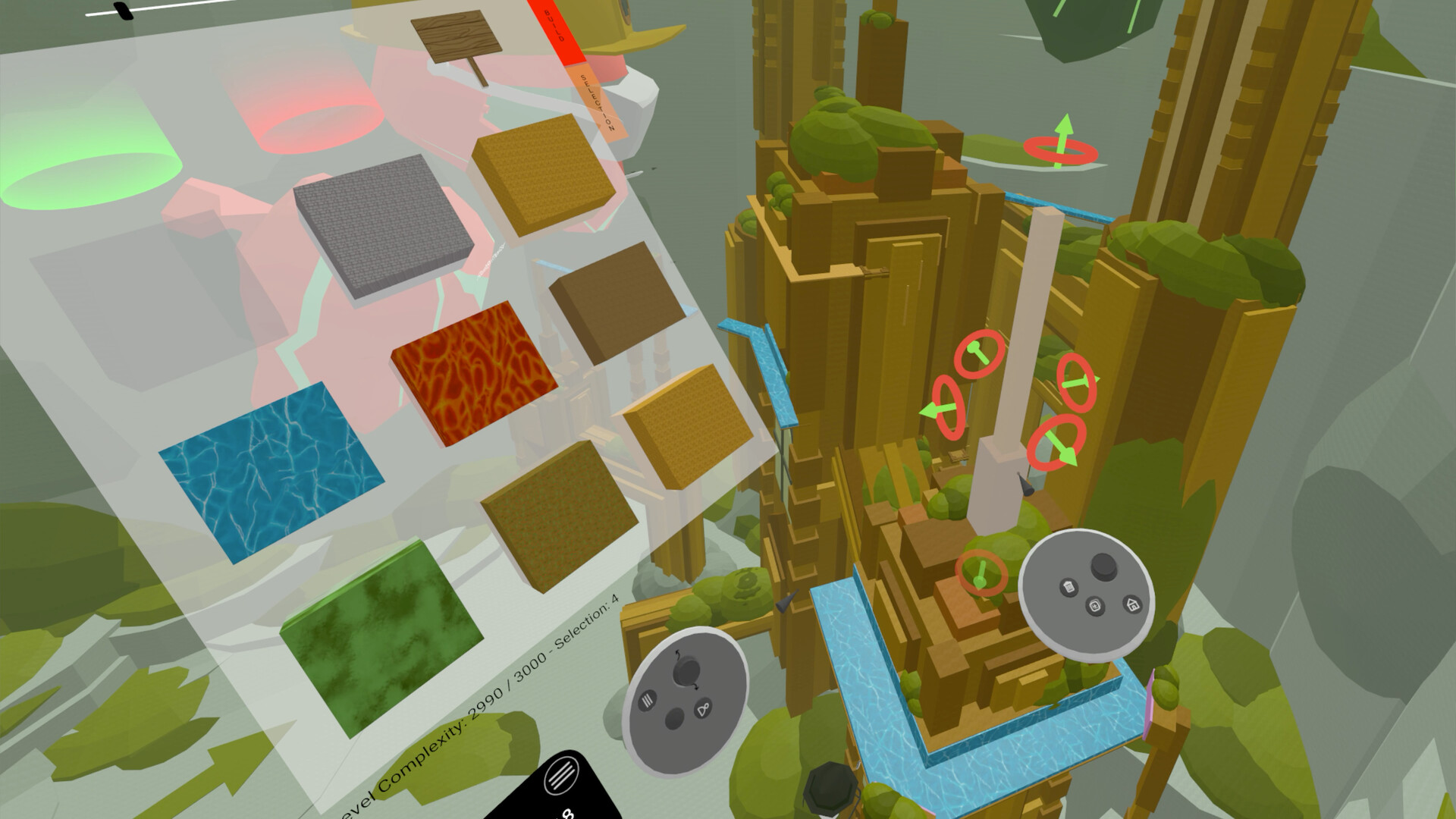
The editor lets you and friends construct custom courses directly within VR, placing platforms, hazards and lava zones. After building, you can instantly test the level, then upload it for the broader community. Editing can be done collaboratively, with each participant able to place elements and see changes live. This encourages creative experimentation and rapid iteration on design ideas.
- Start with a simple layout before adding complex hazards.
- Test frequently to ensure jumps feel achievable.
04 / THE GUIDE
Community‑Created Content
Players can download levels crafted by others, expanding the game’s replayability far beyond the tutorial stages. Over 350,000 community levels are available, offering a wide range of difficulty and design styles. Creators also have the option to upload their own courses, contributing to the shared pool and adding to the levels everyone else can play. This continuous flow of new content keeps the experience fresh.
- Explore popular community levels for well‑balanced challenges.
- Try building and uploading your own levels to contribute to the community.
05 / THE GUIDE
Platform and Controller Features
GRAB runs on Windows and supports tracked VR controllers, providing precise hand‑based interaction for movement and editing. The game is listed as VR‑Only, meaning the core experience requires a compatible headset. Cross‑platform multiplayer works between supported Windows installations, allowing players on different machines to join the same sessions without additional setup.
- Ensure your VR headset is properly calibrated before playing.
- Check controller tracking for smooth editing actions.

COMMUNITY
Player discussion