 GameWiki
GET YOUR BEARINGS
About GP Bikes
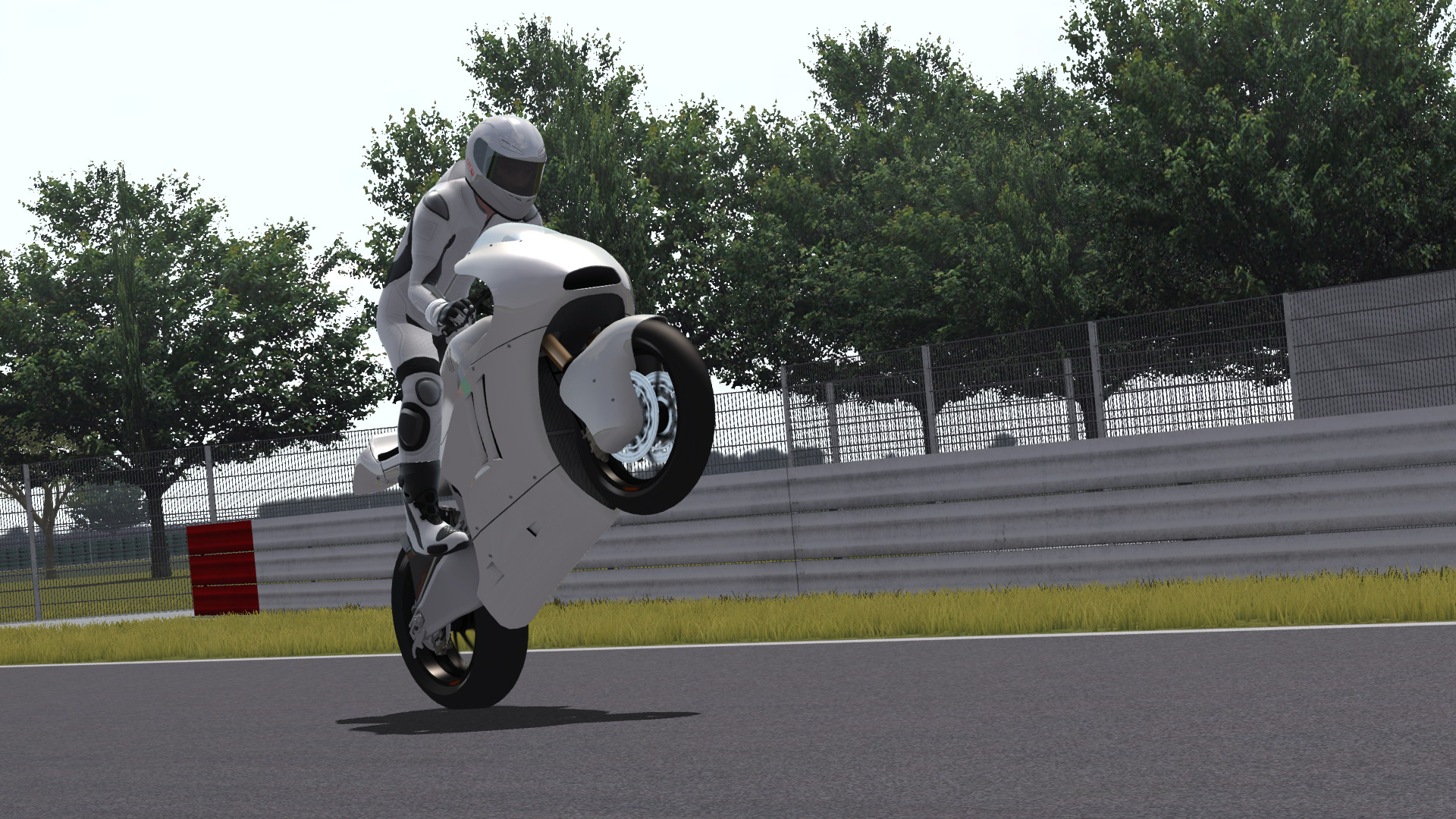
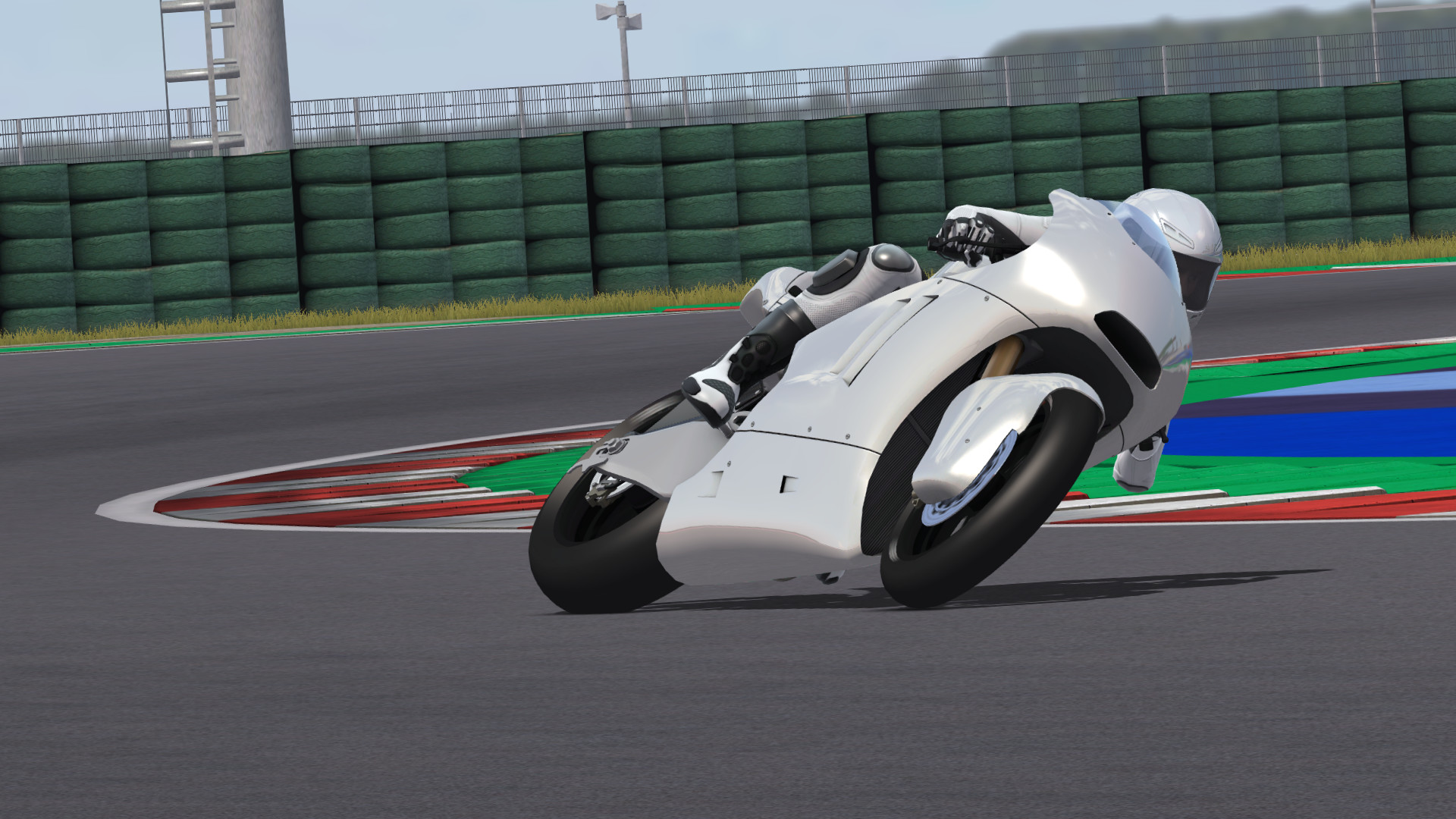
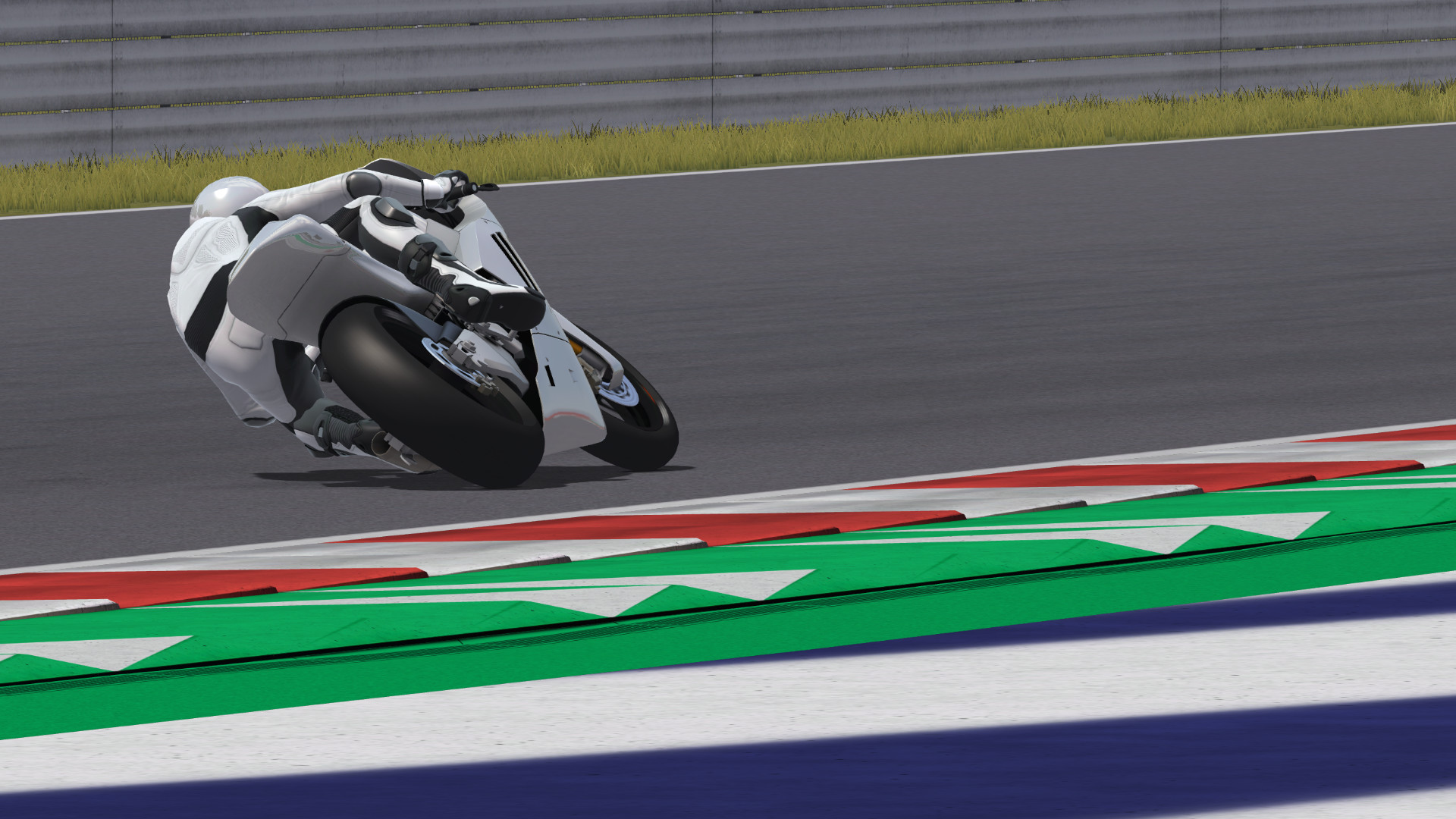
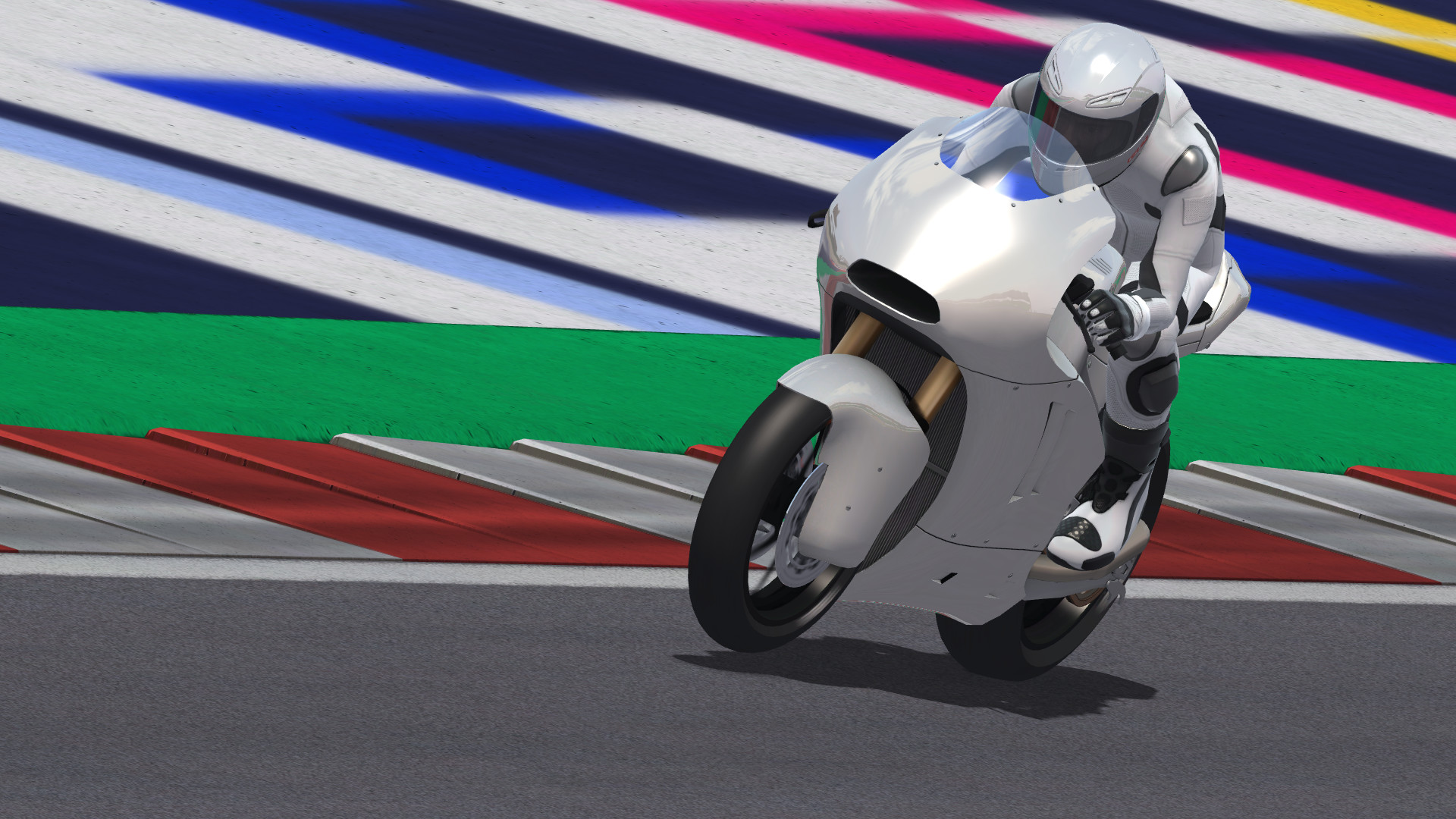
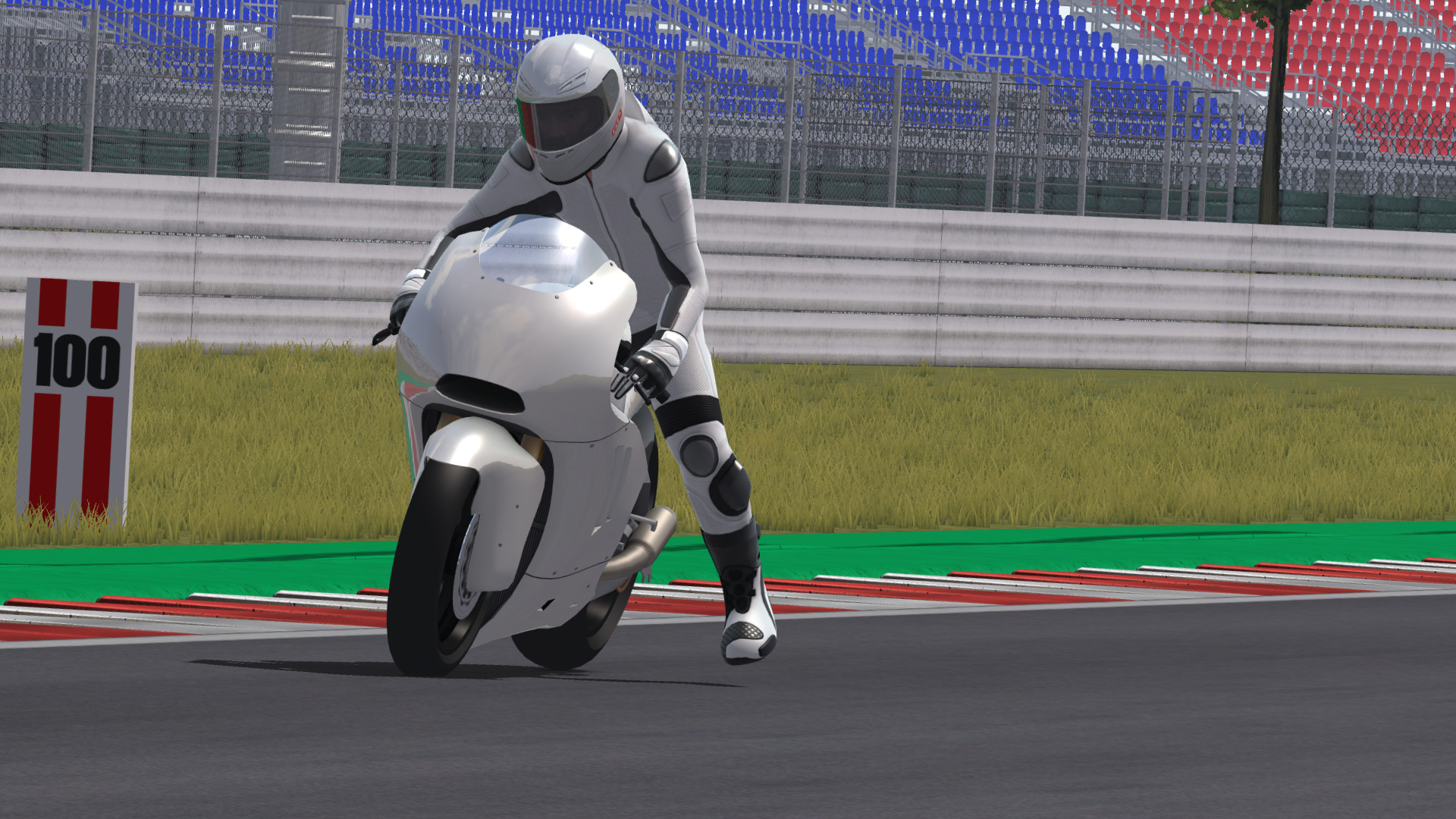
GP Bikes is a realistic motorcycle simulator that uses a custom physics engine to model bike dynamics, chassis flex, tyre behavior, and track surface changes. The game focuses on accurate riding simulation rather than career progression, offering no AI opponents or story mode.
Players can race online or over LAN, share telemetry data, and customize visual elements such as bike, helmet, and suit. The title supports major VR headsets and provides tools for advanced users to create new content, making it a flexible platform for enthusiasts.
01 / THE GUIDE
Realistic Physics Engine
The core of GP Bikes is a scratch‑built physics engine that simulates motorcycle dynamics, tyre models, chassis flex, and dynamic track conditions. This includes wet track simulation, drying, and groove buildup that affect grip.
The engine also generates dynamic marbles and allows pickup of marbles, grass, and dirt, which further influence traction. These systems work together to create a nuanced riding experience that reacts to rider input and track state.
- Observe how track wetness changes grip over laps.
- Experiment with different tyre setups to feel chassis flex effects.
02 / THE GUIDE
Online and LAN Multiplayer
GP Bikes supports both online and LAN racing, allowing users to host or join PvP events. During races, the game collects data for rider comparison and statistics.
A dedicated server option is available for organized competitions, and the multiplayer mode works alongside the telemetry system, letting participants review performance after each event.
- Use the dedicated server for stable race hosting.
- Review post‑race statistics to identify improvement areas.
03 / THE GUIDE
Virtual Reality Compatibility
Native support is provided for Oculus Rift, HTC Vive, Valve Index, and other SteamVR devices. This enables an immersive first‑person view of the bike and track.
Additional tracking options such as FreeTrack and EDTracker are also compatible, expanding the range of motion capture hardware that can be used with the simulator.
- Calibrate your VR headset before racing for accurate motion.
- Try FreeTrack for enhanced head movement tracking.
04 / THE GUIDE
Visual Customization Tools
Players can paint the bike, helmet, and suit using provided tools and documentation. This customization covers the bike, helmet, and suit appearance.
The documentation also assists advanced users in creating new visual assets, allowing for personalized aesthetics across multiple riders and bikes.
- Use the supplied documentation to experiment with new paint schemes.
- Keep a backup of original textures before extensive modifications.
05 / THE GUIDE
Telemetry Export and Plugin Interface
GP Bikes outputs CSV files containing telemetry data for each riding session, enabling detailed analysis. A plugin interface lets external programs receive real‑time data from the simulated bike.
This feature supports both LAN and online racing, allowing developers to build custom tools that react to live simulation data.
- Export CSV logs after practice runs to spot performance trends.
- Develop simple plugins to display live speed or lean angle.
COMMUNITY
Player discussion