 GameWiki
GET YOUR BEARINGS
About Gourdlets
Gourdlets invites you to design a tranquil veggie town for adorable gourd-shaped citizens. There are no objectives or fail states, so the focus is on personal creativity and watching the gourdlets enjoy the spaces you build. The game offers a massive catalogue of buildings, decorations, and interior furniture, plus day‑night cycles, weather changes, and several starter maps that add a gentle creative challenge. You can play full‑screen or keep the gourdlets visible in an idle window at the bottom of your screen.
01 / THE GUIDE
Extensive Building Catalogue
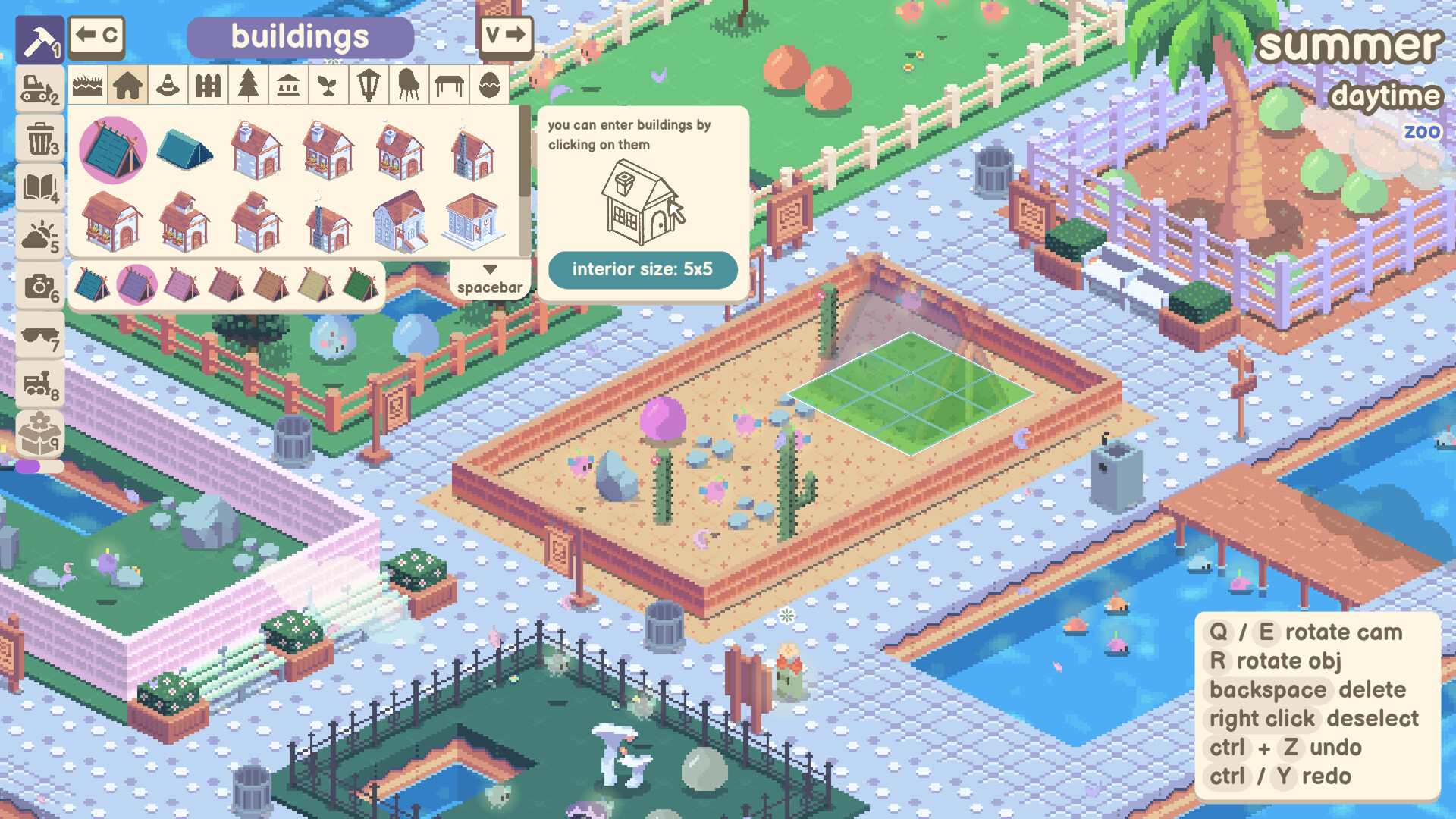
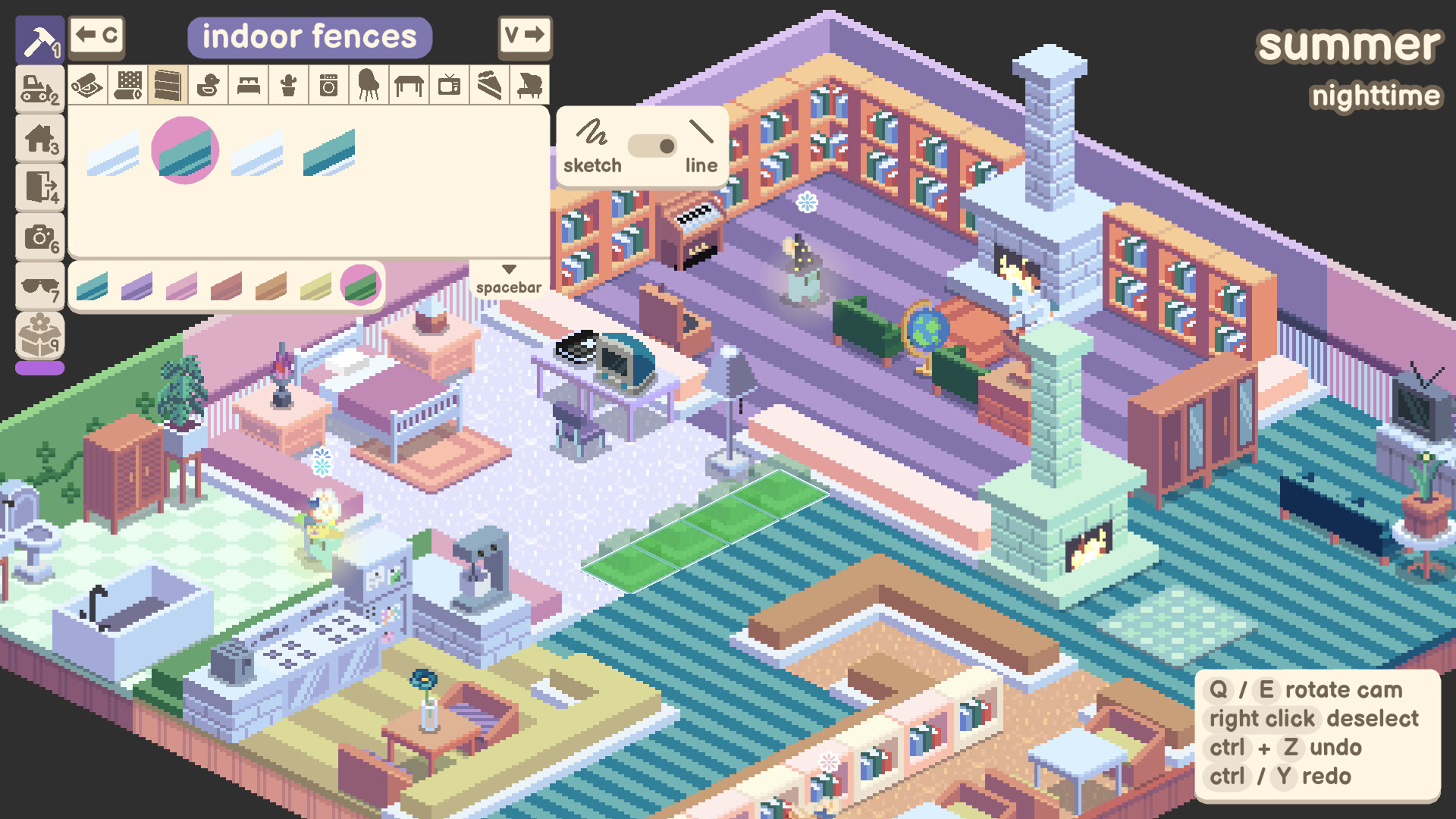
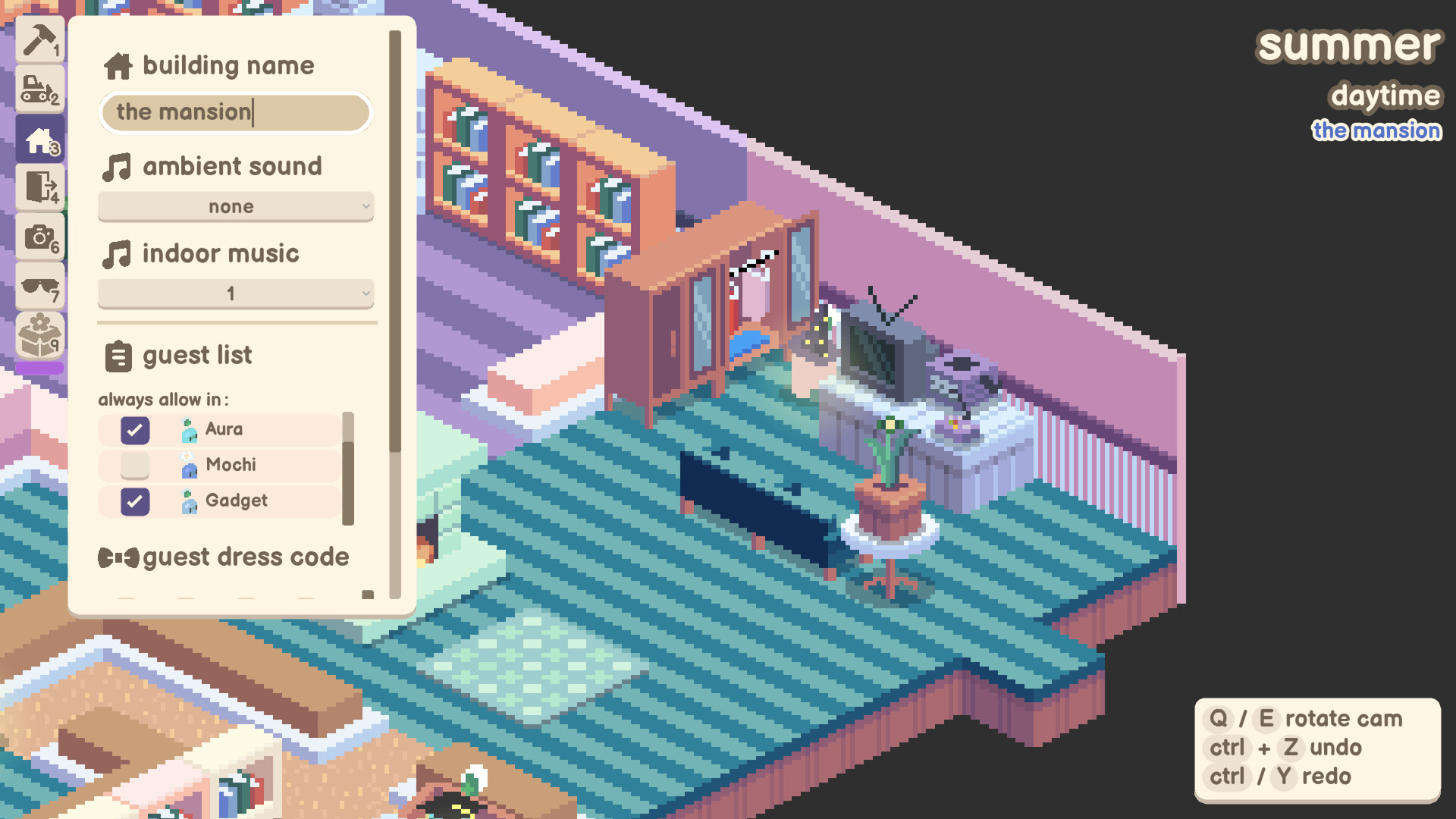
A huge selection of structures—from cafes and lighthouses to planters and fountains—lets you shape the town’s look. Each item can be placed freely, allowing varied layouts. Inside buildings you can arrange furniture, giving each interior a personal touch while the gourdlets roam and settle in.
- Mix large landmarks with smaller décor to create visual interest.
- Try grouping similar themed items for cohesive neighborhoods.
02 / THE GUIDE
Idle Window Mode
When you enable idle window mode, the gourdlets appear at the bottom of your screen, allowing you to keep them in view while using other PC applications. It lets the gourdlets hang out at the bottom of your screen while you get on with other things on your PC. It provides a low‑key way to enjoy the citizens’ activities without dedicating the entire display to the game.
- Resize the window to balance visibility of both the game and your work.
- Use this mode to monitor gourdlet behavior while multitasking.
03 / THE GUIDE
Citizen Customization
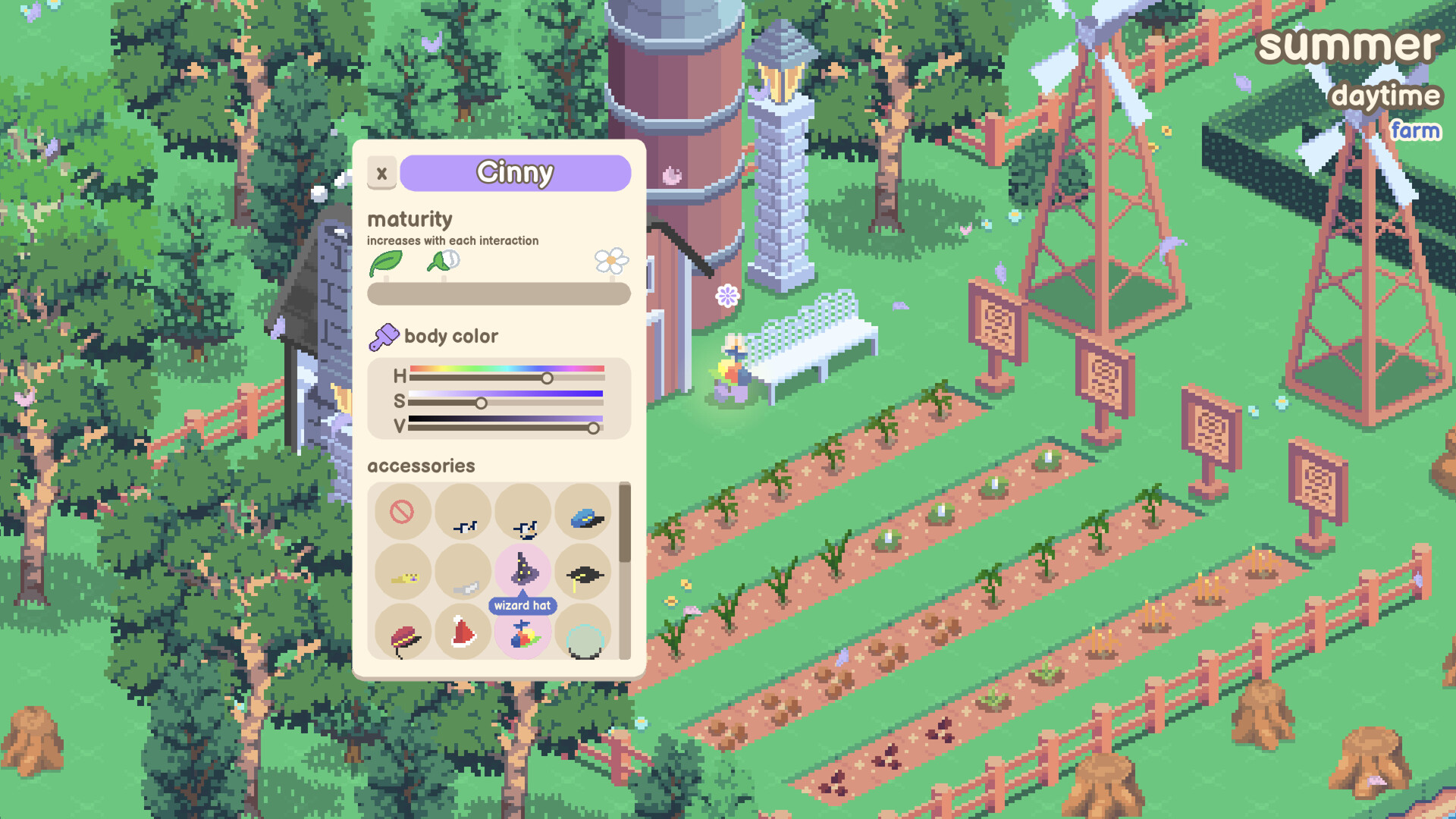
Gourdlet citizens can be dressed with cute accessories, adding personality to each inhabitant. The description highlights these cute accessories as a way to customize your citizens. Customization lets you give each gourdlet a distinct look, enhancing the town’s charm.
- Assign matching accessories to groups for themed events.
- Experiment with color combinations to brighten the scene.
04 / THE GUIDE
Dynamic Day‑Night and Weather
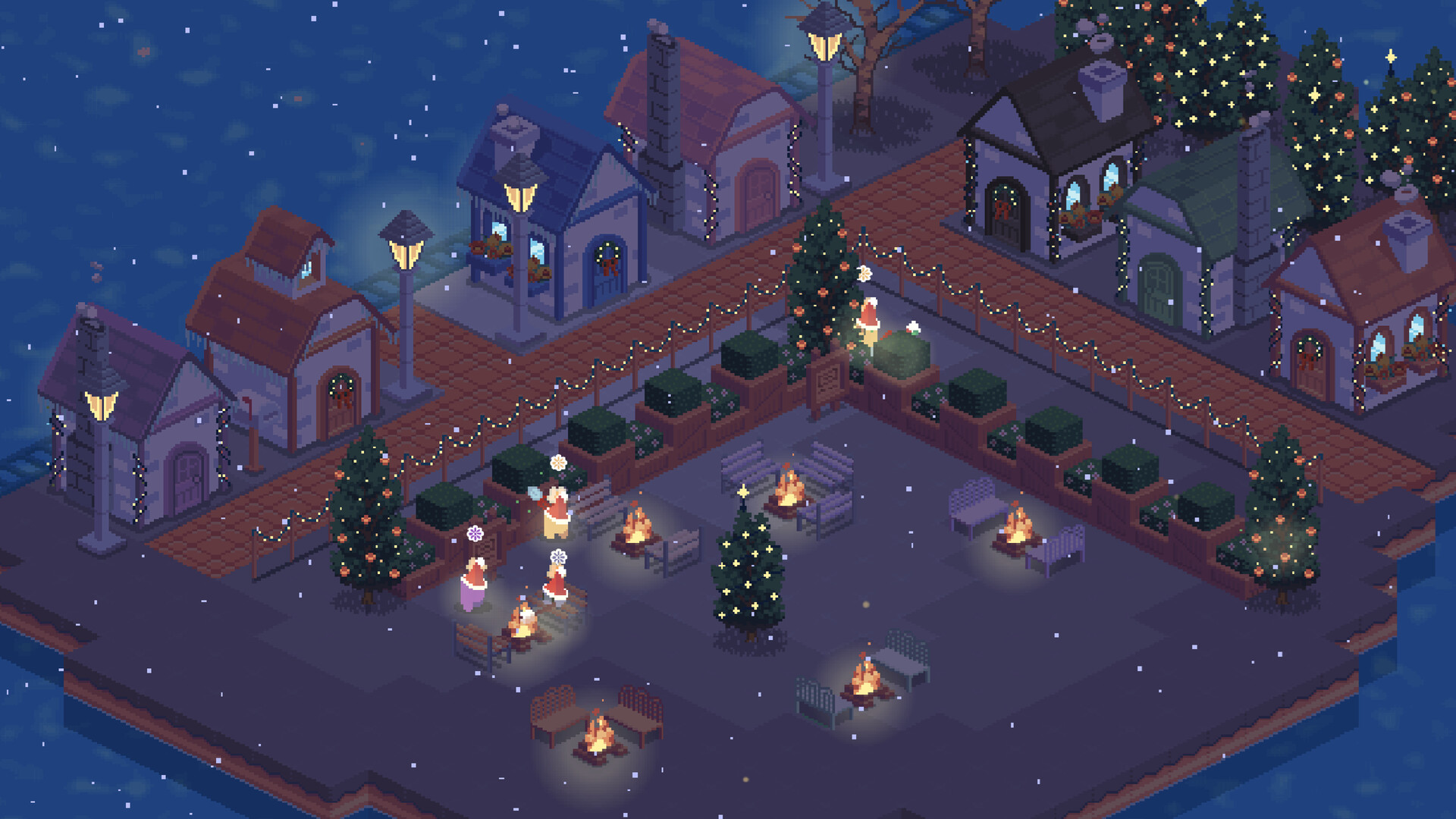
The environment cycles through day and night, and you can adjust weather conditions to suit your aesthetic preferences. These changes affect lighting and ambience but do not impose challenges. Use the cycles to showcase different aspects of your town at various times.
- Place light sources near night‑time focal points.
- Match weather effects with appropriate decorations for mood.
05 / THE GUIDE
Starter Maps for Creative Challenges
Several starter maps are available, each providing a distinct terrain layout that encourages varied building strategies. They serve as a gentle creative prompt rather than a restrictive level. Choosing different maps can inspire new town designs and decoration placements.
- Select a map that complements your preferred building style.
- Rotate map usage to keep design ideas fresh.
COMMUNITY
Player discussion