 GameWiki
GET YOUR BEARINGS
About Gotham Knights
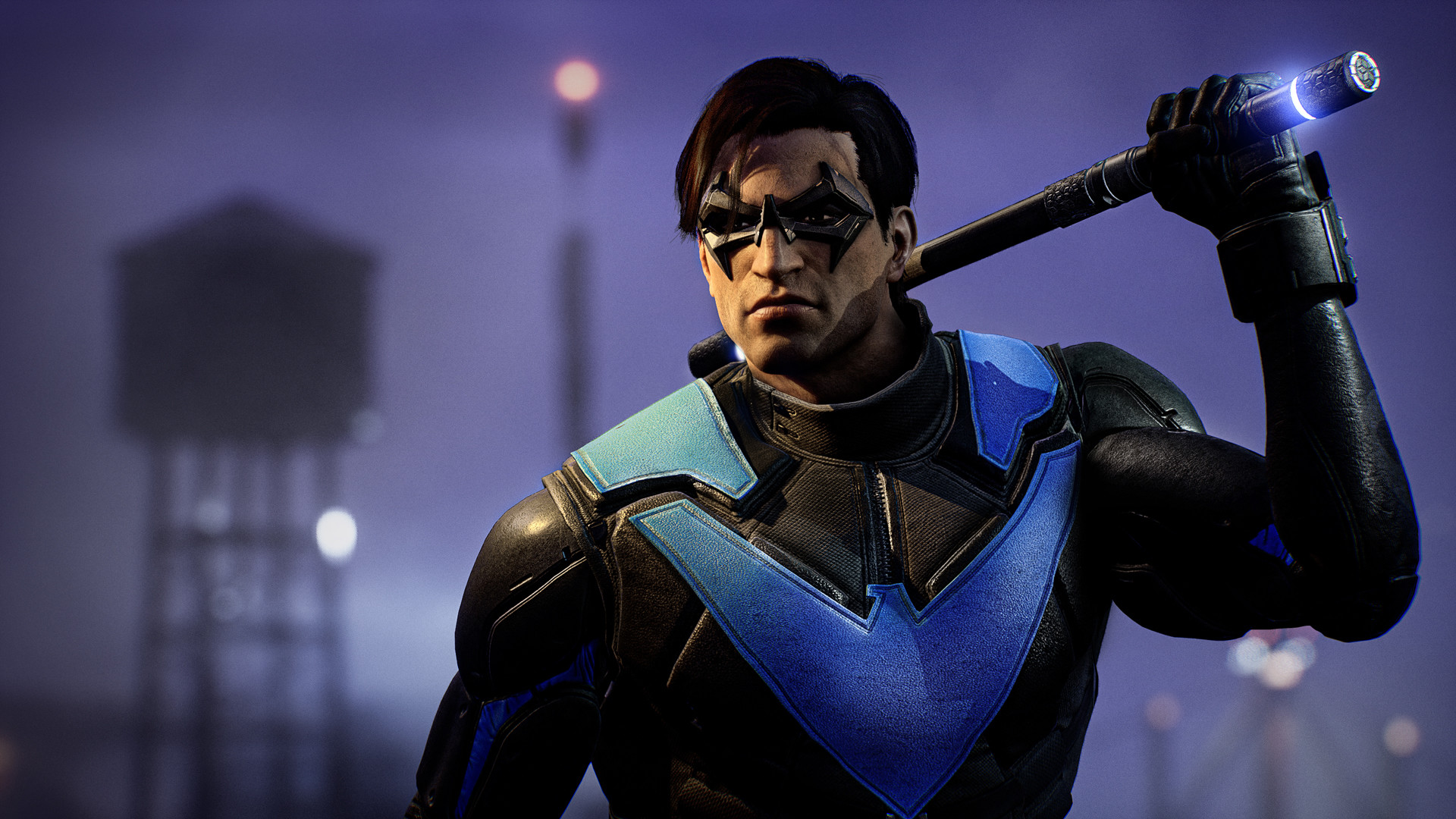
Gotham Knights begins after Batman’s death, leaving a power vacuum that the Batman Family must fill. The narrative follows Batgirl, Nightwing, Red Hood, and Robin as they confront a newly expanded criminal underworld.
The game presents an open‑world, action‑RPG set across five boroughs of Gotham. Players can explore solo or join online co‑op, dropping into crimes wherever they appear, shaping the city’s evolving story.
01 / THE GUIDE
Story & Setting
Batman’s death triggers a sweeping criminal underworld, redefining Gotham’s streets and challenging the new protectors to maintain order.
The story weaves mysteries linked to Gotham’s darkest chapters, culminating in epic confrontations with notorious villains that influence the city’s future.
- Read dialogue for hidden plot hints.
- Compare villain motives to city history.
02 / THE GUIDE
Playable Heroes
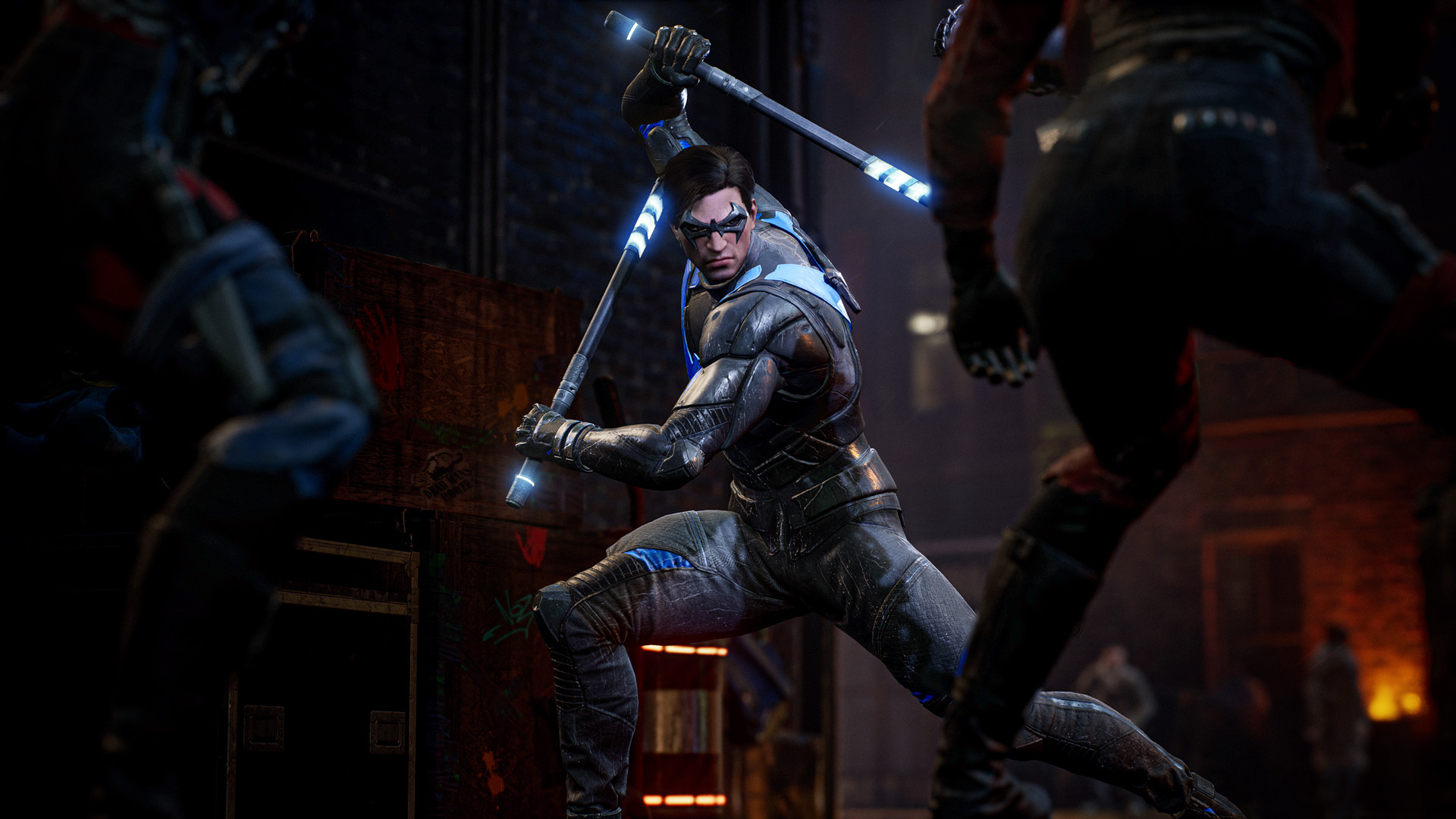
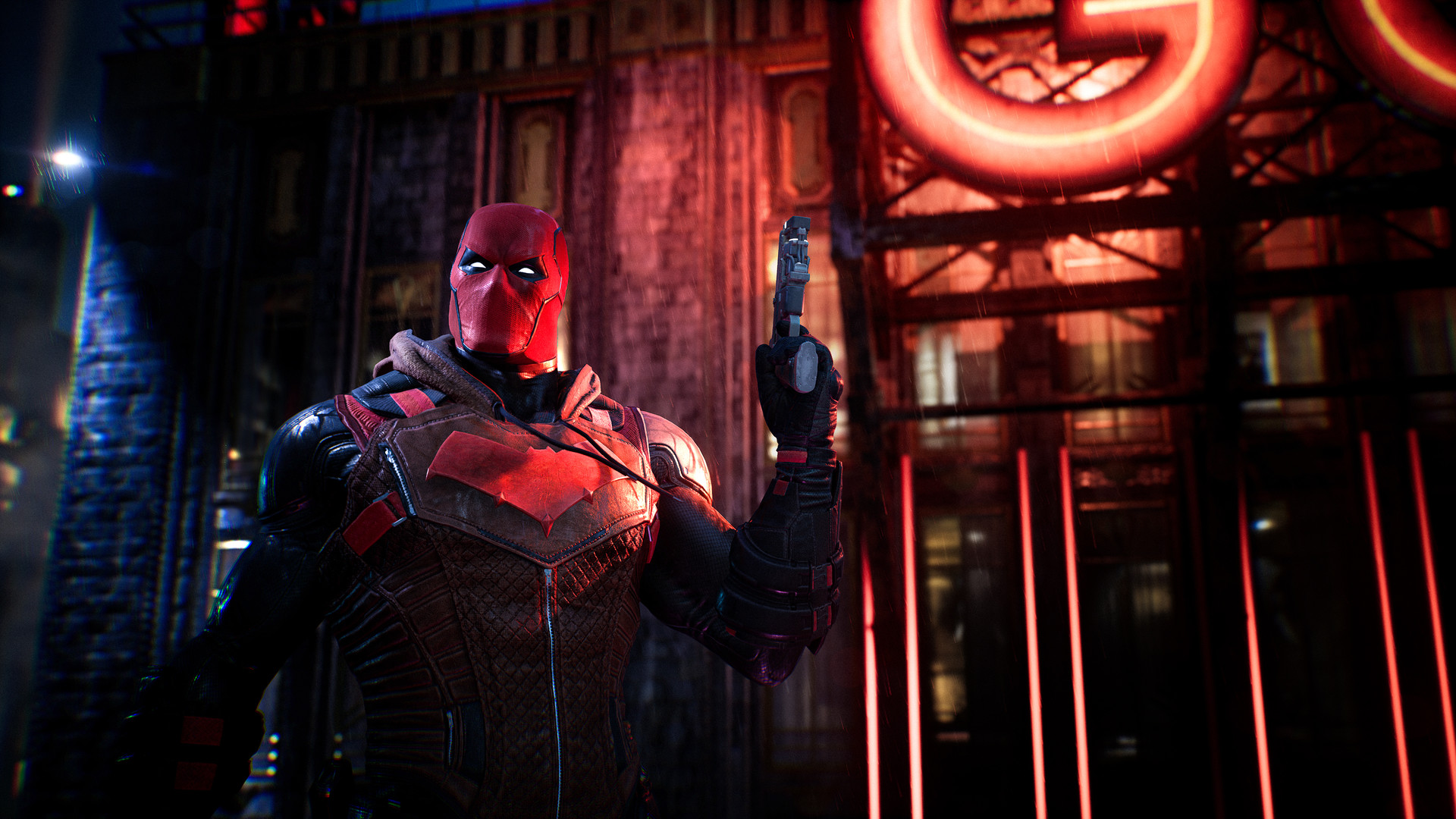
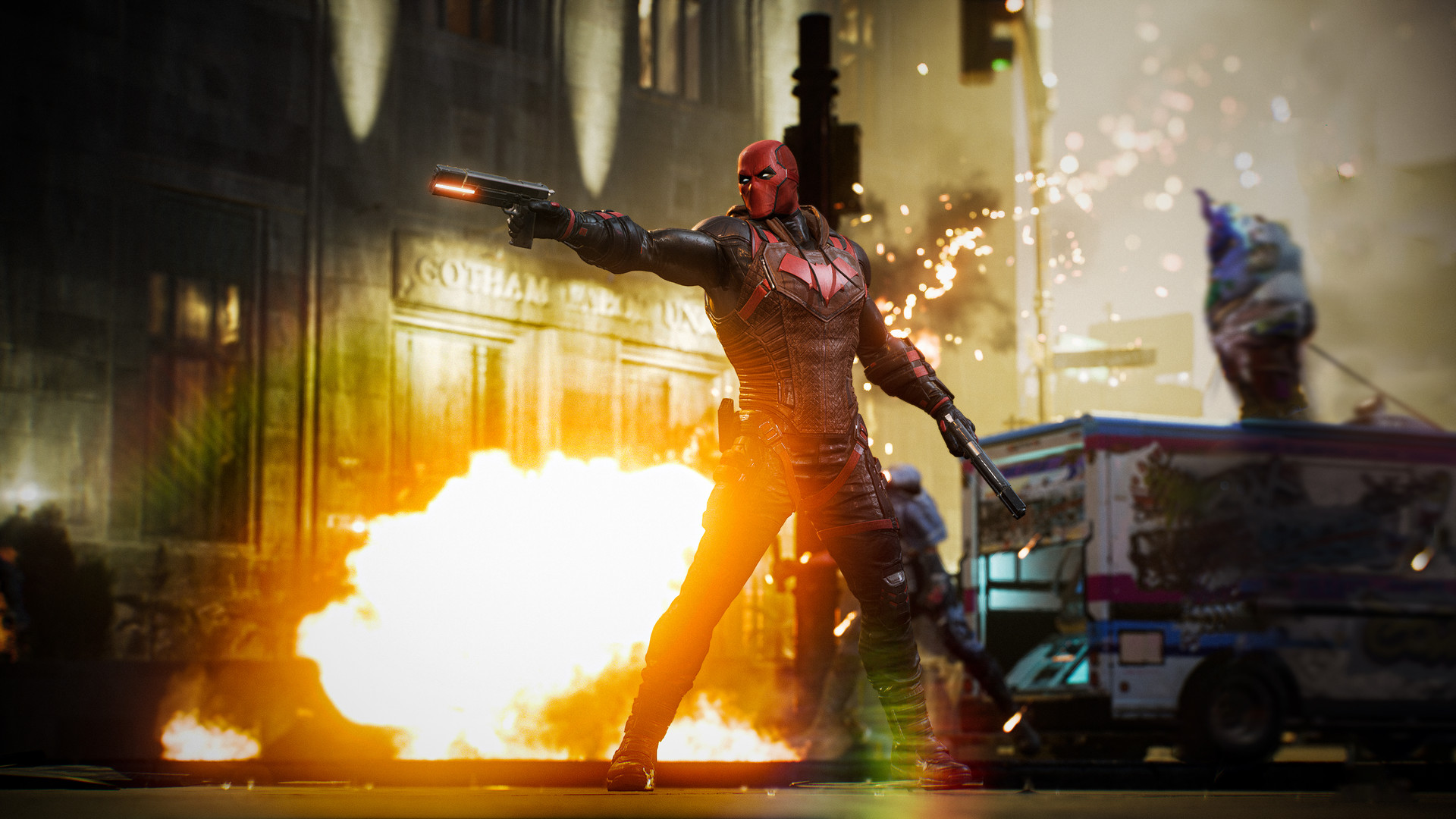
The roster includes Batgirl, Nightwing, Red Hood, and Robin, each representing a distinct legacy within the Batman Family.
Their shared goal is to protect citizens, support police, and instill fear in criminals throughout the open world.
- Listen for each hero’s unique dialogue.
- Notice how their motivations affect mission tone.
03 / THE GUIDE
Open‑World Boroughs
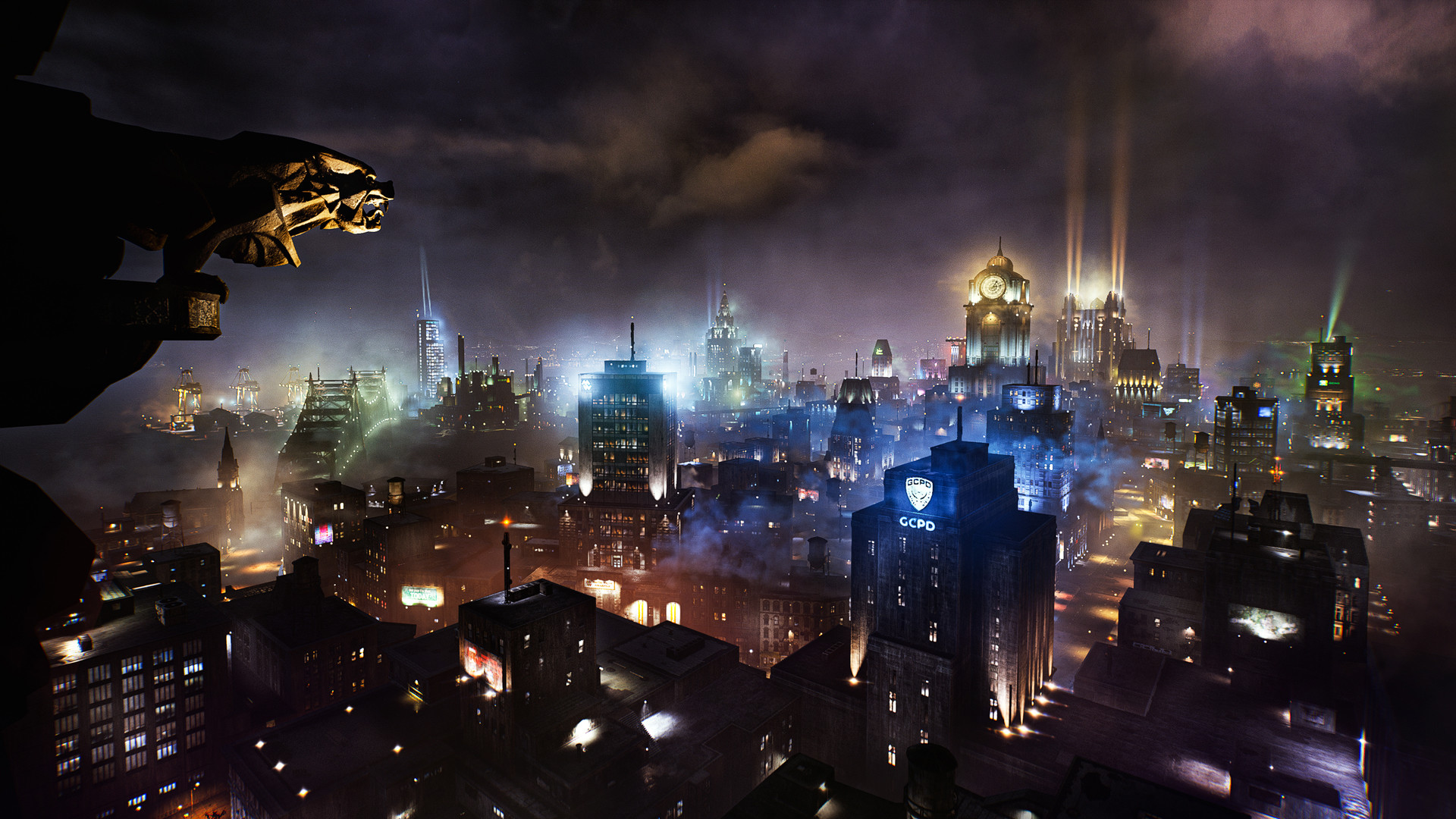
Gotham is divided into five distinct boroughs, each featuring its own landmarks and crime hotspots that encourage varied exploration.
Players may patrol solo or in co‑op, dropping into any reported criminal activity, which keeps the city feeling alive.
- Use the map to locate high‑crime districts.
- Observe changes between day and night patrols.
04 / THE GUIDE
Co‑op Play
Online co‑op lets friends join the same session, sharing the open‑world environment and responding to crimes together.
Co‑op participants can drop into any active incident without separate story branches, maintaining consistent progression for all players.
- Coordinate entry times to maximize joint interventions.
- Communicate roles to balance combat and support.
05 / THE GUIDE
Technical Features
Gotham Knights runs on Windows PCs and lists full controller support, including DualShock and DualSense gamepads, providing broad input options.
Additional Steam features include Achievements, Cloud saves, HDR visual support, and Family Sharing, enhancing convenience across play sessions.
- Enable HDR for richer lighting.
- Test both DualShock and DualSense to find preferred feel.
COMMUNITY
Player discussion