 GameWiki
GET YOUR BEARINGS
About GoreBox
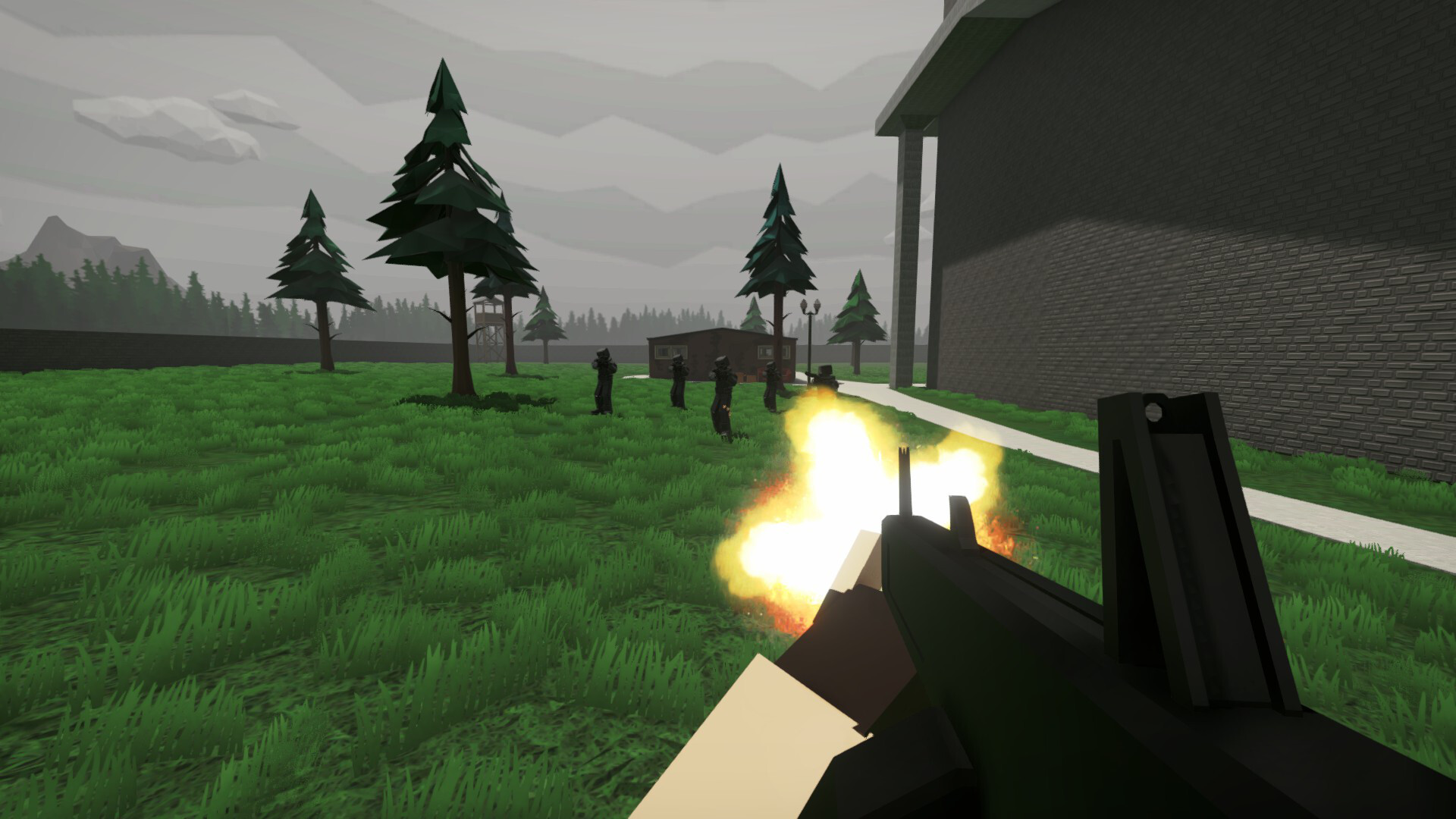
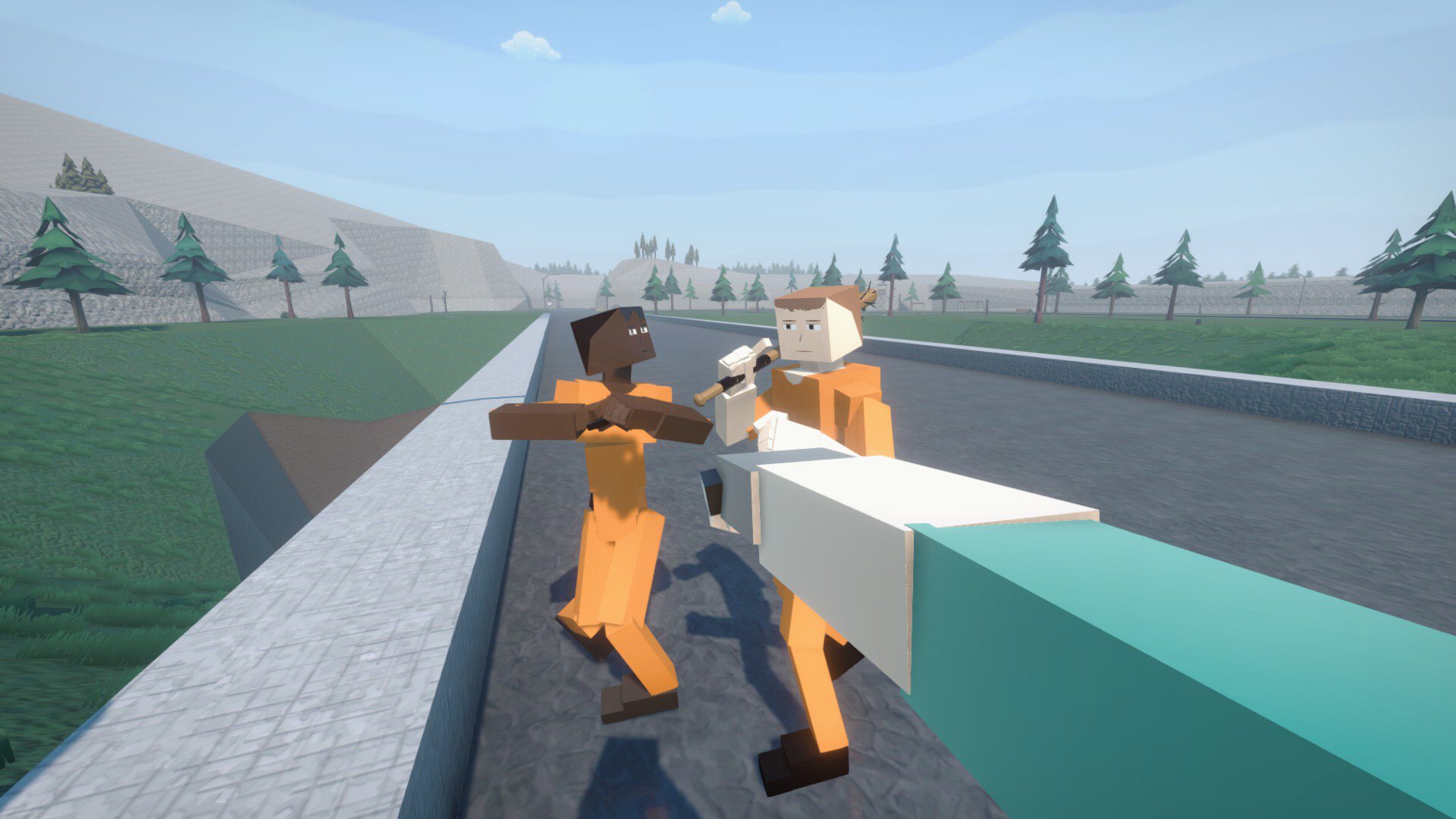
GoreBox is an action‑focused sandbox where you wield a large arsenal of weapons, explosives, and the Reality Crusher. The game blends fast combat with open‑ended creation, letting you shape chaos while sharing the same physics‑based damage system as ragdoll entities.
A built‑in map editor lets you craft custom levels, apply textures, and publish them through an integrated workshop. You can also personalize your avatar with skins, armor, hats, and masks, giving each play session a distinct visual style.
01 / THE GUIDE
Reality Crusher
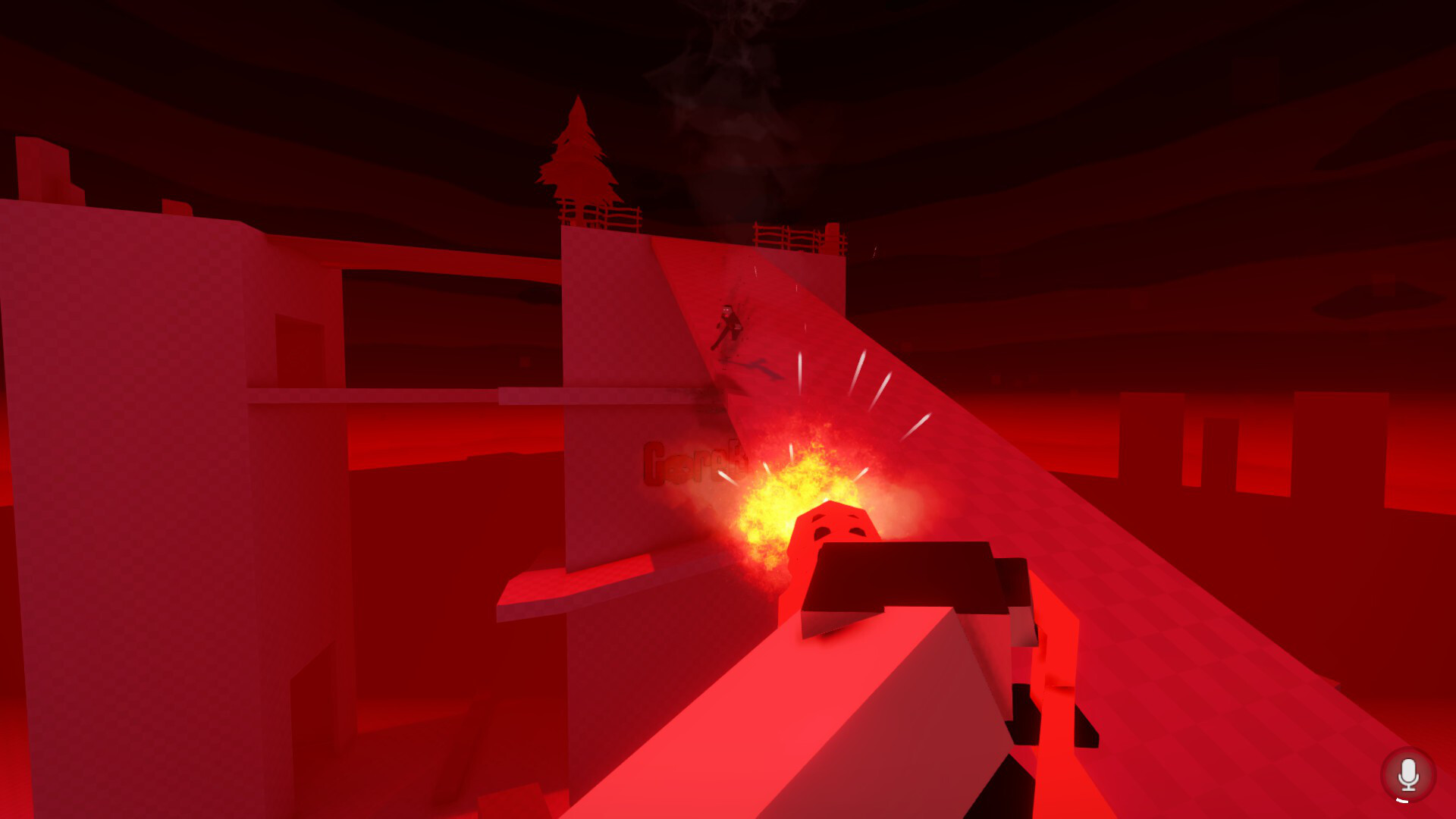
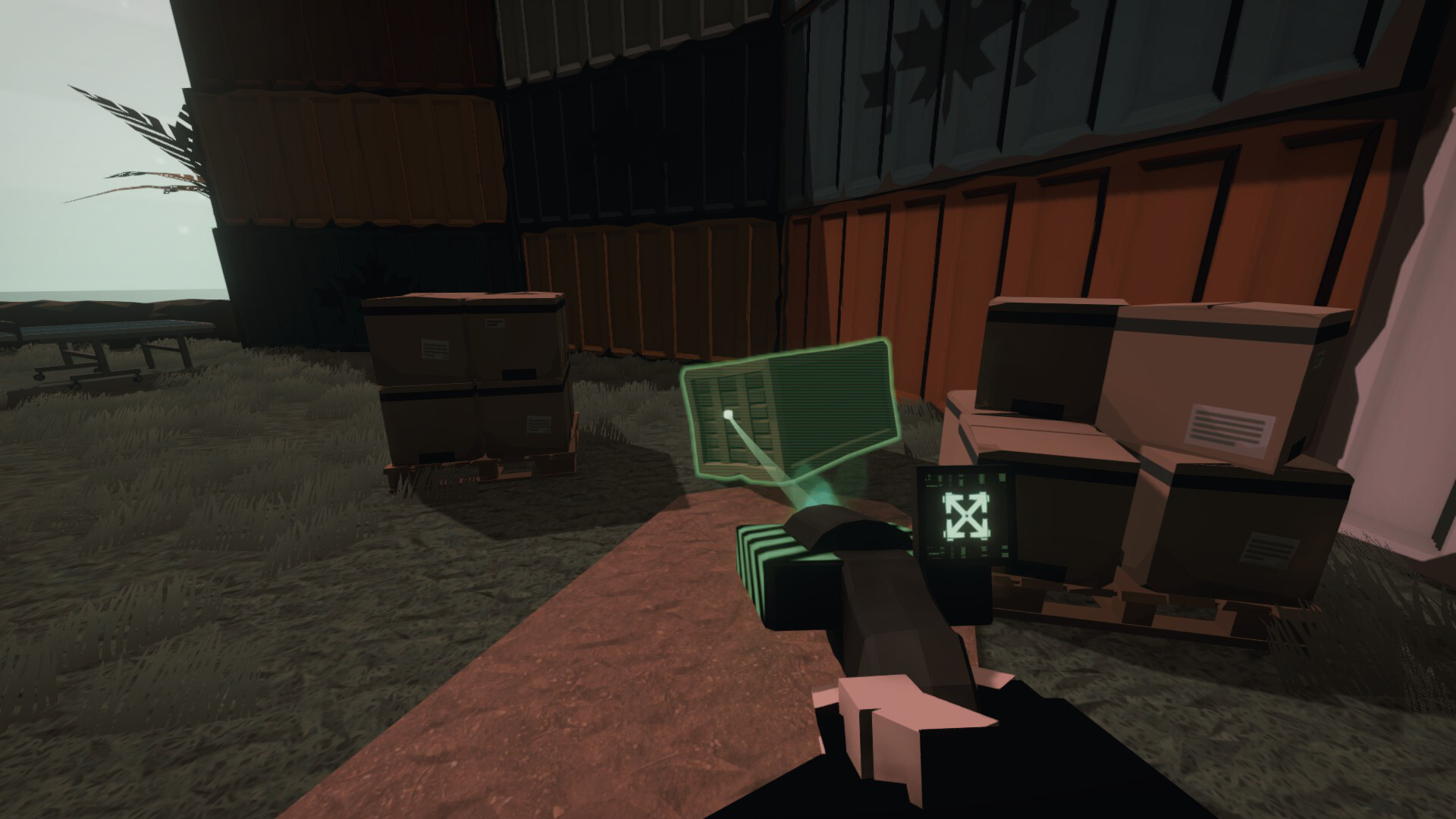
The Reality Crusher is accessed by switching to creator mode and lets you spawn, manipulate, and destroy any spawnable entity, turning you into the architect of the scene.
All actions performed with the Crusher follow the same physics‑based damage rules that affect ragdoll characters, ensuring that creations and destructions behave consistently.
- Try spawning a mix of small and large entities to see how they interact when destroyed.
- Use the Crusher to test how different weapons affect the same spawned object.
02 / THE GUIDE
Gameplay Settings
Players can toggle invincibility, noclip, and creator mode, allowing them to adjust how they move through and interact with the environment.
These toggles let you focus on pure destruction, free‑form exploration, or precise building without changing the core physics of the game.
- Enable noclip when testing map interiors to move quickly between rooms.
- Activate invincibility while experimenting with risky explosive setups.
03 / THE GUIDE
Map Editor & Workshop
GoreBox includes a built‑in map editor where you can lay out terrain, place entities, and apply custom textures to create unique levels.
Finished maps can be uploaded to the integrated workshop, where other players can download and play them, extending the sandbox beyond the base content.
- Start with a simple layout before adding complex textures or many entities.
- Test your map in creator mode to verify that spawned objects behave as expected.
04 / THE GUIDE
Character Customization
You can change your avatar's appearance using a variety of skins, armor pieces, hats, and masks, allowing each session to have a personal visual identity.
Even the ragdoll characters, called GoreDolls, can be styled, so the look of both player and NPCs matches your creative vision.
- Mix armor with a distinctive hat to create a silhouette that’s easy to recognize.
- Save multiple skin sets to switch quickly between different play styles.
05 / THE GUIDE
Damage System & Ragdolls
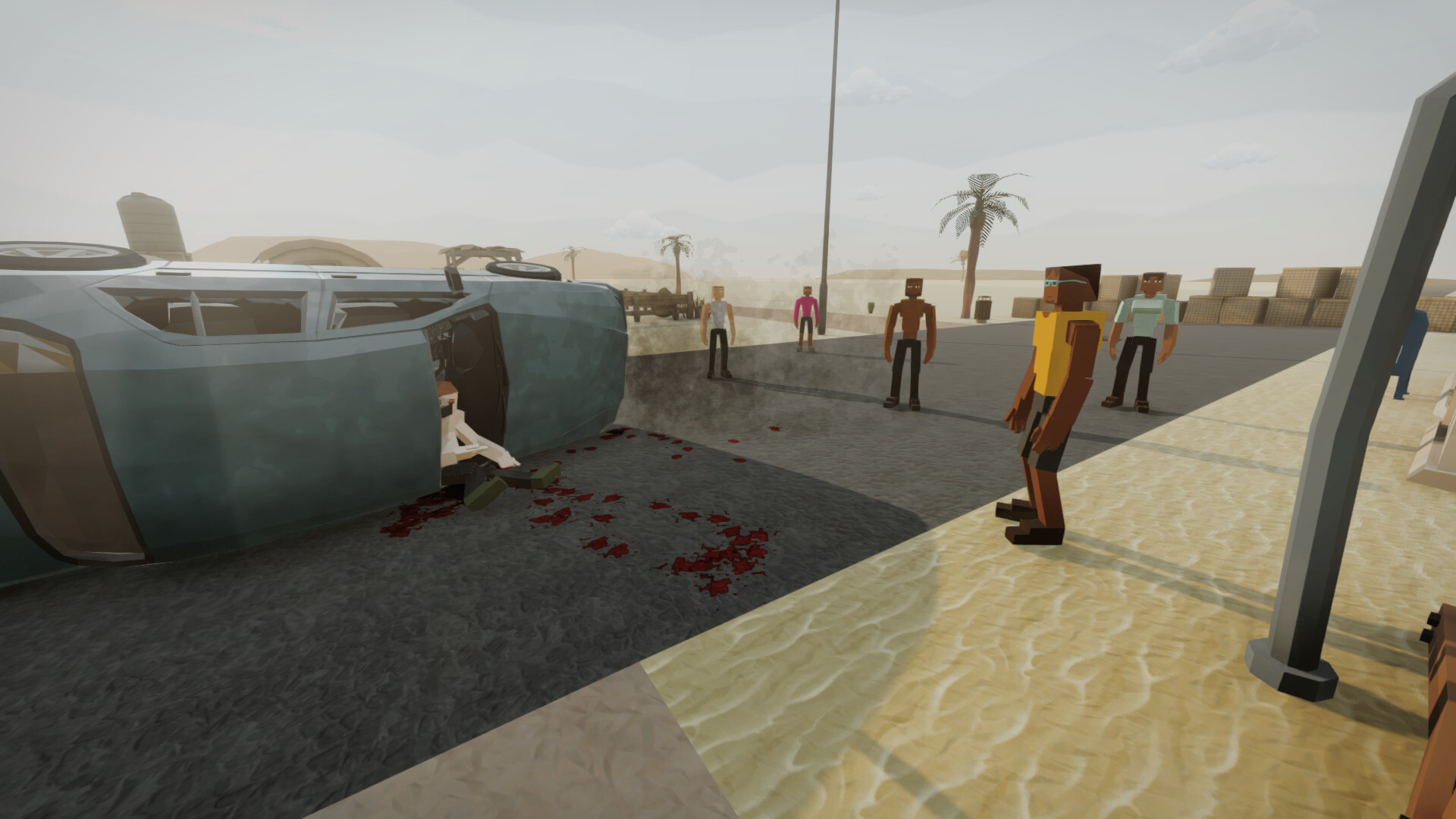
Both players and physics‑based ragdoll entities share the same damage system, meaning attacks affect all objects with consistent force and impact.
This shared system creates a unified feel for combat and destruction, as every explosion or bullet follows the same physical rules.
- Observe how different weapons affect ragdoll velocity to gauge their power.
- Use the shared damage model to predict how environmental hazards will impact you.
COMMUNITY
Player discussion